AI Audio Generator for Music, Voice & Sound Effects
Generate music, voiceovers and sound effects from text in the same workspace as your images and videos. Choose the audio type, describe what you need, compare variations and download the result for your project.
Create full songs or instrumentals, turn scripts into speech, or generate custom sound effects and ambience without switching between separate AI services.
One Workspace for Three Types of AI Audio
Music, speech and sound effects run on different models with different controls. They share one workspace, one plan and one library with your images and video.
AI music
Describe a track or paste your own lyrics, then set vocals or instrumental, a length of 30 seconds, 1, 2 or 3 minutes, and how many variations to compare.
Folk-Punk Anthem
AI speech
Paste a script, pick one of 30 voices and direct the read inline with bracketed cues. It works across languages, and the result downloads as a WAV.
Documentary Narration
AI sound effects
Describe a sound and generate it at 5, 10, 20 or 30 seconds, up to four variants per run, at one flat price per effect. Downloads as MP3.
Steel Impact
What Can We Generate?
Three generators, three different paths from a prompt to a file. Here is what each one asks for, what you set, and what it hands back.
Music
Prompt or lyrics, vocals or instrumental, a length of 30 seconds to 3 minutes, 1, 2 or 4 variations, then a track you can download.
What you write
A plain-language brief: genre, mood, tempo, the instruments that should sit in front, and how the track develops. Paste your own lyrics, or leave the writing to the model.
What you set
Vocals or instrumental, a length of 30 seconds, 1, 2 or 3 minutes, and 1, 2 or 4 variations per run.
What you get
Finished takes you compare side by side in the app, then download the one that fits the cut.
What Changes When Audio Is Generated
This is a comparison of turnaround and cost, not of craft. Traditional production still wins some briefs, and there is an honest side-by-side further down the page.
-1920x983.webp)
Generating it in getimg.ai
Pick the audio type
Music, speech or sound effects. Switch between them in the same app instead of signing in to a different service for each one.
Describe what you need
Paste the script for a voiceover, or write a plain-language brief for the track or the sound. Add lyrics and delivery cues where the words matter.
Compare variations and download
Generate more than one take, listen to them side by side and download the one that fits. Rerun with a sharper description whenever a take misses.
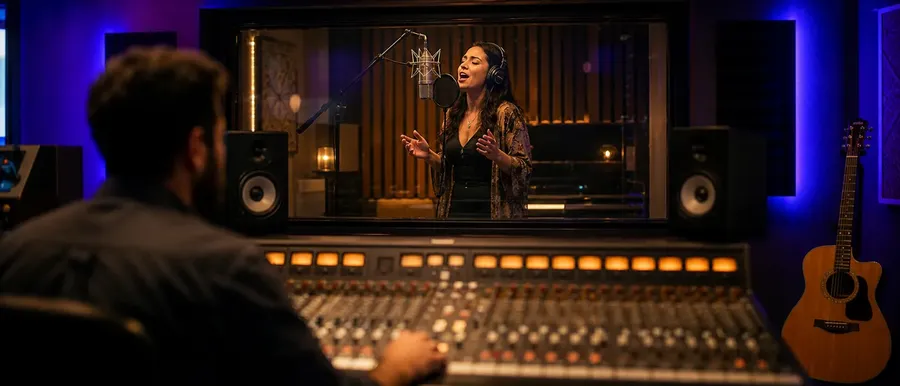
What the traditional route costs
- A voice session has to be booked around studio and talent availability
- A changed line means paying for another session to re-record it
- Music comes from a licensing service with its own subscription
- Sound effects are searched for in a library rather than described
- Sync and usage terms get checked again before a cut runs as an ad
- Every vendor invoices separately, on its own terms
- Auditioning files eats the hours between the brief and the edit
- Formats and exports differ across three unrelated tools
- Usage rights are tracked per source, per project
- The whole loop starts again on the next campaign
From Client Videos to Shipped Games
Different deadlines, same need: audio that is ready when the rest of the project is. Every sample on this page lists the type, the settings and the prompt it came from.
Generate AI Music
Two tracks generated for this page, each listed with its model, its settings and the exact prompt behind it. Full controls and more examples are on the AI Music Generator page.
Folk-Pop with Vocals
Same Brief Across Music Models
One prompt, run through both music models with identical settings: "Upbeat indie-pop track for a 30-second product ad. Bright electric guitar riff, punchy live drums, warm bass, hand claps entering on the chorus. Female lead vocal. Lyrics: 'Hold the morning in your hand, let the quiet start again.' Sparse intro, full chorus by 20 seconds." Two single runs, not a scored benchmark. Listen for prompt following, vocal character, instrumental detail, lyric handling and structure, then pick the take that fits the project.
Indie-Pop: Lyria 3 Pro
Generate AI Speech
The same voice reading the same line twice, once plain and once with a delivery cue written into the script. Voices, languages and accent control are covered on the AI Text to Speech Generator page.
Plain Script
Generate AI Sound Effects
Two effects at opposite ends of the length range, each with the prompt that made it. Describe the source, the action, the material or surface, the environment, the distance and the intensity. More examples and the full prompt formula are on the AI Sound Effect Generator page.
Cinematic Whoosh
How to Prompt AI Audio
Plain language is enough to start, and naming the right things gets you there faster. Each audio type responds to a different kind of description, so these are the parts worth writing down before you generate.
Mechanical Keyboard Typing
Current Audio Models, Without Separate Accounts
Use multiple music models plus dedicated speech and sound-effect generation in the same getimg.ai workspace. As our available model lineup changes, current options stay reachable through the same creation workflow, on the same plan and credits.
Instrumental
We Built the Audio for One 30-Second Ad
One product spot, made on getimg.ai: three video clips cut together and muted, then a voiceover, a music bed and a sound-effect layer generated separately. Each layer is here on its own, then the finished cut with all three in place. Generated in getimg.ai, combined in the final edit.
Native Audio or Standalone Audio?
Supported video models can generate native audio together with the visuals. For silent video models or existing footage, use standalone music, speech and sound effects to build the audio separately. See which models do what on the AI Video Generator page.
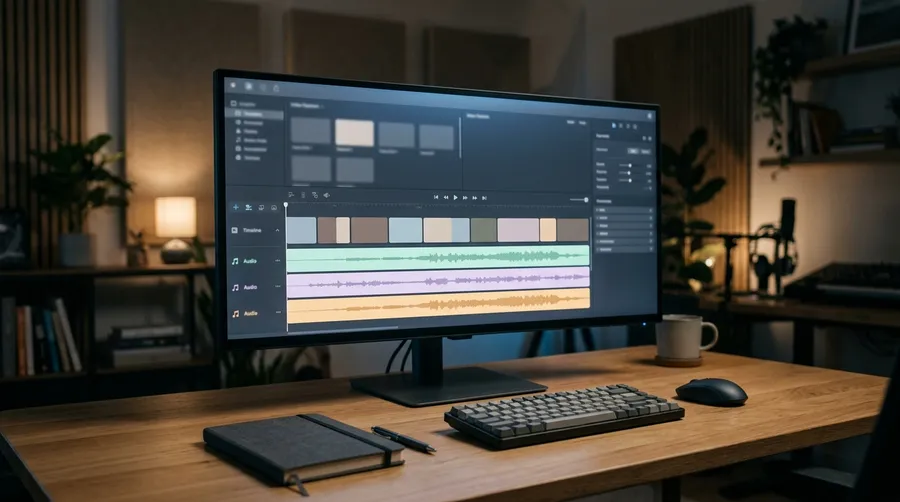
AI Generation vs Traditional Audio Production
Both produce finished audio, and each wins a different brief. Use AI generation where speed, iteration and volume matter. Use traditional production where performance, recording authenticity or exact artistic direction justify it.
AI generation
Strongest when the brief keeps moving and the volume is high.
Fast variation
Several takes of the same line, cue or track in one run, so you choose from options instead of defending the first attempt.
Sounds made to order
Effects and music written around your description, including sounds that do not exist to be recorded or licensed.
Revisions without a session
A changed script is a changed prompt. Re-reading a line costs a generation, not a booking.
Explore AI Audio Tools
Each audio type has its own page, with the controls, the current models and the examples for that tool.


Frequently Asked Questions
An AI audio generator creates sound from a text description or a script. One model reads text aloud as speech, another writes music, and a third builds sound effects, all from typed instructions rather than recordings. The result is AI generated audio you download and use like any other file.
On getimg.ai the three sit in one workspace next to the image and video generators, so the audio for a project gets made where the visuals are.
Music, speech and sound effects. The AI music generator writes full tracks with or without vocals, Create speech turns a script into spoken audio with a chosen voice, and Create sound effect builds effects and ambiences from a description. All three run on one account and one plan.
Pick the type, then describe what you need: a script for speech, a plain-language brief for music or a sound effect. Set the options that type offers, such as length and number of variations, and generate. Generation time depends on the audio type, the model and the length you ask for, so a short effect comes back faster than a three-minute track.
Yes. Open Create sound effect, describe the sound in plain language, and getimg.ai generates it with Eleven Sound Effects 2. Pick a length of 5, 10, 20 or 30 seconds and up to four variants per run, then download the result as an MP3. Each effect is one flat price whatever length you choose.
Paid plans include commercial usage rights for eligible generated audio under our terms. Rights to uploaded material, lyrics, third-party intellectual property, voice likenesses and other protected content still need to be considered, so check the source of anything you bring into a prompt before you publish.
There is no single best AI audio generator for every brief, and the honest answer depends on what you are making. A dedicated audio suite goes deeper on mixing and mastering. getimg.ai is built for teams whose audio belongs to a visual project: music, speech and sound effects in the same workspace as the images and video, on one plan, with commercial usage rights on paid plans. Try the samples on this page and compare them with what you use today.
They describe the same output at three levels. Text to speech is the technology that turns a written script into spoken audio. AI speech is the generated audio itself, the file you get back. AI voiceover is the use case: that speech used as narration over video, ads, tutorials and courses. On getimg.ai all three come from the same Create speech generator. There is more detail on the AI Text to Speech Generator page and the AI Voice Generator page.
Generate when the sound does not exist, has to match a specific cut, or has to arrive in a dozen variations: invented machines, interface cues, fantasy creatures, a whoosh timed to one transition. Record, or license a real recording, when authenticity is the point: a documentary location, a specific engine or machine, a branded product sound, or a room whose acoustics are part of the story. Many projects use both, and a generated effect is often the fastest way to test an idea before a recording session is booked.
It depends on the audio type, the model and the requested length. Short sound effects and single lines of speech come back quickly; a multi-minute music track with several variations takes longer. You can generate and compare variations directly in the app, so the practical question is usually how many takes you want to hear, not how fast one of them arrives.
Make the music, voice and sound effects for your next project.
Pick the audio type, describe what you need and generate the track, the read or the effect in the same workspace as your visuals.