#1 AI Dutch Text to Speech Generator
Paste a Dutch script and getimg.ai speaks it in a natural voice, tuned for the Netherlands or Flanders. Guide the tone and pace as you write, then export audio that is cleared for commercial use.
Commercial Voiceover
Product Demo
Corporate Training
Explainer Video
Dutch that sounds like it was recorded locally
Most text to speech gives itself away on the sounds that make Dutch, Dutch. getimg.ai handles the throaty g and diphthongs like ui and ij, and it keeps the English words Dutch speakers use every day sounding natural. The result reads like someone from Amsterdam or Antwerp.
The Dutch g and diphthongs, done right
The hard g of the north and the soft g of the south, plus ui, eu, and ij, are the first things a wrong voice botches. getimg.ai pronounces them the way locals do, so nothing sounds imported.
Documentary Narration
Netherlands and Flemish on tap
Ask for a Netherlands voice or a Flemish one and the accent shifts to match. The same script can reach an audience in Rotterdam and a client in Ghent without a second recording.
Museum Audio Guide
English loanwords stay natural
Dutch marketing and tech talk is full of English: meeting, deadline, sale. The voice reads those words in English inside the Dutch sentence and steps back cleanly, instead of stumbling or over-pronouncing them.
Business Meeting
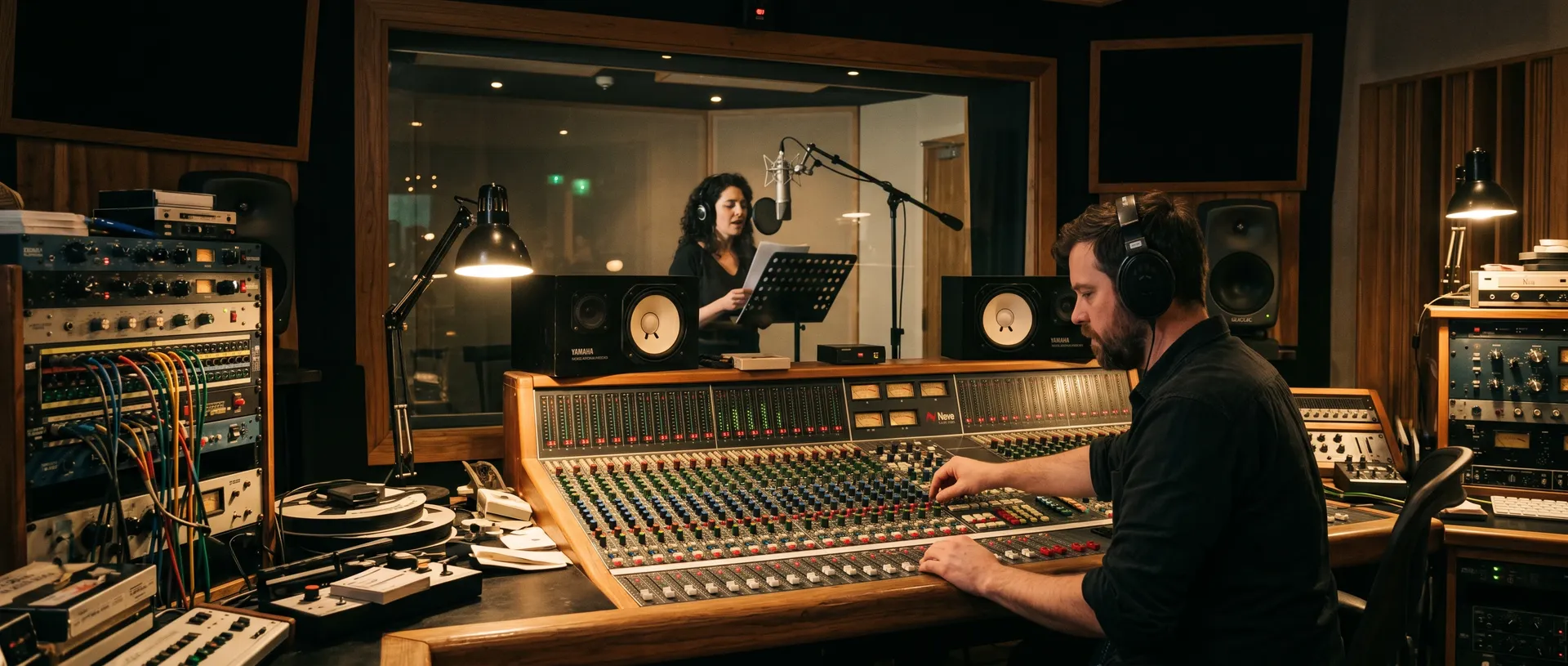
Produce Dutch and Flemish audio without booking a studio
Getting professional Dutch audio the traditional way is slow, and covering Flanders too usually means a second voice actor and a second invoice. getimg.ai produces both from the same script box, in the time it takes to read this sentence.
-1920x983.webp)
With getimg.ai
Type or paste the Dutch text
Add the words you need spoken and choose a Netherlands or Flemish voice.
Generate a few reads
Each version is ready in seconds. Compare them and keep the one that fits.
Download and ship it
Export a clean .wav and load it straight into your edit, LMS, or phone menu.
The traditional route
- Find a Dutch voice actor, then a separate one for Flemish
- Wait on quotes and compare day rates
- Lock a studio date that suits the talent and you
- Send pronunciation notes for names and English terms
- Wait for the session, then for the edited files
- Order a re-record when a product name comes out wrong
- Re-book both voices when the copy is updated
- Chase matching takes so NL and Flemish stay consistent
- Clear usage rights for every market before launch
Dutch voiceover for courses, marketing, and product screens
Dutch content rarely arrives as one neat file. A course runs to dozens of modules, a webshop needs a clip for every product, a phone line gets rewritten every week. Producing the audio yourself keeps the voice consistent across all of it and on your own schedule.
Set the words, the delivery, and the Dutch voice
Good Dutch audio is not only about the accent. It is about saying the right thing, the right way, without paying for studio time every time the script moves. All of that sits in the script box, and a new version is always seconds away.
Brand Film (Flemish)
Frequently Asked Questions
Start with your text and getimg.ai handles the rest. Paste a Dutch script into the text to speech tool, choose a Netherlands or Flemish voice, and it returns the whole thing as spoken audio, ready to use.
You can write the script from scratch, paste it from a document, or drop in a translation. Files come back as .wav and are priced per 1,000 characters, so a short prompt costs far less than a full audiobook chapter.
Want a longer read? Add cues in the text to shift the pace or mood, and use the same voices for audiobook narration or explainer videos.
Yes. The hard g you hear in the north and the softer g of the south are both covered, along with diphthongs like ui, eu, and ij. Choose a Netherlands voice or a Flemish one to set the accent, and the pronunciation follows the region. For a tricky surname or place name, write it out phonetically and the voice will match your spelling.
It reads them the way Dutch speakers do. Everyday English like sale, meeting, or update is spoken in English inside the Dutch sentence, then the voice slides back to Dutch without a hitch. That keeps marketing and product copy sounding current, not stiff or over-translated.
Yes. Commercial rights come with every paid plan, so the Dutch audio can go into client work, paid ads, published courses, and products you sell. The voices are generated rather than recorded from a person, so you own the output outright: no residuals, no per-broadcast fees, and no talent to re-clear when a campaign is extended.
For Dutch that has to sound professional, getimg.ai is the strongest pick. It nails the accent for both the Netherlands and Flanders, lets you shape every line as you write, and bills by the character instead of by the studio hour. Because the output matches whatever language you type, the same script box also produces French text to speech for the other half of Belgium, and dozens more languages besides.
Voice your Dutch script in seconds
Drop in your script, choose a Netherlands or Flemish voice, and add a cue or two for the delivery. getimg.ai gives you a finished Dutch read in seconds. Try as many versions as it takes to get it right.