AI Voice Over Generator for Videos, Ads & Explainers
Turn a script into an AI voiceover for videos, ads, explainers, trailers, and other content. Choose a voice, direct the delivery, generate the audio, and download it as WAV for your edit.
Horror Game Audio
Detective Audio Drama
Luxury Brand Ad
Space Documentary
Voiceover Work, Built for Revision
A voiceover script rarely survives the first cut unchanged. These are the three controls you actually get: how the line is read, how quickly you can produce a new version, and what you walk away with at the end.
Direct the Read
Write delivery cues straight into the script in square brackets, such as [calm, premium] or [urgent]. Tone, pace and emotion can change line by line, as many times as one script needs.
Revise Without Re-recording
Edit the line, keep the selected voice, and generate a new version instead of scheduling another recording session. A moved date or a renamed product costs one more generation.
Export as WAV
Download the generated voiceover as a WAV file and add it to your video or audio editing workflow, alongside the picture and the music bed.
Direct the Voiceover Inside the Script
Delivery direction is written into the script itself, in square brackets, and it applies from that point until the next cue. The four takes below are two before-and-after pairs generated on getimg.ai: the same words and the same voice, read once with no cues and once with cues added.
Change the Script Without Re-recording
The product name changed after the first cut and the deadline moved. In a recording session that is a new booking. Here it is two words in the script and one more generation with the same selected voice and the same delivery cue. Both takes below were generated on getimg.ai with the Kore voice and the cue [bright, confident].
We Generated Three Voiceovers for the Same 15-Second Ad
One script written for a 15-second camera spot, 205 characters long. We changed only the voice and the delivery cue, then generated each take once on getimg.ai in October 2026. The script is identical in all three: "Meet the camera built for the moments you don't want to miss. Fast focus, a quiet shutter, and a battery that lasts the whole day. Point it at what matters and keep it. The new Aperture One. Available now."
The three takes came back at 16.6, 12.7 and 14.8 seconds. The cue changes the pace, so one script does not land on one runtime. There is no target-duration setting: when a take has to fit an exact cut, you adjust the script and generate again.
Version A: warm and premium
Voice: Sulafat. Delivery cue: [warm, premium, measured]. 205 characters in, 16.6 seconds of WAV audio out.
Version B: bright and energetic
Voice: Laomedeia. Delivery cue: [bright, energetic, fast-paced]. The same 205 characters, delivered in 12.7 seconds.
Version C: calm and confident
Voice: Schedar. Delivery cue: [calm, confident]. The same 205 characters again, delivered in 14.8 seconds.
One Campaign. Three Scripts.
The same camera campaign written three times, for a 30-second spot, a 15-second cut and a 6-second pre-roll, then generated with the same selected voice and the same delivery cue. Scripts were adapted to each target cut before generation. The generator does not shorten one voiceover to a different duration for you.
VO Work, Organized by Format
Three formats, three scripts, three voices. Every example below was generated on getimg.ai and is listed with the voice, the script and the delivery cue behind it.
Reuse the Same Voice Across Campaign Versions
Choose a voice for the campaign and select it again when generating revised scripts, shorter versions, or additional content. Use consistent delivery cues to keep the direction similar between versions. If you are still deciding which voice to use, the AI Voice Generator page covers the library itself.
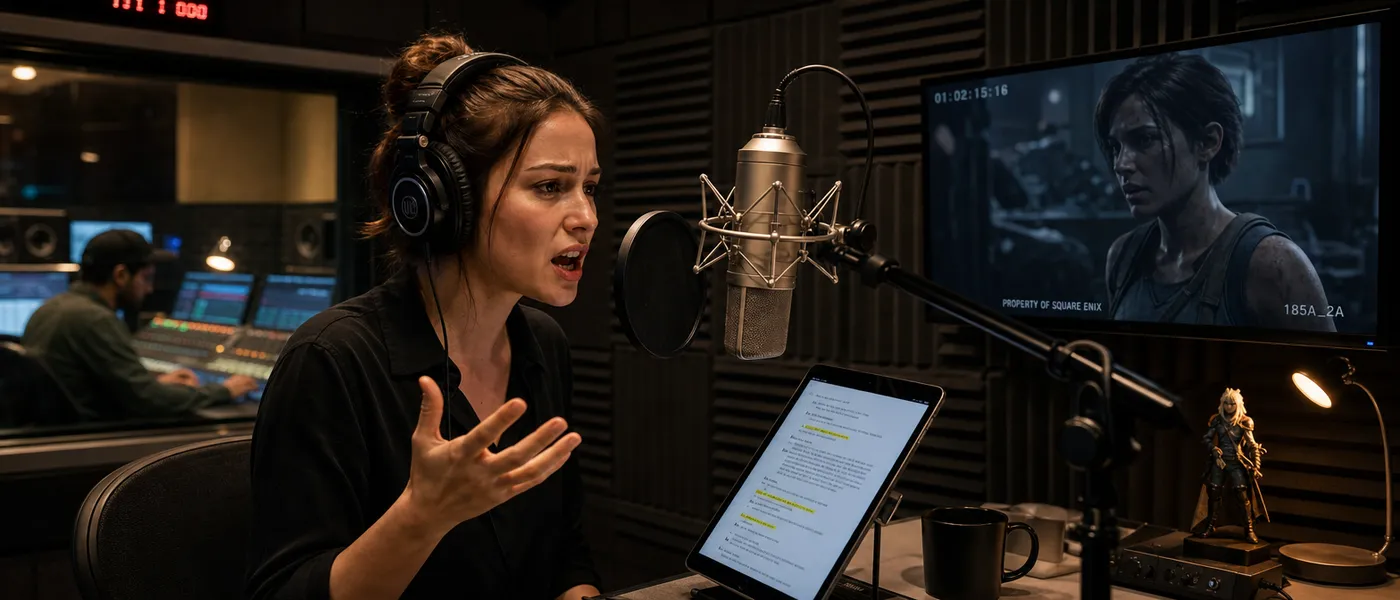
AI Voiceover vs Traditional Voice Recording
Two different ways to get a voiceover made, with different strengths. Neither one replaces the other outright.
AI voiceover
Fast revisions, new versions on demand and several reads of one script without booking anyone. Useful when the script is still moving and when the volume of content is high. Output varies between runs, so generating the same script twice does not return the identical take.

Traditional voice recording
A human-directed performance, with new takes from the talent and precise direction in the room. Bespoke performance and a more controlled recording process, in exchange for scheduling, briefing and budget.
Which one fits the project
AI voiceover works well when speed, revisions and content volume matter. Traditional recording remains useful when exact actor performance and direction are central to the project.
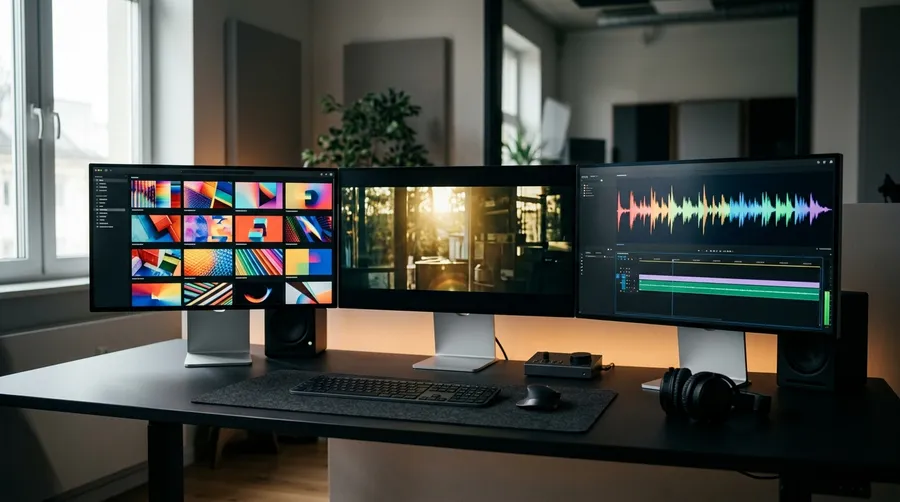
Generate Voice, Images and Video in the Same Workspace
Create speech alongside image and video assets in getimg.ai, then download the voiceover as WAV for your final edit.
Voiceover Generation Specs
What the Create Speech tool does today.
Frequently Asked Questions
An AI voice over generator turns a written script into generated spoken audio that can be downloaded and used in a video, presentation, podcast, or other project.
On getimg.ai you write the script in Create Speech, choose a voice, add inline delivery cues such as [gentle, emotional] to shape the tone, generate, and download the result as a WAV file. Common uses are ad spots, explainer and training video, trailers, documentary narration and social content. If you only need plain speech from a block of text, the AI Text to Speech Generator page covers that workflow.
You write the script for the cut. Paste the script for your edit and use inline delivery cues to adjust tone and pacing before generating the voiceover.
The generator does not analyse your video, detect its runtime or fit a take to an exact duration. If a read comes back longer or shorter than the cut needs, you adjust the script and generate again. In our own October 2026 tests, one 205-character script returned takes of 16.6, 12.7 and 14.8 seconds depending only on the delivery cue.
Yes, and this is the main practical advantage over a recording session. Edit the line, keep the selected voice, and generate a new version instead of scheduling another session. A changed date, a renamed product or a new sponsor line costs one more generation.
Results vary between runs, so a regenerated take is a new performance of the same words rather than a patch dropped into the old one. If only part of a long narration changed, generate that section on its own and place it in your edit.
Speech generated in Create Speech downloads as a WAV file. In our October 2026 runs it came back as 24 kHz mono. Add it to your video or audio editing workflow alongside the picture and the music bed.
No mastering, loudness normalisation or technical delivery check is applied to the generated file, so anything with a broadcast or platform delivery spec still goes through your own audio finishing.
There are 30 voices, 15 male and 15 female, each with a short character descriptor such as warm, firm, bright or breathy. You can listen to the samples before choosing one, and the full library is covered on the AI Voice Generator page.
The voices are multilingual, so the output language follows the language you write the script in rather than a separate language picker. Accent is directed in the script with a bracketed cue, for example [in British accent].
Speech generation is priced per 1,000 characters, so the cost depends on the length of the script you generate. The app shows the credit cost before you generate, and that is the number to go by.
Speech, image and video generation all run on the same getimg.ai subscription and credit system. The other audio tools sit alongside it on the AI Audio Generator page.
Paid plans include commercial usage rights for eligible generated voiceovers under our terms. Rights to scripts, third-party intellectual property, voice likenesses, trademarks, and other protected material still need to be considered.
Voice selection, delivery controls, language support, script revisions, export format and commercial terms. Those six are what separate a tool you can produce with from one that reads text aloud.
On getimg.ai that means a script you write and edit freely, 30 voices with character descriptors, inline bracketed cues for tone and pacing, multilingual output that follows the script, WAV download, and commercial usage rights on paid plans under our terms. Image and video generation run in the same workspace, so the voiceover and the visuals for one project do not need two subscriptions.
Create the Voiceover for Your Next Video
Paste the script, choose a voice, direct the delivery, and download the generated audio as WAV.