AI Male Voice Generator for Natural Voiceovers
Turn a written script into a male AI voiceover. Choose a voice, direct the tone and pace inside your script, and download the generated speech as WAV.
Choose from 15 male voices, revise lines without re-recording, and generate speech in multiple languages.
Choose From 15 Male AI Voices
Every male voice has a name and a descriptor for its character. Male voices are not one sound: the list runs from gravelly and firm to breathy, casual, and excitable. Here are all 15, grouped by the kind of delivery they suit.
Hear the Same Script in Different Male Voices
Six male voices read the same line: “Welcome back. Here’s what you need to know before we get started.” Listen to how the character changes when only the voice and the cue change.
Same Voice. Different Delivery.
Delivery cues go in square brackets inside the script. One voice, Iapetus (Clear), reads “We’re ready to begin.” three ways.
[calm, measured]
A steady, even read for course intros, status updates, and formal announcements.
[urgent]
A faster, tighter read for alerts, countdowns, and time-sensitive messages.
[bright, upbeat]
More lift and energy for event openers, promos, and social clips.
Generate Male Speech in Multiple Languages
There is no separate language setting. Write the script in the language you need and the voice reads it in that language. Here Umbriel (Easy-going) reads one short script in five languages.
Male Voices for Courses, Ads, and Phone Systems
A training module, a weekend sale, and a phone menu each call for a different male voice. Here is a sample for each.
E-learning & Training
Sadaltager (Knowledgeable) with [clear, steady]: a patient read for modules, tutorials, and onboarding.
Ads & Social Video
Sadachbia (Lively) with [lively, upbeat]. A brighter, more energetic delivery can fit short ads, promos, and social video scripts.
IVR & Phone Menus
Schedar (Even) with [calm, even]: a level, unhurried read for menus, hold messages, and in-app prompts.
Get a Better Read From Your Script
The script and the cues shape most of the result. These habits help, from a single line to a longer narration.
How to Generate a Male AI Voice
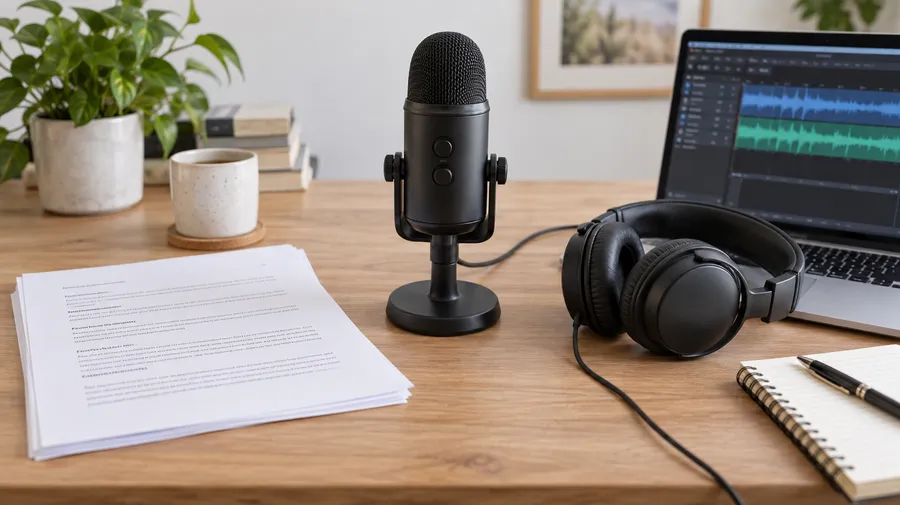
Generate a spoken version directly from the script without recording the voice manually. No microphone or recording setup is required to generate the voice track.
AI Male Voice vs Traditional Voice Recording
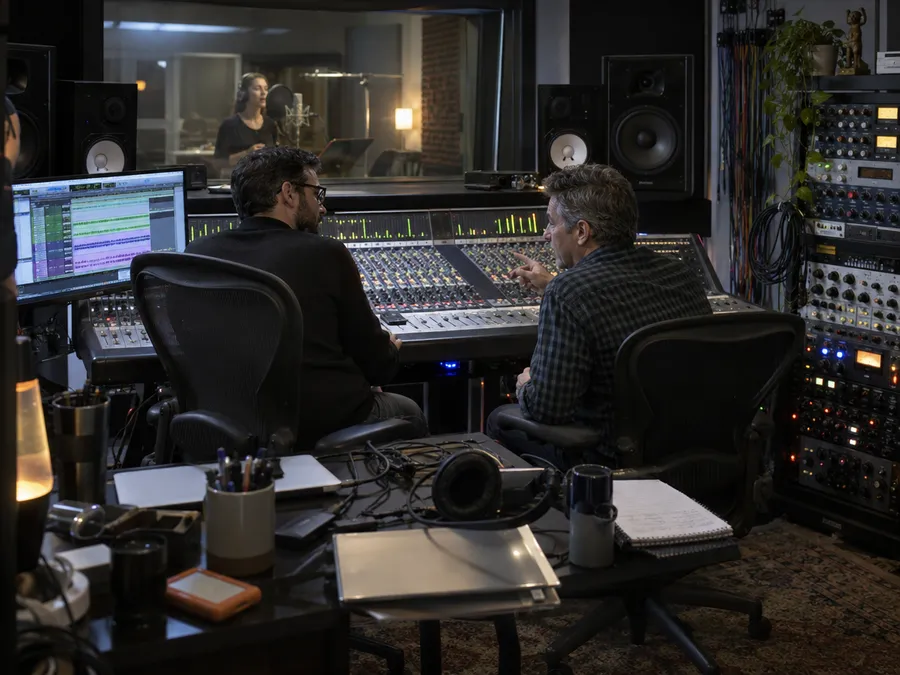
Use AI voice generation when speed, revisions, and content volume matter. Use traditional recording when a specific performer or tightly directed human performance is central to the project.
Frequently Asked Questions
getimg.ai’s text-to-speech tool reads your written script in the male voice you choose. Write or paste the text, pick one of 15 male voices, and generate.
Bracketed cues such as [calm] or [urgent] set the tone and pace wherever you place them. Listen to the result, revise the script if needed, and download the final file as WAV.
Yes. Put delivery cues in square brackets inside the script, right before the line they apply to, for example [warm, conversational] for an explainer or [deep, measured] for a documentary opener. Change the cue wherever the tone should change, then regenerate any line that needs another take.
Unusual names, acronyms, brand names, and specialist terms can need some adjustment. If a word does not sound right, try writing it differently in the script, for example spelling it out or adding punctuation around it, and generate the line again.
You can generate male speech from scripts in multiple supported languages. All 15 male voices are multilingual: write the script in the language you need and the voice reads it in that language. Listen to a short line in the target language before generating a longer script.
Yes. Generate a short voiceover from your script, use inline cues to direct the pacing and tone, then download the WAV for your video edit.
Paid plans include commercial usage rights for eligible generated speech under our terms. Rights to scripts, third-party intellectual property, voice likenesses, trademarks, and other protected material still need to be considered.
No. The current getimg.ai speech workflow lets you choose from existing AI voices and generate speech from written text. It does not currently clone a specific person’s voice.
No. getimg.ai currently generates speech from written text using selectable AI voices. It does not transform an uploaded recording into a different male voice.
Speech generation is priced per 1,000 characters. How many characters you can generate depends on your getimg.ai plan.
Look at the voice inventory, delivery controls, language support, how easy revisions are, the output format, and the commercial terms.
getimg.ai offers 15 male voices, inline tone and pace controls, multilingual scripts, WAV downloads, and commercial usage rights on paid plans. The same AI voice generator also includes female voices, and it covers longer voiceover projects too.
Generate a Male AI Voice
Paste your script, choose a male voice, direct the delivery, and download the result as WAV.