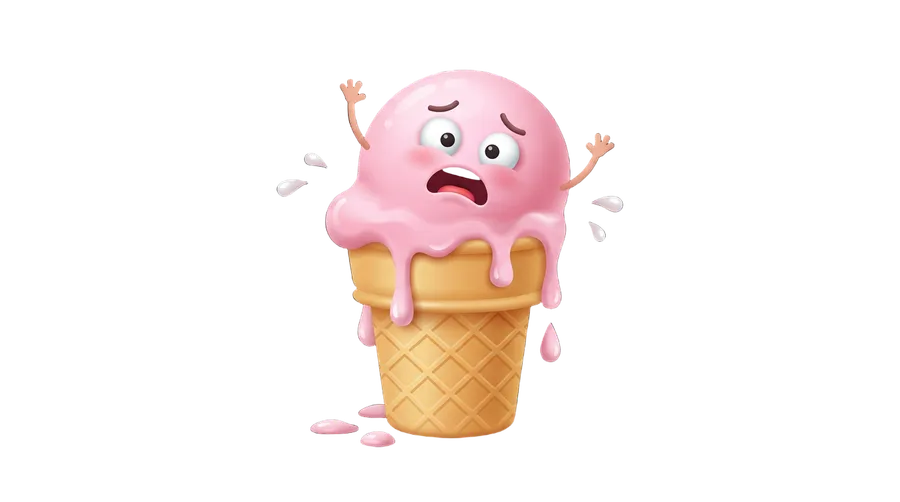
AI Emoji Maker for custom emoji and emotes
Create custom emoji and emote artwork for Discord, Slack, Twitch and other platforms that support custom image uploads
getimg.ai's AI Emoji Maker generates custom emoji-style images and emote artwork from text prompts or up to 10 reference images. Create reaction faces, pets, mascots, objects or text-based emotes, generate up to 16 variations, and use Elements to guide a consistent visual direction across a set. The output is an image file rather than a new Unicode emoji character, so before uploading it to Discord, Slack, Twitch or another service, check that platform's current file size, dimensions and format requirements.
Powered by leading AI image models
Auto picks a suitable model for your prompt, or choose one yourself.


What does the AI Emoji Maker actually create?
getimg.ai creates custom emoji-style images and emote artwork from text prompts or reference images. These are downloadable image files you can prepare for platforms that support custom emoji or emote uploads - they are not new Unicode emoji characters added to your device keyboard.
Start in the AI Image Generator, generate up to 16 variations, then clean the result with the Background Remover and size it with the AI Resizer for the platform you are uploading to.
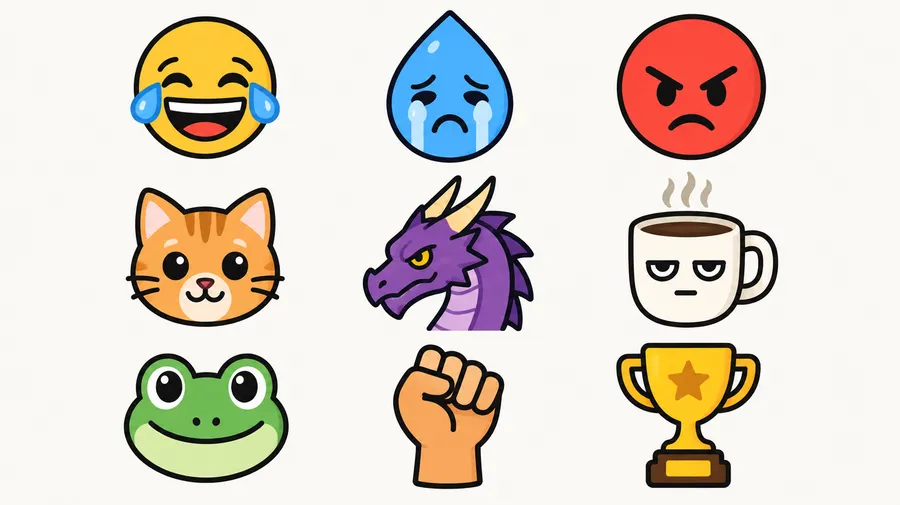
How to generate a custom emoji
Three steps from a written description to a downloadable emoji image.
1. Open the generator
Head to the getimg.ai image generation Action by clicking here. Set the batch size and generate up to 16 variations at once.
2. Describe the emoji
Name the subject, the reaction, the style, the palette and the outline. Add up to 10 reference images if you want the emoji to follow a person, pet, mascot or existing character.
3. Generate, clean up, resize
Generate the batch, then use our Background Remover to make the backdrop transparent. After removing the background, resize the image to match the requirements of the platform where you plan to upload it.
-900x502.webp)
Turn a photo, pet or mascot into custom emoji
Upload one or more reference images, describe the expression and emoji style you want, and generate several reaction variants based on the subject. References guide identity and appearance, but each generated expression may change smaller details.
See the guide to image references for how references steer face, character, object, style and palette.
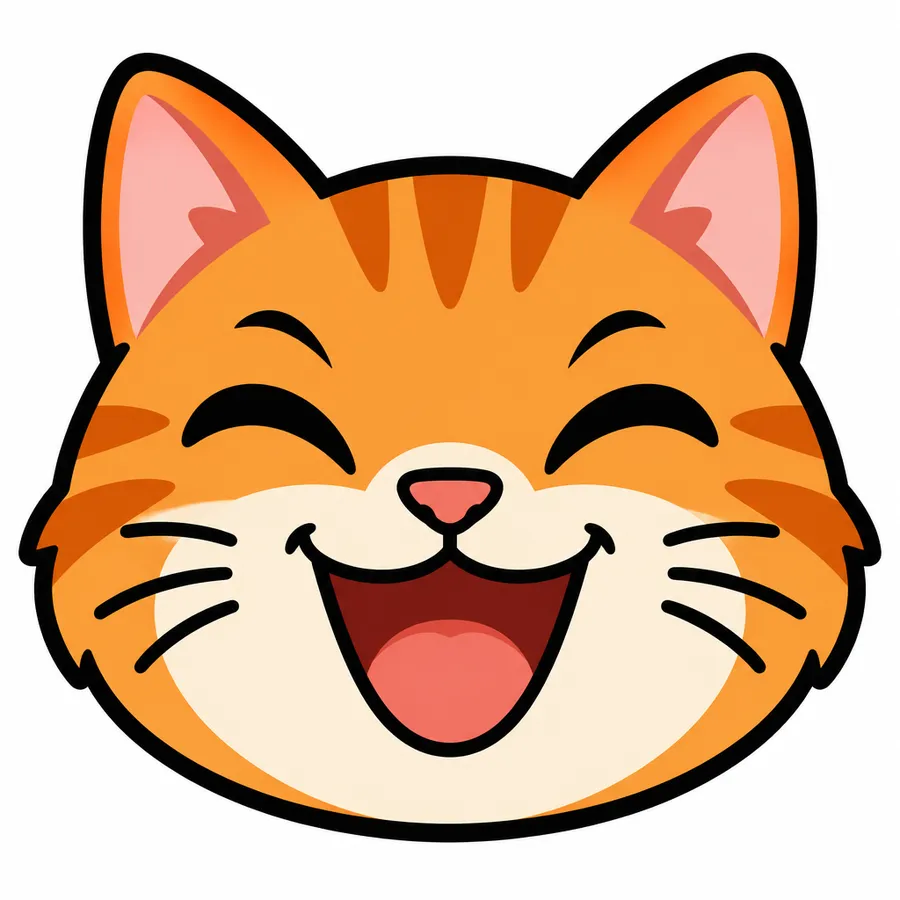
Turn text into emoji artwork in seconds
Describe the reaction you need and getimg.ai returns a generated emoji design in seconds. You control the subject, expression, palette and outline in the description, so you can refine the prompt until the artwork reads clearly at chat size.
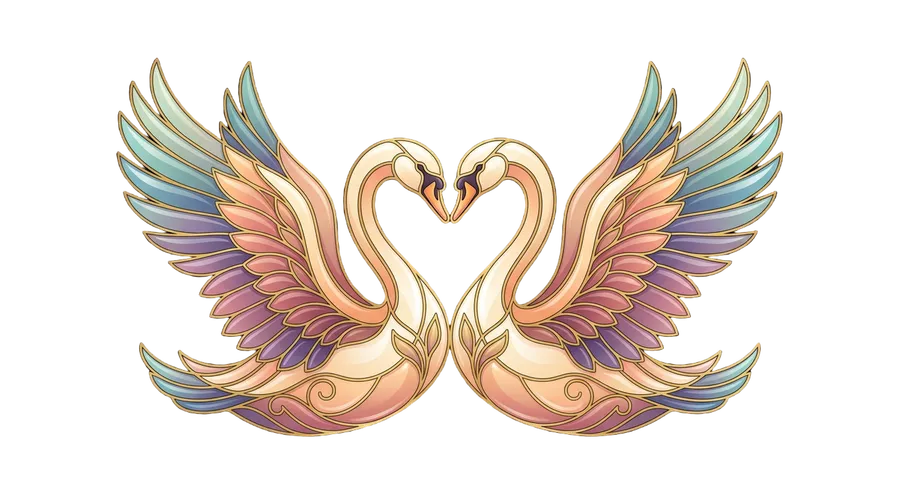
Emoji, 2d vector art, two swans forming a heart, Jugendstil aesthetic, cloisonné enamel style, vibrant colors, symmetrical design, stylized, romantic, elegant
Create a matching emoji pack
Build one character and give it a full range of reactions: happy, crying, angry, confused, shocked, laughing, facepalm, GG, BRB, RIP, love and hype. Reuse a Style, Character, Animal or Color Palette Element to help keep a whole emoji pack in the same visual direction. AI-generated variations can still differ in proportions, details and expression, so review the set together before publishing it.
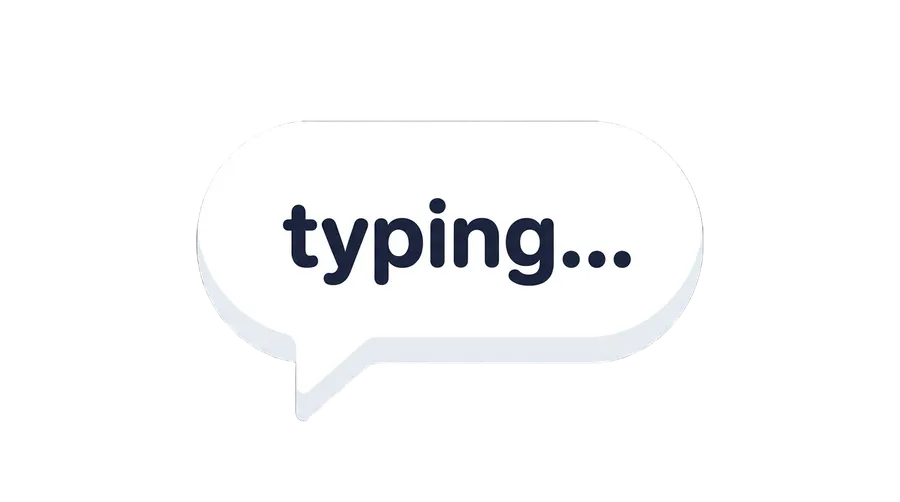
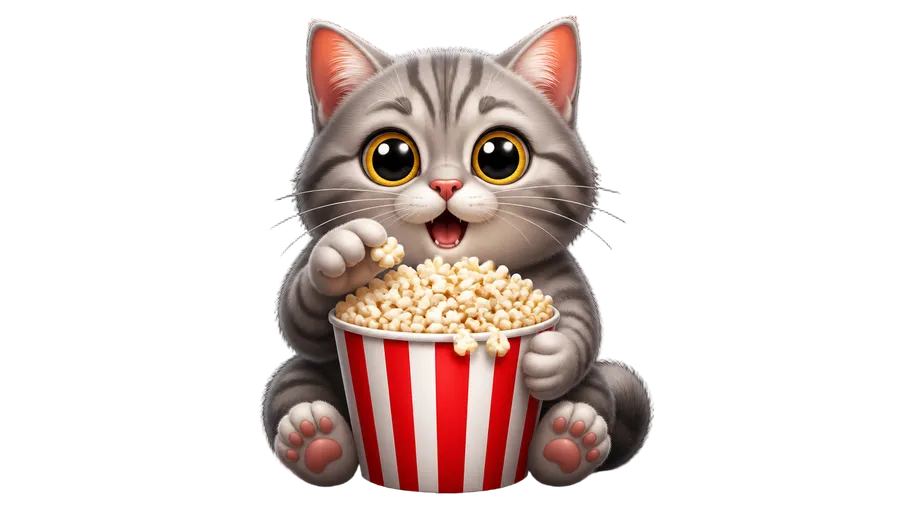
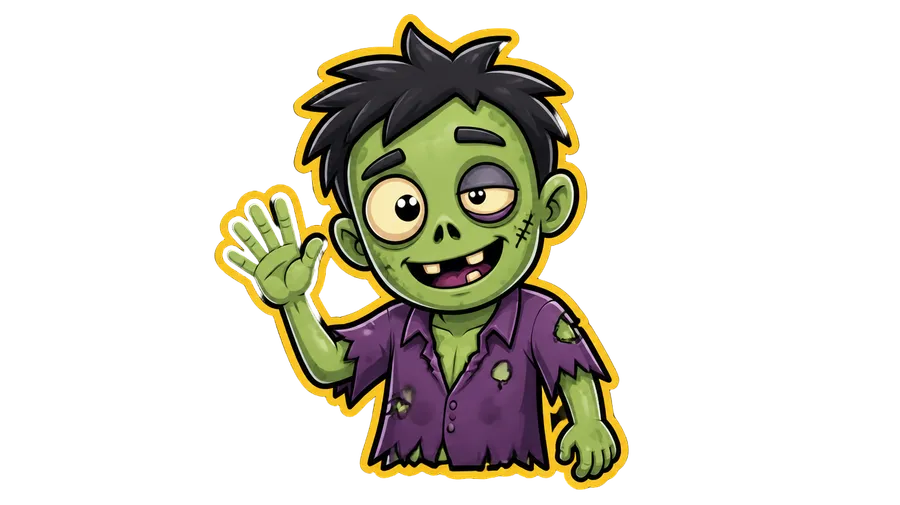
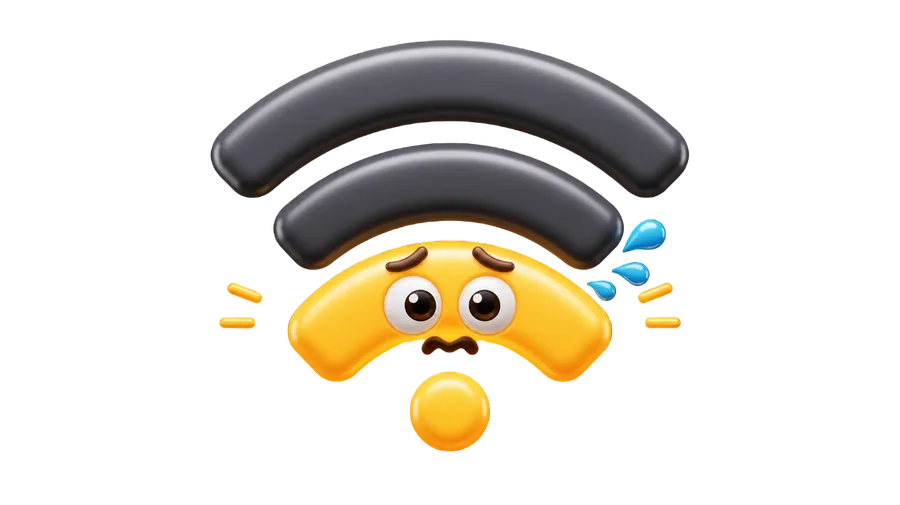
Create Twitch emote concepts with AI
Generate reaction artwork, remove the background, test readability at small sizes, then prepare the PNG for Twitch's upload requirements. The same loop works for Discord server emoji and custom Slack emoji for teams: company mascots, team inside jokes, status reactions and launch celebrations.
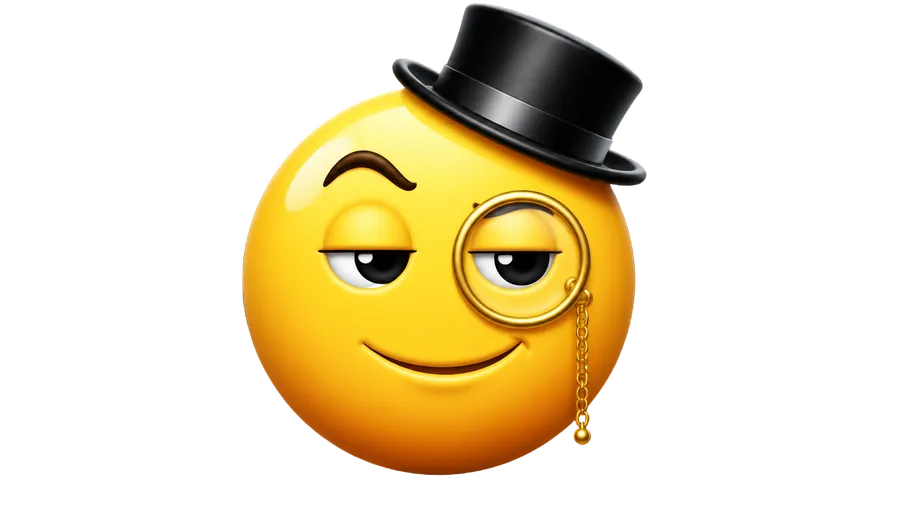
-1920x1079.webp)
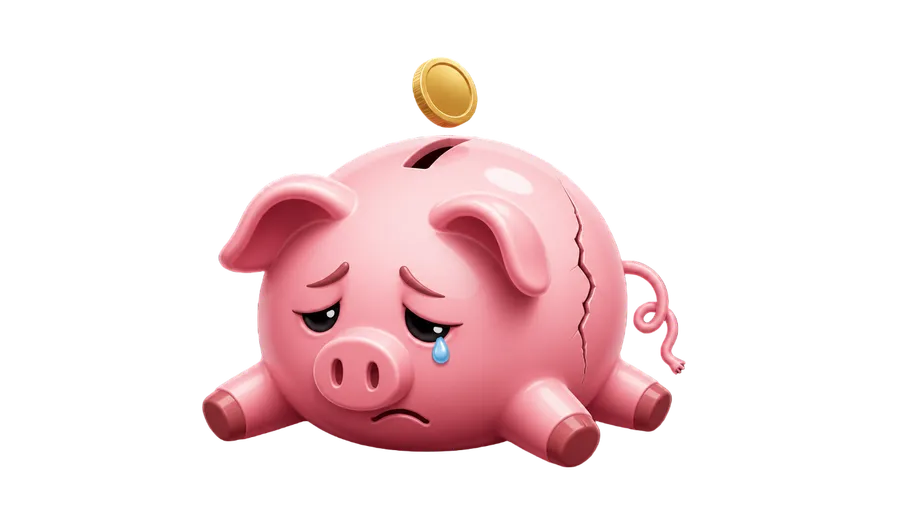
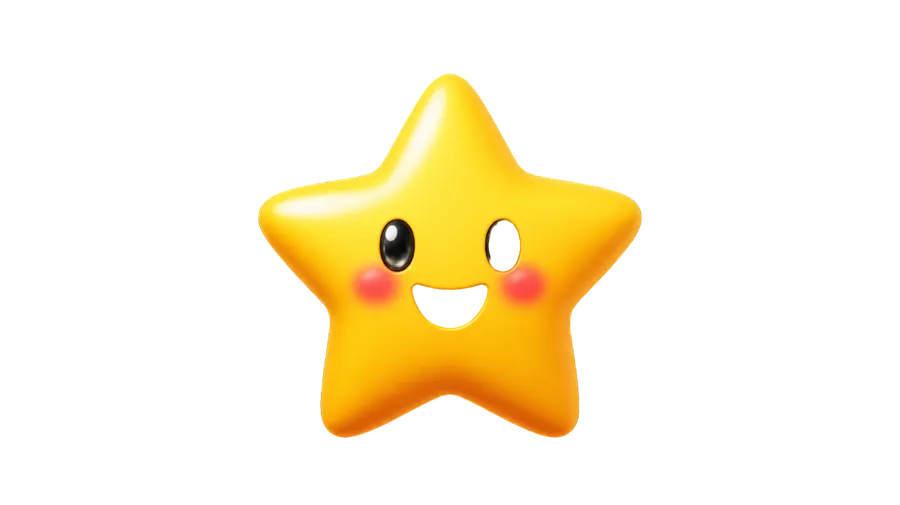
Prepare your emoji for Discord, Slack or Twitch
Requirements differ per platform and change over time. Check the current rules in the platform's own documentation before you upload, and use the AI Resizer to hit the dimensions you need.
Discord server emoji
A custom emoji image uploaded to a server. Keep the file under Discord's current size limit; common image formats including PNG, JPEG, GIF and WEBP are supported.
Custom Slack emoji for teams
A square image with a transparent background works best, and Slack expects a small file. Good for company mascots, status reactions and launch celebrations.
Twitch emotes
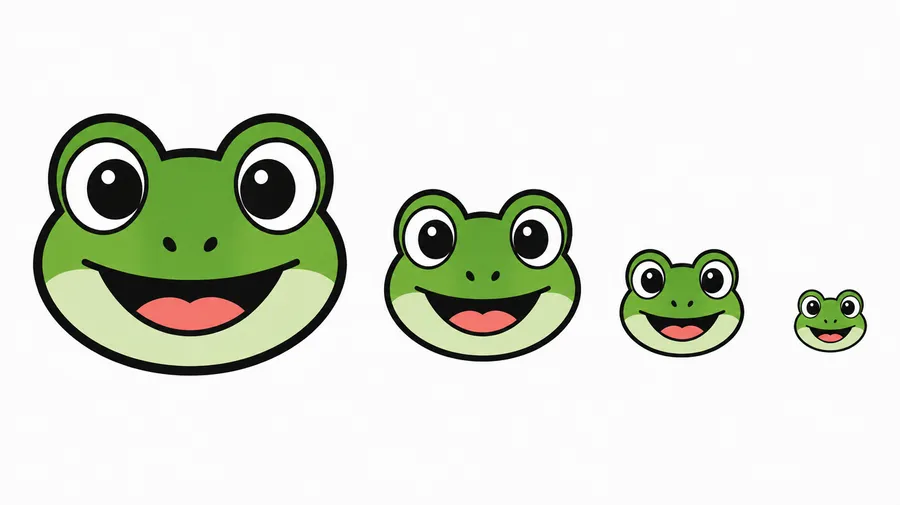
Twitch calls these emotes, not emoji. Standard emotes are square transparent PNGs, checked at 28, 56 and 112 pixels for sharp lines and readable shapes.
How to make emoji readable at small sizes
An emoji is displayed at roughly 28 to 128 pixels. Artwork that looks detailed at full resolution often turns into a smudge in a chat window, so design for the small size from the start.
One clear subject. A large, obvious facial expression. A simple silhouette. Strong contrast and thicker edges. Minimal tiny detail, very short text if any, and a final check at actual chat size.
Made for people who make a lot of emoji
A one-off emoji is quick. Keeping a whole set consistent, recognizable and easier to prepare for your platform is the part that usually slows you down. Here is how getimg.ai handles it.
The right model, chosen for you
Auto chooses a suitable image model based on your prompt, so every generation starts from a strong option. Prefer to decide yourself? Switch to manual selection and pick a model by hand.
Picked automatically

Nano Banana 2
Clean shapes and punchy color, great for sticker-style emoji.

GPT Image 2
Crisp detail and reliable text, great for expressive faces and lettering.
Build a matching set
Generate up to 16 variations of one idea, choose the visual direction, then create additional reactions using the same Element and style guidance.
Generate, clean, prepare
Write a prompt, generate a batch, remove the background and resize for the target platform. No layers or timelines between an idea and a downloadable emoji image.
Prompt
Generate
Download
AI emoji prompt examples
A prompt that works for emoji usually names: subject + expression or reaction + pose + style + palette + outline or background + intended platform. Four starting points below; for more structure see the image and video prompting guide.
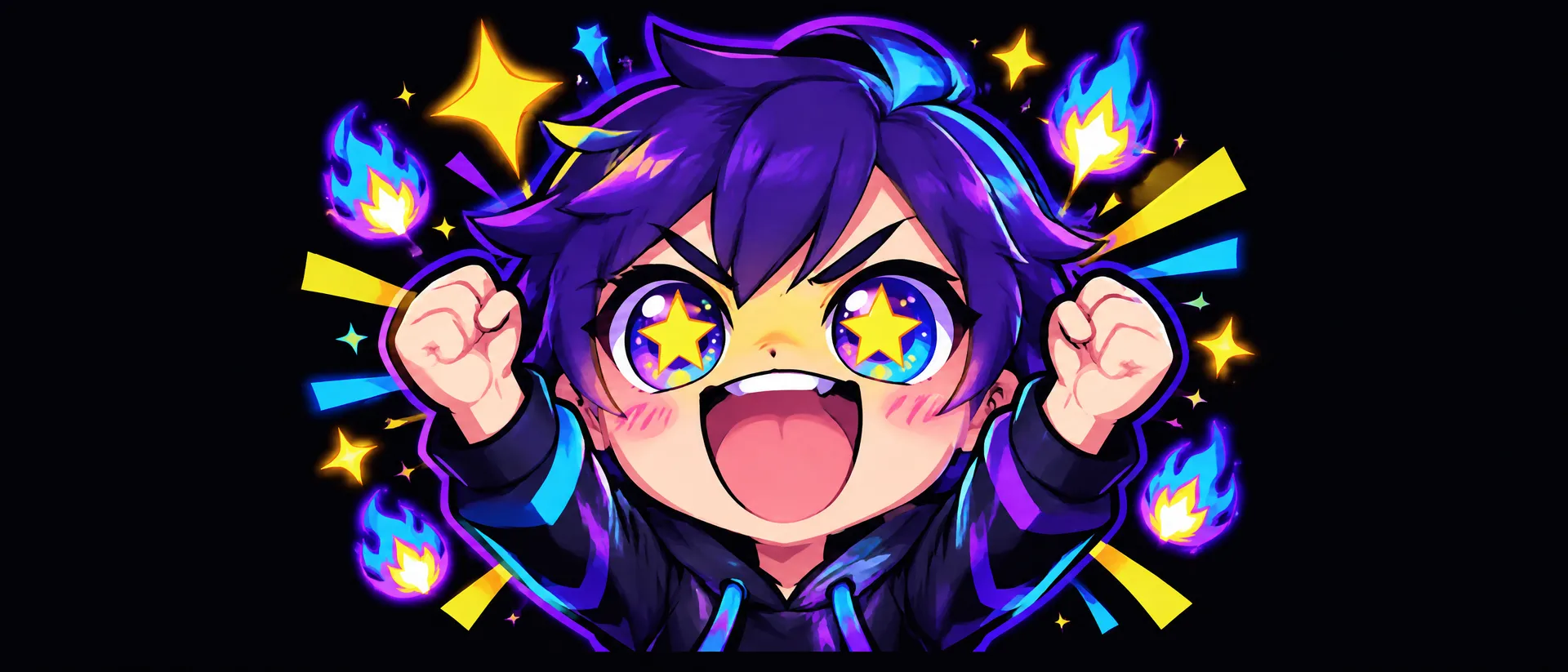
Twitch hype emote
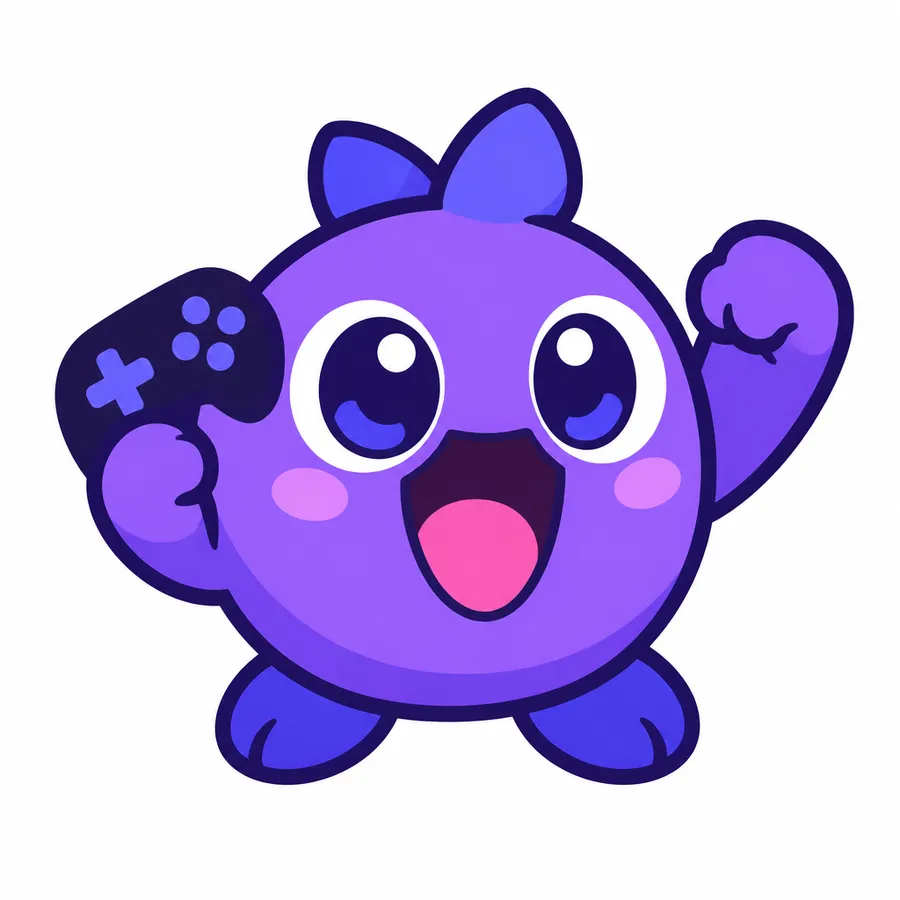
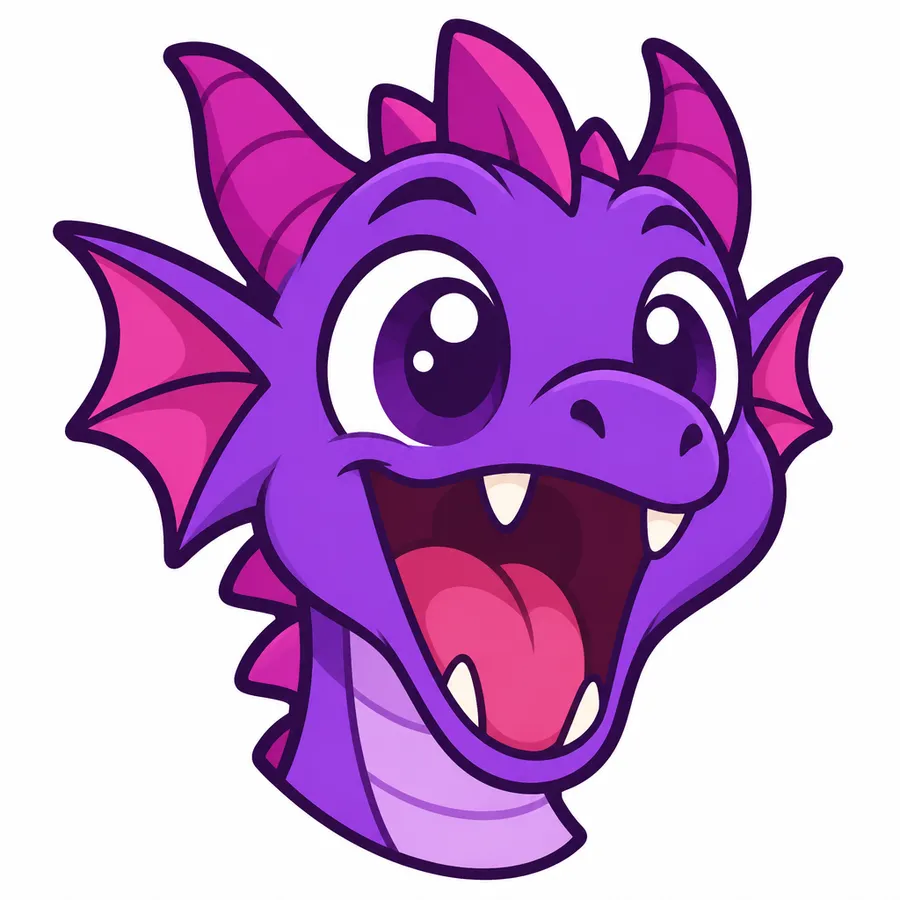
"Twitch emote of a cute purple dragon screaming with excitement, oversized eyes, open mouth, raised fists, thick clean outline, simple silhouette, high contrast, plain background, readable at small size."
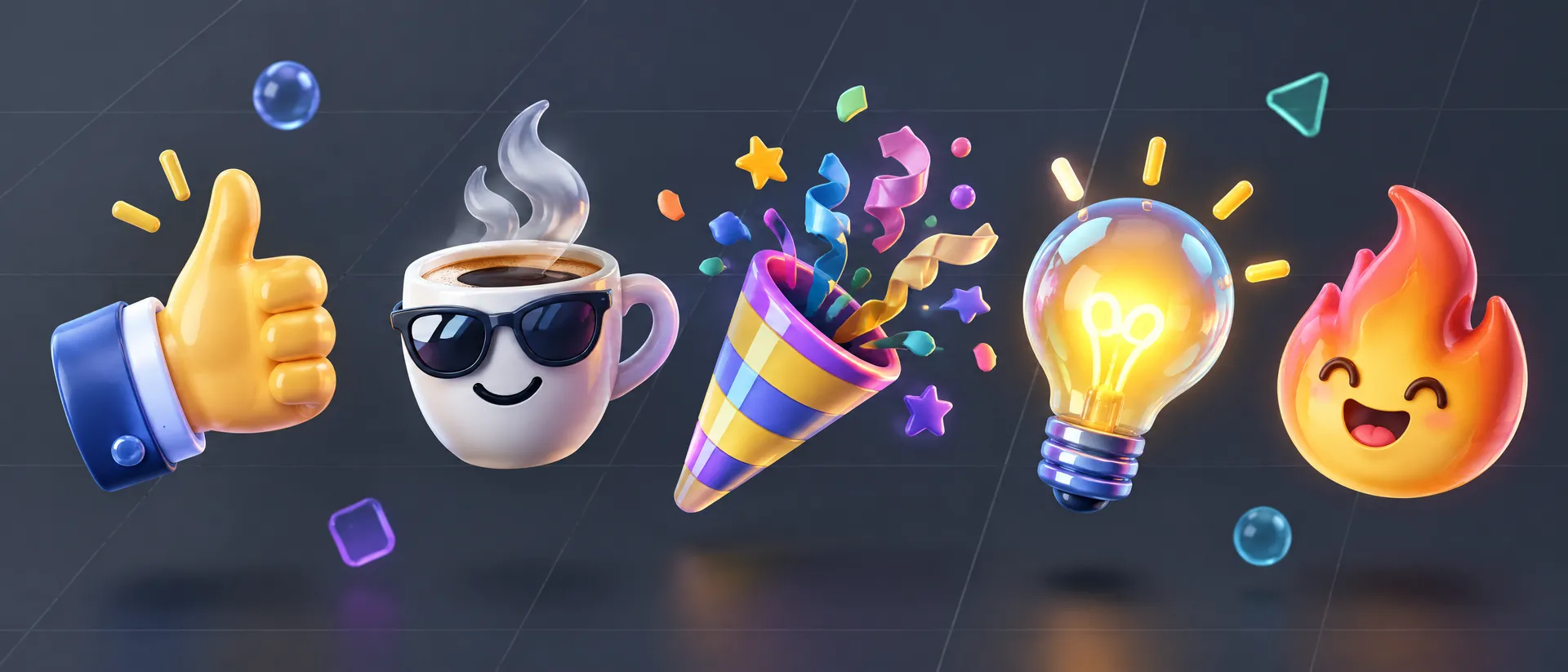
Slack work reaction
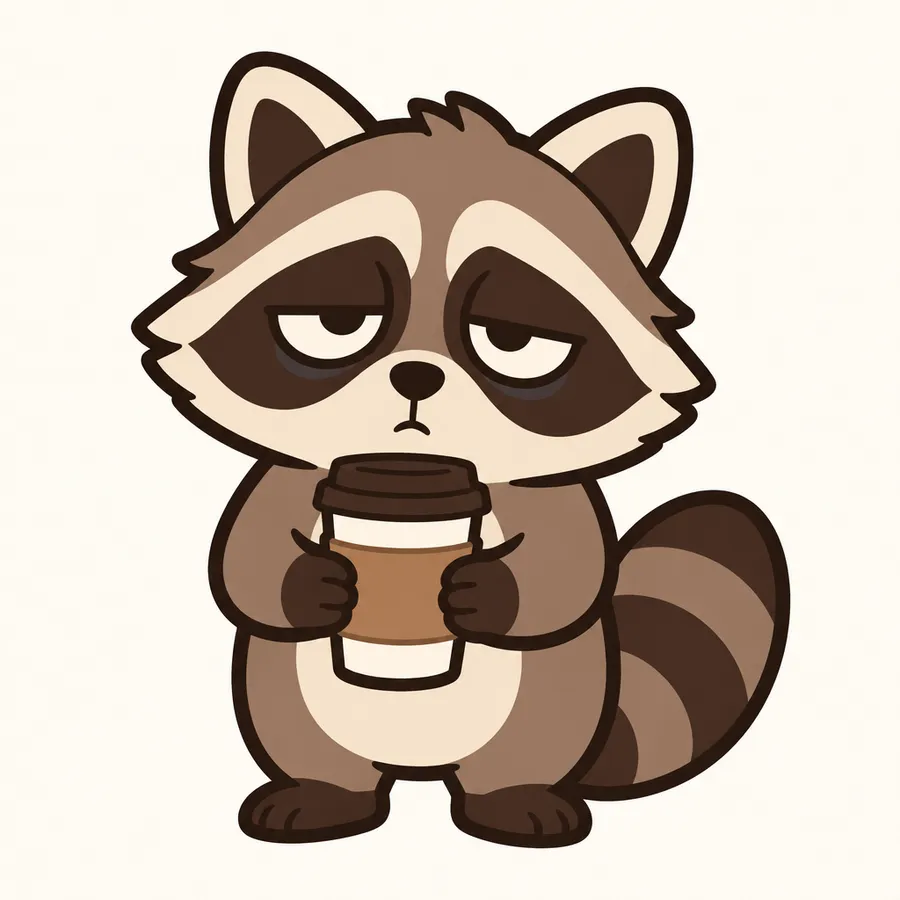
"Slack reaction emoji of a tiny office raccoon holding a coffee cup with exhausted eyes, simple rounded shapes, bold outline, flat 2D style, limited brown and cream palette."
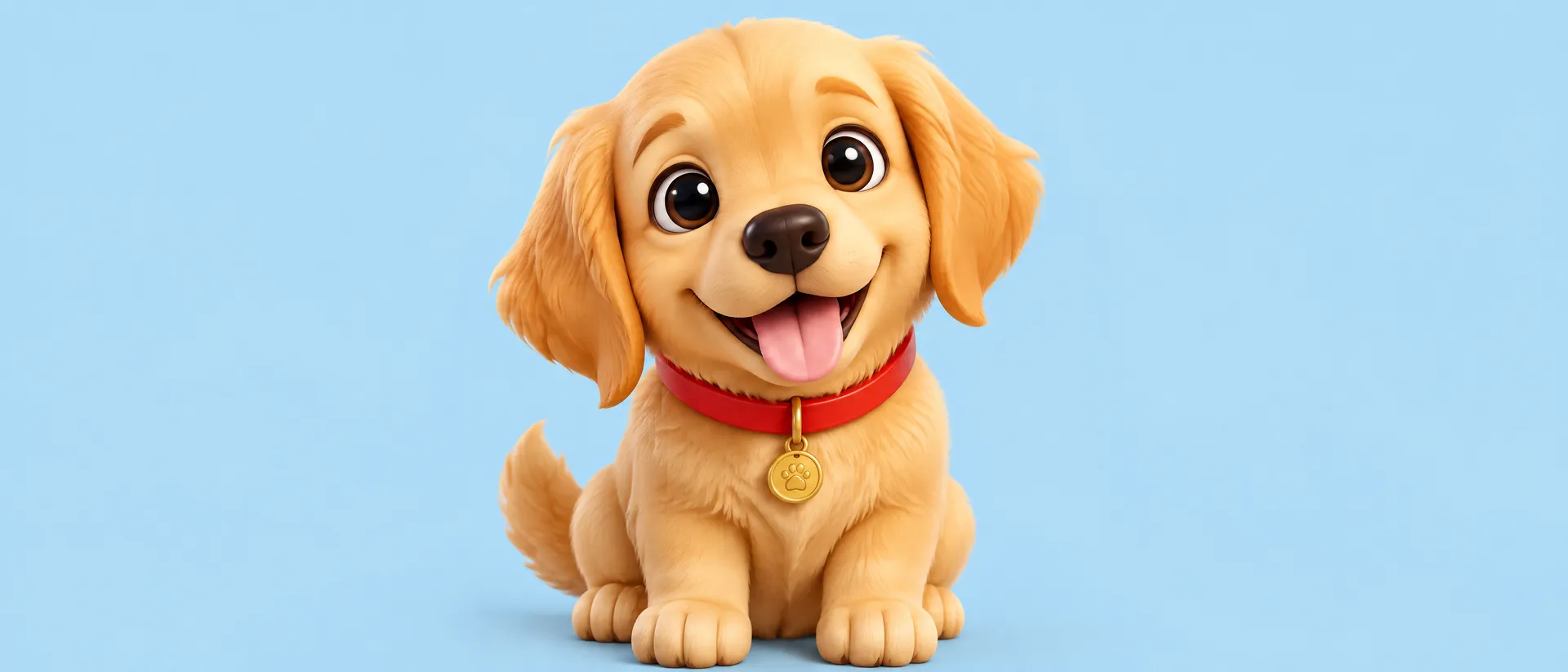
Pet emoji from a reference
"Emoji-style portrait of my ginger cat laughing, exaggerated squinting eyes, 2D vector-style illustration, thick outline, centered composition, plain background." Add the pet photo as a reference image.
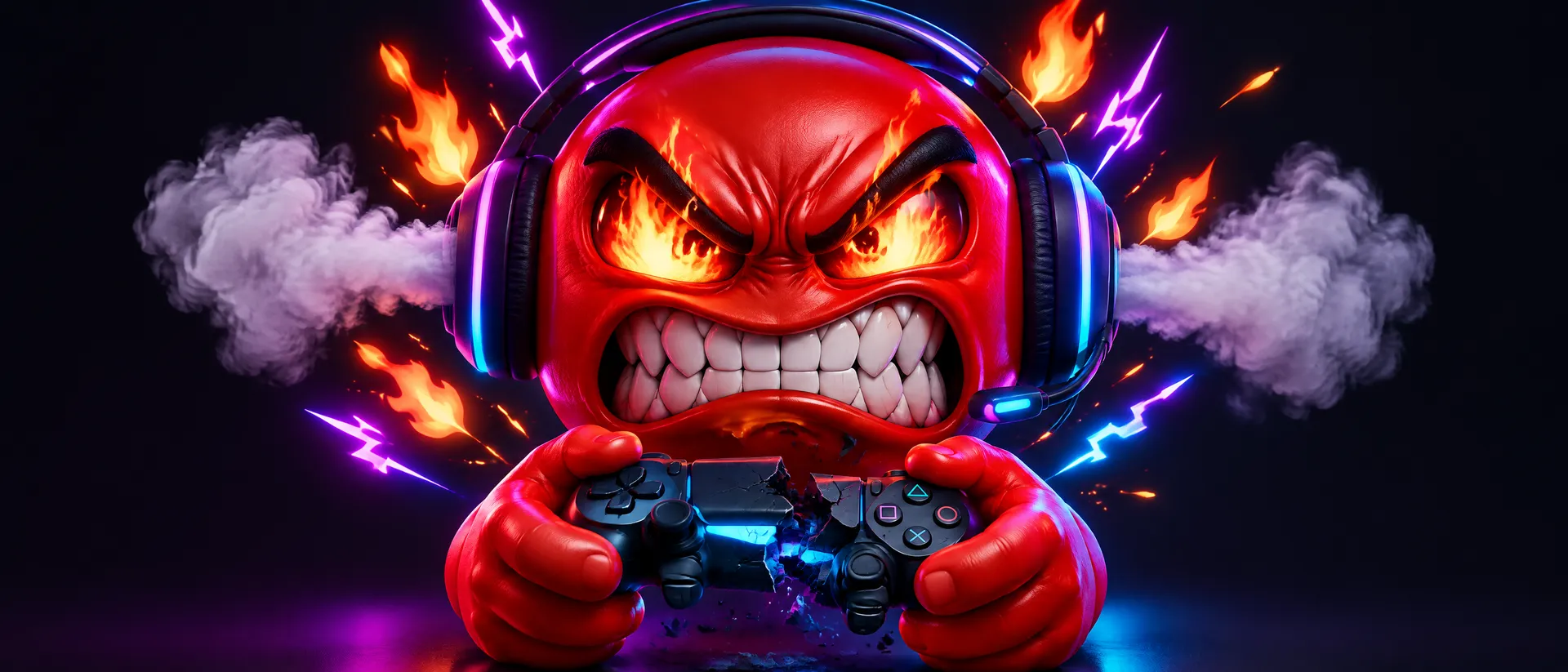
Gaming rage reaction
"Discord reaction emoji of a small green goblin mid-rage, clenched fists, steam from ears, bold black outline, flat 2D vector-style illustration, high contrast, plain background."
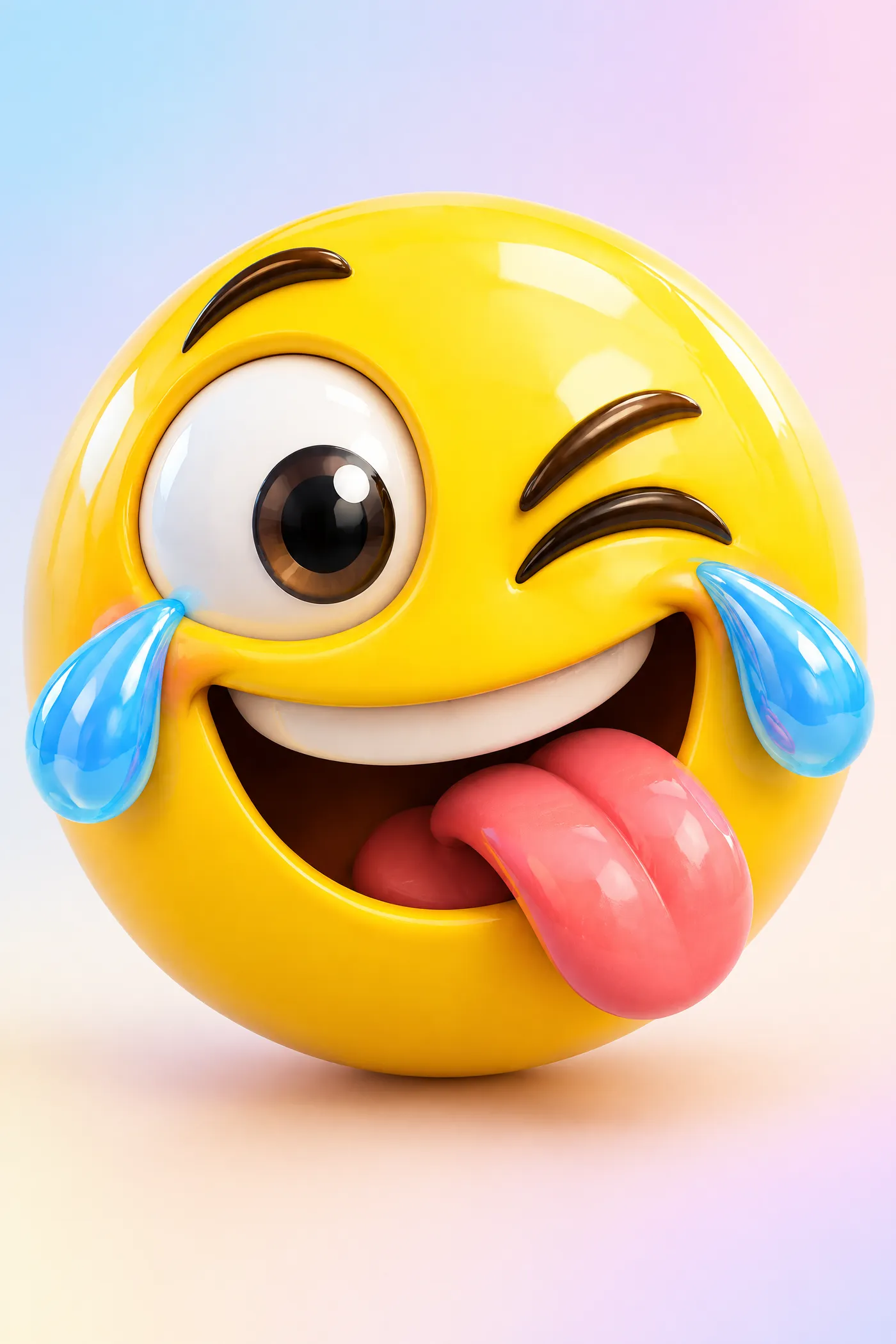
Emoji, emote, sticker or Unicode emoji?
These four terms get used interchangeably and mean different things. Knowing which one you need decides the format, the size and where the file goes.
Custom emoji
A small reaction graphic uploaded to a platform such as Discord or Slack. It lives in that workspace or server only, and it is an image file rather than a text character.
Square artwork, simple silhouette, transparent background after the Background Remover.
Make the emoji you actually want
Describe it, generate a batch, remove the background and resize for your platform. Your next Discord, Slack or Twitch upload starts with a single line of text.
Frequently Asked Questions
No. getimg.ai generates emoji-style images and emote artwork. Unicode emoji such as a crying face or a red heart are standardized text characters approved through the Unicode process and shipped with your operating system. What you download here is an image file you can upload wherever custom emoji or emotes are supported.
A custom emoji is a small reaction graphic uploaded to a platform such as Discord or Slack. A Twitch emote is a Twitch-specific reaction asset with its own format and size rules. A sticker is typically a larger standalone graphic used in messages, content or print - for that, start with the AI Sticker Creator. A Unicode emoji is a standardized keyboard character.
Open the AI Image Generator and describe the subject, expression, style, palette and outline you want. Generate up to 16 variations, pick the one that reads best, remove the background, then resize it for the platform you are uploading to.
Discord custom emoji are square images that must stay under the platform's current file size limit, and Discord supports common image formats. Limits change, so check Discord's own documentation before uploading and compress the file with the AI Resizer if needed.
Slack works best with a square image on a transparent background, kept to a small file size. Generate the artwork, run it through the Background Remover, then resize and compress it before uploading it to your workspace.
Twitch emotes are square transparent PNGs. Manual upload expects 28x28, 56x56 and 112x112 versions, while auto-resize accepts a single larger file within the supported range. Twitch also recommends checking sharp lines and any lettering at full resolution before you submit.
Yes. Generate a batch, choose the direction you like, then save a Style, Character, Animal or Color Palette Element and reuse it across the rest of the reactions. Elements guide the visual direction; AI-generated variations can still differ in proportions, details and expression, so review the set together before publishing it.
Yes. Add up to 10 reference images alongside your prompt and describe the expression and emoji style you want. References guide identity and appearance, but each generated expression may change smaller details.
Yes, and short text emotes like GG, BRB, NOPE, LOL, W or RIP are a common use. Keep the wording very short and ask for thick, high-contrast lettering, because emoji are displayed at very small sizes and thin type disappears.
Use one clear subject, exaggerate the facial expression, keep the silhouette simple, raise contrast, thicken shapes and edges, cut tiny accessories and complicated backgrounds, and test the result at actual chat size before you upload it.
getimg.ai generates still image artwork for emoji and emotes. There is no dedicated animated export that matches Discord or Twitch animated emote requirements, so treat animation as a separate step outside the platform.
Up to 16 in a single batch. One prompt returns 16 variations of the same idea rather than 16 different reactions, so pick the direction you want and generate the remaining reactions with the same Element and style guidance.
Yes, on a getimg.ai paid plan. Everything generated on a paid plan comes with commercial rights under our current Terms, covering social platforms, messaging apps, marketing materials and merchandise.
See current plans and generation limits on our Pricing page. Every paid plan includes commercial rights.