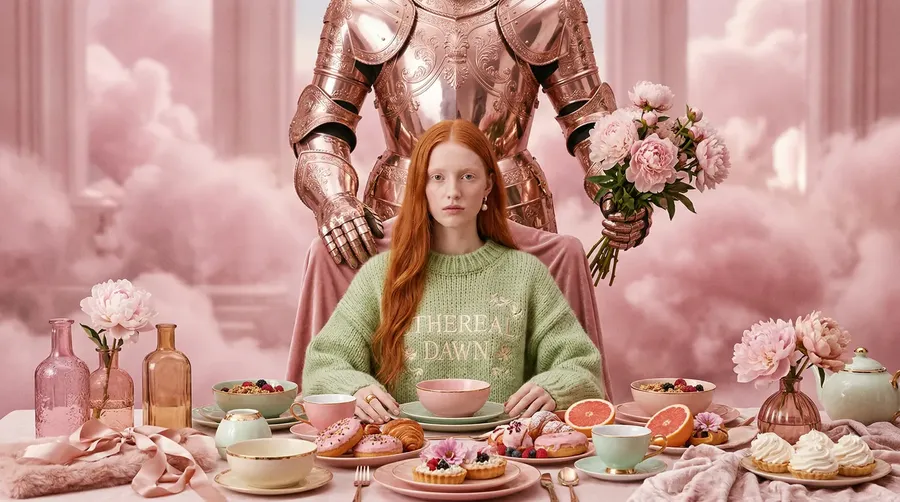
AI Image Generator with GPT Image, FLUX, Nano Banana & More
Stop paying for 5 different AI image generation tools. Get the world’s leading models (OpenAI's GPT Image 2, FLUX, Google's Nano Banana 2, ByteDance's Seedream 5.0 Pro and more) in one place. Just type what you want, start generating, and download.
Powered by the AI image models people are talking about.
We add new models as soon as they launch, so you never fall behind.


Why getimg.ai?
Everything you need. Nothing you don't.
Most AI image tools make you choose: speed or quality, ease or control, cheap or powerful. getimg.ai gives you all of it in a single tab.
Results in under 30 seconds
You type, you generate, you download, no annoying waiting around. Fast enough to run through 10 different directions before you've finished your coffee. Because when speed is part of your workflow, every second matters.
-900x502.webp)
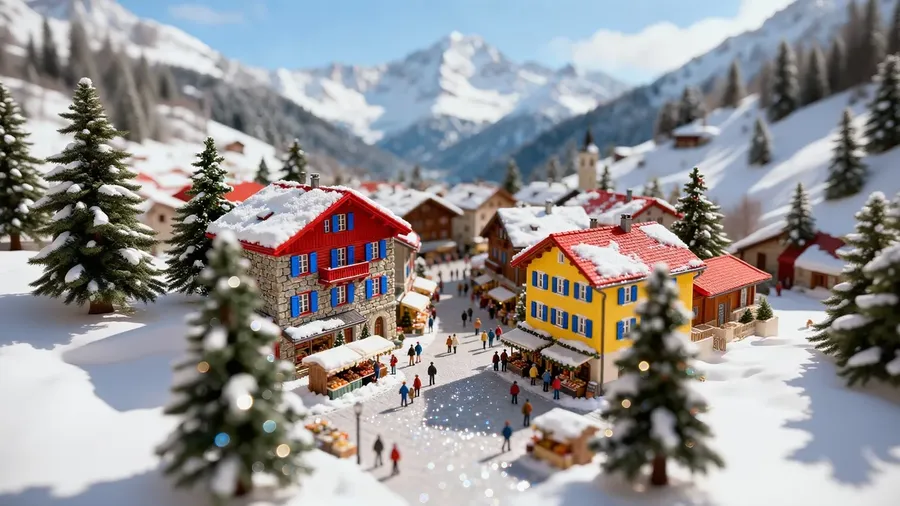
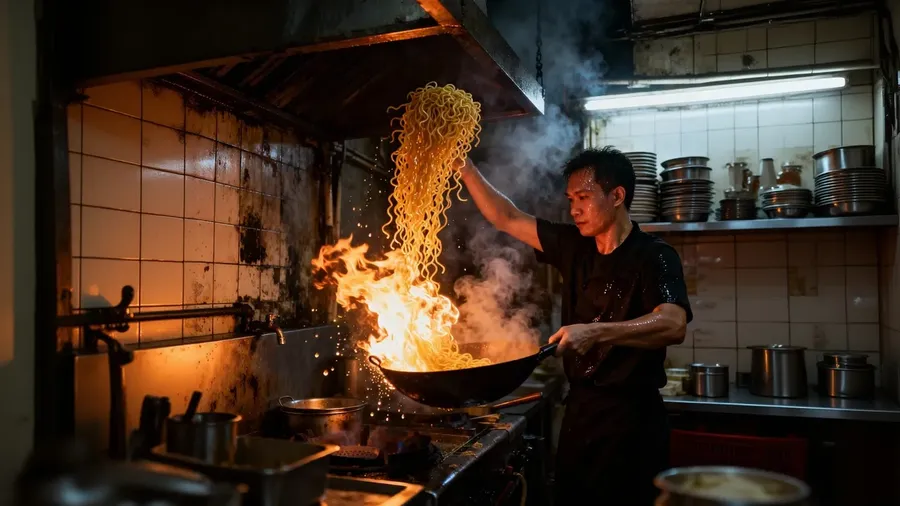
Switch models without switching tabs
FLUX, Seedream, GPT Image, Nano Banana: they're all here, side by side. Compare outputs from different models on the same prompt, find what works for your project, and move on. No extra logins, subscriptions, or tabs.
All The Leading Models

Nano Banana 2
Google's top image generation model.

Grok Imagine
xAI's versatile debut model.
Auto mode handles the hard parts
Not sure which model to pick or how to phrase your prompt? Auto mode selects a model suited to your prompt, and sharpens the prompt automatically. You describe the image you want; we handle the technical decisions.
Your Prompt
Enhanced Prompt
Final Image
What can you create with getimg.ai?
From product shoots to personal art projects: if you can describe it, you can generate it.
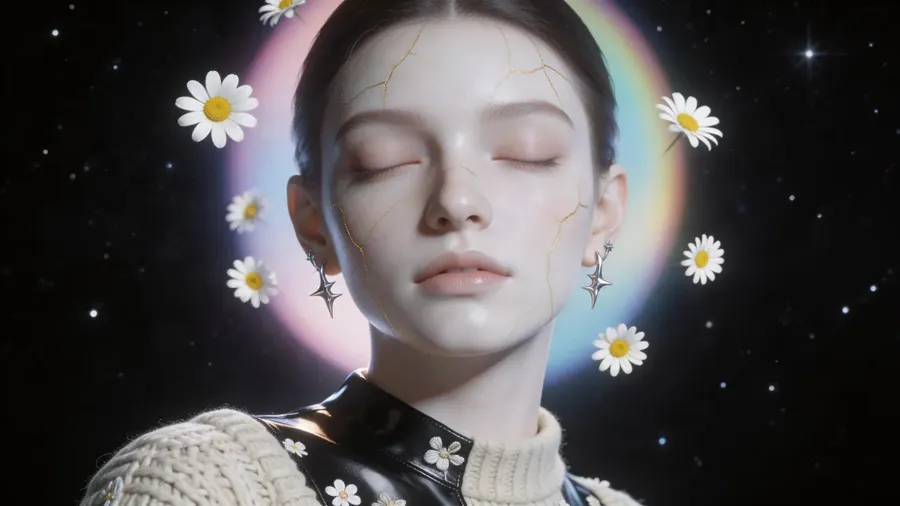
Three steps instead of a full production pipeline
Describe what you want and download the result. No software to open, no assets to source, no manual editing.
-1920x983.webp)
getimg.ai
Describe
Type your prompt: be as detailed as you like. No design experience needed.
Generate
Our platform creates your image automatically. No fiddling, no frustration.
Download
Take a look at your finished image, download instantly, and use it wherever you want.
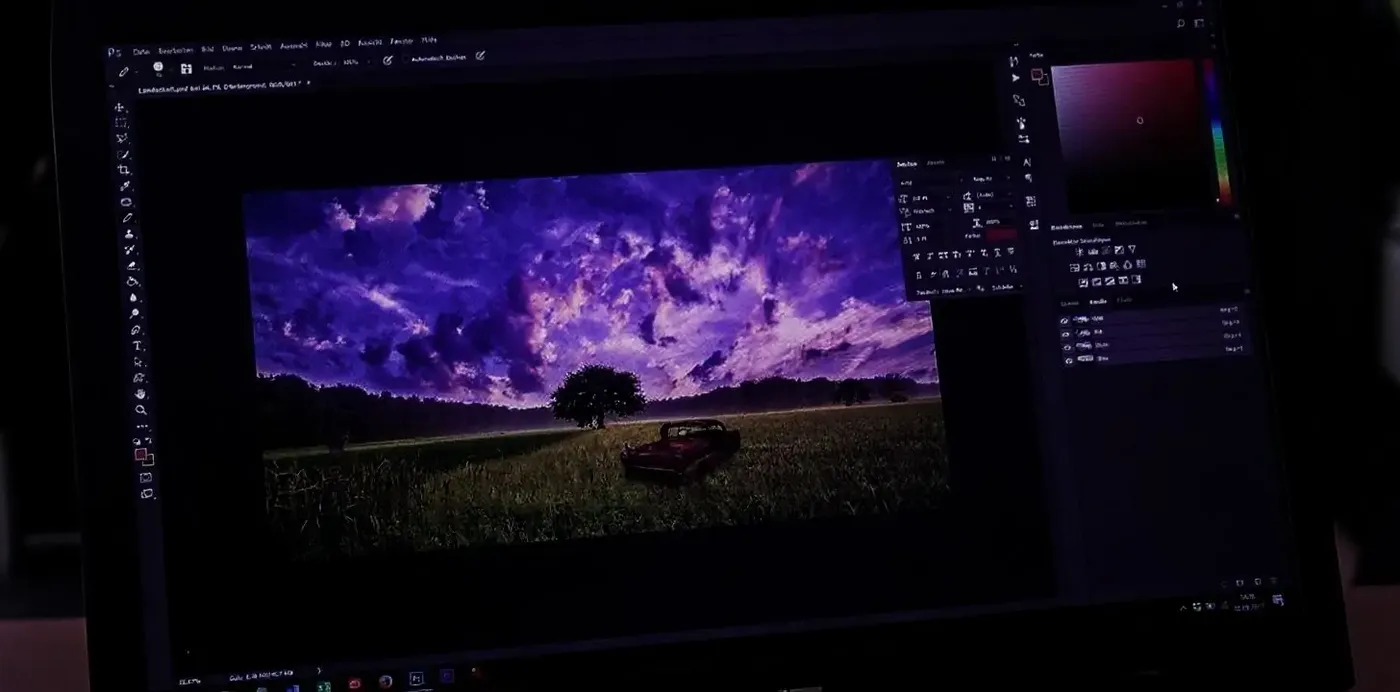
Traditional Image Creation
- Open complex software and start a new project
- Search for inspiration, references, or stock images
- Spend time sketching or blocking out the design
- Select brushes, layers, and effects manually
- Adjust colors, lighting, and composition by hand
- Troubleshoot software errors or creative blocks
- Spend hours on revisions, tweaks, and re-exports
- Wait for feedback or approvals from your team
- Export the final file and prepare it for every platform
Runs in your browser
Every model. Zero setup.
Running AI image models locally means managing GPU drivers, VRAM limits, samplers, CFG scales, and step counts... and still waiting minutes per image.
getimg.ai runs entirely in your browser. Open a tab, type a prompt, get an image. The same models that would take a high-end workstation to run locally are available here instantly, with nothing to install or configure.
-600x1075.webp)
a dramatic surreal fashion photograph of a woman suspended from the open door of a vintage off-road vehicle
Leading AI image generation models in one subscription
We add new models as soon as they're ready, often at the exact moment they are publicly released. Switch freely, compare results on the same prompt, and keep what works.
Seedream
A model family from ByteDance known for speed, premium image quality, and affordability.
Seedream 5.0 Pro
ByteDance's flagship Seedream model. Strong for photorealism and artistic styles, and supports up to 10 reference images.
Seedream 5.0 Lite
ByteDance's newest image generation model, even more detailed and creative.
Seedream 4.5
A versatile model that handles photorealism, artistic images, and more.
Seedream 4.0
A good fit for creators who want studio-grade results fast and at an affordable price.
Which AI image model should I use?
Auto mode will pick a model for you, but if you like choosing yourself, here is where each one earns its place in our own testing:
- Photorealism, product visuals, and text in images: GPT Image 2 and Nano Banana 2 lead in our tests.
- Fast ideation and quick drafts: Nano Banana 2 Lite, Seedream 5.0 Lite, and FLUX.2 [klein].
- Reference-based generation with up to 10 reference images: GPT Image 2 and Seedream 5.0 Pro, which is also our pick for artistic, stylized looks.
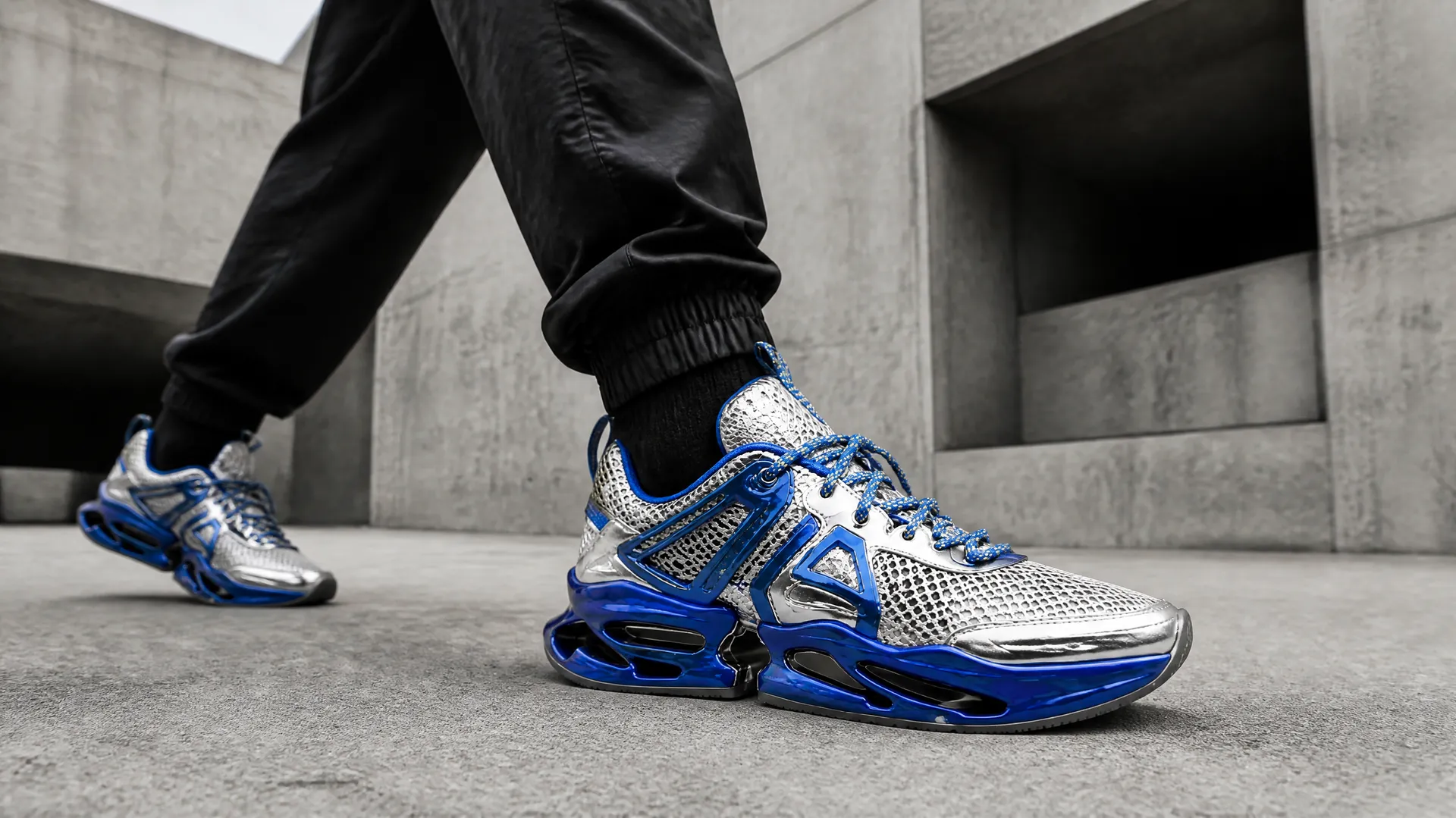
The AI image generator your whole team can use
Individual tools are easy to outgrow. getimg.ai is built to scale with how you actually work, whether that's a solo freelancer with commercial clients, an in-house marketing team producing content at volume, or a developer who needs image generation wired directly into a product or pipeline.
Commercial rights for what you generate
Paid plans include commercial usage rights, so generated content can be used in client work, advertising, merchandise, and other commercial projects, subject to our terms and applicable third-party rights.
Shared space for your whole team
Teams on getimg.ai generate, edit, and organize assets in one shared space. There's no emailing image files, no hunting for the right version, and no one working from outdated references. Everyone generates from the same account, and results are visible to the whole team.
Consistent output across projects
Use image references and Elements to anchor your visual style and keep characters, compositions, or brand elements consistent from one generation to the next. For teams producing content at volume, that consistency is what separates a professional output from a random collection of AI images.
Image References
Already have an image? Use it as a starting point
Upload a photo, illustration, sketch, or screenshot, and it becomes an anchor for everything that follows. You direct the changes while the generator preserves what matters. That opens up a different way of working.
Keep a character consistent across a series of images without re-describing them from scratch. Take a rough wireframe or moodboard and push it toward a finished visual. Restyle an existing photo without losing the composition that made it work. Use moodboards, sketches, compositions, or your own existing visuals as references while generating a new direction.
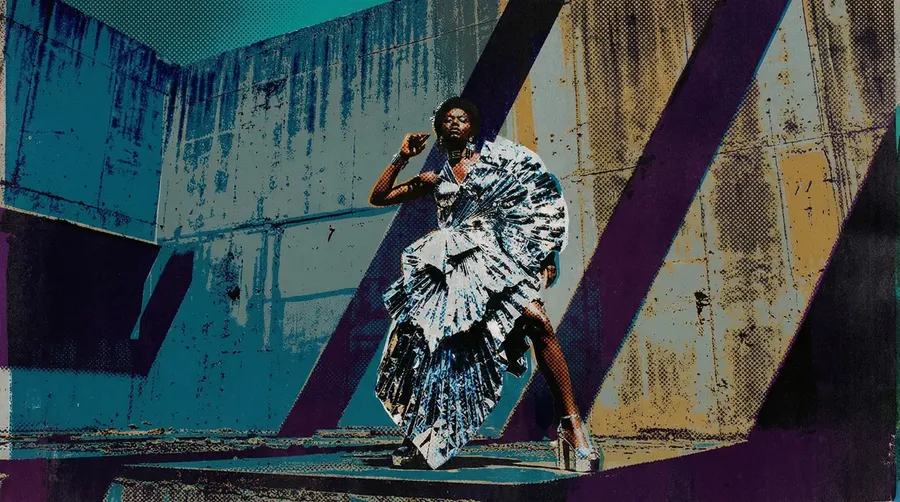
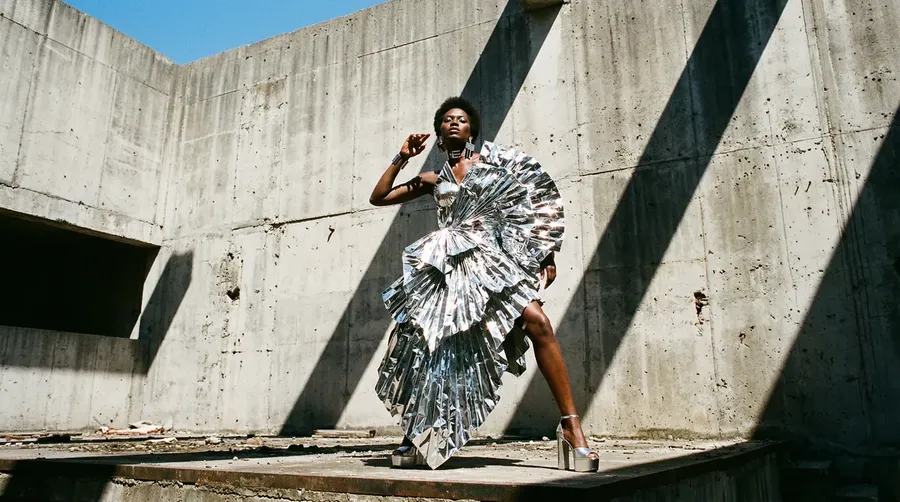
style swap to a bold, colorful silk screenprint poster
You don't need to be good at prompts
The gap between a vague prompt and a precise one is enormous... and most people writing "a portrait of a woman in a forest" don't know what they're leaving on the table. Auto mode closes that gap. It reads your description, infers the mood, lighting, style, and level of detail implied by what you wrote, and rewrites the prompt with the specificity that produces a strong output.
You still control the direction. If Auto mode takes something somewhere you didn't intend, you adjust and regenerate. But in practice, the enhanced prompt can help produce a more specific result and reduce trial-and-error, which means fewer generations wasted on outputs that miss the mark, and more time spent on the work itself.
-900x502.webp)
ethereal ice queen portrait, shimmering silver skin, glowing eyes, intricate snowflake filigree adornments, dark cosmic nebula background
AI Image Generator Prompt Examples
Not sure what to type? Copy one of these prompts, swap in your own details, and generate. Auto mode refines the rest.
- Product: a matte black skincare bottle on wet stone in soft morning light, water droplets, 100mm macro, shallow depth of field.
- Portrait: a candid close-up of a woman laughing in golden-hour backlight, 85mm, warm film tones, soft skin detail.
- Social ad: a can of grapefruit soda splashing mid-air on a bold coral background, dynamic studio lighting, high contrast.
- Interior: a sunlit Scandinavian living room with oak floors, a linen sofa, and a large fiddle-leaf fig, wide-angle real-estate photo.
- Illustration: a cozy flat-vector illustration of a girl reading by a rainy window, muted pastel palette, soft grain.
- Poster: a bold retro travel poster of a desert canyon at sunset, clean geometric shapes and large sans-serif type.
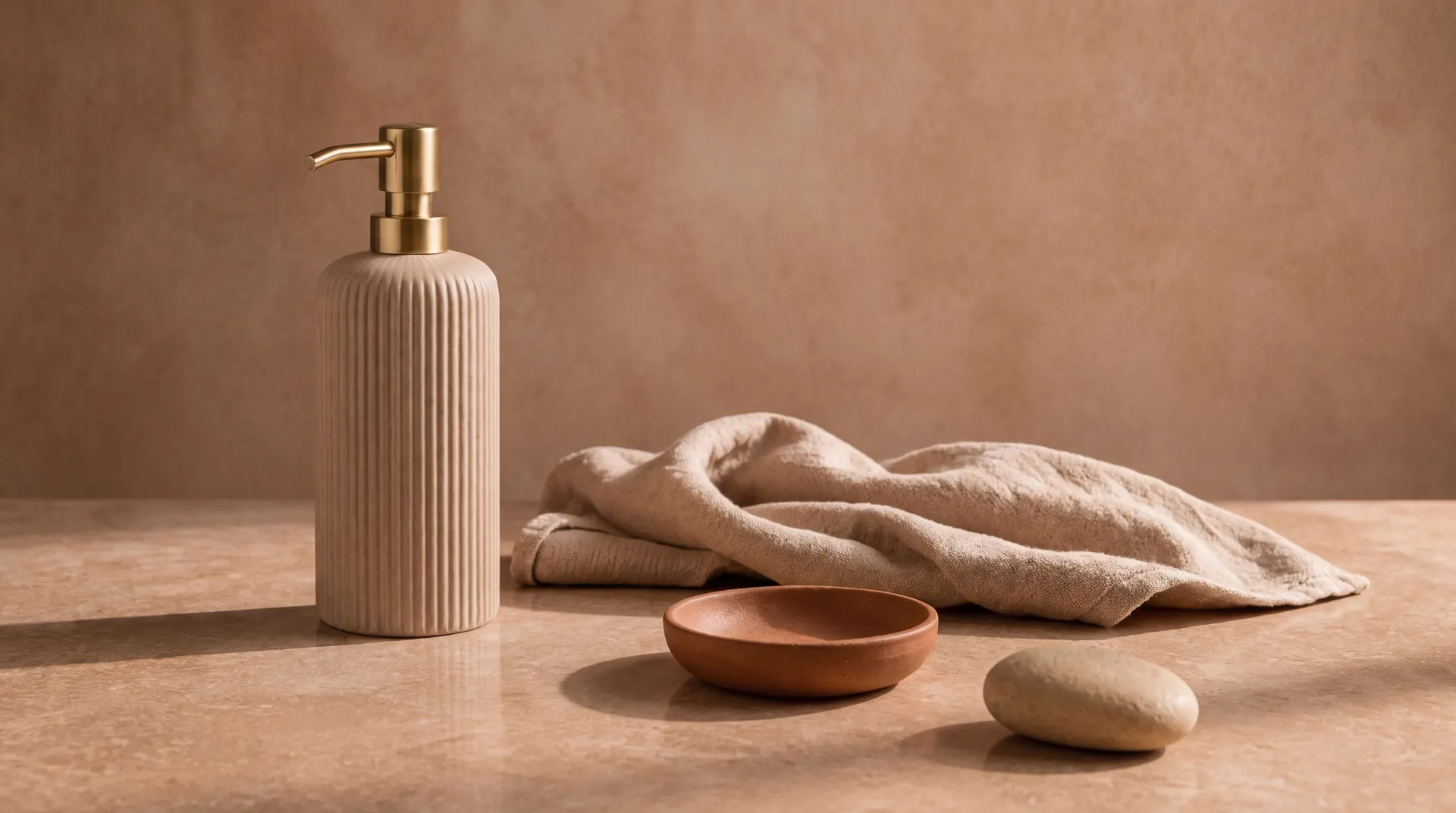
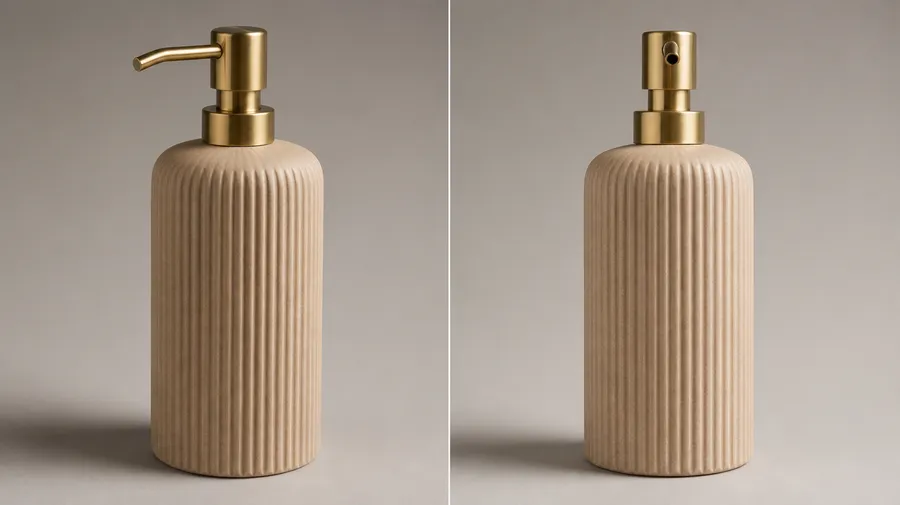
Using the locked ribbed ceramic hand-wash bottle as reference — the bottle standing on a warm clay stone surface, styled within a tightly controlled color environment where every element belongs to the same narrow palette: warm clay, sand, terracotta, and brushed brass. Bottle positioned in the left third, with a folded sand-toned linen cloth, a small terracotta dish, and a smooth clay-colored stone arranged nearby at varying distances — layered depth rather than a flat lineup. Generous negative space.
Explore More AI Features & Use Cases
Frequently Asked Questions
You describe what you want to create, and the system generates images based on that input. Under the hood, this uses modern image generation models trained on a wide range of visual concepts.
On the user side, the process is simple. You enter a prompt, optionally add image references, and generate. Auto mode handles model selection, so you can focus on the result rather than the technology.
Most generators do one thing. getimg.ai brings the whole image workflow into a single account: multi-model access to GPT Image 2, FLUX 2, Nano Banana 2, Seedream 5 and more, an Auto mode that picks a model and sharpens your prompt for you, plus image references and reusable Elements that keep characters, products, and styles consistent across generations. You can also edit what you generate and turn it into video, without switching tools.
It also scales past solo work. Shared team spaces, a shared asset library, and API access mean the same platform fits a freelancer with commercial clients, an in-house team producing at volume, and a developer wiring generation into a product. That combination, rather than any single feature, is what sets it apart.
Yes. You can generate images from scratch or edit existing ones using text instructions and image references. This includes changing specific parts of an image with inpainting, adjusting styles, swapping backgrounds, removing elements, or reworking details, without starting over from scratch each time.
Yes. getimg.ai combines image generation, image editing, and video generation in one platform. You can generate a still image, animate it into a video, or edit it, all without switching tools.
This makes it easier to move from early concept to finished creative asset in one place, whether you're working alone or with a team.
Yes. getimg.ai is used by freelancers, designers, agencies, and in-house creative teams for commercial work. Generated images can be used in client projects, ad campaigns, or products, with commercial usage rights included under our paid plans, subject to our terms and applicable third-party rights.
Team features make it easy to share workspaces, review outputs together, and manage creative assets, making it practical for studios and marketing departments, not just individual creators.
For many use cases (marketing visuals, product concept photography, social media content, design mockups, and digital AI art) AI-generated images from getimg.ai are already production-ready. The quality depends on the model, the prompt, and how well the output fits the use case.
For work that requires physical photography or highly precise technical execution, AI generation works best as a planning and ideation layer alongside traditional production, helping you arrive at a clear direction faster and with fewer costly iterations.
Ready to create smarter?
Every visual you've been putting off because the brief was too vague, the shoot too expensive, or the software too slow: those are what getimg.ai is built for. Join 10 million creators who generate production-ready images on demand.