AI Ad Generator: Create Scroll-Stopping Ads From One Idea
Turn a product image or simple concept into static ads, social creative, banners, and short product videos. Create several directions. Pick the strongest. Build the campaign around it.
Try industry-leading models


Create ads for the channels you use
Different placements need different creative. Keep the campaign idea, then change the crop, message, motion, and product proof.
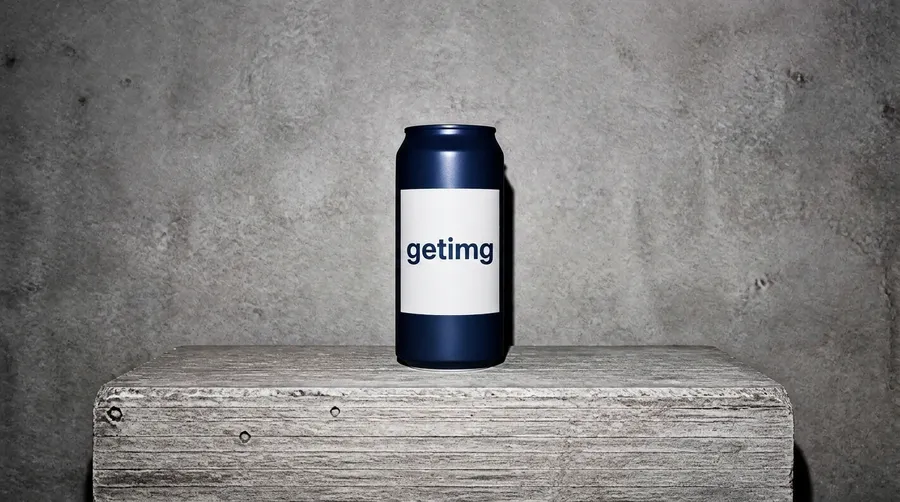
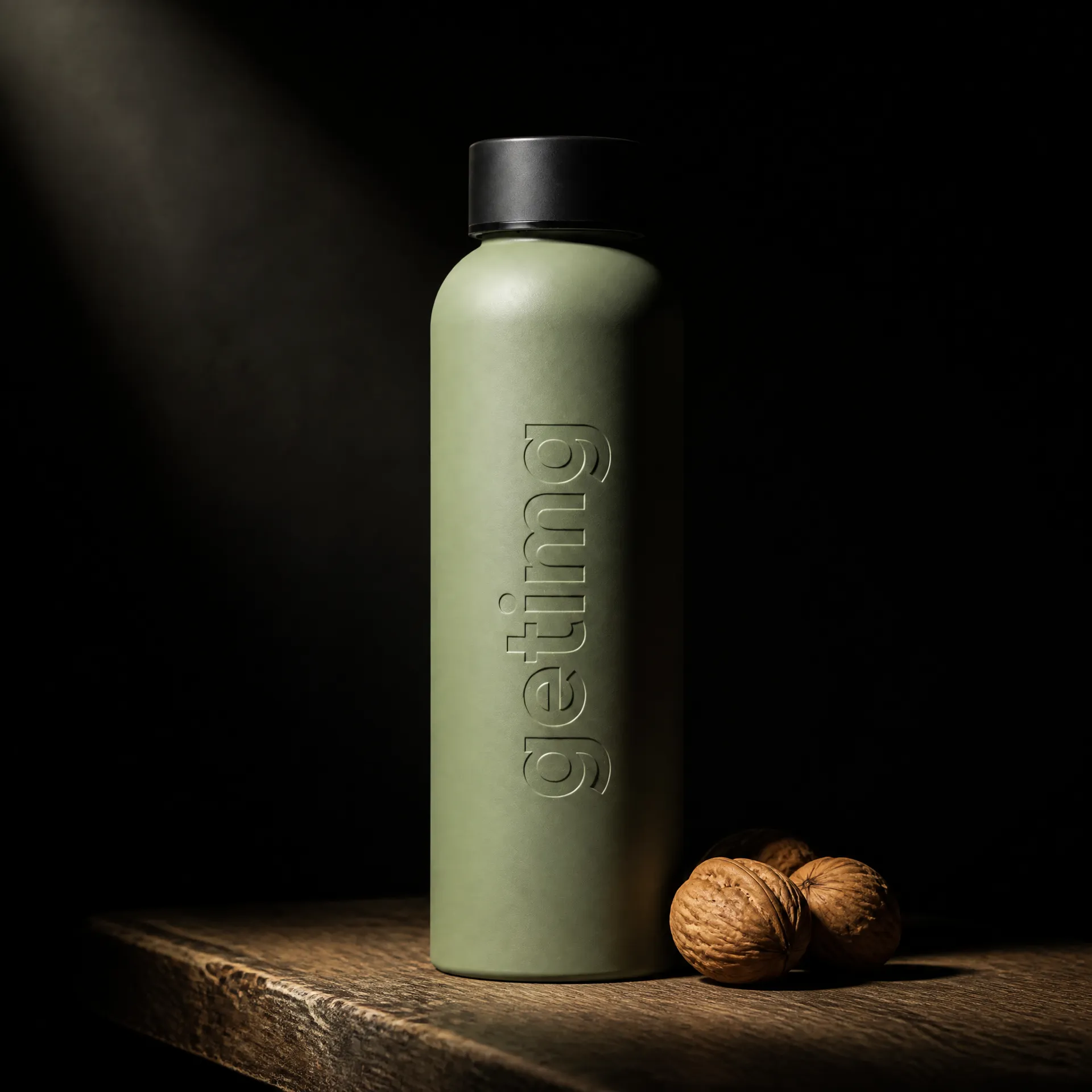
Turn one product shot into a campaign
A product launch rarely needs one image. It needs options for different audiences, messages, and placements.
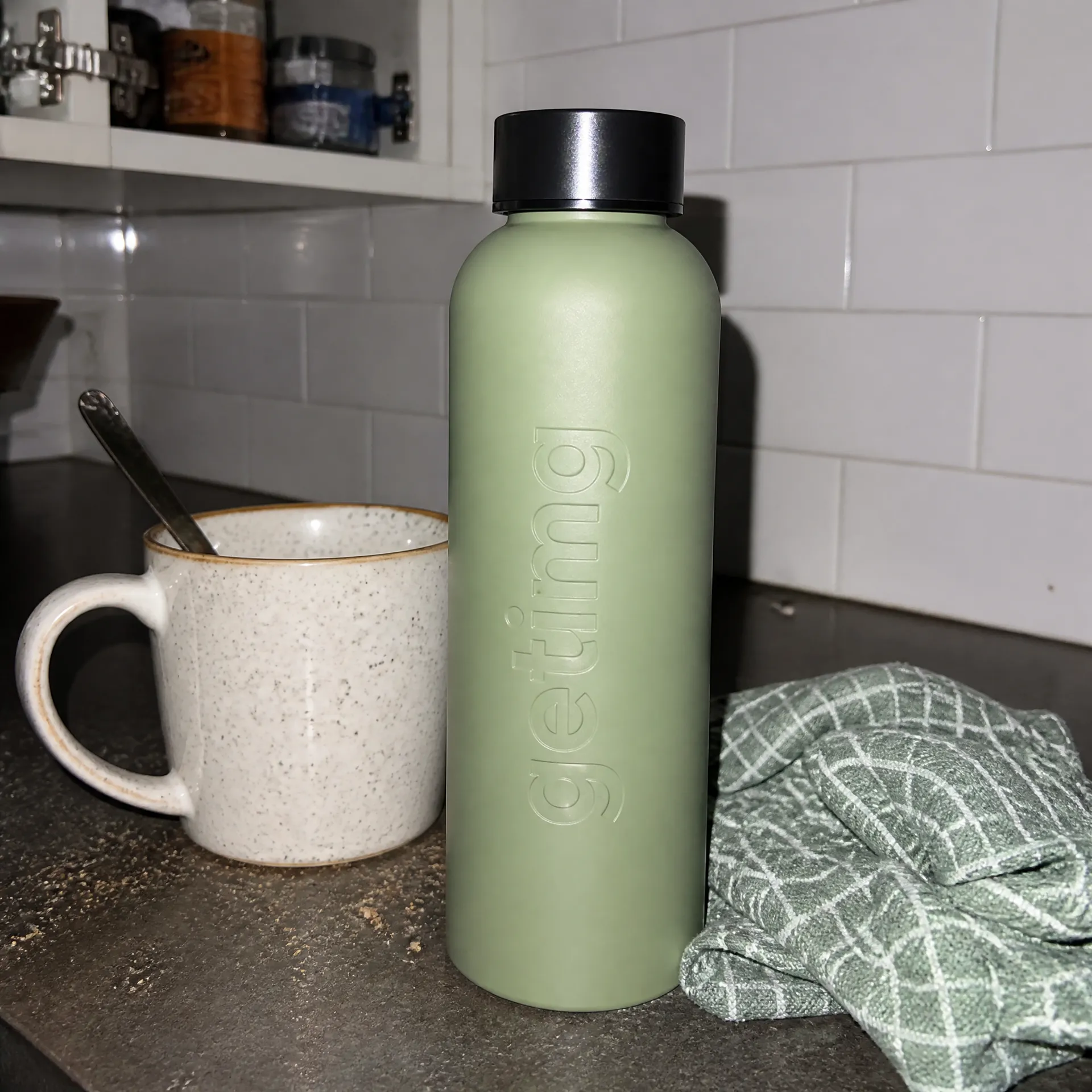
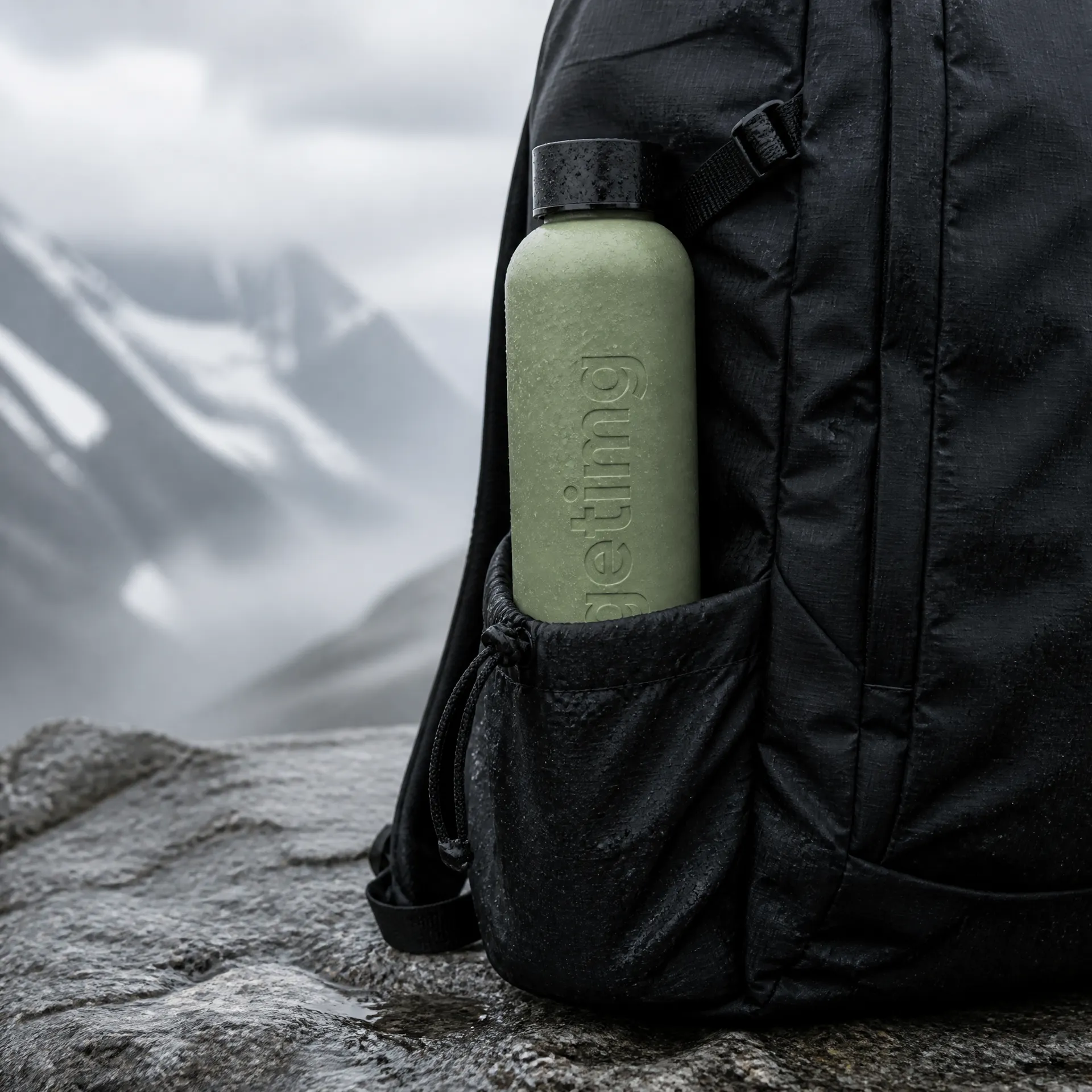
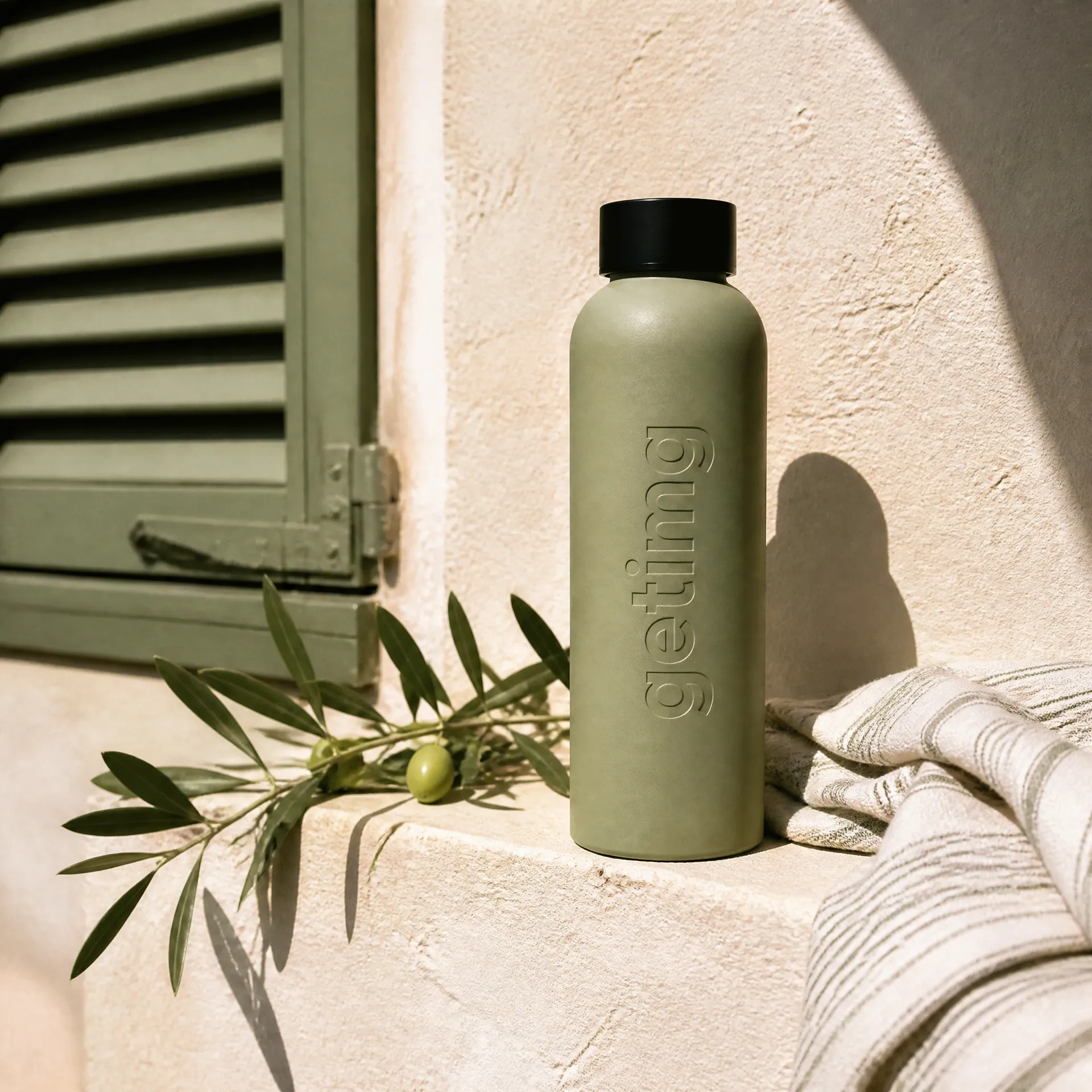
Start with an accurate packshot. Test different campaign worlds around it: premium studio, lifestyle, performance, seasonal, or creator-style. Keep the product recognizable while the setting changes.
Use the strongest direction as the visual base for the rest of the campaign.
How to create ads with AI
1. Name the job
Describe the product, audience, offer, channel, and action you want the viewer to take.
2. Add a reference
Upload the product, brand image, or visual direction you want to keep.
3. Generate different directions
Test real creative choices: setting, hook, composition, mood, or product moment. Do not generate ten nearly identical versions.
4. Refine and adapt the winner
Change the detail that matters. Then create the formats needed for the campaign.
Turn the winning static ad into video
The strongest image already contains the video idea. Decide what moves, what appears, and what the final shot should reveal.
Use one clear motion: a product push-in, material change, hand interaction, detail reveal, or transition from problem to result. Keep the product and campaign world consistent.
One image. One clear motion.
Take the static ad that already works and extend it into a short product video built on the same visual direction.
Keep every asset inside the same campaign world
Save the references, colors, lighting, and strongest outputs behind the campaign. Reuse what already works instead of rebuilding the direction for every placement.
getimg.ai brings image generation, editing, resizing, and image-to-video into one creative workflow, the same foundation behind AI for marketing. One idea can become a connected set of ads without moving between separate production tools.
Frequently asked questions
An AI ad generator helps create advertising images and videos from text, product photos, and visual references. It can be used to explore concepts, build variations, and adapt creative for different placements.
You can create product ads, paid social creative, Instagram and TikTok visuals, display banners, campaign images, and short video ads.
Yes. Upload the product image, describe the audience and campaign setting, generate options, and refine the strongest result.
Yes. Generate video from text or animate an existing image. A strong static ad can become the starting point for a short product clip.
Yes. Keep the product and offer fixed, then vary one element such as the hook, setting, crop, or product proof.
No. getimg.ai creates the visual assets. Export them and publish through the advertising platform you use.
Outputs created on a paid getimg.ai plan can be used commercially, subject to the current terms and restrictions. You remain responsible for uploaded assets, claims, trademarks, and platform rules.
No. Performance depends on the offer, audience, placement, media buying, and creative. Use AI to produce and test stronger options, then measure the result in your ad platform.
Create the ad. Test the direction. Build the campaign.
Start with one idea or product image. Turn it into the static and video assets your campaign needs.