AI Coloring Page Generator: Create Pages from Text or Photos
Control how simple or detailed your coloring page should be
Describe a coloring page from scratch or upload a photo as reference. Specify the subject, line weight, level of detail and page composition in your prompt. Generate several versions, then refine the one with the cleanest outlines and open areas to color.
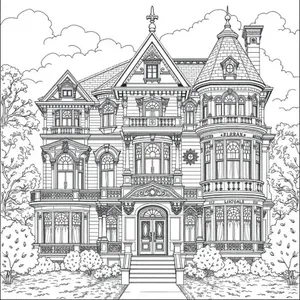
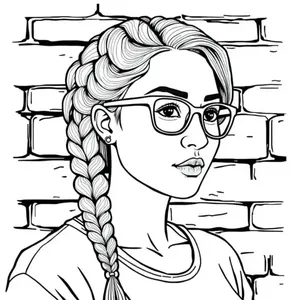
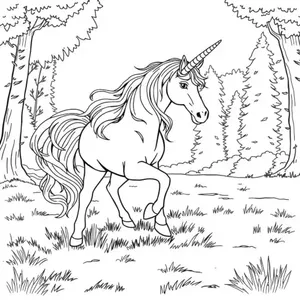
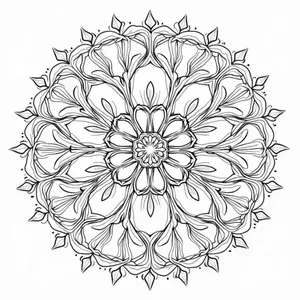
Create coloring pages from text, photos or sketches
getimg.ai creates black-and-white coloring artwork from text prompts or visual references. Guide line weight, detail and open coloring areas for kids, adults or a larger book project. The output is raster artwork, not an assembled book PDF or editable SVG. Prepare exact dimensions, resolution and margins for your printer.
1. Open Create image
Open Image → Create image. Describe your subject or add a photo or sketch as Reference.
2. Specify the lines and detail
Name the audience and complexity. Ask for thick or fine black outlines, enclosed white areas, minimal background detail and no gray shading. Choose a ratio suited to your page composition.
3. Generate, inspect and refine
Generate several versions and select the cleanest. Open that result and describe edits in its prompt box. Resize or upscale if needed, then check the final dimensions and margins in your page-layout tool before printing.
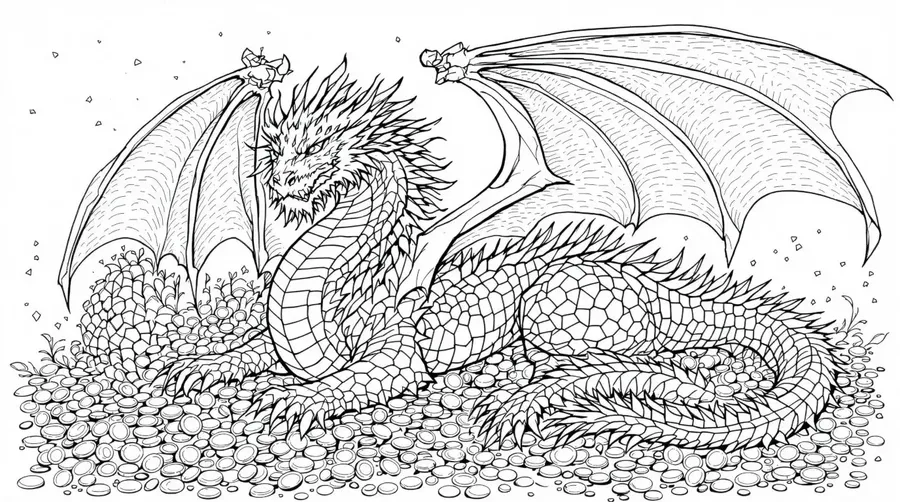
What makes a good AI coloring page?
Generate line art that's designed to be colored, not just an image without color. Direct these qualities in your prompt, then inspect the result; they are not guarantees or dedicated sliders.
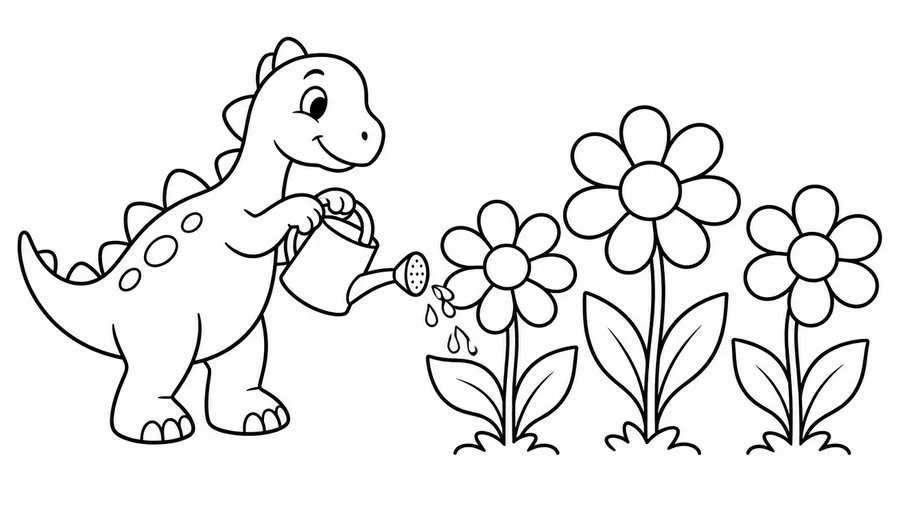
Choose simple, medium or intricate detail
For younger kids, describe one central subject, thick outlines, large enclosed areas and little background. For medium complexity, add a setting and moderate decorative detail. For adult coloring, request fine botanical ornaments, geometric mandalas, architecture or dense patterns. These are prompt directions, not fixed age or line-width presets.
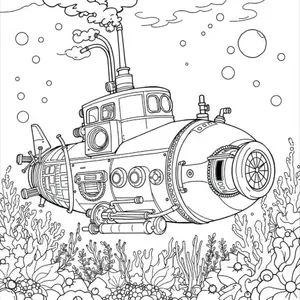
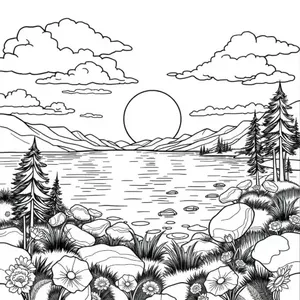
Photo References
Turn a photo into a personalized coloring page
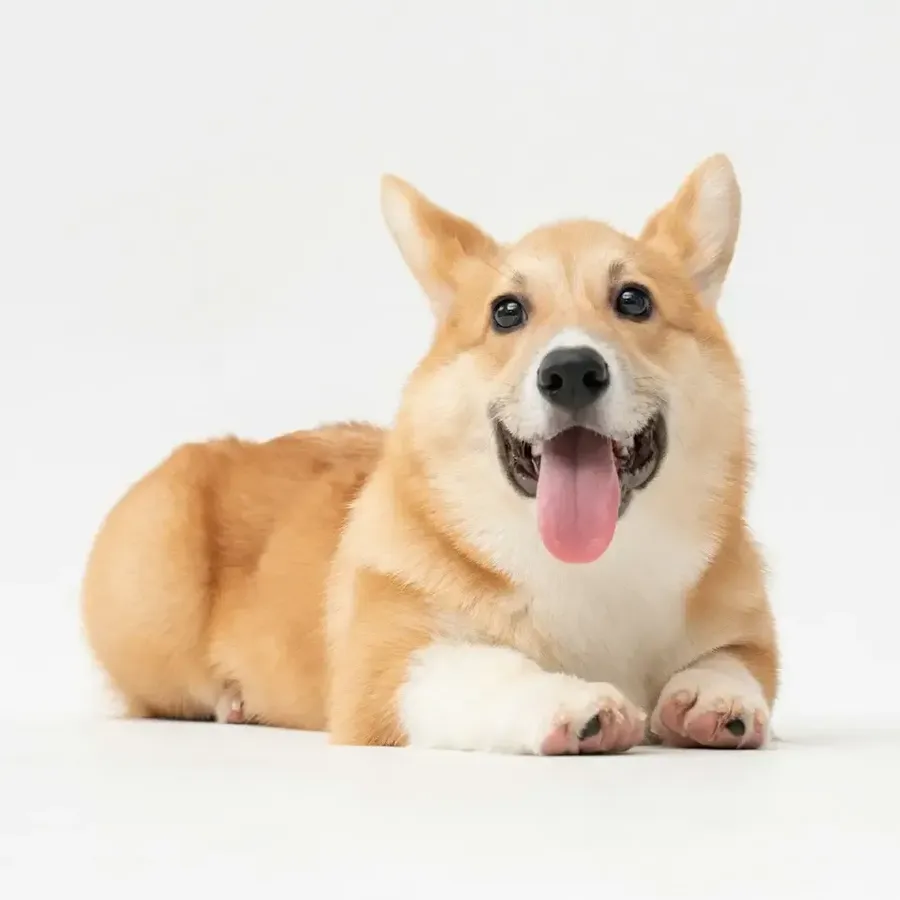
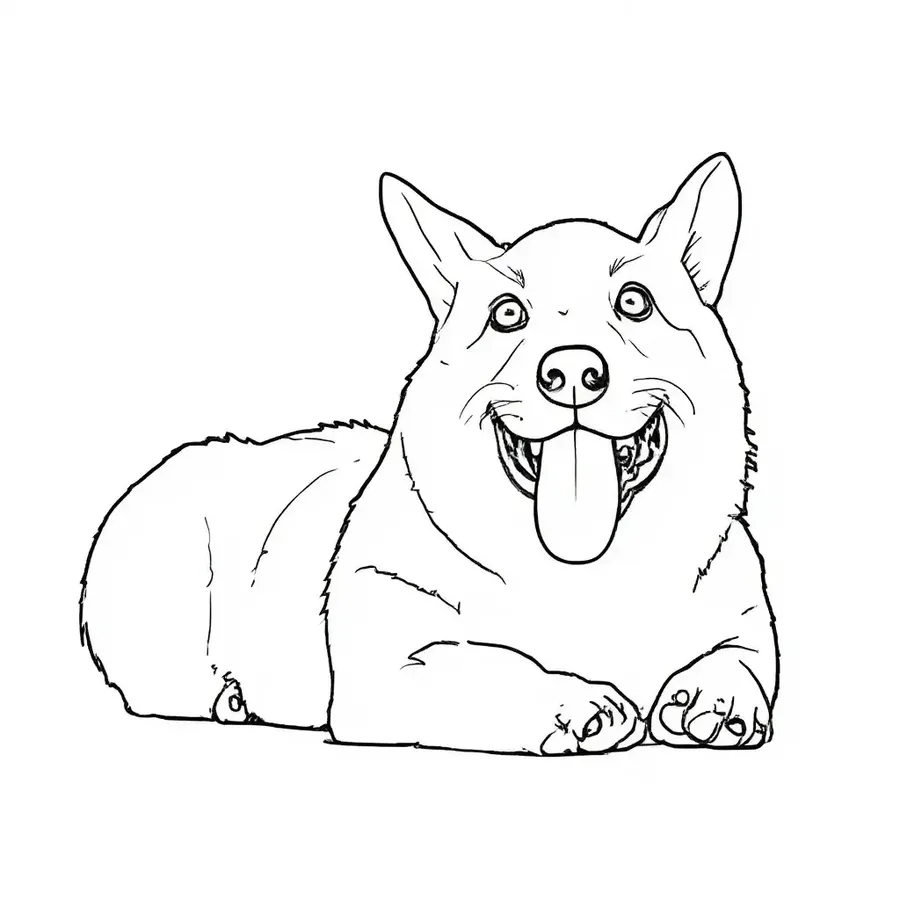
Use a photo as Reference to guide the main subject and recognizable traits while simplifying it into cleaner line art. Create pages from family photos, kids' portraits, pets, vacations, birthdays, houses or favorite objects. Complex backgrounds, facial details and small objects may be simplified or changed; this is a generative interpretation, not an exact tracing.
Turn a rough sketch into a finished coloring page
Upload a drawing or rough composition as Reference, then ask AI to clean up the shapes, add missing details and produce black-and-white coloring artwork. The Reference guides the composition rather than tracing every original line exactly.
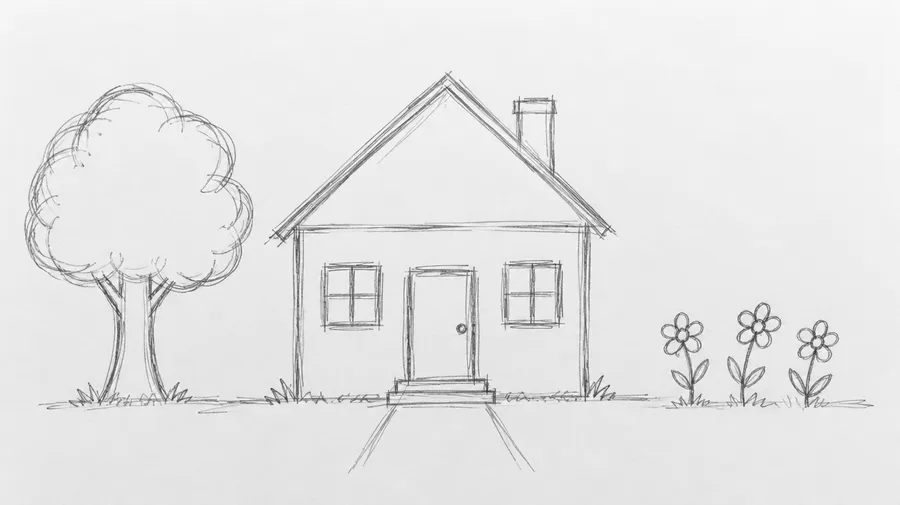
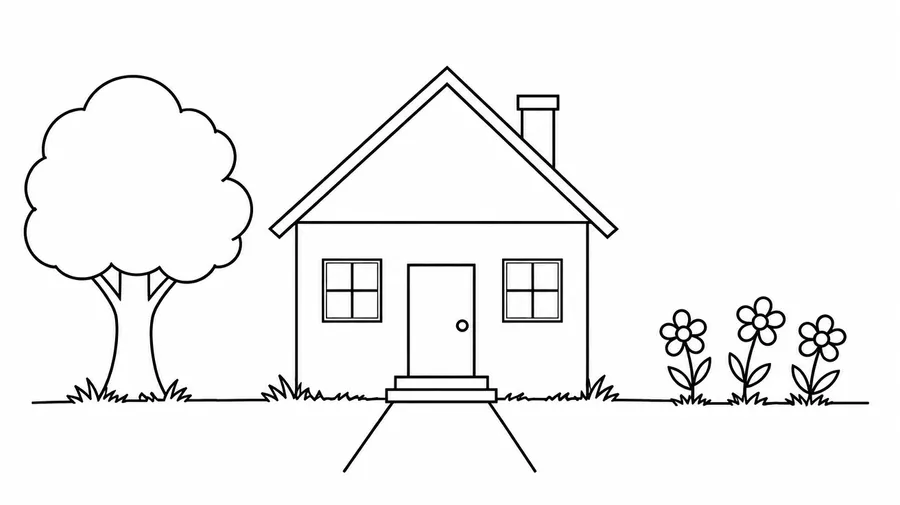
Create custom coloring pages for classrooms and activities
Build artwork around a lesson, season or classroom event instead of searching for a near match. Adjust line weight and detail for the group, then review every page before distributing it.
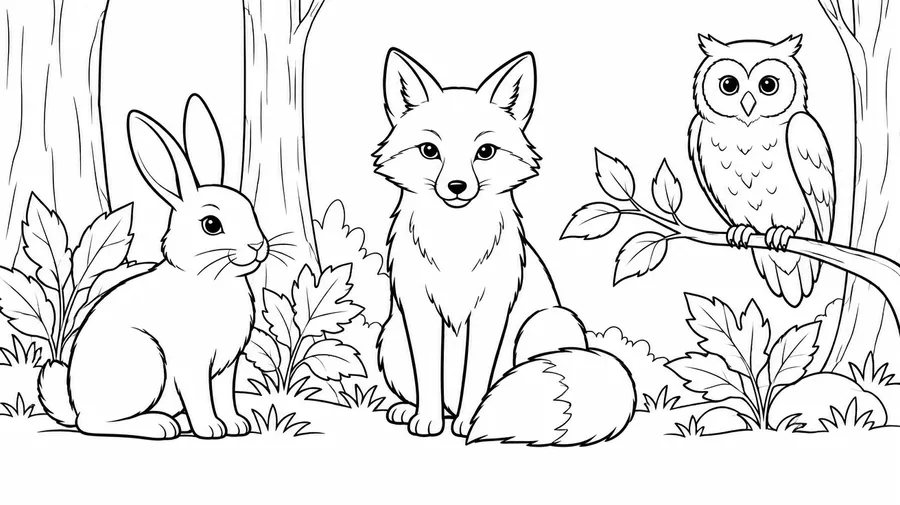
Keep characters and line style consistent across a coloring book
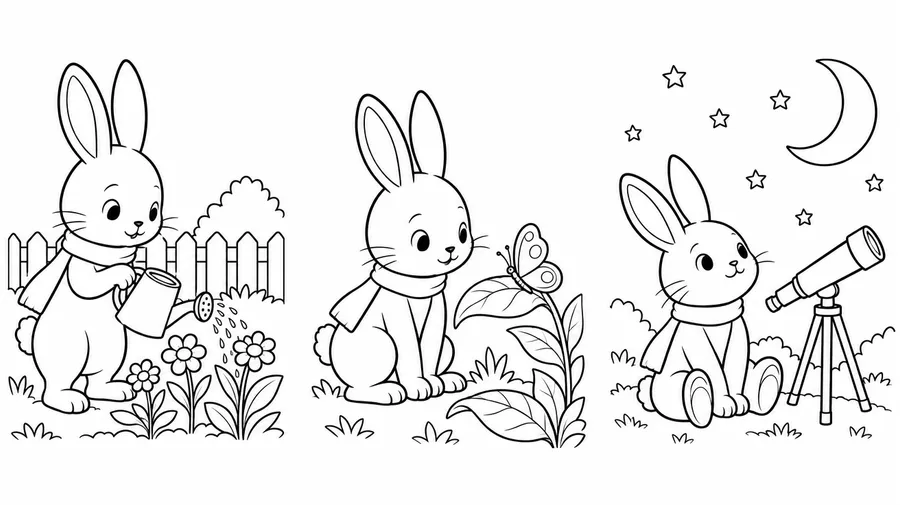
Choose a theme, line style and complexity, then generate key pages. Create or reuse a character or Style Element and call it with @ElementName to guide the remaining collection.
Elements support recurring visual direction, not perfect repetition. Faces, clothing, borders and line geometry can vary. The illustration shows a possible series concept, not a guarantee of identical results.
What kind of coloring pages can you create?
Use the subject as your starting point, then specify audience, complexity and open space. Choose original characters for commercial collections.
Kids and activities
Animals and pets; dinosaurs; vehicles and machines; space and science-fiction; original princess and fairy-tale scenes; educational activity artwork.
AI Coloring Page Prompt Examples
Prompt formula: subject + audience or complexity + line style + shape size + background detail + black-and-white instruction + shading restriction + composition + page format. Adapt these starting points and inspect the output. More guidance is in the Prompt Book.
Kids and classroom
Use large shapes and restrained backgrounds for less complex pages.
Animal page
Coloring page of a friendly dinosaur planting flowers, one large central character, thick clean black outlines, large enclosed areas, minimal background, white background, no gray shading or color, portrait page.
Preschool vehicle
A bus with large windows and two visible wheels, one central vehicle, bold black outlines and large white shapes, plain background, no gradients, no shadows, portrait coloring page.
Fantasy kids page
An original young dragon beside a small castle, thick consistent outlines, broad enclosed shapes, a few clouds, black lines on white, no grayscale or texture, portrait page with clear margins.
Holiday page
Snowman with a scarf beside a decorated pine tree, medium black outlines, large enclosed ornaments, white background, no shading or filled black regions, balanced portrait composition.
How to get cleaner, more colorable line art
Before generation
Use one clear central subject for less complex pages. Request black outlines on white, thick or fine consistent lines, large open areas and no shading, grayscale, gradients or painterly texture.
Reduce clutter
Limit overlapping objects and small background details. Use References for personalized subjects and Elements for recurring styles.
Prepare pages for home printing, KDP or another publisher
Home and classroom
A generated raster image can be prepared for an individual print. Choose a suitable composition, inspect its outlines and check the final physical size and margins.
A4, US Letter or a custom size
Aspect ratio is shape, not paper dimensions. Use Resize or a layout tool to prepare exact A4, US Letter or book trim dimensions.
Resolution is only one check
Upscaling adds pixels but does not automatically create a publication-ready coloring-book PDF. Inspect line quality after resizing or upscaling.
Coloring pages, printing and commercial use: FAQ
Open Create image, describe your subject or attach a Reference, specify line weight and detail, generate variants, and refine the cleanest result. The AI Upscaler adds pixels but does not automatically produce a publication-ready PDF.
Paid plans include commercial usage rights under getimg.ai's applicable Terms for image generation. The license does not grant rights to third-party characters, logos or other protected material. You remain responsible for marketplace rules and final artwork review.
Yes. Add a family photo, pet portrait, selfie, house or other image as Reference and request clean black outlines with open white areas. References guide recognizable traits, not exact preservation. Faces, backgrounds and small objects may change. Use photos you have permission to upload.
Yes. Upload a rough drawing as Reference and ask for cleaner shapes, completed details and black-and-white coloring artwork. It guides the composition rather than tracing every original line exactly.
Ask for one central subject, thick black outlines, large enclosed shapes, minimal small details and little or no background. Inspect the result for confusing overlaps and tiny spaces before sharing it.
Describe botanical ornaments, mandalas, architecture or dense patterns with fine, consistent lines and many enclosed shapes. Specify how much detail and shading you want; intricate does not have to mean gray or heavily filled.
Write the direction explicitly: black outlines on white, no grayscale, no gradients, no shadows, no painterly texture. Ask for thick, medium or fine consistent lines. These are prompt instructions rather than exact numeric line-width controls; inspect and edit unwanted gray fills.
Use a recurring character or Style Element and call it with @ElementName across generations. Elements help maintain visual direction, but faces, clothing, borders and line geometry can still vary. Review the series together.
You can create individual pages for a coloring book and reuse Elements across the series. Book assembly is separate: organize page order, prepare a cover, choose exact dimensions and margins, add bleed where required, and build the final book file in a layout tool.
Not automatically. A raster image can be prepared for home or classroom printing after checking its dimensions, resolution, lines and margins. A publication-ready book needs the printer's exact file specifications. Upscaling adds pixels, not book layout or a ready-made publishing PDF.
Generate in a similar portrait ratio, then use Resize or a page-layout tool to prepare exact A4, US Letter or chosen book-trim dimensions. Aspect ratio describes shape, not physical paper size or print resolution.
You can prepare artwork for a publishing workflow subject to getimg.ai's commercial Terms and KDP's current rules. KDP requires disclosure of AI-generated images, including interior artwork. Follow its current resolution, trim, margin, bleed and file requirements; generation does not guarantee acceptance.
Commercial use is available under the Terms of a paid getimg.ai plan. Etsy permits seller-prompted AI creations under its Creativity Standards and requires AI use to be disclosed in the listing description. You must also follow its current IP, listing and other seller policies.
It creates raster image artwork, such as PNG, JPEG or WebP, depending on the output. A vector-style appearance is not editable SVG paths. Use a separate vectorization workflow for editable outlines and inspect the traced shapes before production.
Line art is broader artwork based on lines and may contain crosshatching, dense contours and shading. A coloring page is deliberately arranged into readable areas someone can fill with color. For expressive ink and contour work, explore the Line Art Generator.
getimg.ai's commercial license does not grant rights to third-party characters, logos or other protected IP. Use original subjects or material you have permission to use for commercial products.
Choose line weight for your audience and printer. For published books, follow the printer's minimum specifications. KDP's paperback guidelines specify a minimum line weight of 0.75 pt for line-based graphic elements; other printers may differ. A prompt cannot guarantee an exact physical line weight, so check the final file.
You can request names and short words, but generated lettering is part of a raster image, not editable type. Proofread it. getimg.ai is not a dedicated color-by-number or puzzle system: reliable region numbering, color keys, mazes and activity logic need a separate workflow and validation.