getimg.ai AI E-commerce Prompt Book
A practical prompt book for AI e-commerce images and video: background removal, retouching, lifestyle scenes, variants, ads with text, and more.
AI Prompts for E-commerce Images and Video
We made this AI e-commerce prompt book for people who work on product photos and ads and don’t want to burn a whole day making “just one more version”.
Log into getimg.ai, pick a prompt, and try it on a real product image.
Prompts such as “keep the product unchanged” or “preserve branding” tell the model what to prioritize. They don’t guarantee exact product fidelity. For customer-facing product imagery, compare generated outputs with approved product references and verify shape, labels, colors, materials, features, and text before publishing.
If you use the same reference images a lot, Elements can save you a lot of time. Common e-commerce Elements include: brand lighting, brand color palette, hero background, your key products, and a consistent model. Then your prompts stay short and consistent, and you stop reattaching the same references. Check out our Guide to Elements for more details.
How it works (images)
You can:
- Edit product photos with text
Remove backgrounds, clean up distractions, fix lighting, swap backgrounds, change colors, and create lifestyle shots. - Use Elements and references when you want consistency
If you reuse the same product, model, lighting, style, or brand look often, create an Element once and reuse it in prompts with@ElementName.
Use reference images for one-off guidance, like a specific lifestyle mood or a single campaign look. - Generate from text
Create new product concepts, packaging ideas, and print designs for POD.
How it works (video)
You can use existing images as:
- a first frame
- a first + last frame
- or references (style, background, overall vibe).
This lets you make things like premium push-in videos, UGC-style review clips, rotation videos, and quick ad hooks with simple transitions.
If your prompt says “make 4 versions” or “create 8 variants,” you also need to set the Number of images to 4 or 8 in the UI.
Supported batch sizes: any number from 1 to 16.
Catalog Essentials (Marketplace + Product Detail Pages)
Clean cutout (transparent background)
What it’s for
Cut out a product for marketplaces, catalogs, ads, and design work.
What you upload
- Product photo
Option A: One-click tool (recommended)
- Upload the image
- Go to the Uploaded folder
- Hover the image
- Click the three dots (top right)
- Choose Remove background.
Option B: Prompt
Copy-paste prompt template
Remove the background.
Example
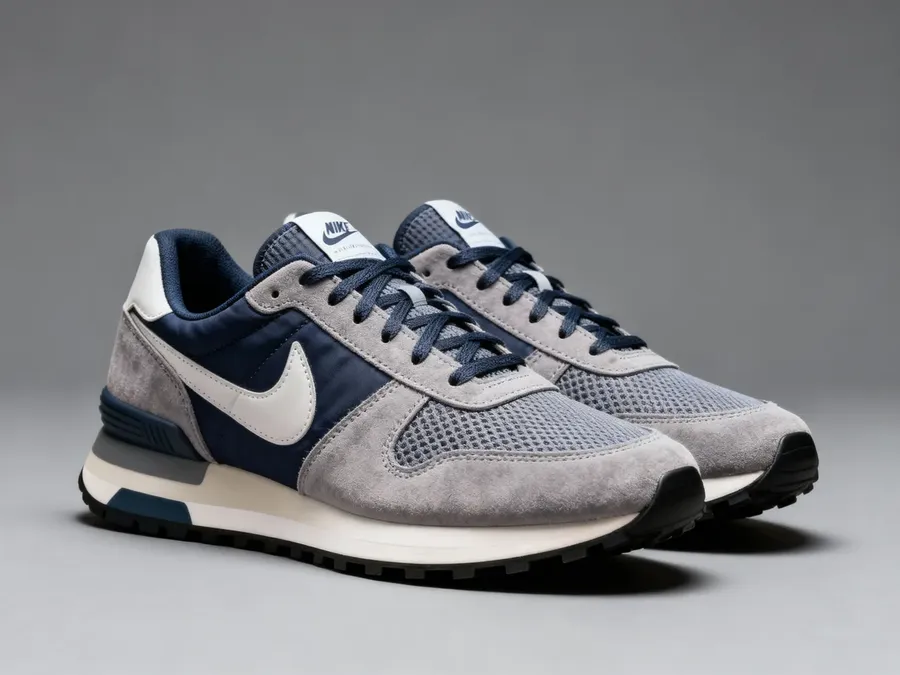
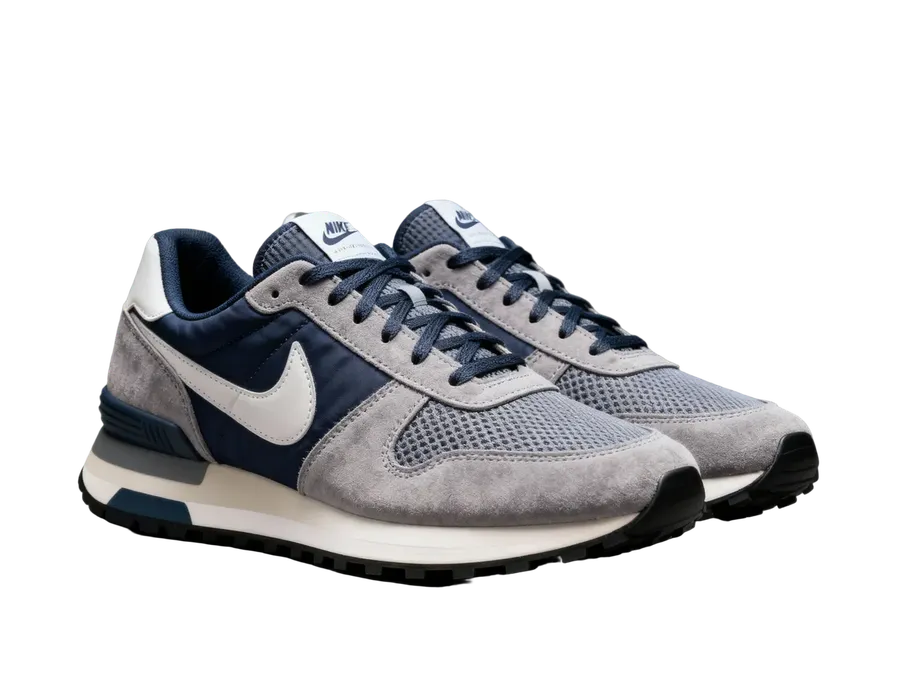
Image 1
Remove the background
Quick tips
- Works best with sharp, well-lit photos.
Pure white marketplace image (#FFFFFF)
What it’s for
Amazon-style compliance and clean listing images.
What you upload
- Product photo
Copy-paste prompt template
Make the background pure white (#FFFFFF).
Example
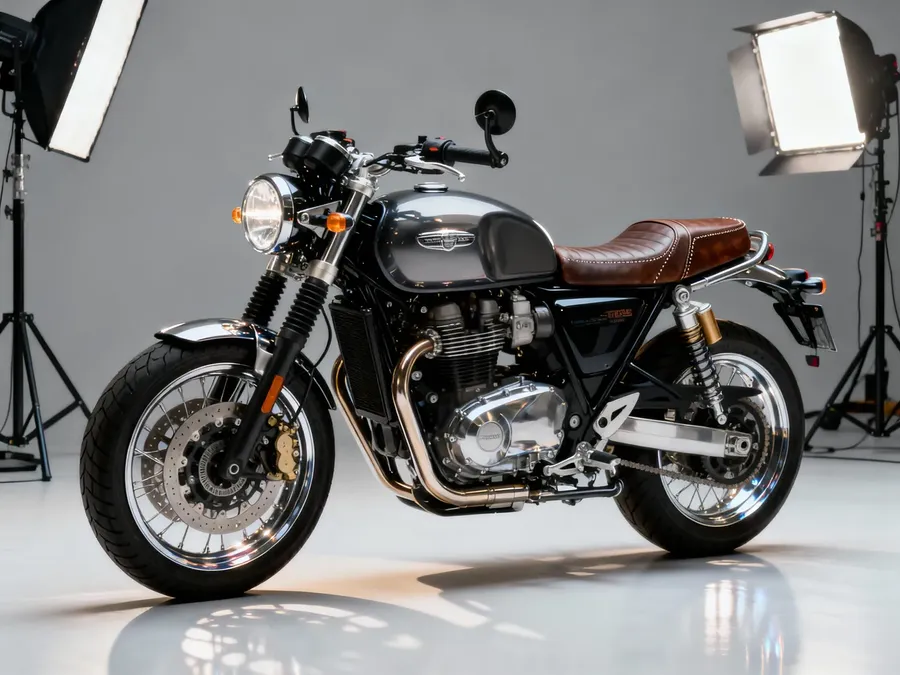
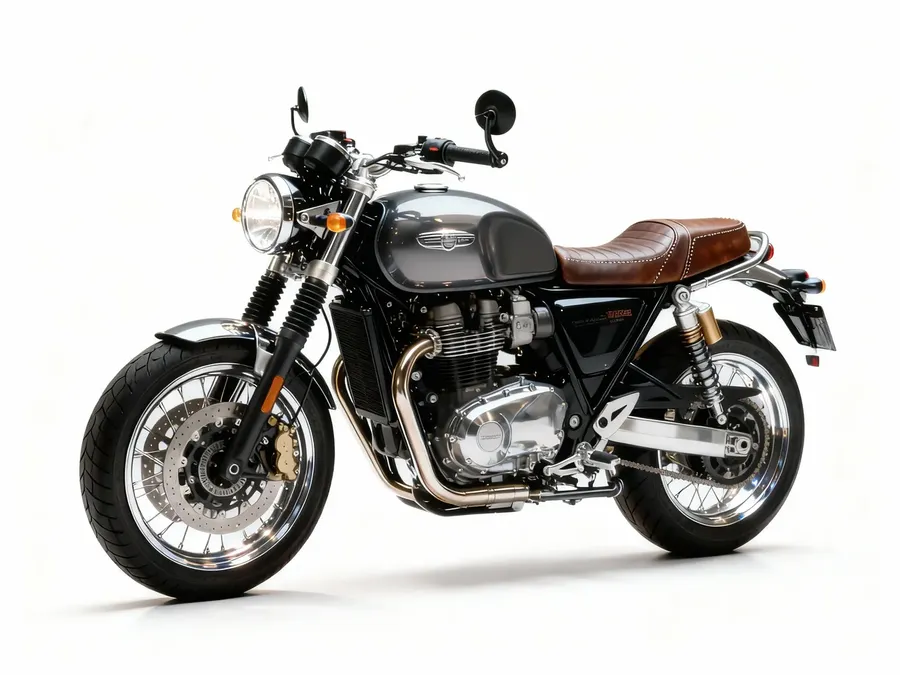
Image 1
Make the background pure white (#FFFFFF)
Quick tips
- If you want a shadow: “Add a soft natural shadow.”
Premium “studio packshot” upgrade
What it’s for
Turn flat supplier images into consistent high-end catalog photography.
What you upload
- Product photo (even mediocre quality)
Copy-paste prompt template
Make this look like a premium studio product photo. Soft diffused lighting, premium background with necessary decor, realistic texture. Keep the product design and branding exactly the same.
Example
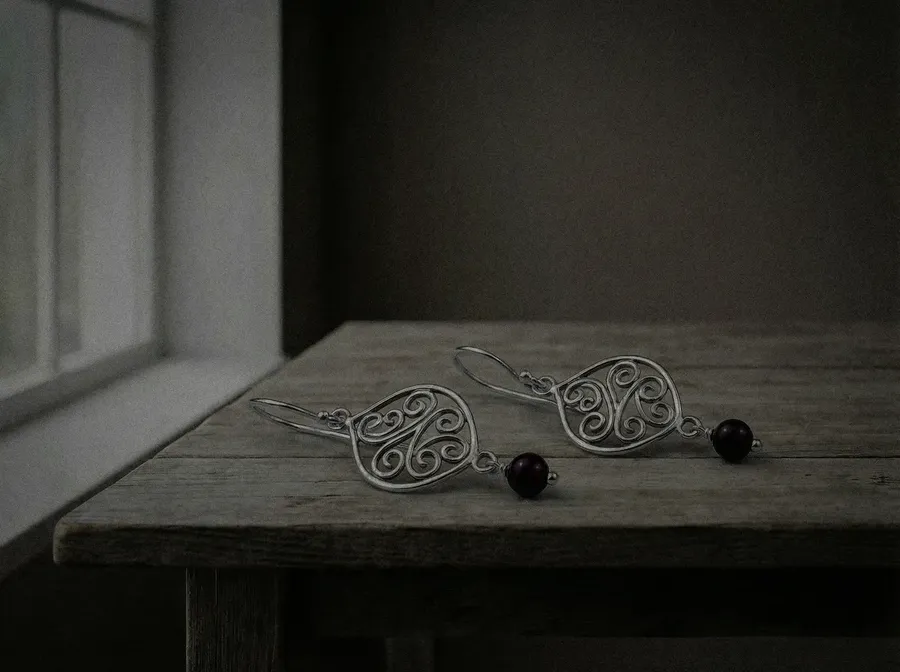
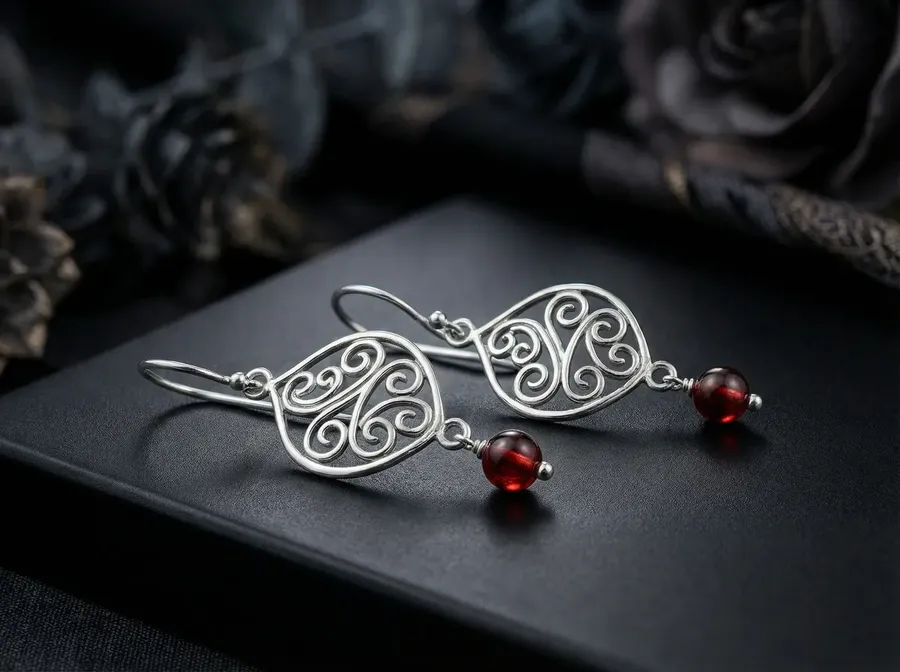
Image 1
Make this look like a premium studio product photo. Soft diffused lighting, premium background with necessary decor, realistic texture. Keep the product design and branding exactly the same.
Quick tips
- Add: “50mm lens look” for a classic commercial style.
Cleanup and Retouch (Fixing Real Listing Photos)
Recenter and straighten for thumbnails
What it’s for
Fix crooked products and inconsistent framing across a category page.
What you upload
- Product photo
Copy-paste prompt template
Center the product perfectly and straighten the angle.
Example
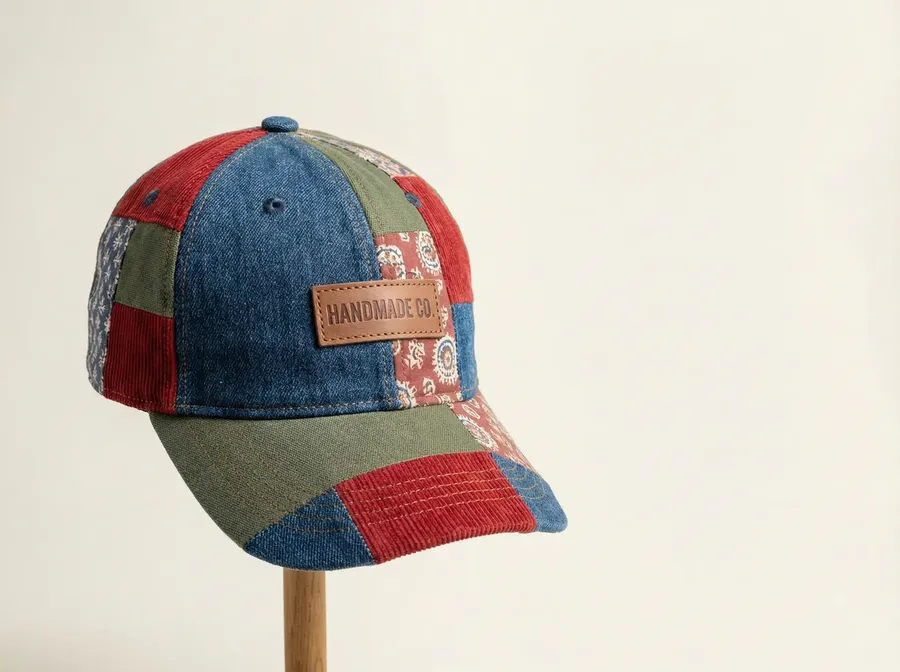
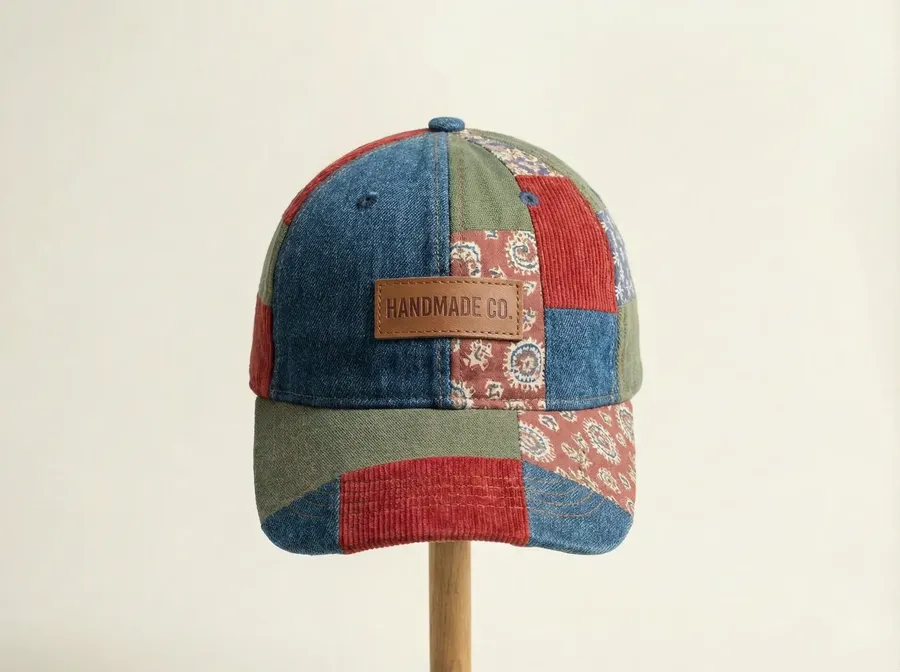
Image 1
Center the product perfectly and straighten the angle.
Remove unwanted objects/elements (dust, creases, cables, labels, people)
What it’s for
Clean up scenes without reshooting.
What you upload
- Product photo
Copy-paste prompt template
Remove the [UNWANTED OBJECT] from the scene.
Example
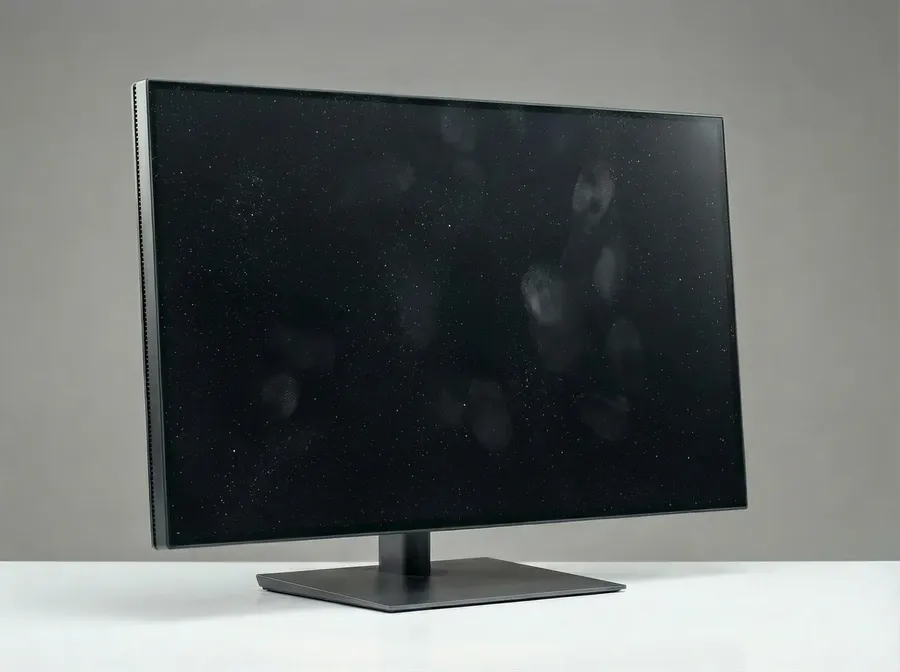
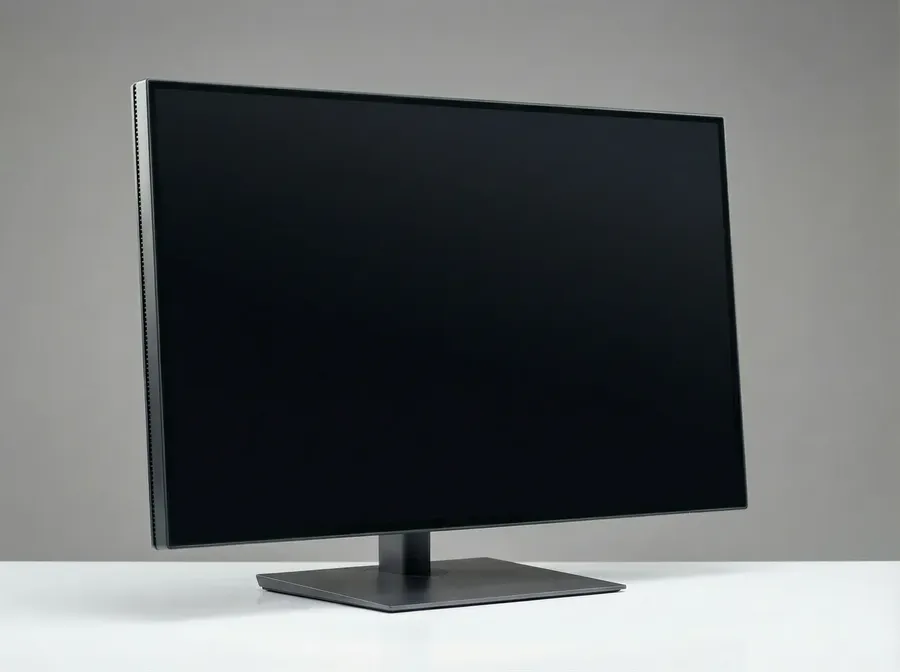
Image 1
Remove the dust and fingerprints from the scene.
Quick tips
- Be very specific about what to remove.
Reduce glare and reflections (glossy products)
What it’s for
Cosmetics, glass bottles, screens, shiny packaging.
What you upload
- Product photo
Copy-paste prompt template
Remove glare and strong reflections.
Example
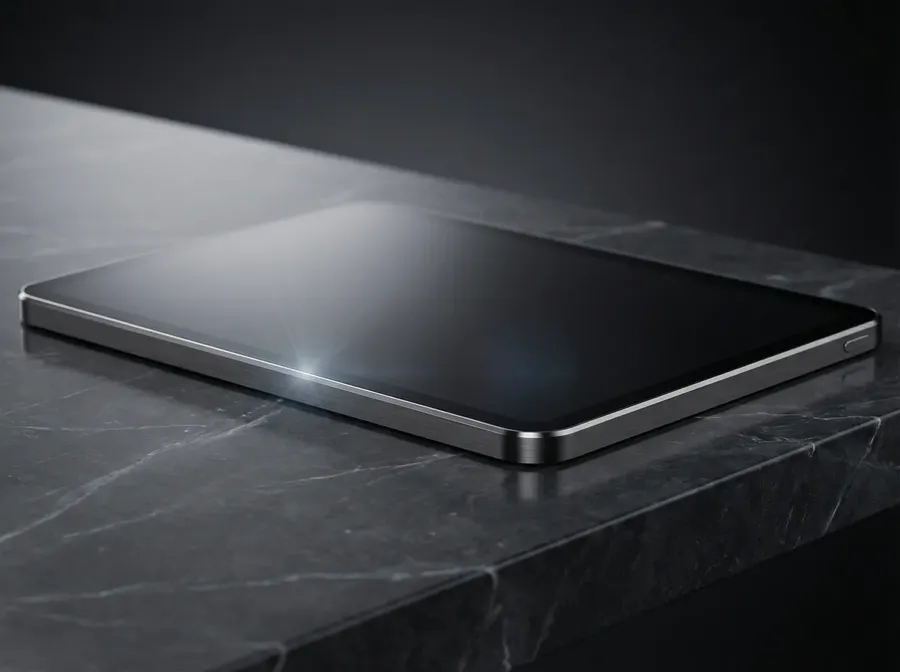
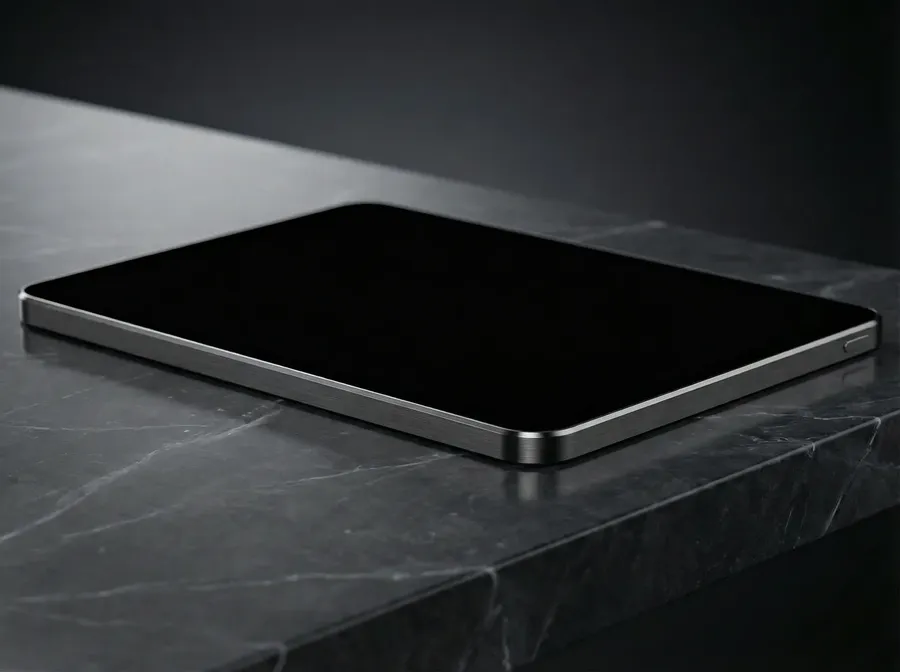
Image 1
Remove glare and strong reflections.
Background Swaps (Lifestyle, Seasonal, Brand Consistency)
Lifestyle scene background swap
What it’s for
Create lifestyle images without reshooting and keep the product consistent.
What you upload
Option A:
- Product photo
Option B:
- Product photo
- Style reference image (a lifestyle shot, ad, or brand image you want to match)
Option C:
- Product photo + Style/Composition Element (repeatable brand look)
Copy-paste prompt template (Option A, no reference)
Keep the product unchanged. Replace the background with [SCENE]. Match lighting direction and color temperature. Photorealistic commercial product photography.
Example
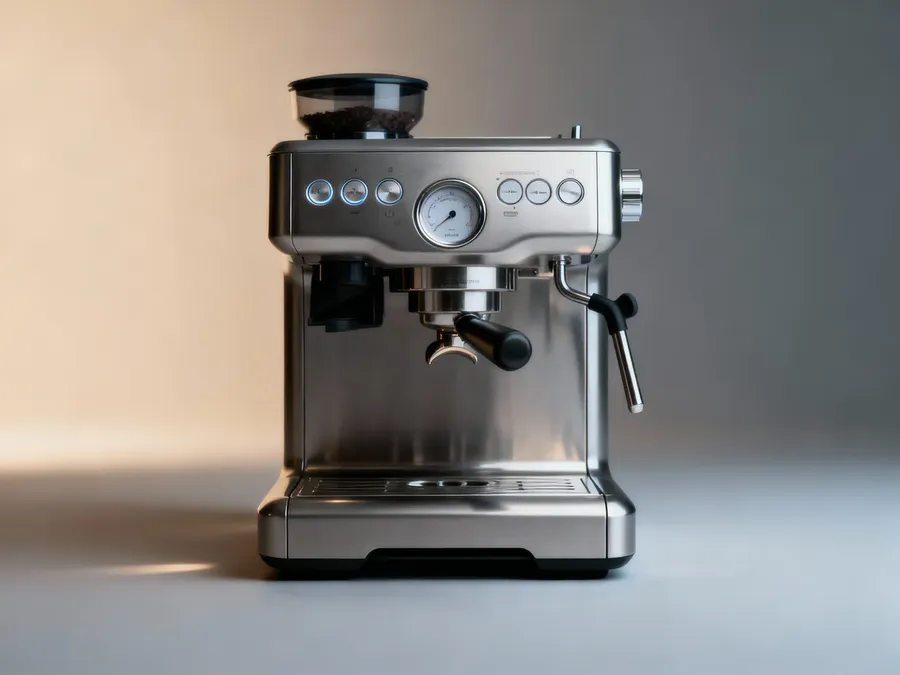
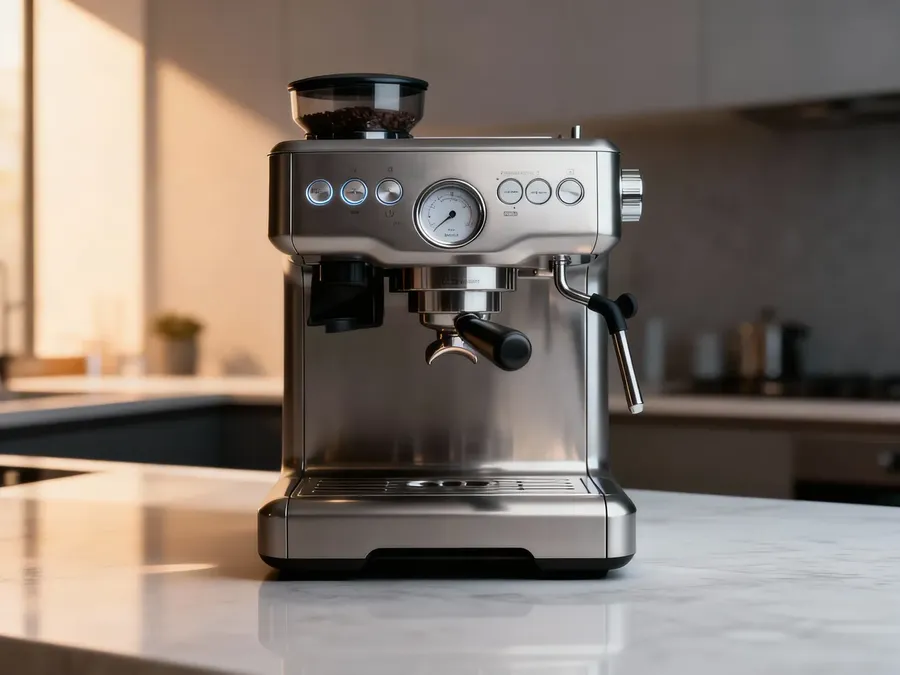
Image 1
Keep the product unchanged. Replace the background with a modern kitchen counter with soft daylight. Match lighting direction and color temperature. Photorealistic commercial product photography.
Reference-based prompt template (Option B, with reference)
Change the background and overall style of the product photo in Image 1 to match the style and mood in Image 2. Keep the product unchanged. Match lighting, shadows, and color grading.
Example
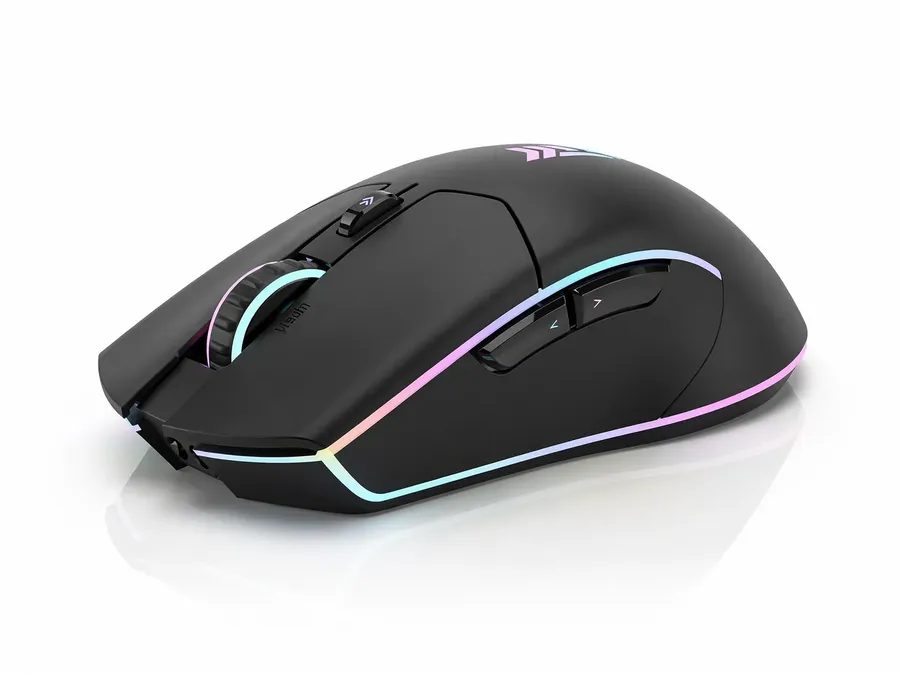
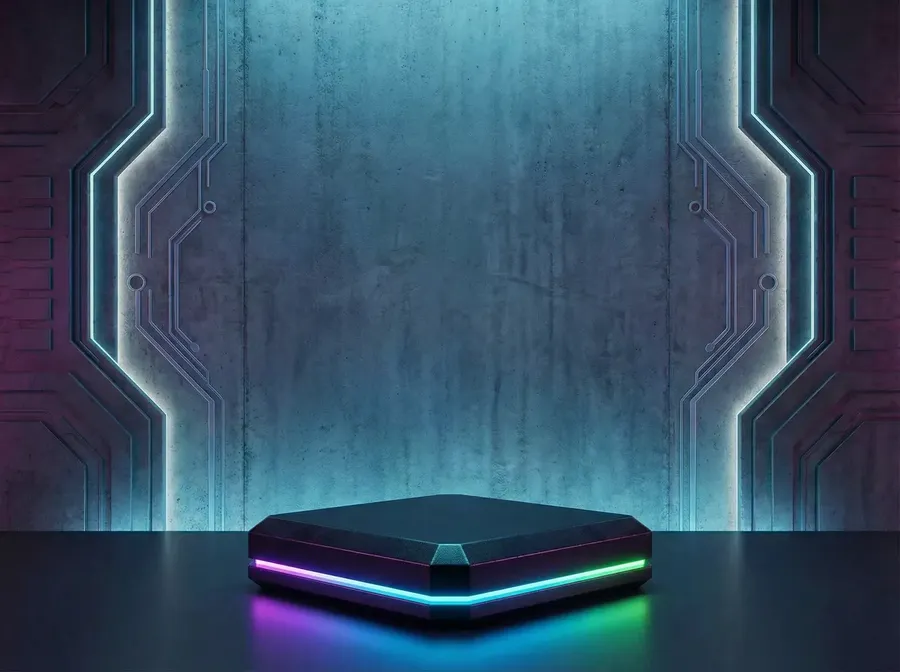
Image 1
Image 2
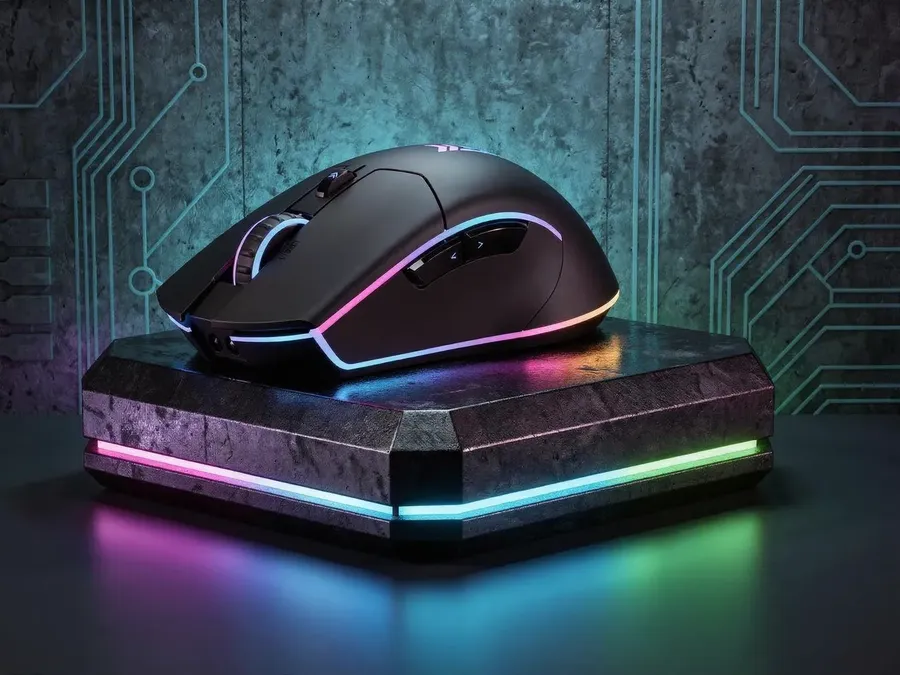
Change the background and overall style of the product photo in Image 1 to match the style and mood in Image 2. Keep the product unchanged. Match lighting, shadows, and color grading.
Quick tips
- Add: “Shallow depth of field” for premium vibes.
Seasonal campaign backgrounds (create 4 or 8 variants)
What it’s for
Run seasonal ads without new photography.
What you upload
- Product photo
Copy-paste prompt template
Keep the product unchanged. Create [NUMBER] background variations in seasonal campaign styles:
- spring
- summer
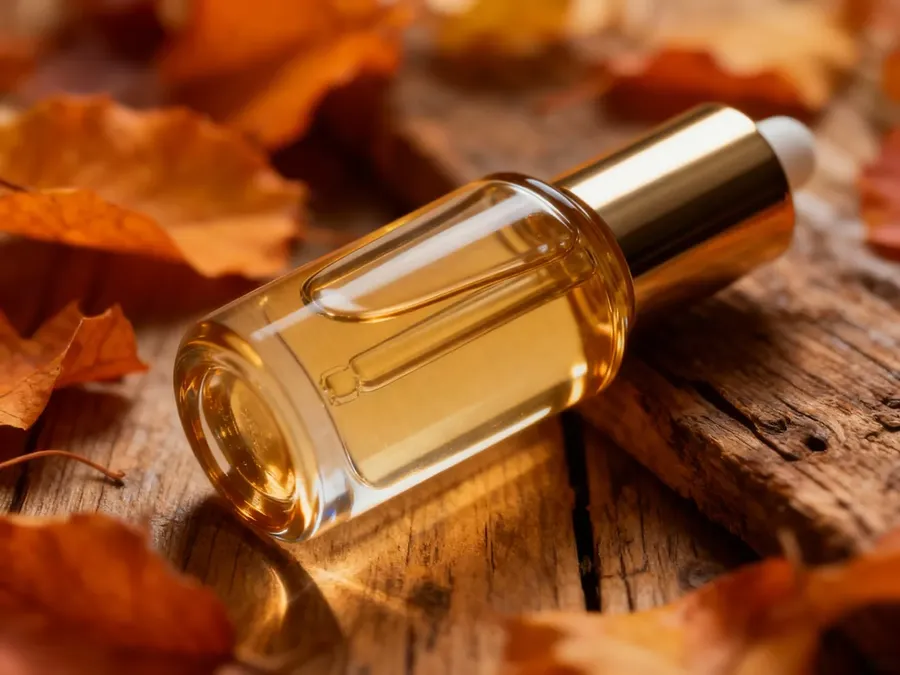
- autumn (warm, cozy)
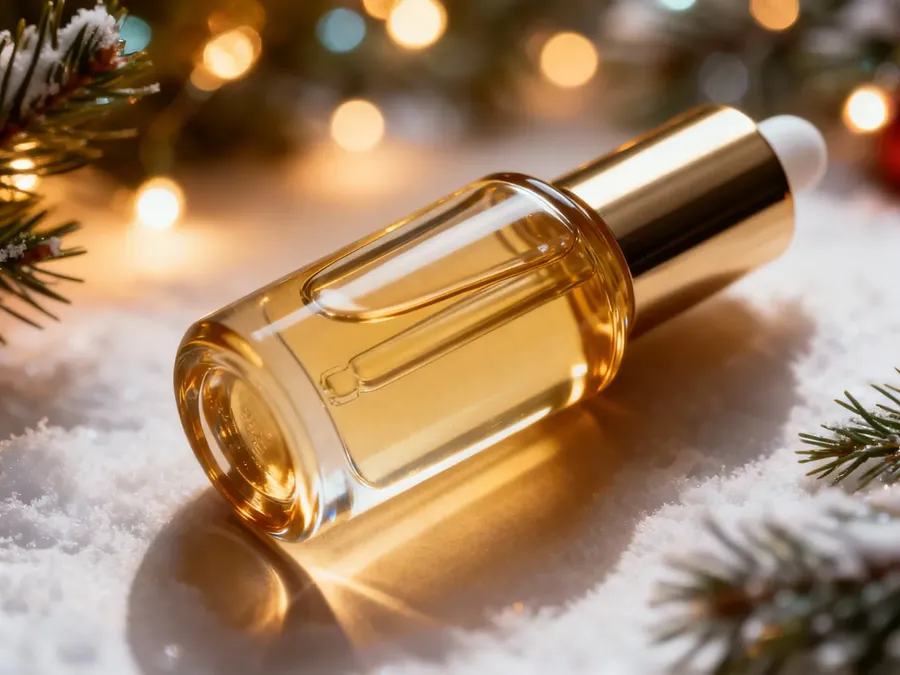
- winter.
Match lighting and shadows realistically.
Example
Keep the product unchanged. Create 4 background variations in seasonal campaign styles: spring, summer, autumn (warm, cozy), winter. Match lighting and shadows realistically.
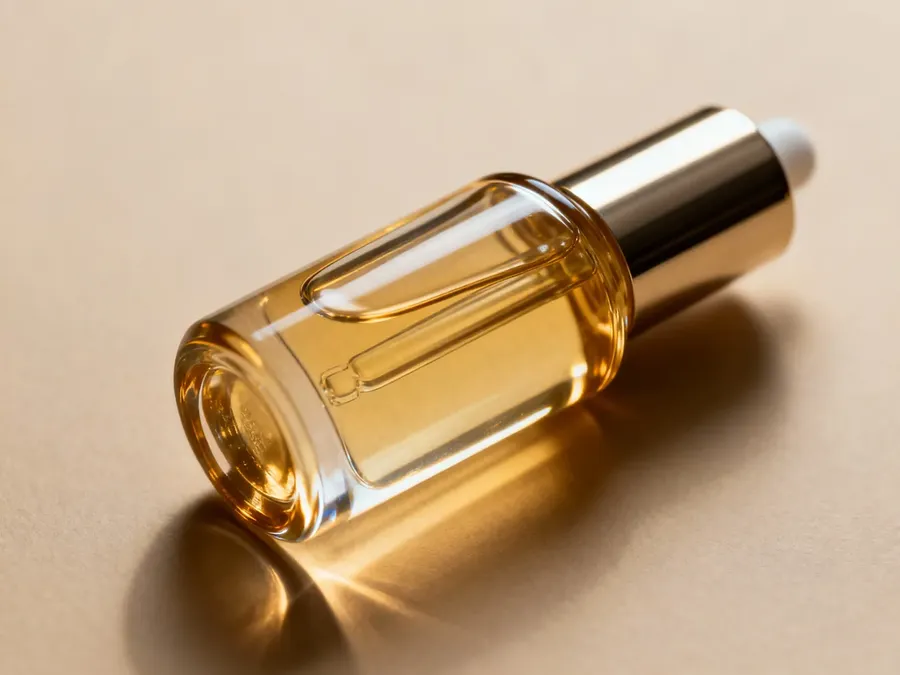
Image 1
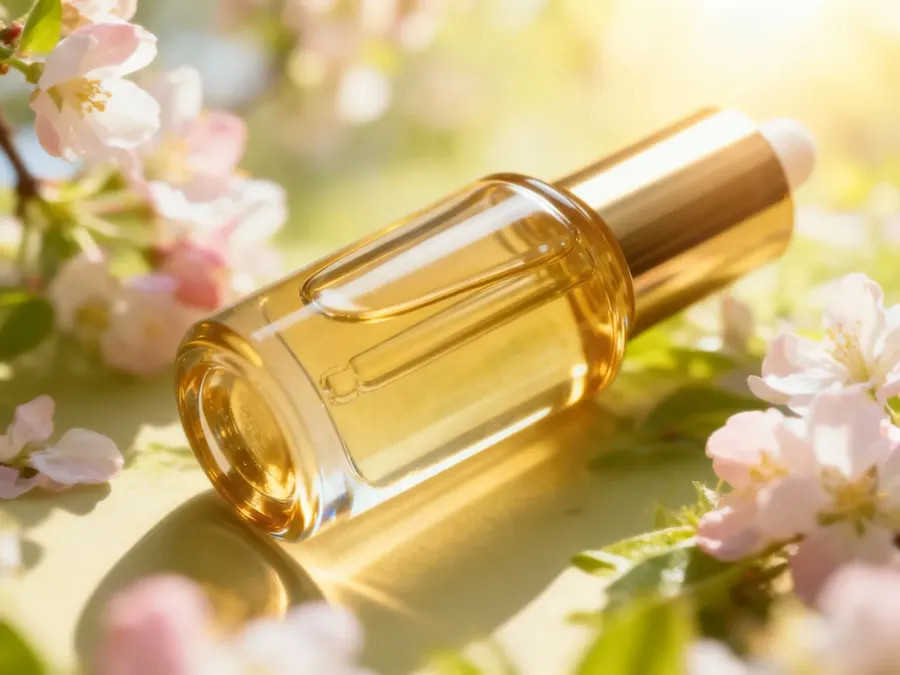
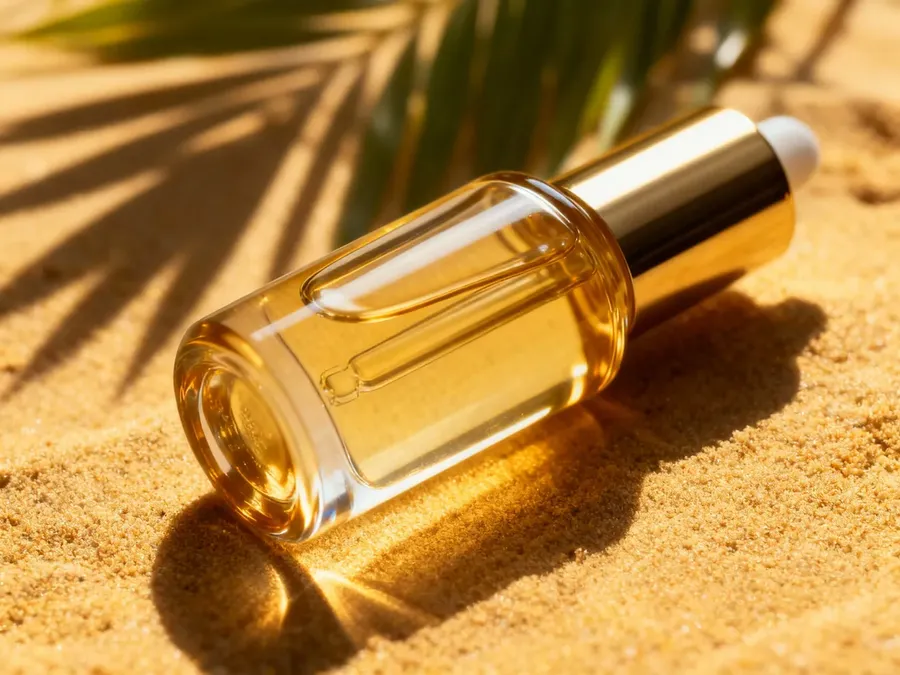
Quick tips
- You can also swap seasons to holidays (e.g., Valentine's Day, Halloween)
Product Variants (Colors, Materials, Patterns)
Color variants (2 / 4 / 8 / 16)
What it’s for
Generate all colorways without reshooting.
What you upload
- Product photo
Copy-paste prompt template
Create [NUMBER] color variants of the product: [LIST COLORS]. Keep material texture, lighting, and background consistent. Do not change shape, proportions, or branding.
Example
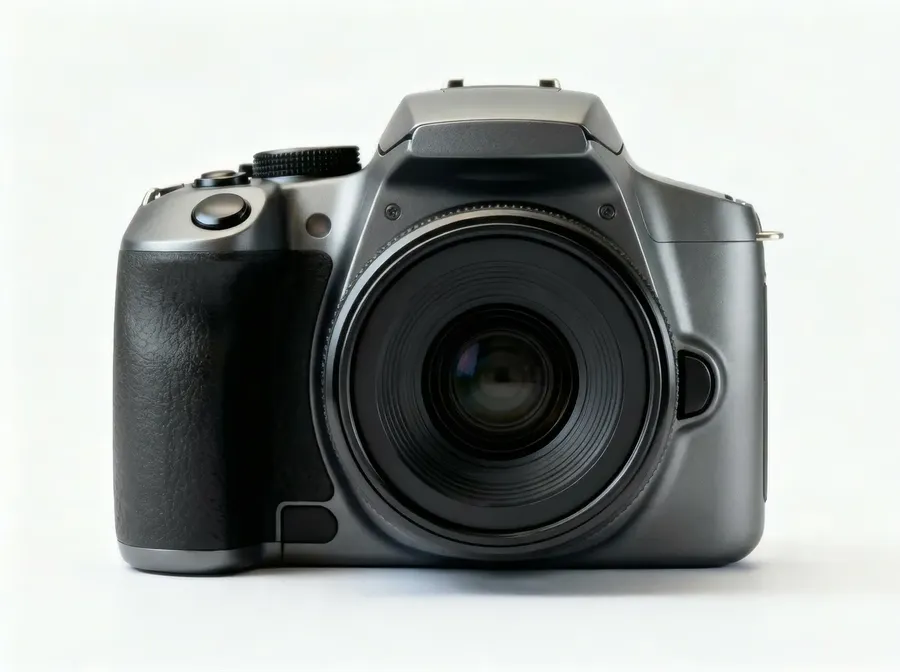
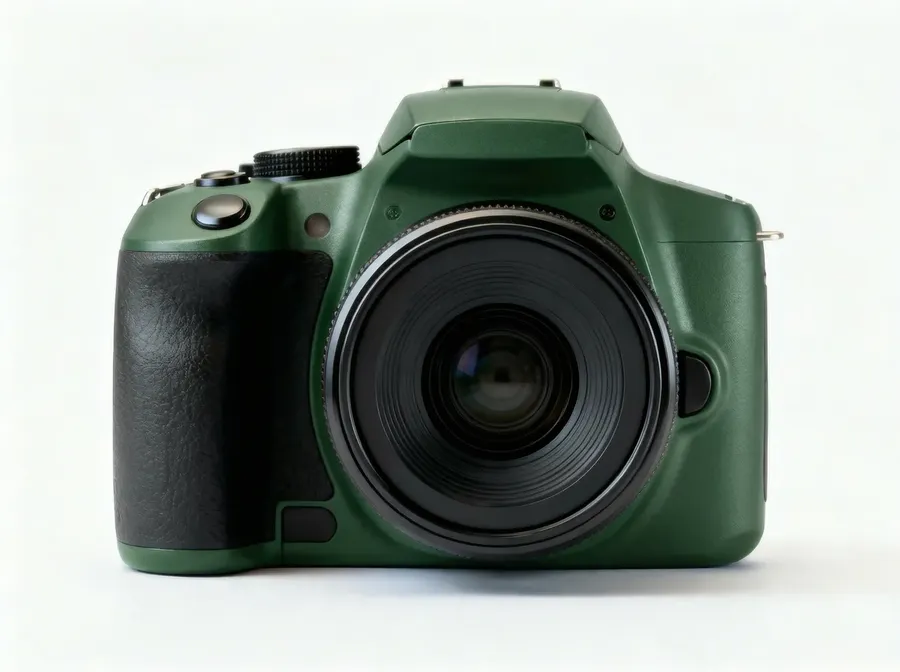
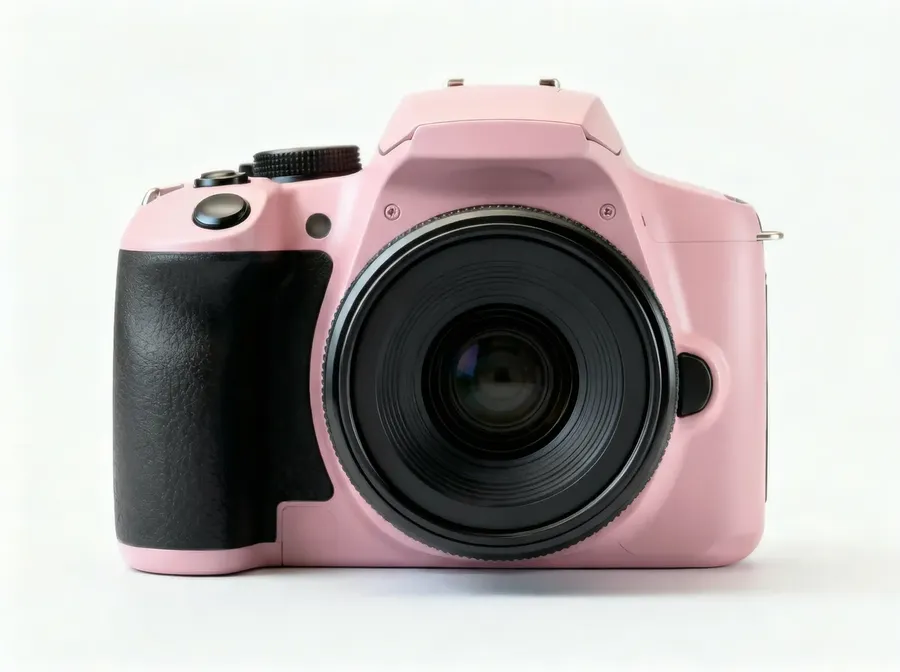
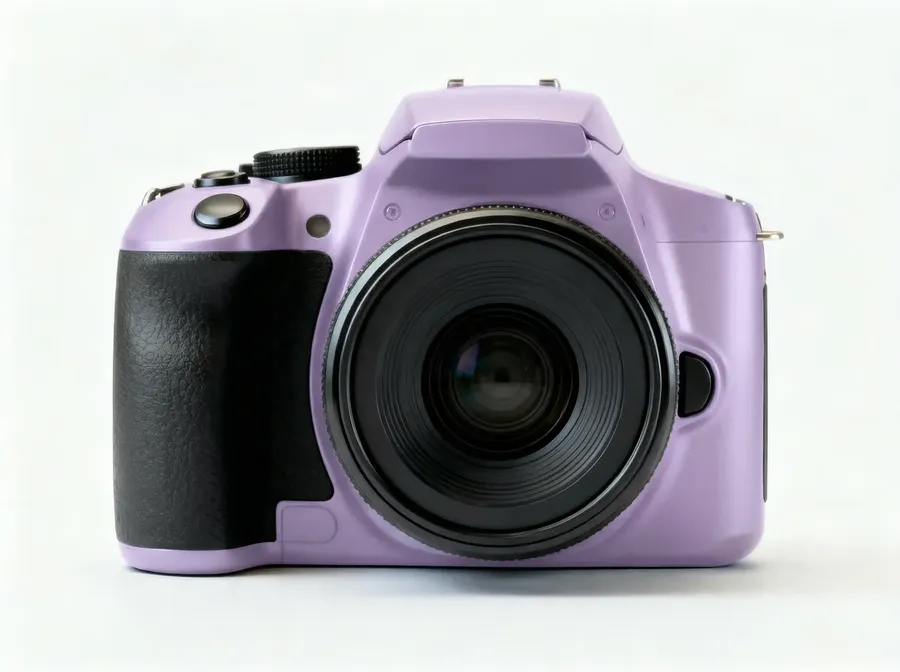
Create 8 color variants of the product: grey, white, beige, navy, red, forest green, pastel pink, light purple. Keep material texture, lighting, and background consistent. Do not change shape, proportions, or branding.
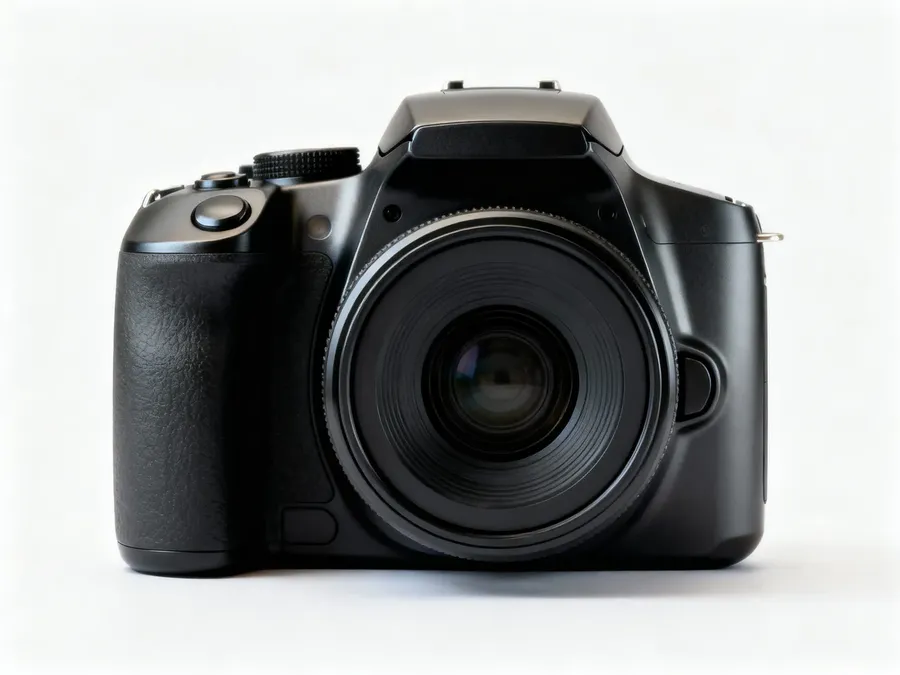
Image 1
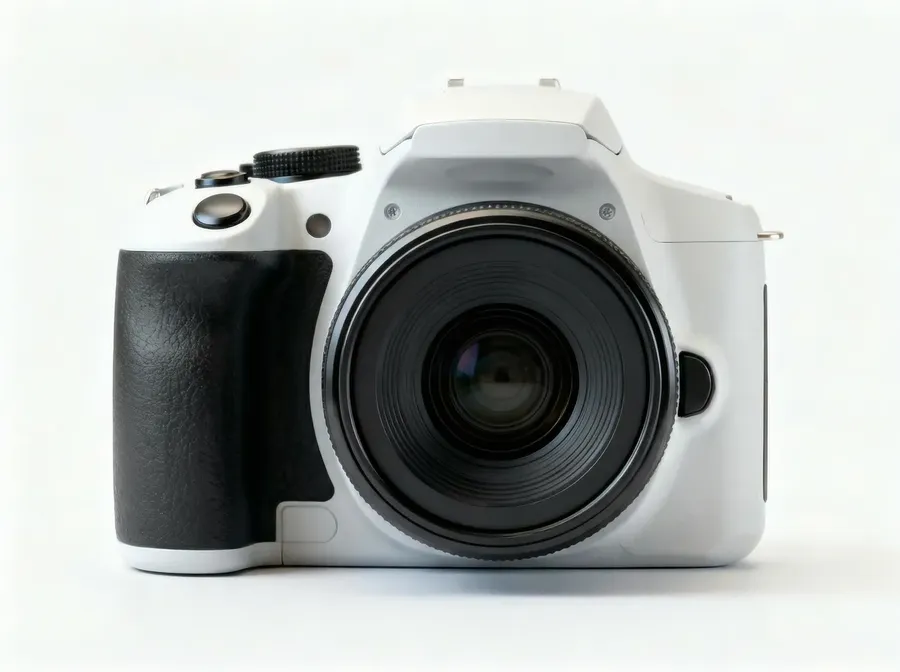
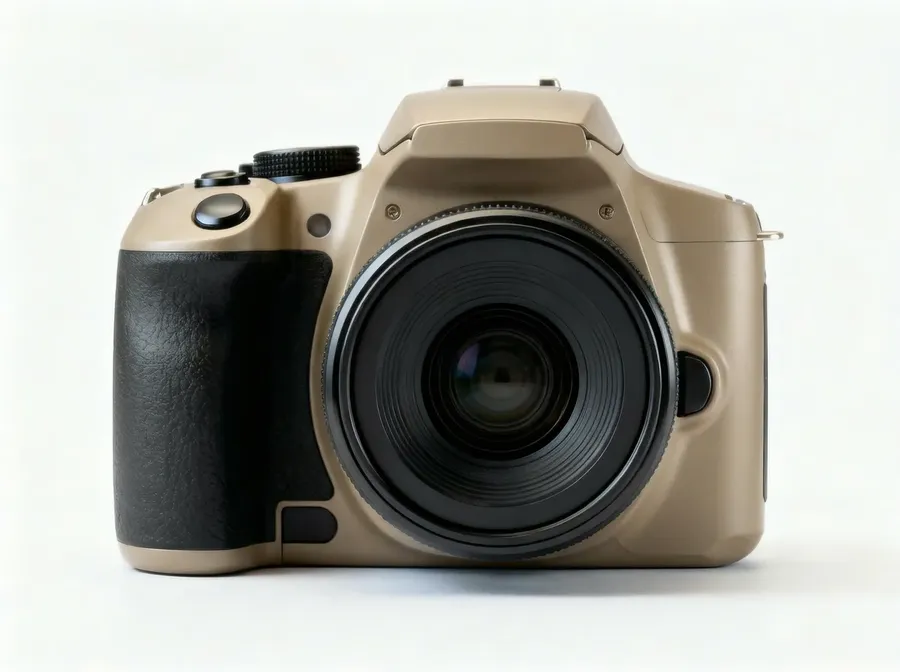
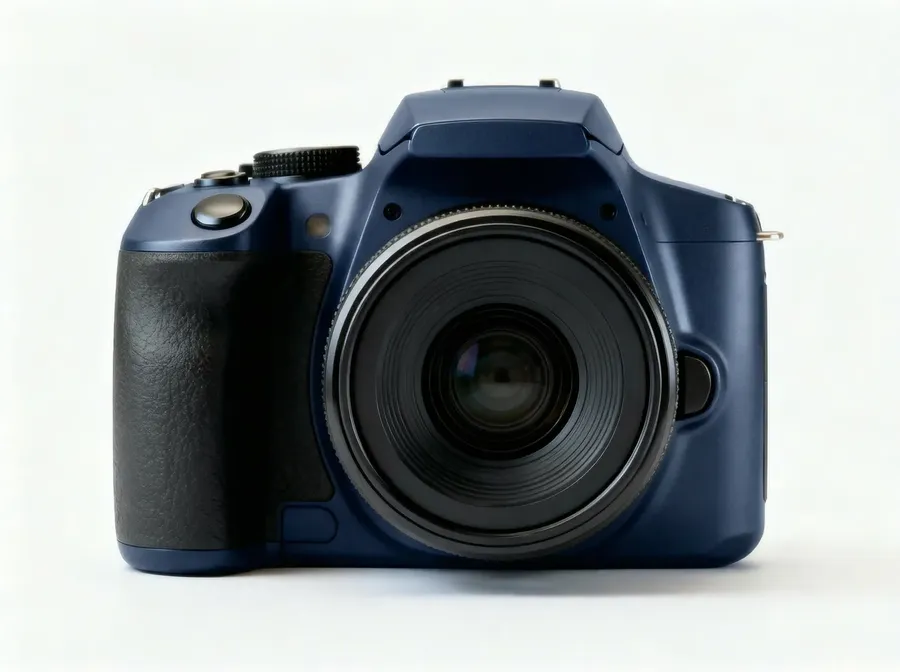
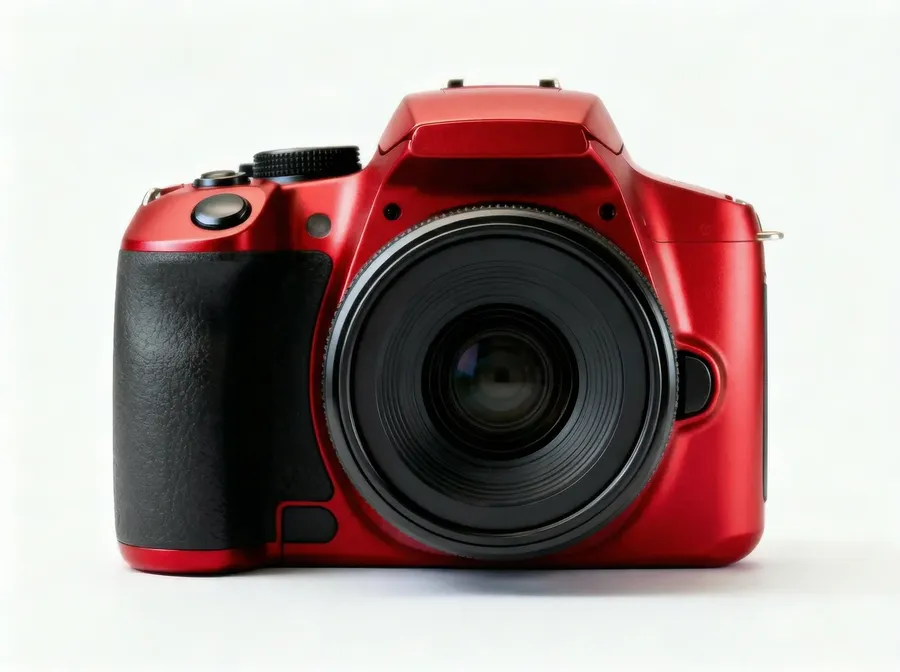
Quick tips
- If the product has multiple parts, specify what changes: “Change only the fabric color, keep soles white.”
Material variants (same product, different finish)
What it’s for
A/B test premium looks: matte vs glossy, leather vs canvas, brushed metal vs polished.
What you upload
- Product photo
Copy-paste prompt template
Change the product material to [MATERIAL] while preserving the exact shape, seams, and branding.
Example
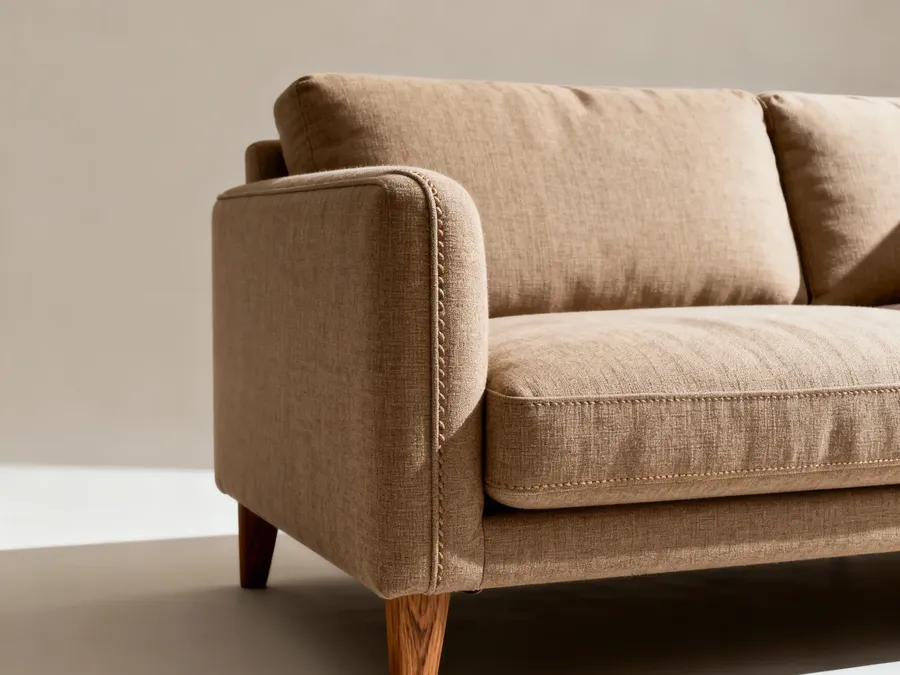
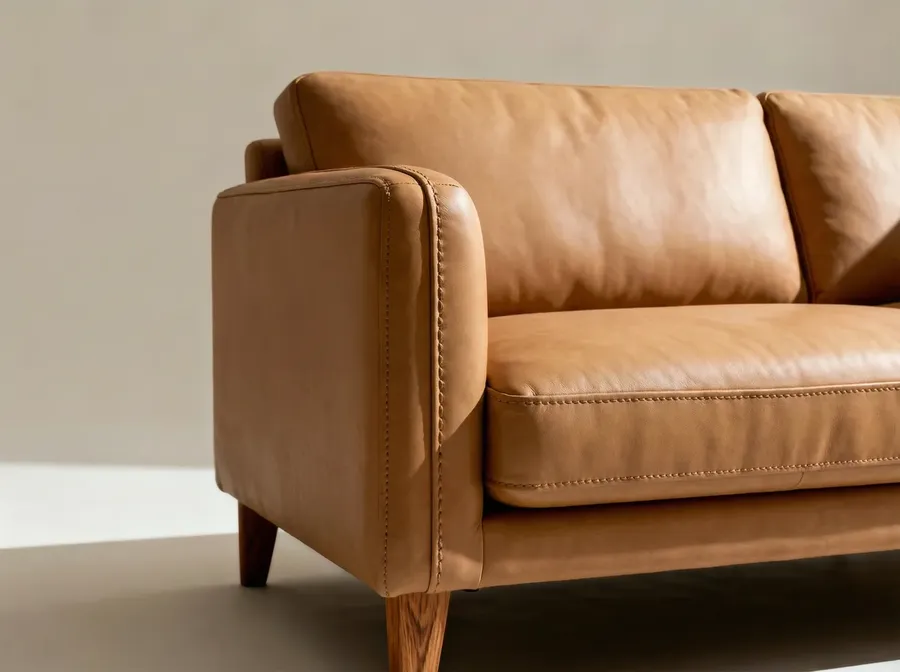
Image 1
Change the product material to matte leather while preserving the exact shape, seams, and branding.
Quick tips
- Good materials: “brushed aluminum,” “glossy ceramic,” “soft-touch matte plastic,” “canvas fabric.”
- You can do multiple material variants at once.
- If needed, upload a sample of the material as a reference image.
Pattern variants (apparel + home)
What it’s for
Print-on-demand, bedding, wallpaper, accessories.
What you upload
- Product photo
Copy-paste prompt template
Keep the product shape and construction unchanged. Replace the surface design with: [PATTERN DESCRIPTION]. Preserve realistic fabric texture and folds.
Example
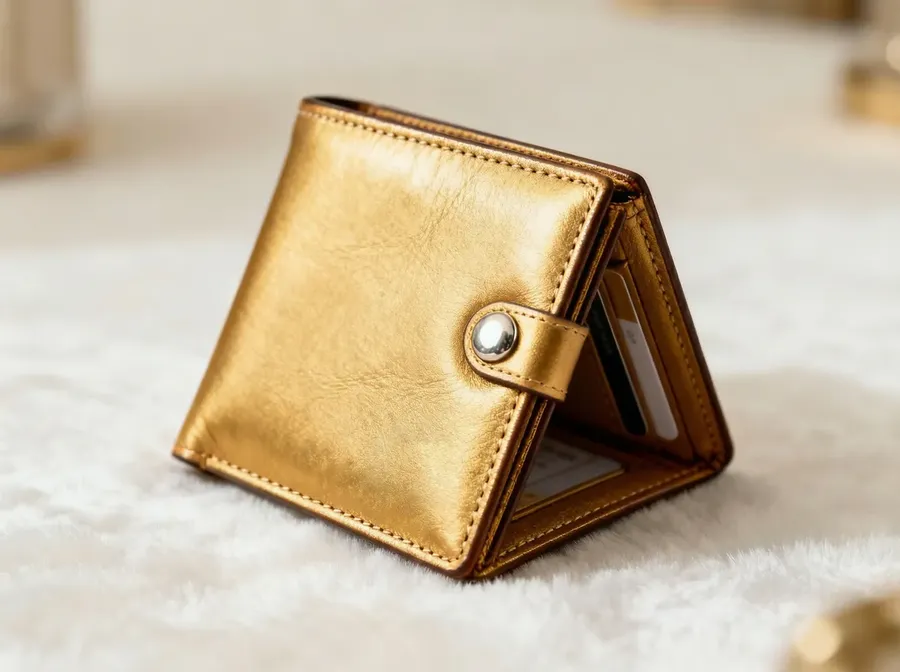
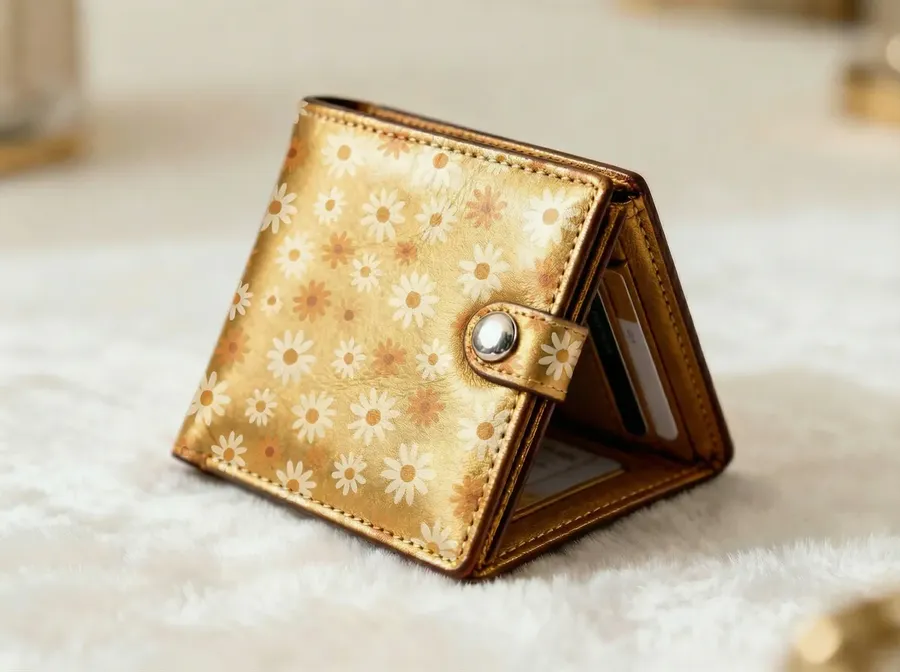
Image 1
Keep the product shape and construction unchanged. Replace the surface design with: tiny retro daisies in off-white and muted orange. Preserve realistic fabric texture and folds.
Quick tips
- Add: “Keep seams and stitching visible” for clothes.
Fashion and On-Model Use Cases
Flat lay clothing → lifestyle model photo
What it’s for
Create campaign-style fashion photos from a flat lay or hanger shot.
What you upload
Option A:
- Clothing photo (flat lay or hanger)
Option B:
- Clothing photo
- Model reference image (to keep the same model across multiple generations)
Option C:
- Clothing photo
- Model Element (best for repeat campaigns).
Use when you want the same model across many products without reattaching the same model image every time.
Copy-paste prompt template (Option A, no model reference)
Create a realistic lifestyle photo of a model wearing the clothing item from Image 1. Keep the garment design, pattern, and colors accurate. Natural fit and realistic fabric folds. Background: [SCENE].
Example
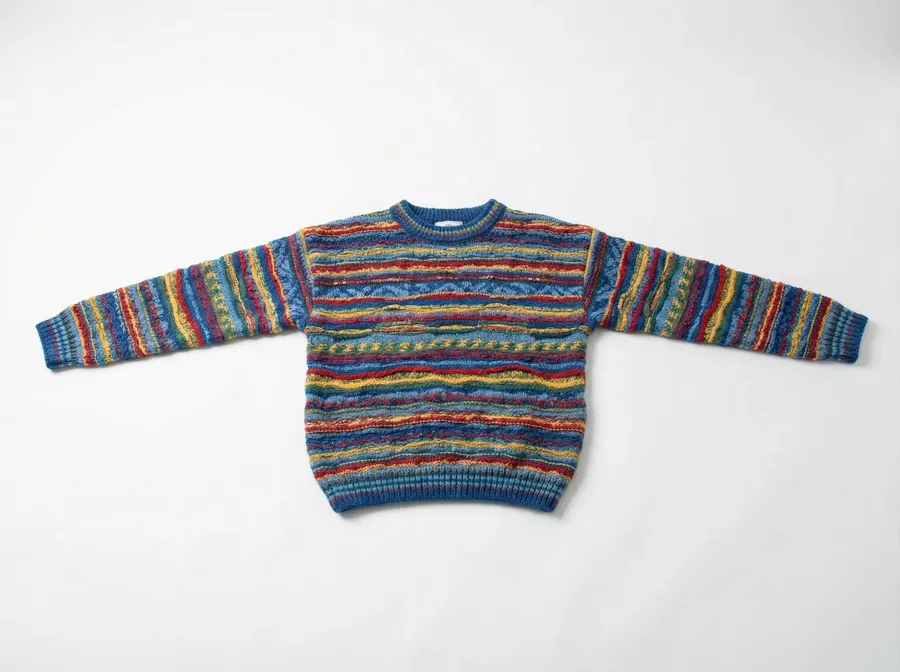
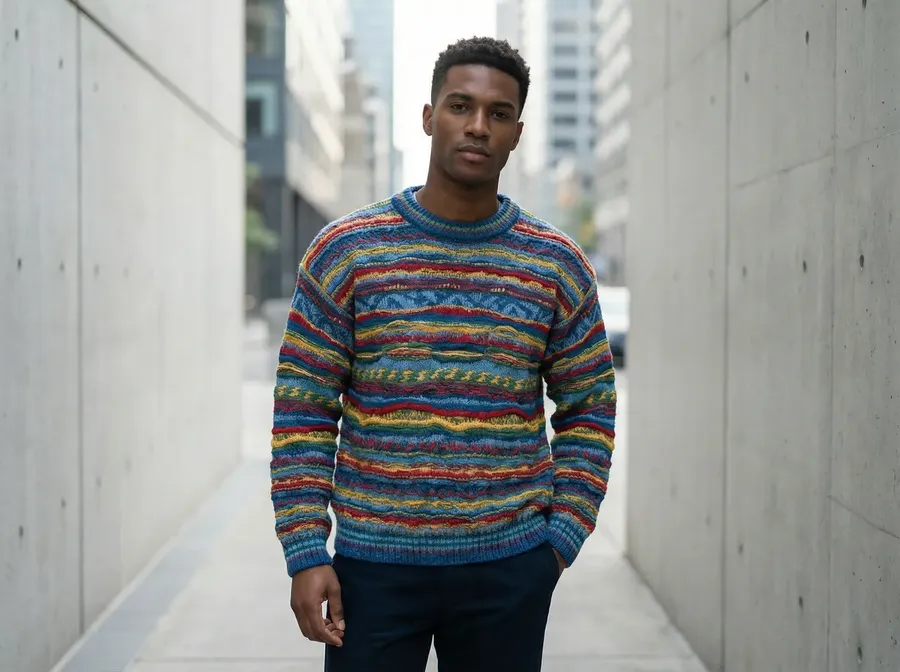
Image 1
Create a realistic lifestyle photo of a model wearing the clothing item from Image 1. Keep the garment design, pattern, and colors accurate. Natural fit and realistic fabric folds. Background: minimal street in soft daylight.
Reference-based prompt template (Option B, with reference)
Use the model in Image 2. Create a realistic lifestyle photo of that model wearing the clothing item from Image 1. Keep the garment design, pattern, and colors accurate. Natural fit and realistic fabric folds. Background: [SCENE].
Example
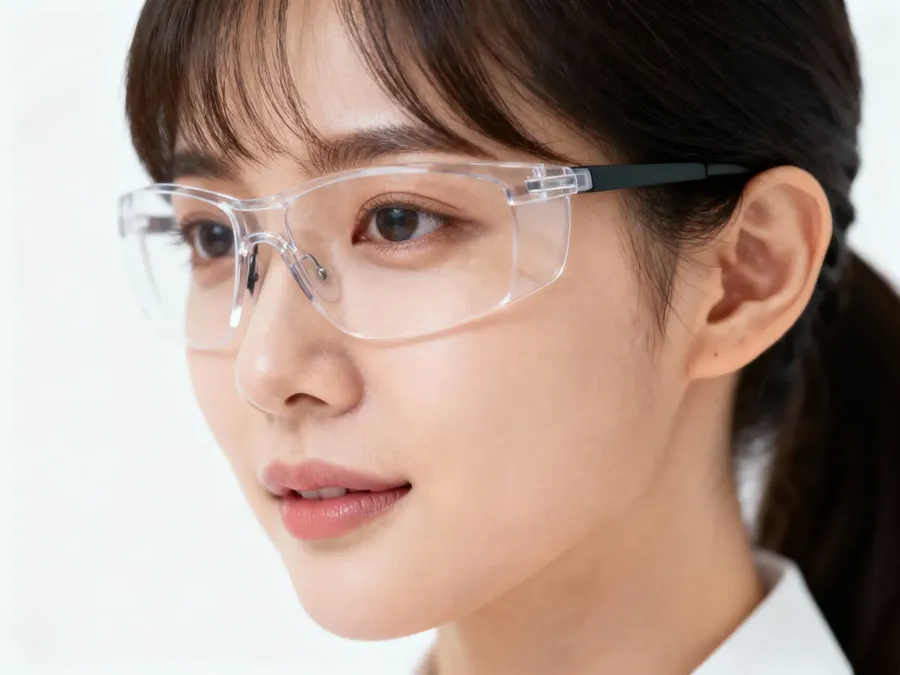
Image 1
Image 2
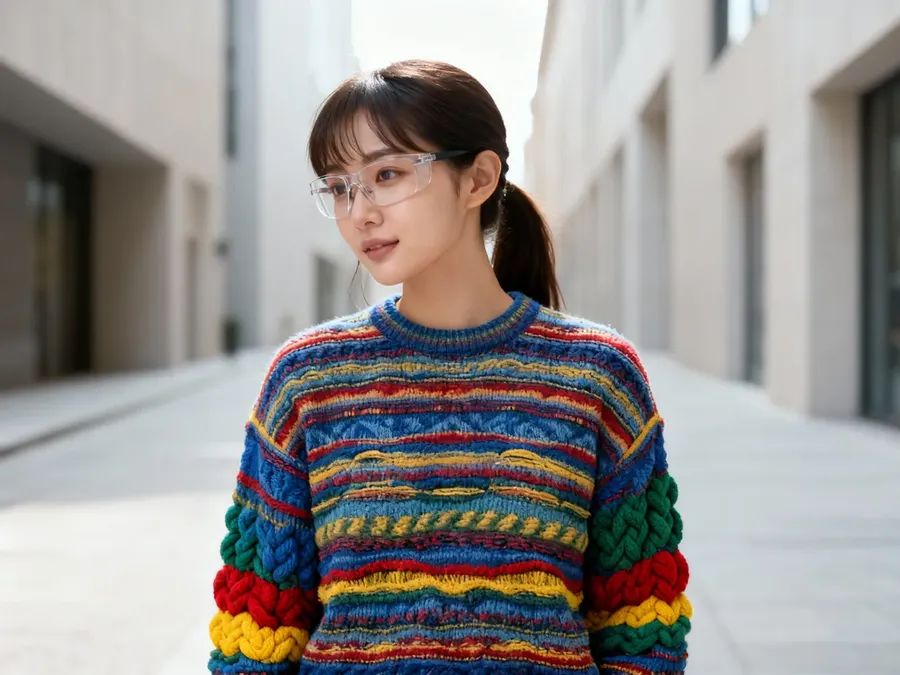
Use the model in Image 2. Create a realistic lifestyle photo of that model wearing the clothing item from Image 1. Keep the garment design, pattern, and colors accurate. Natural fit and realistic fabric folds. Background: minimal street in soft daylight.
Product in hand (bags, cosmetics, gadgets)
What it’s for
Instant “human context” for ads and PDP.
What you upload
- Product photo (ideally clean)
Copy-paste prompt template
Create a realistic close-up photo of a person holding the product naturally. Keep the product unchanged and branding readable. Soft natural lighting. Commercial lifestyle photography.
Example
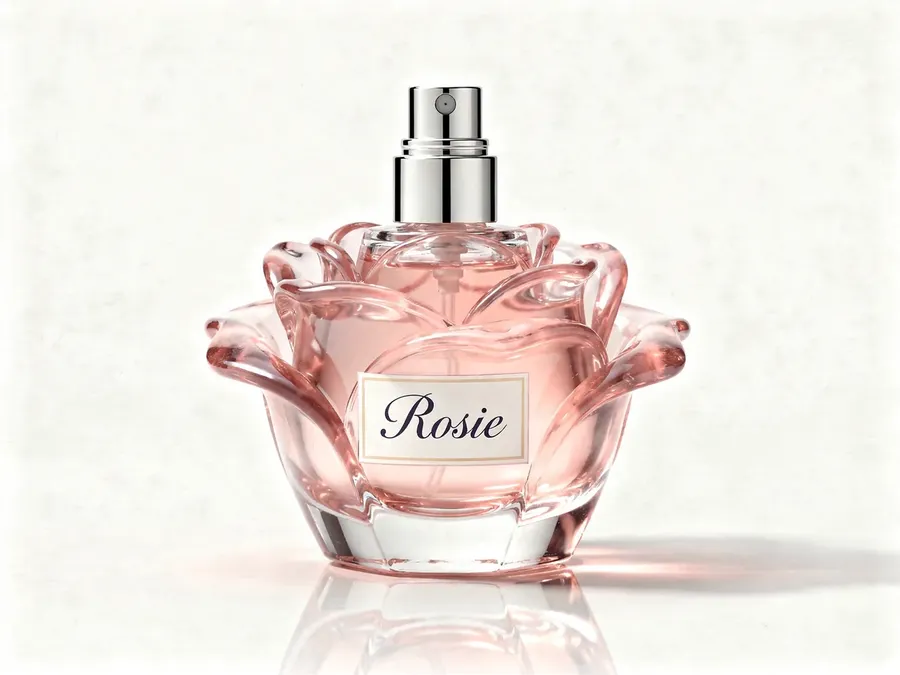
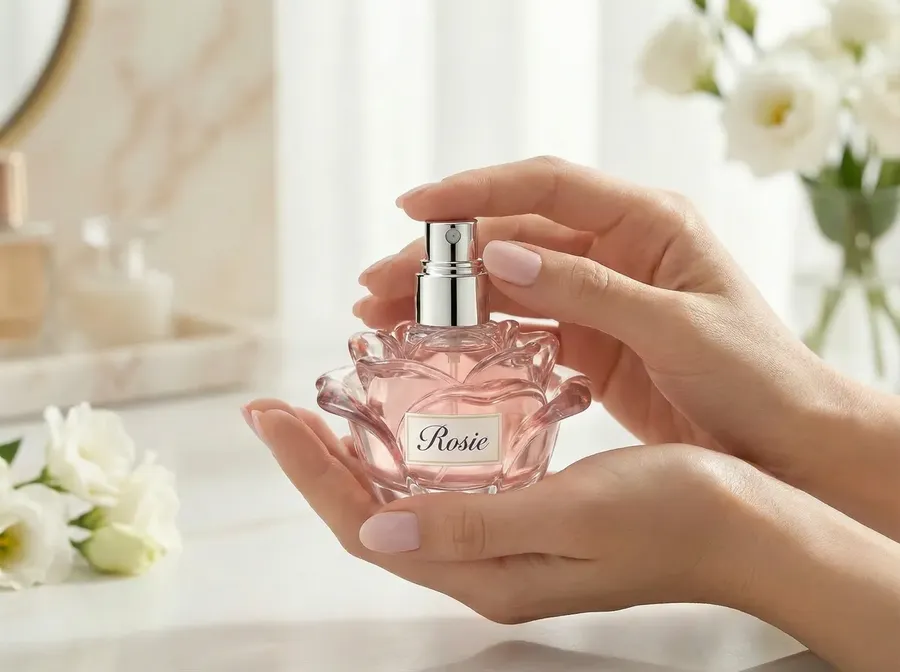
Image 1
Create a realistic close-up photo of a person holding the product naturally. Keep the product unchanged and branding readable. Soft natural lighting. Commercial lifestyle photography.
Bag on shoulder / backpack worn
What it’s for
Show scale and fit.
What you upload
- Bag/backpack photo
Copy-paste prompt template
Create a lifestyle photo of a model wearing the bag naturally. Keep bag size, shape, and branding accurate. Realistic straps and shadows. Background: [SCENE].
Example
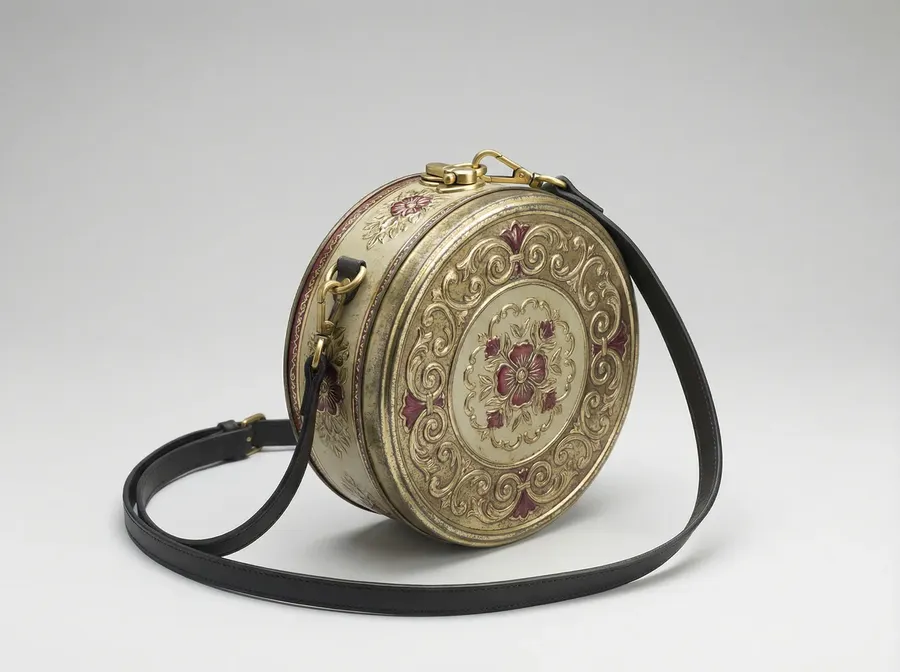
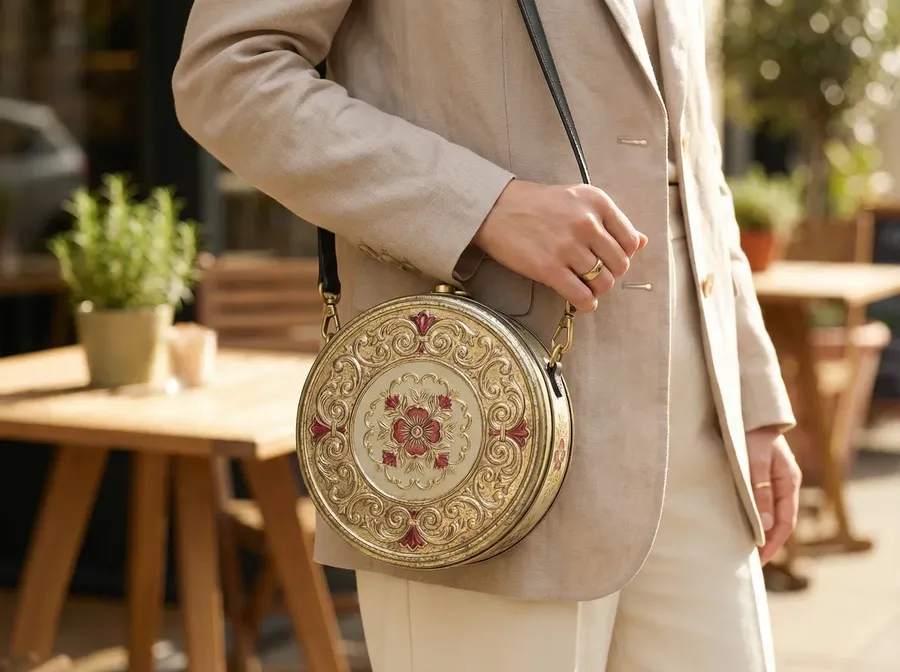
Image 1
Create a lifestyle photo of a model wearing the bag naturally. Keep bag size, shape, and branding accurate. Realistic straps and shadows. Background: modern city sidewalk.
Quick tips
- For consistency across a product line, save your lighting as Element (e.g.,
@BrandLighting) and reuse it in every prompt.
Ads and Social Content (High Volume)
Ad image with text
What it’s for
Generate ready-to-post ads with real typography.
What you upload
Option A:
- Product photo
Option B
- Product photo
- Brand ad reference image (for layout + typography style)
Copy-paste prompt template (Option A, no reference)
A [TYPE] advertisement. Stone and concrete textures, subtle snow particles, premium brand aesthetic. Include [TYPOGRAPHY DESCRIPTION]. Text on image: [TEXT].
Examples
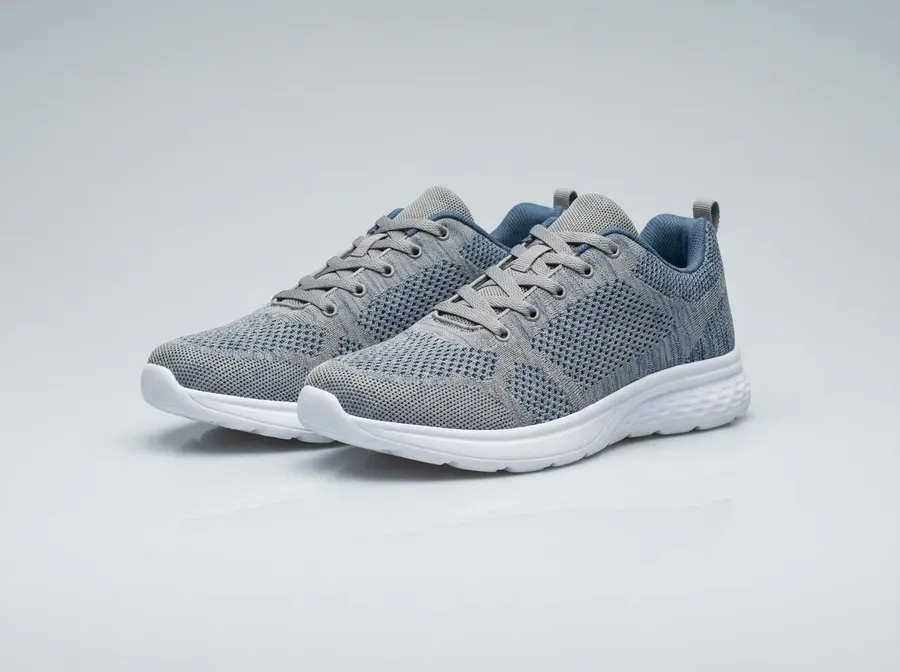
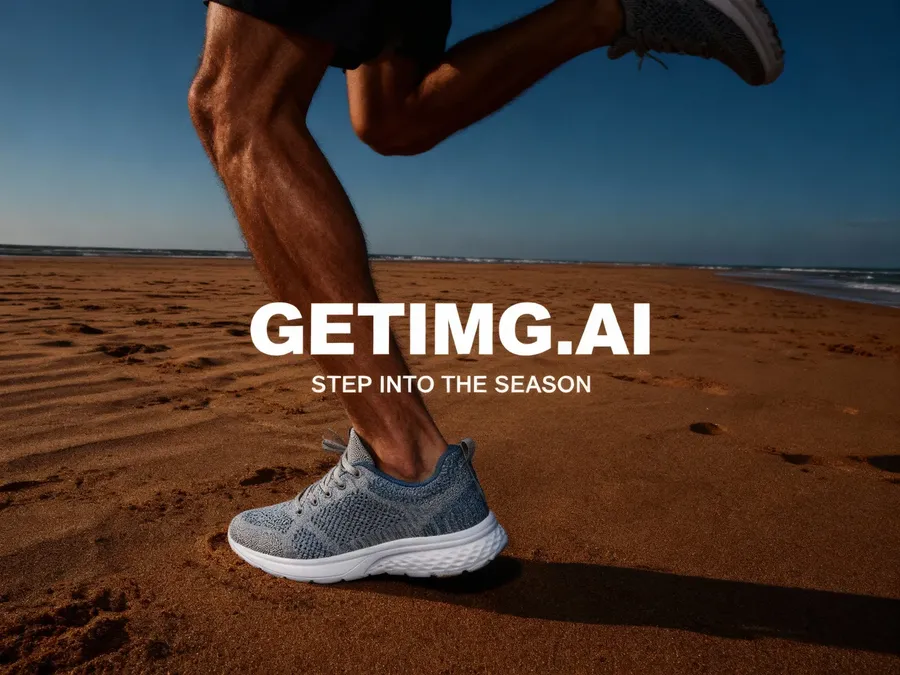
Image 1
A bold summer sneaker advertisement for men. Man walking on beautiful sand, dramatic side lighting, high-contrast fashion editorial style, strong shadows. Include bold condensed sans-serif typography (similar to Druk or Bebas Neue), uppercase, pure white color, placed vertically or centered for impact. Text on image: getimg.ai Step into the season.
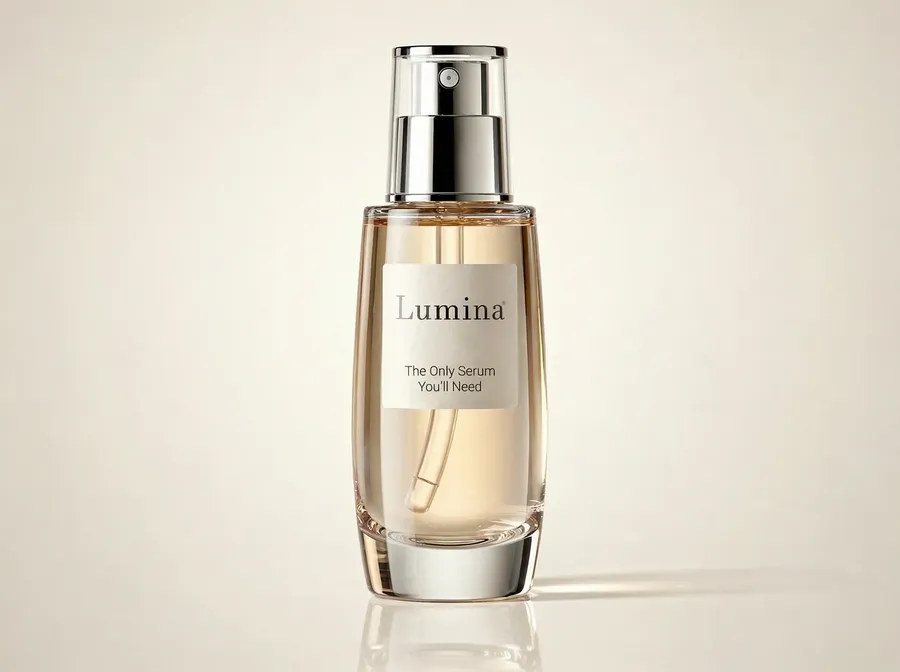
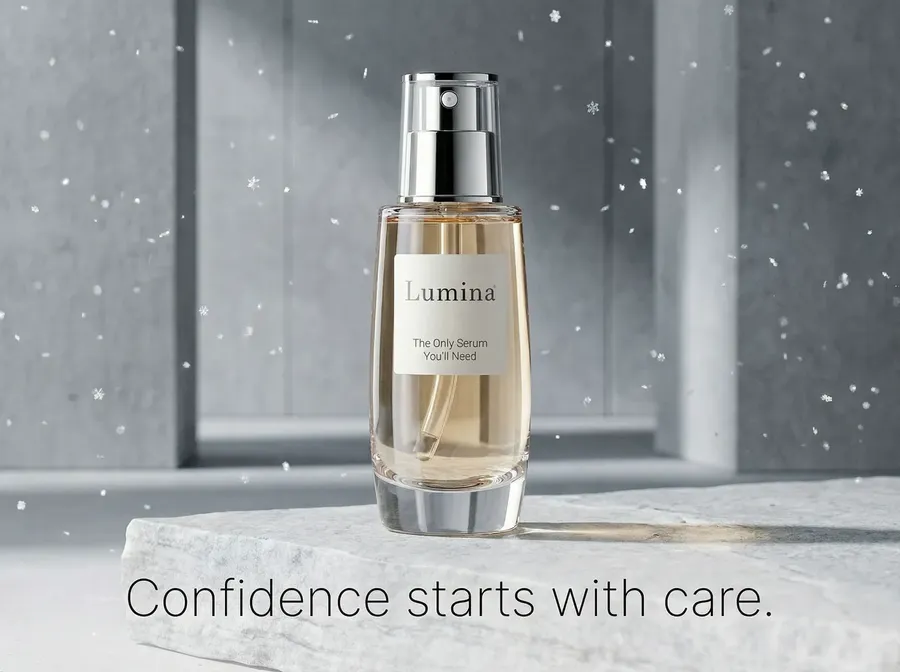
Image 1
A minimalist Christmas skincare advertisement. Stone and concrete textures, subtle snow particles, premium brand aesthetic. Include minimalist sans-serif typography (similar to Neue Haas Grotesk or Helvetica Now), light weight, generous spacing, centered in the lower third. Text on image: Confidence starts with care.
Reference-based prompt template (Option B, with reference)
Create an ad creative using Image 1 as the product photo and match the design style, typography, and layout of Image 2. Include this exact text: [TEXT]. Keep the product unchanged. Typography must be readable.
Example
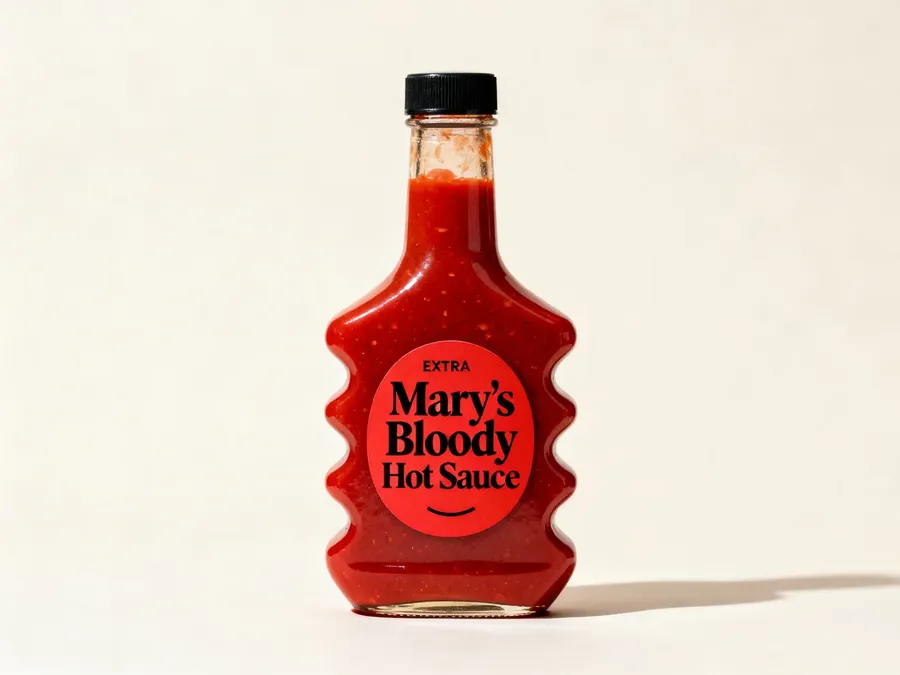
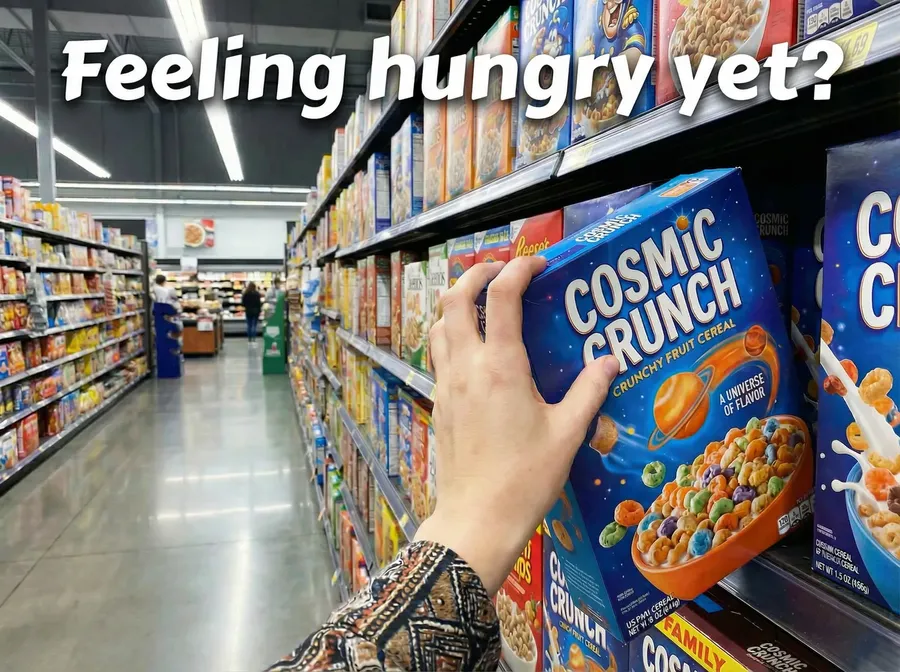
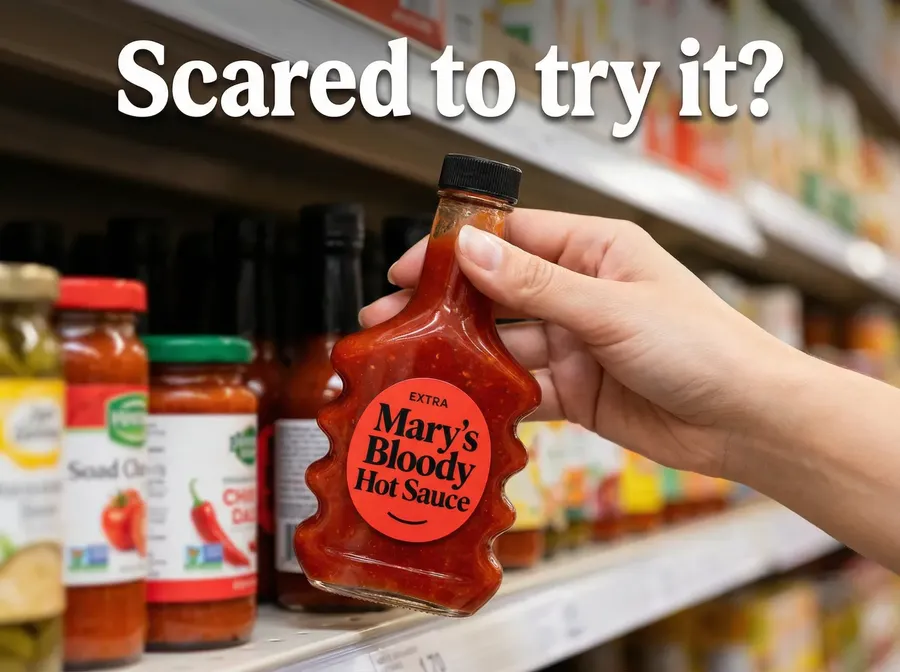
Image 1
Image 2
Create an ad creative using Image 1 as the product photo and match the design style, typography, and layout of Image 2. Include this exact text: Scared to try it?
Quick tips
- If you want multiple versions, set Number of images to the count you need (the + and − icons take any number up to 16) and add: “Create 8 variations with the same text and layout, but different background colors.”
Ad variations (different moods)
What it’s for
Creative testing for Meta/TikTok ads.
What you upload
- Product photo
Copy-paste prompt template
Create 8 ad-style product images with the same product, each with a different mood:
[LIST]
Keep the product unchanged. Photorealistic commercial photography.
Example
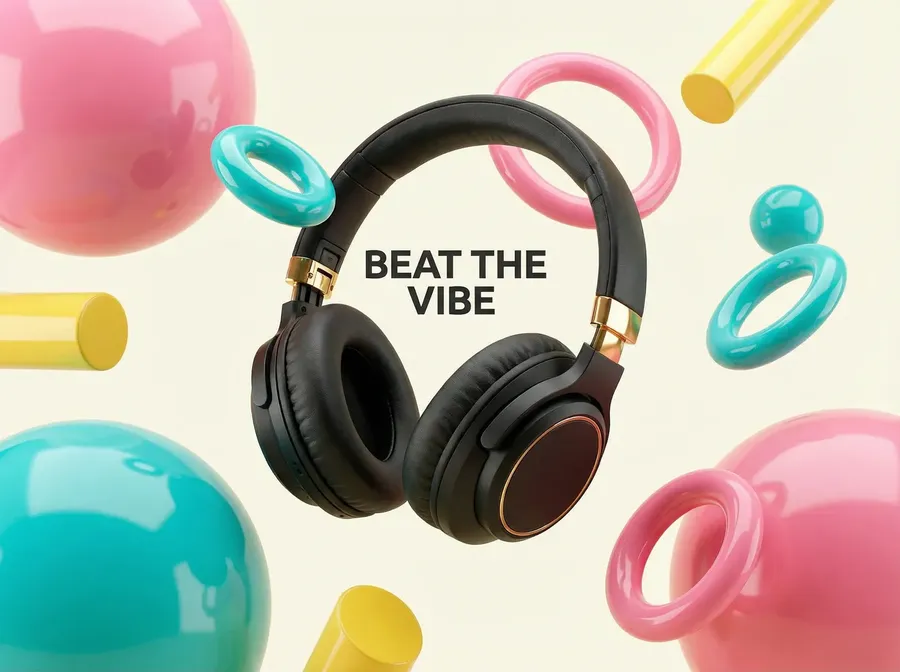
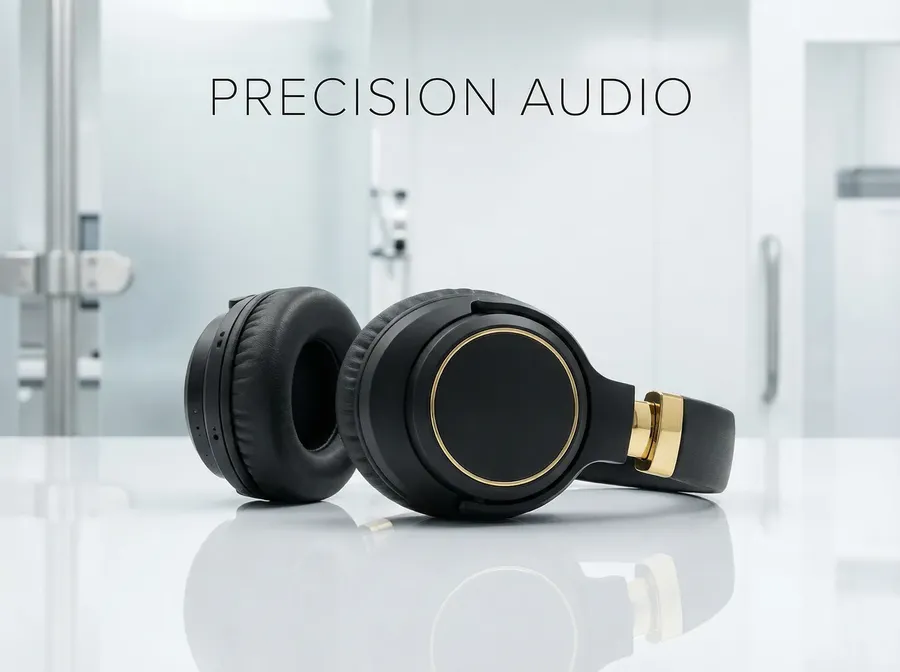
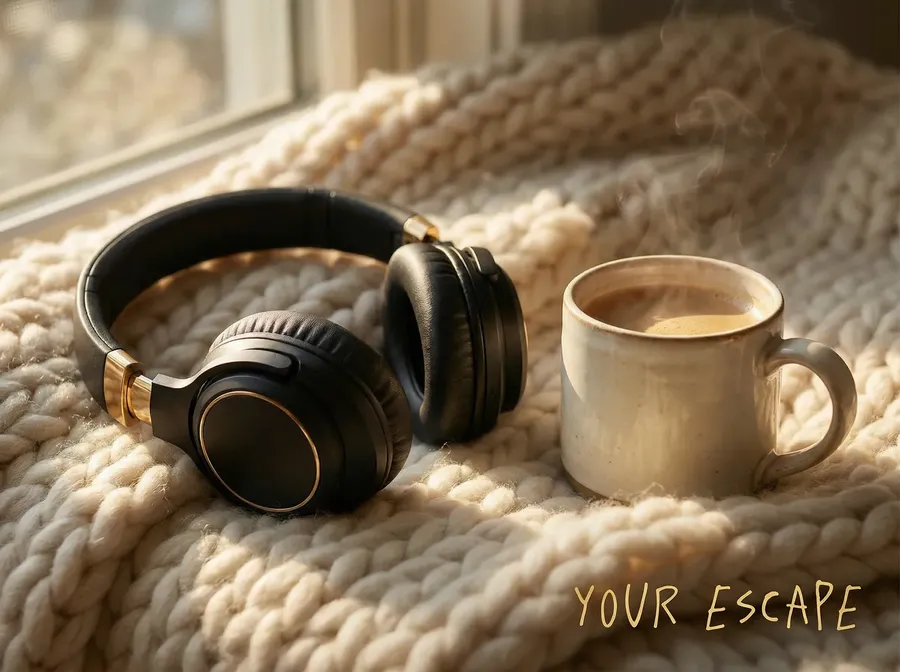
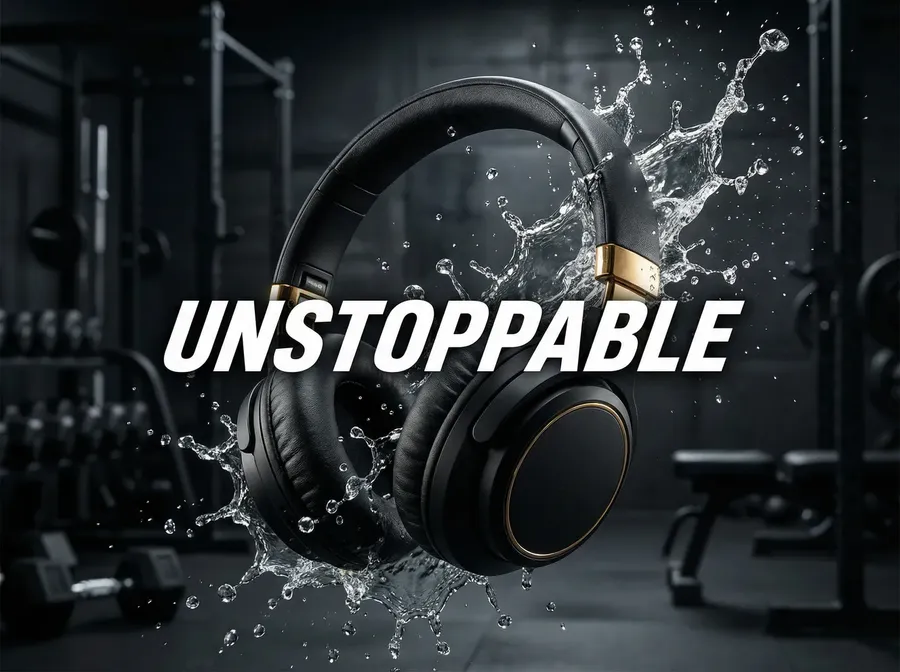
Create 8 ad-style product images with the same product, each with a different mood:
luxury minimal, playful colorful, clean clinical, warm cozy, sporty energetic, retro film, futuristic neon, natural earthy.
Keep the product unchanged. Photorealistic commercial photography.
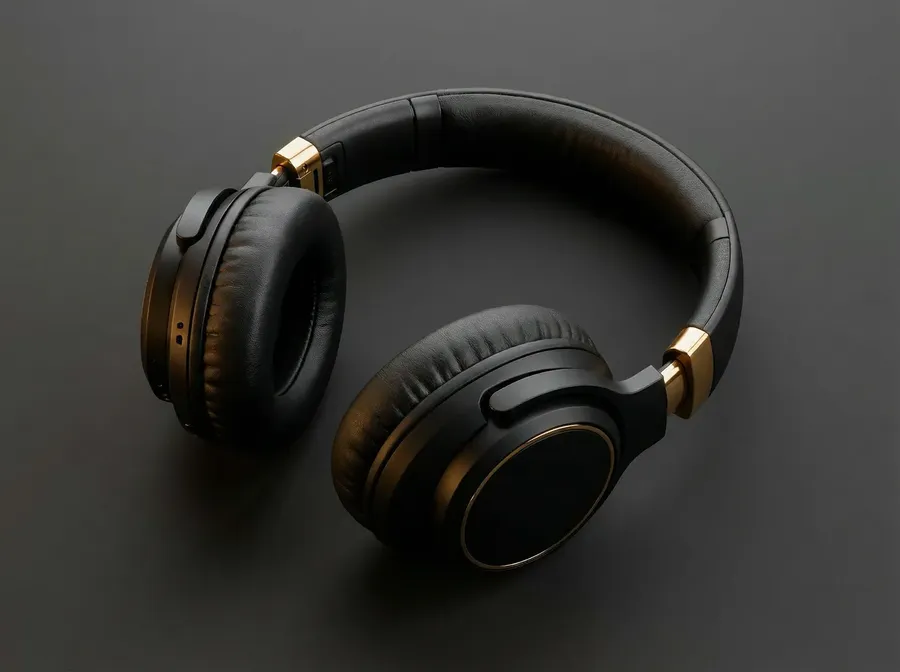
Image 1
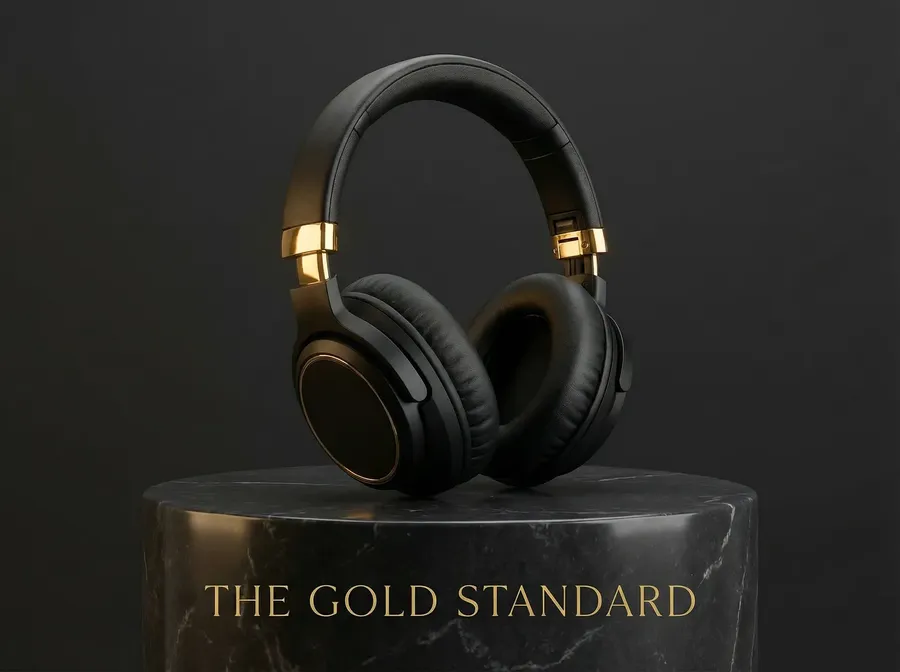
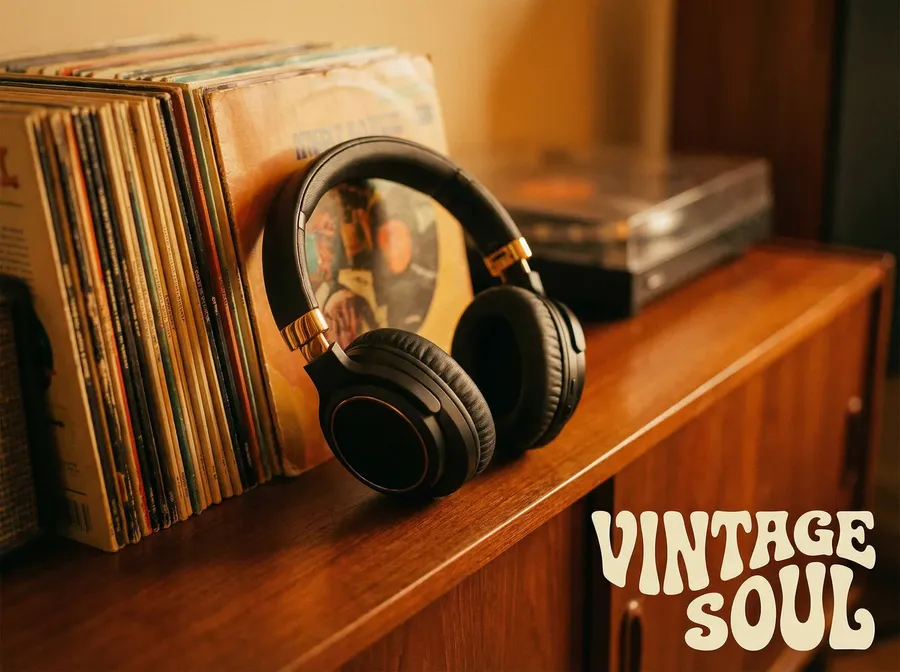
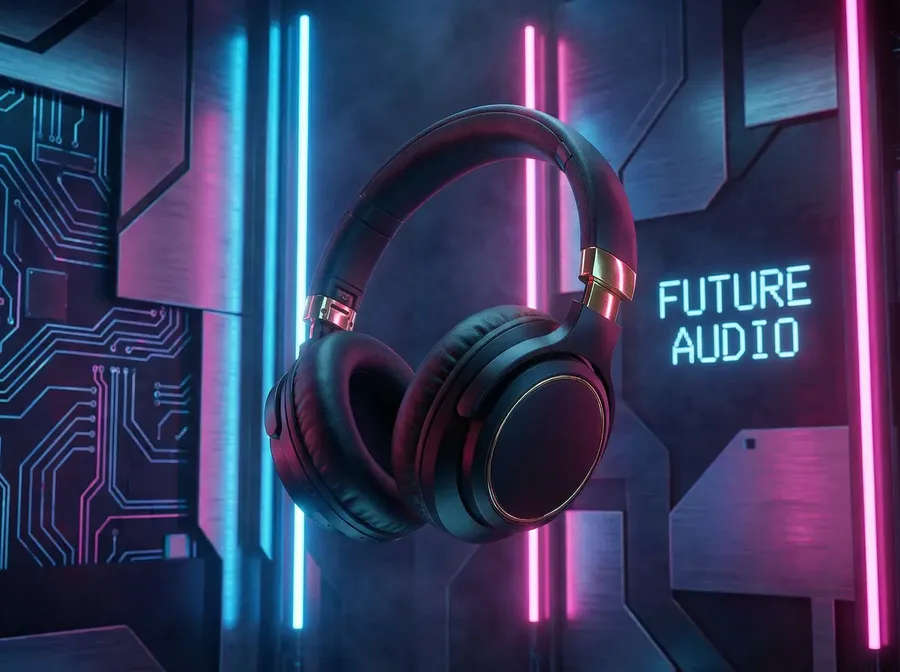
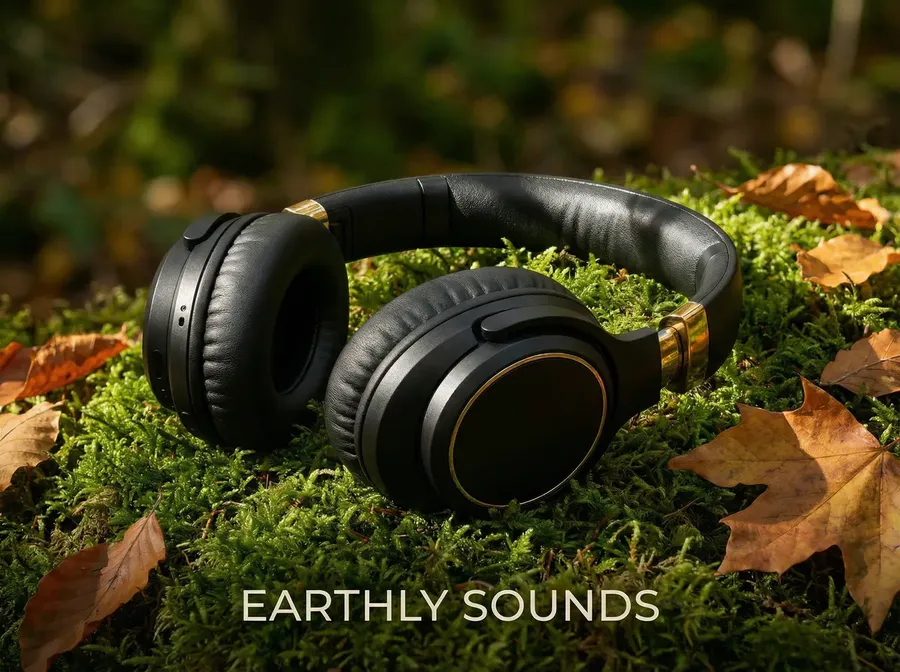
Quick tips
- Set Number of images = 8. If you want fewer, cut the list and match the image count.
Explainers and Product Detail Page Enhancers
Feature callouts (infographic style)
What it’s for
Product Detail Page images that explain value quickly.
What you upload
- Product photo (clean, ideally front-facing)
Copy-paste prompt template
Create a clean product infographic image. Show the product with a [NAME] label and add [NUMBER] feature callouts with minimal modern typography:
[FEATURE 1]
[FEATURE 2]
[FEATURE 3]
Clean layout, e-commerce style.
Example
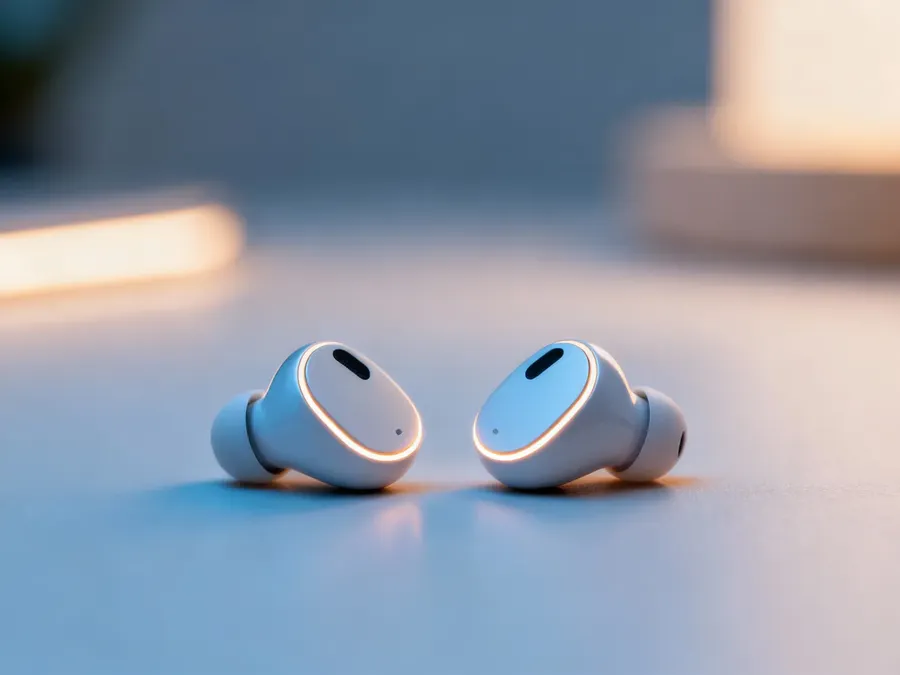
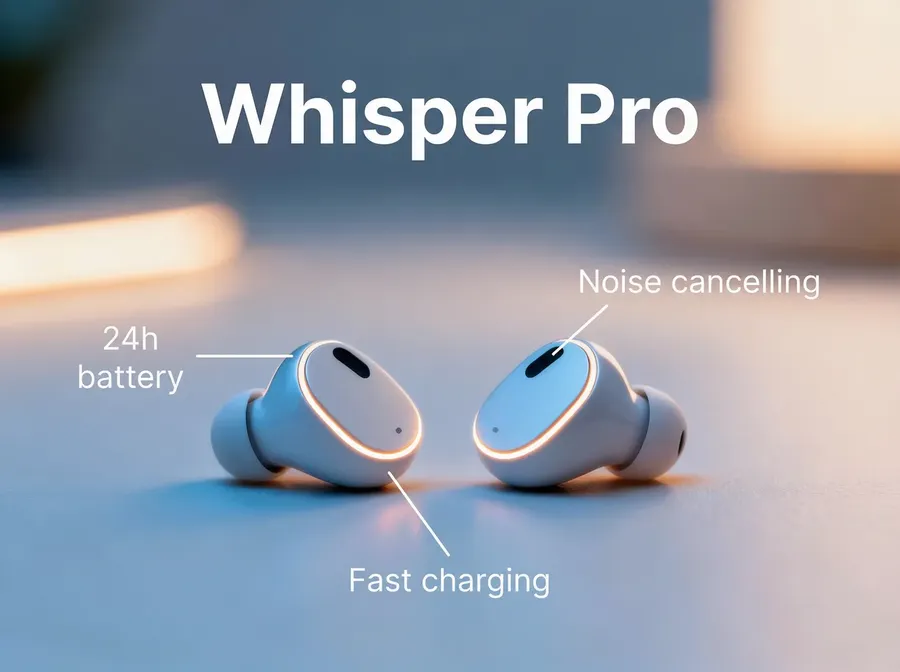
Image 1
Create a modern product infographic image. Show the product and add a label "Whisper Pro" and 3 feature callouts with minimal modern typography: 24h battery, Noise cancelling, Fast charging. Clean layout, e-commerce style.
Size guide visual (measurements)
What it’s for
Reduce returns by showing true size.
What you upload
- Product photo
Copy-paste prompt template
Create a clean size guide image with measurement arrows and labels for: [MEASUREMENTS]. Keep a minimal e-commerce infographic style on a white background.
Example
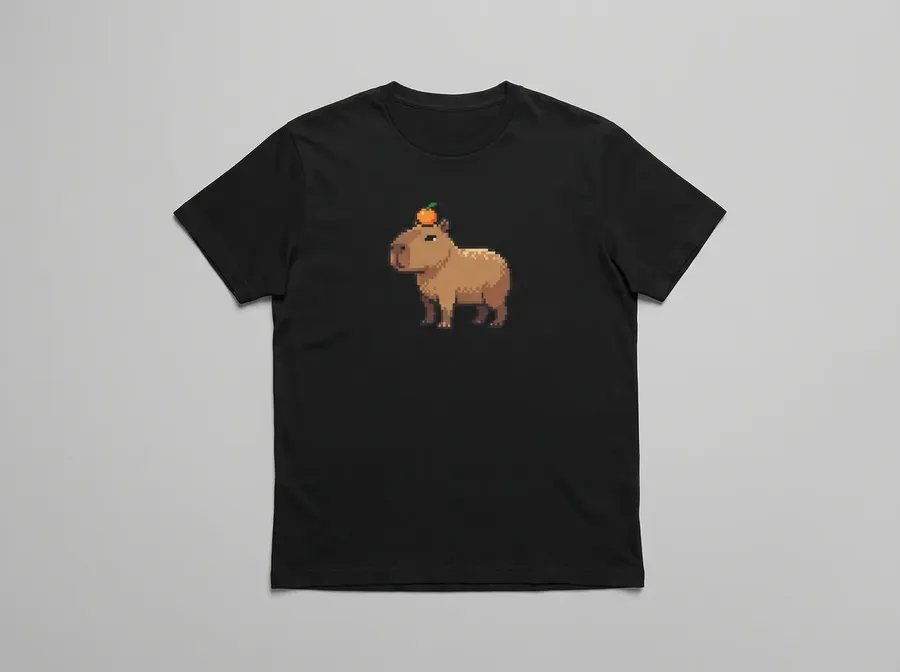
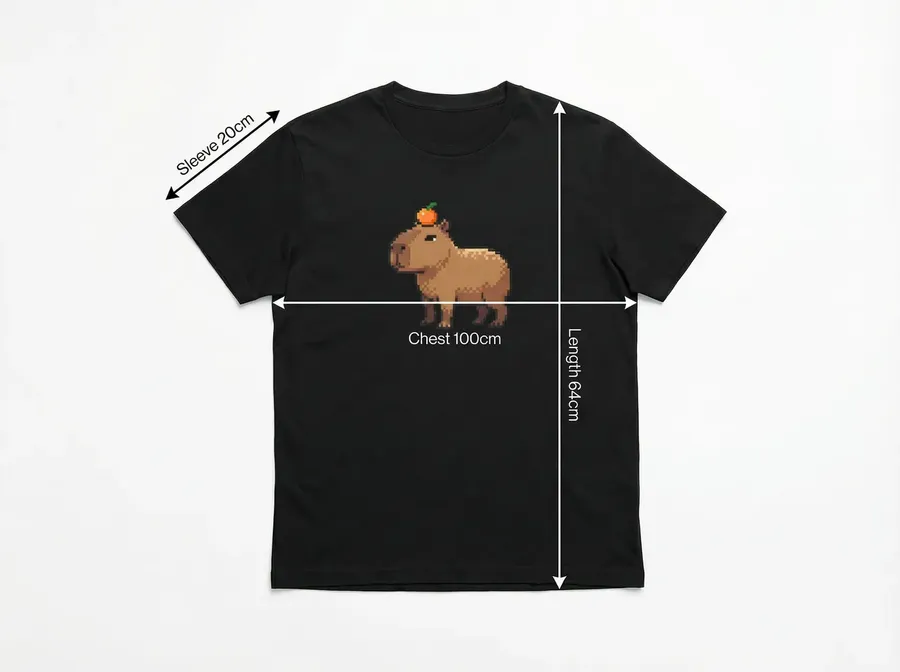
Image 1
Create a clean size guide image with measurement arrows and labels for: chest 100cm, length 64cm, sleeve length 20cm. Keep a minimal e-commerce infographic style on a white background.
Quick tips
- Use consistent units across your store.
Product Concept Generation (Design and Merch)
New product concept on white background
What it’s for
Prototype new concepts, test ideas, moodboard product lines.
Copy-paste prompt template
Design a new product concept: [PRODUCT CATEGORY]. Style: [BRAND VIBE]. Show it as a premium studio product photo on a white background. Photorealistic, high detail.
Example
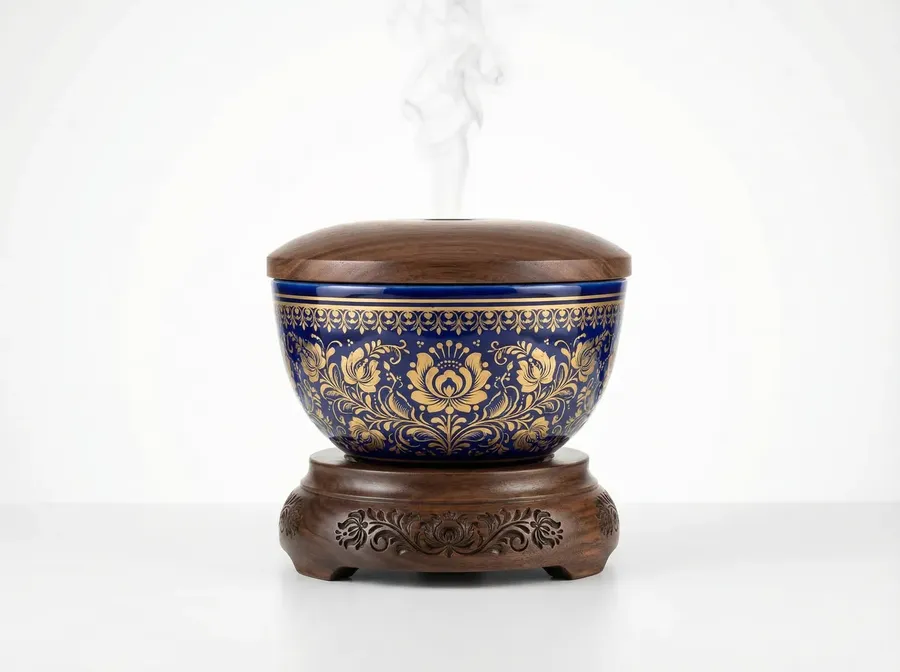
Design a new product concept: premium, unique ceramic aroma diffuser with floral engravings on wooden elements. Style: Slavic. Show it as a premium studio product photo on a white background. Photorealistic, high detail.
Quick tips
- Use 4 or 8 images to explore multiple directions. Set Number of images to match what you ask for.
Print designs (t-shirt, hoodie, tote)
What it’s for
Generate print assets, not full shirts.
Copy-paste prompt template
[NUMBER] unique print designs for [PRODUCT TYPE] in the theme: [THEME]. High contrast, clean lines, print-ready look. White background. No mockups, print only.
Example
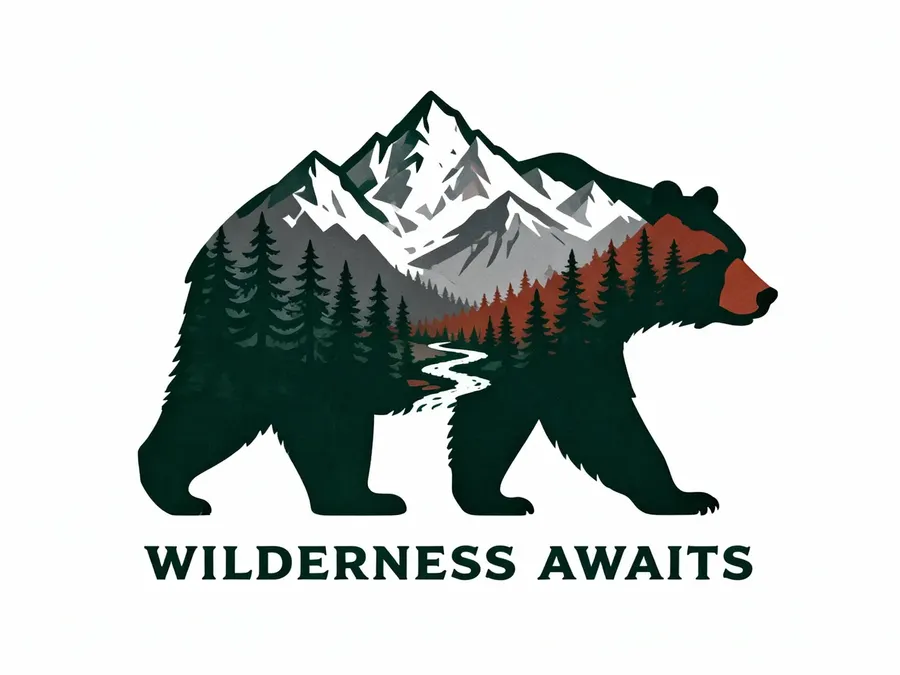
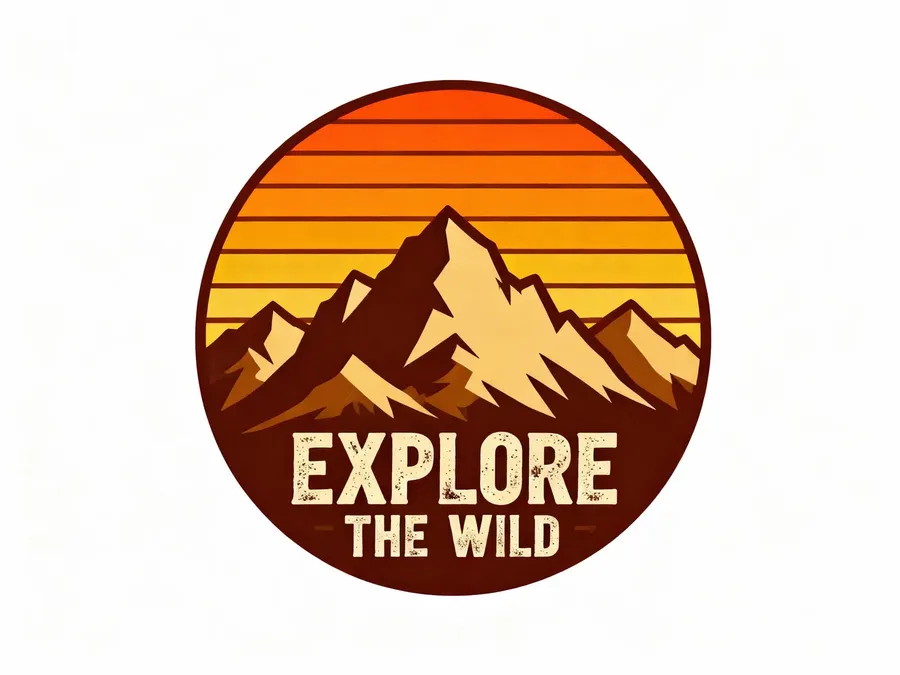
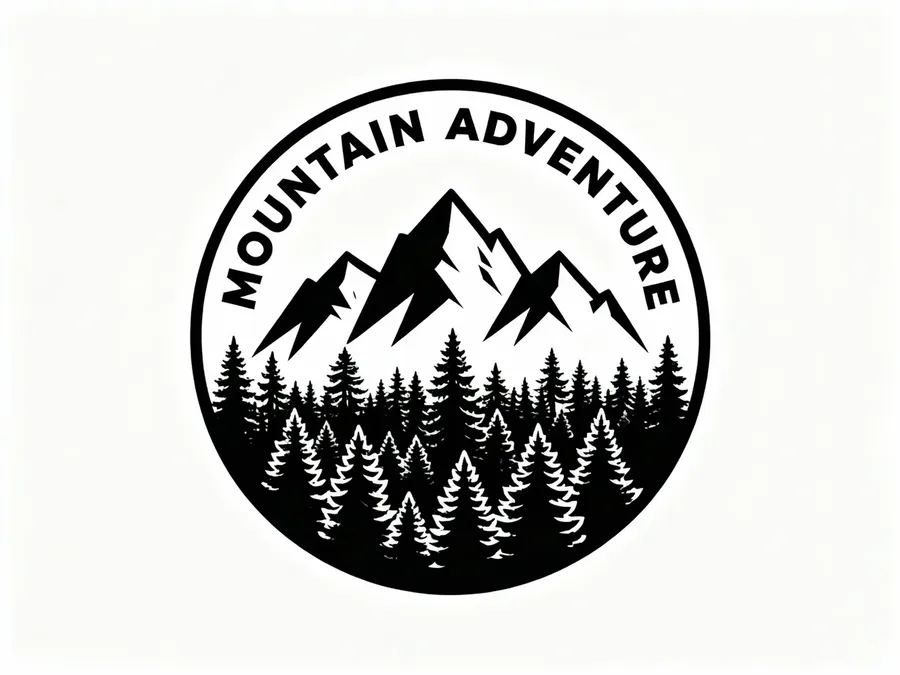
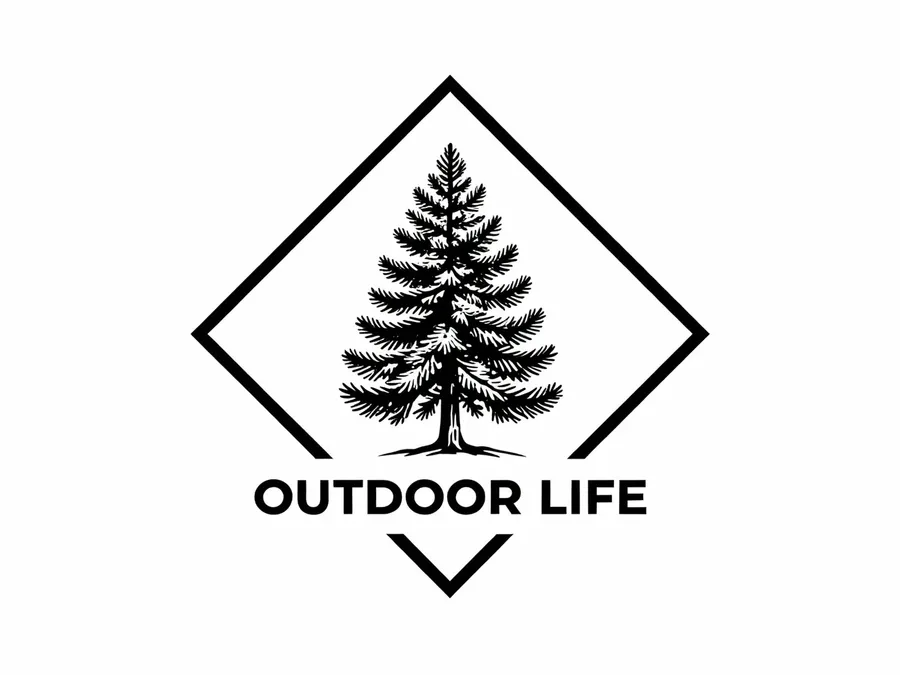
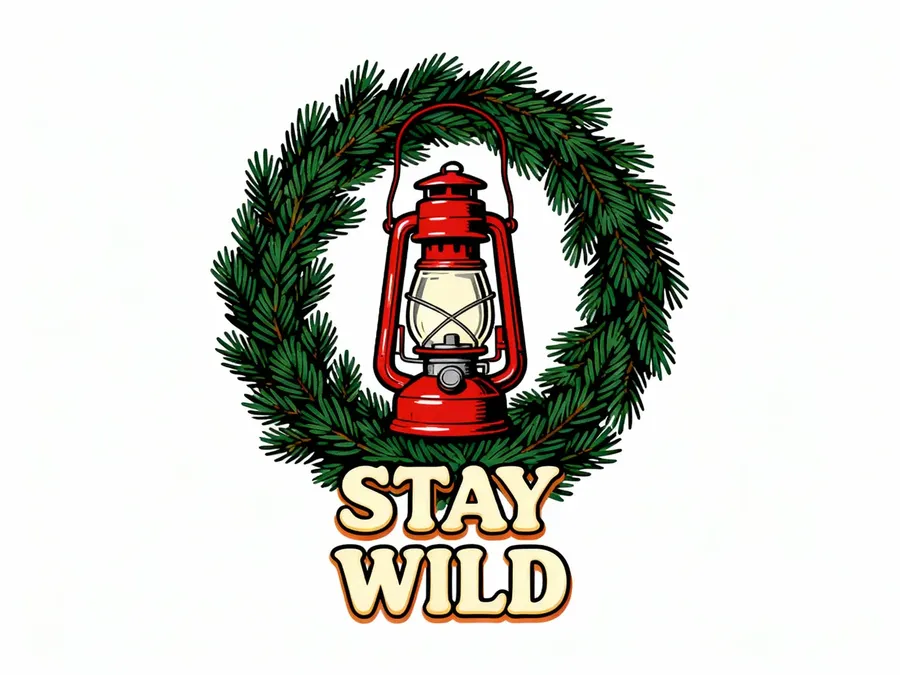
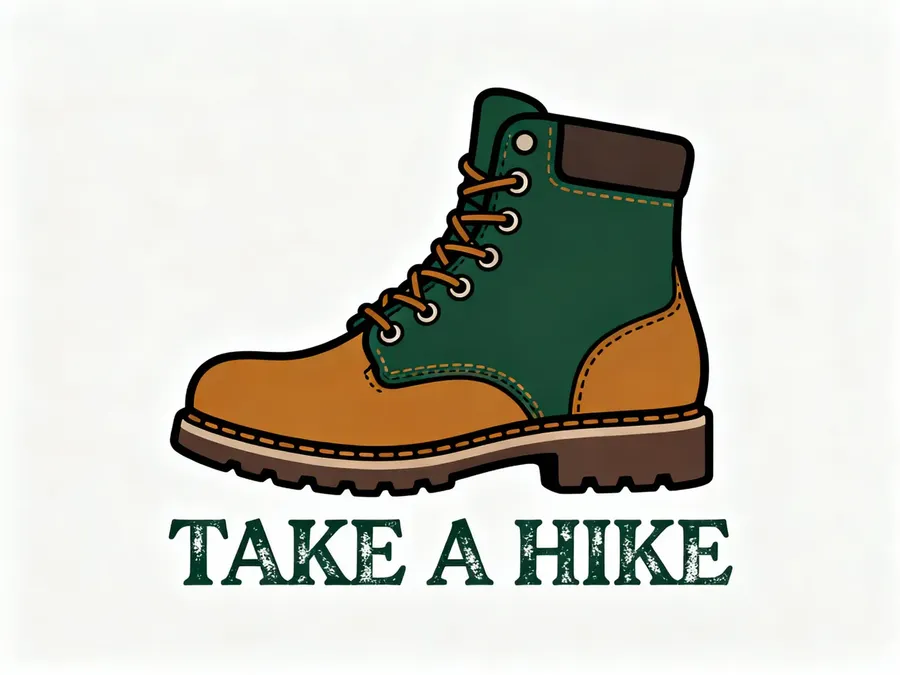
8 unique print designs for t-shirts in the theme: retro hiking graphics. High contrast, clean lines, print-ready look. White background. No mockups, print only.


Quick tips
- Set Number of images to the number of variants you want to get.
- Add: “Vector style” if you want flatter designs.
Check out our Image Generation Prompt Book to learn more!
Video Templates (Short, Ad-Friendly)
Hero product video (vertical)
What it’s for
Reels/TikTok ads: clean, premium motion.
What you upload
- Product photo as a First Frame or Reference Image
Copy-paste prompt template
Keep the product unchanged. Slow push-in. [DETAILS]
Example
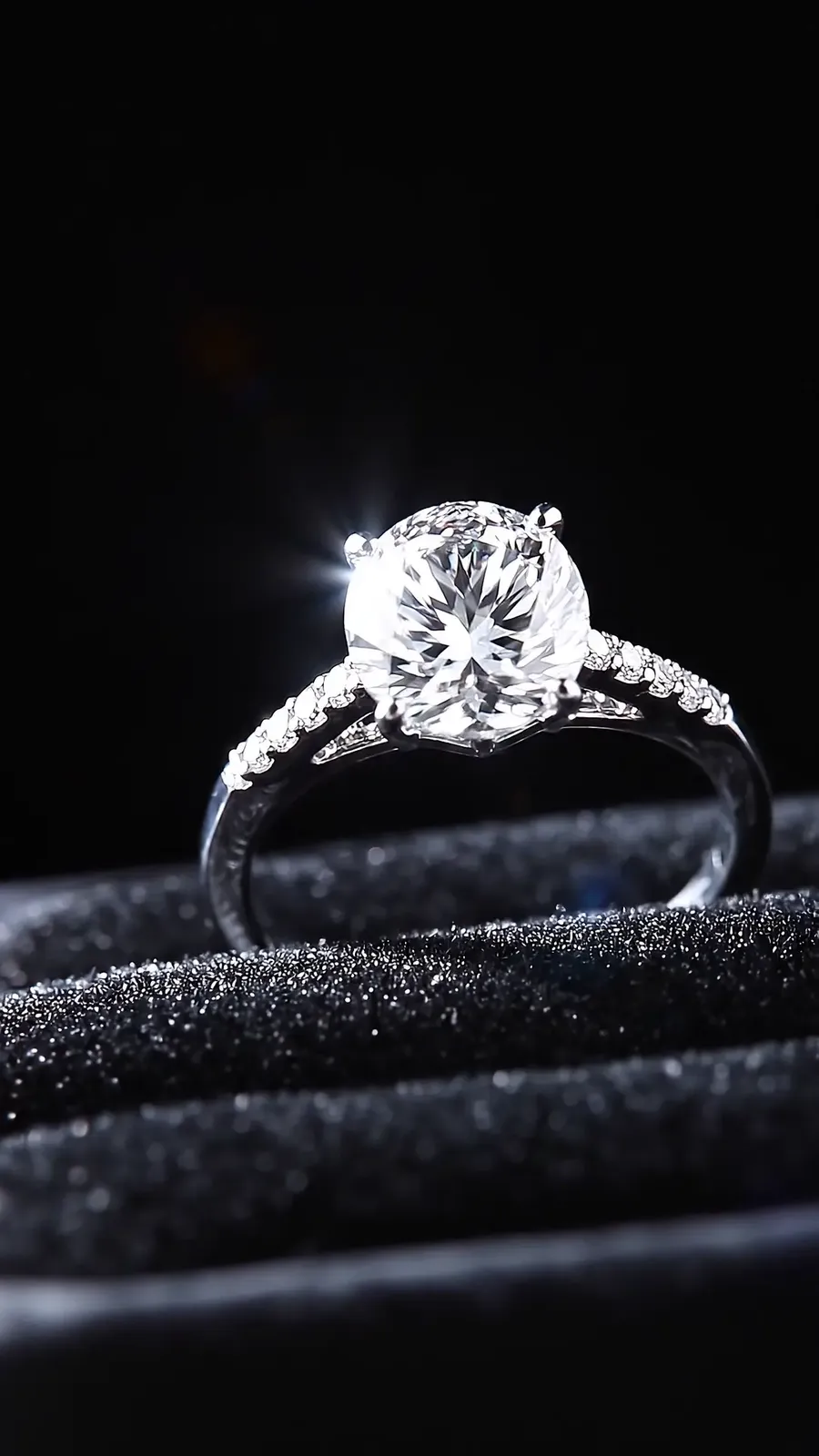
First Frame
Keep the product unchanged. Slow push-in. Soft directional lighting to create sparkle and contrast. Micro reflections and crisp edges.
Quick tips
- Edit your image first using the previous prompt examples to create an amazing first frame.
Rotation video (clean and simple)
What it’s for
Show the product from multiple angles, fast.
What you upload
- Product photo
Copy-paste prompt template
Camera quickly rotates [NUMBER] degrees around the [ITEM].
Example
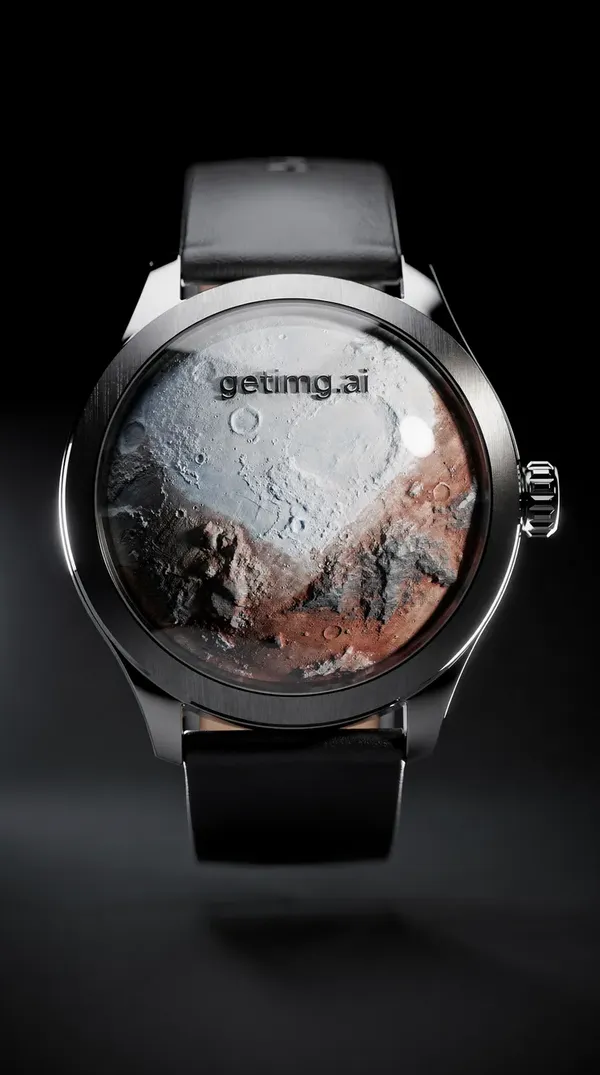
First Frame
Camera rotates 180 degrees around the watch.
Quick tips
- Works best for objects like bottles, shoes, gadgets, decor.
Hero product video (fast background transitions)
What it’s for
High-energy hook while the product stays consistent.
What you upload
- Product photo as First Frame
Copy-paste prompt template
Product stays sharp and unchanged. Background transitions through 3–5 scenes: [SCENES]. Motion blur only in the background.
Example
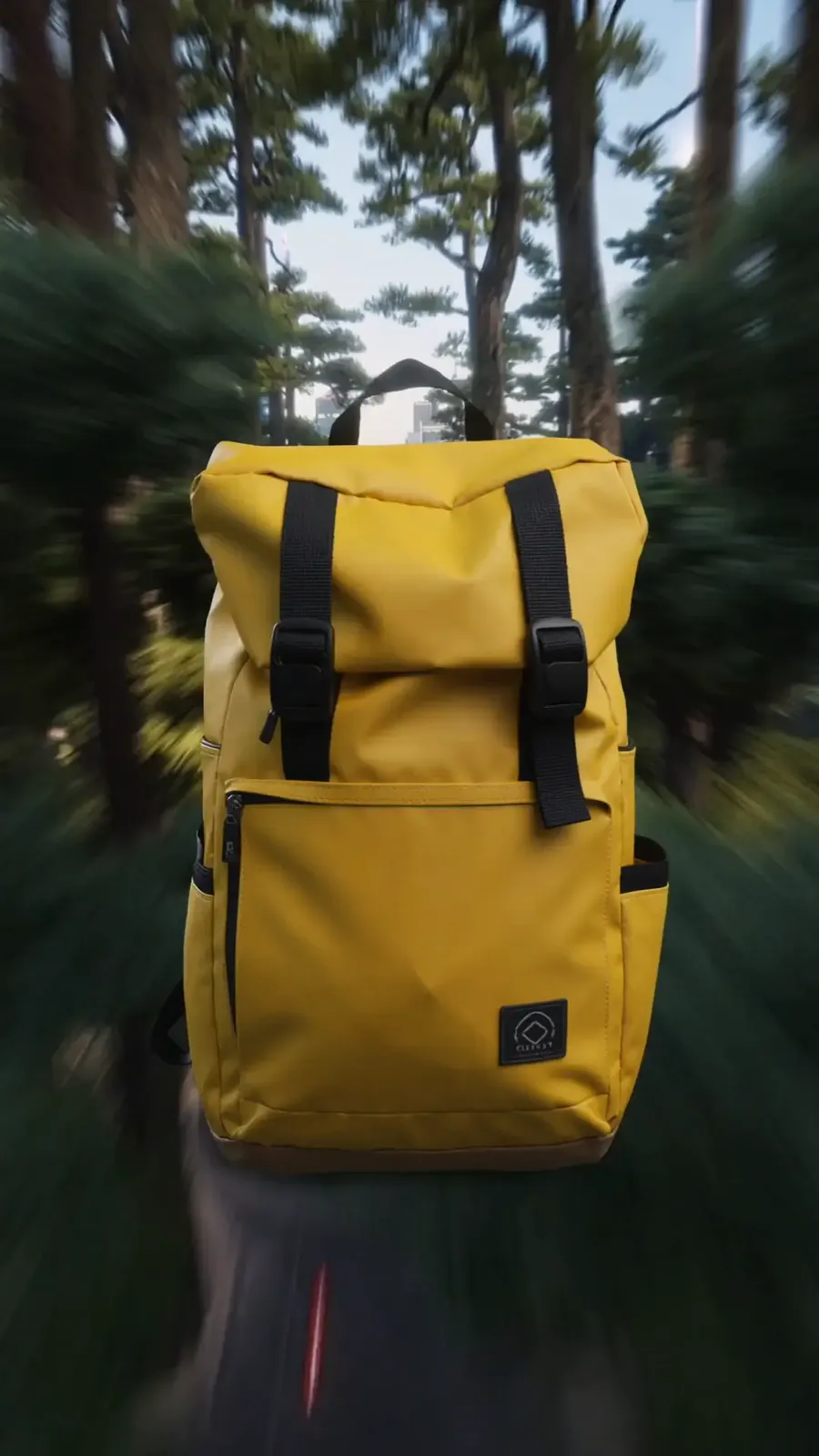
First Frame
Backpack stays sharp and unchanged. Background transitions through: forest trail, city street, airport terminal, desert dunes. Motion blur only in the background.
UGC-style review video
What it’s for
Phone-shot review vibe for TikTok/Reels ads.
What you upload
- Product photo as First Frame or Reference Image
Copy-paste prompt template
An UGC-style video of the [DESCRIPTION].
Example
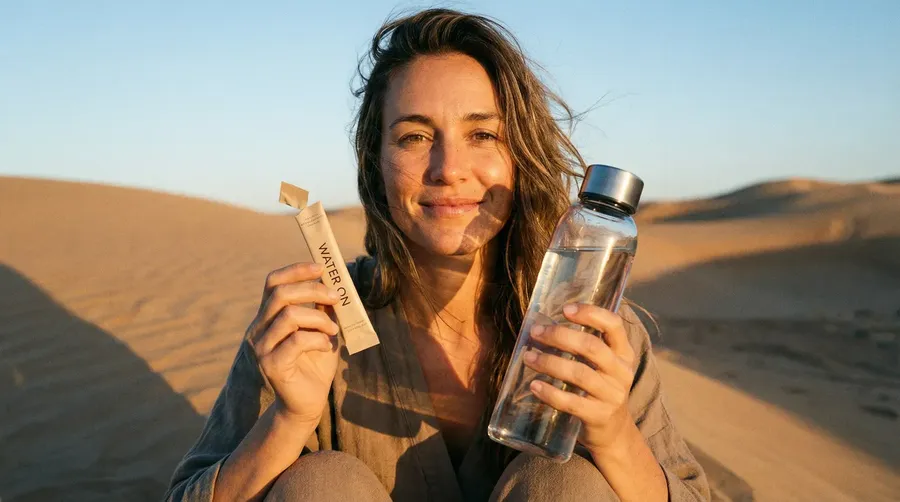
First Frame
An UGC-style video of the woman in the desert. She looks into the camera and says, 'I really needed that. I was two minutes away from becoming a raisin.' As she speaks, she brings the bottle close to the lens and gives it an energetic shake. Realistic wind is blowing her hair.
Take a look at our Video Generation Prompt Book for more useful tricks!
Try it now
Log into getimg.ai, pick a prompt from this E-commerce Prompt Book, and run it on a real product image.
Start simple:
- clean up the photo
- remove or swap the background
- fix lighting or shadows
Then build up:
- lifestyle scenes
- color or material variants
- on-model images
- ads and short videos
If you’re working with a team, use Teams to keep everything in one place. It’s useful for sharing reference images, comparing variants, and getting quick feedback without long back-and-forth.
And if you're creating content for other use cases as well, check out our other prompt books:
Frequently Asked Questions
It’s a practical prompt library for getimg.ai, made for e-commerce teams, brands, and creators. It focuses on real workflows like product cleanup, lifestyle images, variants, ads with text, and short product videos.
You can:
🟣 remove or replace backgrounds
🟣 clean up and retouch product photos
🟣 create lifestyle scenes from a single product image
🟣 generate color, material, and pattern variants
🟣 create on-model and in-hand product images
🟣 design ad creatives with real text
🟣 generate short product videos for ads and PDPs
🟣 prototype new product concepts from text.
No. Clean, well-lit images give the best results, but you can also work with phone photos, supplier images, or older assets. You can improve lighting, shadows, and overall quality directly in getimg.ai.
Yes. Use Elements when you want to reuse the same product, model, lighting, style, or brand look across many generations. Use reference images when you need one-off guidance for a specific campaign look. You can also combine both.
Yes, you can generate products, packaging, prints, and concepts from text alone. This works best for early ideas and exploration. For real listings and ads, uploading a product image usually gives more control.
getimg.ai supports generating images and videos with readable text, including headlines, prices, and CTA buttons. You don’t need placeholders unless you want to add text later in another tool.
Yes. You can generate any number of images from 1 to 16 per batch. If your prompt asks for multiple versions, remember to set the Number of images to match. You can also generate variants one by one if you prefer more control. The batch control is a + / − stepper starting at 1, so any count up to 16 works, not only 1, 2, 4, 8 and 16.
Yes. You can create:
🟣 pure white background images
🟣 clean centered packshots
🟣 compliant listing visuals.
Always double-check each marketplace’s specific rules.
On a paid plan, you can use the images and videos you generate commercially.
With reference images, you keep selecting and attaching the same files for every generation. With Elements, you define that look once and reuse it in prompts with @ElementName, which is faster and easier to scale across catalogs.