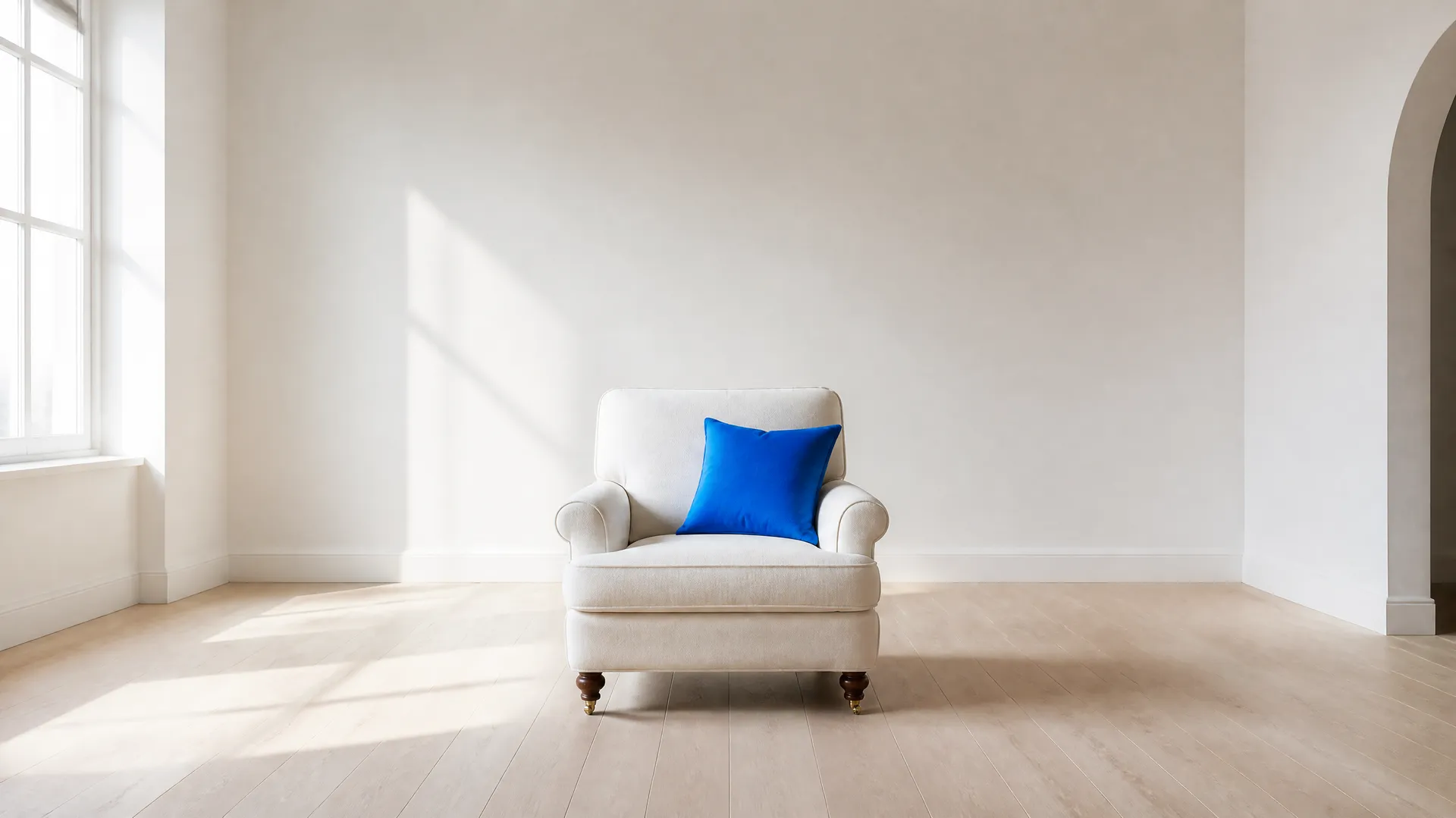
How to Restyle a Room with AI

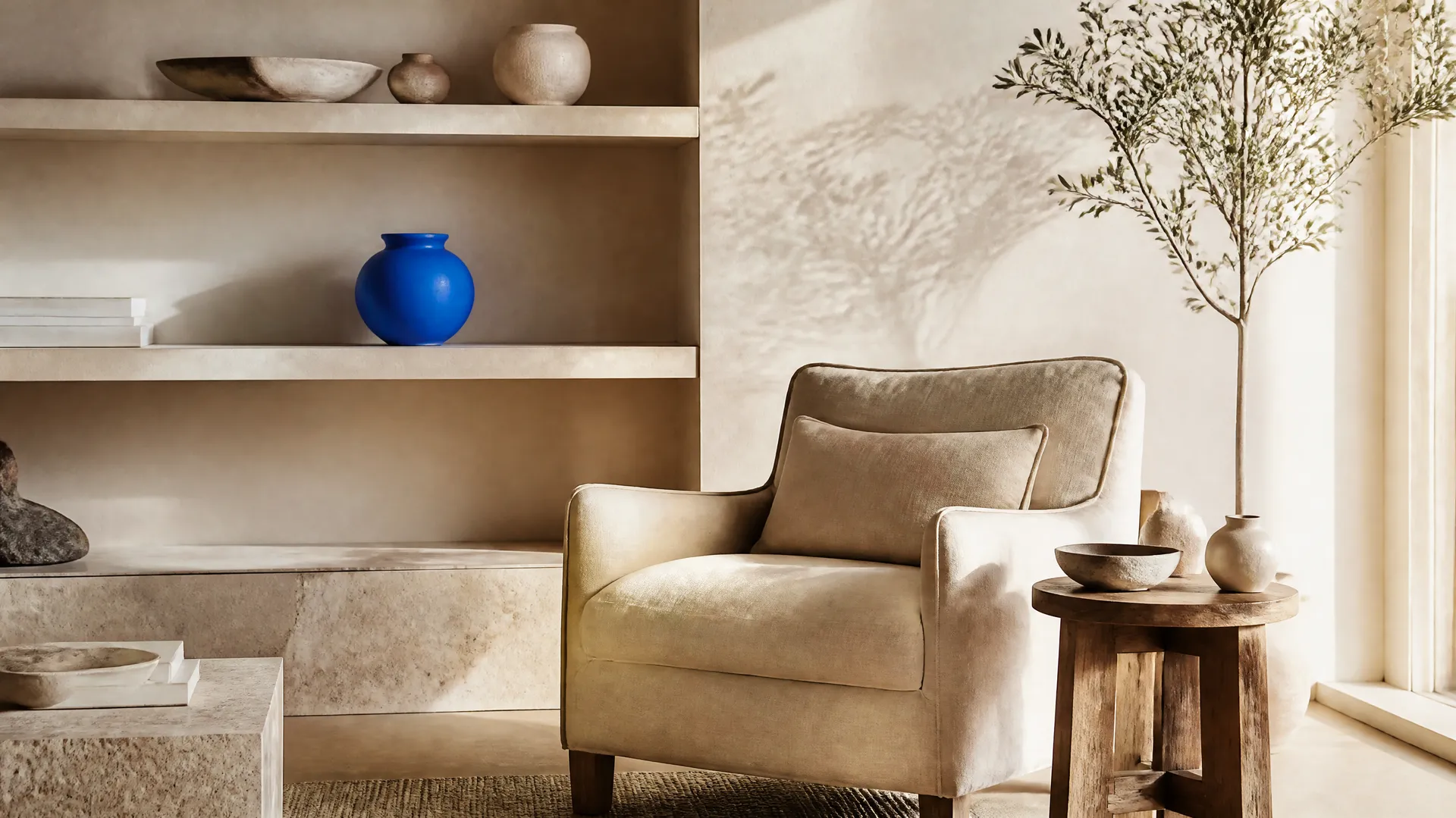
Restyling a room with AI means redesigning how a furnished space looks, its furniture, colours, and decor, while keeping the room itself intact. The walls, windows, and layout stay where they are; the style changes. You add a wide photo of the room and choose a design style such as Scandinavian or japandi, and the model reimagines the space in that look. On getimg.ai the Room restyle Action does this from a single photo, so you can see a redesign without moving anything.
TL;DR
- Room restyle redesigns a furnished room's style while keeping its walls, windows, and layout.
- In getimg.ai, open the Room restyle Action, add a wide photo of the room, and choose a style.
- There are 12 styles, from Scandinavian and japandi to art deco, coastal, and dark and moody.
- Set the quality and generate 1 to 4 variations to compare directions.
- It keeps your original photo untouched.
What Room Restyling Is
Deciding on a new look for a room is hard to do in your head. Paint chips, furniture catalogues, and mood boards all ask you to imagine the result, and it is easy to commit to a direction that does not work once it is in the space. Traditionally, seeing a real preview meant hiring an interior designer to produce renders or visualisations, which is worth it for a full project but heavy for simply exploring a few directions.
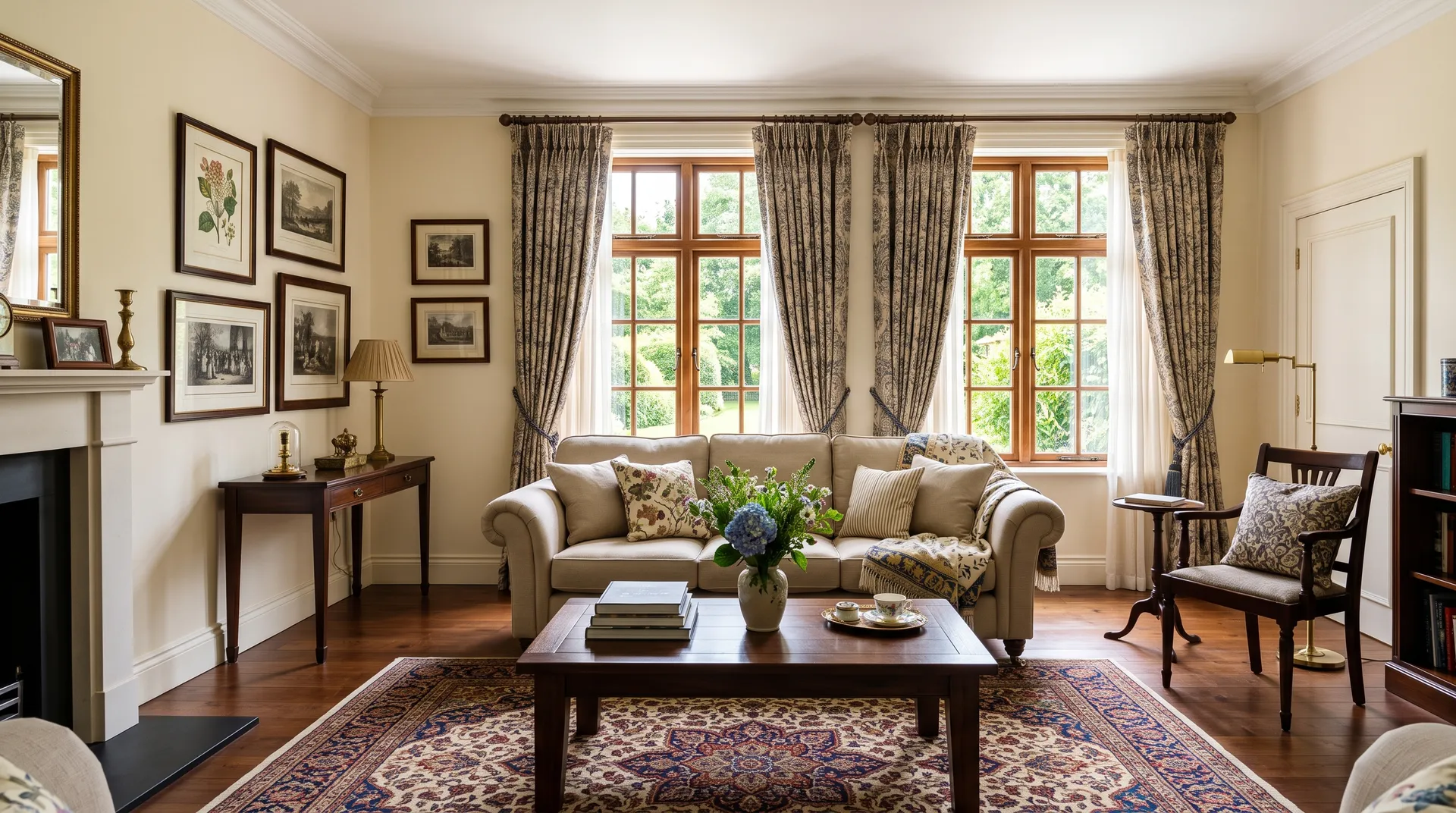
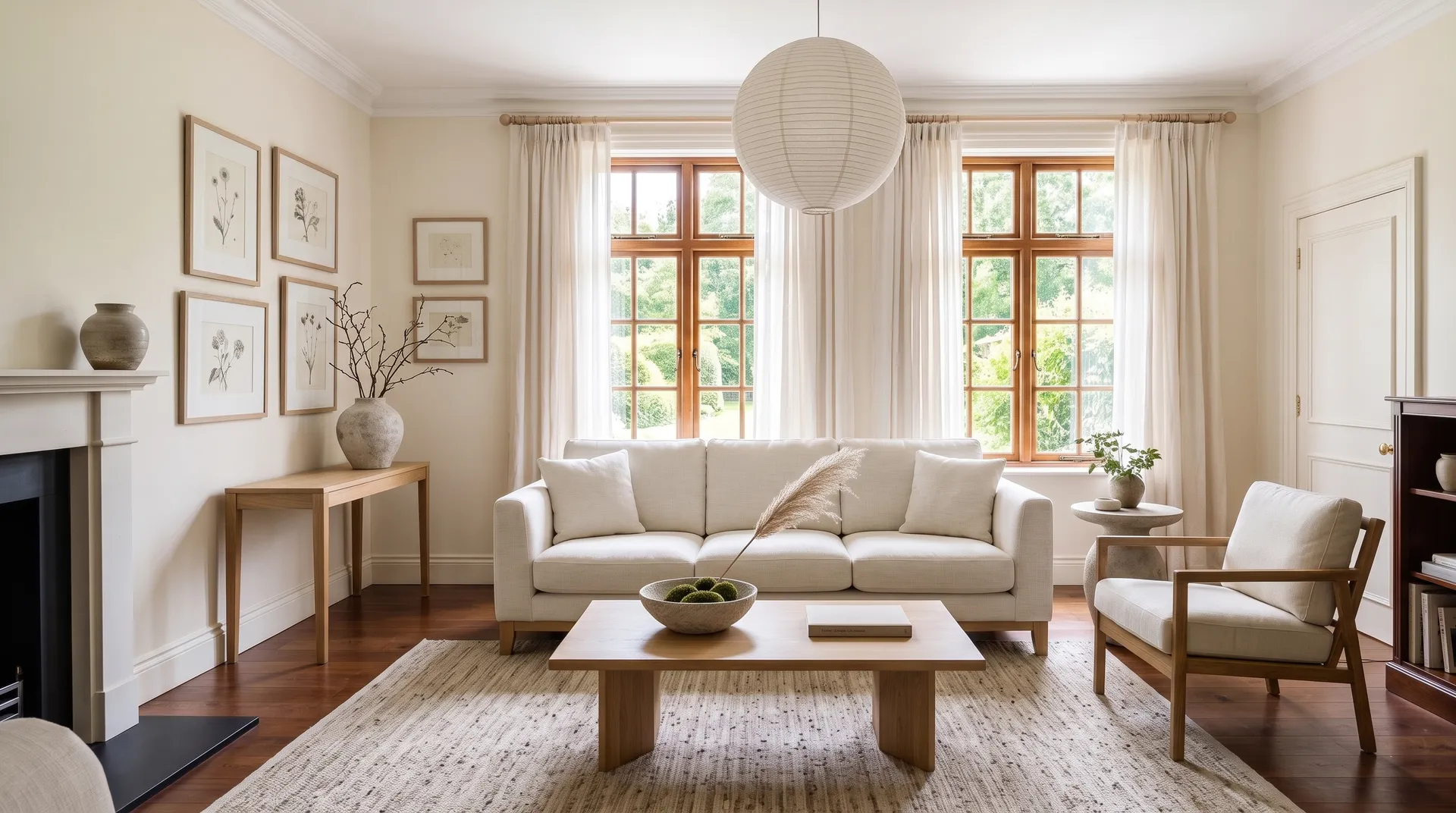
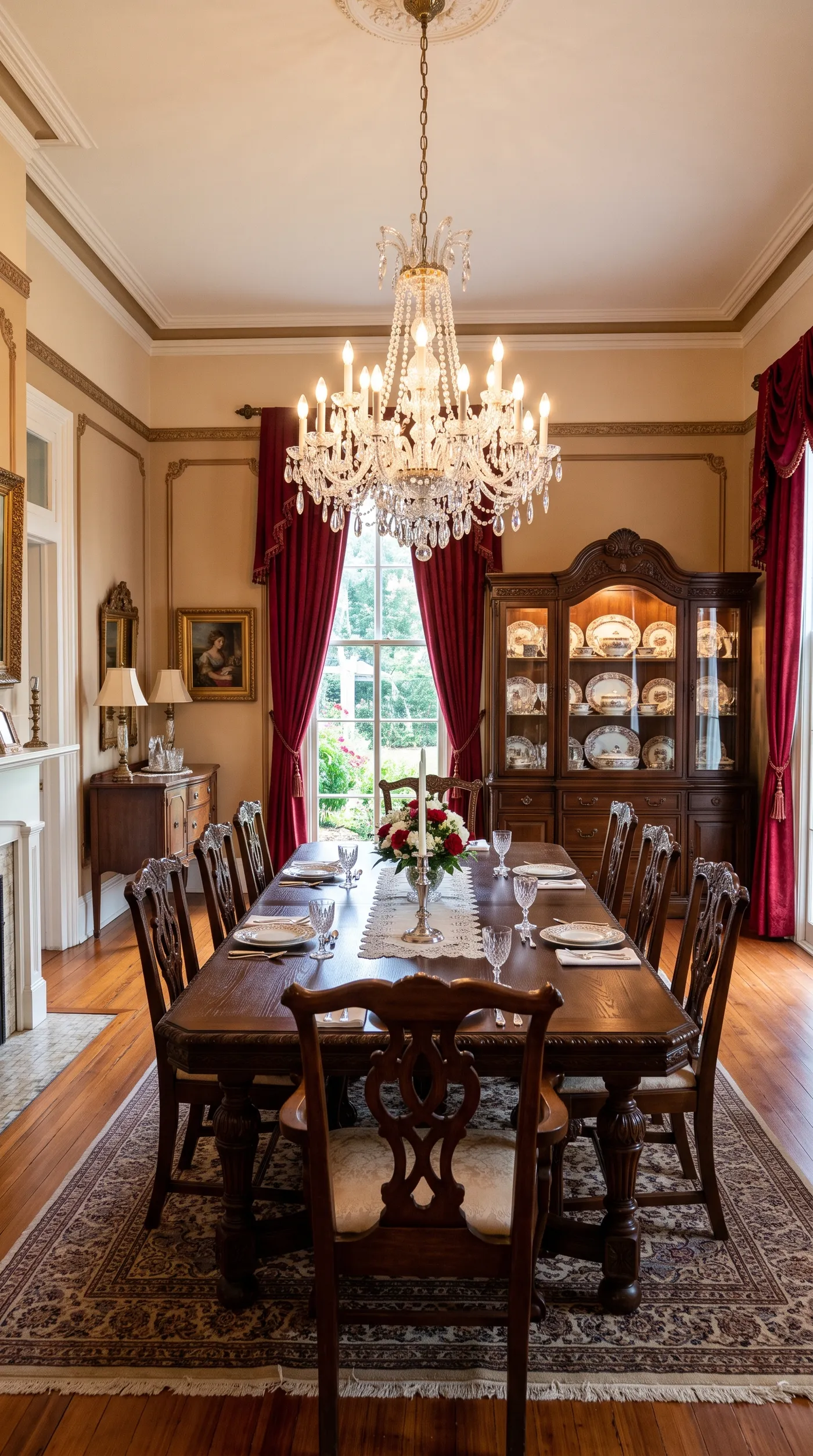
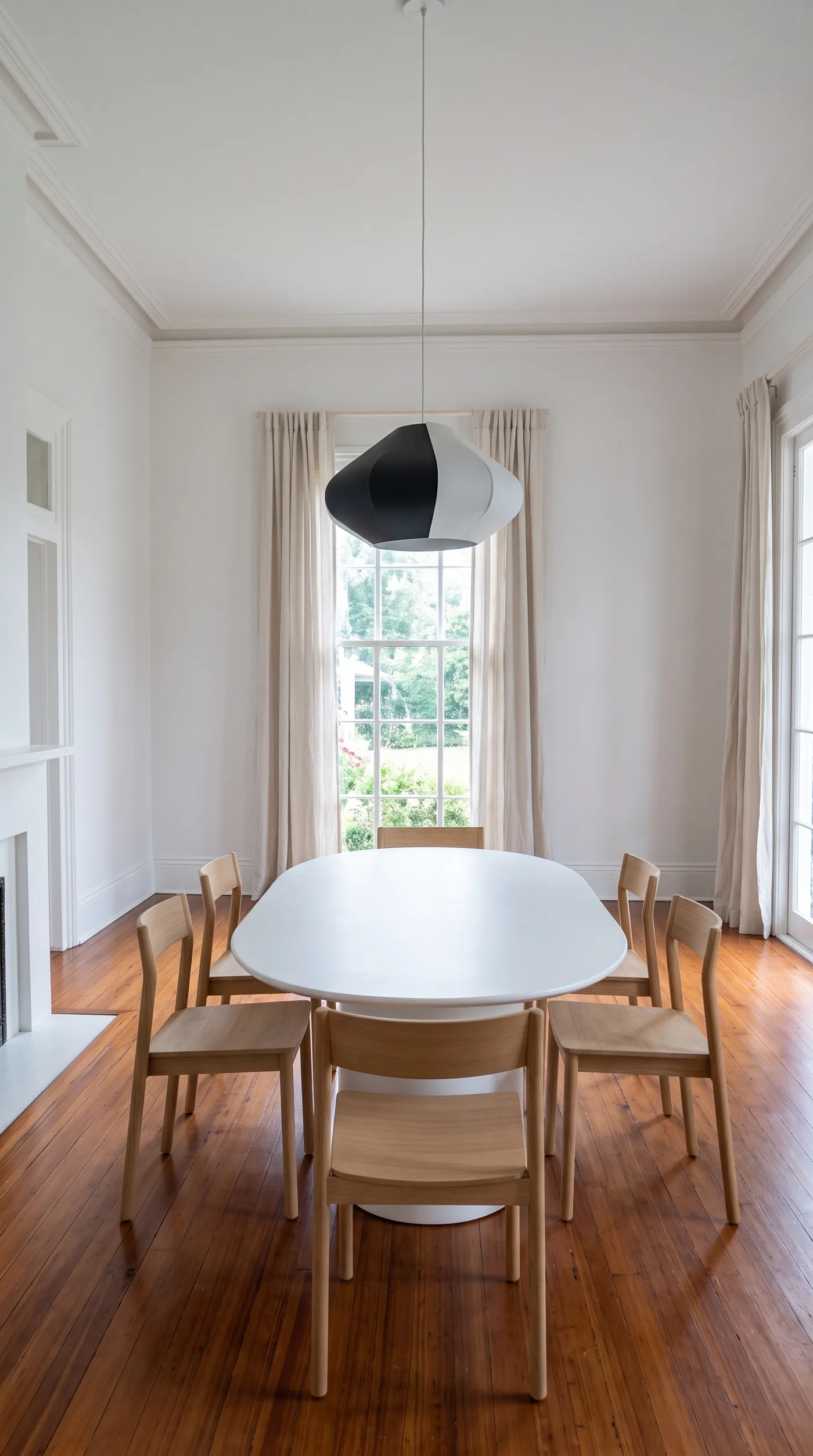
Room restyling with AI gives you that preview instantly. The model reads the room from your photo, keeps its architecture, the walls, windows, proportions, and viewpoint, and redesigns the furniture, colours, and decor in the style you choose. Because the room stays fixed and only the style changes, the result is a believable picture of your actual space in a new look, not a generic room that happens to be Scandinavian.
When to Use It (and When to Bring in a Designer)
Room restyling fits anyone weighing a change to a space:
- Homeowners and renters exploring a new look before buying furniture or repainting.
- Interior designers presenting style directions to a client quickly and early.
- Real estate and staging, showing a furnished room reimagined in a more appealing style.
- Content and inspiration, generating styled versions of a space for a portfolio or a moodboard.
Bringing in a designer still wins for the real project: sourcing actual furniture to a budget, space planning that accounts for how people move and live, and the hundred practical decisions a render cannot make. Room restyle is for seeing directions and making decisions fast; a designer turns the chosen direction into a buildable, liveable plan. Many designers use both, restyling to explore and align with a client before the detailed work begins.
How to Restyle a Room with AI, Step by Step
Here is the workflow in getimg.ai. Open the Room restyle Action to follow along.
1. Add a wide photo of the room
Add a wide photo that shows the walls and windows of the furnished room. A wide, well-lit shot gives the model the full context of the space, so it can keep the architecture consistent while restyling what is inside it.
2. Choose the style
Pick one of 12 design directions: Scandinavian for light, simple, and functional; japandi for a calm blend of Japanese and Scandinavian; industrial for raw materials and dark tones; mid-century for warm retro modernism; minimalist for pared-back and uncluttered; boho for layered, eclectic warmth; maximalist for bold colour, pattern, and collected pieces; art deco for geometric glamour, brass, and velvet; coastal for airy whites, soft blues, and natural textures; farmhouse for rustic wood and relaxed country comfort; dark and moody for deep wall colours and low, warm light; or traditional for classic furniture, symmetry, and rich wood. The style sets the entire redesign.
3. Set quality and variations, then generate
Choose an output resolution of 1K or 2K, and how many variations to generate (1 to 4). Run the Action and the restyled rooms appear in the gallery to the right of the controls. Your original photo is untouched, so you can try several styles on the same room and compare.
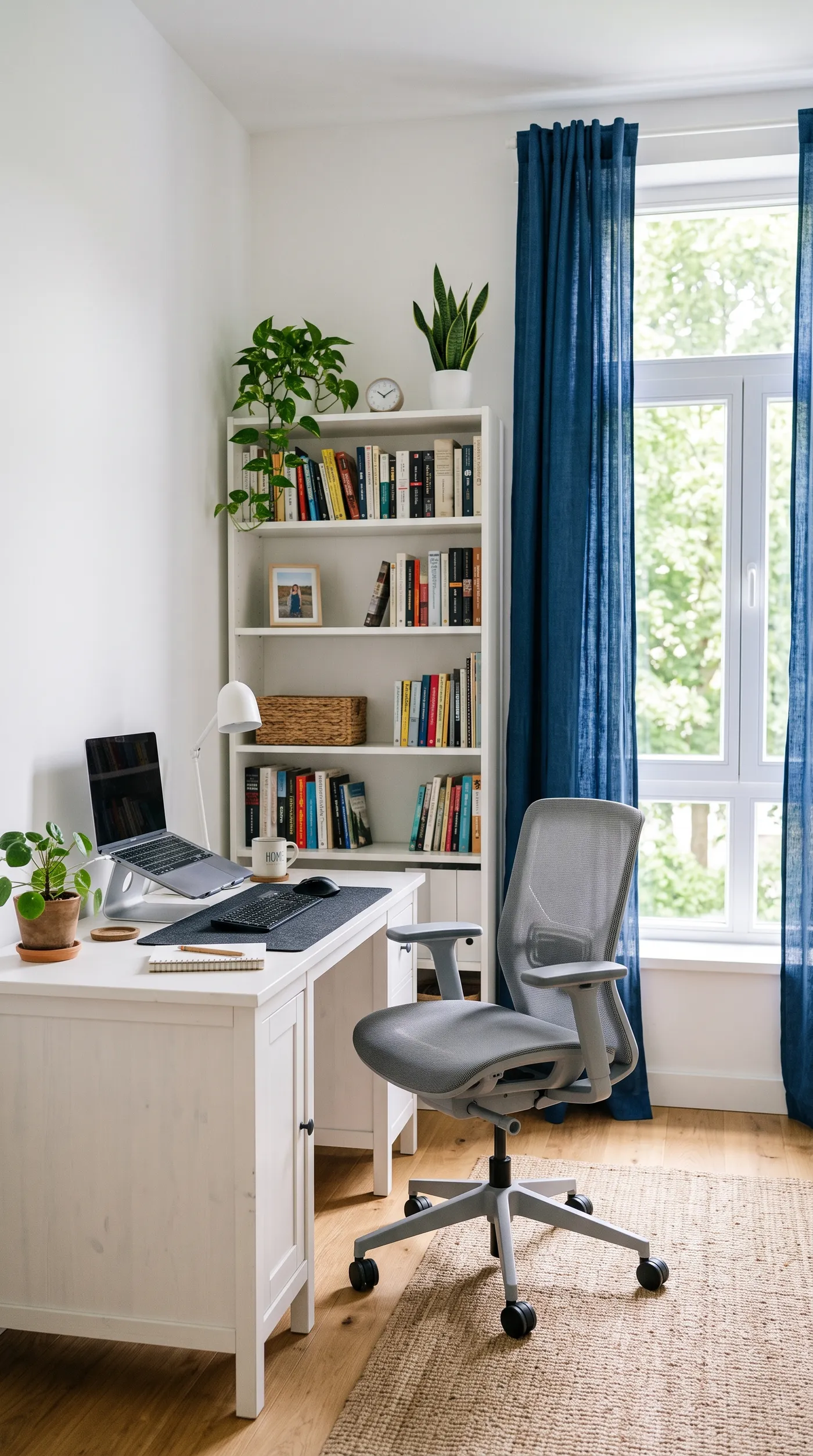
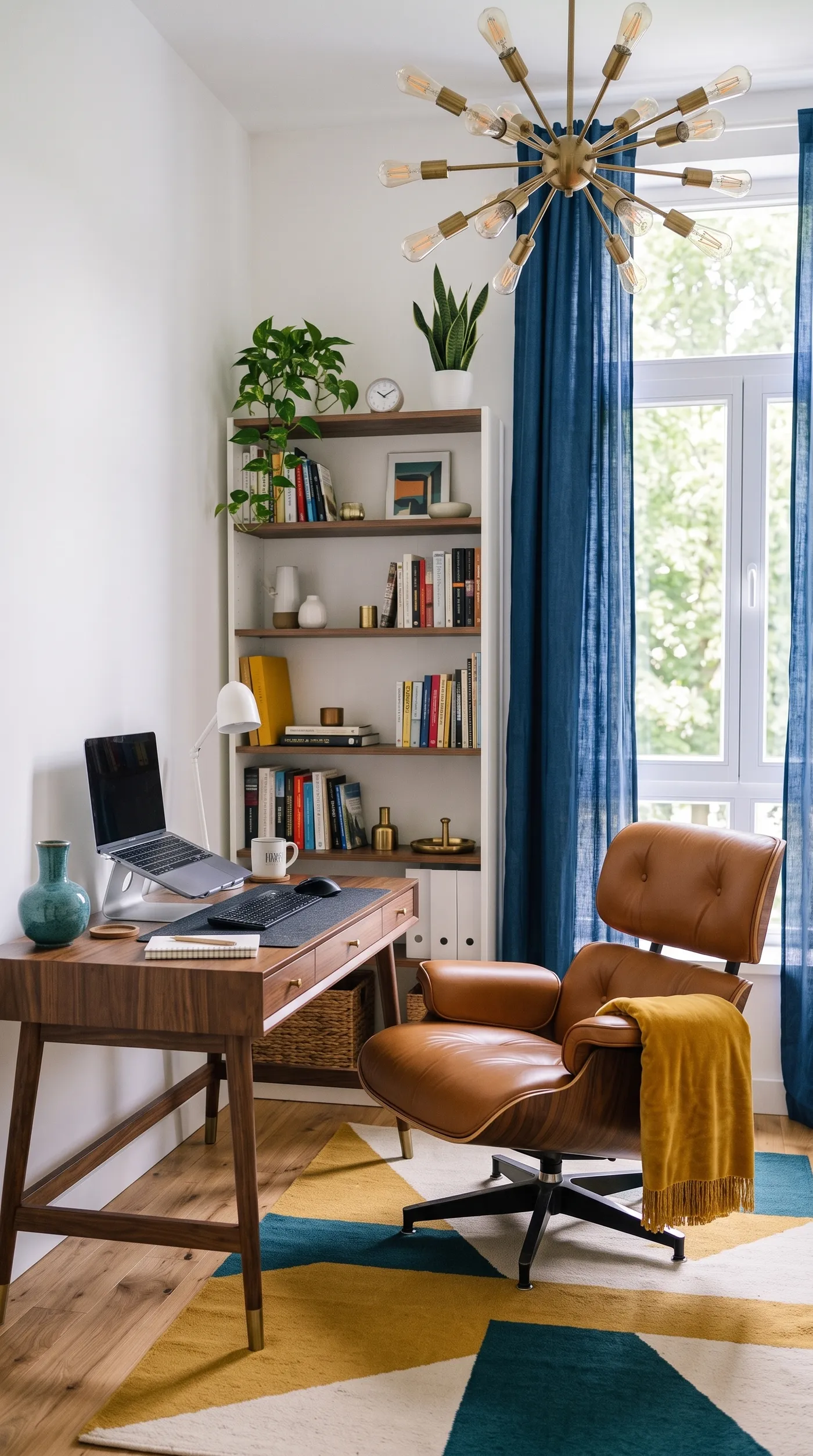
How to Get a Believable Restyle
- Shoot wide and clear. A wide photo showing walls and windows gives the model the context it needs to keep the room's architecture consistent. A tight or dim shot leaves more to guess.
- Generate variations. Asking for two or four gives you a range within a style, which is useful for choosing a direction or presenting options to a client.
- Compare styles side by side. Running the same room through Scandinavian and japandi, for example, is the fastest way to see which suits the space, and it costs nothing to try both.
- Treat it as inspiration, not a shopping list. The furniture in a restyle is representative of the look, not specific products you can buy. Use it to decide a direction, then source real pieces to match.
- Use high quality for presentation. Generate at 2K when you will show the restyle to a client or use it in a portfolio, so it holds up at full size.
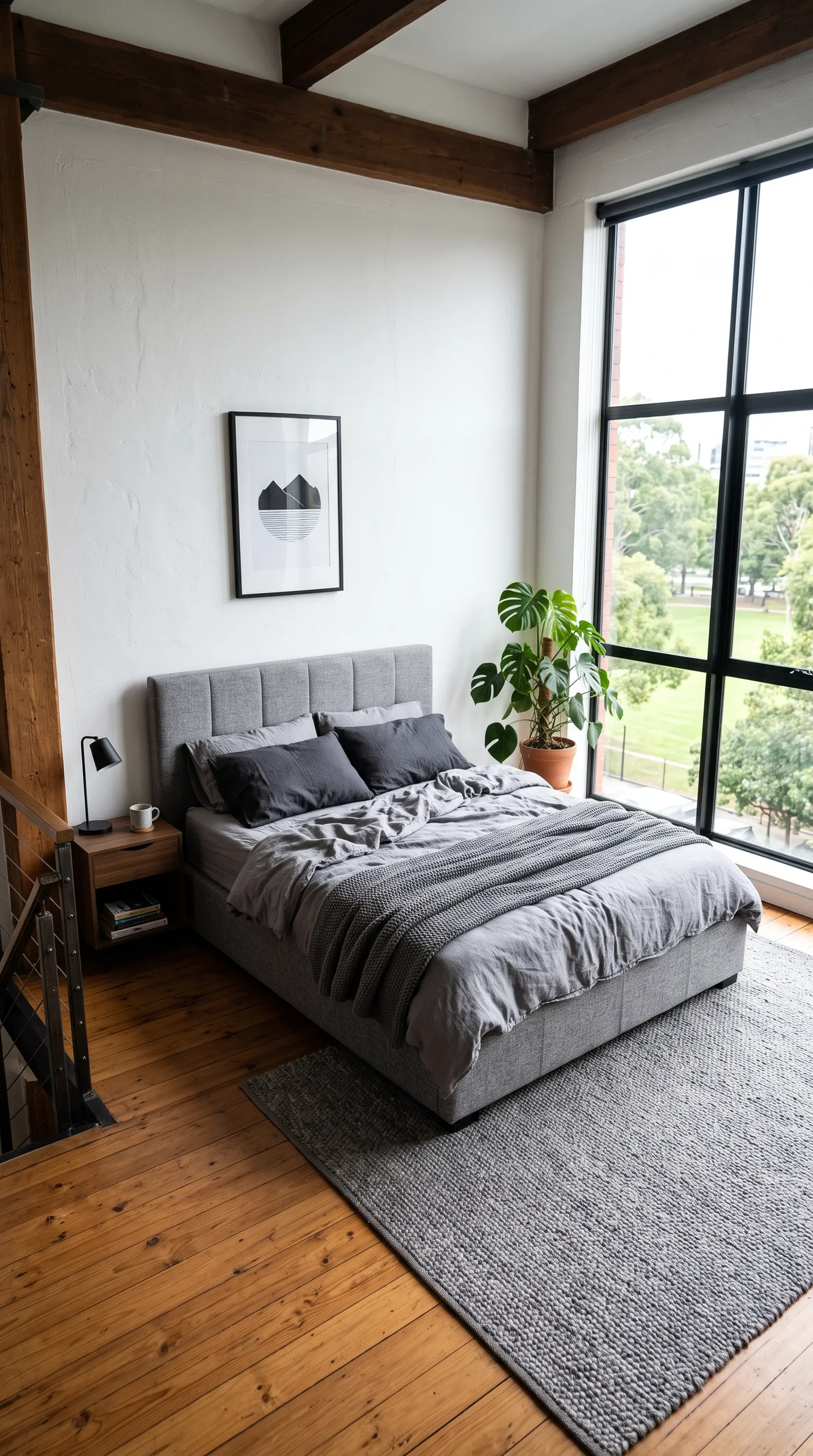
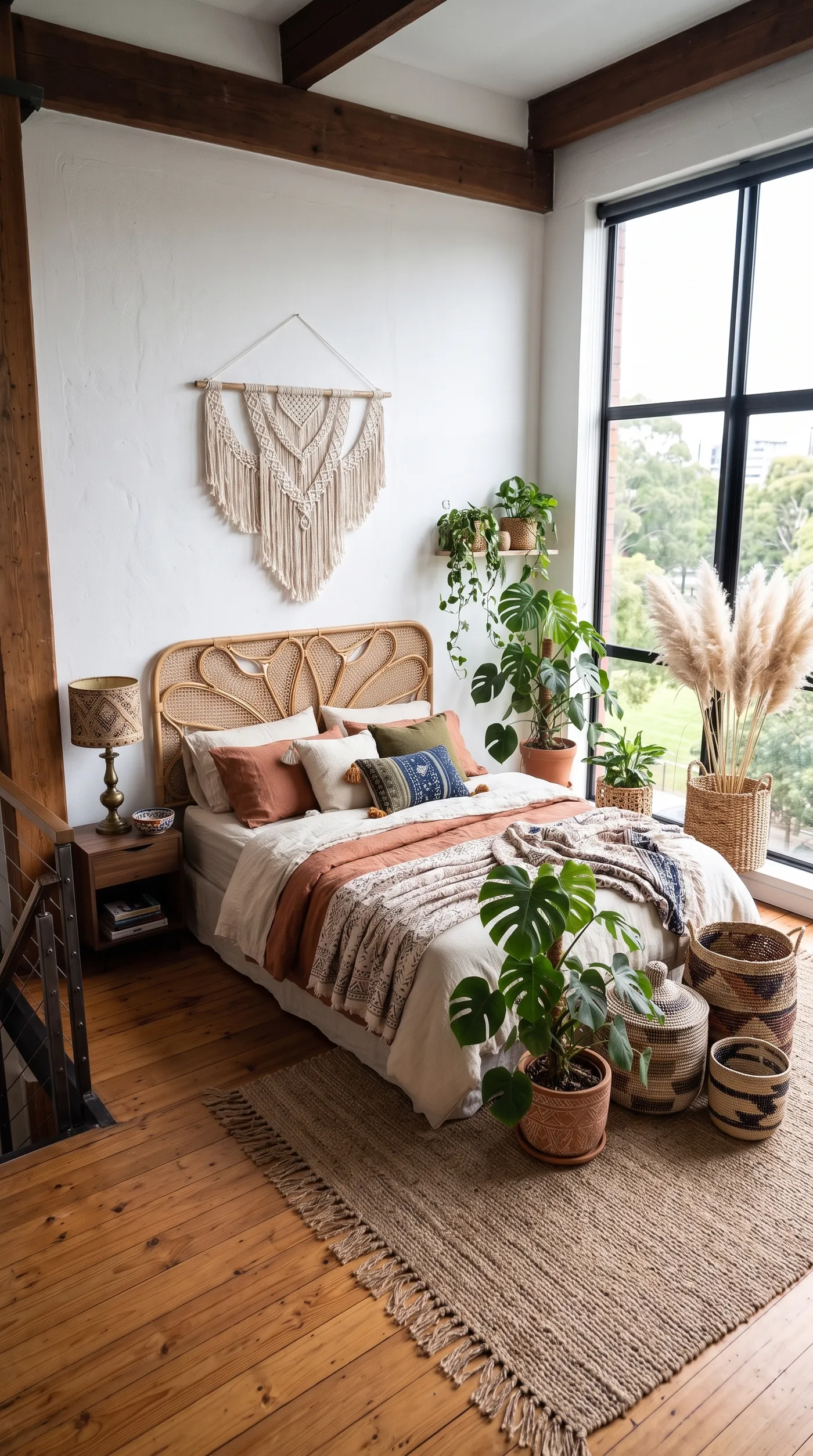
Restyle Versus Staging an Empty Room
Room restyle and virtual staging solve related but different problems. Restyle takes a furnished room and changes its style; the space already has furniture, and you are reimagining the look. If the room is empty and needs furniture added rather than restyled, the Virtual staging Action is the right tool: it furnishes a bare space from scratch. Both are part of a broader home and interior design workflow, and both are common for architects and interior designers presenting ideas to clients.
The Bottom Line
Room restyle redesigns a furnished space's look while keeping the room itself: add a wide photo, choose one of 12 styles from Scandinavian to art deco, and generate. Because the architecture stays fixed and only the style changes, you see your actual room in a new direction, which makes it a fast, low-risk way to explore ideas before committing money or a designer's time.
Open the Room restyle Action in getimg.ai, add a wide photo of a room, and try it in two different styles. Commercial rights are included, subject to our terms and applicable third-party rights.
Frequently Asked Questions
Room restyle takes a furnished room and redesigns its style, keeping the walls, windows, and layout while changing furniture, colours, and decor. Virtual staging furnishes an empty room from scratch, adding furniture to a bare space. Use restyle when the room already has furniture and you want a different look, and staging when the room is empty and needs furnishing.
The Room restyle Action offers 12 styles: Scandinavian, japandi, industrial, mid-century, minimalist, boho, maximalist, art deco, coastal, farmhouse, dark and moody, and traditional. Each sets the whole redesign, from the furniture and materials to the colours and decor, so choose the one that matches the feeling you want for the space.
Yes. The model keeps the architecture, the walls, windows, proportions, and viewpoint, and changes the style of what is inside. The result is your actual room reimagined in a new look, rather than a generic room in that style.
The furniture is representative of the style, not specific purchasable products. Use a restyle to decide on a direction, then source real pieces that match the look. It is a visualisation and decision tool, not a shopping list.
You can generate 1 to 4 variations per run, at 1K or 2K. Generating a few gives you a range within a style to choose from, and running different styles on the same room lets you compare directions.
Commercial rights are included, subject to our terms and applicable third-party rights. Make sure you hold the rights to the original room photo, and for real estate use, check any local rules on presenting edited images of a property.
Related Articles