How to Localize Image Creatives with AI
Localizing a creative with AI means adapting a finished design, a poster, an ad, a social graphic, or packaging, into another language without rebuilding it. The model reads the text baked into the image, translates it, and redraws it in place, so the layout, background, and graphics stay exactly as designed and only the language changes. On getimg.ai the Image translator Action does this in one step, turning a single master creative into versions ready for every market you sell in.
What Localizing a Creative Means
Marketing runs on finished artwork, and most of that artwork has text locked inside it: a campaign poster, a paid-social visual, an app-store screenshot, a product label. Taking those into a new market means producing the same design in the local language, and doing it by hand is a per-market production job. A designer opens the source file, swaps the copy for a translation, refits it to the space, matches fonts and styles, and exports, repeated for every language and every asset in the campaign. That work is why localization so often lags a launch or gets skipped.
Localizing with AI collapses that into one operation per asset. The model reads the text in the creative, translates it, and redraws it in place, keeping the layout, background, and surrounding graphics as designed. What you get back is the same creative, in a new language, rather than a rebuilt one. For right-to-left languages like Arabic, or scripts like Japanese and Chinese, it sets the correct characters and direction, not just swapped words.
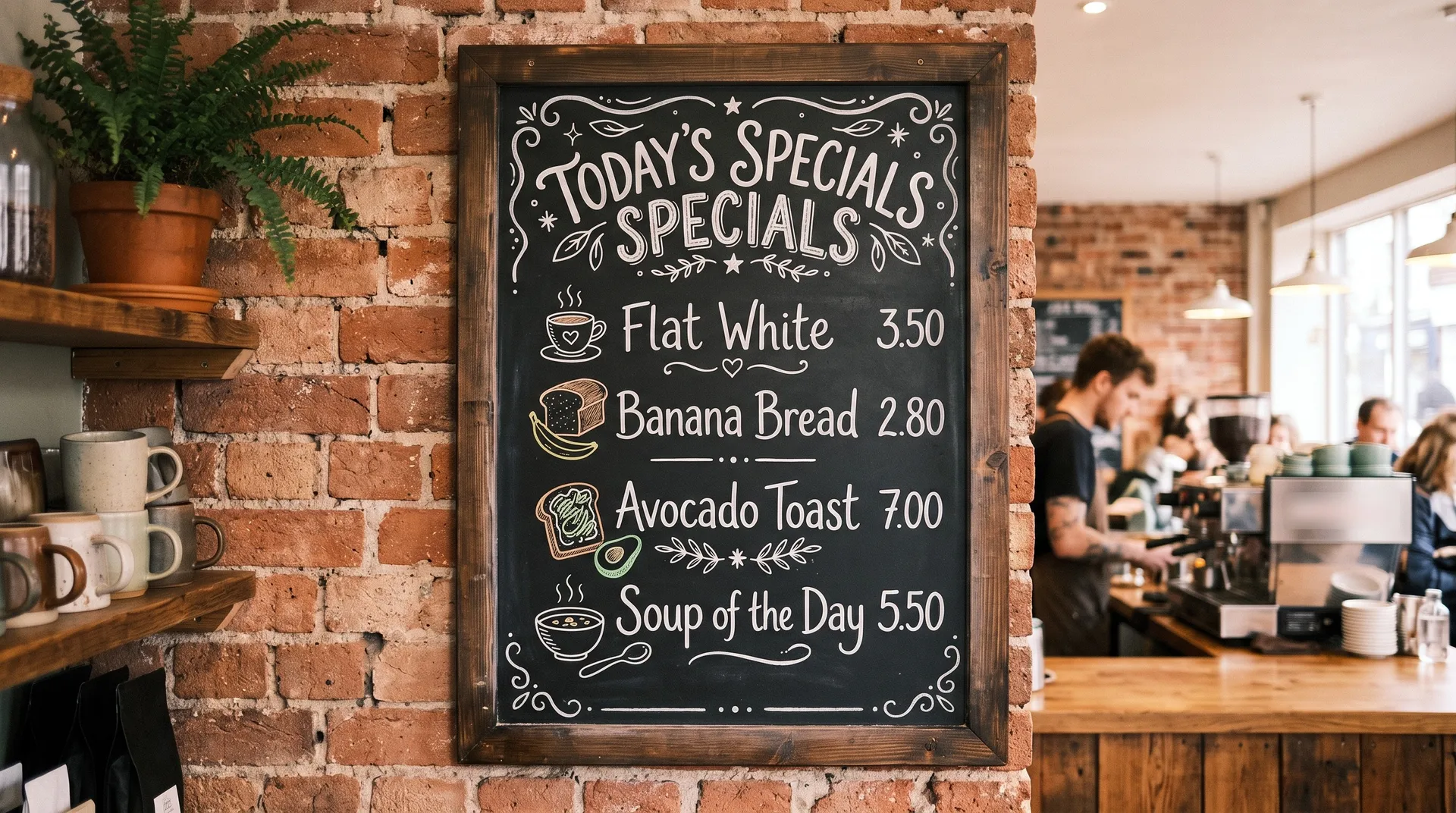
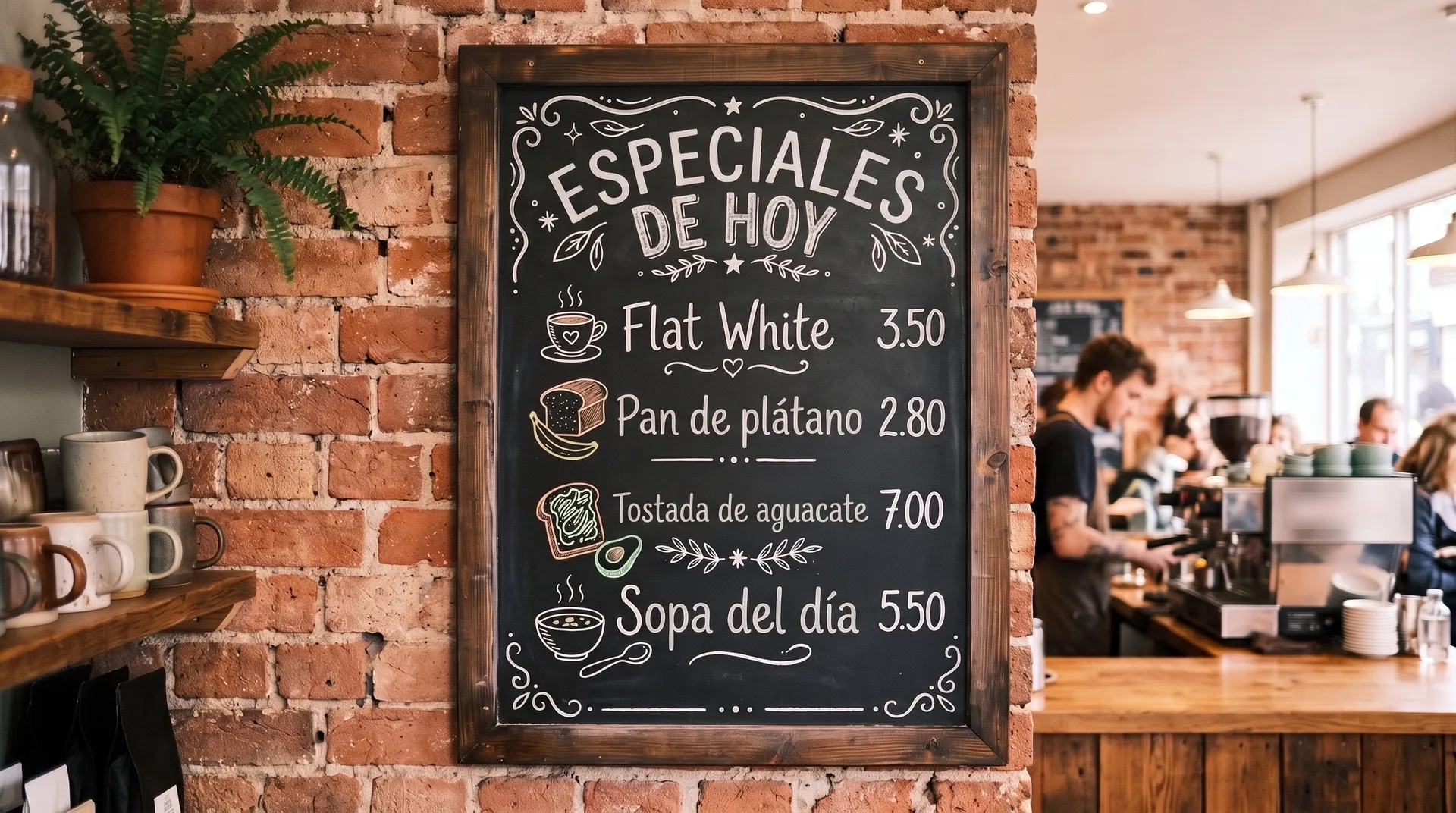
When to Use It (and When to Localize by Hand)
Creative localization fits any visual asset that ships in more than one market:
- Campaign creatives in new markets, adapting posters, key visuals, and display ads into local languages.
- Paid social and app-store assets, producing per-region versions of the same graphic at the pace of testing.
- Packaging and label variants, previewing how a design reads across the languages a product sells in.
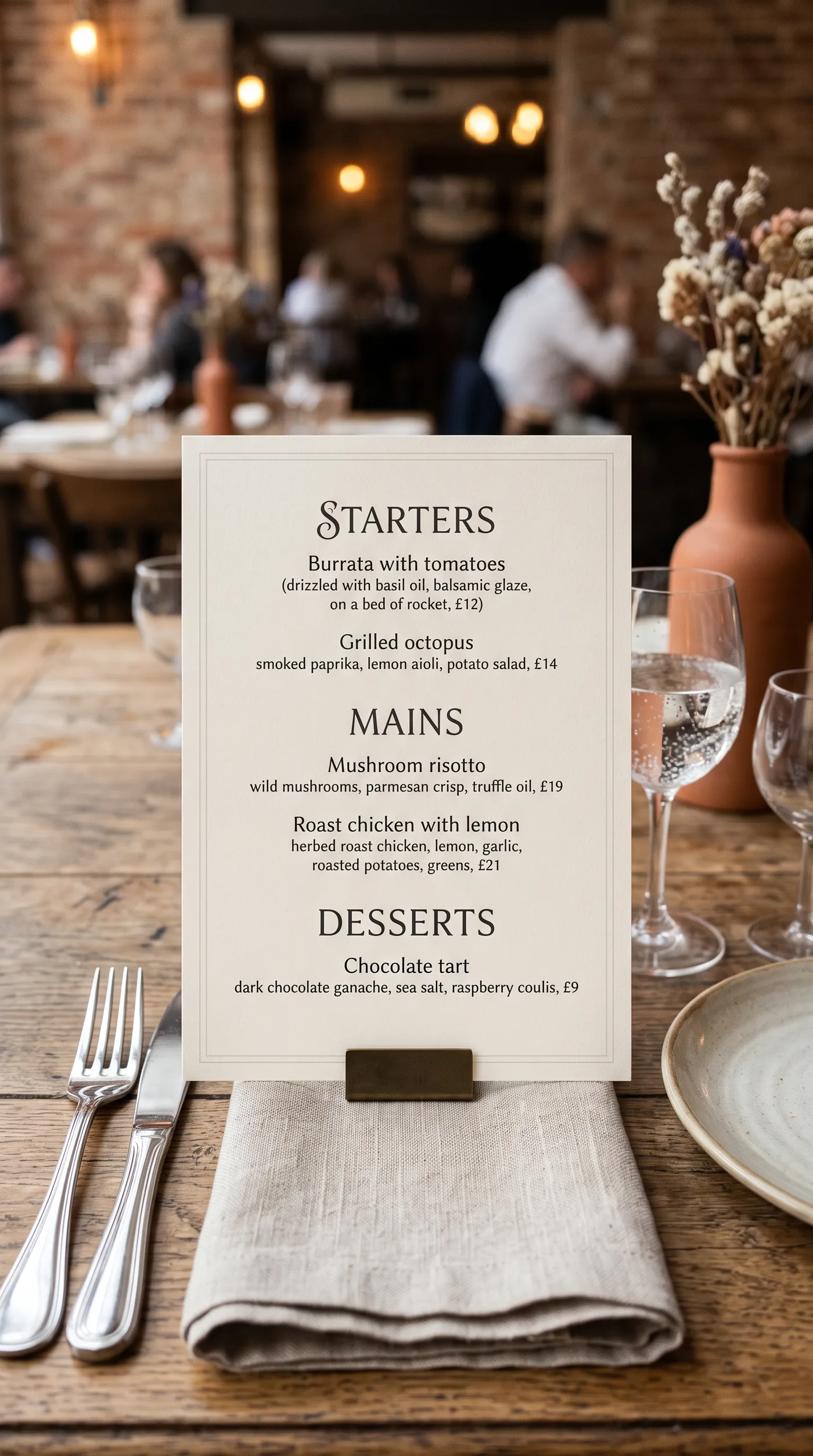
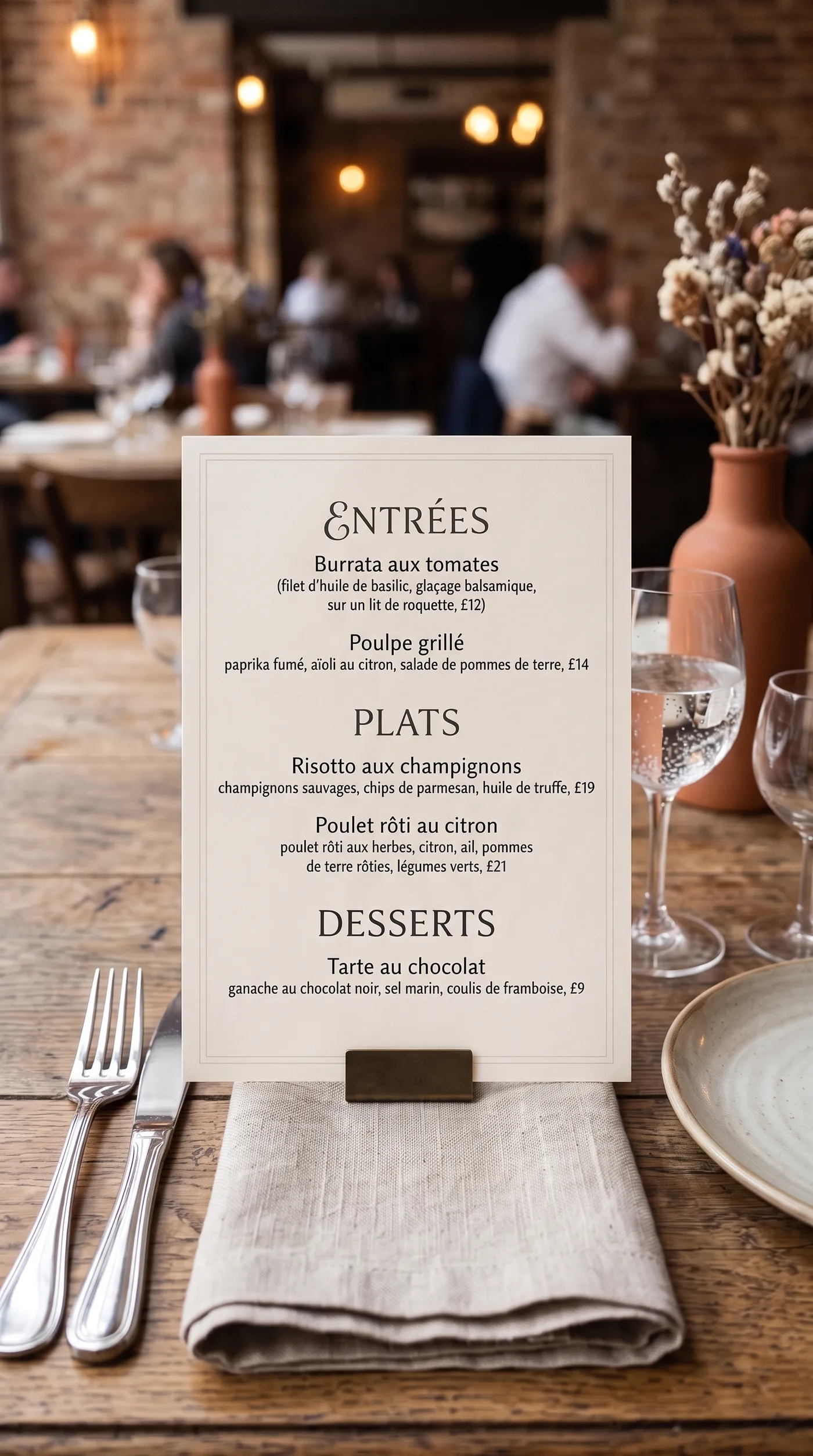
- Business collateral, localizing a restaurant's menu, an event's signage, or a store's promotional graphics for a new audience.
Localizing by hand still wins when the asset is a flagship that must be typeset to brand-perfect standards: exact brand fonts and kerning, and a professionally adapted translation that handles idiom, tone, and legal wording. Machine translation is a strong first pass, so the efficient workflow is to let the Action localize the whole set fast and route the brand-critical pieces to a translator and designer for a final polish. It gives you speed and volume across many languages; the studio route gives you the last ten percent on the assets that warrant it.
How to Localize a Creative with AI, Step by Step
Here is the workflow in getimg.ai. Open the Image translator Action to follow along.
1. Add the creative
Add the finished design that contains text: a poster, an ad, a social graphic, packaging, or a screenshot. The cleaner and more legible the text in the source, the more reliably the model reads and re-sets it.
2. Choose the target language
Pick the language to localize into: Spanish, French, German, Italian, Portuguese, Polish, Dutch, Japanese, Korean, Chinese, Hindi, or Arabic. The model renders the correct script and text direction for the language you choose.
3. Set the quality and generate
Choose an output resolution of 2K or 4K, then run the Action. The localized creative appears in the gallery to the right of the controls, with the layout and design preserved and only the text changed. Your original is untouched, so you can produce a full set of language versions from one master.
How to Get a Clean, On-Brand Localization
- Start with legible source text. The clearer the text in the original design, the more reliably it is read and re-set. Blurry, low-contrast, or heavily stylised type is harder to interpret correctly.
- Verify brand-critical copy. Automated translation is a strong first pass, but for headlines, claims, and legal or regulated wording, have a fluent speaker check the tone, idiom, and accuracy before the asset goes live.
- Watch for text expansion. Translations run longer or shorter than the source, which affects how copy fits the layout. Check that the new text still sits comfortably, especially in tight lockups.
- Mind names and specifics. Brand names, product names, and taglines may translate in ways you do not intend. Confirm these rather than assuming.
- Localize the whole set in one pass. Because the master is untouched, you can run every asset in a campaign into each target language quickly and keep them organised as a matched, per-market set.
Localization in a Market-Entry Workflow
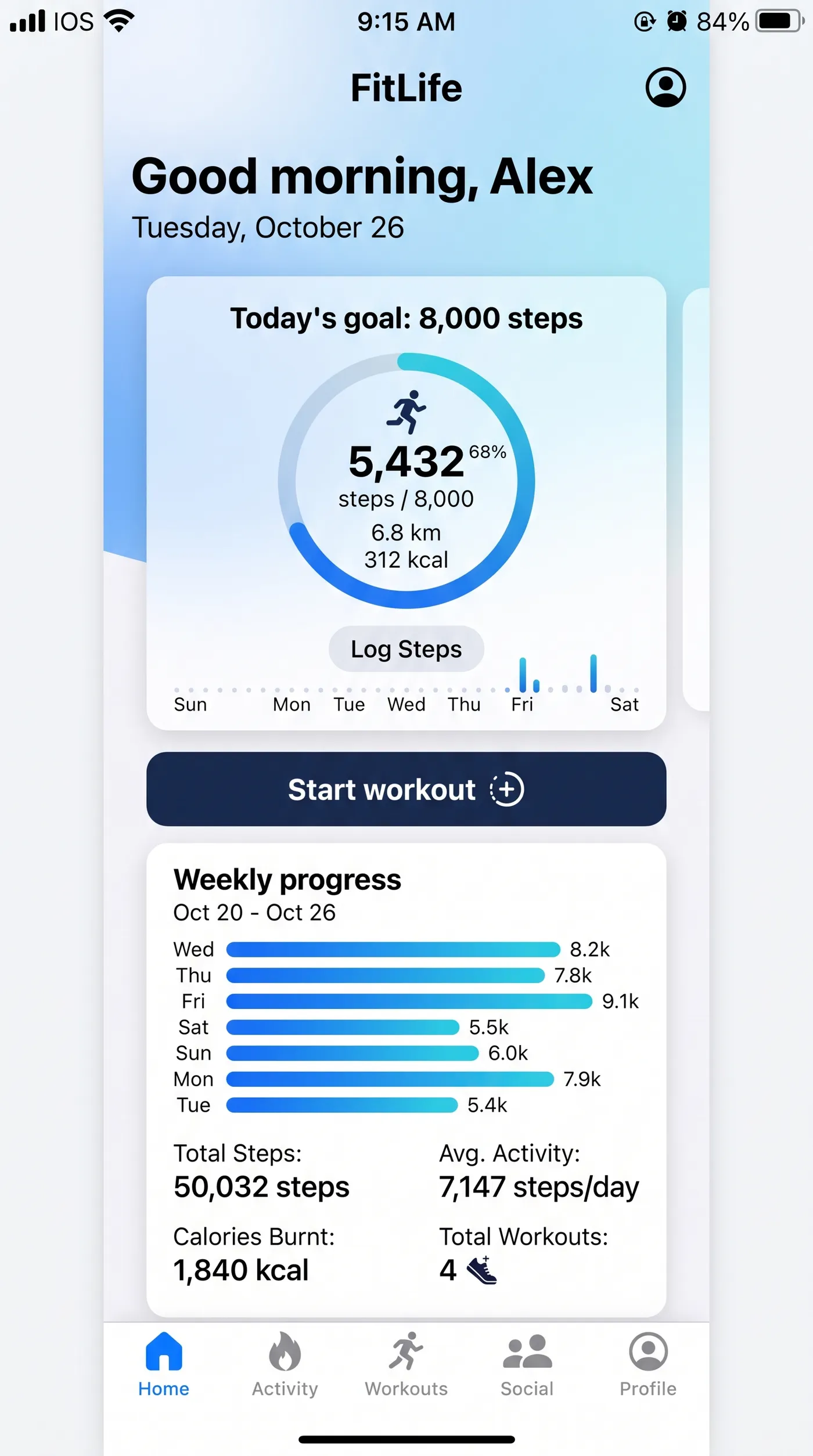
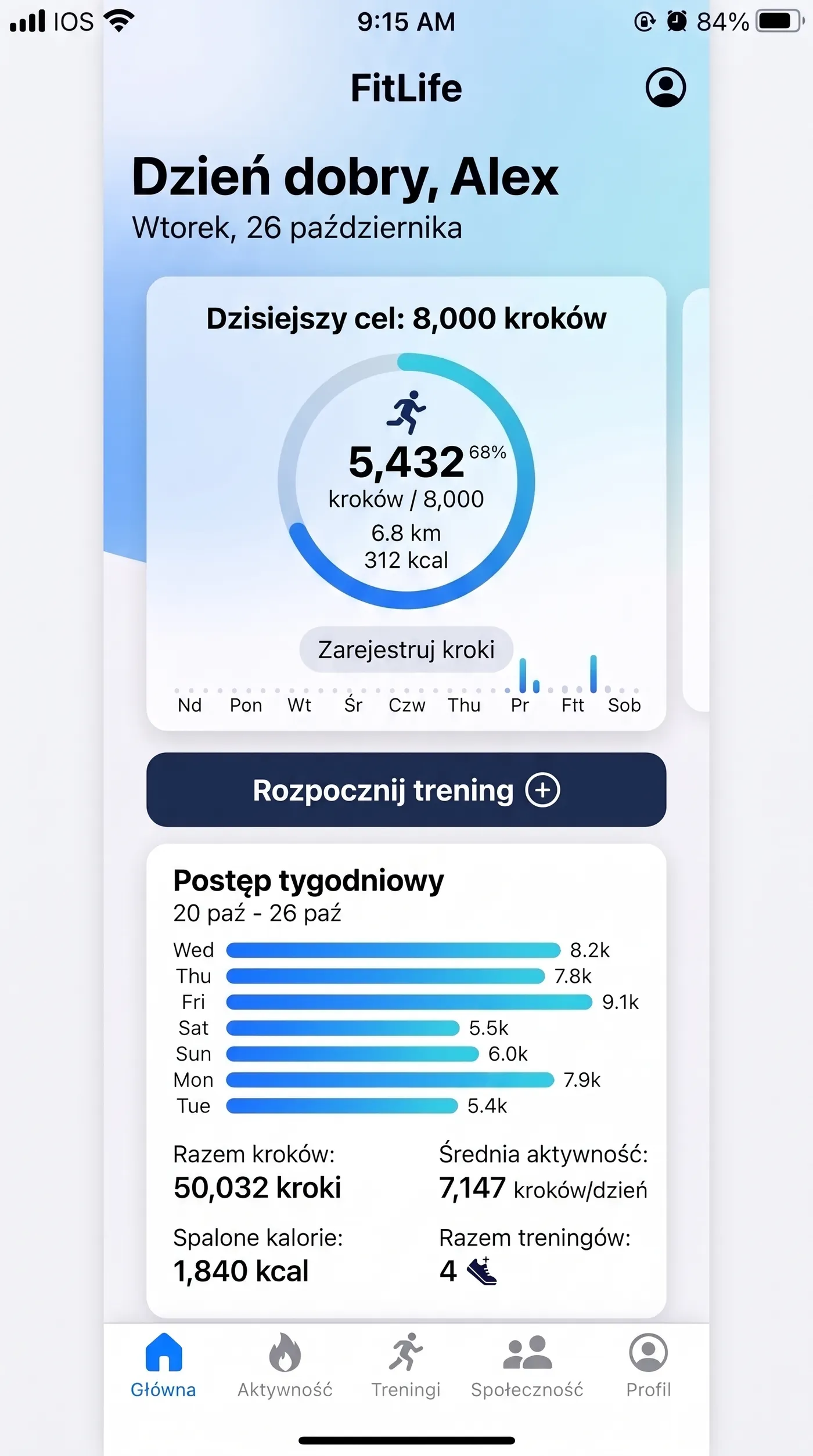
Getting visual assets into local languages is often what gates a launch in a new region, and doing it per asset by hand is the bottleneck. Localizing creatives in place makes it fast enough to take a whole campaign, posters, ads, packaging, and social, into several markets at once, which supports a broader marketing and e-commerce expansion. For building localized creatives from scratch rather than adapting an existing one, the open-ended Create image generator produces designs with readable text in many languages directly.
The Bottom Line
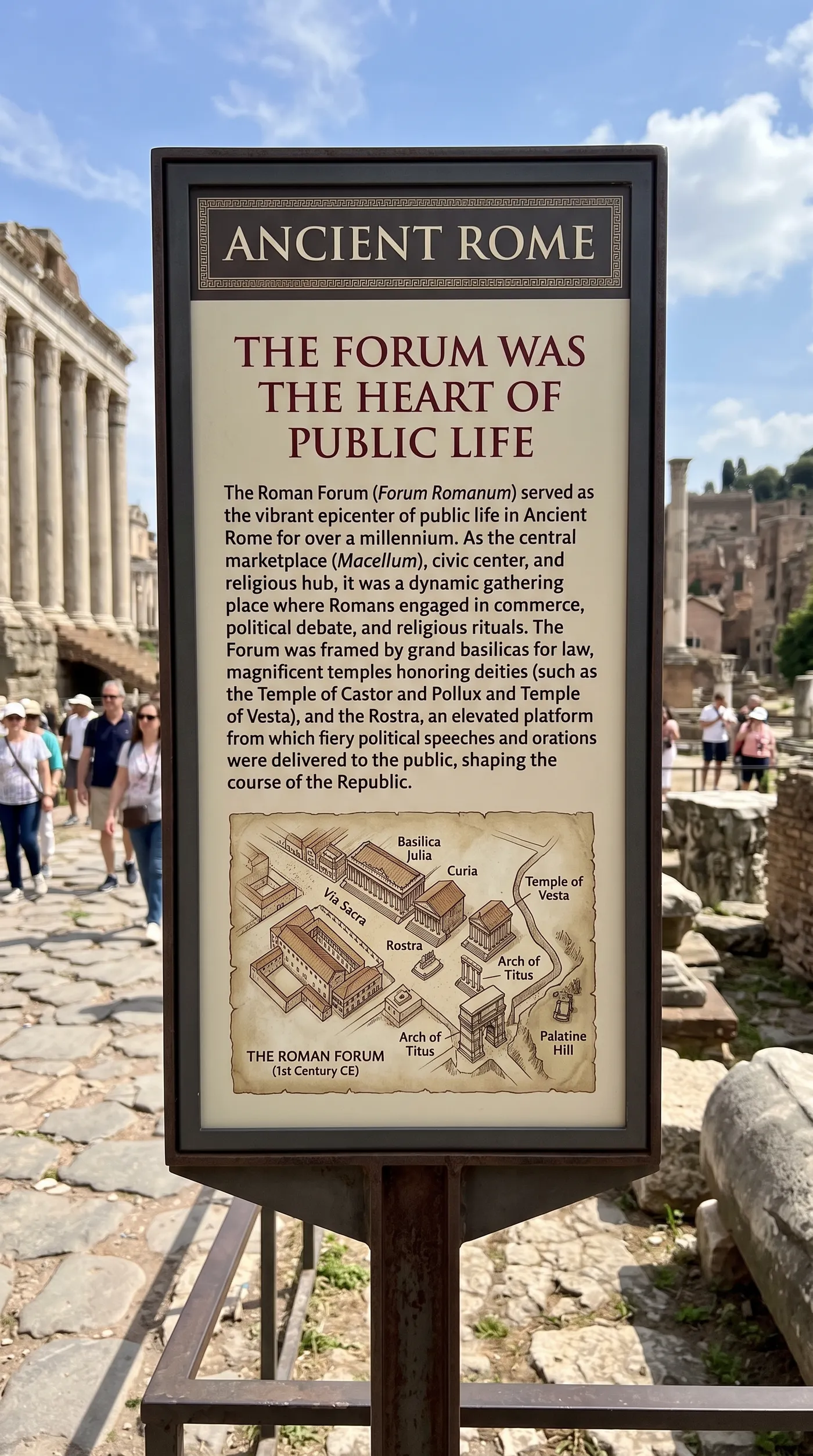
AI creative localization gives you the same design in another language: add a finished creative, choose the target language, and generate, with the layout, fonts, and graphics kept intact and only the copy changed. It turns per-market localization from a per-asset production job into a one-step pass, and the right workflow is to let it localize the full set fast, then have a fluent speaker polish anything brand-critical before launch.
Open the Image translator Action in getimg.ai, add a campaign poster, and produce it in two or three languages. Commercial rights are included, subject to our terms and applicable third-party rights.
Frequently Asked Questions
The Image translator Action supports Spanish, French, German, Italian, Portuguese, Polish, Dutch, Japanese, Korean, Chinese, Hindi, and Arabic. It renders the correct script and text direction for each, including right-to-left for Arabic and the appropriate characters for Japanese, Korean, and Chinese.
Yes. The layout, background, fonts, and surrounding graphics are preserved, and only the text is changed into the target language, set in place where the original copy was. What you get back is the same creative, localized, rather than a rebuilt design, which is what makes it usable for market-ready assets.
It is a strong, fast first pass that produces market-ready versions of a whole set of assets. For flagship creatives, have a fluent speaker check the headline, claims, and any legal or regulated wording, and watch for text expansion that can affect the layout. The efficient approach is to localize broadly with the Action and reserve a designer's polish for the brand-critical pieces.
Posters, ads, social graphics, packaging, app-store screenshots, and business collateral like menus and signage, essentially any finished design with legible text. The clearer the original type, the more reliably it is read and re-set. Very stylised or low-contrast text is harder to localize cleanly.
Yes. Because your master is never changed, you can run the same design into several languages in one sitting and keep the outputs as a matched, per-market set, which is exactly what a multi-market launch needs.
Commercial rights are included, subject to our terms and applicable third-party rights. Make sure you hold the rights to the original creative you are localizing.
Related Articles