How to Create Ad Mockups with AI

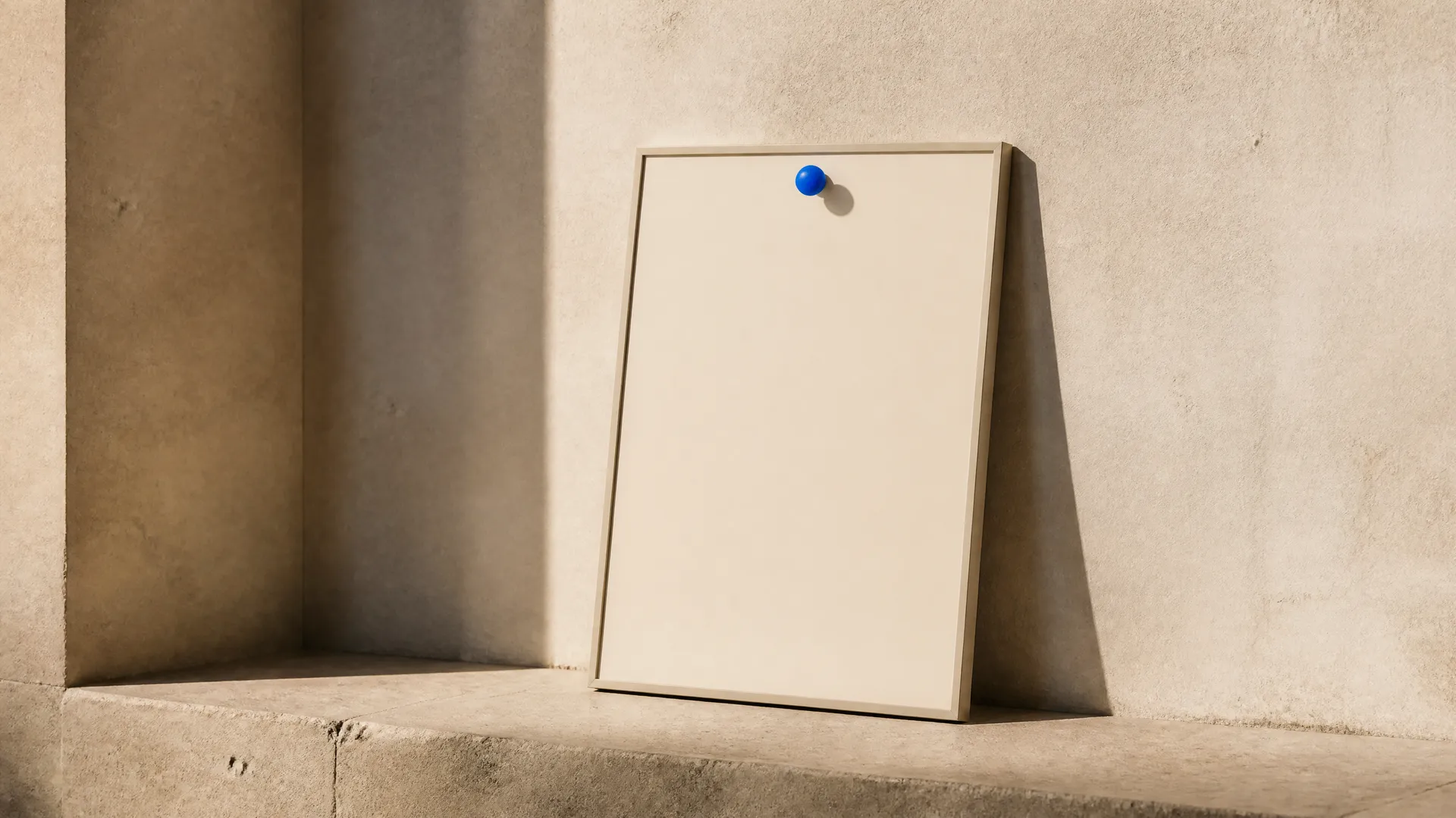
An ad mockup shows your finished creative where it would actually run: a poster on a billboard, a banner in a metro station, a key visual in a shop window. Creating one with AI means placing your ad into a real-world location so you can see it in context before you book the space. You add the finished ad, choose the placement and a time of day, and the model composites it into the scene. On getimg.ai the Ad mockups Action does this from a single artwork, with no photo shoot or manual compositing.
TL;DR
- An ad mockup places your finished creative into a real-world advertising location.
- In getimg.ai, open the Ad mockups Action, add the finished ad, and choose where it runs and the time of day.
- There are 16 placements, from roadside billboard, bus shelter, and metro platform to stadium board, taxi top, and cinema lobby.
- Seven light and weather options: daylight, sunny, golden hour, blue hour, night, rainy day, and snowy day.
- It generates at 1K or 2K in 3:2, 3:4, 16:9, or 1:1.
What an AI Ad Mockup Is
A campaign lives or dies in context. A key visual can look perfect on screen and still fail on a billboard, too busy to read at a glance, or lost against a bright sky at midday. Seeing the creative in place is how teams catch that early. Traditionally, an out-of-home mockup meant either a photographer capturing the actual site, a stock photo of a billboard with the artwork composited in by hand, or a designer building the scene in an editor and matching perspective, lighting, and reflections.
AI ad mockups produce that context automatically. The model takes your finished ad and places it into the chosen location, matching the perspective of the surface, the surrounding environment, and the light of the time of day. The result shows how the creative reads in the world: at billboard scale, on a bus shelter at night, or in a shop window at golden hour, so decisions about legibility, contrast, and impact happen before any media is bought.
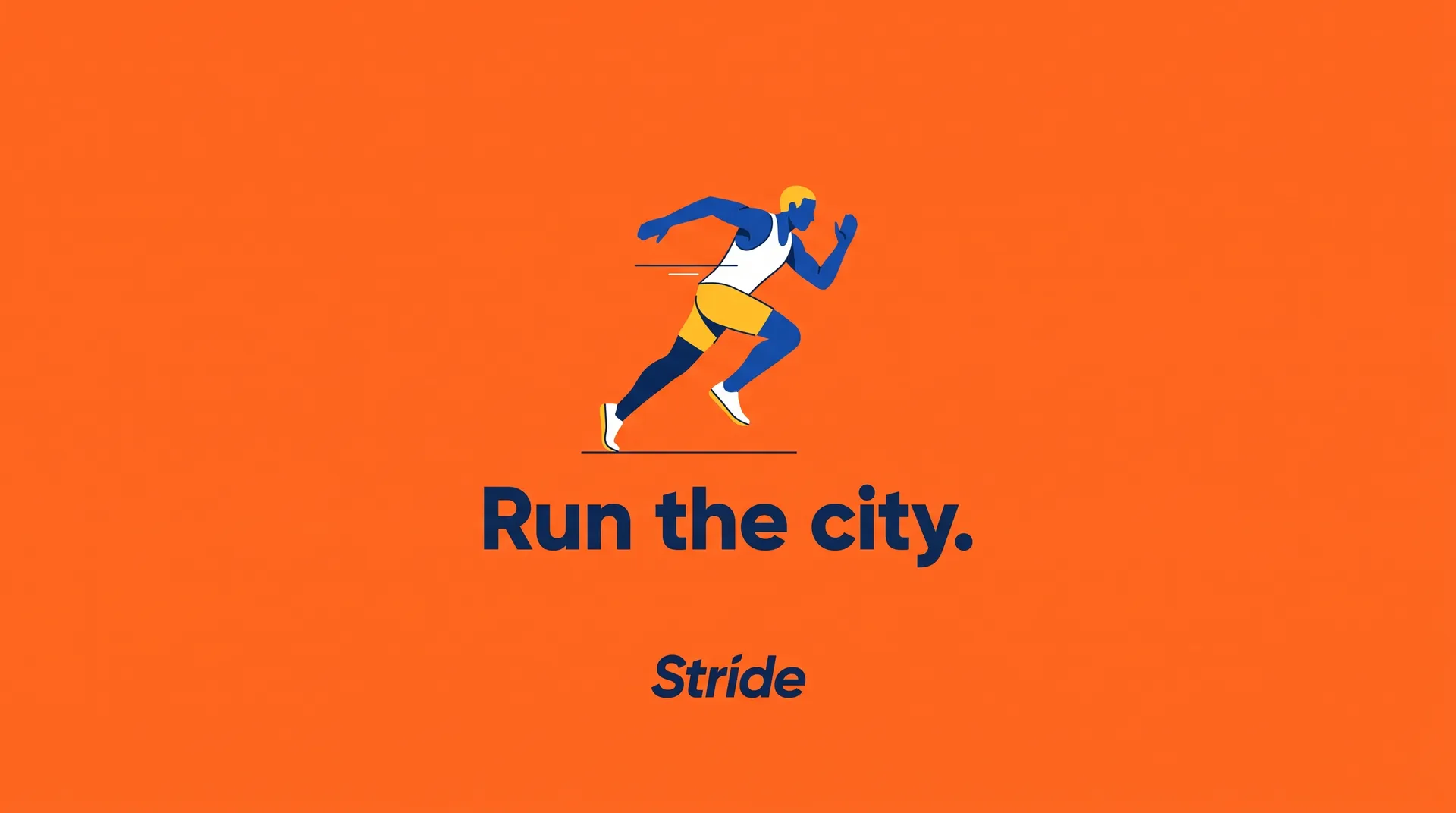
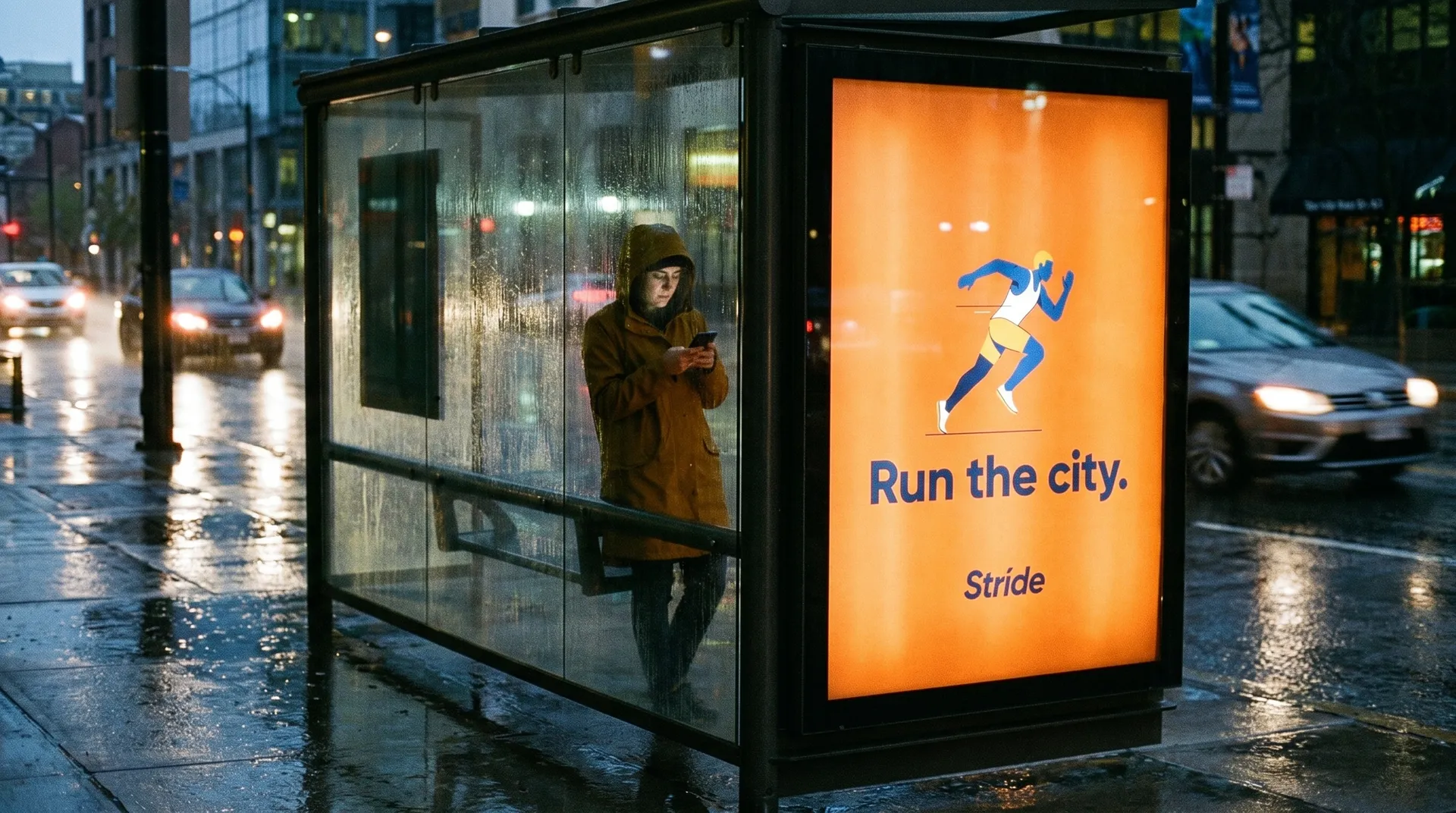
When to Use It (and When to Test in Place)
Ad mockups fit the whole pre-launch stretch of a campaign:
- Client and stakeholder presentations, showing the creative in situ rather than as flat artwork.
- Pitches, presenting a campaign concept across several placements convincingly.
- Legibility and impact checks, seeing whether a design holds up at scale and in different light.
- Placement comparisons, deciding which formats and environments suit the creative.
Testing in place still wins for the final sign-off on a major buy: a real proof at the actual site accounts for the specific sightlines, competing signage, and lighting that a generic mockup cannot know. AI mockups are for visualising, presenting, and deciding quickly across many placements; a physical or on-site test is for confirming the reality of a specific, high-value location before launch.
How to Create an Ad Mockup with AI, Step by Step
Here is the workflow in getimg.ai. Open the Ad mockups Action to follow along.
1. Add the finished ad
Add your finished creative: a poster, a banner, or a key visual. The mockup places this artwork as-is, so use the final, high-resolution design you want to see in context.
2. Choose where it runs
Pick the placement from 16 options: roadside billboard, building wall, scaffolding wrap, city screen, stadium board, or advertising column for large-format impact; bus shelter, metro platform, train carriage, side of a bus, taxi top, or airport lightbox for transit; shop window, shopping mall, escalator panel, or cinema lobby for retail and venues. Choose the environment the campaign will actually run in.
3. Choose the time of day
Set the light or weather: daylight or sunny for a clear, neutral read, golden hour for warm atmosphere, blue hour for a cool dusk mood, night for illuminated placements like lightboxes and city screens, or a rainy day or snowy day to see the ad in real weather. The light changes both the mood and the legibility of the ad in context.
4. Set quality and aspect ratio, then generate
Choose an output resolution of 1K or 2K, and an aspect ratio (3:2, 3:4, 16:9, or 1:1). Run the Action and the mockups appear in the gallery to the right of the controls, with your artwork left untouched.
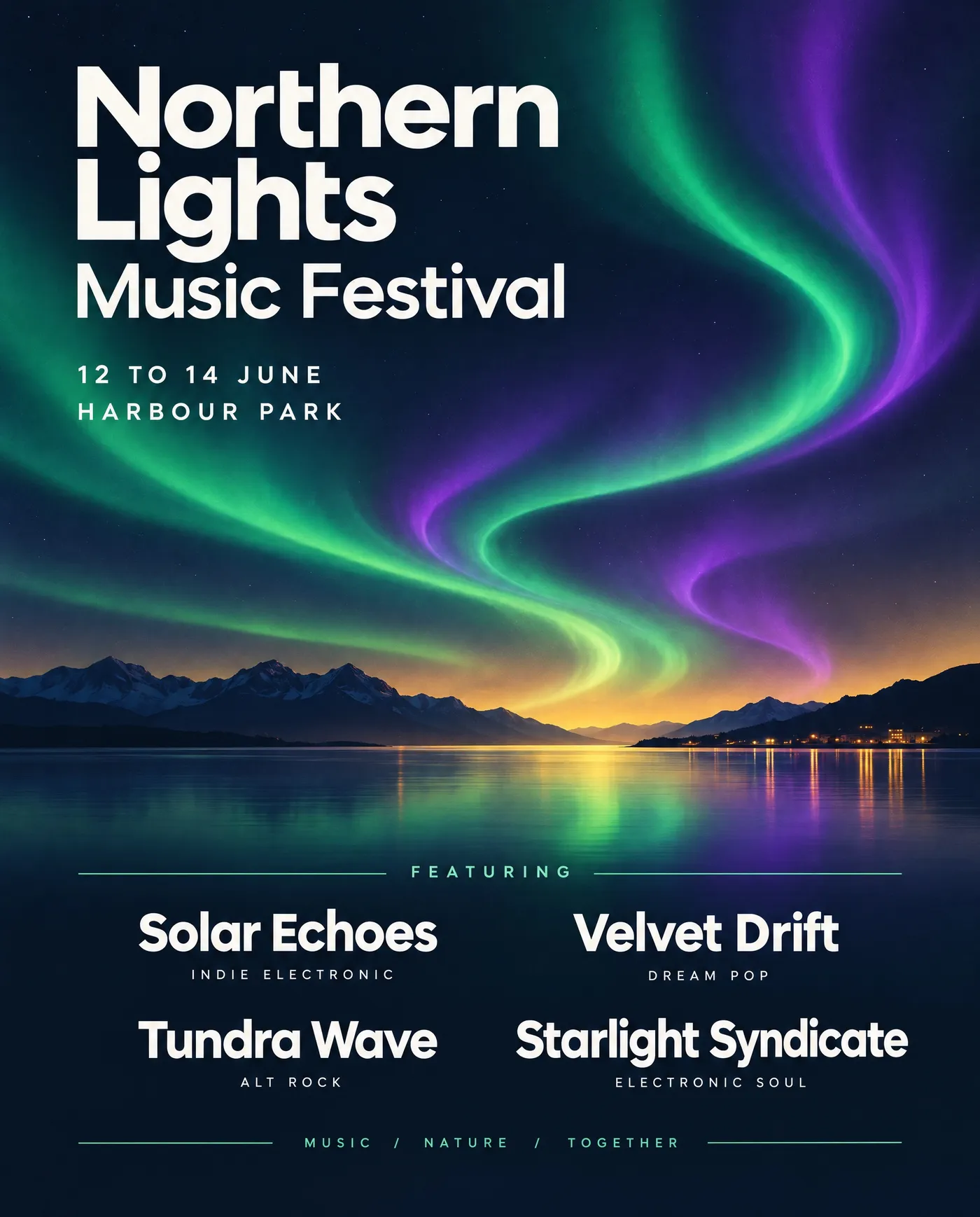
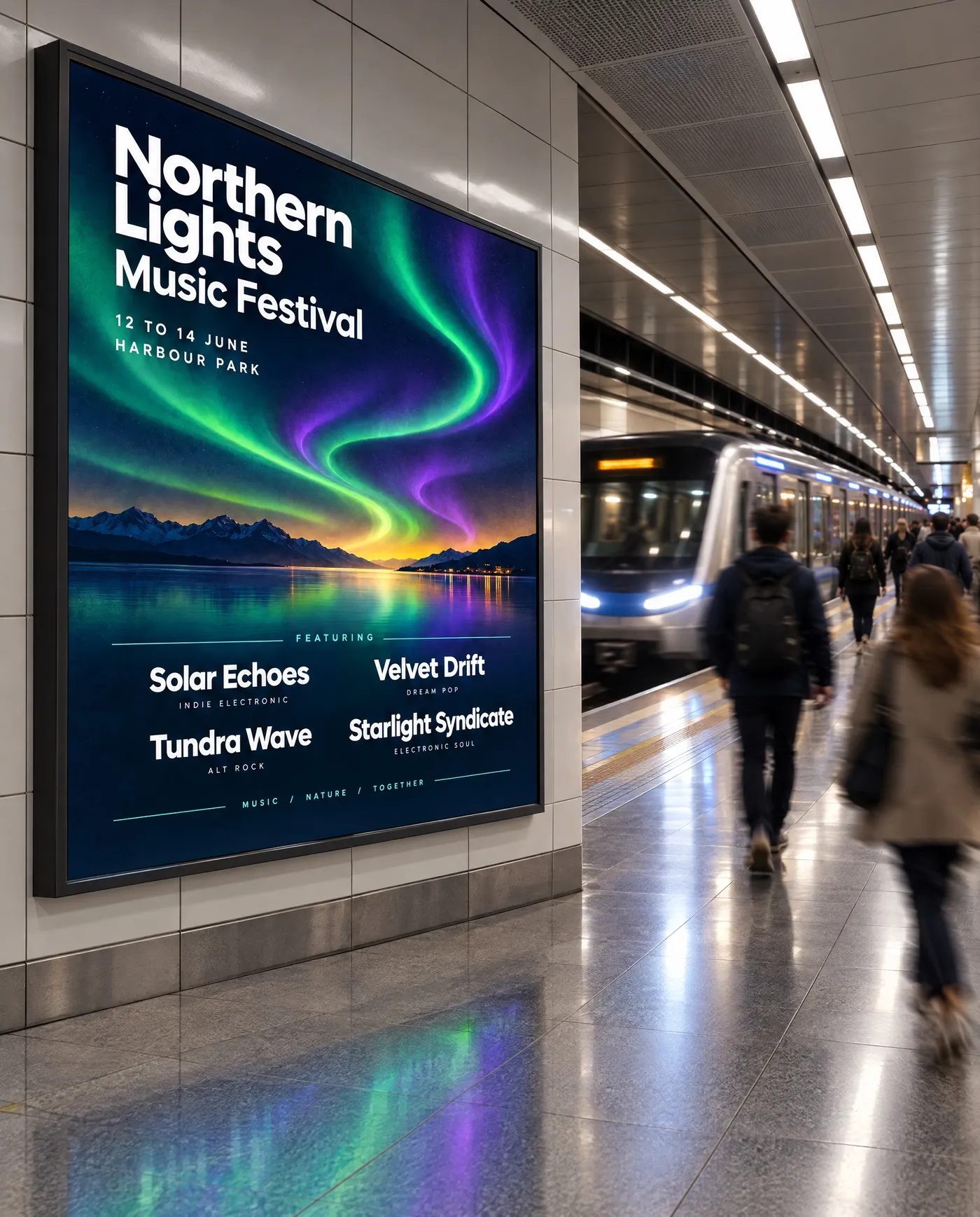
How to Get a Convincing Ad Mockup
- Use the final creative. The mockup places your artwork as it is, so a finished, high-resolution design gives a result you can actually judge and present.
- Match placement to format. A tall design suits a bus shelter or lightbox; a wide one suits a billboard or building wall. Choosing an environment that fits the artwork's shape reads more naturally.
- Use time of day to test legibility. Viewing the same ad in daylight and at night reveals whether the contrast and text hold up in both, which is exactly the kind of problem a mockup should catch.
- Show a set of placements. For a pitch, presenting the campaign across a billboard, a transit format, and a retail window is more convincing than a single mockup.
- Check the text reads at a glance. Out-of-home works in seconds. If the headline is hard to read in the mockup, it will be harder in reality, and that is worth fixing before launch.
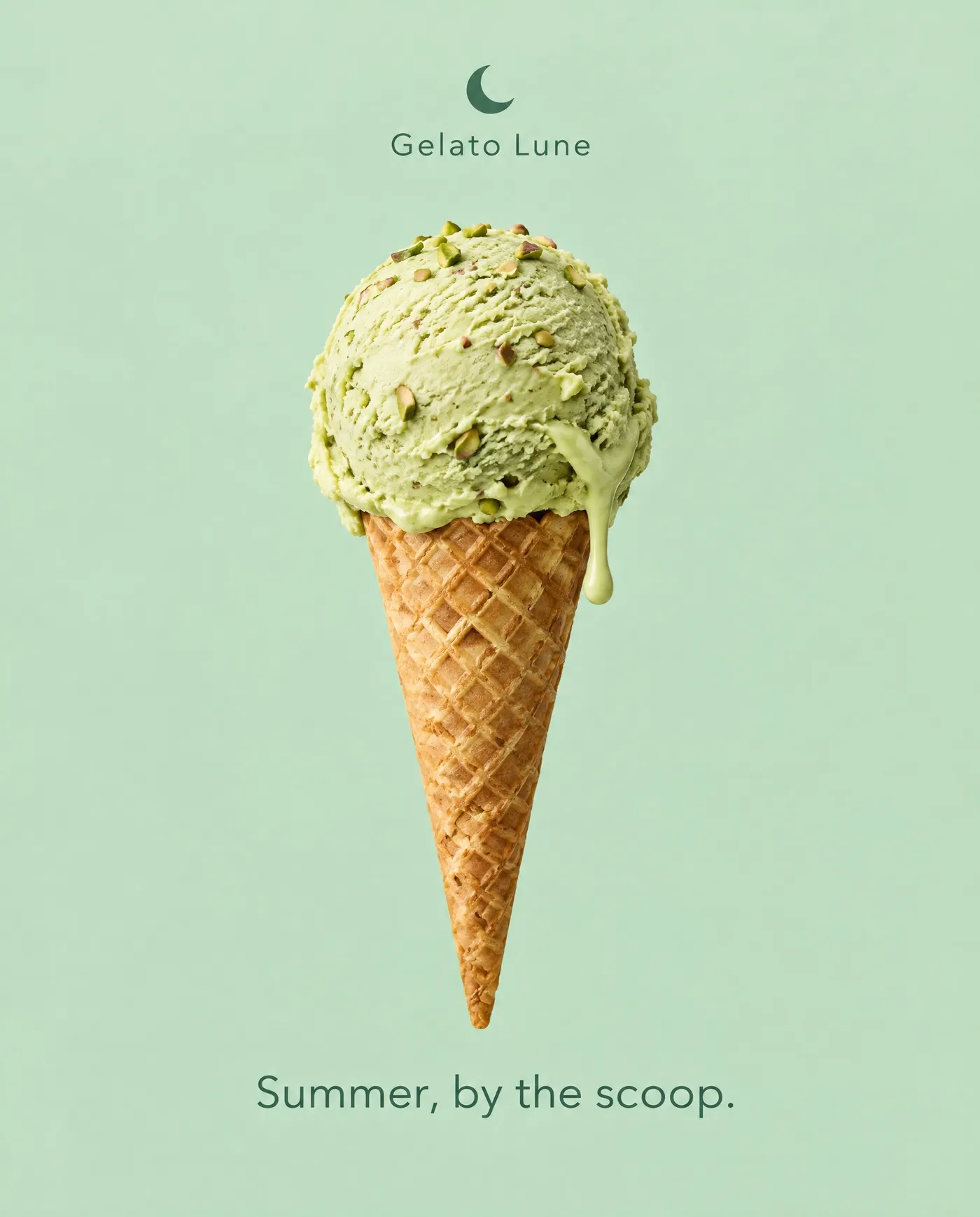
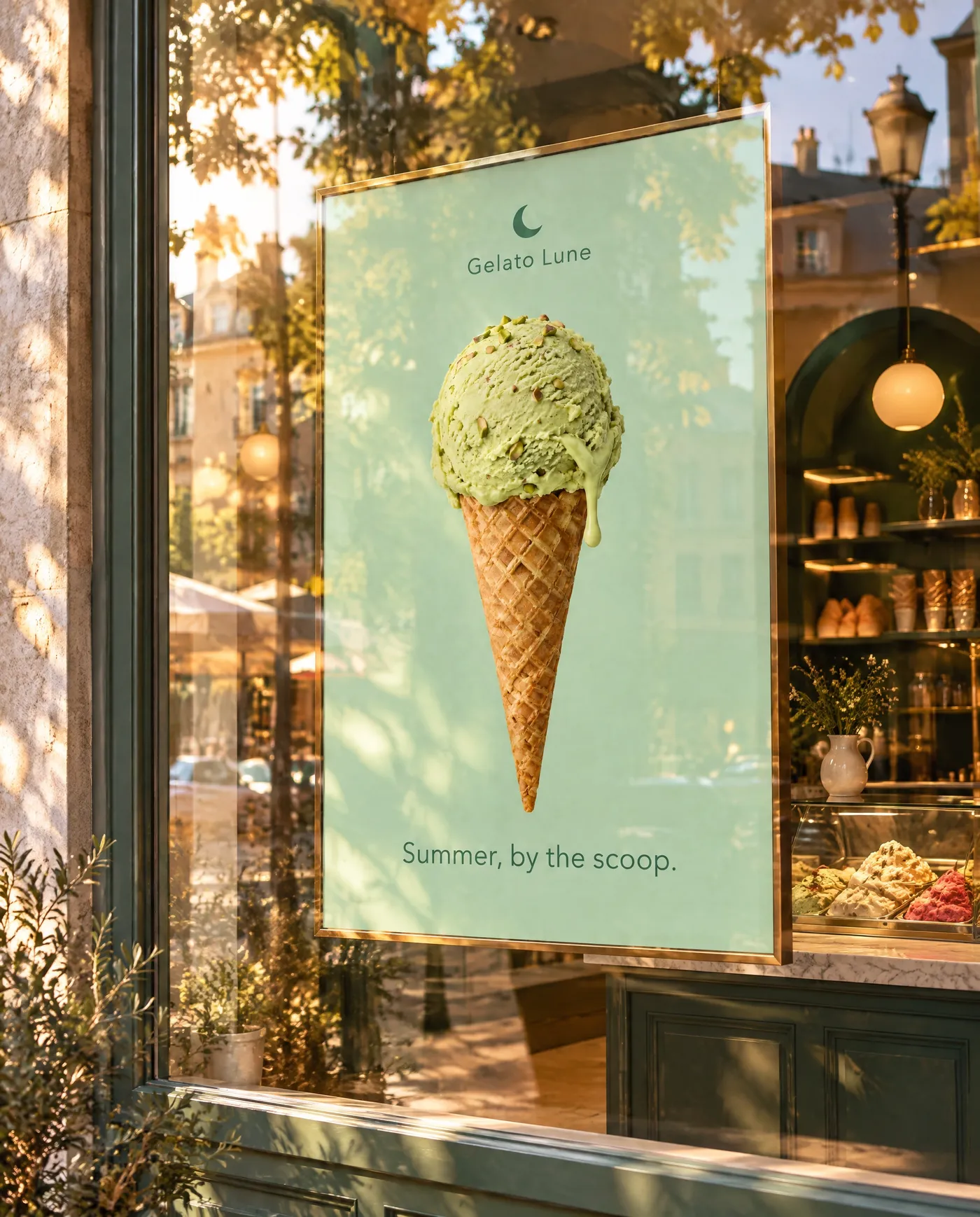
Ad Mockups in a Campaign Workflow
Ad mockups are the presentation end of a campaign that other Actions feed into. The creative itself can start in the Create image generator, packaging can be visualised with the Packaging mockups Action, and the whole set supports a faster marketing workflow where concepts move from idea to in-context presentation in one app. Seeing the finished ad in the world is often what turns a concept into an approval.
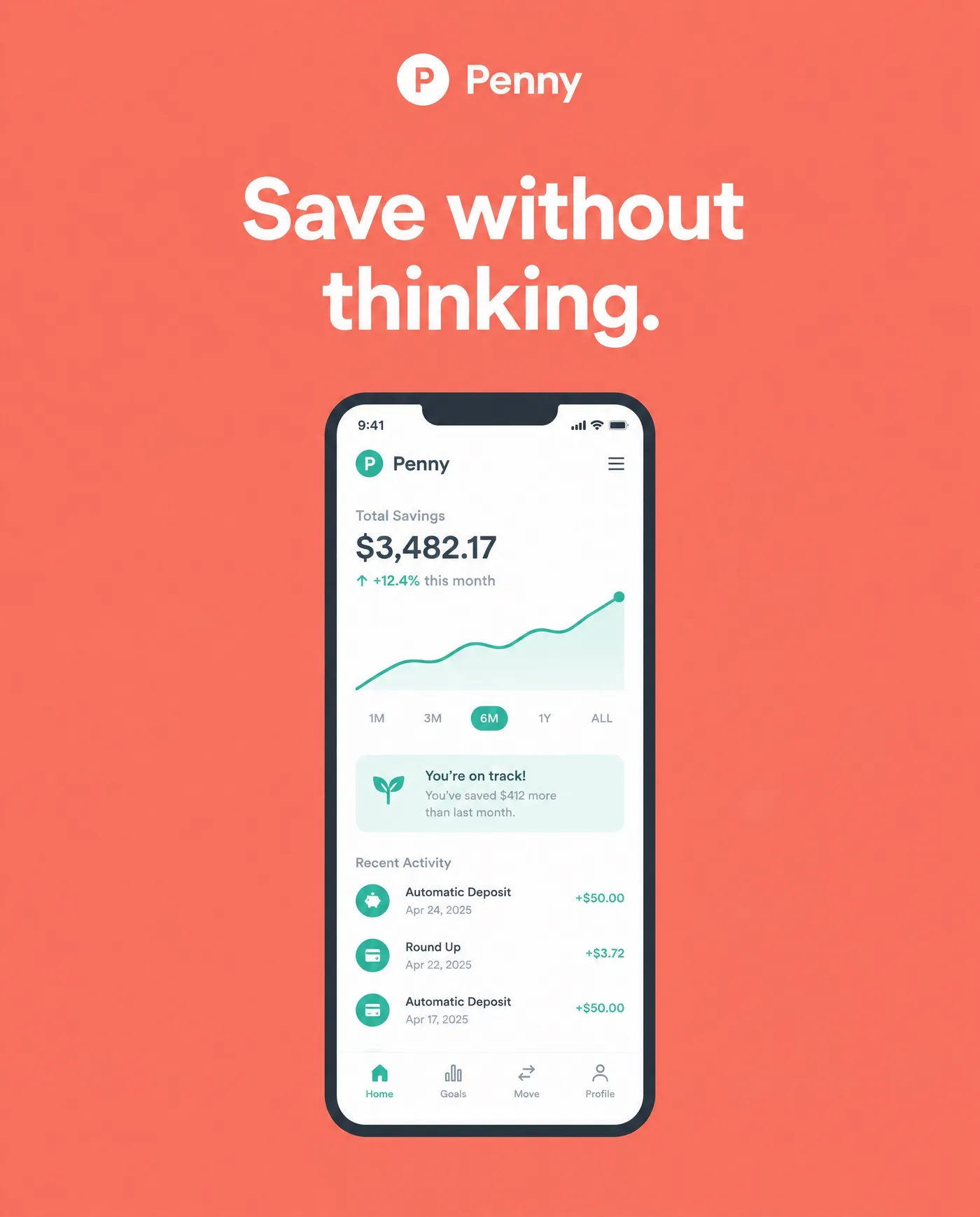
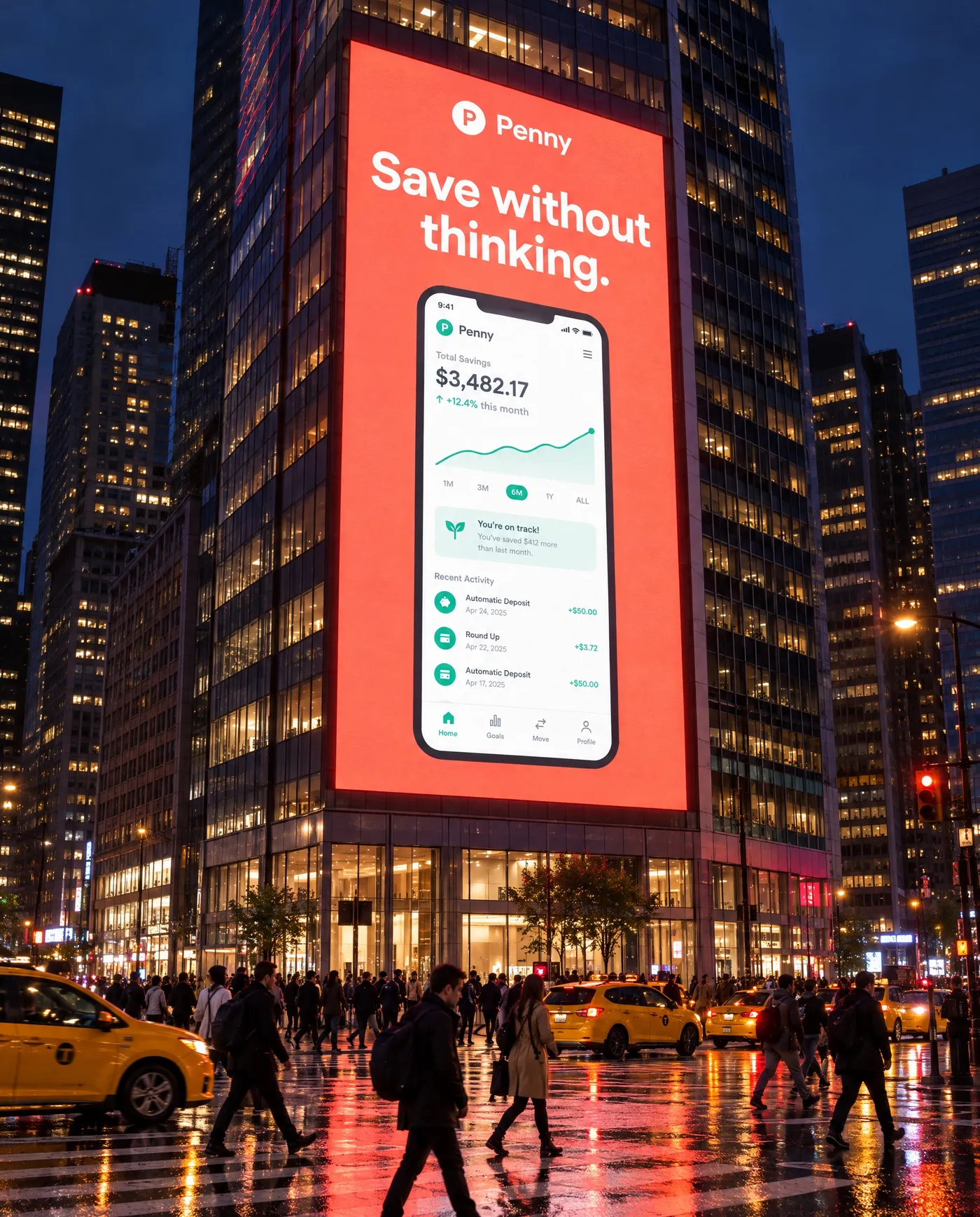
The Bottom Line
AI ad mockups show your creative where it will run: add the finished ad, choose the placement and the time of day, and generate. It turns flat artwork into an in-context image that reveals whether the design reads at scale and in different light, which is exactly what a presentation or a legibility check needs, ahead of any media buy.
Open the Ad mockups Action in getimg.ai, add a finished key visual, and put it on a billboard at golden hour and a bus shelter at night. Commercial rights are included, subject to our terms and applicable third-party rights.
Frequently Asked Questions
The Ad mockups Action includes 16 placements: roadside billboard, building wall, scaffolding wrap, city screen, stadium board, advertising column, bus shelter, metro platform, train carriage, side of a bus, taxi top, airport lightbox, shop window, shopping mall, escalator panel, and cinema lobby. They cover large-format, transit, and retail environments, so you can show the creative in the setting it will actually run in.
Yes. The light options are daylight, sunny, golden hour, blue hour, night, rainy day, and snowy day. Night is especially useful for illuminated placements like lightboxes and city screens, and viewing an ad in more than one light is a good way to check that its contrast and text hold up in each.
Yes. You add your finished ad, a poster, banner, or key visual, and the model places that artwork into the chosen location, matching perspective and lighting. Because it uses your real design, the mockup is suitable for client presentations and legibility checks, not just a rough preview.
You can generate at 1K or 2K, with aspect ratios of 3:2, 3:4, 16:9, and 1:1. Choose the ratio that matches your creative and the placement format for the most natural result.
It is enough to present, compare placements, and check legibility and impact. For the final sign-off on a major buy, an on-site or physical test still matters, because a specific location has sightlines, competing signage, and lighting that a generic mockup cannot fully account for.
Commercial rights are included, subject to our terms and applicable third-party rights. Make sure you hold the rights to the ad creative you upload.
Related Articles