AI Icon Generator: create custom icons from text or references
Describe the symbol you need, or start from an image you already have
Describe the symbol, purpose, colors and visual style you need, or add a reference image to guide the direction. Generate several icon concepts in one batch, refine the strongest one, and remove the background when you need a transparent PNG. getimg.ai produces raster icon designs; production assets that need SVG paths, exact pixel sizes or adaptive app-icon layers still require preparation.


What getimg.ai's AI Icon Generator does
getimg.ai's AI Icon Generator creates custom icon designs from text prompts and visual references. Use it to explore app icon concepts, website graphics, feature symbols, UI-style icons and other compact visual assets, then refine the result or remove the background for a transparent PNG.
For production assets that require SVG paths, exact pixel dimensions, adaptive app-icon layers or platform-specific export packages, additional preparation may be needed.
Everything happens in one workspace: generate with text-to-image, iterate in the Image Editor, and isolate the symbol with Background Remover.
How to create an icon with AI
Six steps from prompt to transparent PNG.
1. Open Create image
Open Create image here.
2. Describe the icon
Say what the symbol means and where it will be used.
3. Generate and refine
Generate several directions, then refine the strongest one with Background Remover for a transparent PNG.
-900x900.webp)
Create icons from text or references
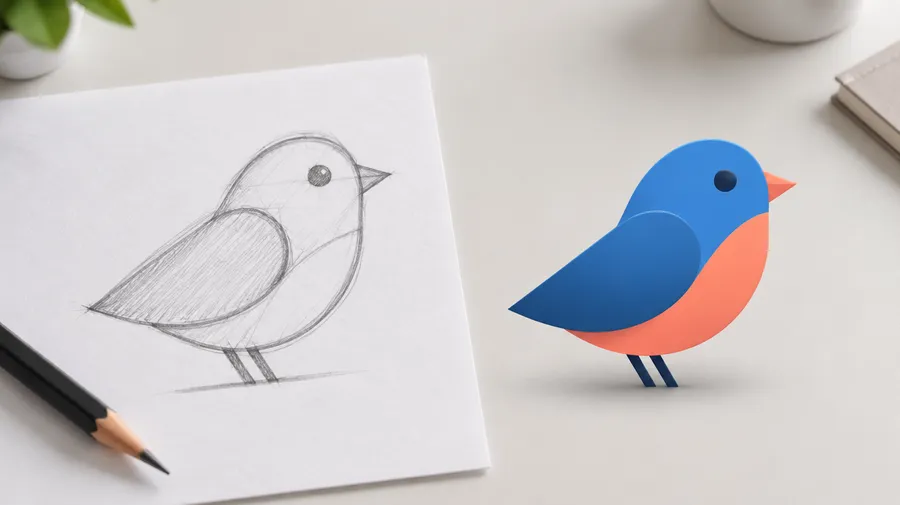
Two entry points. Describe a completely new icon concept in words, or upload a sketch, logo, existing graphic or style sample and generate a new icon direction based on it.
Text-to-icon works when the symbol only exists in your head. Image-to-icon works when you already have a shape, palette or brand mark the result should follow. Both run in Create image, and both can be refined afterwards in the Image Editor.
References guide and influence the output — they do not copy your source exactly, and they do not convert an image into a vector icon.
What kind of icon do you need?
"Icon" covers very different jobs. Pick the one you are actually designing for — the prompt changes with it.
Product & app
Icons that stand for a whole product or a feature inside it.
App icon concepts
Square artwork for a launcher tile. Simple core idea, few shapes, no lettering. Platform masking and layered exports are prepared afterwards.
Feature icons
Symbols for onboarding screens, pricing tables and feature grids. Usually one object on a plain background.
Create a consistent icon set
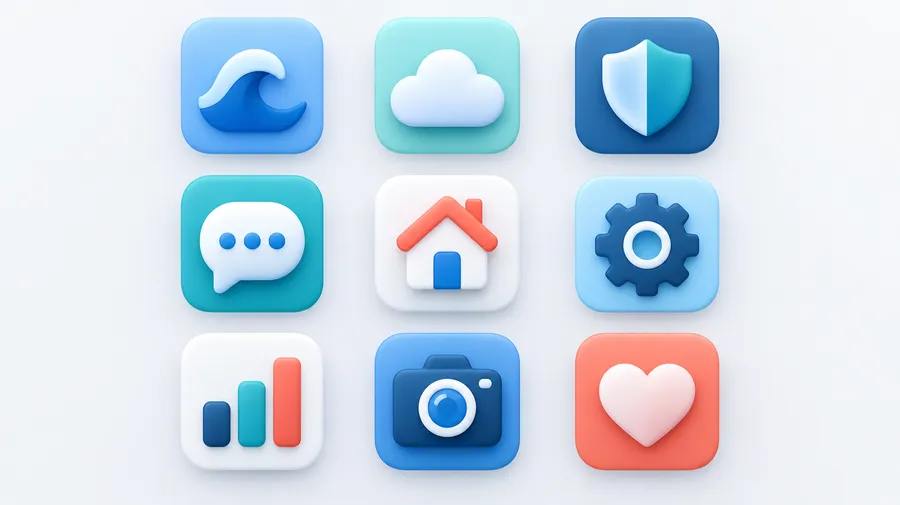
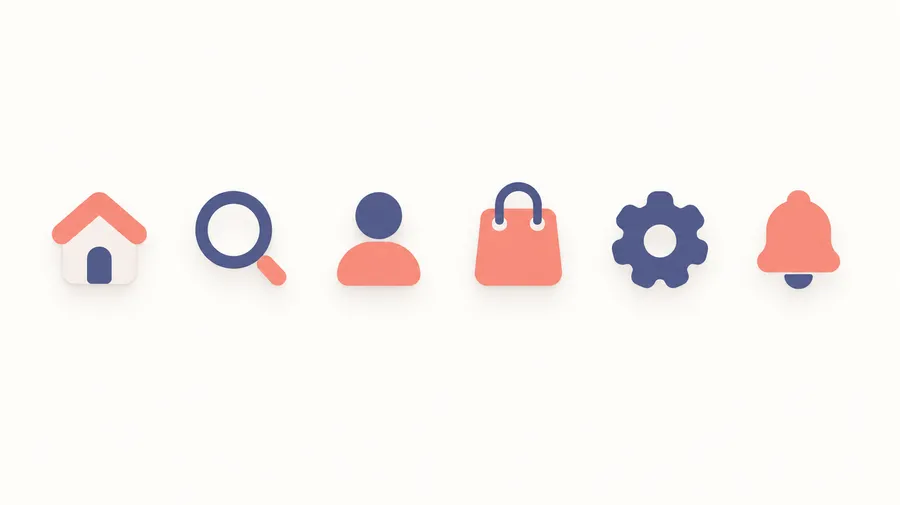
You rarely need one icon. You need home, search, profile, cart, settings, messages and notifications that look like they belong together.
Create the first icon direction, then reuse its style or color palette as a Reference or an Element when generating the rest of the set. Keep the same visual rules in every prompt: stroke style, perspective, palette, background and level of detail. The Elements guide covers saving a style or Color Palette Element for reuse.
Generative consistency is guidance, not a deterministic vector icon system. Review each icon for differences in shape, spacing and detail before you ship the set.
Explore icon styles
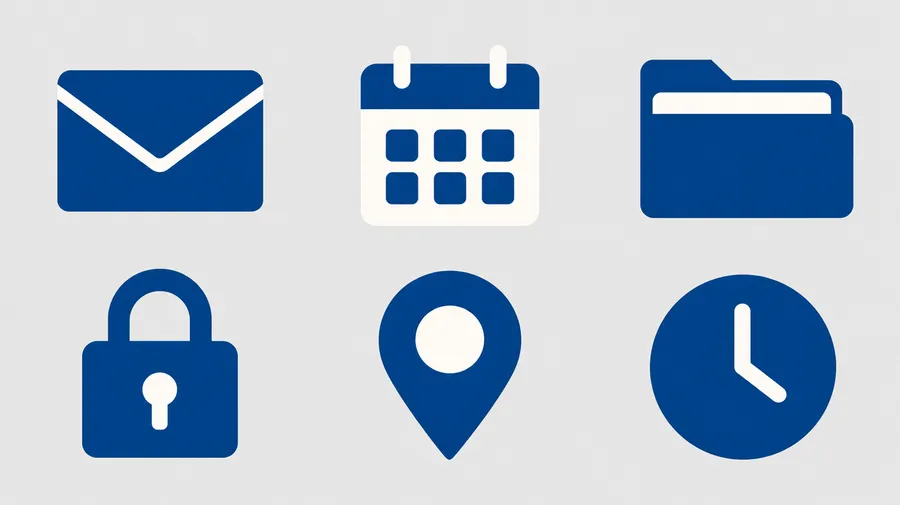
Name the style in your prompt. Flat, outline, line, filled, glyph, minimal, geometric, gradient, 3D, isometric, clay, glass, translucent, retro, pixel-inspired, hand-drawn, metallic and neon all respond well. An "outline style" raster image is still a raster image — it is not an SVG icon with a controlled 2 px stroke.
AI icon prompt examples
A prompt formula that works: meaning or function + intended use + shape and silhouette + style + perspective + palette + background + complexity. "Coffee cup icon, blue and white" is too thin. The examples below are not.
Product & SaaS
Icons for interfaces and marketing pages.
Minimal app icon
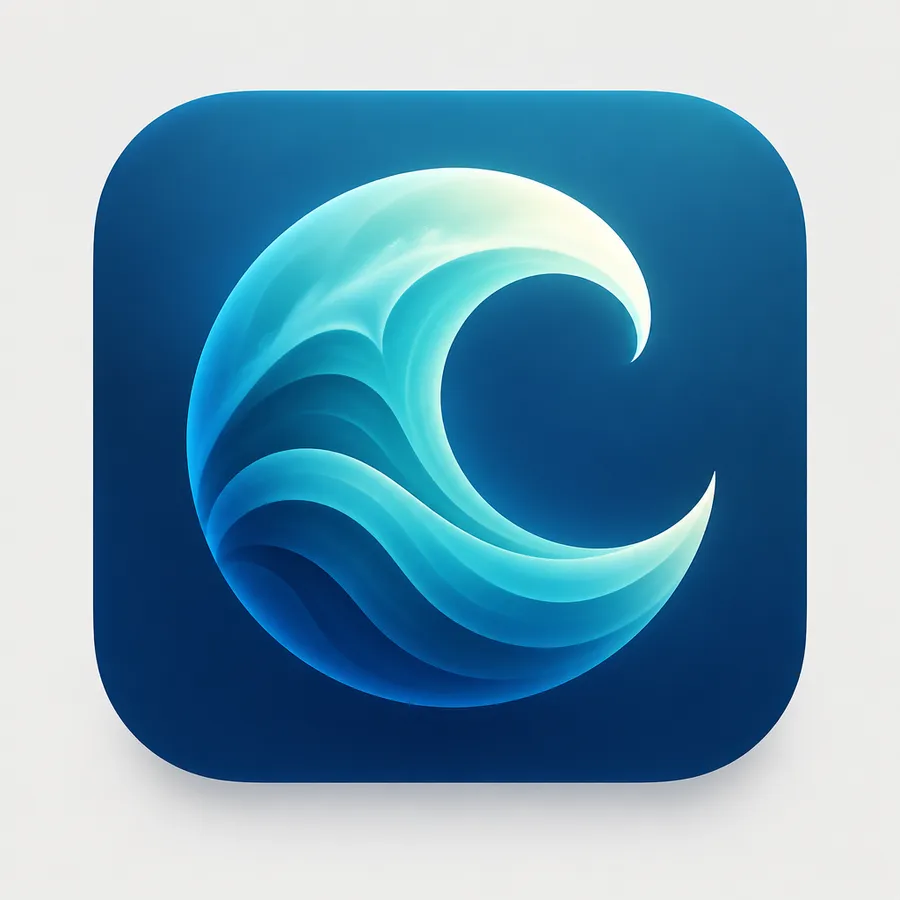
meditation app icon concept, abstract ocean wave forming a crescent moon, centered symbol, deep blue and turquoise gradient, soft dimensional lighting, simple silhouette, square composition, no text, no lettering
SaaS feature icon
calendar feature icon for a productivity dashboard, simple rounded geometric silhouette, flat filled style, two-color blue palette, centered composition, minimal detail, clean plain background, no text
How to design AI icons that work at small sizes
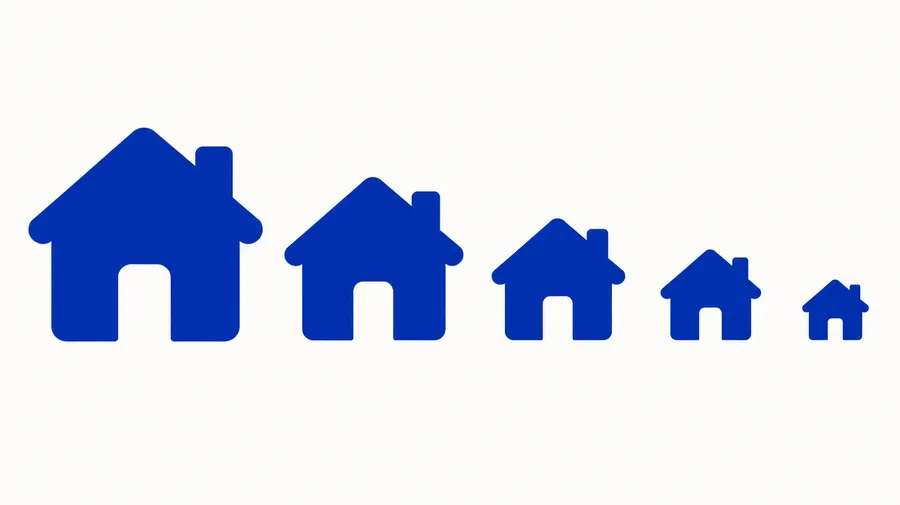
An icon that looks good at 512 px can turn to mush at 24 px. Navigation icons, favicons and app icons all get rendered far smaller than you generate them.
Write prompts that protect legibility: one dominant symbol, a strong silhouette, high contrast between foreground and background, and as few colors as the idea allows. Then test the export at the size it will actually be displayed.
Create icons with transparent backgrounds
Generate the icon design first, then remove the background to export a transparent PNG you can place over different interfaces, slides, websites or other layouts.
Run the finished design through Background Remover, check the edges, and resize it for its destination with AI Resizer. A transparent PNG is not a vector UI component — it is a cut-out raster asset.
AI-generated icon design vs production-ready icon asset
Worth being precise about, because the two are often confused. An AI-generated icon design is a visual concept produced from your prompt or reference. A production app, web or UI asset may additionally need exact dimensions, platform-specific masking, vector paths, multiple sizes, adaptive layers or manual cleanup, depending on where it will be used.
getimg.ai covers the first part well: many image models, text and reference input, batch exploration, conversational refinement, Elements and References for consistency, and background removal in one workspace. The platform preparation step stays with you or your design tooling.
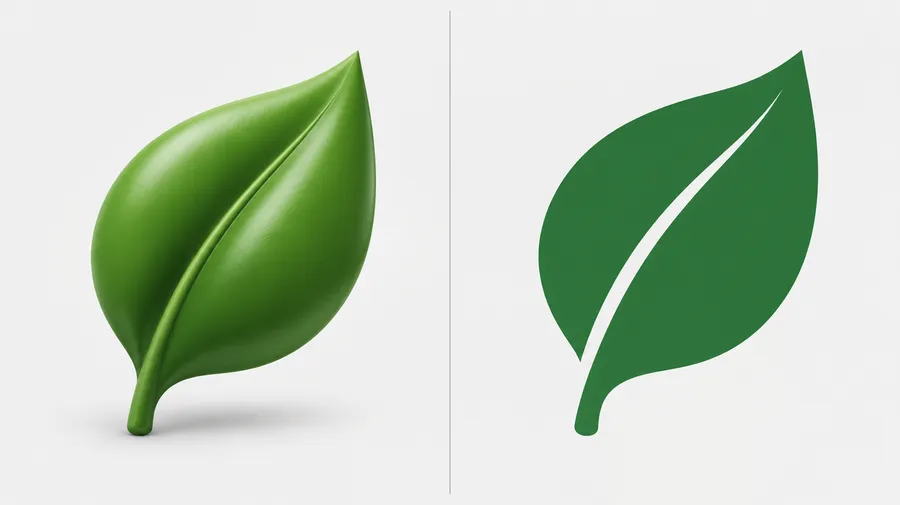
Frequently asked questions
Open Create image, describe the symbol and where it will be used, and generate several directions in one batch. Refine the strongest result, then use Background Remover if you need a transparent PNG.
Yes. Add your sketch, logo or existing graphic as a reference and describe the icon you want built from it. The reference guides shape, style, palette or composition — it is not traced or converted into vector paths.
You can generate app icon artwork and explore concepts. Platform preparation is still your job: iOS, iPadOS and macOS expect a 1024×1024 master and support layered icon workflows, while Android distinguishes launcher, adaptive, notification and UI icons with foreground/background layers and safe zones.
Yes, as icon designs. A production UI icon system usually also needs controlled stroke weights, multiple sizes and vector paths, which you add afterwards in your own design tooling.
Generate the icon on a plain background, then run it through Background Remover to export a transparent PNG you can place over interfaces, slides or layouts.
Yes. Generate the first icon, save its style or color palette as a Reference or Element, then reuse it across the rest of the set and repeat the same visual rules in each prompt. Review the output — consistency is guided, not deterministic.
Add a Color Palette Element or a brand reference image and name the colors in your prompt. Elements guide generation rather than locking exact HEX fill values, so check the result against your brand spec.
No. Image generation on getimg.ai returns raster formats such as PNG, JPEG and WebP. If you need SVG paths, vectorise or redraw the generated design in a vector editor.
An AI icon here is a raster image: a fixed grid of pixels. A vector icon is defined by paths and scales to any size with controlled stroke weights. An AI-generated design can be the starting point for a vector icon, but it is not one.
An icon is usually a compact visual symbol designed to represent an action, feature, category, app or concept. A logo represents a broader brand identity and may include a symbol, a wordmark or both. For brand marks, use the AI Logo Generator.
You can generate a simple favicon concept. For a production favicon, resize and export the final design into the formats and sizes your website or platform requires, such as .ico plus 16×16 and 32×32 PNGs. AI Resizer helps with the resizing step.
Keep one dominant symbol, reduce tiny details, use a strong silhouette and high foreground/background contrast, limit the palette, avoid long text, and test the result at the actual display size.
Paid plans include full commercial rights to what you generate, so you can use your icons in client work, products and business projects.