Can ChatGPT Make Music? How to Make Music, Voiceovers, and Sound Effects in ChatGPT

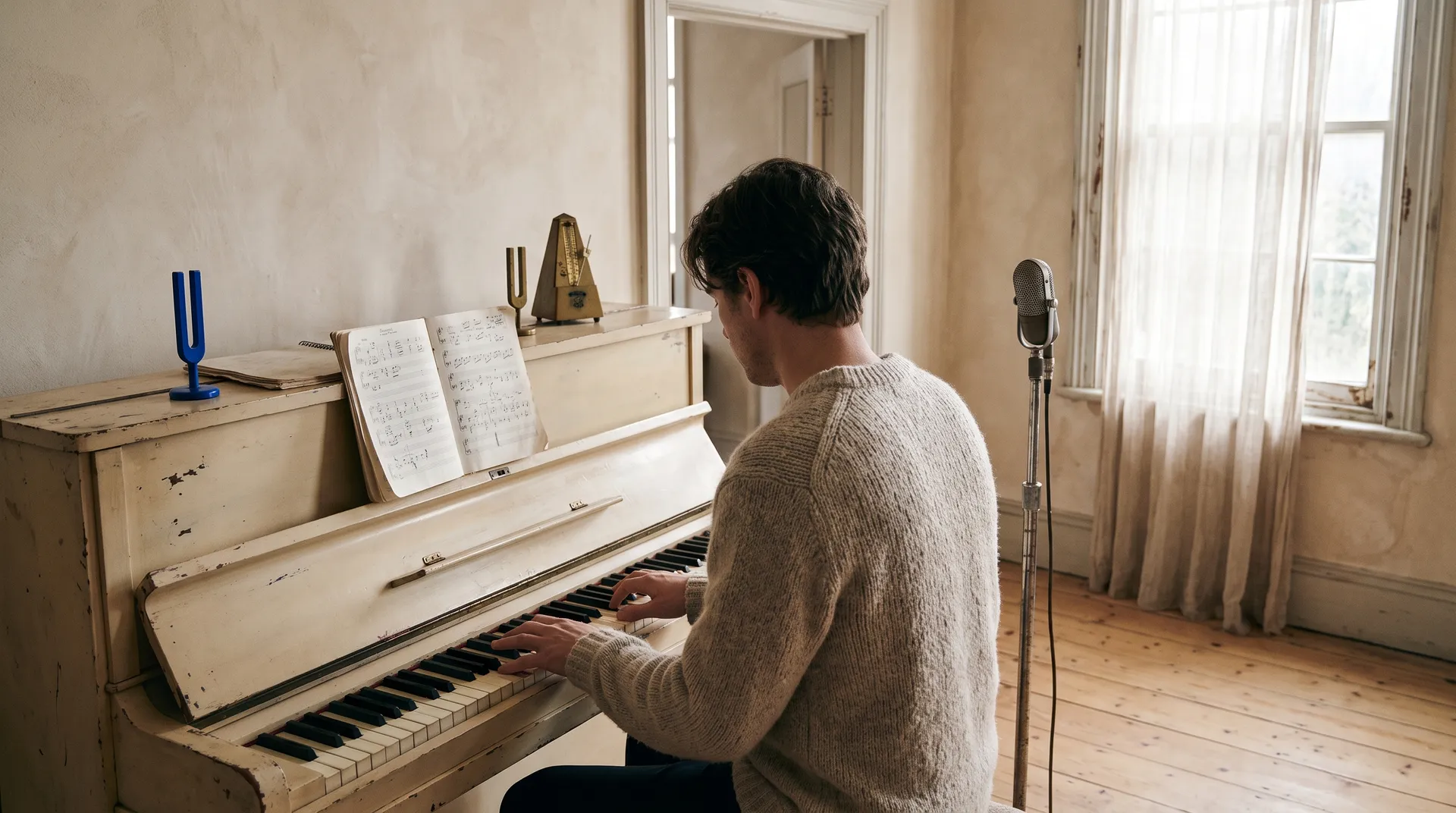
ChatGPT can't make music on its own. It can write lyrics, suggest chord progressions, and read its replies aloud in voice mode, but it doesn't produce audio files you can download and use. With the getimg.ai plugin installed, ChatGPT can generate full music tracks with or without vocals, voiceovers in 30 voices, and sound effects from a plain description. Each comes back as a file in the chat and saves to your getimg.ai library.
What ChatGPT can and can't do with audio
You want | ChatGPT on its own | ChatGPT with getimg.ai |
A music track | Writes lyrics and describes a song | Generates the track, 30 seconds to 3 minutes |
A song with vocals | Writes the lyrics | Generates the song with your lyrics sung |
A voiceover | Reads replies aloud in voice mode | Generates a downloadable voiceover from your script |
A sound effect | Not built in | Generates it from a description |
The gap is the file. Voice mode is a way to talk with ChatGPT, not a way to produce narration for a video or a track for a podcast. The getimg.ai plugin sends your request to getimg.ai's music, speech, and sound effect generators, and the audio comes back in the chat ready to download. If you haven't installed it yet, add getimg.ai to ChatGPT first: click Install plugin, sign in with your getimg.ai account, and you're set.
How to make music in ChatGPT
Describe the track the way you'd describe it to a musician: genre, mood, tempo, instruments, and whether you want vocals.
"Generate a 30-second upbeat acoustic track for a product video, bright guitar and light percussion, no vocals."
What helps the model get it right:
- Genre and mood: "warm lo-fi hip hop," "tense cinematic strings," "cheerful 80s synth pop."
- Instruments: name two or three to anchor the sound.
- Vocals: say "no vocals" for background music, or include lyrics for a song.
- Use: "for a cooking reel" or "for a podcast intro" tells the model how busy the track should be.
- Length: tracks come in 30 seconds, 1, 2, or 3 minutes.
ChatGPT is good at lyrics, so use both halves:
"Write a short, funny jingle for a dog-walking business. Then generate it as a song with a bouncy ukulele and a cheerful female vocal."
Songs can be sung in many languages, not just English. For more on genres and prompting, see the AI music generator.
Music options at a glance
Option | What's available |
Length | 30 seconds, 1 minute, 2 minutes, or 3 minutes |
Variations | 1 to 4 versions per request |
Vocals | Instrumental, or sung vocals with your own lyrics |
Languages | Many, not just English |
Models | Google Lyria 3 Pro and ElevenLabs Eleven Music 2, picked automatically |
File | Downloadable from the chat link or your getimg.ai library |
Ask for two or four variations when you're exploring. Music is the format where small differences in feel matter most, and picking from a few takes is faster than rewording a prompt.
How to make a voiceover in ChatGPT
The natural workflow is to let ChatGPT write the script, then turn it into speech in the same thread:
"Write a 20-second script for a cold brew ad. Then make a voiceover from it with a calm, warm female voice."
getimg.ai has 30 voices, 15 male and 15 female, each with its own character (soft, smooth, upbeat, warm, and so on). Ask ChatGPT to list them, or describe the voice you want and let it choose. The voiceover comes out in the language of the script, so a script in Spanish gets a Spanish read.
You can direct the delivery in plain words:
- "Read it slower, with a pause after the first sentence."
- "Make it sound excited, like a game show host."
- "Whisper the last line."
- "Read it in a British accent."
ChatGPT turns those notes into short direction tags inside the script, like [gentle, emotional], and tone and pace can change several times in one read. Accent works the same way, so any voice can take on any common accent. The AI voice generator shows the full voice list.
How to make sound effects in ChatGPT
Describe the sound and where it happens. Effects come in 5, 10, 20, or 30 seconds, with up to four variations:
"Make a sound effect of a cash register opening, short and crisp."
"Generate 10 seconds of busy café ambience: cups clinking, low chatter, an espresso machine in the background."
Forest Ambience
Cinematic Whoosh
Paper Foley
Forest Ambience
Cinematic Whoosh
Paper Foley
Be specific about the source and the space. "A wooden door creaking open in a large empty hall" gives a different result from "a door opening." Sound effects work for ads, reels, games, app notifications, and podcast transitions. The AI sound effect generator has more examples.
Make a full audio package in one request
Because ChatGPT runs steps in order, you can ask for the script, the voice, the music, and the effects together:
"Write a 15-second radio ad for a bakery's weekend sale. Make the voiceover with a friendly male voice, a light jazz music bed to go under it, and a short doorbell chime for the opening."
You get every piece back as a separate file, ready to arrange in an audio or video editor. Separate files keep you in control of the mix: you can lower the music under the voice, move the chime, or swap the track without regenerating the rest. To pair the audio with a clip, see how to make videos in ChatGPT, where many video models can also add sound directly to the picture.
Which audio format to use
Situation | Best format | Why |
A video needs ambience or on-screen sounds | Native sound in the video | Sound and picture are generated together, so they line up |
A video needs narration | Voiceover | You can retime, trim, or redo the voice without touching the video |
A video, podcast, or ad needs a soundtrack | Music track | Full-length, instrumental or with vocals, and easy to lower under speech |
A single moment needs a sound | Sound effect | One clean file you can place exactly where it belongs |
A jingle or a song | Music track with lyrics | ChatGPT writes the words, getimg.ai sings them |
A practical rule: if the sound belongs to what's on screen, like rain on a window or a door closing, let the video model generate it with the picture. If the sound sits on top of the picture, like a narrator, a soundtrack, or a notification ping, make it as a separate file. Separate files cost an extra step to put together, but they're what an editor expects, and you can change one piece without regenerating everything else.
Audio prompts to copy
Goal | Prompt |
Podcast intro | "Make a 30-second podcast intro theme, upbeat indie rock, no vocals." |
Background music | "Generate a 1-minute calm piano track for a meditation video." |
Song with lyrics | "Turn these lyrics into a 2-minute acoustic folk song with a soft male vocal." |
Explainer voiceover | "Turn this script into a voiceover with a clear, friendly voice at a steady pace." |
Character voice | "Read this line as a gruff old pirate: 'Nobody touches my treasure.'" |
Game sound | "Make a short, bright coin pickup sound for a mobile game." |
Ambience | "Generate 20 seconds of forest ambience at dawn, birds and a light breeze." |
Good to know
Files, not just playback. Every track, voiceover, and effect is a file you can download from the link in ChatGPT or from your getimg.ai library. Chat links expire after 24 hours; the library copy stays.
It uses your getimg.ai credits. Audio generations draw from your getimg.ai plan's credit balance, the same as in the getimg.ai app.
Commercial use. getimg.ai plans include commercial usage rights for audio you make through ChatGPT, subject to our terms and applicable third-party rights.
The Bottom Line
ChatGPT writes the lyrics, the script, and the ad copy. With the getimg.ai plugin installed, it also makes the song, the voiceover, and the sound effects, as files you can download and use. Describe the sound you want, and it comes back in the same chat.
Frequently Asked Questions
Not on its own. With the getimg.ai plugin installed, ChatGPT can generate music tracks from a description, from 30 seconds to 3 minutes long, with or without vocals.
Yes. Ask ChatGPT to write the lyrics, then ask getimg.ai to generate the song with vocals, describing the genre and the voice you want.
Not by default. Voice mode reads replies aloud, but it doesn't produce a file. With getimg.ai, music, voiceovers, and sound effects come back as downloadable files.
Voice mode comes with ChatGPT. Downloadable voiceovers through the getimg.ai plugin use credits from your getimg.ai plan. See getimg.ai pricing for plans.
Yes. There are 30 voices, 15 male and 15 female. Ask ChatGPT to show them, or describe the voice you want (gender, tone, accent) and let it pick.
getimg.ai plans include commercial usage rights for generated audio, subject to our terms and applicable third-party rights.
Related Articles