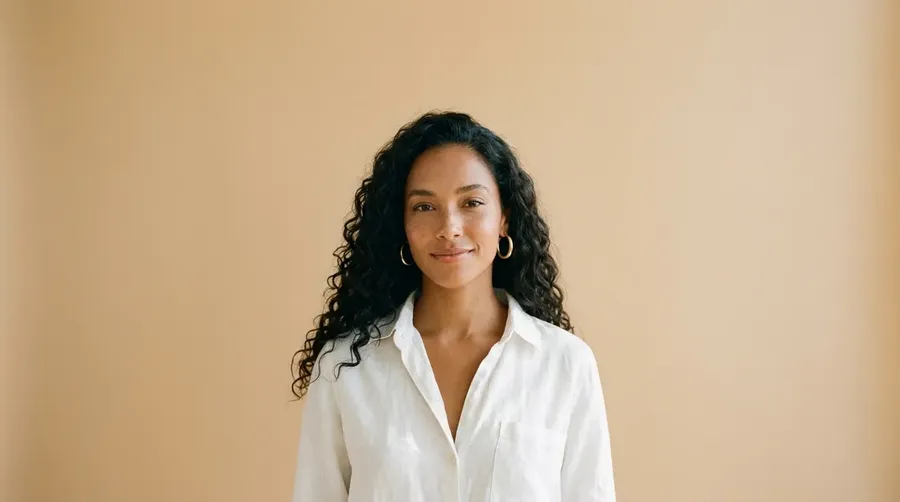
AI Influencer Generator
Design an original creator for your brand, keep the same face in every post, put your products in their hands and turn them into video clips. One persona, as much content as your calendar needs.
Leading image and video models in one place.
Auto picks the model that fits your prompt best. Switch the model manually any time if you want to experiment.


How to create an AI influencer
Design the person once, then put them into as many posts and clips as you need.
Design the persona
Build them in the Character creator by picking gender, heritage, skin, hair, eyes, age and outfit, or describe them in a prompt in Create image. Generate a few versions and keep the one that fits your brand.
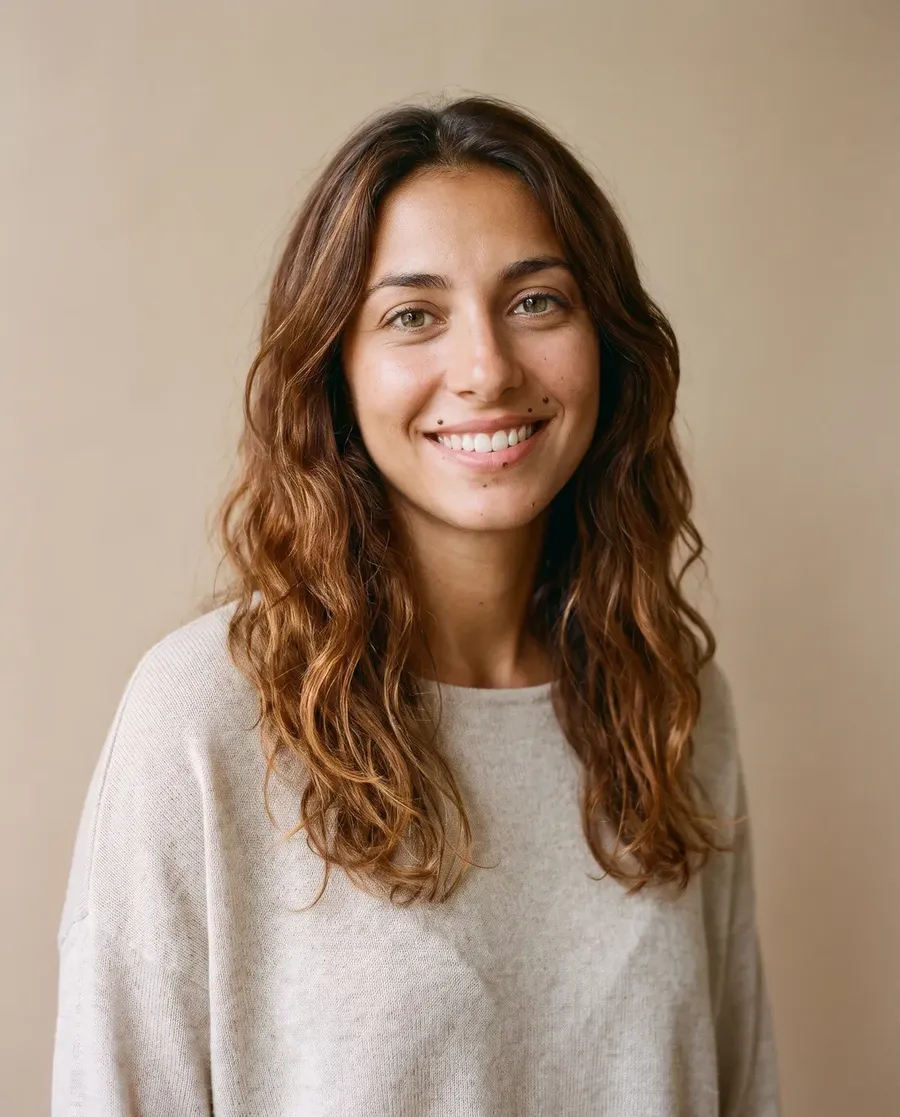
Put them into your content
Add the portrait as a reference in Create image and describe the scene. Saving them as an Element is optional, but it lets you type @Name in any prompt instead of uploading the reference every time.
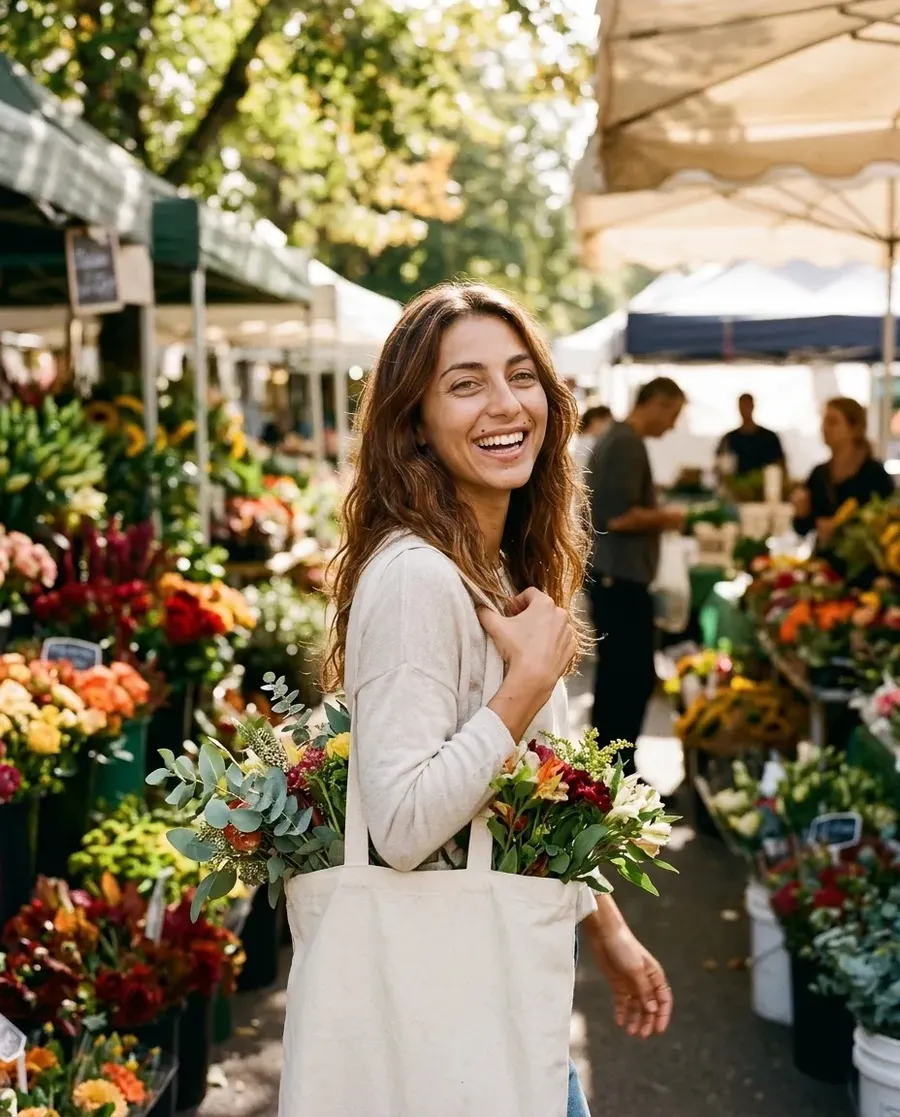
Turn them into video
Use the UGC video tool for a talking product clip, or Create video for anything else. Elements also work in Create video with any model that accepts reference images.
Keep the same face in every post
An influencer only works if followers recognize them. Use the same portrait as the reference, or the same Element, and describe the details that make them who they are: the hair, the chain, the way they dress.
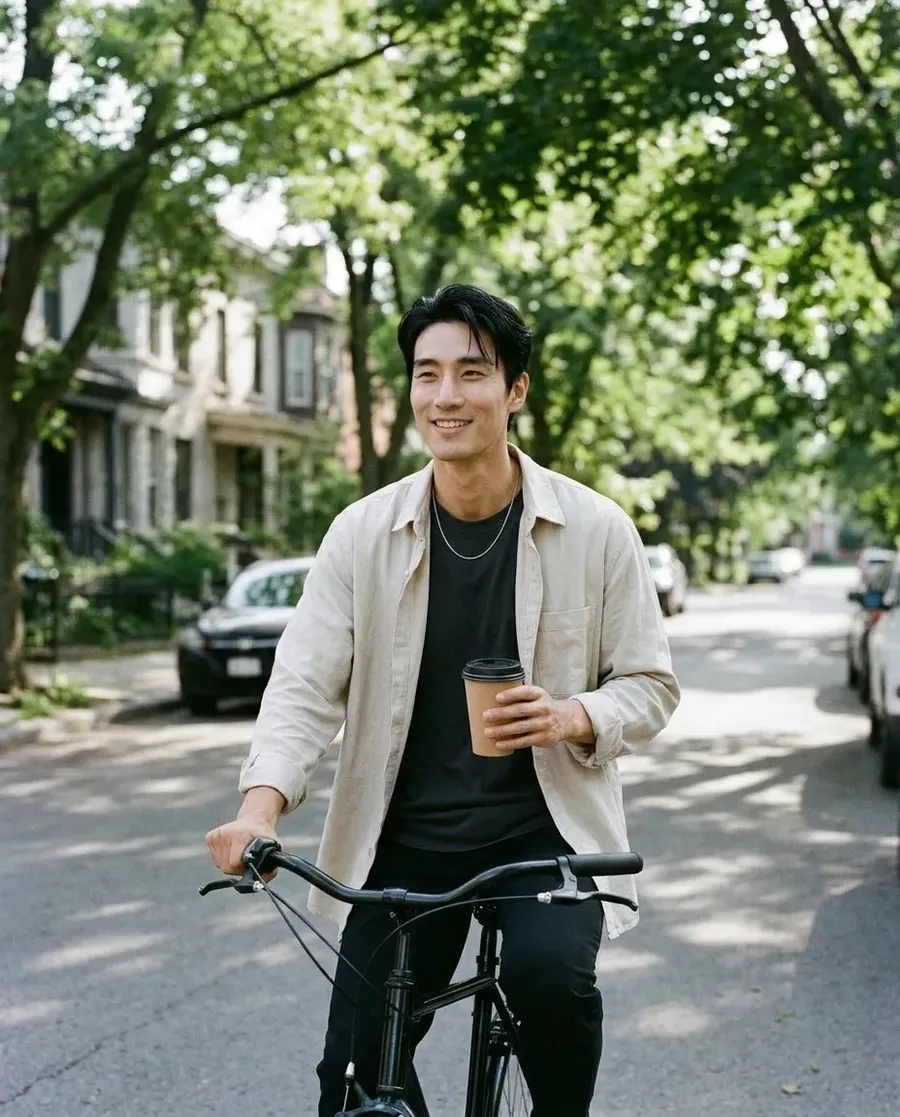
These four posts came from one portrait. The setting, the outfit and the light change from post to post, the person doesn't.



Put your product in their hands
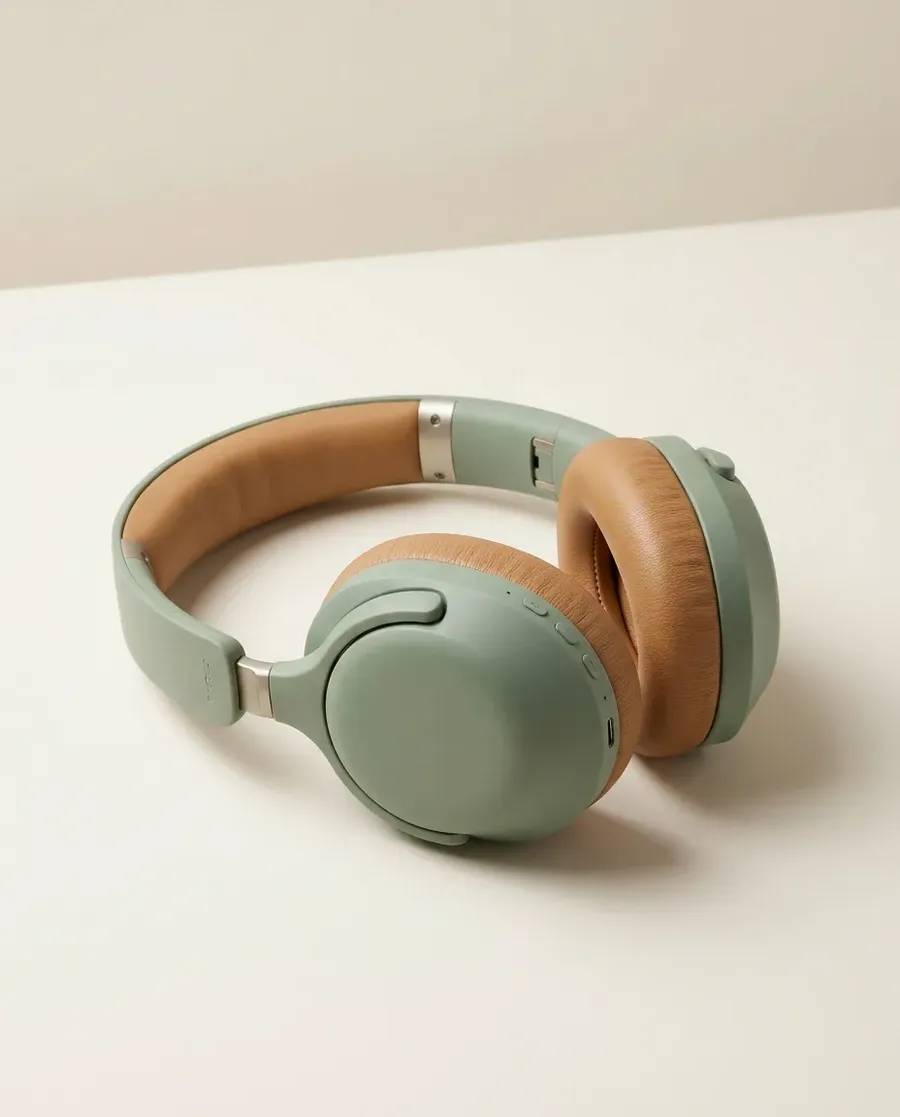
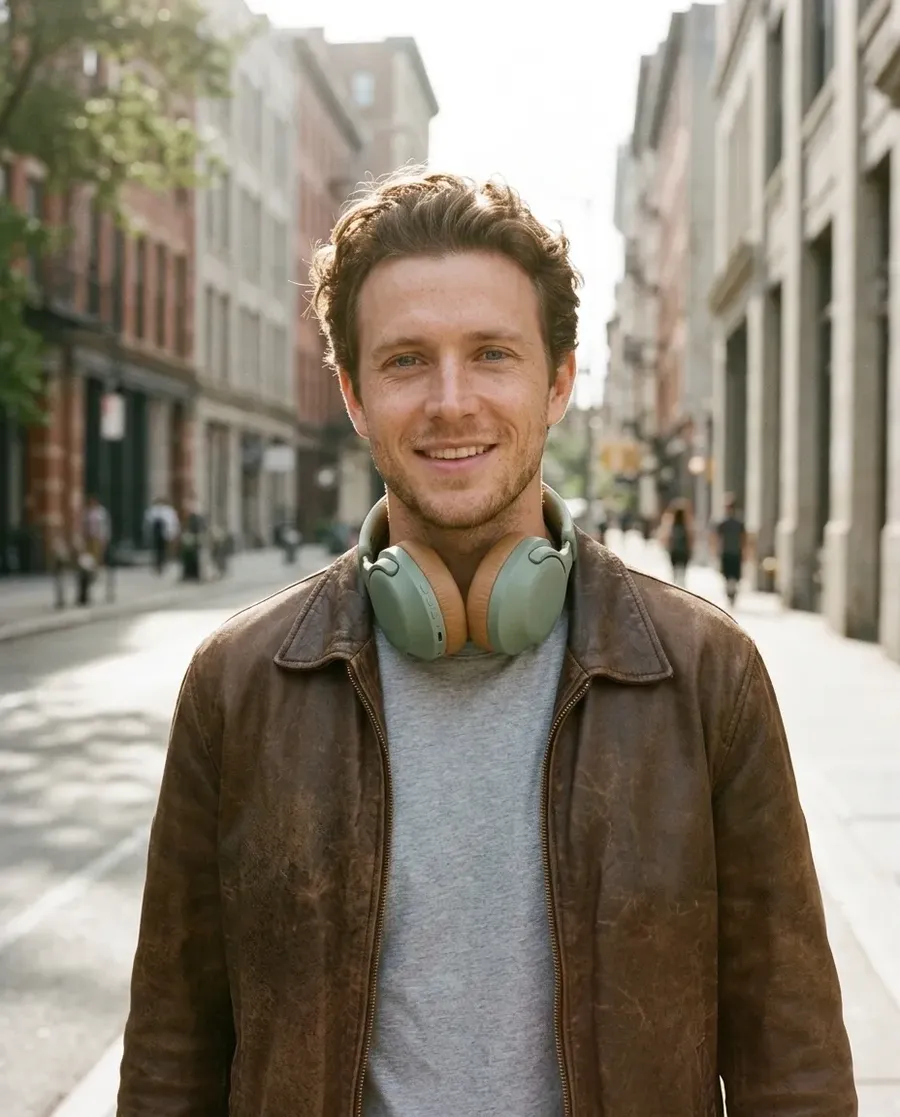
Add a photo of your product as a second reference next to the persona, and describe how they use it. The product keeps its shape, color and materials, so the post reads like a real sponsored shot.
These headphones started as a plain packshot. One prompt put them around the creator's neck on a morning city street.
What brands use an AI influencer for
A creator you own works on your schedule, never goes off-brand and can show up in every format you publish.
Explore more tools for creator content
Frequently asked questions
An AI influencer is a virtual person created with AI who posts content for a brand, the way a human creator would. The brand designs the look and personality and owns the persona, so it can appear in any campaign without bookings.
Design the persona in the Character creator or with a prompt in Create image. Then use the portrait as a reference, or save it as an Element, to generate posts in any scene, and use the UGC video tool or Create video for clips.
Use the same portrait or Element as the reference every time, and repeat the signature details in your prompt, such as hairstyle, jewelry or a beauty mark. Generate a few variations and pick the one that matches best.
Yes. The UGC video tool takes a photo of the presenter and photos of your product and returns a talking clip in a tone you choose. In Create video, video models that support native audio can add voice and sound too.
In most cases, yes. Platforms, advertising rules and laws such as the EU AI Act expect AI-generated people to be labeled. Say clearly in the profile and in sponsored posts that the creator is AI.
Only with that person's permission. Don't recreate celebrities or other real people without consent. An original persona is the safer choice for a brand.
Images and videos you create on paid plans come with commercial usage rights, subject to our terms and applicable third-party rights.
Design the creator your brand has been missing
Build the persona in the Character creator or with a prompt, then fill your calendar with posts and clips.