AI Landscape Design Generator for Yards and Gardens
Redesign your yard from a photo
getimg.ai's AI Landscape Design Generator creates visual outdoor design concepts from a text prompt or a photo of an existing yard, garden, patio or other outdoor space. Use it to compare landscaping directions, planting styles, patios, pools and pathways before developing a technical plan for the real project.
How to generate an AI landscape design
Start from text, or from a photo of your own outdoor space.
1. Open Create image
Go to Image Create image and open the prompt box.
2. Add a yard photo or start from text
Attach a wide photo of your backyard, front yard or patio as a reference, or describe the space from scratch.
3. Describe the changes and generate
Name the style, materials and planting, say what should stay unchanged, then generate several directions and refine the closest one.
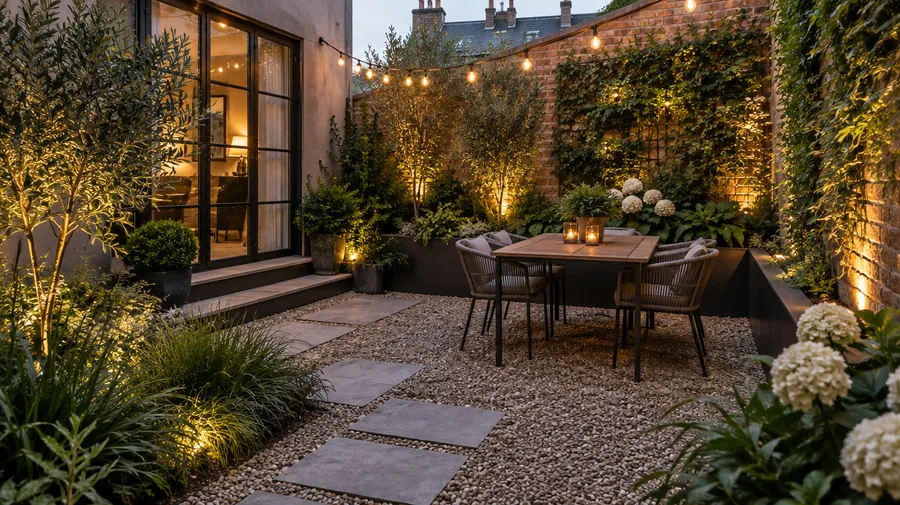
AI landscape images are visual concepts, not construction plans
Generated outdoor designs show you what a space could look like. They are not site surveys, measurements or construction documentation. Use them to pick a direction, then verify the practical details with a contractor or landscape designer before any work starts.
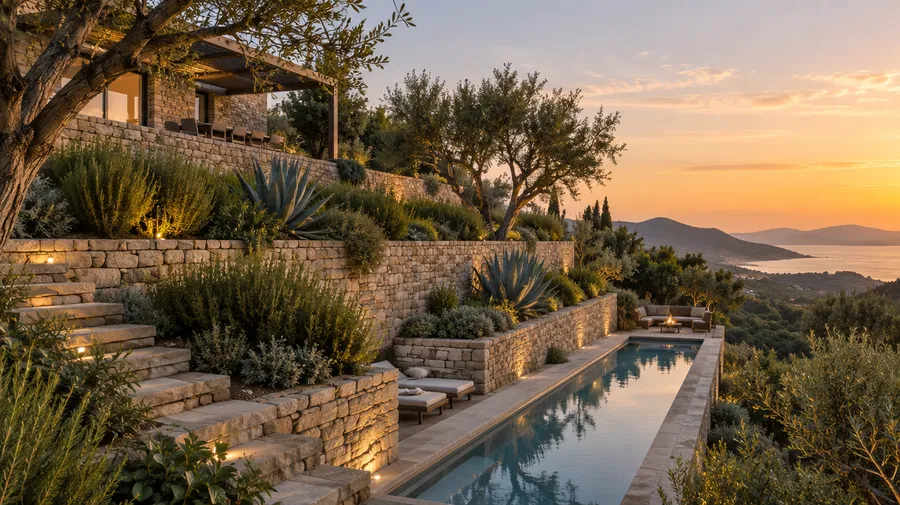
Explore landscape design ideas faster
Generate outdoor design directions from a prompt or a photo. Guide the result with your prompt, reference image and follow-up edits, then compare versions side by side before you commit to physical changes. Start in Create image and refine the closest version in the Image Editor.
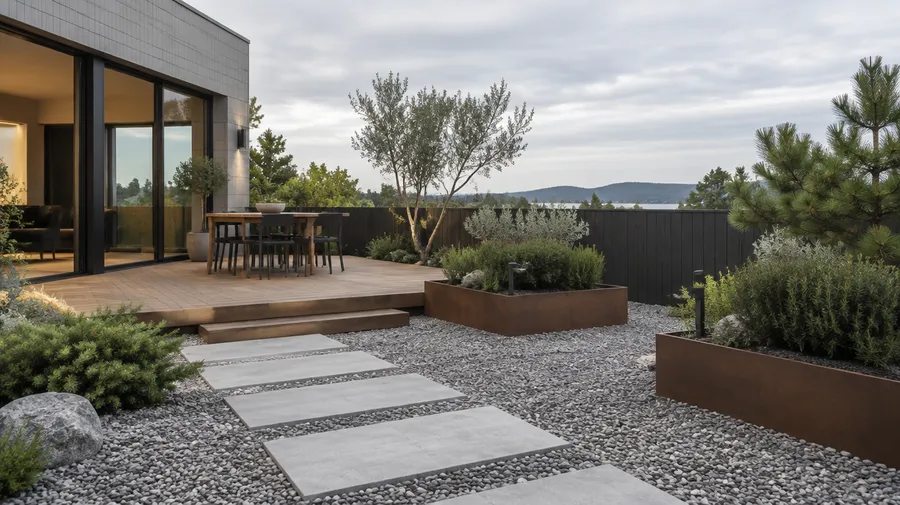
Prompt: low-maintenance backyard, replace the lawn with gravel and stepping stones, add raised steel planters with evergreen shrubs and a small timber deck, overcast daylight, wide-angle perspective.
From a photo
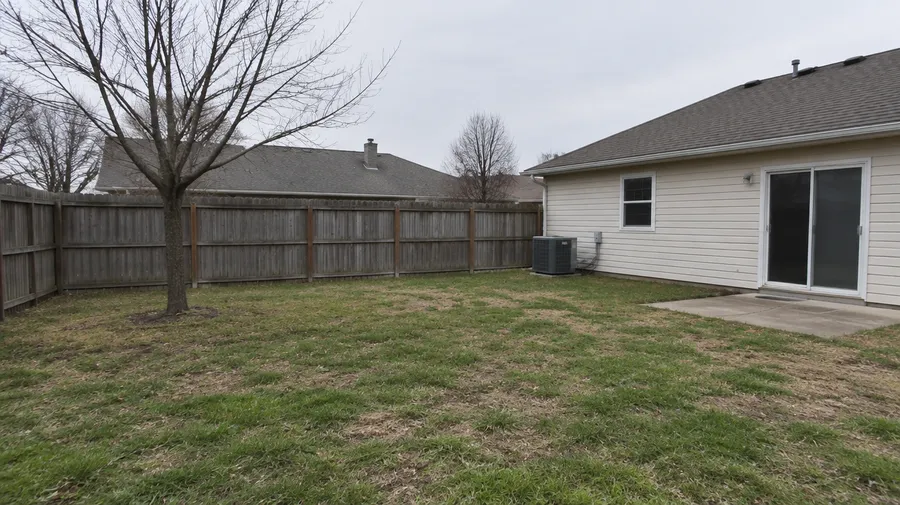
Redesign your existing yard from a photo
Use a photo of your existing outdoor space to explore visual directions for pools, patios, planting, pathways and other changes before discussing the project in more detail. References can guide composition, perspective, location, objects, style and mood, and every edit produces a new version instead of overwriting the original.
Explore concepts for different outdoor spaces
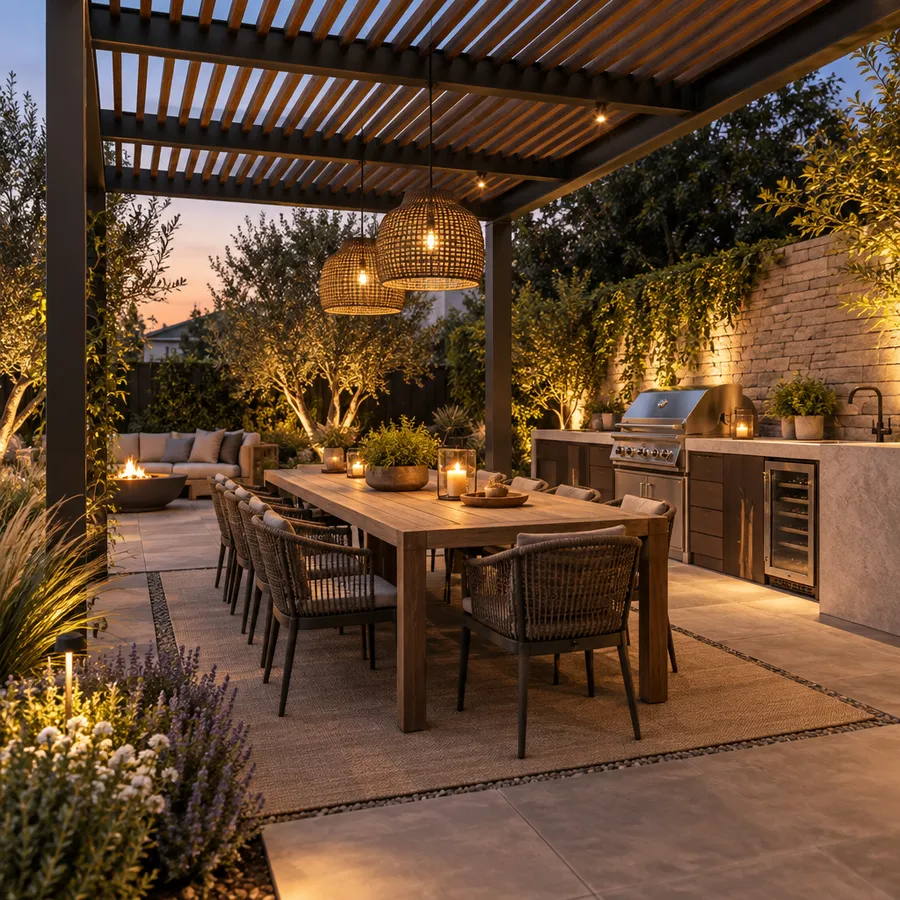
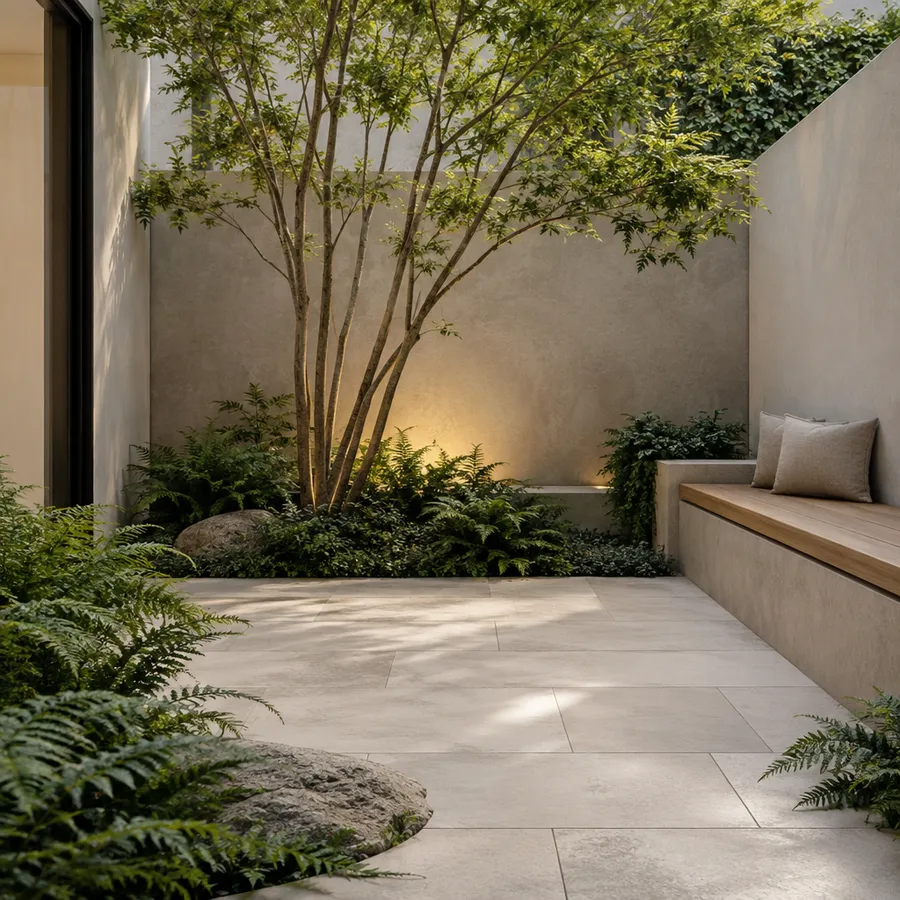
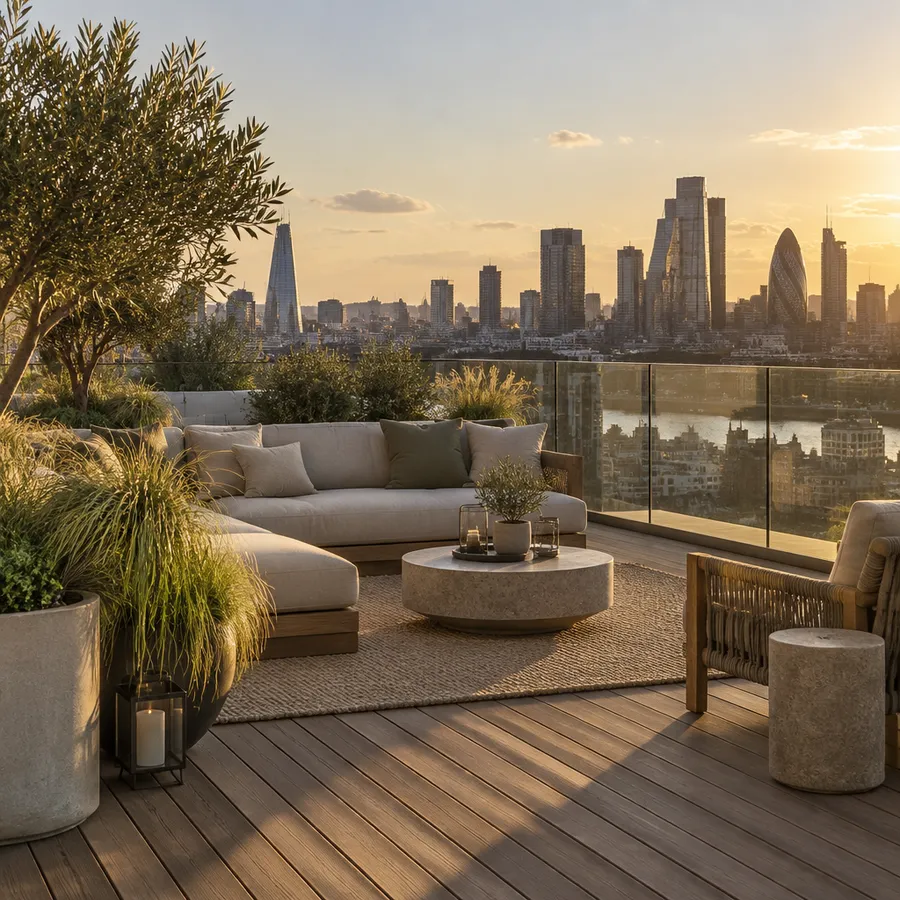
Backyards, front yards, gardens, patios, pool areas, terraces, courtyards and larger properties. Describe the space you have and the goal behind the redesign, and generate a set of visual directions to compare.
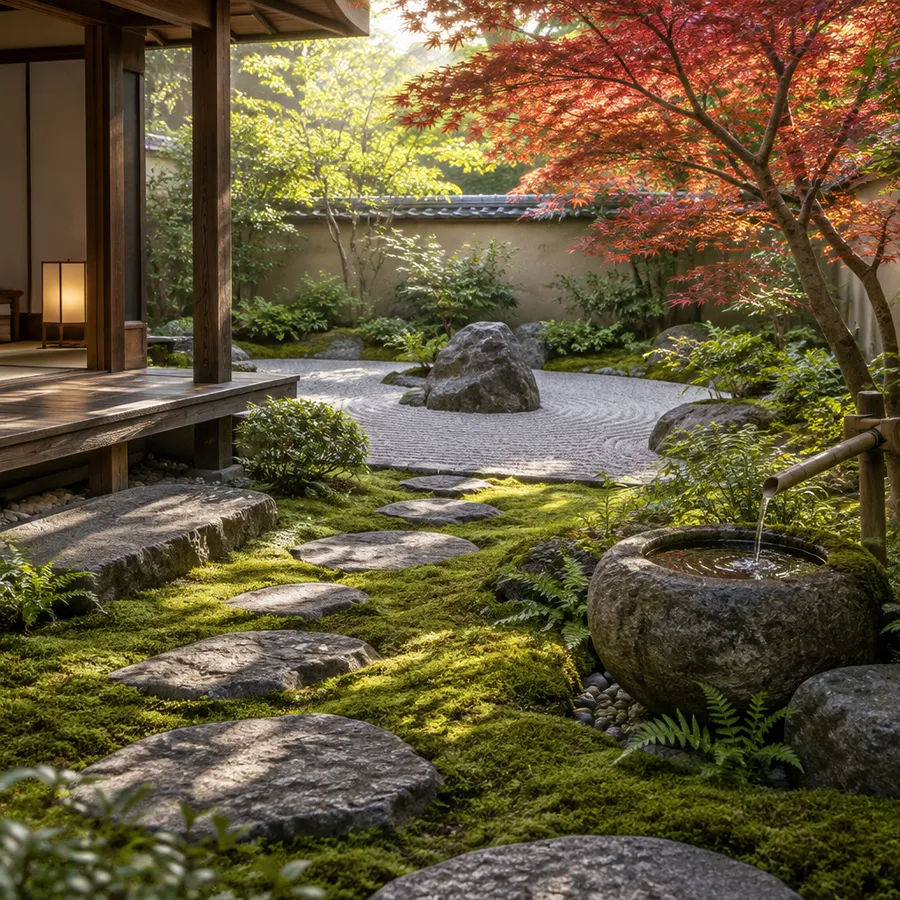
AI landscape design prompt examples
A workable prompt structure: space type + existing features to preserve + desired additions + style + materials + planting direction + lighting or season + camera perspective.
Backyard
Backyard concepts cover the largest share of outdoor redesigns. Name the entertaining function first, then the planting.
Modern backyard
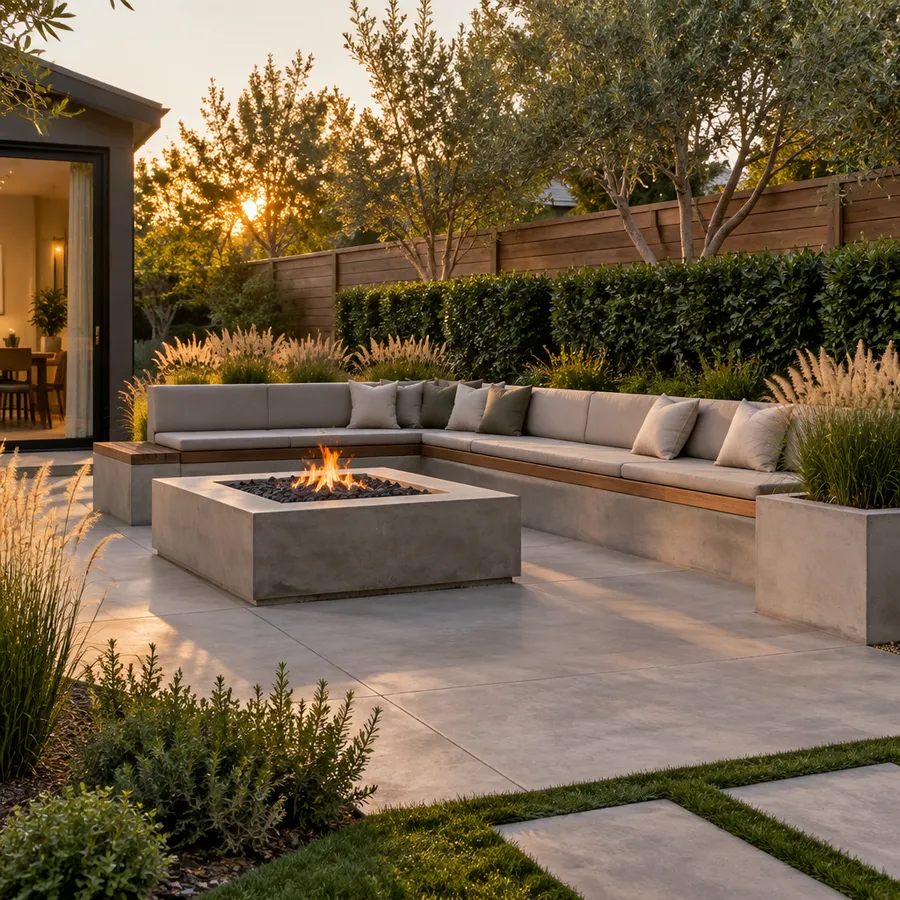
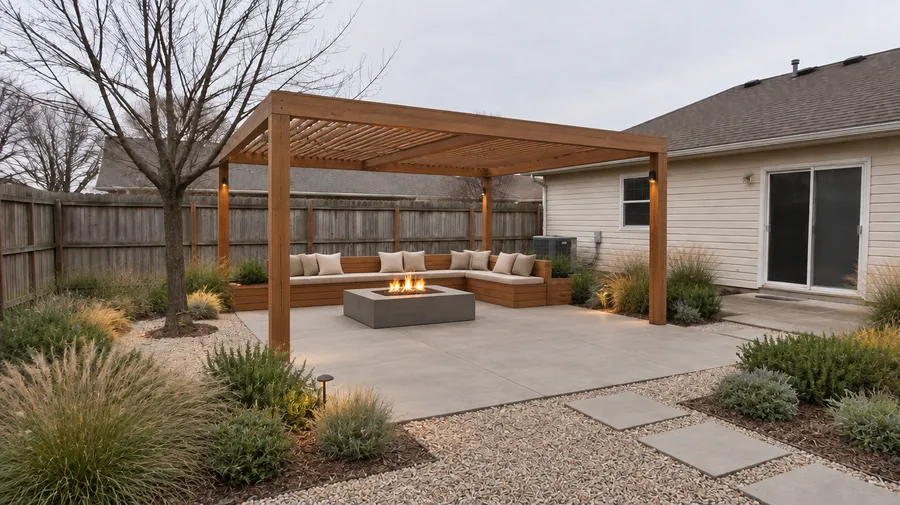
"Modern backyard, keep the existing house and fence unchanged, add a rectangular concrete patio, built-in bench seating, a fire pit and ornamental grasses, board-formed concrete and warm timber, late afternoon light, wide-angle perspective."
How to get better AI landscape results
Most weak results come from a vague photo or a prompt that asks for everything at once. Six habits that raise the hit rate.
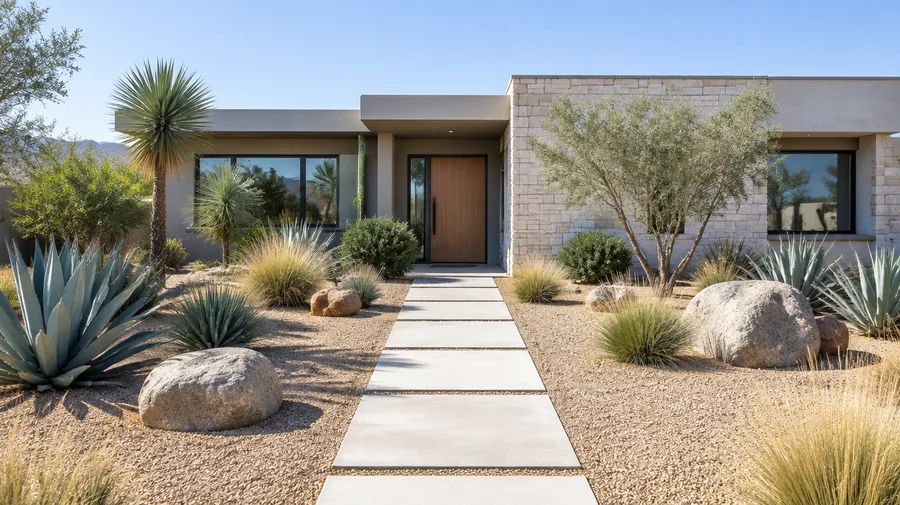
For homeowners and landscape professionals
Homeowners: explore ideas before paying for physical changes, compare styles and communicate a direction to a contractor. Landscape designers and architects: produce early concepts, mood directions and presentation visuals faster, then continue the technical design process separately.
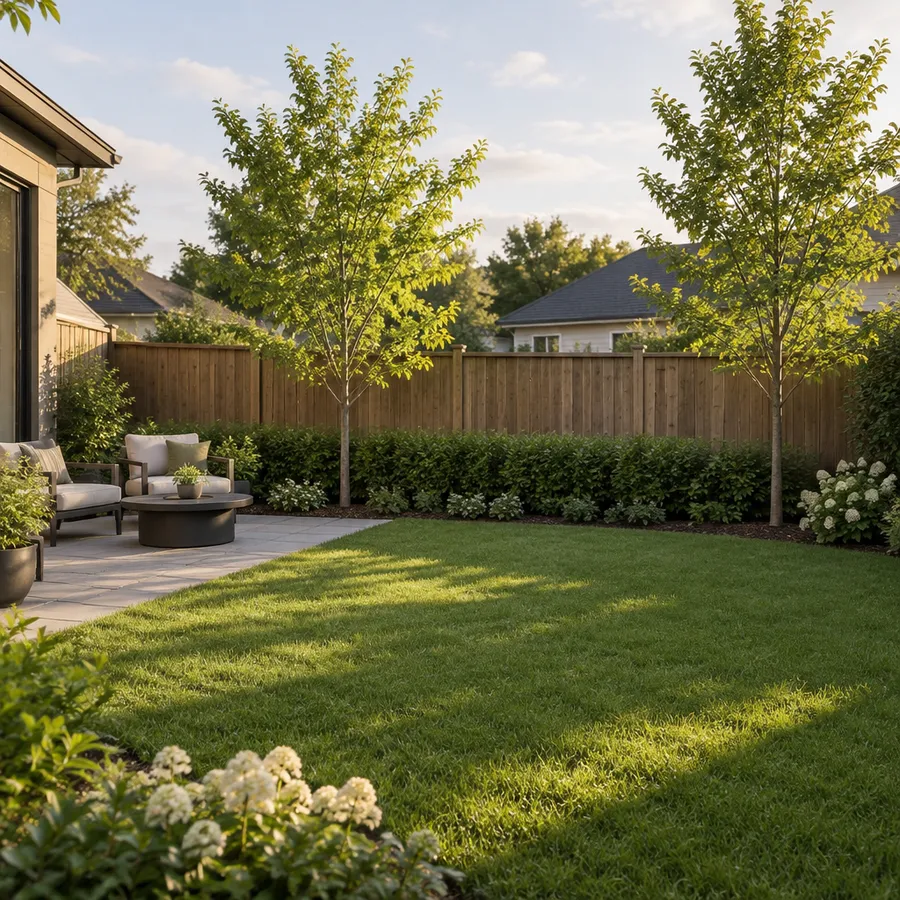
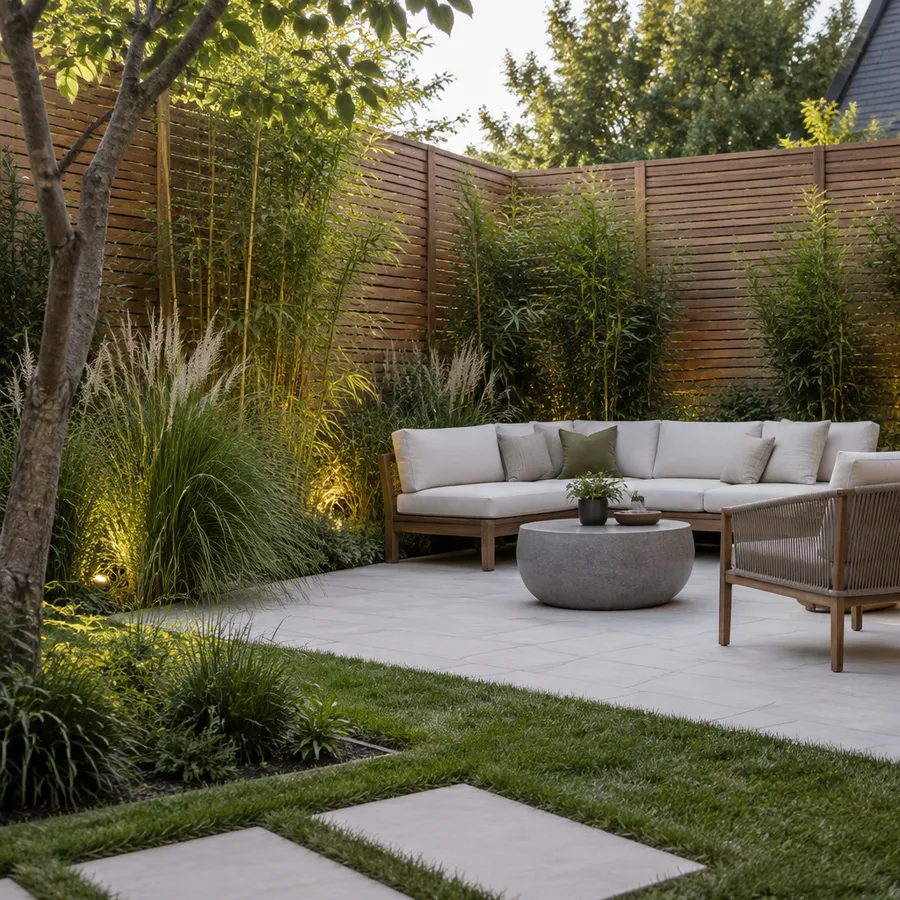
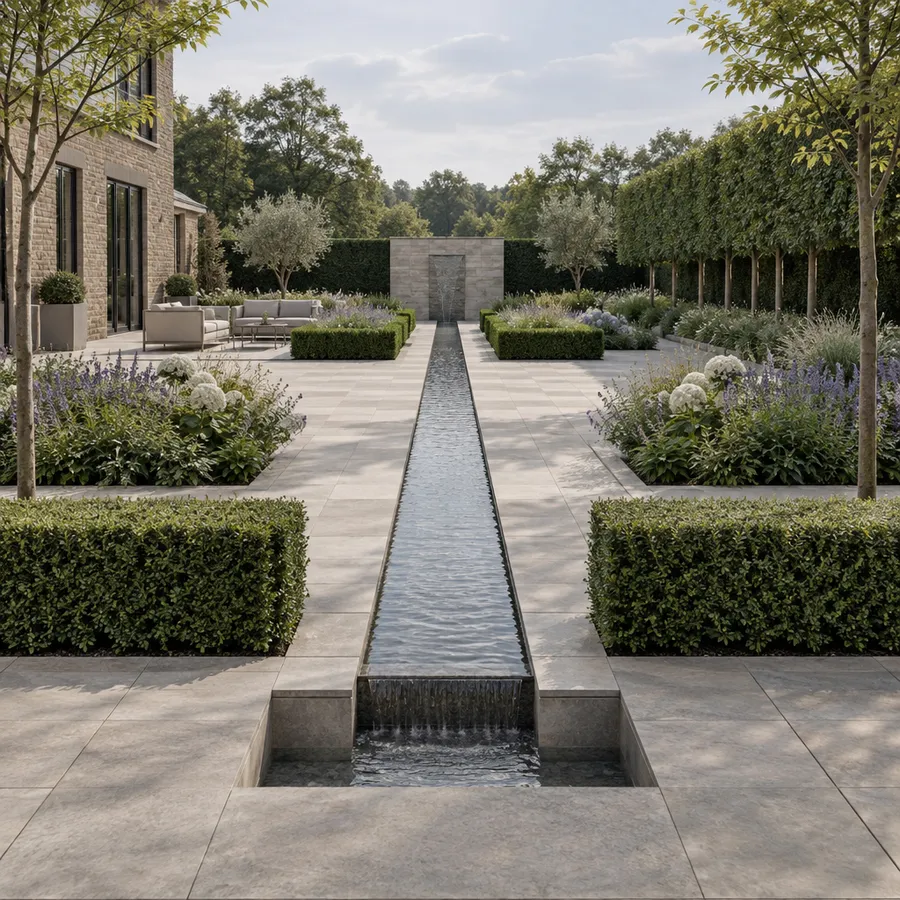
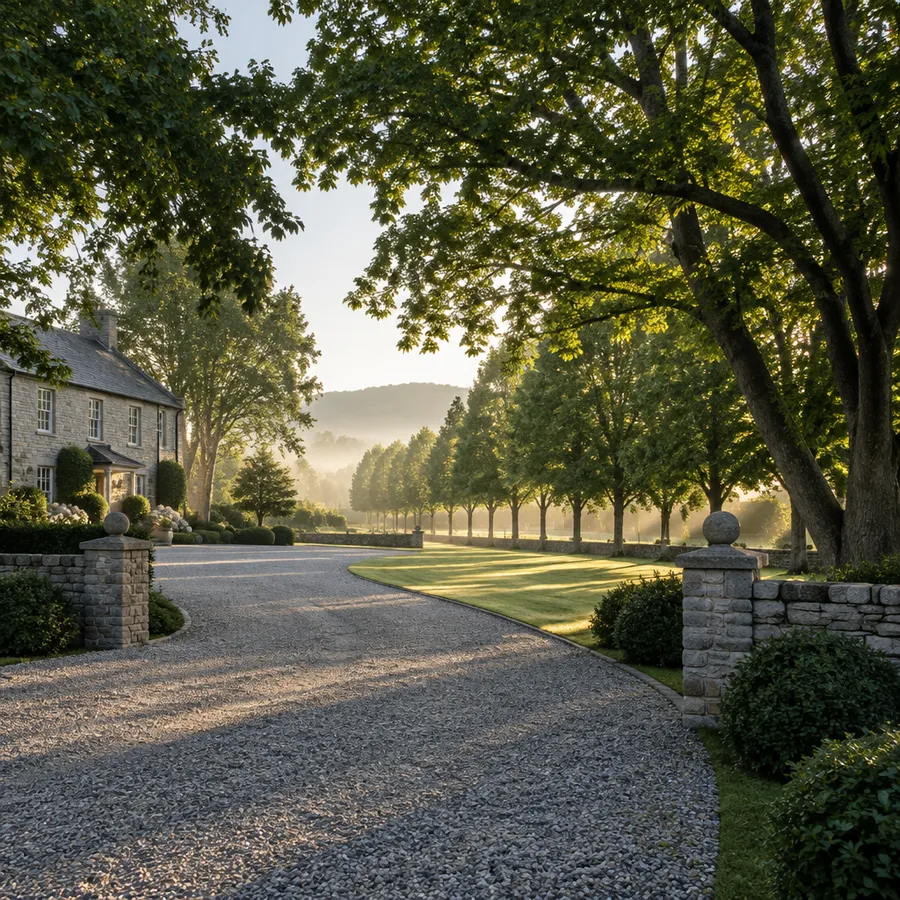
See your outdoor space before you build it
Upload a photo, explore new landscaping ideas, and turn your yard, garden, or patio into a visual you can actually plan around.
Frequently Asked Questions
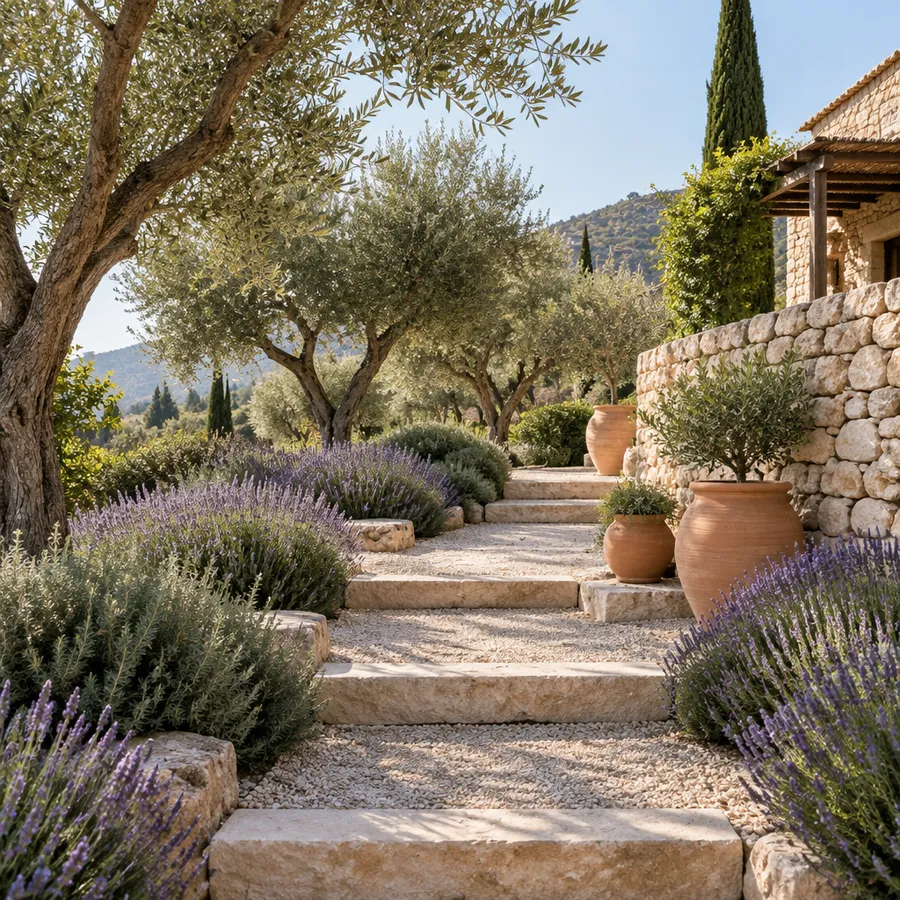
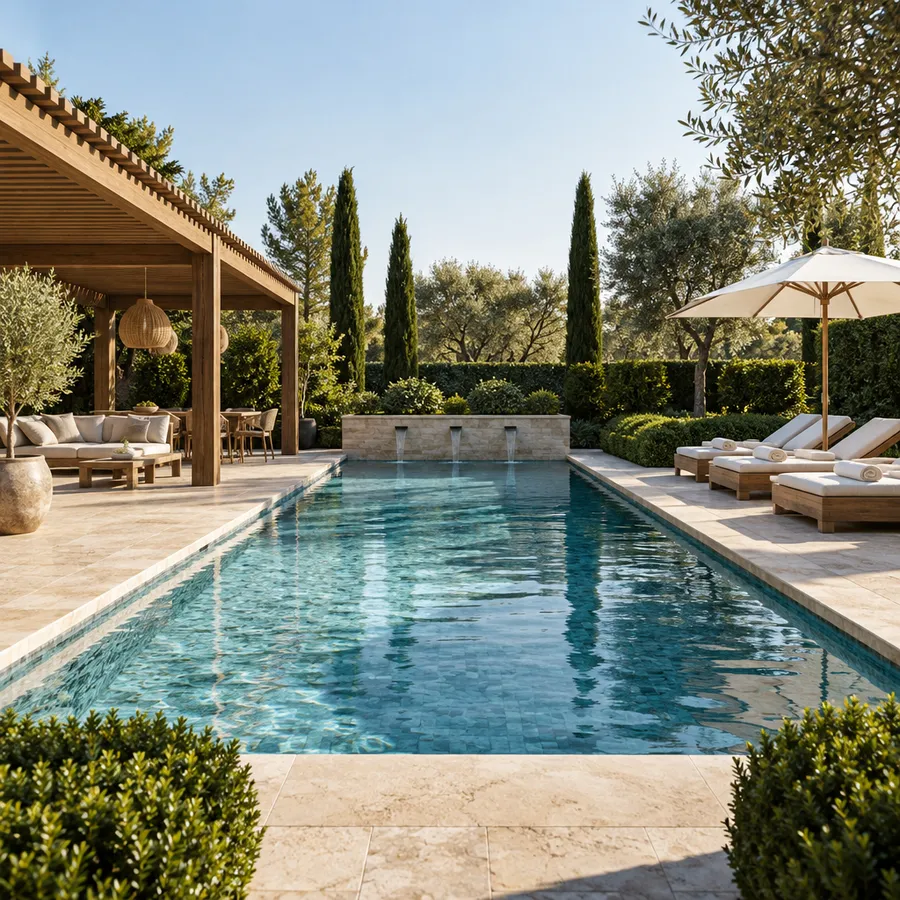
Describe the outdoor space you want in a text prompt, for example "a Mediterranean garden with olive trees, lavender and a rustic stone pathway" or "a modern backyard with clean lines, a small pool and drought-tolerant grasses".
The platform generates several directions at once, depending on your plan. Adjust the prompt to change style or features, or attach a photo of your own yard as a reference to see how new elements could sit in the existing space.
Yes. Attach a wide photo of your backyard, front yard, garden or patio as a reference in the prompt box and describe the changes you want. References guide composition, perspective, location, objects, style and mood, so the concept stays anchored to your real space.
The Image References guide covers how to attach and weight a reference image.
State it in the prompt: "keep the existing house, fence and patio unchanged; add a gravel path, raised planters and a pergola". The clearer the preserved elements, the less the model reinvents them.
Edits never overwrite the original. Each pass in the Image Editor produces a new version, so you can compare directions side by side.
Yes, as a concept and visualization tool. Generated images are not technical plans, measurements or construction documentation.
The workflow that works: generate a concept, compare directions, then take the strongest idea to a contractor or designer who can handle dimensions, grading, drainage, utilities and material suitability.
No. It helps you generate and communicate visual directions quickly, which shortens the early part of the process. Technical planning, site evaluation and execution still require professional judgement and, depending on the project, permits and surveys.
Design studios often use it alongside a wider workflow. See AI for Architects & Interior Designers for the professional side of that process.
It can visualize a planting direction, such as drought-tolerant, tropical or cottage-style planting, but it does not analyse your location, soil, hardiness zone or exposure. Verify species suitability locally before buying anything.
Backyards, front yards, gardens, patios, pool areas, terraces, courtyards and larger properties. You can also direct a concept by goal rather than style: more privacy, low maintenance, outdoor entertaining, curb appeal, more shade, drought-tolerant planting or a kid-friendly yard.
For interior and whole-home concepts, use the AI Home Design Generator. For scenic or imaginary landscapes rather than outdoor spaces, use Text-to-Image.
Commercial rights are included on paid plans, so landscape designers and studios can use concepts in client presentations and proposals.