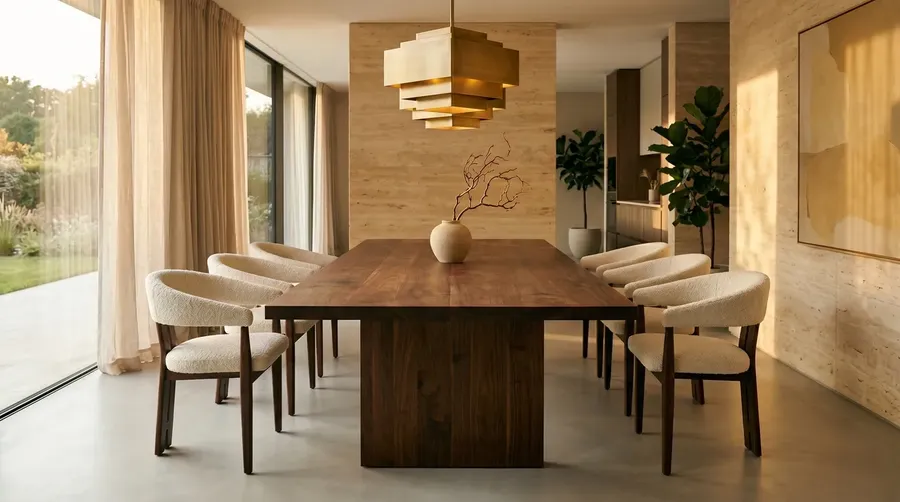
AI Visualization for Architects & Interior Designers
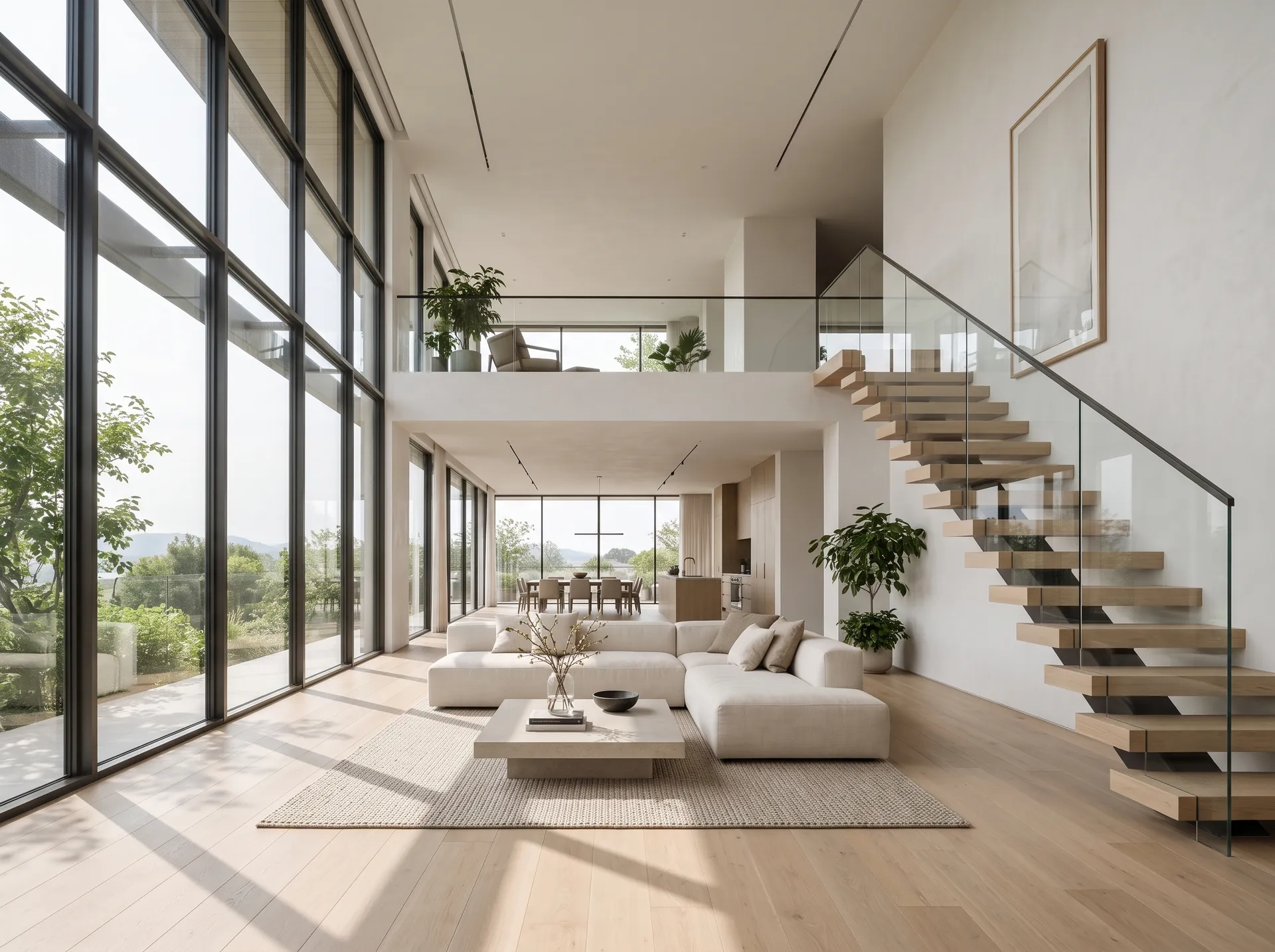
Edit a room photo, test finishes, and explore design directions without rebuilding the model. Turn the direction you pick into a walkthrough video, add music and narration, and keep the visual side of a project in one workspace.
Leading AI Models in One Design Visualization Workflow
Use leading image and video models without moving project assets between separate platforms. Auto mode can select a suitable model for the task, or you can choose one manually when you want more control.


What getimg.ai Does Differently
Most AI tools hand back a result and leave the rest to you. getimg.ai is built around how architects and interior designers actually work: targeted edits on real project images, reference-guided output, and visuals you can take into a client review.
Answer Feedback During the Review
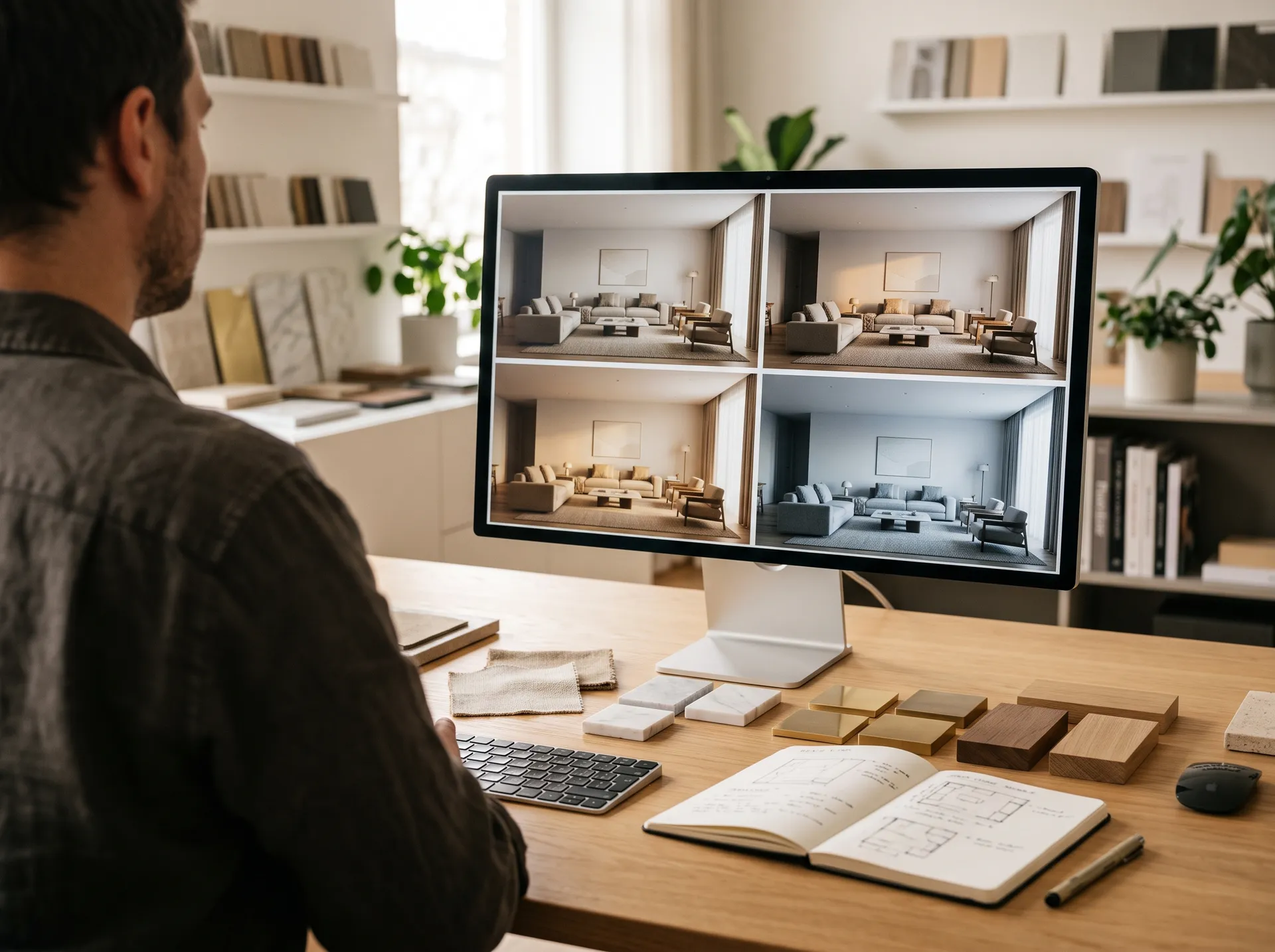
"Can we try a darker finish?" "What if the layout felt more open?" Give clients visual options during the conversation instead of translating every comment into another offline revision round. Generate a few directions, compare them on screen, and keep the discussion moving while everyone is still looking at the same thing.
Prompt
Generate
Deliver
Automatic Model Selection
You do not need to know whether an edit calls for FLUX 3, Seedream 5.0 Pro, or Nano Banana 2.1. Auto mode reads the task and selects a suitable model, and you can switch to manual whenever you want more control. You focus on the visual outcome: material direction, composition, lighting, and client-facing clarity.
Auto selection
Nano Banana 2.1
Highly realistic image generation model.
Kling 3.0 Pro
Versatile AI video model.
Presentation-Ready Visual Directions
Generate polished options for client reviews, mood presentations, pitches, and early concept discussions. Compare several versions and review important architectural, material, and product details before presenting the selected result.
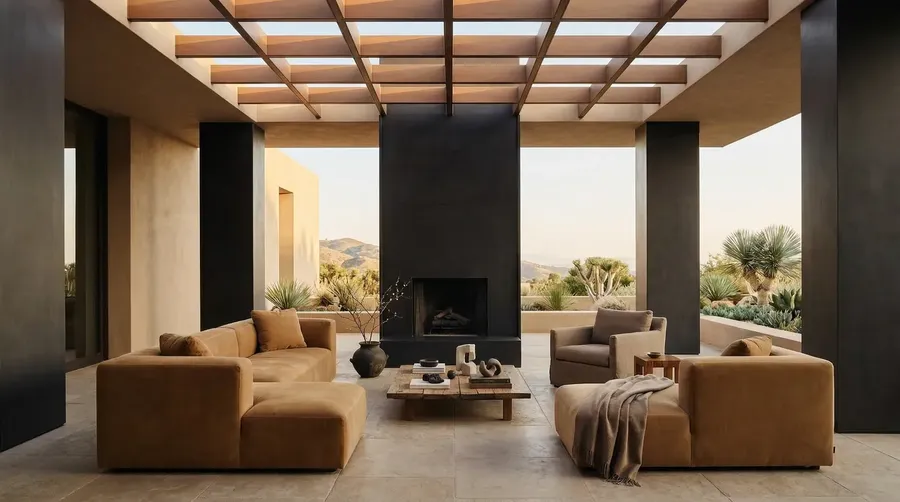
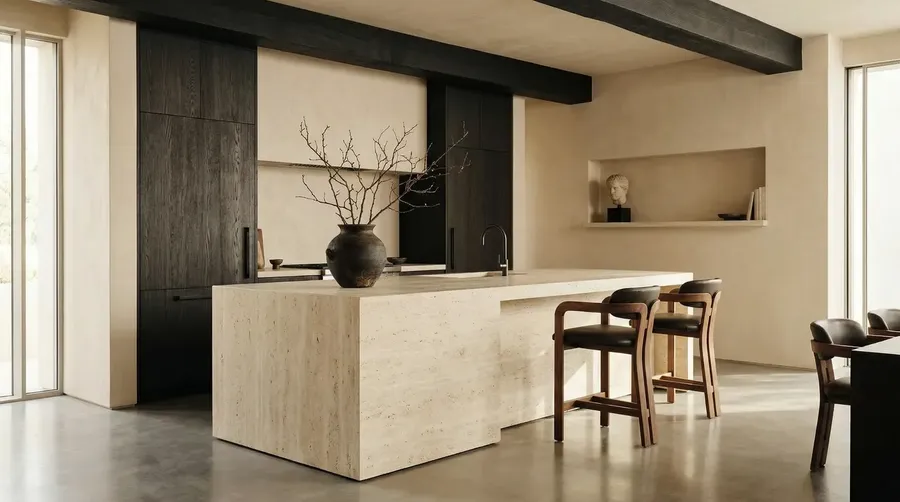
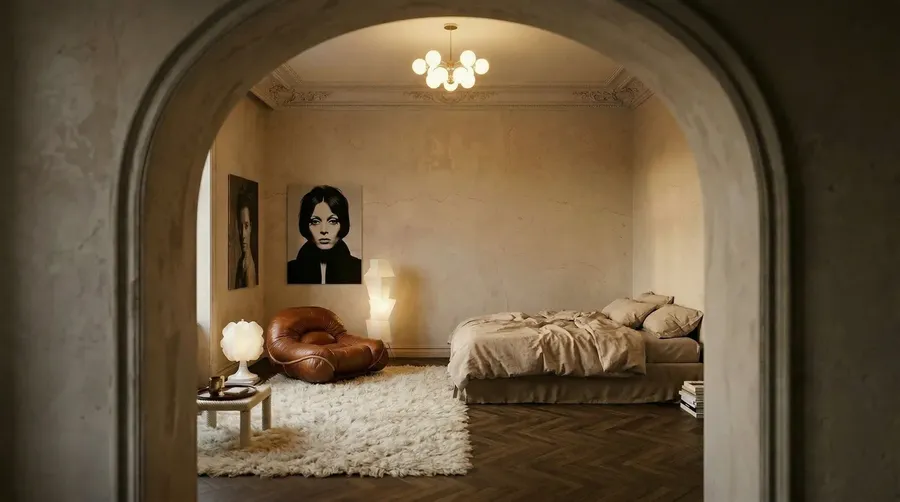
Built for Visualization, Not Construction Documentation
getimg.ai helps you explore and communicate visual design directions. Generated images can be used for concept development, finish studies, client presentations, staging, and creative visualization. They should not be treated as dimensionally accurate drawings, BIM data, construction documents, code-compliance checks, or engineering output.
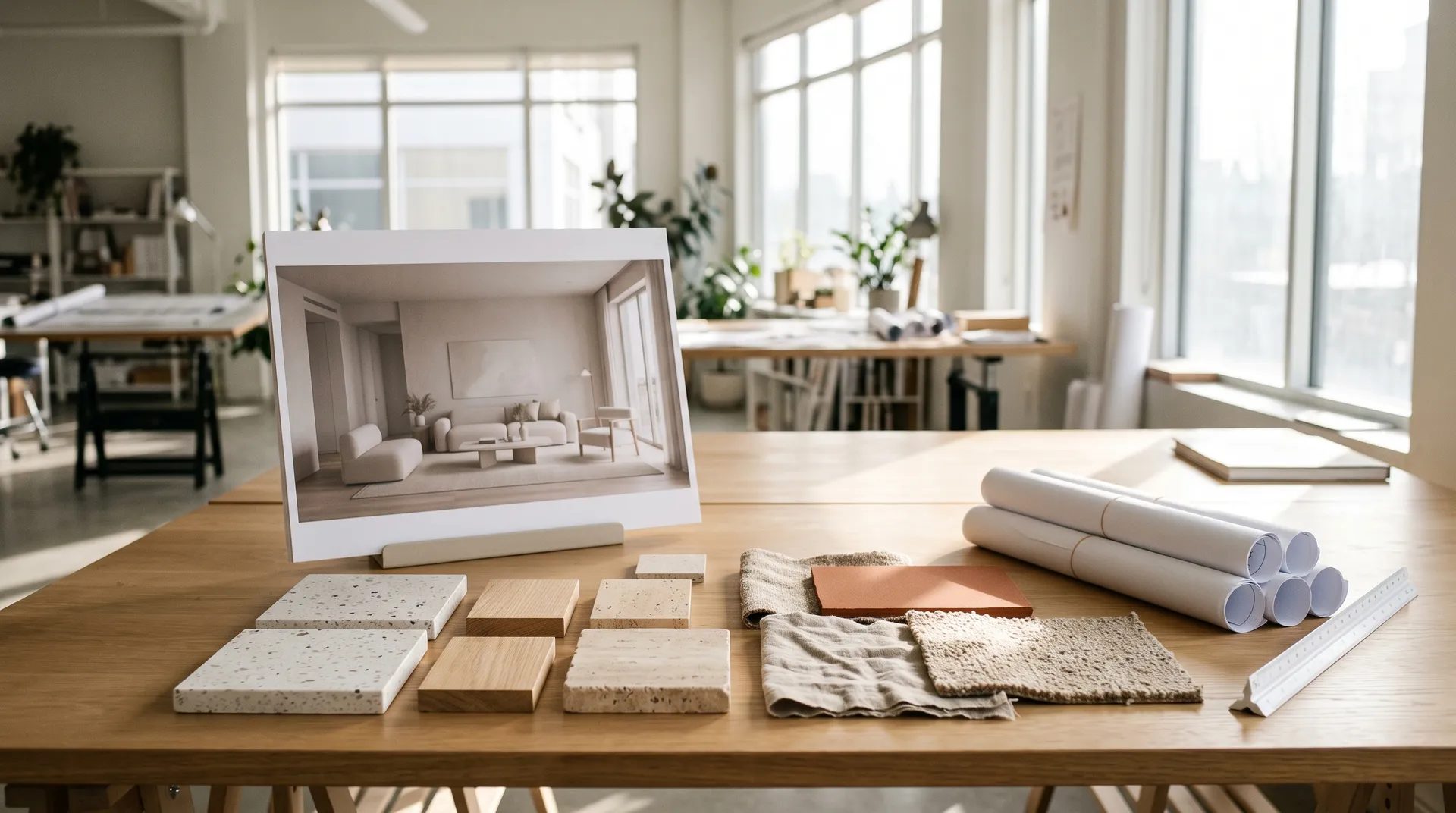
Everything the Visual Side of a Project Needs
The requests that come up most often in design reviews, handled with one upload and a few words. When you publish AI-staged imagery, label it wherever the platform, market, or listing rules require it.

Add objects to existing spaces
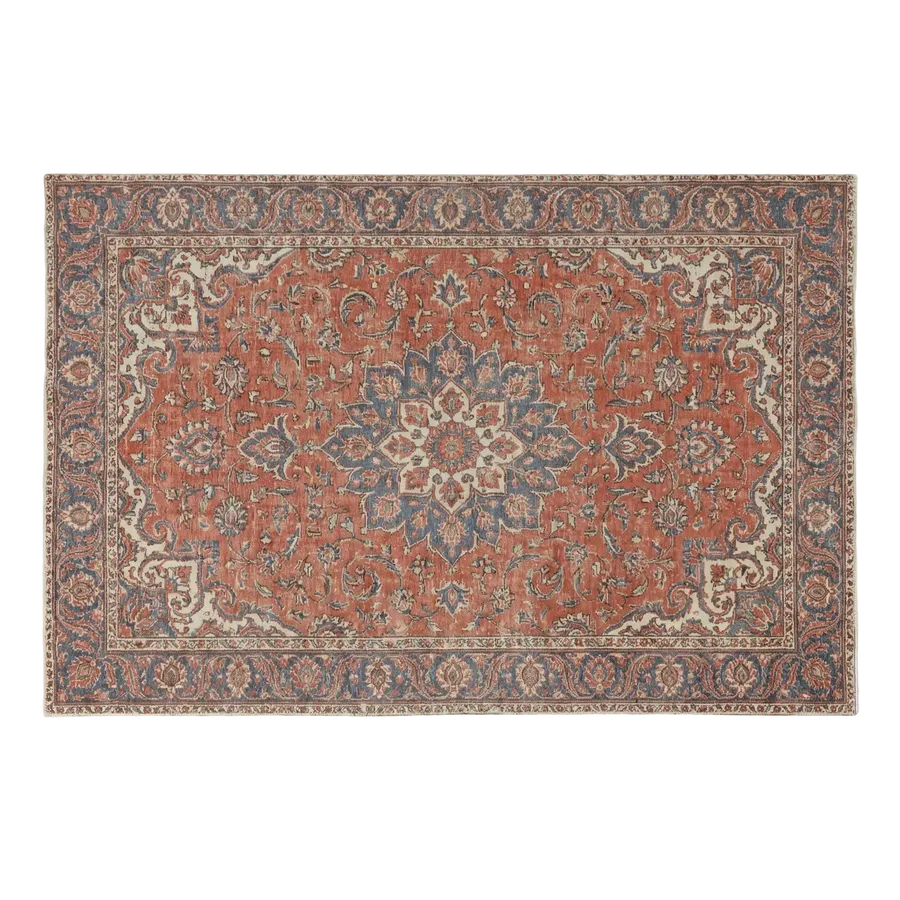
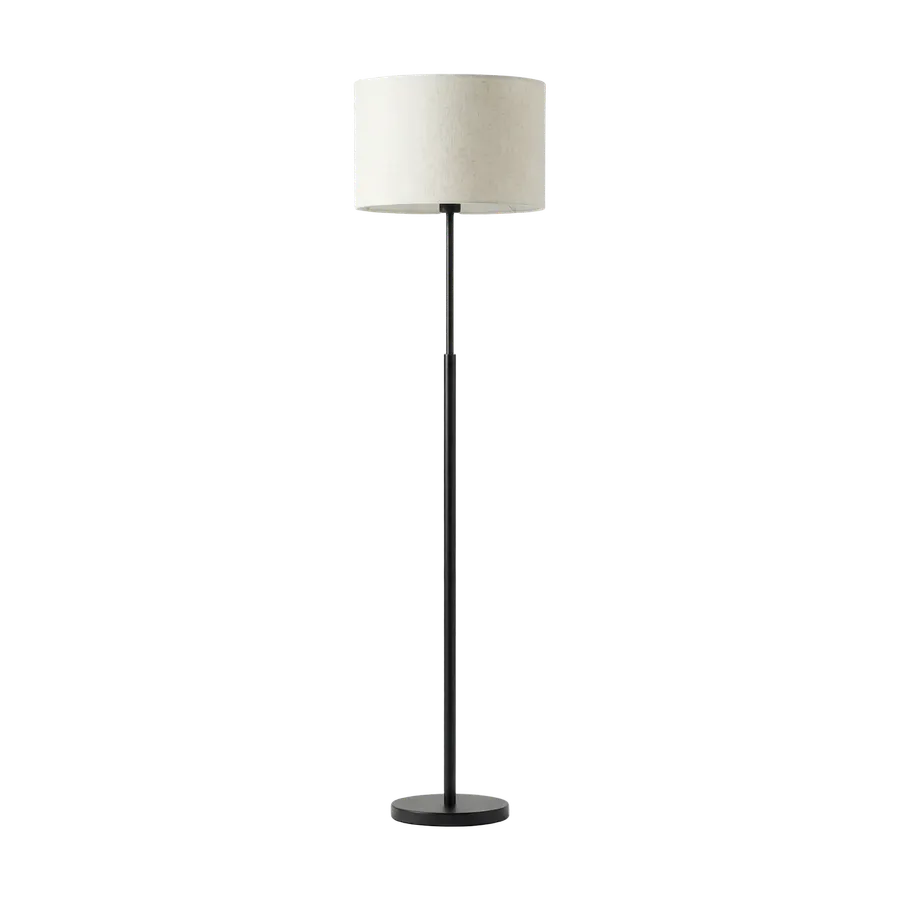
Sofa, rug, lamp, tile, art. Use reference images when a specific product, material, or visual direction should guide the result.
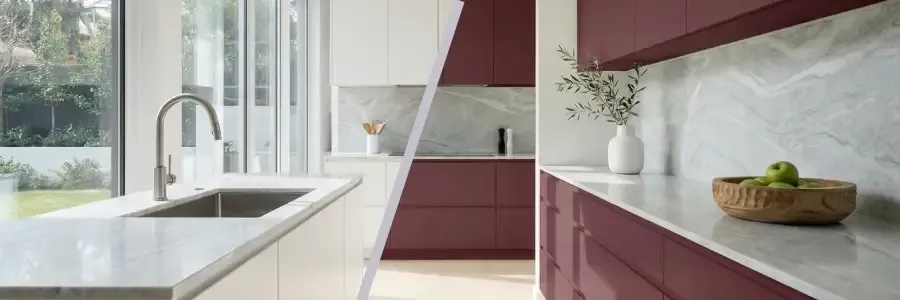
Test colors and materials
Swap walls, floors, countertops, upholstery, facade materials, and more.
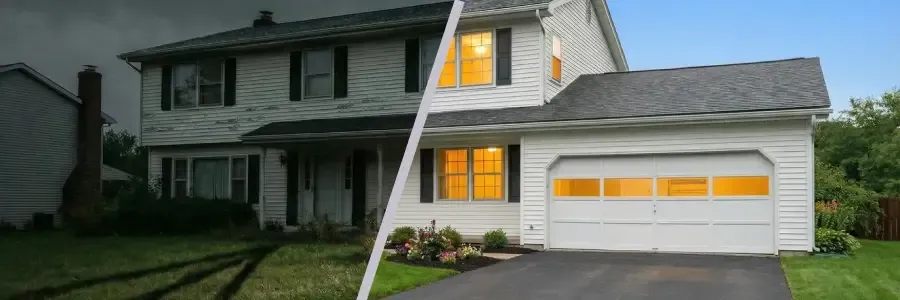
Stage listing photos
Create polished virtual-staging concepts for real estate listings.
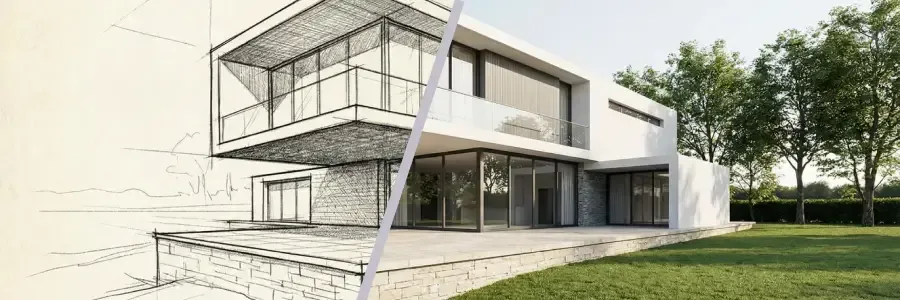
Turn renders into visualizations
Add more photographic lighting, materials, texture, and atmosphere to sketches and 3D renders.

Move, remove, declutter
Clear clutter, remove objects, reposition furniture, or empty a room.
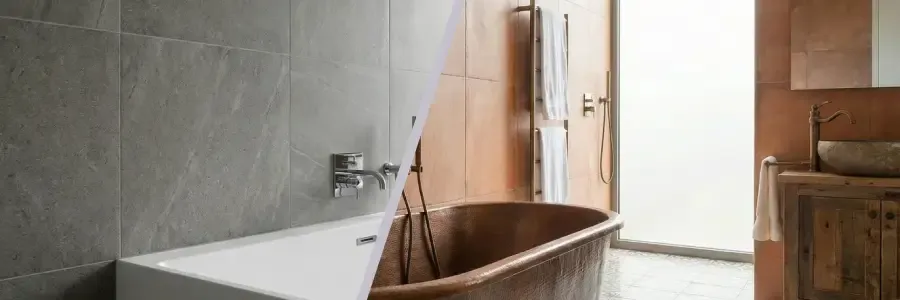
Restyle a space
Keep the layout. Change the direction. Useful for “can we see something warmer?”
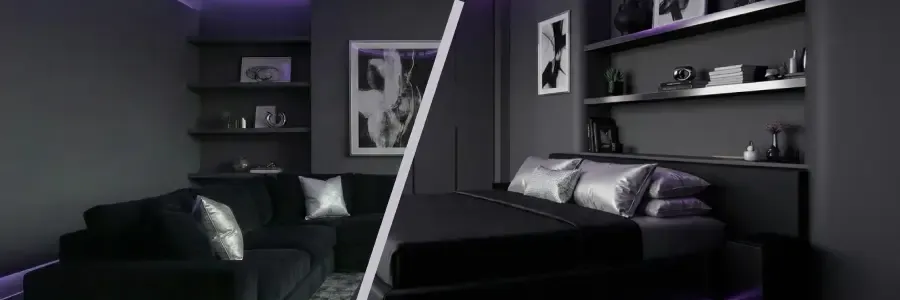
Carry a direction between rooms
Bring a bedroom or kitchen into the same visual direction as the living room.
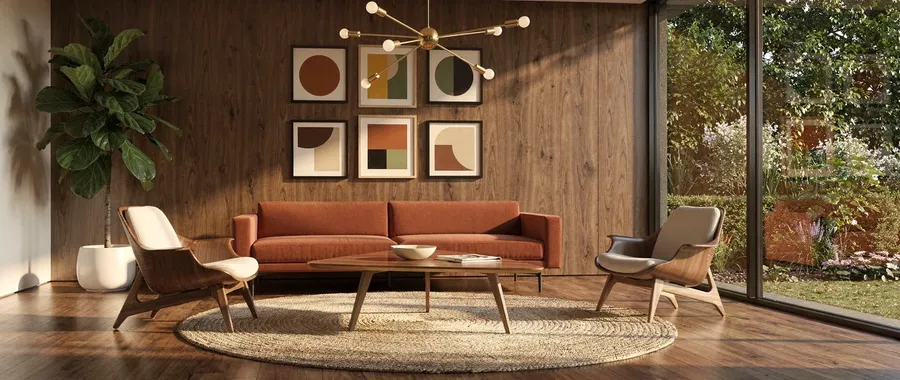
Generate fresh concepts
Rooms, exteriors, landscaping, and furniture ideas from text alone.
Where getimg.ai Fits in the Project
Different stages ask for different things. This is what the workspace covers, from the first concept sketch to the final client presentation.
Concept Design
Explore directions before anything is committed to the model.
Room and exterior concepts
Generate interior and exterior concepts from a written brief, with no source image required.
Style exploration
Compare visual directions side by side before committing to one.
Sketch to visual
Turn a hand sketch or a draft render into something a client can read.
Architecture & Interior Design Prompt Examples
Four targeted edits across four different spaces, each shown before and after. Every prompt changes one element and leaves the rest of the composition in place. For more, explore the full Architecture & Interior Design Prompt Book.
Prompts such as “preserve everything else” tell the model what to prioritize, but generated edits can still introduce unintended changes. Review geometry, scale, products, materials, text, and other project-critical details before using the output professionally.
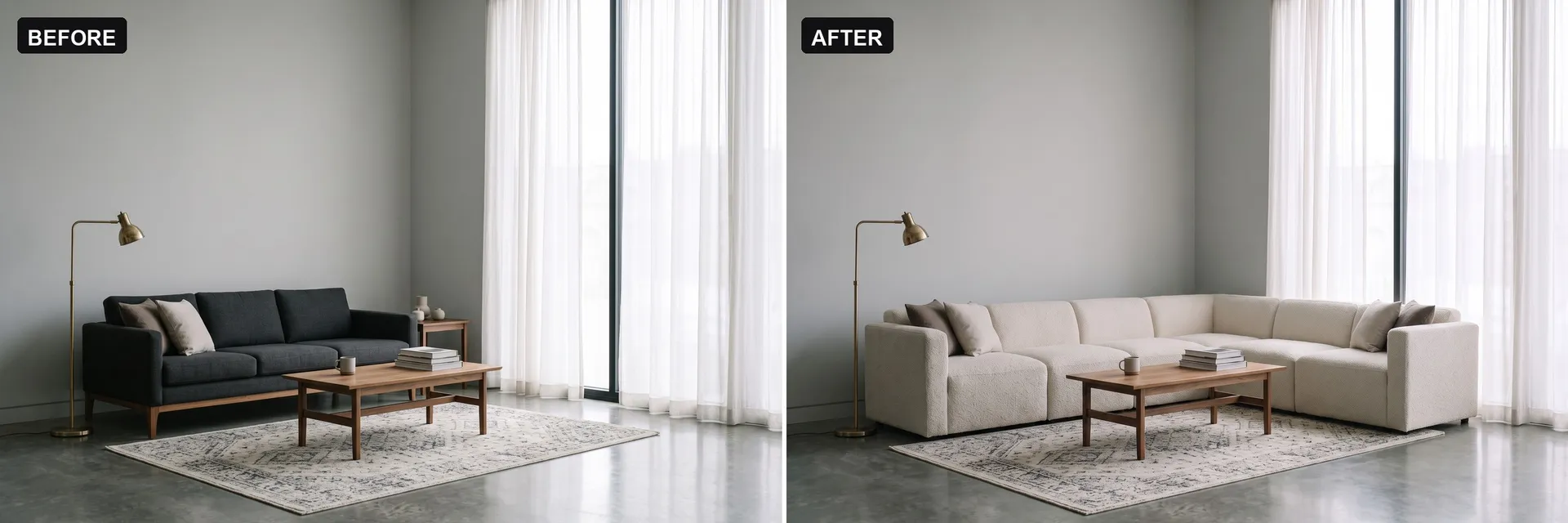
Replace a sofa
“Replace the sofa with a low-profile sectional in warm off-white bouclé. Keep the room layout, the rug, the coffee table, the window light, and the camera angle as they are.”
Swap a kitchen finish
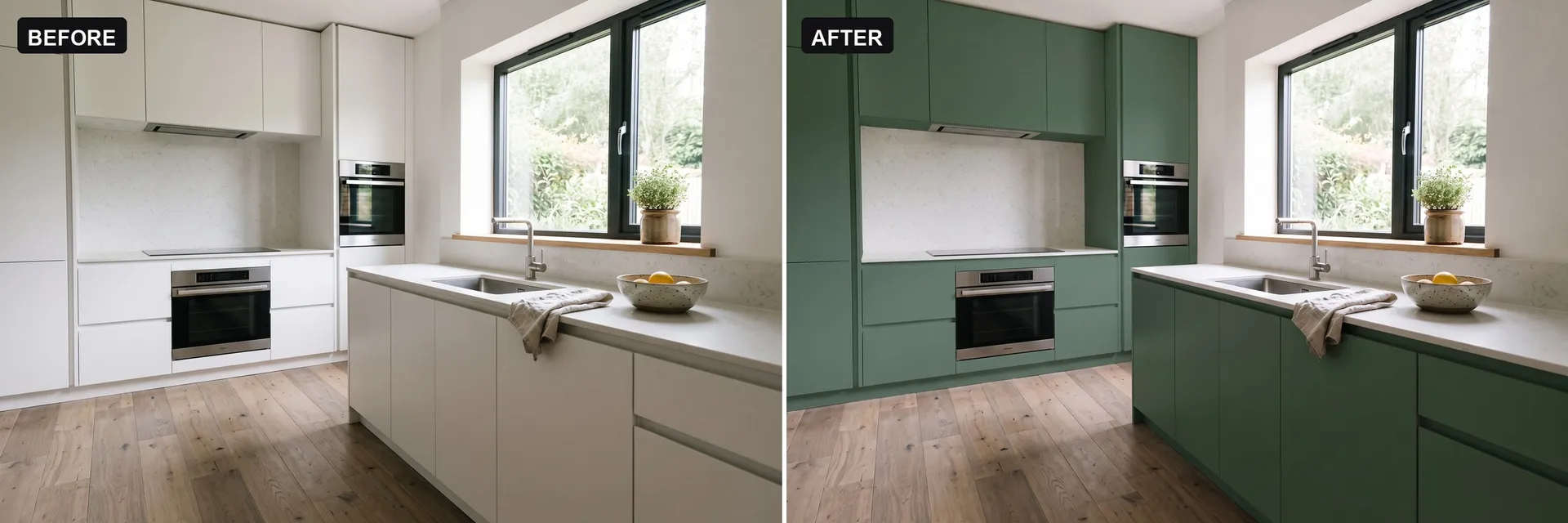
“Change the kitchen cabinet fronts to matte deep green and the countertop and backsplash to honed white marble. Keep the cabinet layout, appliance positions, window, flooring and camera angle unchanged.”
Clear the clutter
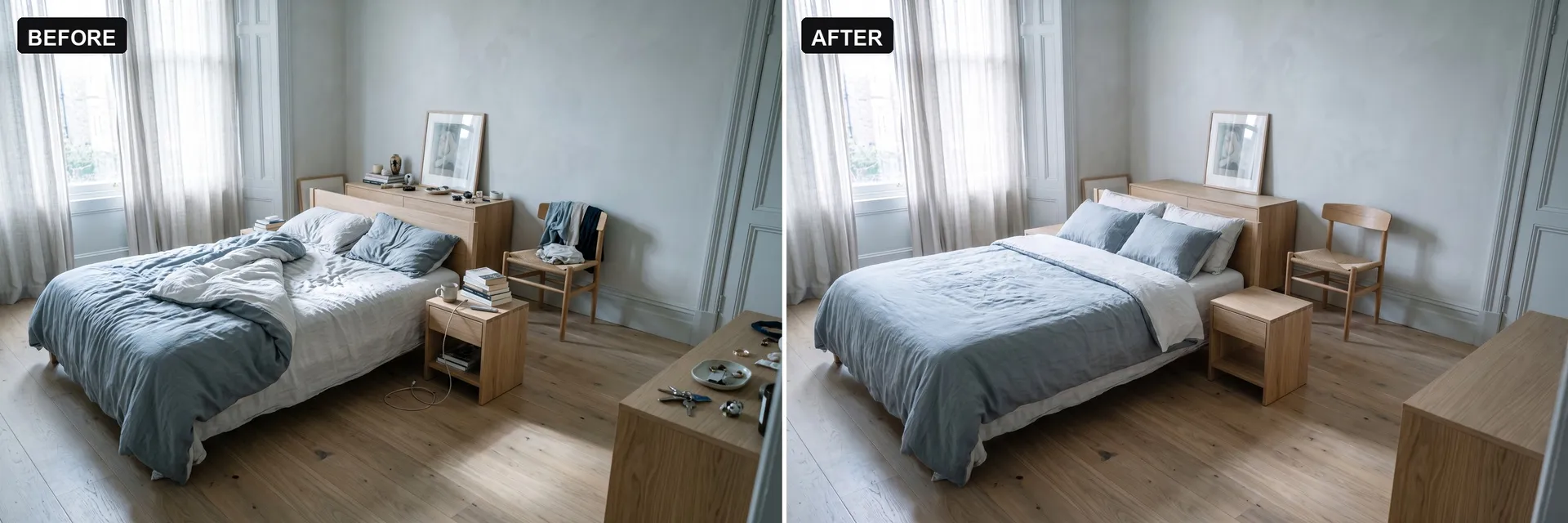
“Clear the clutter: make the bed neatly, remove the books, mug and charging cable from the nightstand and floor, take the clothes off the chair, and clear the items from the dresser. Keep the furniture, finishes, window and lighting unchanged.”
Change a facade material
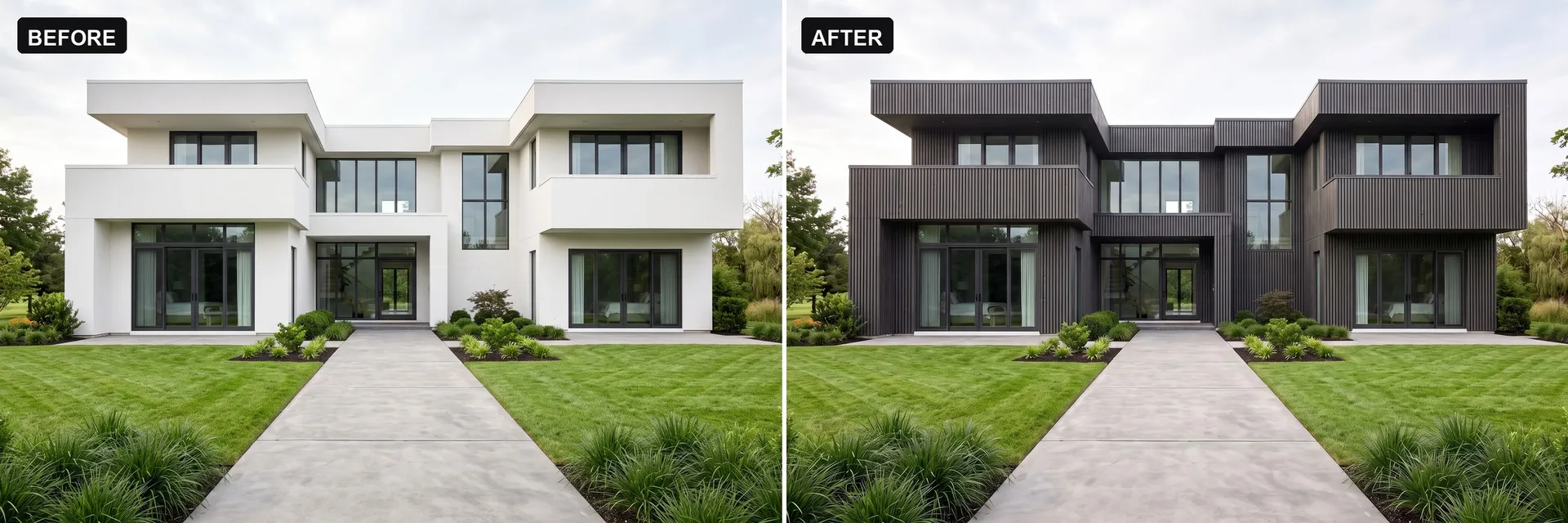
“Change the facade cladding to vertical charcoal-stained timber battens. Keep the building form, roofline, window positions, entry path and landscaping unchanged.”
Video Formats for Design Reviews and Listings
Still images carry most presentations. Sometimes a space needs to move. These formats help communicate atmosphere, transformation, and material decisions without a full production setup.
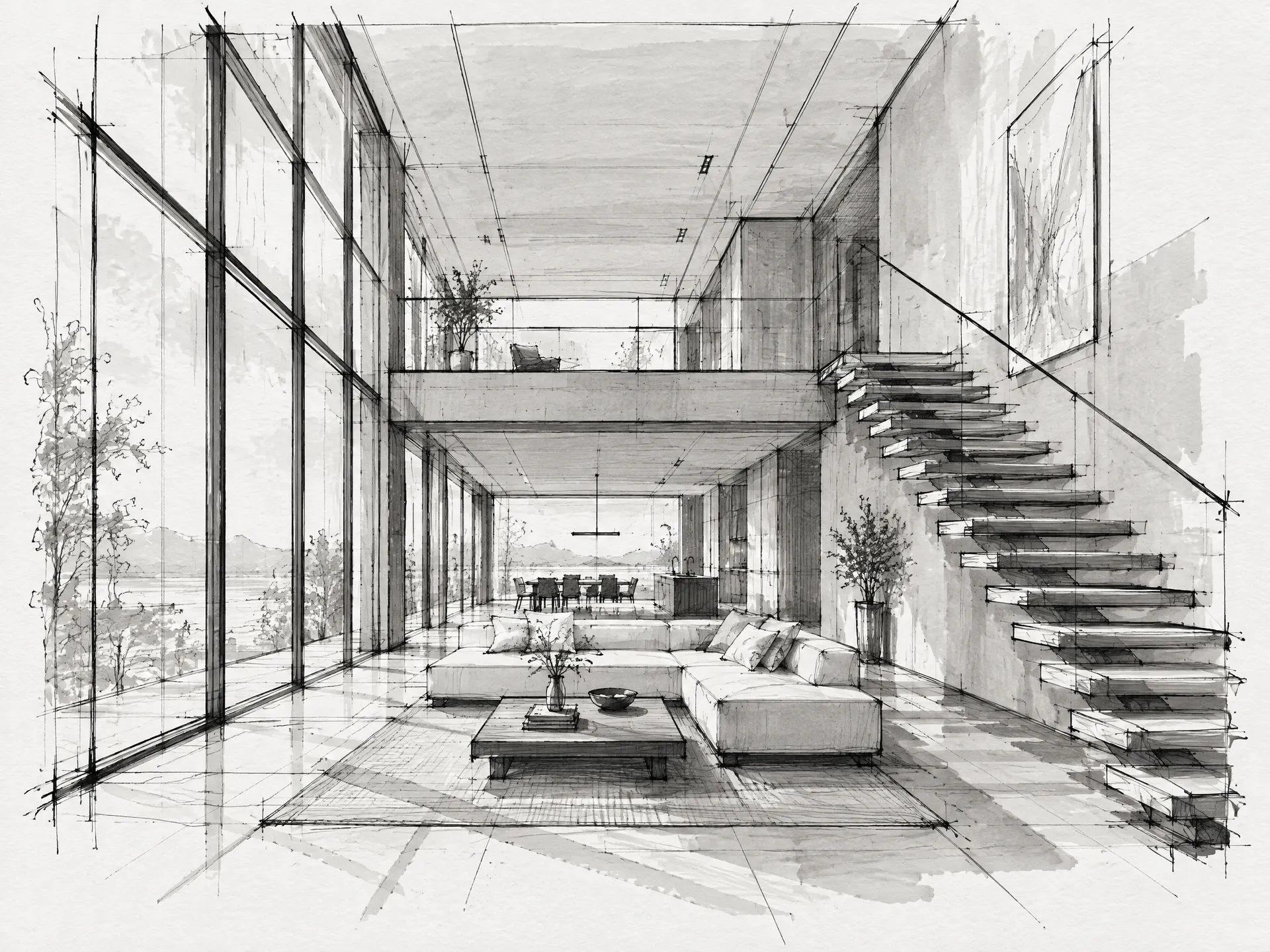
Turn Architectural Sketches and Renders Into Presentation Visuals
Upload a sketch, screenshot, draft render, or existing visualization and describe the materials, lighting, landscaping, or atmosphere you want to explore.
getimg.ai works from visual image inputs rather than editable CAD or BIM geometry. It adds photographic lighting, materials, texture, and atmosphere on top of what you already have, so a direction can be shown long before the model is finished.
Proportions, product geometry, and material specifications still come from your source project. Check them before the image goes into a client deck.
How a Design Studio Can Use getimg.ai
A worked example. The studio has a 3D model render of a living room and one comment after the first client review: warmer floor, a different sofa, less contrast.
The render goes in as a reference image, the request is written as a single instruction, and model selection is left on Auto. The studio compares what comes back, picks a direction, and prepares it for the follow-up meeting.
Every image here was generated on getimg.ai from the prompt shown.
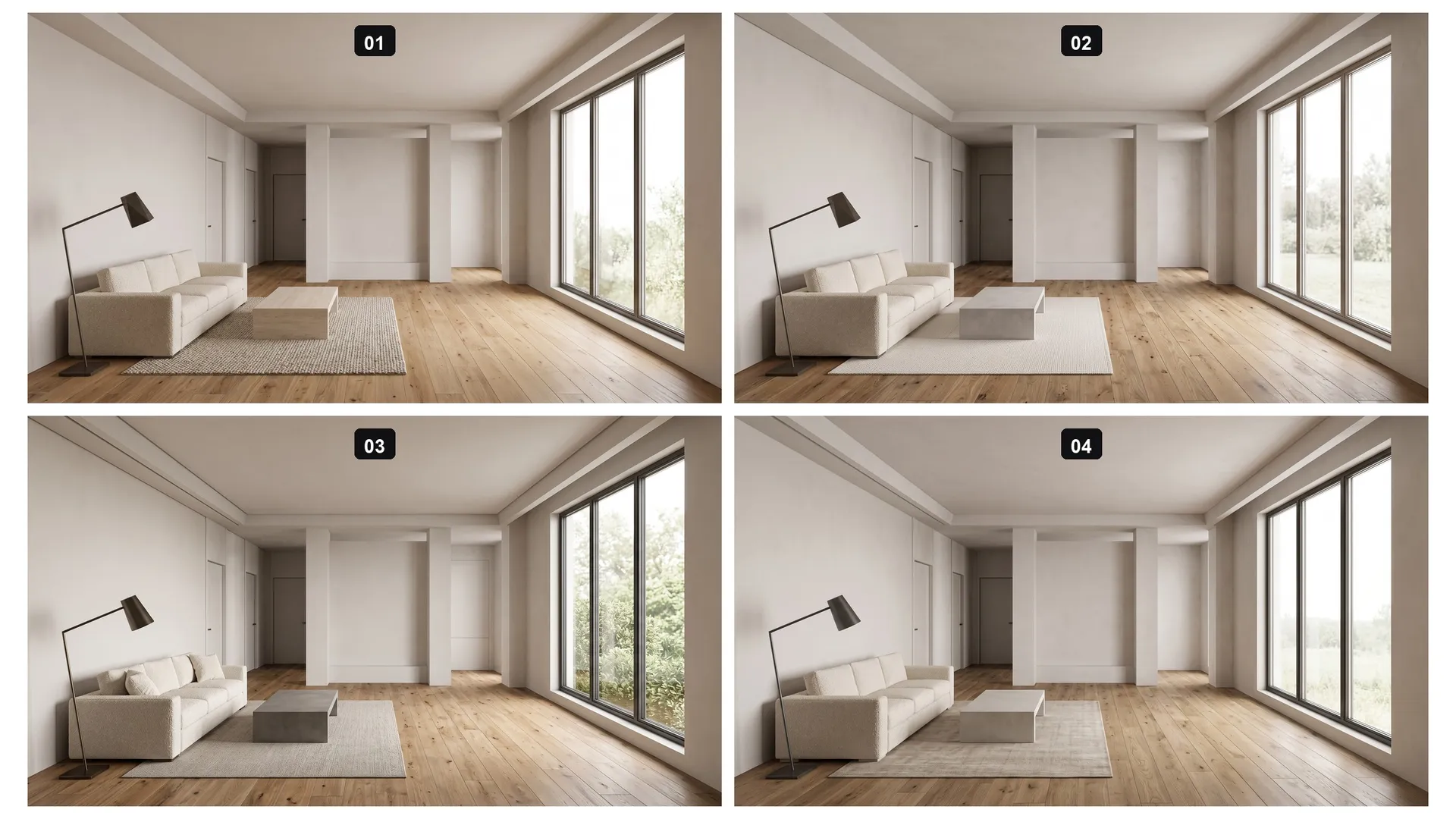
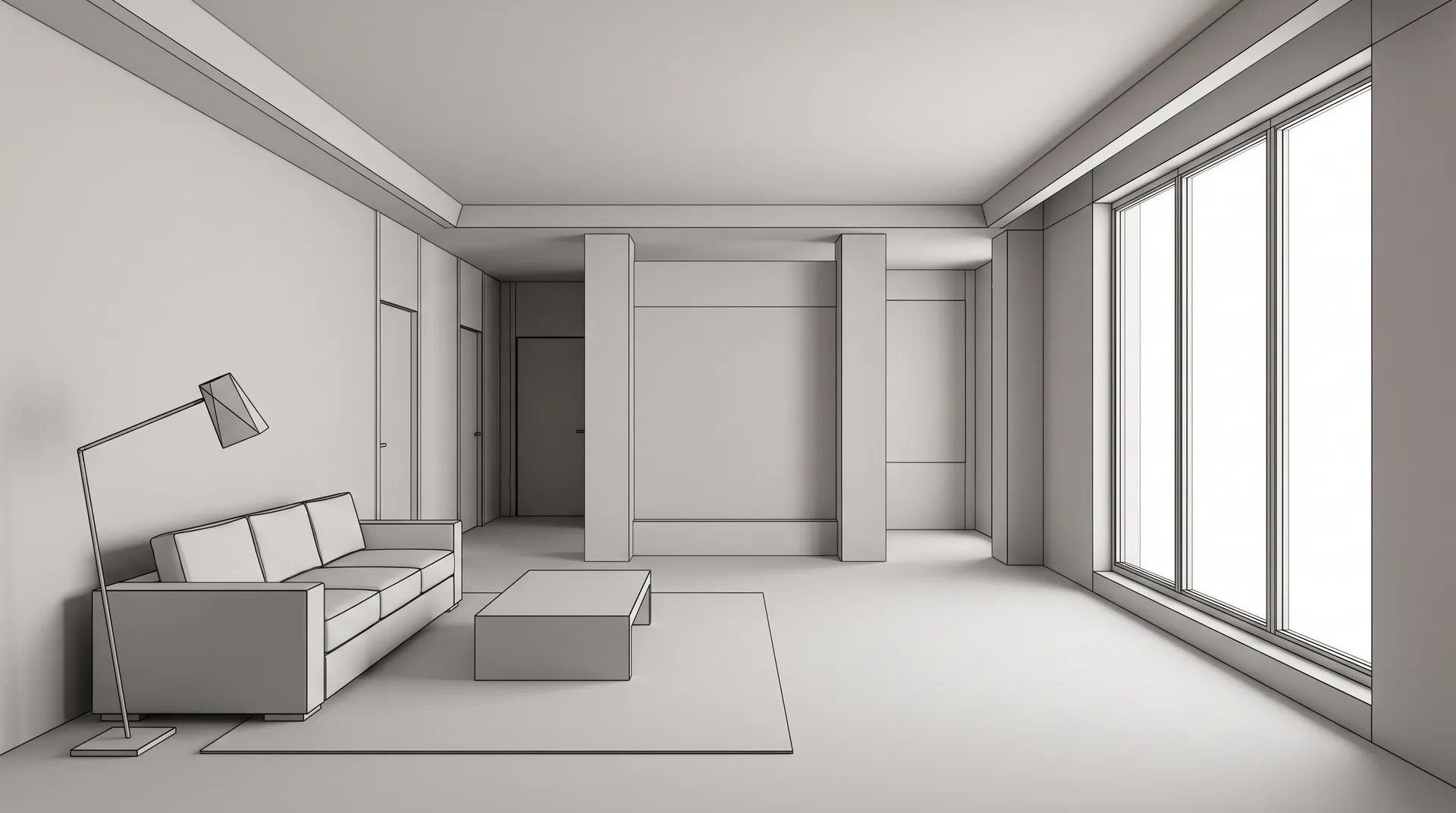
Turn this 3D model render into a photorealistic interior visualization. Give the floor a warm wide-plank oak, replace the sofa with a soft low-profile sofa in warm off-white bouclé, and keep the lighting low-contrast and even. Keep the camera angle, room proportions, window placement, column positions, and furniture layout exactly as they are in the model.
Not working solo?
Design decisions rarely happen in isolation. getimg.ai Teams keeps references, concept versions, and client feedback in one place, so your whole studio works from the same source of truth instead of chasing files across email threads.
Compare options, track revisions, and keep decisions documented without rebuilding context every time someone new joins the review.
AI Visualization vs Editing the Source Model
Both belong in a professional workflow. The difference is what each one is good at, and where in the project it fits.
AI Visualization in getimg.ai
Explore fast
Generate alternatives from a render, a photo, or a written brief without touching the authoritative model.
Show options side by side
Put several material, furniture, and lighting directions in front of a client while the decision is still open.
Use it before you commit
Best suited to concept development, finish studies, and mood direction, ahead of a confirmed decision.

Editing the Source Model
- Precise design changes and controlled dimensions
- Authoritative geometry and BIM data
- Technical coordination across disciplines
- Construction documentation and specifications
- Best suited to work that follows an approved decision
What getimg.ai Is Best Used For
Clear roles make both tools more useful. Here is where generative visualization helps, and where your design software stays the source of truth.
Use getimg.ai for
Concept visualization, finish and material studies, furniture and styling options, client alternatives, sketch and render enhancement, virtual staging, presentation imagery, and walkthrough concepts.
Keep CAD and BIM software for
Dimensioned drawings, exact measurements, BIM geometry, construction documentation, structural calculations, code validation, technical specifications, and fabrication details.
Always verify before it leaves the studio
A generated image can look spatially convincing without being dimensionally accurate. Check geometry, scale, products, materials, and any text in the image against the source project before a result reaches a client or a listing.
Fewer Offline Revision Rounds
Fewer late-night “quick changes.” More of the review resolved while everyone is still looking at the same screen.
Close feedback loops in the review, not after
When a revision is possible on the spot, clients can respond to something visual during the call instead of days later. Change a finish, swap a piece of furniture, show a before and after, and leave the review with a clearer direction instead of a list of items to rebuild that evening.
Make subjective choices concrete
Visual options can make feedback more concrete and may help teams resolve subjective choices such as materials, colors, and styling earlier in the review process. Clients stop describing what they mean and start pointing at it.
-900x900.webp)
-900x900.webp)
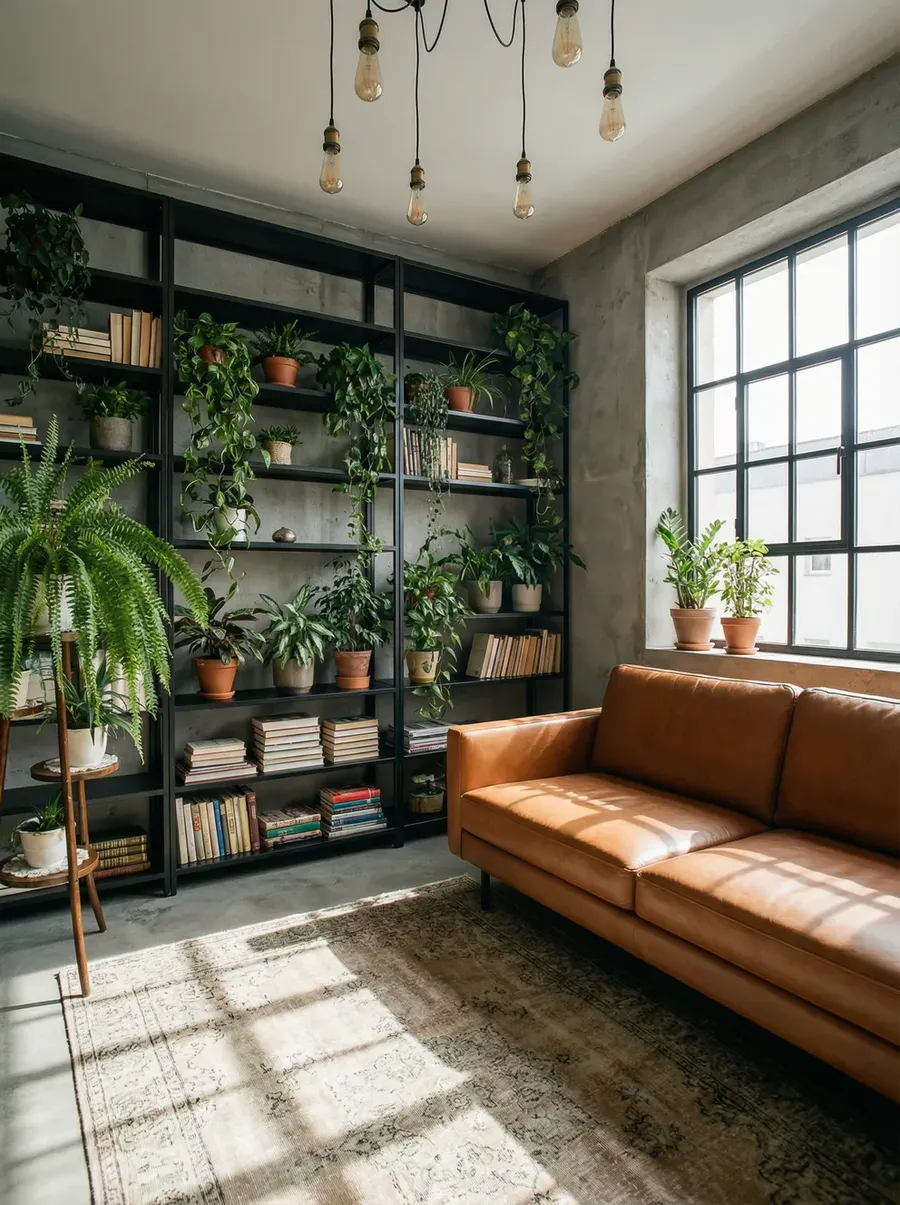
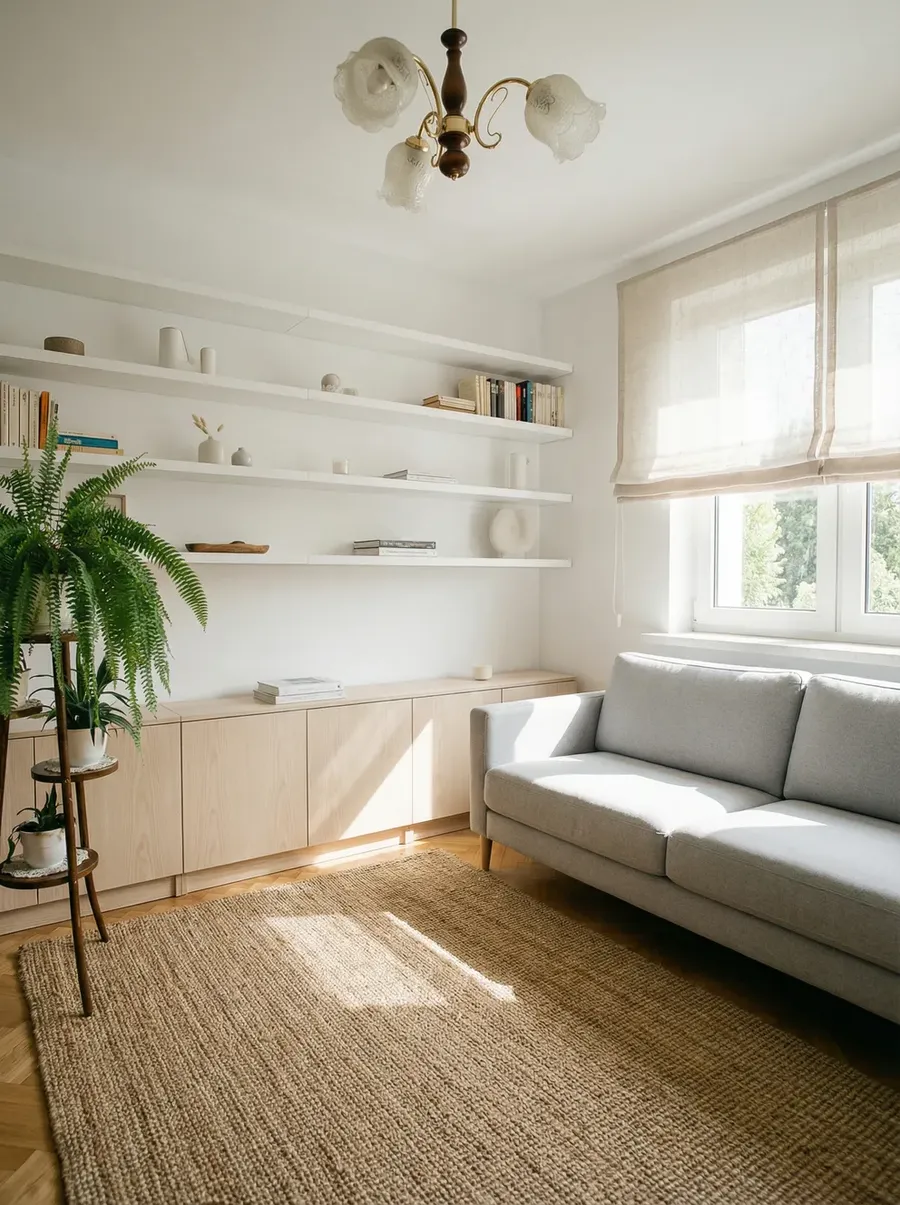
Keep More of the Existing Space While Making Targeted Changes
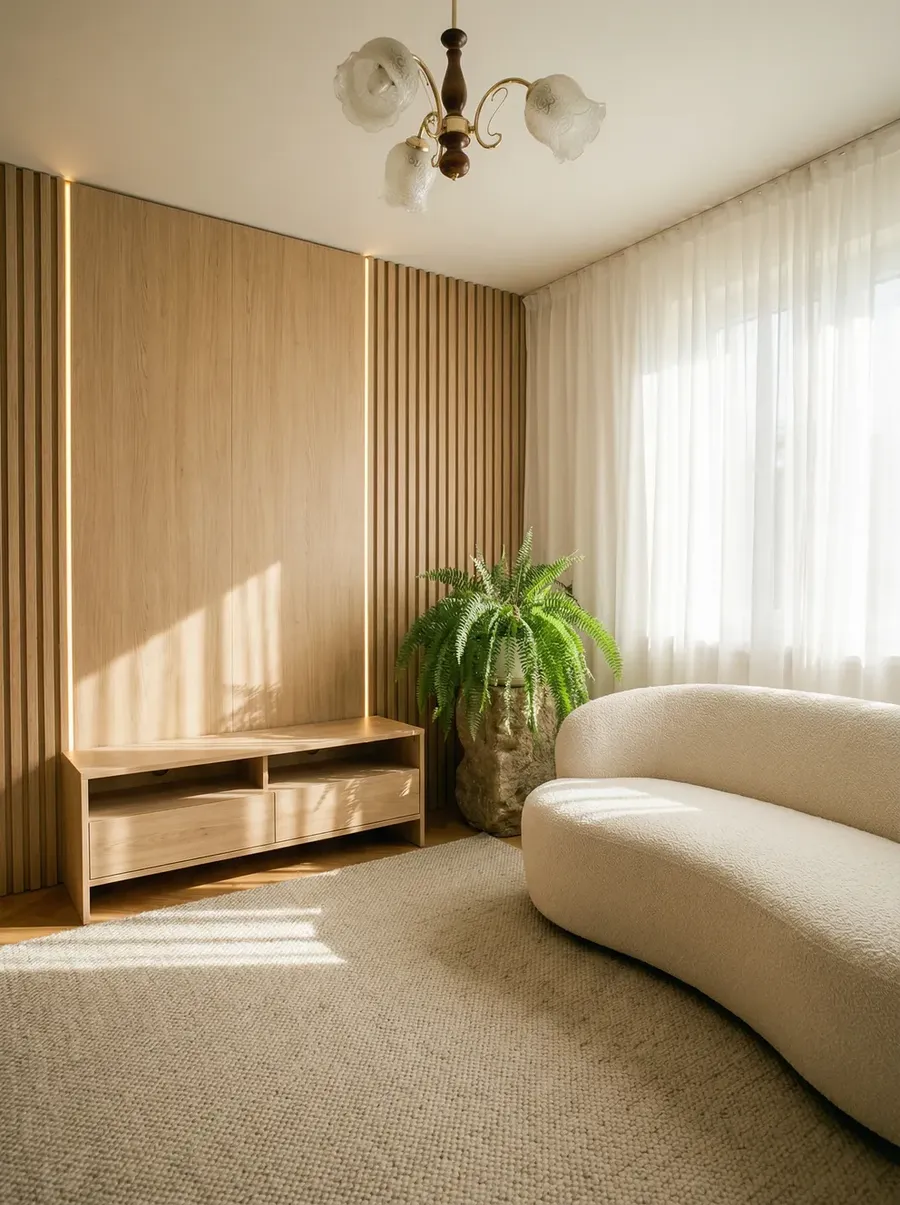
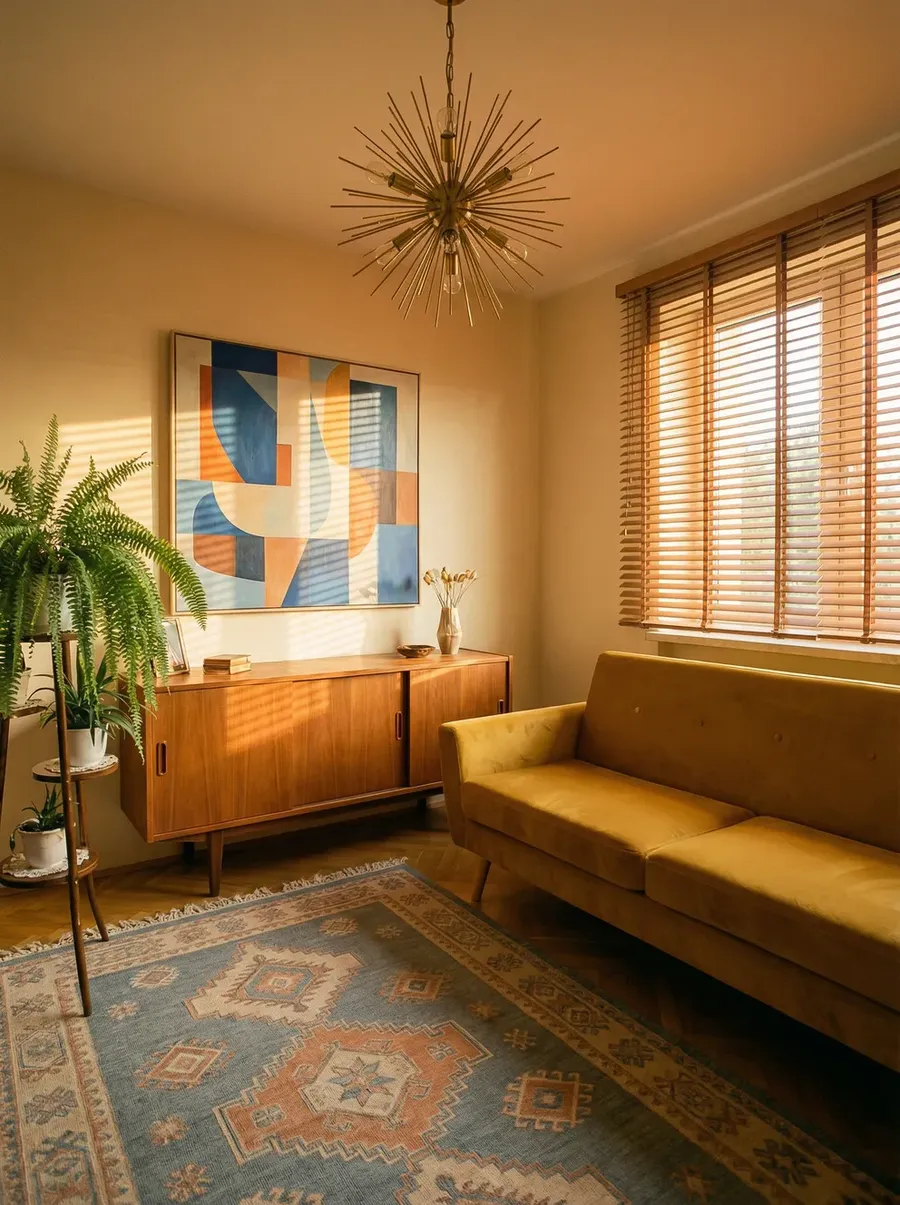
If you have worked with AI tools before, you have seen them reinterpret a room: a changed layout, a different window, details nobody asked for. That is not useful in professional projects.
Use room images, renders, references, and precise text instructions to guide edits while preserving more of the existing composition. For critical details such as dimensions, exact product geometry, material specifications, or construction conditions, always verify the generated result against the source project.
Build a Reusable Project Kit
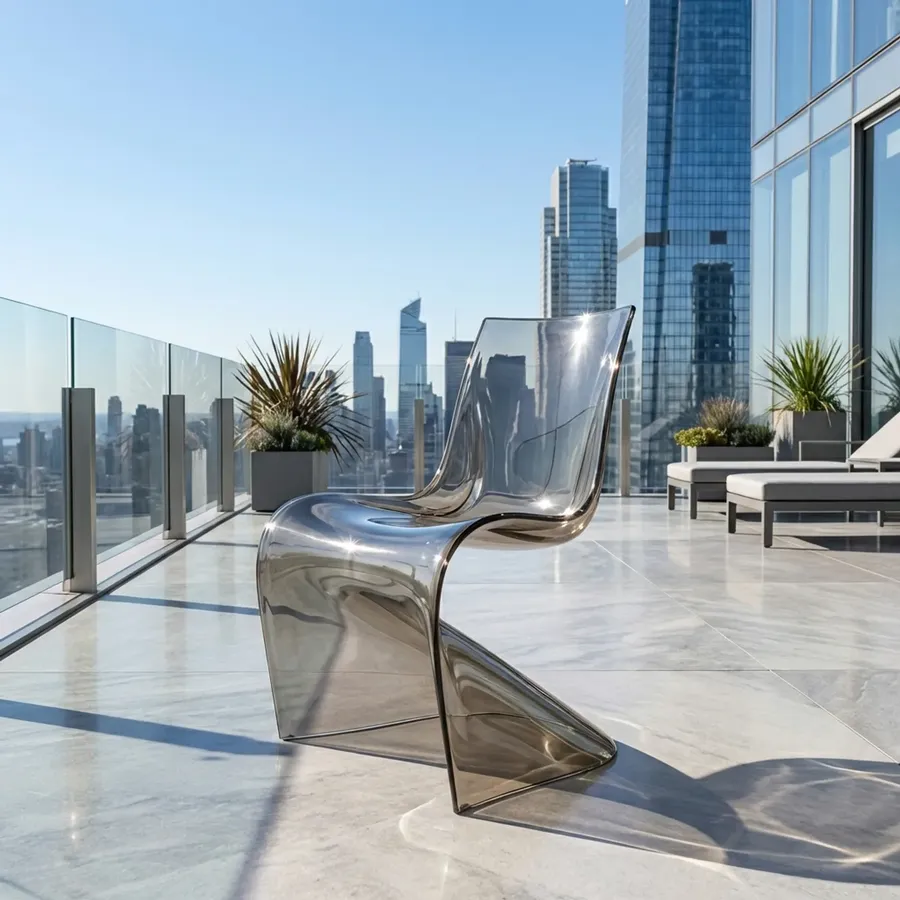
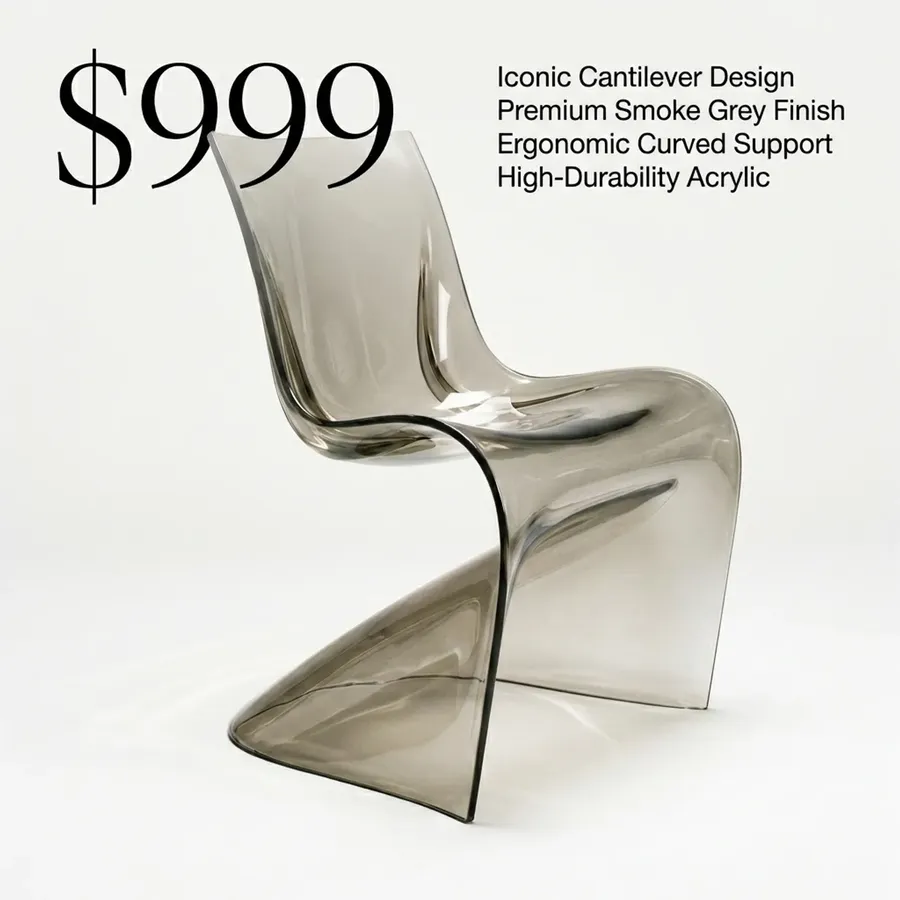
Architecture and interior projects repeat themselves. The same material palette, the same hero furniture piece, the same lighting mood, used across rooms, revisions, and presentations. Save the ones you reach for most as Elements so they can guide future generations without uploading the same references again. Reusing the same Elements can help maintain a more recognizable visual direction across a project.
Keep in your project kit:
- the approved sofa and signature fixtures
- flooring, stone, and other material swatches
- wall colors and the project palette
- lighting moods and places
- the presentation look you want every board to share.

Built for How Studios Actually Work
Individual edits are useful. getimg.ai is designed for the full visual workflow, from early concept to final client presentation, across multiple rooms, revision rounds, and project teams.
Consistent Across Rooms and Revisions
When a client approves a direction, what follows needs to match. Elements and reference images carry your material palette, furniture choices, and style language into later generations, so a bedroom can follow the living room without describing it from scratch every time.
Options at the Moment They Are Needed
Reviews move faster when alternatives are visible. Generate options during a meeting, refine them on live feedback, and leave with a clearer direction instead of a list of follow-up tasks.
One Workspace for Generative Visualization
Use image generation, editing, references, upscaling, resizing, video, and presentation audio without paying for separate AI-generation services for each creative task.
Turn Design Visuals Into Client Presentations
A selected image rarely presents itself. Build the rest of the presentation in the same workspace, from the walkthrough clip to the audio under it.
Frequently Asked Questions
getimg.ai is an AI creative platform that helps architects and interior designers create and edit images for visualization work. You can change materials, reposition or remove objects, place furniture into room photos, restyle spaces, prepare staging concepts, add photographic lighting and texture to renders and sketches, and produce short walkthrough videos with their own soundtrack and narration.
With getimg.ai you can:
🟣 edit a room photo or render using simple text instructions
🟣 upload reference images or create reusable Elements (products, tile, swatches, flooring, style inspiration)
🟣 generate new room, exterior, landscaping, and furniture concepts from text
🟣 create short videos like reveals, day-to-night transitions, and material timelapses
🟣 score those videos with original background music, 30 seconds to three minutes long
🟣 add voiceover narration to walkthroughs and listing tours, in your client's language.
You can generate video using:
🟣 an image as a first frame
🟣 a first + last frame (for before/after reveals)
🟣 reference images (style, furniture, materials).
This works well for room showcases, day-to-night mood changes, material timelapses, and reveal clips.
Yes, getimg.ai generates both. Describe the mood you want and it scores an original track from 30 seconds to three minutes long, with no stock-music licensing to clear. For narration, write your script, choose from 30 voices, and getimg.ai turns it into a clean voiceover that works across languages, which is useful for listing tours and remote client presentations. Everything you generate is yours to use commercially on a paid plan.
Yes. We have a dedicated AI Prompt Book for Architects & Interior Designers with ready-to-use prompts for product placement, finish swaps, staging, restyling, render-to-photo, and before/after videos.
Yes. getimg.ai's Teams feature helps studios collaborate by keeping references, versions, and feedback in one place. It’s useful when multiple people need to review options and make quick decisions.
Yes, on a paid plan you can use the images and videos you generate commercially.
It brings image editing, multi-model generation, reusable references and Elements, upscaling, video, audio, and team workflows into one workspace. For architecture and interior work that covers concept visualization, material and furniture studies, client-facing options, staging concepts, and presentation imagery, without moving project assets between separate platforms. It is a visualization layer, not a replacement for your design software.
No. getimg.ai is a generative visualization platform, not CAD or BIM software. It does not produce editable geometry, dimensions, or construction documentation. Design decisions still need to be made and verified in your authoritative model and documentation.
Not necessarily. A generated image can look spatially convincing while geometry, scale, materials, and spatial details differ from the source project. Treat the output as a visual direction and check anything project-critical against your model and specifications.
References and Elements can guide the model toward a specific product, finish, or palette, and usually get close. That is guidance, not a guarantee: dimensions, colors, patterns, and specifications should be checked against the source product or material before the image is used professionally.
Start With the Image You Already Have
Upload a room photo, a render, or a sketch, describe the change you want to explore, and compare the options. Test a finish, prepare three directions for tomorrow's presentation, build a staging concept, or score a walkthrough video. Then check the details that matter against your project before it goes out.