AI Jewelry Design Generator for Custom Jewelry Concepts
Explore the concept. Develop the geometry separately.
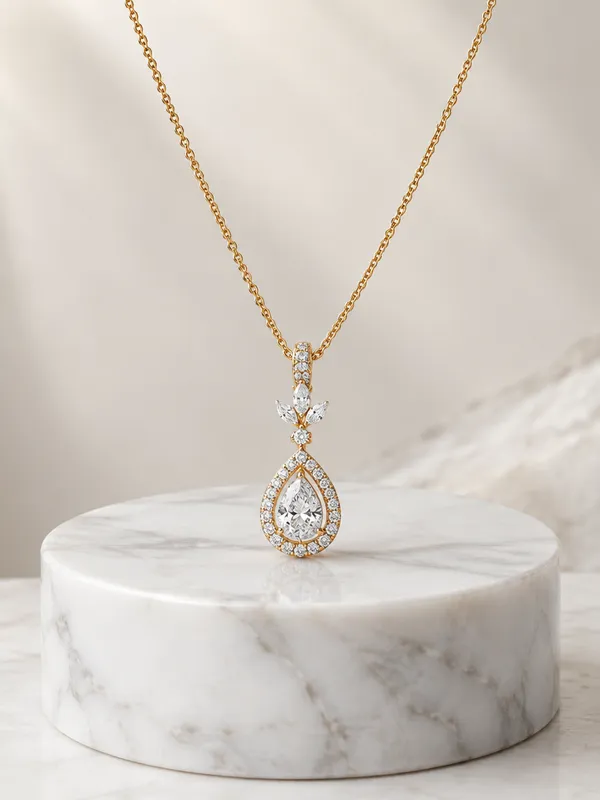
Start from a jewelry idea, sketch or visual reference. Explore different forms, metals, gemstones, settings and decorative details, generate several concept directions, then refine the design you want to develop further. Use the final render for visual exploration, client feedback or early conversations with a jeweler before moving into precise CAD and production design.
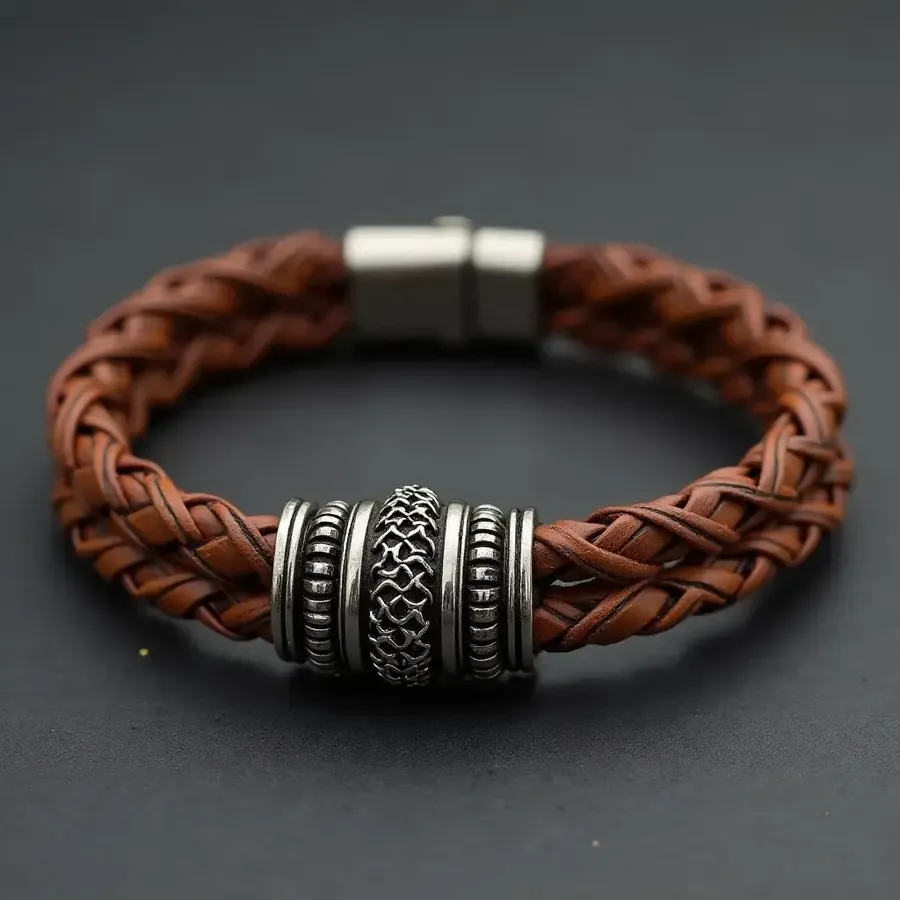
How to create jewelry concepts with AI
From visual brief to approved concept, then into technical development.
1. Open Create image
Open Create image here. Describe an idea or attach a sketch or product photo as a Reference.
2. Define the design and generate directions
Specify jewelry type, metal, central stone, cut, setting, band or form, accent stones and finish. Generate several interpretations and compare their proportions and construction details.
3. Refine, reuse and hand off
Refine the strongest design, then reuse it as a Reference or Element for additional visualizations. Move the approved concept into CAD and technical development if it will be fabricated.
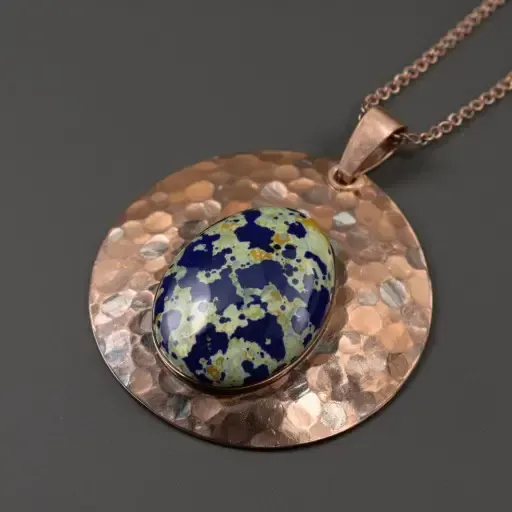
Guide the form, materials and decorative direction
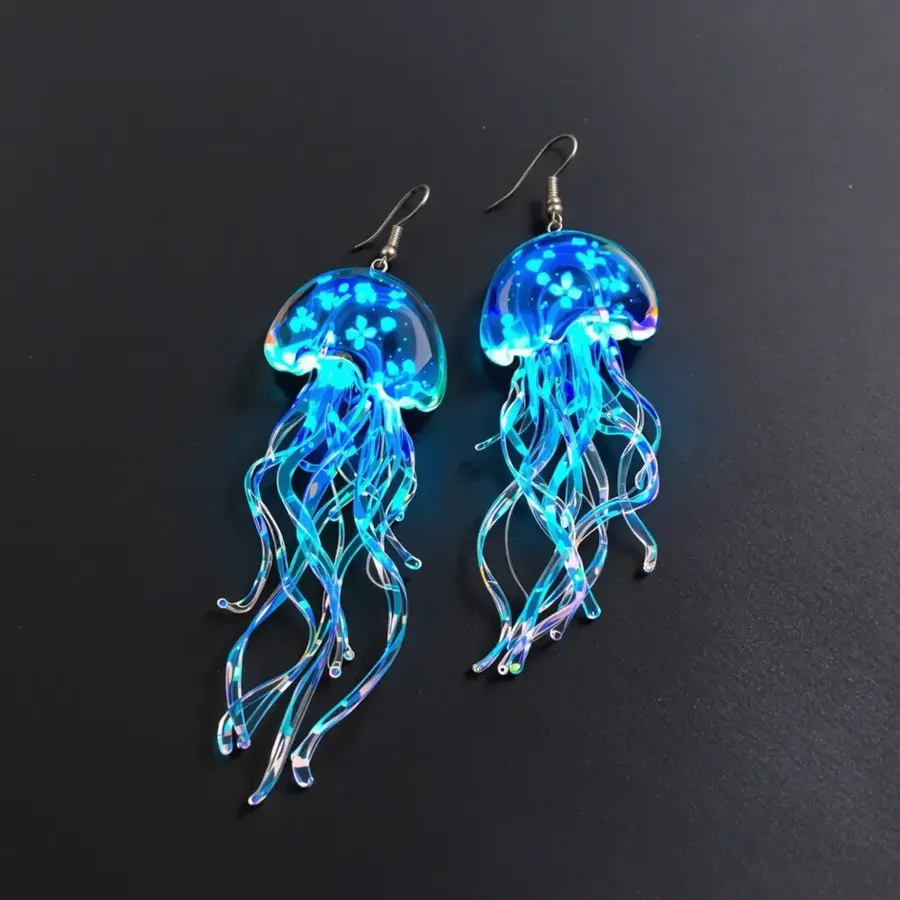
Use prompts and References to guide the overall form, materials, gemstones and decorative direction. Generate several variations and refine the concept that best matches your brief. Review the band or shank, setting, prongs, gallery, halo, bail, chain, clasp, links, bezel, engraving and filigree: an image does not provide parametric control over these components.
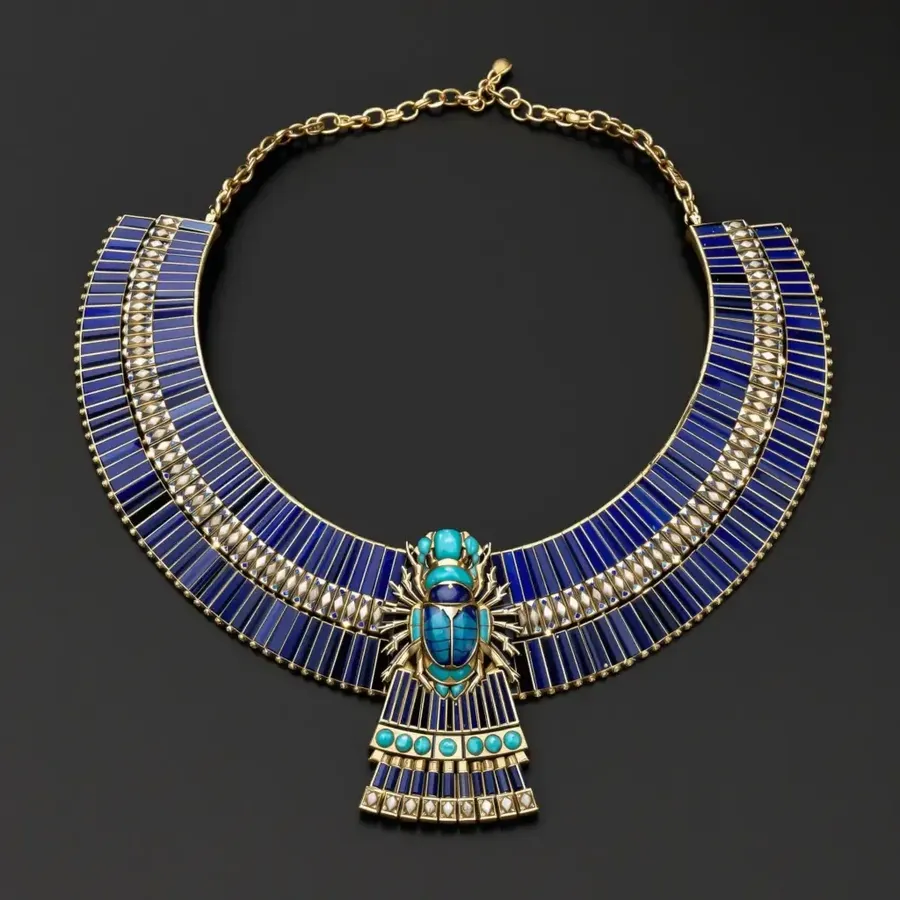
Egyptian-inspired broad collar necklace concept with blue stones and gold-colored metal.
Design custom rings, earrings, necklaces and more
Explore an engagement ring, wedding band, signet ring or cocktail ring. Develop stud earrings, hoops, drop earrings, a pendant, chain necklace, choker, bracelet, bangle, brooch or charm. Describe each piece's structure and intended visual proportions rather than relying on a generic jewelry prompt.
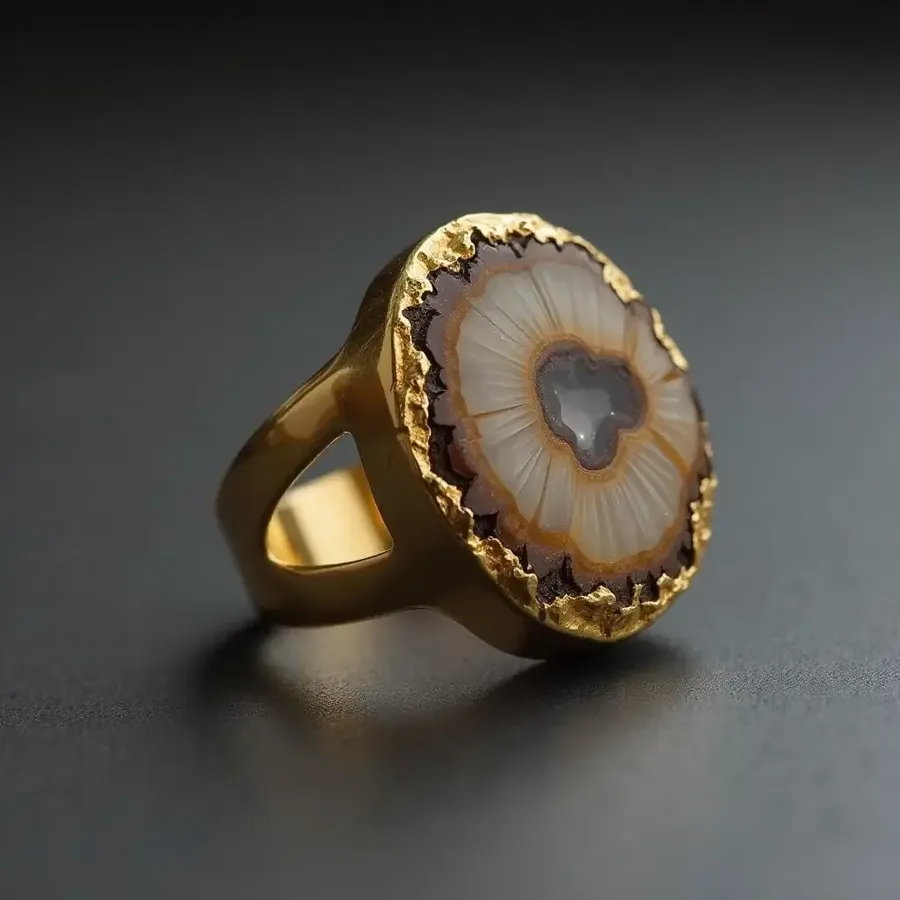
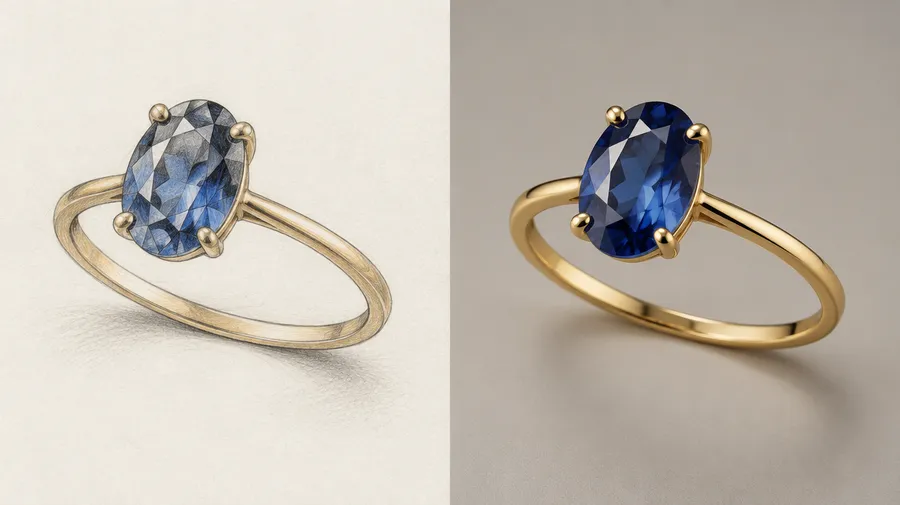
Turn a jewelry sketch into a polished concept
Upload a hand-drawn sketch, rough concept or existing design as a Reference. Describe the metal, stone, setting and finish you want, then generate photorealistic interpretations of the idea.
The sketch guides the visual design. It does not automatically become a dimensionally accurate CAD reconstruction.
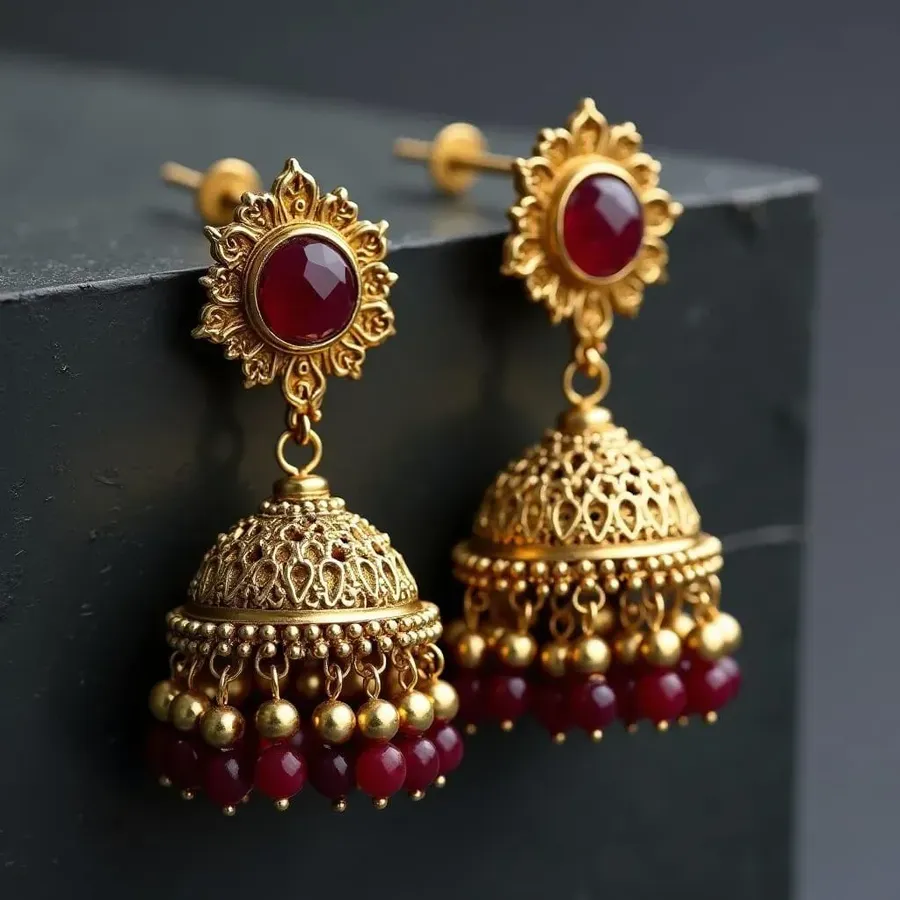
Explore gemstones, settings, metals and finishes
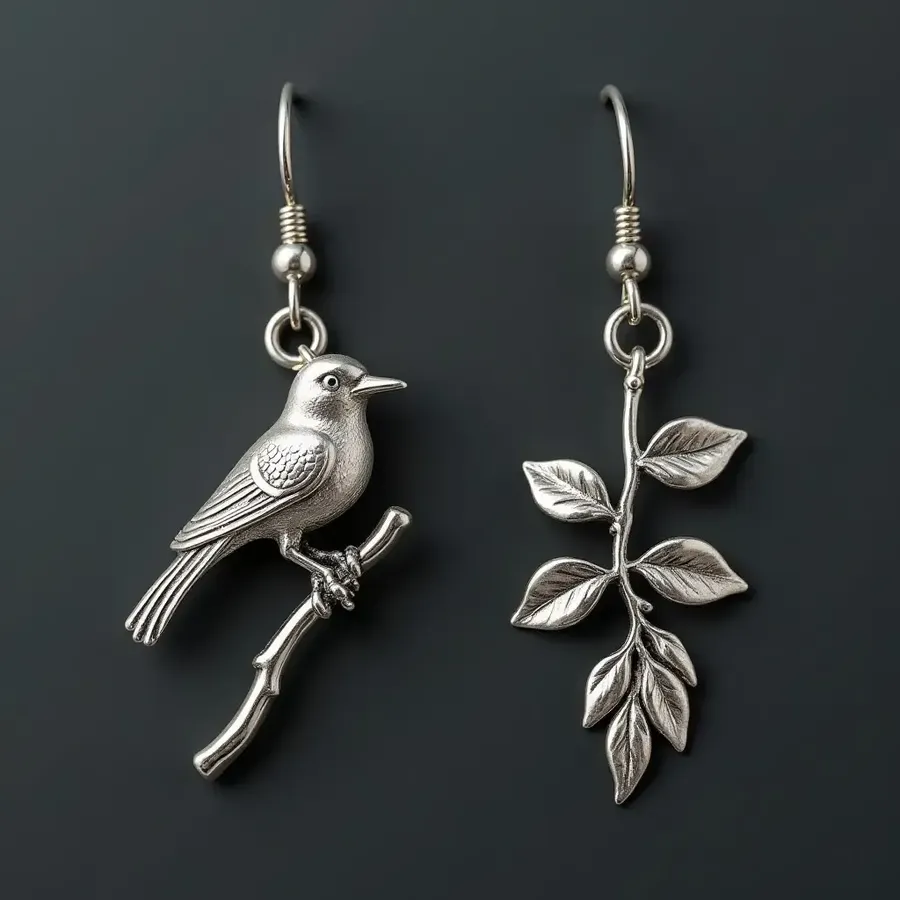
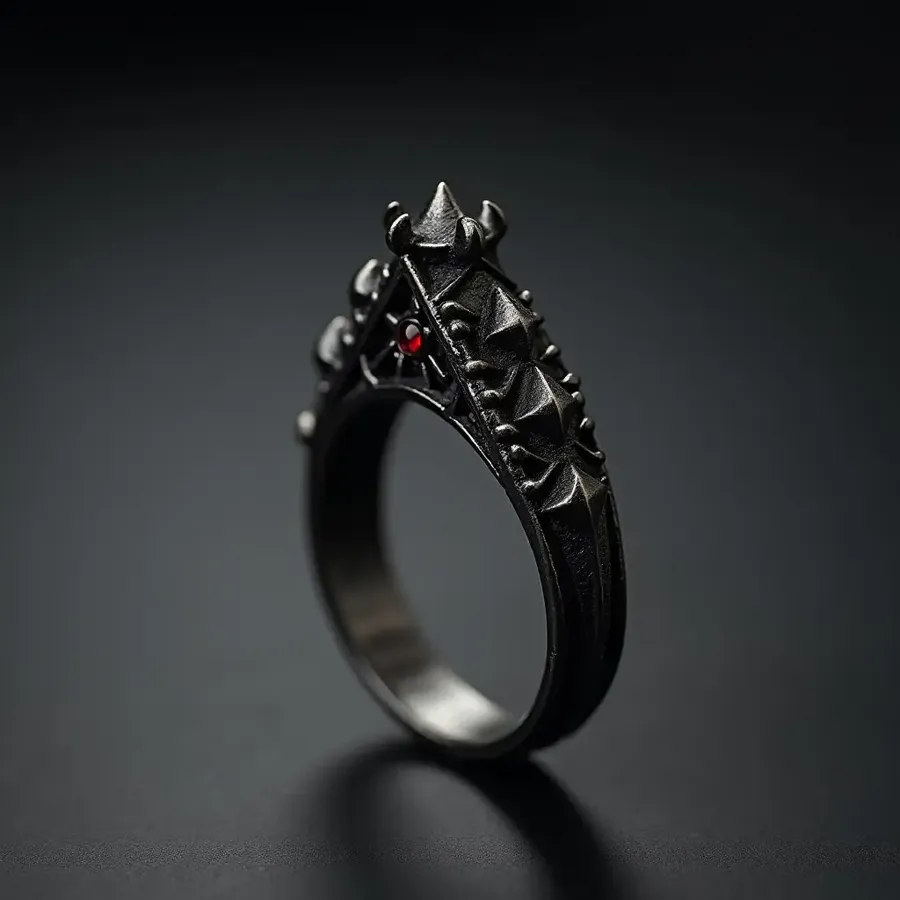
Compare yellow gold, white gold, rose gold, platinum-inspired finishes and sterling silver. Specify brushed metal, polished metal, oxidized silver, hammered or satin finishes. Develop Art Deco, organic modern, geometric, botanical, celestial, Gothic, sculptural, heritage-inspired, maximalist, minimalist, brutalist or contemporary fine-jewelry directions.
Redesign an existing jewelry piece
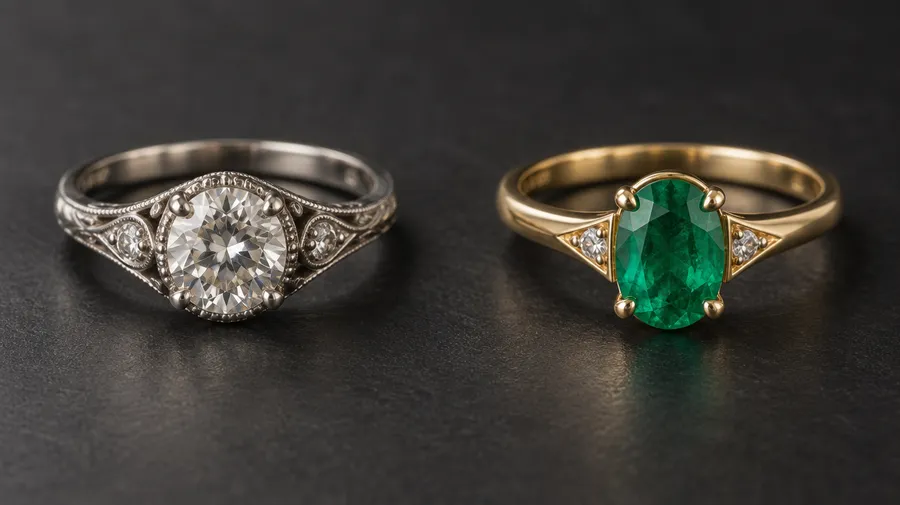
Upload an inherited ring, old pendant, bracelet, prototype or jewelry photo as a Reference. Compare yellow gold with white gold, a diamond with a sapphire, a minimal band with pavé, a modernized vintage setting or a different chain.
Use the ring in image 1 as the main design reference. Keep the overall recognizable silhouette, change the center stone to an oval emerald, change the metal to polished yellow gold and simplify the shoulder detailing.
Generative redesign can alter smaller setting and construction details, so treat the result as a new visual concept. Refine it with Image Editing, then review the result.
Design a custom engagement ring concept
Explore stone shapes: round, oval, emerald, cushion, pear, marquise, princess, radiant and asscher. Compare solitaire, bezel, halo, hidden halo, three-stone, cluster, pavé, channel, cathedral and prong settings.
Describe the shank, shoulder detailing, gallery and side profile. Stone cuts and setting names guide the image, but exact stone count, prong geometry and band dimensions still need review and technical definition.
Build a jewelry collection in one visual direction
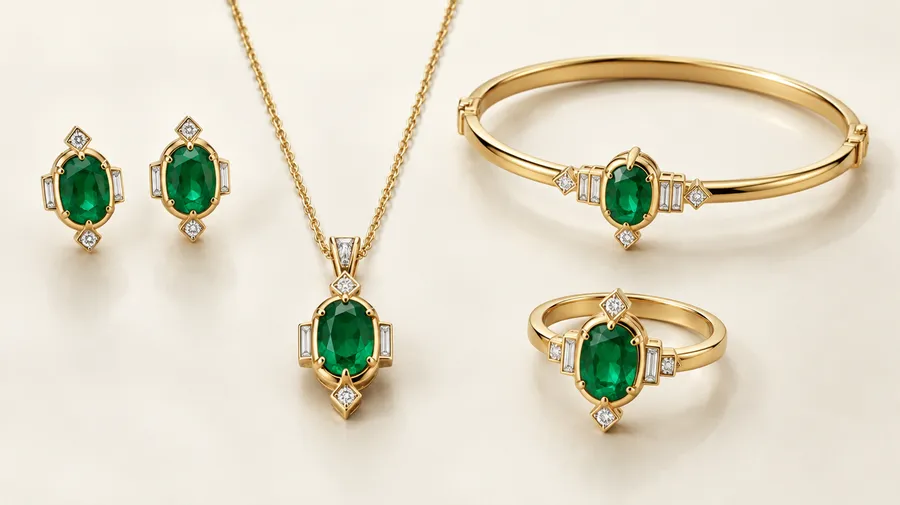
Combine a Style Element, Color Palette and recurring motif or reference to develop a ring, necklace, earrings and bracelet as one collection. Elements help keep the jewelry design recognizable across multiple images.
Use a Product Element for a recurring piece, a Style Element for art direction, a Texture Element for materials, a Lighting Element for studio treatment and a Sketch Element for design input. Elements guide a coherent collection; individual stone arrangements and construction details still require review.
Create jewelry product visuals from an existing piece
Jewelry that does not exist yet needs a concept render. An existing jewelry SKU needs a real product photo as the source of truth. Do not generate the product from scratch for a listing.
Product photography
When the jewelry already exists, upload a real product photo as Reference or create a Product Element, then change the background, lighting or campaign setting around it. Review fine geometry and stone details before using generative images on a product listing.
Follow the AI for E-commerce workflow. Check engraving, hallmarks, stone count, clasp, chain-link pattern, unique stones and setting against the real SKU.
Use Background Remover for an isolated product or Changing Backgrounds for a new scene.
Inspect small details before using Upscaler. Image to Video can extend a reviewed product visual into motion; inspect that output separately.
AI Jewelry Design Prompt Examples
Build a prompt with jewelry type + central stone + stone cut + setting + metal + band/form + accent stones + decorative details + finish + viewing angle + presentation style.
Rings
Use setting names and viewing angles to make the brief specific.
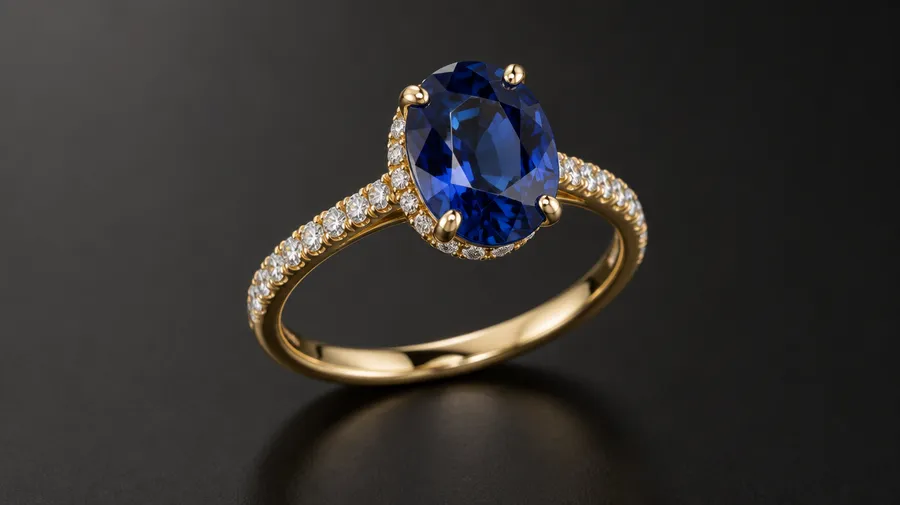
Custom engagement ring
Oval sapphire engagement ring, four-prong setting, thin yellow-gold band, small pavé diamonds along the shoulders, subtle hidden halo, polished finish, elegant contemporary design, three-quarter macro jewelry render on a dark neutral background.
Wedding band
Wide rose-gold wedding band, continuous rounded shank, subtle hammered surface, satin finish, no stones, three-quarter studio product render on ivory.
AI jewelry design questions
Our Image Generator accepts a hand-drawn sketch or rough concept as a Reference. Describe the metal, stone, setting and finish to generate photorealistic interpretations. A Sketch Element can provide reusable guidance.
The sketch guides the visual design. It does not automatically become a dimensionally accurate CAD reconstruction.
Yes. Attach a photo as a Reference and describe changes to the metal, stone, chain or decorative direction. Generative redesign can alter smaller setting and construction details, so treat the result as a new visual concept.
Yes. Describe the central stone, cut, setting, shank, halo, pavé and overall style. Generate several interpretations, then review the prongs, stone arrangement and proportions before developing the concept in CAD.
Yes. Include round, oval, emerald, cushion, pear, marquise, princess, radiant or asscher cuts and settings such as solitaire, bezel, halo, three-stone or cathedral. These terms guide the image; they do not provide exact parametric control.
You can describe visual proportions and use measurements as context, but the generated image does not encode a production-ready ring size. Final ring size, band dimensions, stone measurements and setting geometry should be defined in CAD or technical documentation before manufacturing.
No. This workflow produces concept images, not dimensionally controlled CAD geometry, STL files, manufacturing drawings or validated production specifications. Develop those separately with a jeweler or CAD designer.
Yes, References and Elements can help maintain the visual direction across several angles. However, separately generated images are not guaranteed to be orthographic views of one shared 3D CAD model, so inspect stone count, setting geometry and proportions between views.
Use it as a visual brief, not a production-ready file. Before fabrication, translate the concept into exact ring or product dimensions, stone specifications, setting geometry, metal thickness, tolerances and production-ready CAD.
References and a Product Element can help keep a design recognizable across backgrounds and presentations. A Style, Texture, Color Palette or Lighting Element can guide a collection. Check fine geometry, stone arrangements and construction details in every image; consistency is not an exact-geometry guarantee.
Yes. Use References for ring-on-hand, necklace-on-neck, earrings-on-model or bracelet-on-wrist creative presentations. Use this for presentation and creative direction rather than exact sizing or fit validation.
You can describe engraving or lettering in the concept, but review all generated text carefully. For exact names, dates or inscriptions on a manufactured piece, the final engraving should be specified separately in CAD or production instructions.
Paid plans include commercial usage rights under getimg.ai's Terms. These rights do not replace any rights needed for third-party jewelry designs, trademarks, logos or reference images used in your project. Review those rights before publishing images or developing a physical piece.
Use concept images for presentations, feedback and visual briefs, not as manufacturing files. The same visual exploration approach also lets you design your own shoes with AI.
Create concepts from text, sketches or references
getimg.ai's AI Jewelry Design Generator creates jewelry concept images from text prompts, sketches and visual references. Explore rings, earrings, necklaces, bracelets and other jewelry ideas, including different metals, gemstones, settings and visual styles.
References and Elements can help guide sketches, existing pieces, materials and recurring design directions across multiple renders. The output is a generated image rather than a dimensionally controlled jewelry CAD model, STL file or manufacturing drawing. Exact ring size, stone dimensions, setting geometry, metal thickness, tolerances and production specifications should be finalized separately before fabrication.