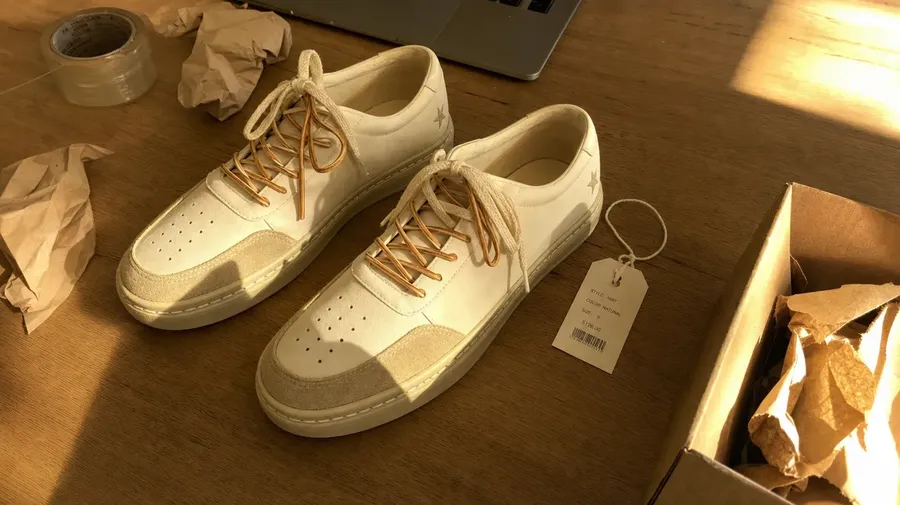
#1 AI E-Commerce Image, Video & Audio Generator
Clean up product photos, build variants, place products in lifestyle scenes, and generate short videos with their own sound, plus music and voiceovers for everything beyond them. getimg.ai handles it all, fast and on budget.
Every leading image, video, and audio model, one subscription.


The work this is designed for
Common e-commerce image tasks, simplified.
-900x300.webp)
Remove backgrounds
Create clean cutouts for marketplaces and product pages.
-900x300.webp)
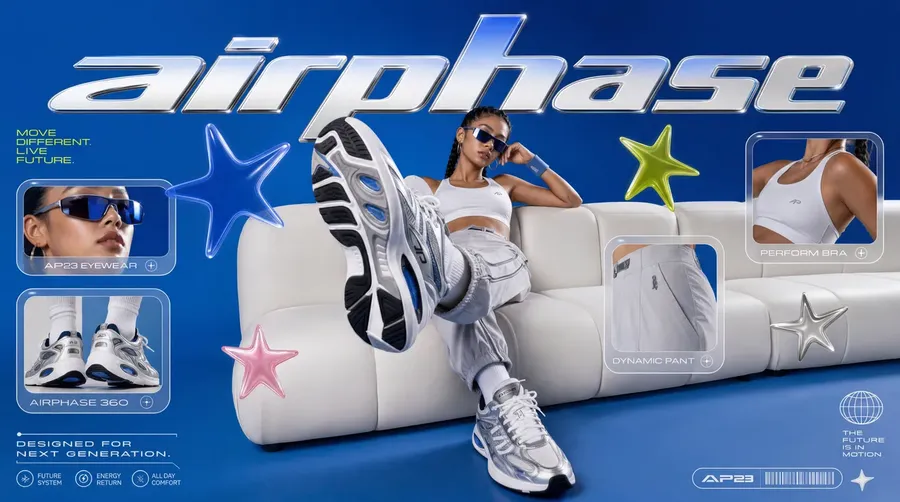
Turn products into lifestyle photos
Place products into kitchens, cafés, gyms, or outdoor scenes.
-900x300.webp)
Fix real product photos
Remove dust, creases, glare, reflections, or background clutter.
-900x300.webp)
Create color variants
Generate multiple color options from a single product photo.
-900x300.webp)
Test materials and finishes
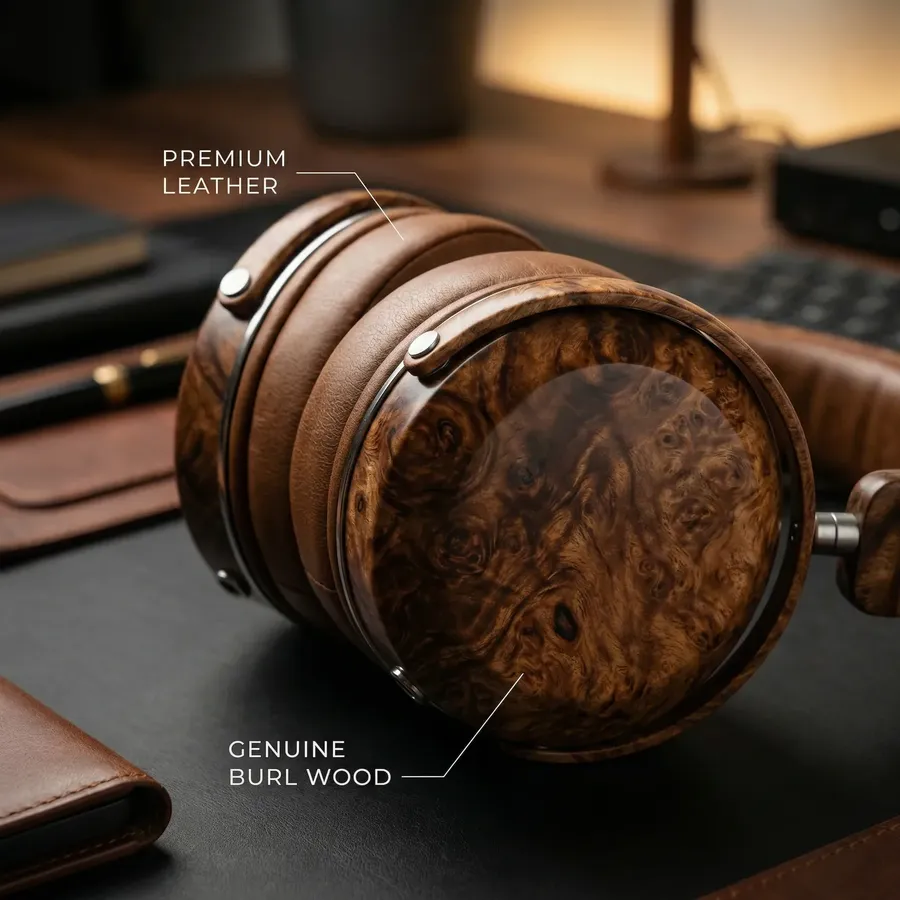
Swap between matte and glossy, leather and fabric, metal and plastic.
-900x300.webp)
Put products on people
Turn flat lays into high-quality on-model shots or in-hand photos.
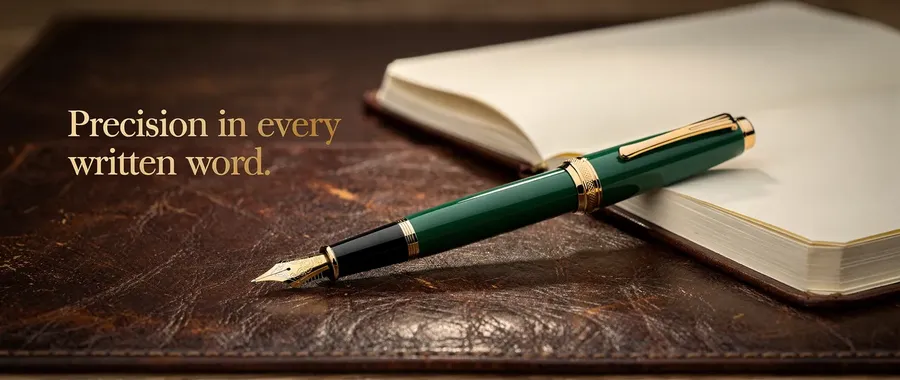
Make ads with real text
Generate ad images with headlines, prices, or CTA already in place.

Generate new designs from text
Create product concepts, packaging ideas, or print designs from scratch.
How to use getimg.ai for e-commerce
Three steps that cover almost any task: cleaning up photos, building variants, placing products into lifestyle scenes, or making short product videos.
1. Upload your product
Drop in a product photo, or save it as a Product Element so the same product stays consistent across every generation. For weeks or for months, without re-uploading every time.
2. Describe what you want
Type what you want in plain English. 'Place this on a sunlit kitchen counter', 'make a matte-black variant', 'add ad copy'. Stay loose or get specific about colors, lighting, and style.
3. Generate, compare, refine
Set how many variations you want, click generate, and compare the results side by side. Swap in a new reference, change the aspect ratio, or rephrase the prompt if something is off. Save the keepers to your library, drop them straight into your store, or export them sized for each ad channel.
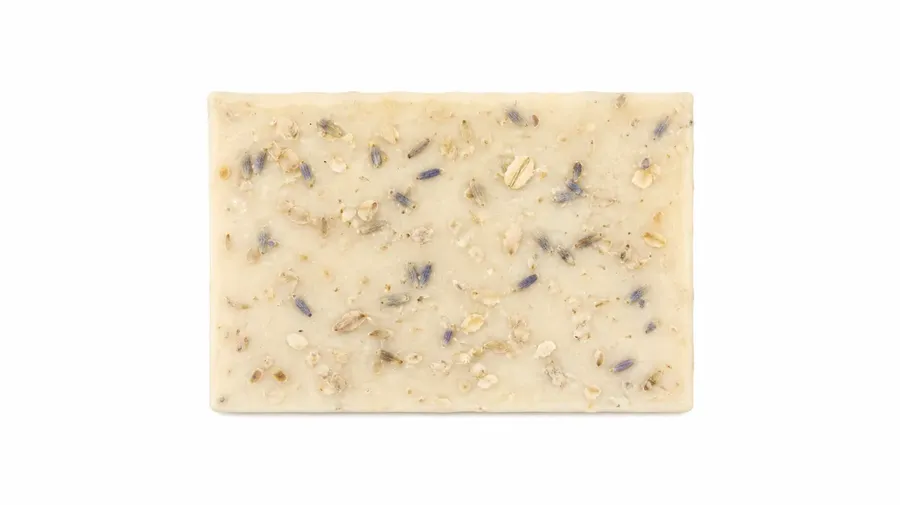
Built around how e-commerce work actually flows
Every product shot involves one creative idea and a dozen small technical decisions around it. getimg.ai handles the technical ones.
Photos that don't look like AI made them
Different e-commerce jobs run best on different models. getimg.ai picks the right one for every prompt, so packshots, lifestyles, and ads all come out crisp and on-brand.
Auto selection

Nano Banana 2
Photo-real product edits and material swaps.

Seedream 5.0 Lite
Lifestyle scenes and on-model product shots.
As many options as you need
Set how many variations you want before clicking generate. They come back side by side, so you can compare the looks and pick the one that fits the page.
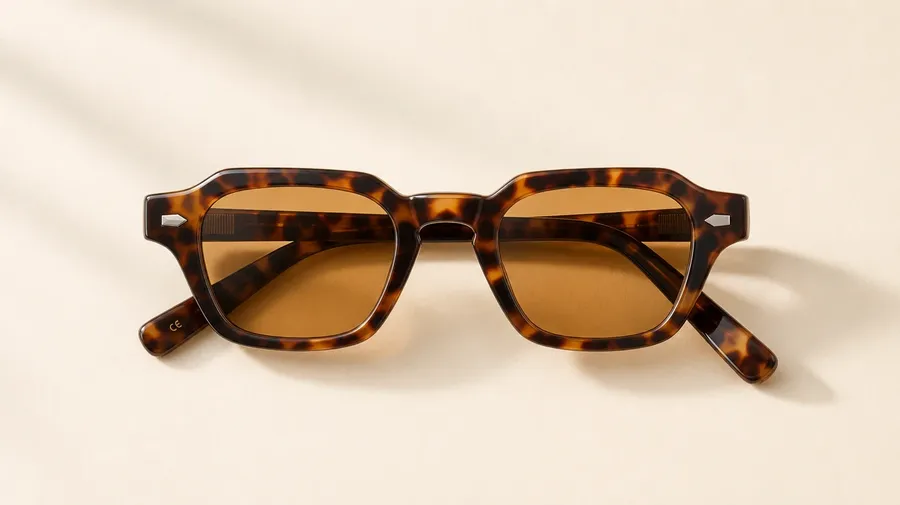
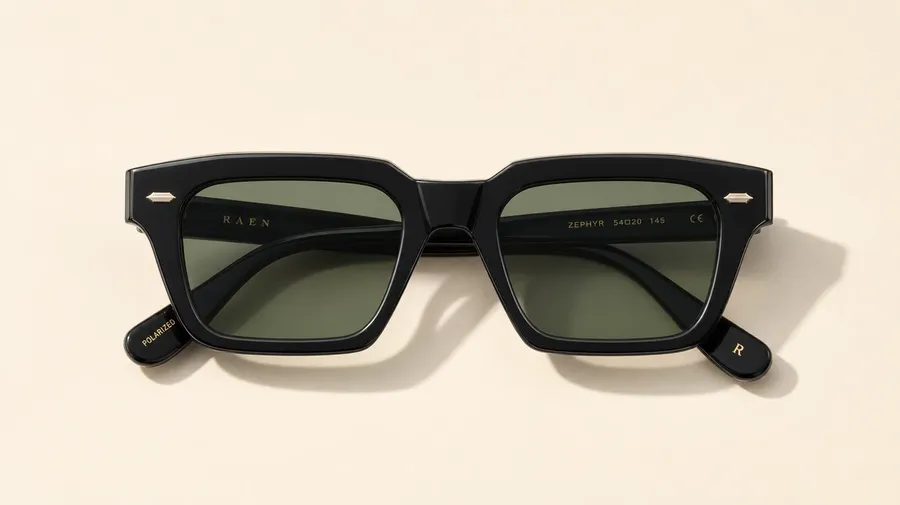
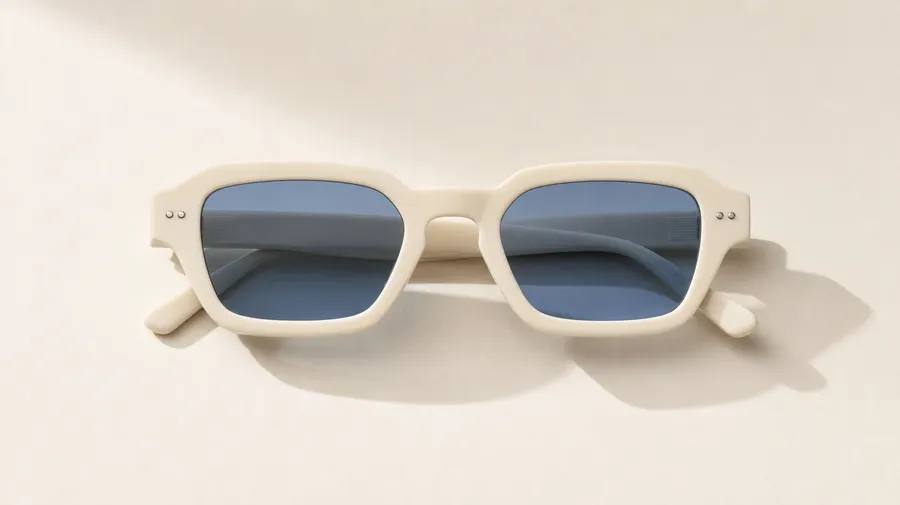
Right aspect ratio for every channel
Square for Instagram. Vertical for TikTok. Wide for your homepage banner. Pick the aspect ratio in one tap and the shot comes out ready for publishing.
Prompt
Generate
Resize
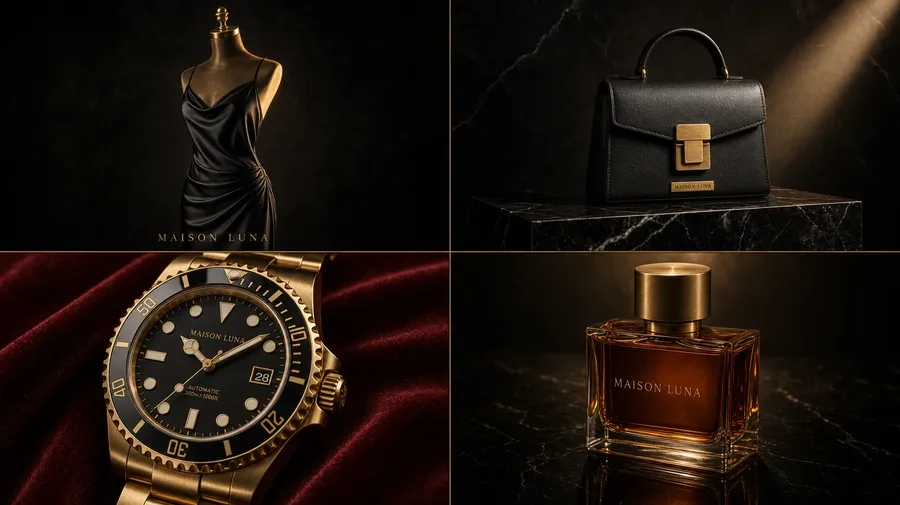
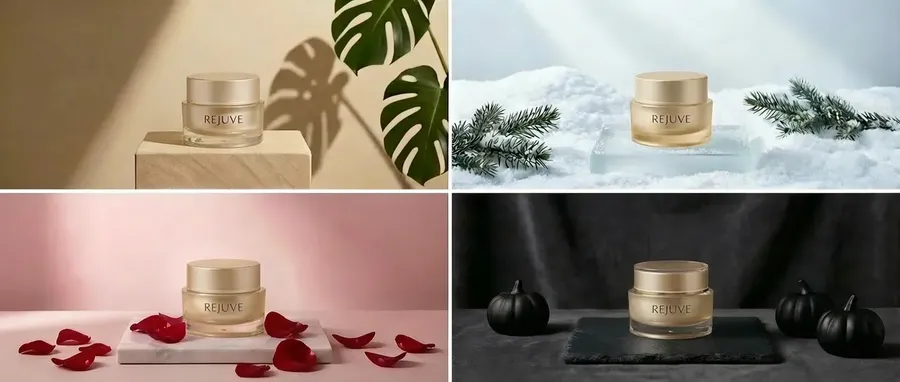
Same product. Every brand aesthetic.
Describe the mood and watch the same product take on a completely different look. Five quick examples below.
Royalty-free music you can actually use
Generate original music in any mood and length, then use it commercially anywhere: behind the footage your team films, creator UGC, an in-store or pop-up playlist, or an ad headed for a podcast feed.
Describe the vibe, generate a few versions, and pick the one that fits. No stock-music subscriptions, no per-use royalties, and no copyright claims taking down your best-performing Reel.
Product Demo Instrumental
R&B-inspired Brand Song
High-Energy Ad Instrumental
Folk-Pop Promo Song
A brand voice for everywhere people hear you
Turn any script into a natural-sounding voiceover. Pick one of 30 voices and getimg.ai reads your words aloud for a “listen to this” product description, the message that greets callers on your support line, narration over footage you filmed, or an audio ad for a podcast.
Drop bracketed cues like [warm] or [excited] into the script to land the line that names the price, and run the same script in another language to reach a new market without booking a voice actor. Keep one voice across every touchpoint so your brand sounds consistent wherever people hear it.
Product Description
E-Commerce Ad
Seller Onboarding
Customer Support Phone Line
The #1 choice for AI in e-commerce
Here's what makes getimg.ai work so well in real e-commerce workflows.
Fast to use, even the first time
You don’t need to learn prompt engineering or model settings. Simple instructions work immediately.
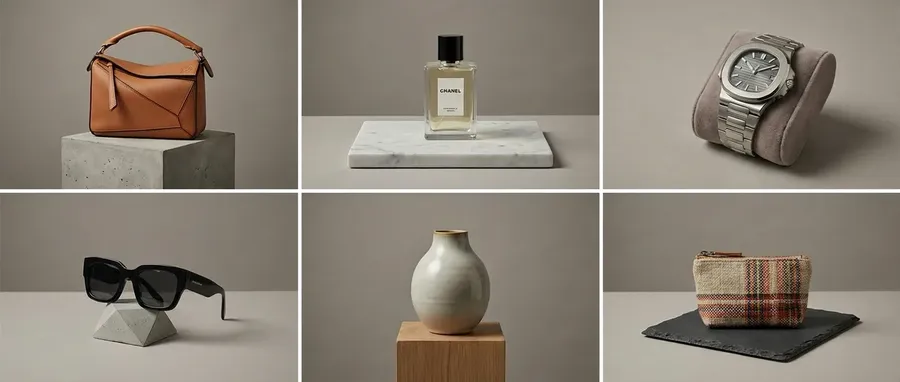
Fits into real team workflows
Keep images, references, and generations together instead of scattered across tools.
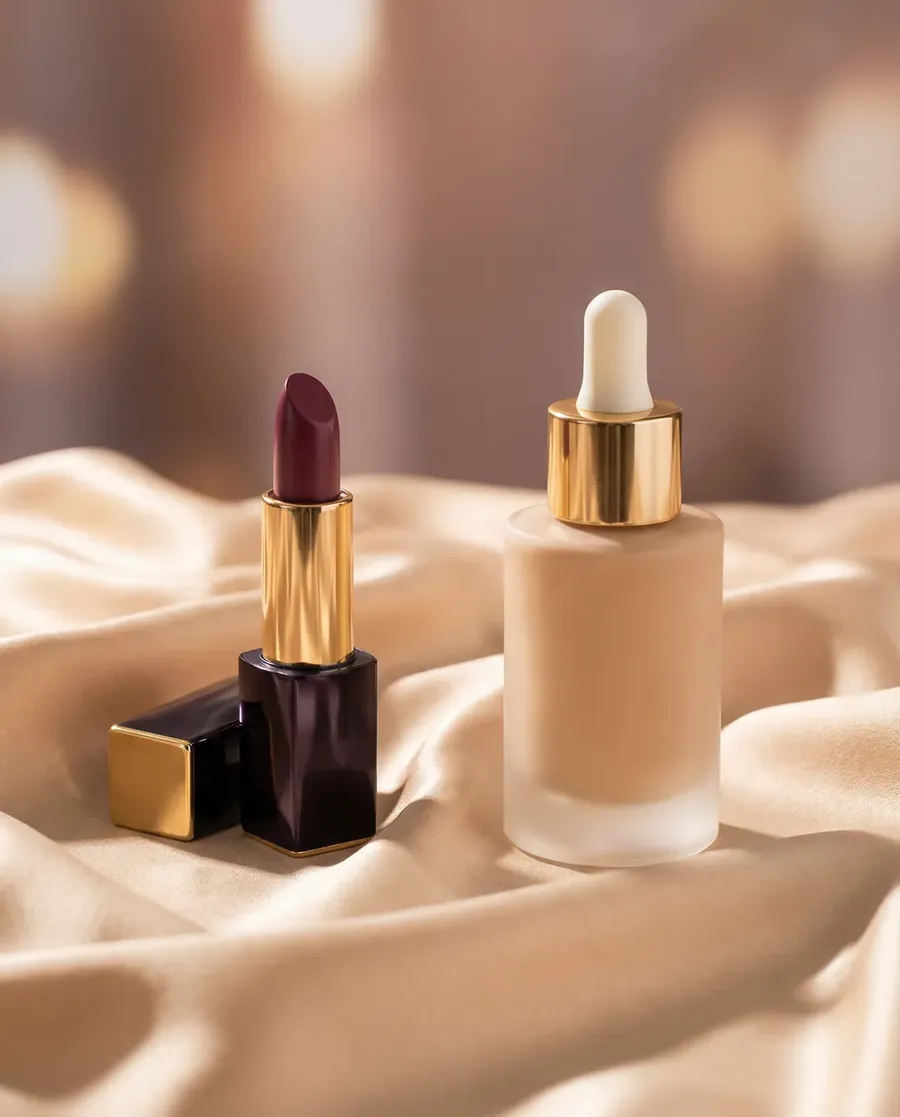
Change without distortion
Backgrounds, colors, materials, and styling change. The product stays exactly the same.
-900x900.webp)
A more affordable way to scale content
Create more product images and variations without booking reshoots or adding more tools to your stack.
A simpler process for everyday updates
Here’s how product changes typically happen, with and without getimg.ai.
-1920x983.webp)
The getimg.ai Workflow
Upload the product
Add a product photo. Optional: include brand style, color, material, or model references.
Describe the change
Write a simple instruction like “remove the background” or “create 4 color options”.
Generate and choose
Review a few options, pick the best one, and download it.
Old E-Commerce Workflow
- Schedule or plan a photoshoot
- Collect or prepare product assets
- Open design or editing software
- Duplicate files to avoid breaking originals
- Manually cut out the product
- Fix edges, shadows, and reflections
- Create variants one by one
- Resize and export for each platform
- Review, revise, and repeat for every change
Create together, faster than ever.
Use getimg.ai Teams to edit and generate e-commerce content in a more efficient, streamlined way.
When a still image isn’t enough
Short product videos help shoppers understand a product faster than a photo can, and because you describe the sound right in the prompt, every clip comes back with its audio already built in.
Creative product clips
Complex, attention-grabbing videos that feel like real ads.
Rotation videos
Show shape and details from multiple angles.
Feature focus clips
Highlight one key detail at a time, like texture, closures, buttons, or finishes.
UGC-style reviews
Casual, phone-shot clips that fit social feeds.
Make image changes right away
Not a week later, not after another handoff
React to product and marketing needs immediately
When merchandising, marketing, or ops needs a change, you don’t queue it up. You make it. New background, new color, new crop, new version for ads. Decisions happen faster when people can see the option right away.
No more “temporary” workarounds becoming permanent
How often does a “we’ll fix this later” image ship and then stay live for months? When fixes are quick to generate, fewer compromises make it to production.
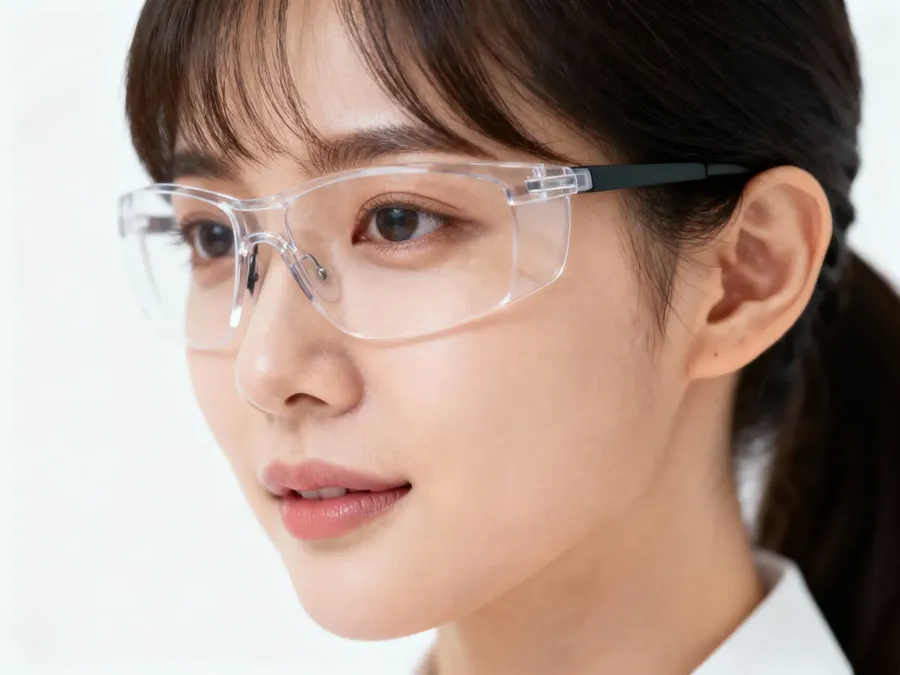
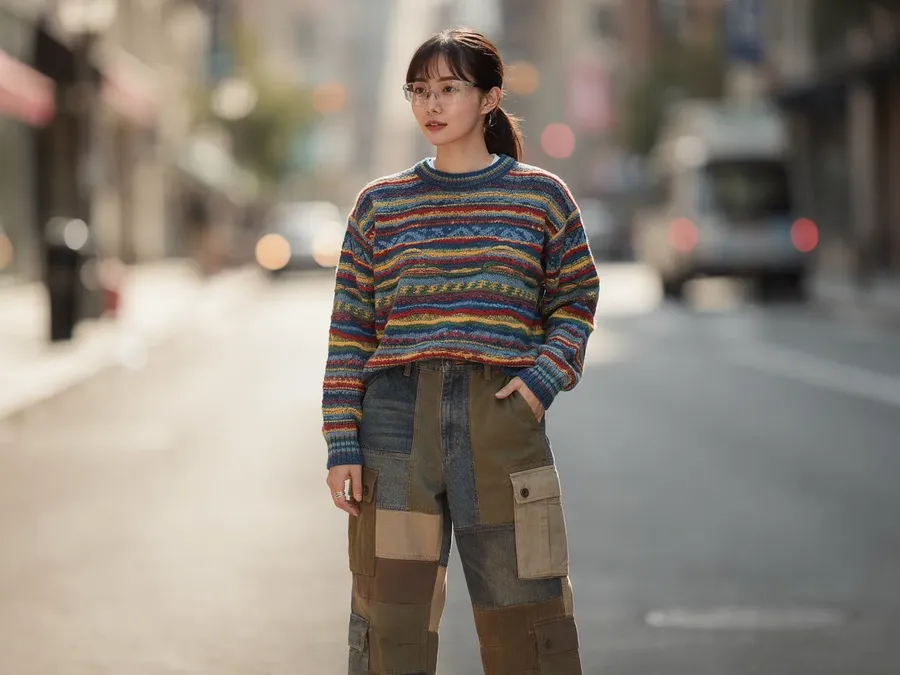
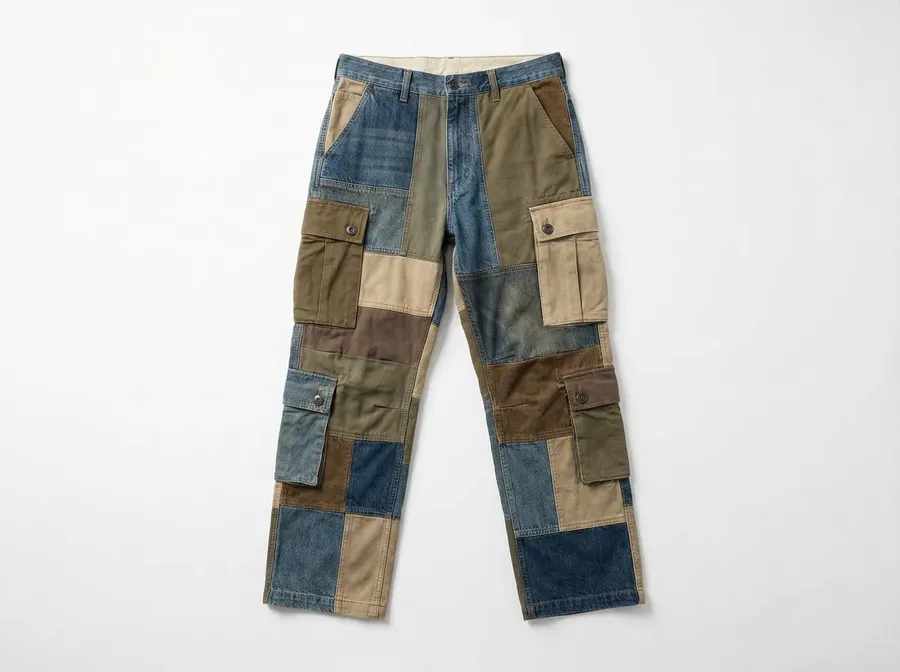
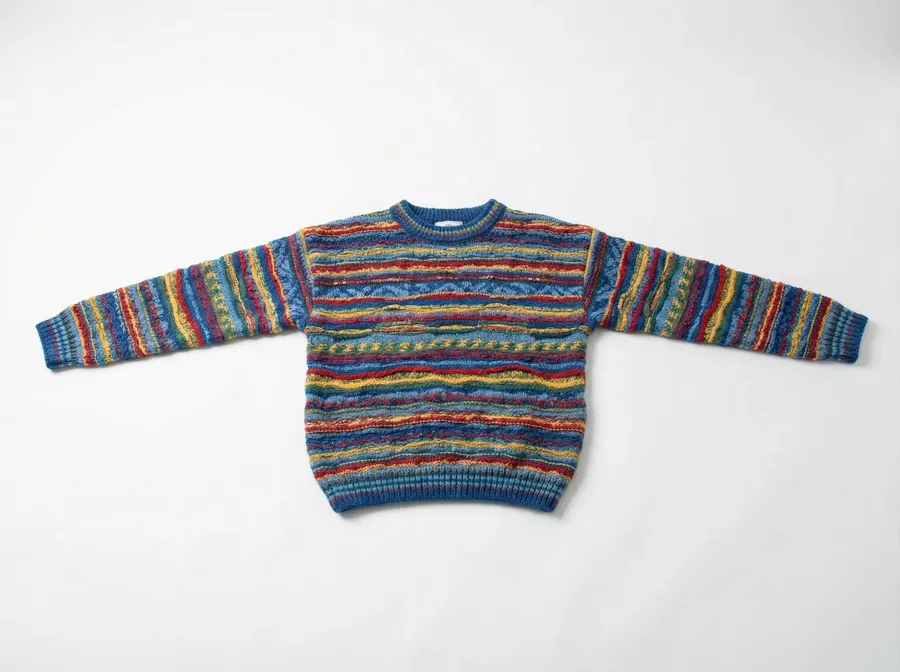
Spend effort where it actually pays off
Time spent manually fixing edges, recreating variants, or chasing files rarely improves the product itself. getimg.ai shifts that effort toward choosing better options and moving faster, instead of repeating the same mechanical work.
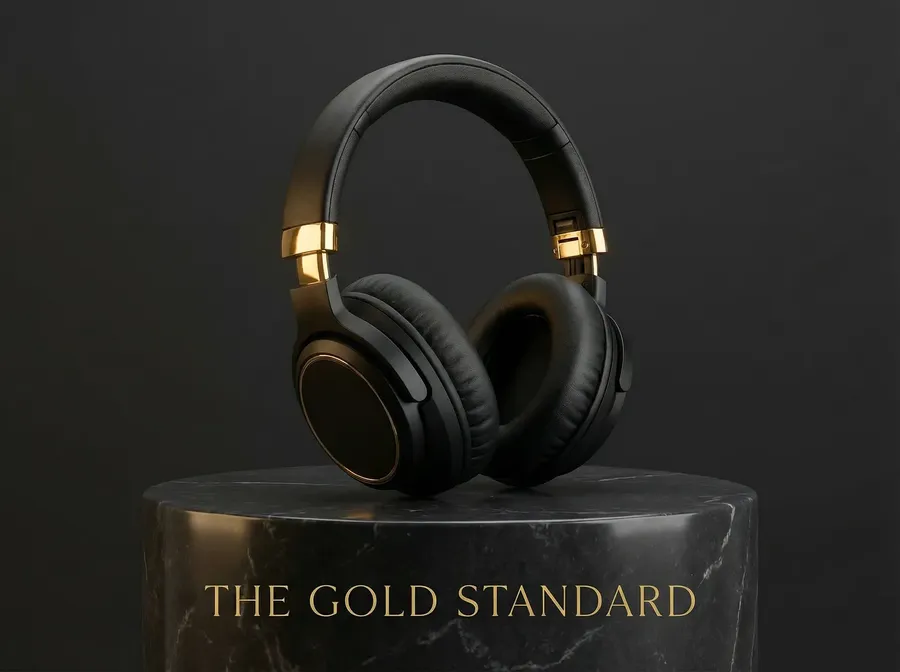
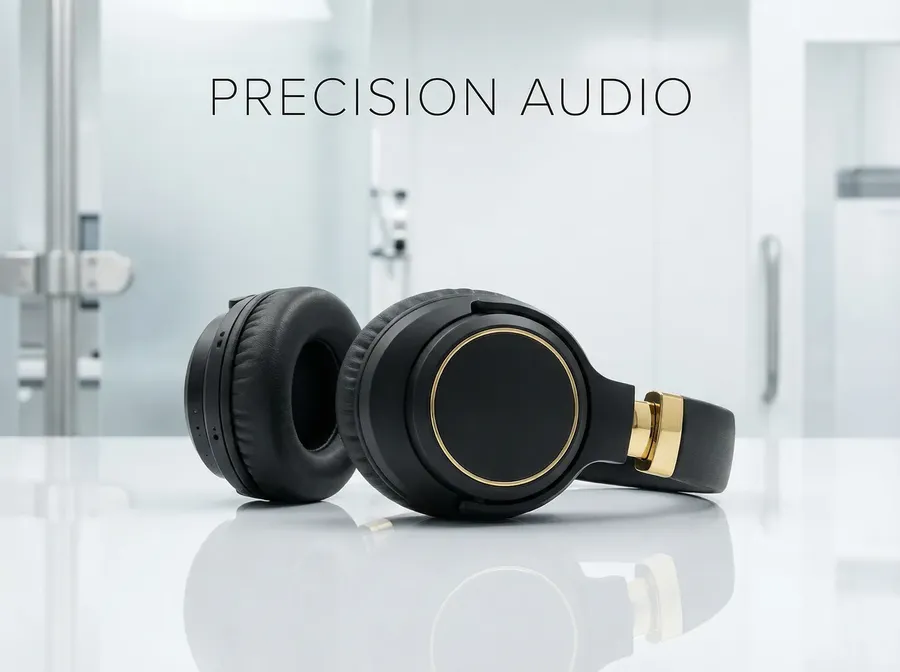

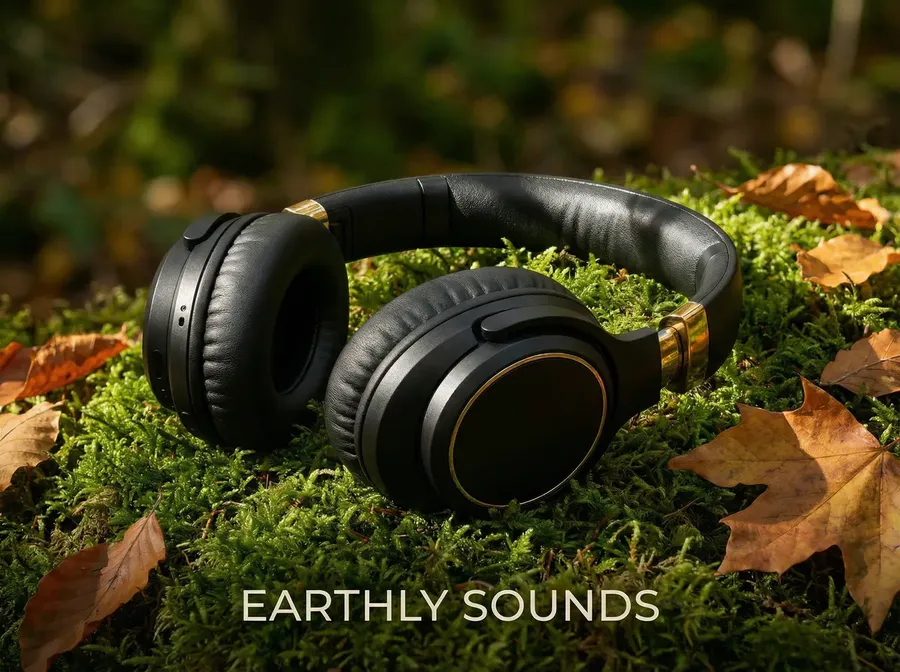
Reusable Elements, not repeated setup
Most e-commerce content isn’t created once. It’s revised, reused, and adapted across campaigns. Elements let you turn products, models, styles, lighting, and scenes into reusable building blocks you can drop into new generations instantly. You define them once, then mix and match as needed.


Frequently Asked Questions
getimg.ai is an AI tool that helps e-commerce teams create and update product images and short videos. It’s designed for everyday tasks like cleaning product photos, creating variants, placing products into lifestyle scenes, and generating ads and product clips without reshoots.
It also generates audio for everything around those visuals, like royalty-free music for footage you film yourself and voiceovers for product pages, ads, and customer messages.
getimg.ai allows you to:
🟣 edit product photos using simple text instructions
🟣 remove or replace backgrounds
🟣 clean up supplier images
🟣 create lifestyle product photos
🟣 generate color, material, and pattern variants
🟣 create on-model and in-hand product images
🟣 generate ads with real text
🟣 turn product images into short videos
🟣 generate royalty-free music for your own footage and ads
🟣 create multilingual voiceovers and spoken product descriptions.
You can generate videos using:
🟣 just text, 0r
🟣 text and images (a first and last frame image, or reference images to guide style or setting).
This works well for product push-ins, rotation videos, UGC-style review clips, before/after videos, and simple ad hooks.
Videos you generate already include their own audio, since you describe the sound right in the prompt. Separate music and speech generation covers everything outside those clips. Use music for footage your team films, creator UGC, in-store playlists, or ads running on social and podcasts.
Use voiceovers for spoken product descriptions on your pages, customer-service and phone messages, narration over real footage, or localizing an ad into another language. Both work in multiple languages and can be used commercially on a paid plan.
You decide what changes and what stays the same. You can be very loose (“put this in a kitchen”) or very specific (“match this exact material, color, or style”). Reference images and Elements help when accuracy matters.
It works for both. Teams often use it to keep product images, references, and generated versions in one shared space, instead of passing files around or recreating work.
Images and videos generated in getimg.ai on a paid plan can be used commercially.
For e-commerce work, yes. getimg.ai can generate images and video from text, but it really stands out when you’re working with real products and need usable results.
You can generate product concepts, packaging ideas, and campaign visuals from scratch. You can also start from an existing product image and turn it into packshots, lifestyle scenes, variants, ads, and short videos. In both cases, the focus is on keeping products consistent and outputs practical.
No. You can use getimg.ai with very simple instructions like “remove the background” or “put this in a kitchen”.
The E-commerce AI Prompt Book is there as inspiration and guidance, not as a requirement. It shows examples of how to describe common tasks like variants, lifestyle images, ads, or short videos, especially when you want more control or consistency.
You can follow the prompts exactly, tweak them, or ignore them entirely. getimg.ai works just as well without any prompt engineering experience.
Need better product photos?
Don’t book another shoot. Don’t open five tools. Upload the image, describe the change, generate the options.