Create custom tarot card artwork with AI
Major Arcana, Minor Arcana and original symbolic cards
getimg.ai's AI Tarot Card Generator creates tarot-style card artwork from text prompts and visual references. Describe a traditional arcana archetype, an original symbolic card or a whole visual direction for a deck: define the card title, symbols, composition, border, palette and art style, generate several interpretations, then refine the strongest design. Add up to 10 references to guide style, recurring characters, palette or border direction. The tool generates card artwork as raster images rather than assembling a complete 78-card deck, producing tarot readings or exporting printer-ready deck templates.
How to create tarot card artwork with AI
Three steps from card concept to finished illustration.
1. Open Create image
Sign in to getimg.ai and open the Content Generator to start a new image: click here.
2. Describe the card
Name the card, then describe its central symbolism, composition, palette, border and art style. Optionally attach references or an Element to keep the style consistent across cards.
3. Generate and refine
Generate several interpretations of the same card, pick the strongest one, then edit it with a follow-up prompt. Upscale up to 2x before placing the artwork in a card layout.
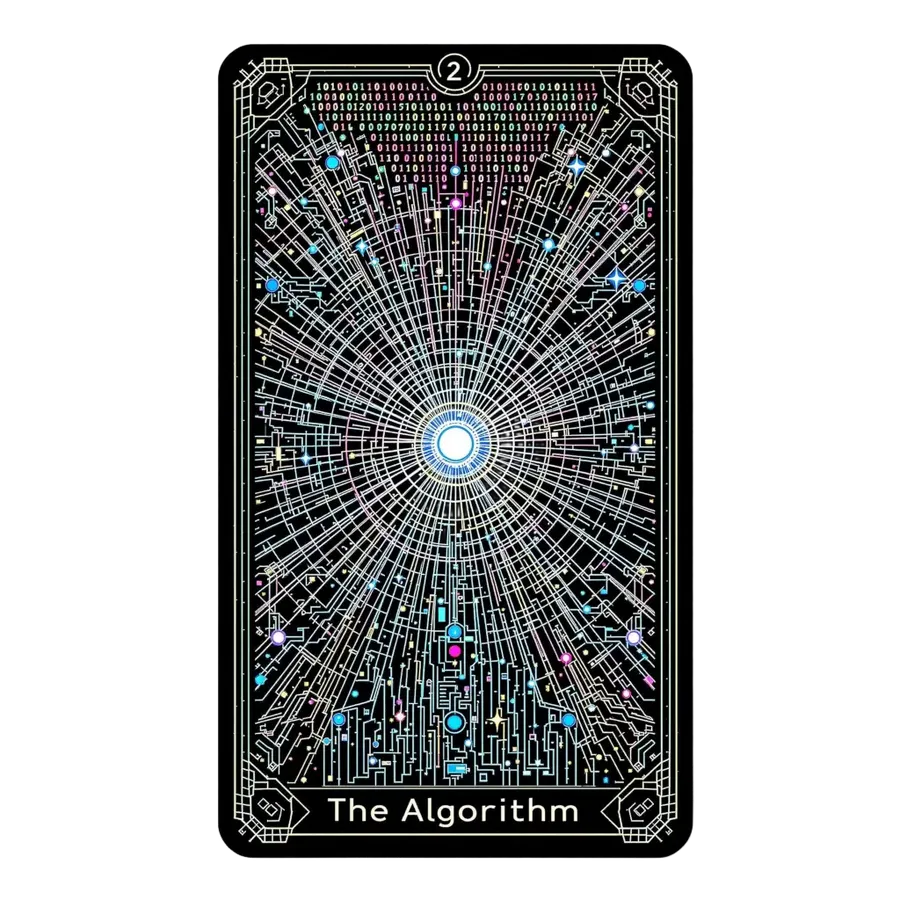
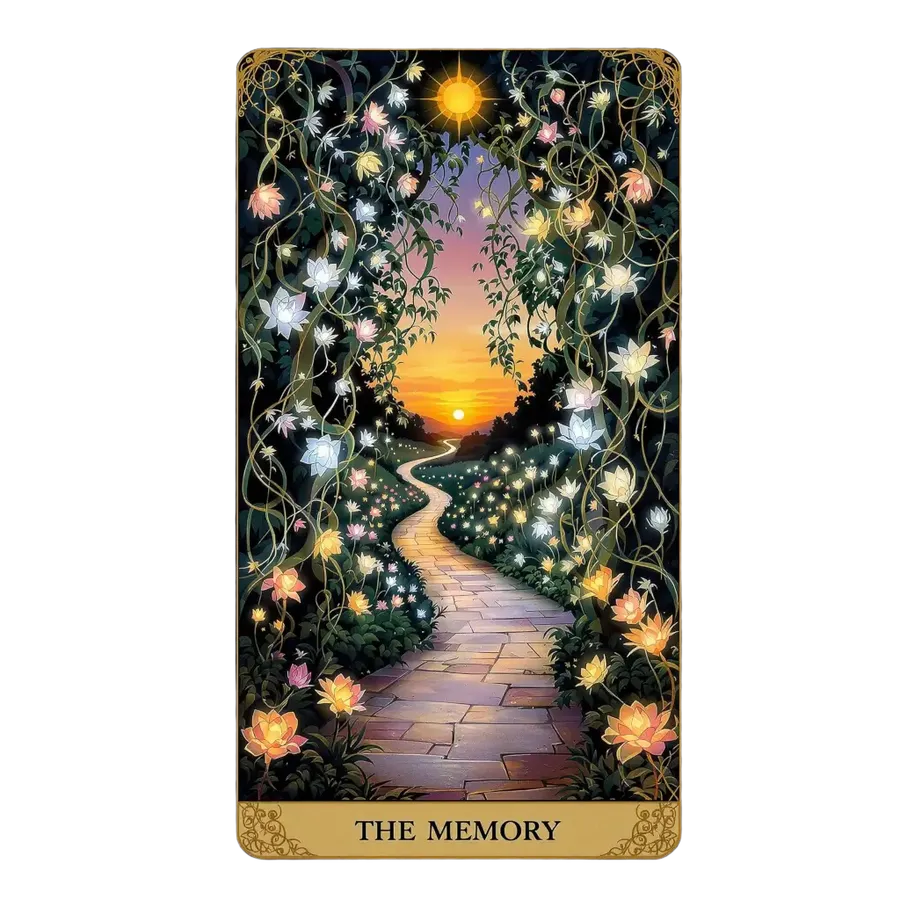
Major Arcana vs Minor Arcana: what are you designing?
A standard tarot deck holds 78 cards, split into 22 Major Arcana and 56 Minor Arcana across four suits. Decide which part of that structure you are illustrating before you write the prompt.
Major Arcana
22 archetypal cards, including The Fool, The Magician, The High Priestess, Death, The Tower, The Moon, The Sun and The World. They carry the strongest visual identity in a deck, so most people start here.
Define the deck's visual language with a handful of iconic Major Arcana cards before expanding into the Minor Arcana. If those look coherent side by side, the system is working.
Each card has an established symbolic scene. Name the card, then describe its central figure, secondary symbols, environment and mood in Create image.
Build a visual direction for a custom tarot deck
Start with a few defining cards, establish the border, palette, typography direction and illustration medium, then reuse the same Style, Color Palette or Composition Elements while developing additional cards. A standard tarot deck holds 78 cards - 22 Major Arcana and 56 Minor Arcana - so locking the visual system early matters more than generating volume.
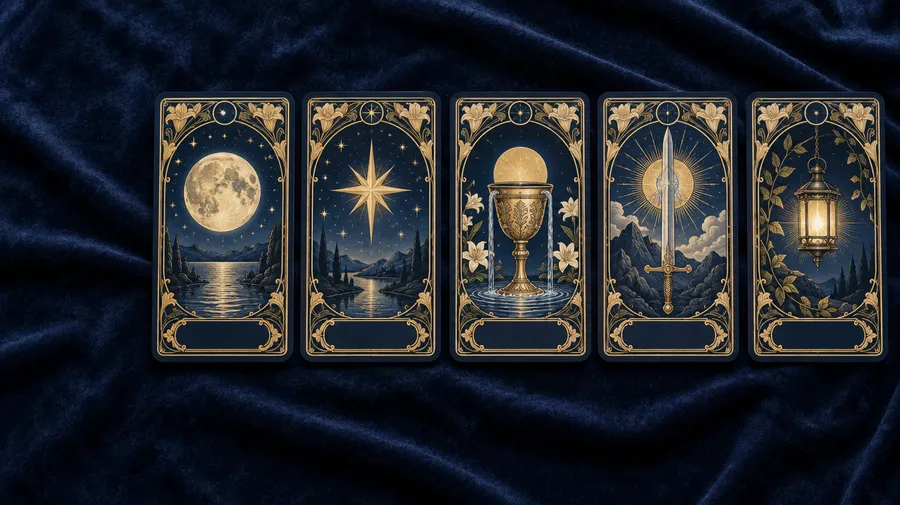
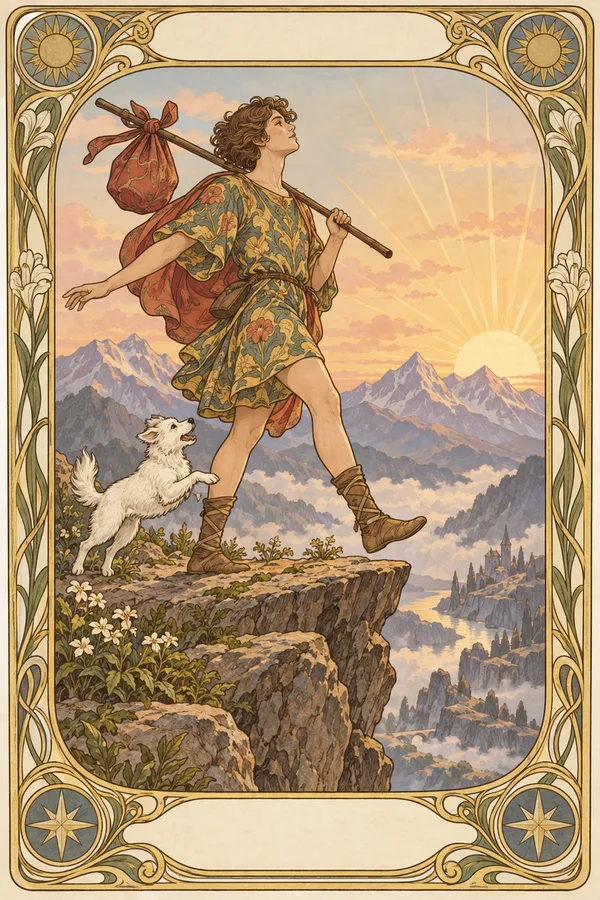
Tarot card design of The Fool, depicted as a wandering jester, stepping off a stone bridge into a mystical abyss, medieval manuscript-style ink and watercolor, with decorative borders
Design around the card's symbolism
A tarot card is a symbolic system, not just a mood. Build the prompt in the same order every time: card name, archetype, primary subject, symbolic objects, environment, emotional tone, composition, palette, border, title and numeral placement.
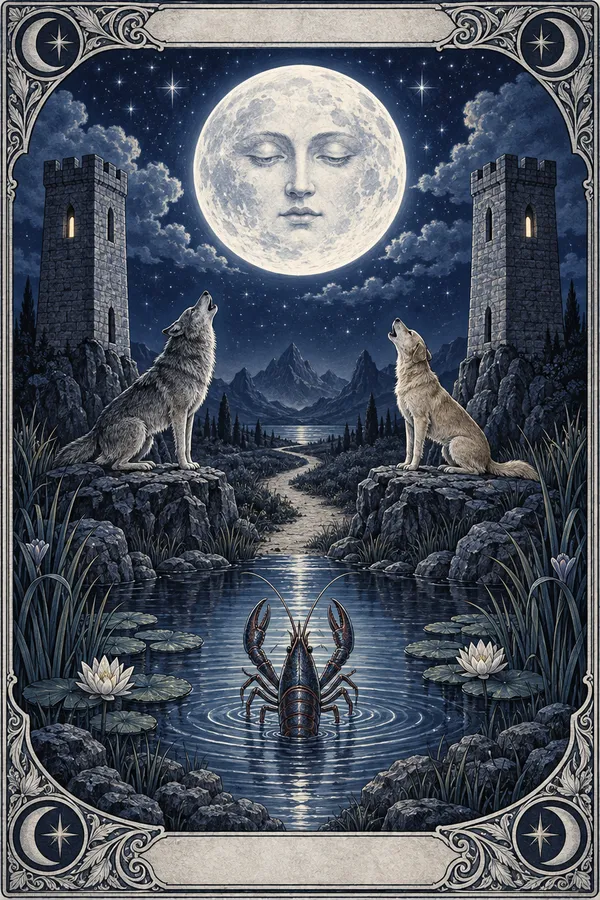
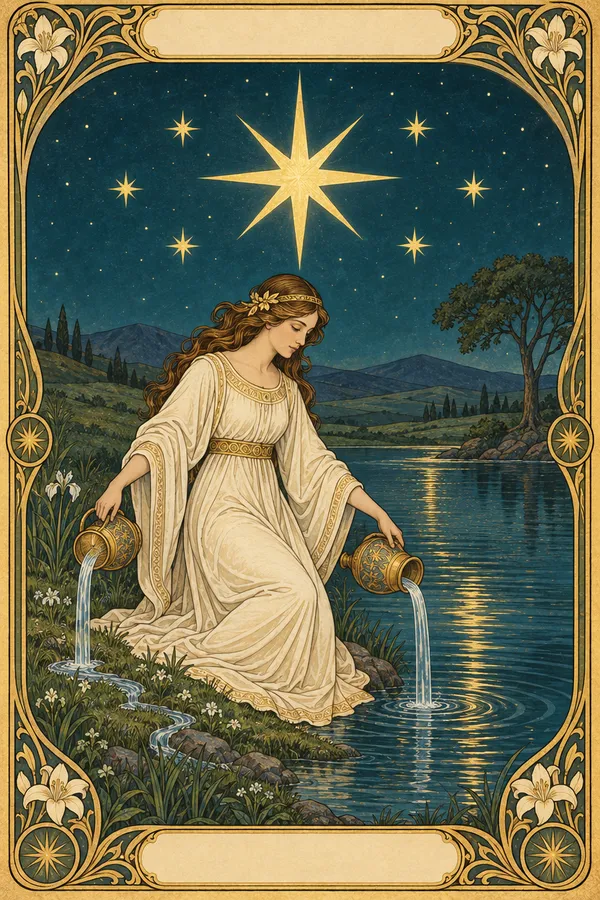
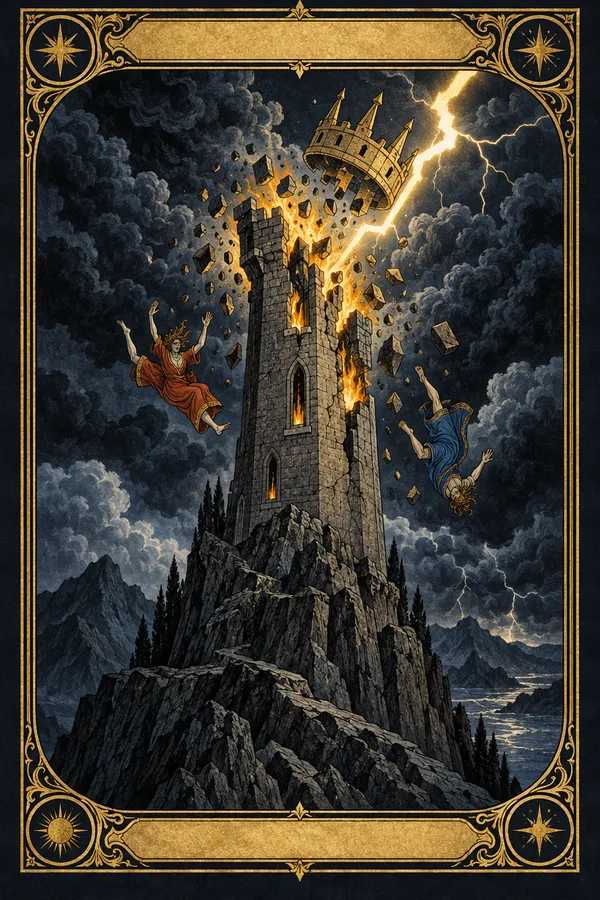
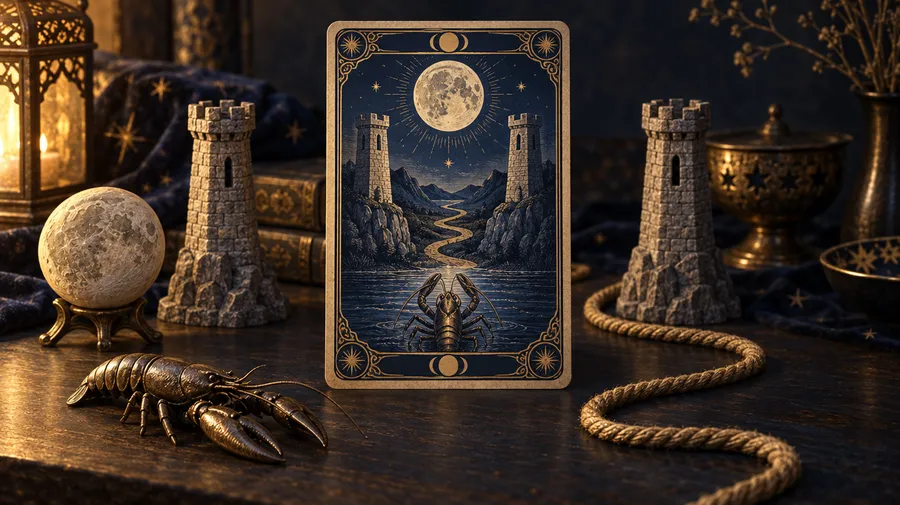
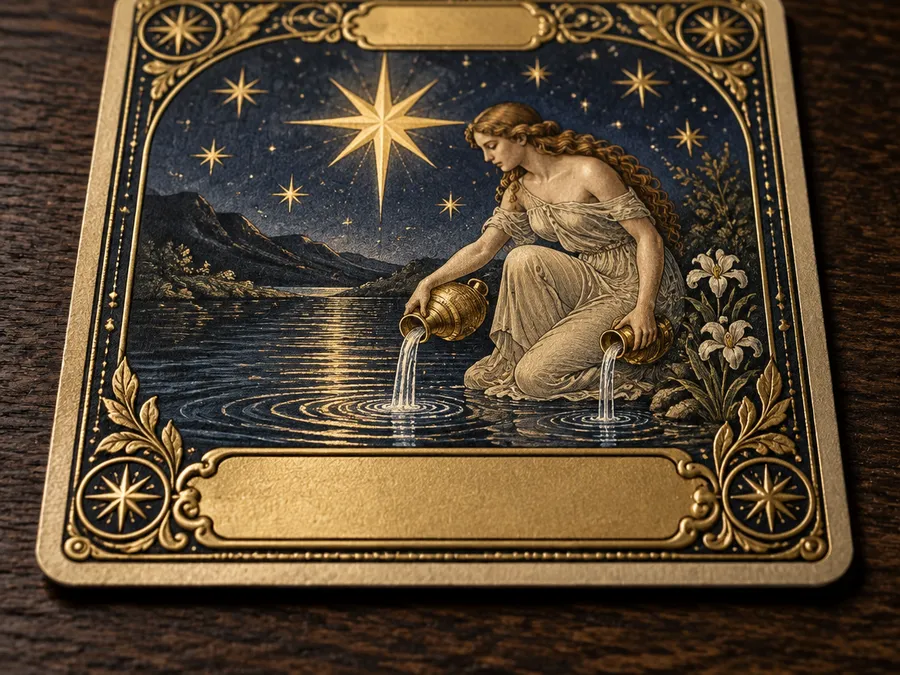
The Moon needs a moon overhead, two towers, a path, water and animals. The Tower needs disruption, lightning and falling figures in a tall vertical composition. The Star needs water, stars, open landscape and a calm luminous mood. Name those elements and the generation stops guessing.
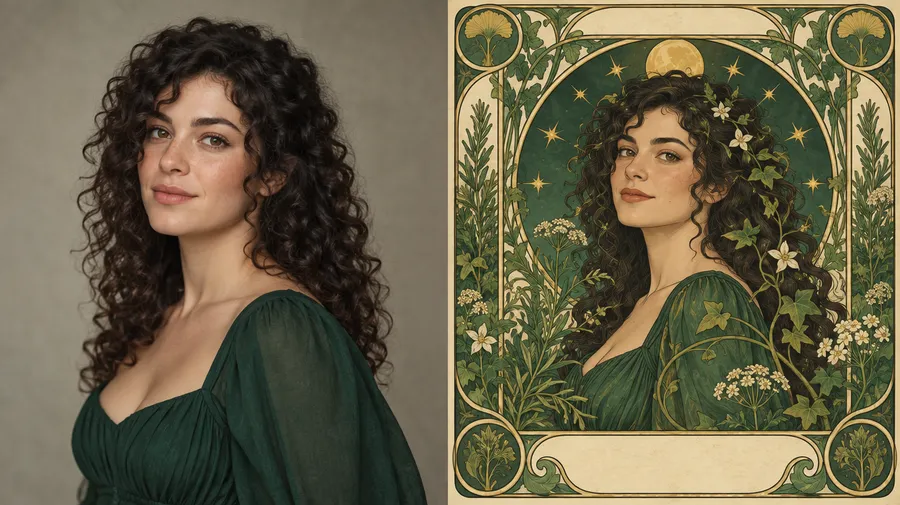
Turn yourself, a friend or a pet into tarot card artwork
Attach a photo as a reference and describe the card you want built around it. Up to 10 references can guide likeness, clothing, palette or border direction in a single generation. See the image references guide for how references are weighted.
Example prompt: turn the woman in image 1 into a custom tarot card titled 'THE GARDENER', preserve her curly dark hair and green dress, surrounded by vines, herbs and small golden stars, botanical Art Nouveau border, emerald and cream palette.
References guide likeness, but stronger symbolic or painterly stylization can change smaller facial and clothing details. Review the result before using it as a gift or a commissioned piece.
Build a tarot deck around your own visual theme
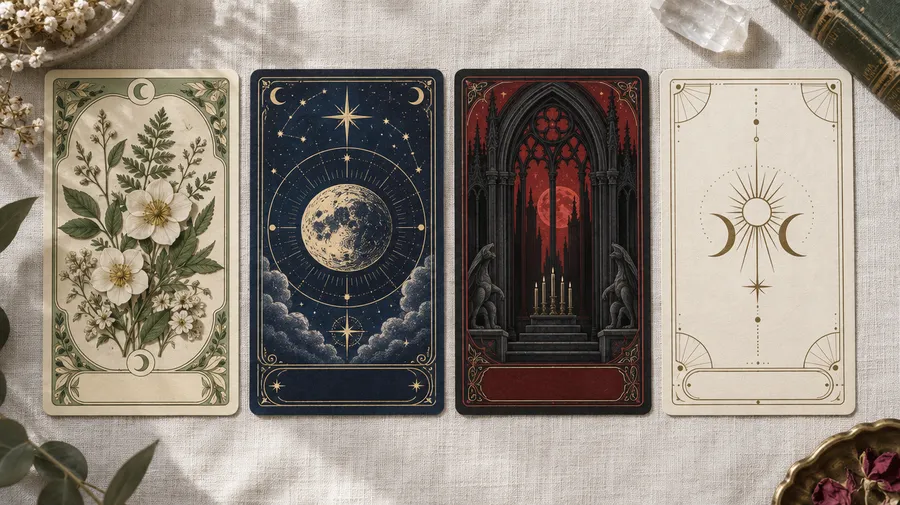
Botanical, celestial, gothic, ocean, animal-archetype, cyberpunk, mythology-inspired or minimalist: describe the deck system you want and generate cards inside it. Name the medium and movement rather than an existing published deck, so the artwork stays your own.
Keep a tarot deck visually consistent
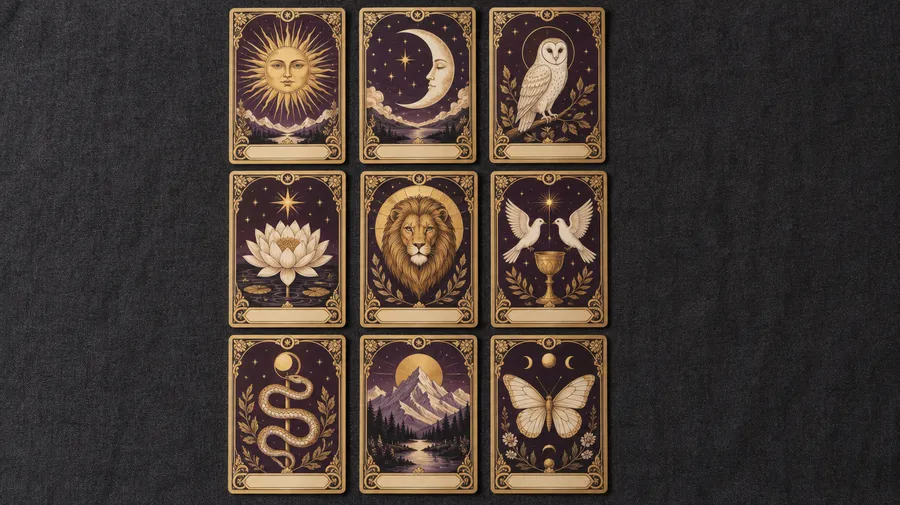
Create reusable Style, Color Palette or Composition Elements from your approved card direction, then reuse them as you generate additional Major or Minor Arcana artwork. Elements are saved once and called into any prompt with @ElementName - the Elements guide covers setup.
Elements guide visual consistency, but generative borders, symbols, text placement and smaller decorative details can still vary between cards. Expect to review and refine rather than generate a finished deck in one pass.
Design borders, titles, numerals and card backs
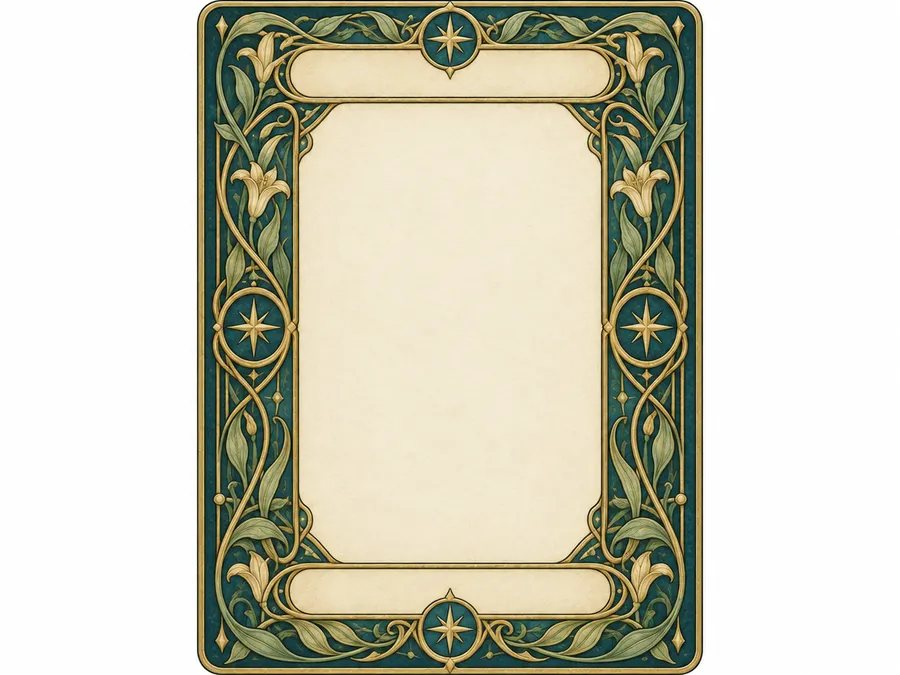
The parts of a card that repeat across the deck deserve their own decisions. Set them once, then apply them consistently.
A repeatable card frame
Describe the frame explicitly: ornate Art Nouveau border, thin gold geometric frame, botanical border, minimal cream border, gothic architectural frame or celestial moon-and-star border. Generative frame consistency is not deterministic, so for a full deck it is often better to generate central illustrations consistently and apply one approved border during final layout.
Card titles and numerals
Put exact card names in quotation marks and state their placement: title "THE STAR" centered at the bottom in small gold serif lettering, Roman numeral XVII centered above the illustration. For Minor Arcana use the full name, such as "THREE OF SWORDS". Review every generated title, numeral and suit label before using the artwork, and see the [prompt book](/guides/ai-image-generation-prompt-book) for typography phrasing.
A matching card back
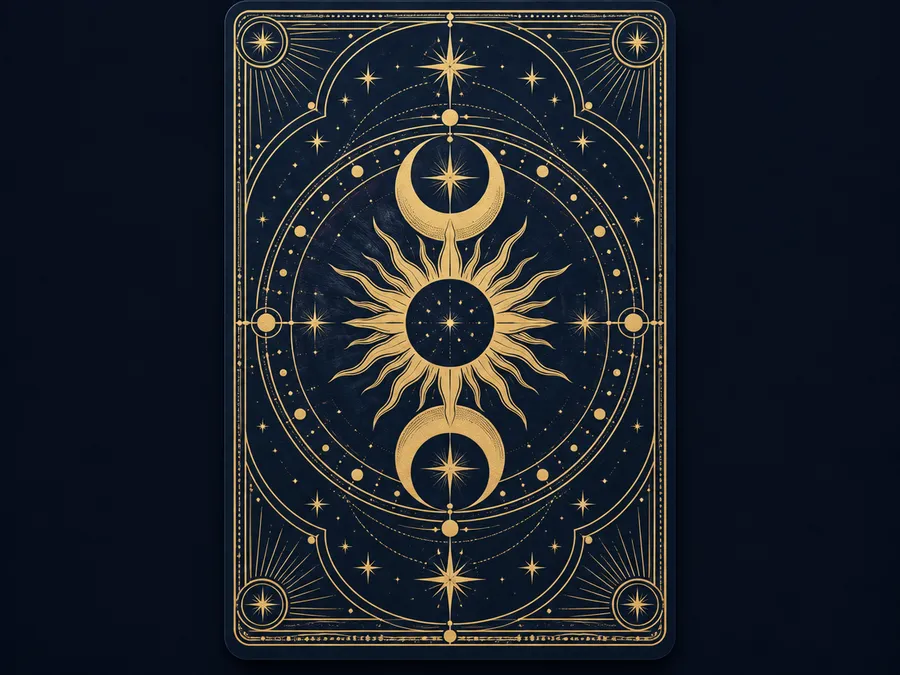
A deck needs a shared back as well as 78 fronts. Prompt for a symmetrical celestial tarot card back with a mirrored moon and sun motif, intricate gold linework and a deep navy background. Use a symmetrical composition so the back reads the same in either orientation.
AI tarot card prompt examples
A working prompt formula: card name + symbolic scene + central subject + secondary symbols + visual style + palette + border + title and numeral placement + portrait orientation.
Major Arcana prompts
Traditional archetypes with their established symbolism.
The Fool: tarot card titled 'THE FOOL', youthful traveler approaching the edge of a cliff, small white dog beside them, rising sun, bundle over the shoulder, decorative Art Nouveau border, Roman numeral 0 at the top, title at the bottom in serif lettering.
The High Priestess: tarot card titled 'THE HIGH PRIESTESS', seated woman between two tall pillars, crescent moon at her feet, deep blue veil behind her, silver and midnight-blue palette, intricate Art Nouveau border, Roman numeral II at the top.
Create tarot artwork for digital projects or physical deck layouts
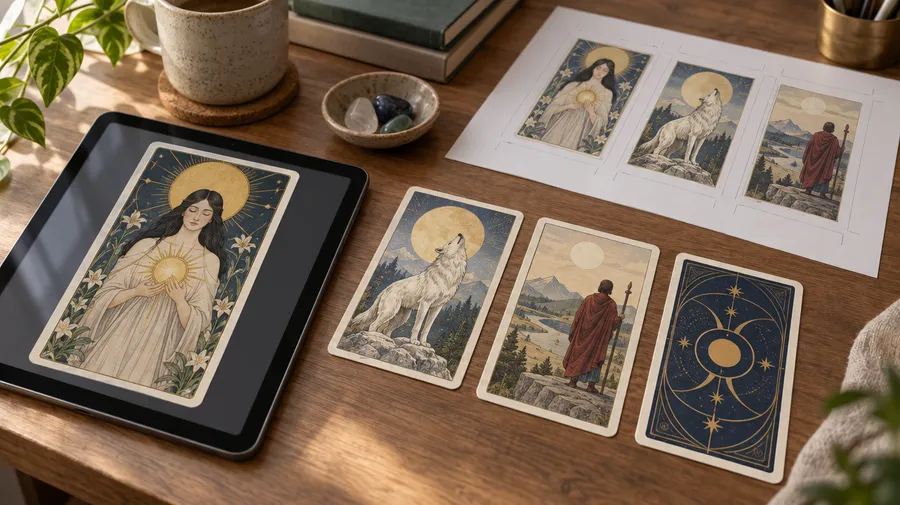
Share cards online, frame them as artwork, use them in a digital deck, or prepare them for a printed one. For print, choose your printer and card format first, then place the approved artwork into that provider's template and check dimensions, resolution, bleed, safe areas and card-back setup before ordering.
Frequently Asked Questions
Open Create image, name the card you are designing, and describe its core symbolic scene: central figure or object, secondary symbols, environment, mood, composition, palette and border. Generate several versions, then refine the strongest one with a follow-up edit prompt.
No. The generator produces tarot card artwork as individual raster images. It does not assemble a full 78-card deck automatically, number the cards for you or export a production package. The practical workflow is to define a visual direction, generate cards in batches, and assemble the deck in a layout tool.
No. The Tarot Card Generator creates tarot card artwork. It does not draw cards, build spreads or interpret a reading as part of this image-generation workflow.
Tarot follows a recognizable deck structure, commonly 78 cards divided into 22 Major Arcana and 56 Minor Arcana across four suits. Oracle decks are generally more flexible in structure, card count and naming system. If you want complete freedom over card names and symbolic themes, an oracle-style deck may fit your concept better than traditional tarot.
Largely, yes. Save your approved direction as a Style, Color Palette or Composition Element and reuse it with @ElementName in later prompts, as described in the Elements guide. Borders, symbols, lettering and small decorative details can still vary between generations, so review each card and refine where the system drifts.
Put the exact text in quotation marks and state its placement, for example: title "THE STAR" centered at the bottom in small gold serif lettering, Roman numeral XVII above the illustration. Lettering quality varies between models and generations, so check every title, numeral and suit label. For a full deck, applying typography during final layout is usually more consistent than regenerating labels inside the artwork.
Yes. Attach the photo as a reference, describe the card title and symbolism you want built around it, and generate. Up to 10 references can be used per generation to guide likeness, style and palette. Stronger stylization can change smaller facial and clothing details.
Not on its own. A generated image is artwork, not a press-ready card file. Choose your printer and card format first, then place the approved artwork into that provider's template and check dimensions, resolution, bleed, safe areas and card-back setup. As an example, one common tarot format offered by MakePlayingCards is 2.75 x 4.75 in at a minimum of 300 dpi with bleed, but always use your chosen printer's current template. Upscale and resize before you place the artwork.
Use Auto to select a suitable image model for the prompt. If you prefer to choose, pick a model with strong typography handling when the card carries a title and numeral, and one with strong reference fidelity when you are working from a portrait photo. All 29+ image and video models are available under one subscription.
All paid plans include commercial rights, subject to the use restrictions in our terms. Any references or third-party artwork you upload must be material you have the rights to use, which matters if you are working from an existing published deck.