How to Create an Original Character with AI

Creating a character with AI means designing an original person from a set of choices rather than a photo: their gender, heritage, build, features, hair, age, outfit, and art style. It works like the character creator in a video game, except the result is a finished image. You make your selections, add any extra detail in a text field, and the model generates the character. On getimg.ai the Character creator Action does this with no upload at all, so you build someone from scratch.
What AI Character Creation Is
Designing a character normally means either drawing them or writing a very detailed prompt and hoping the model interprets it the way you meant. The first needs illustration skill; the second needs prompt skill, and it often takes many tries to pin down a specific look. The Character creator Action replaces both with a structured set of choices. Instead of describing a person in a sentence, you build them from menus: pick the heritage, the build, the hair, the eyes, the outfit, and the art style, and the model assembles a coherent character from your selections.
The advantage is control and repeatability. Because each trait is an explicit choice rather than a word buried in a prompt, you can design exactly the person you have in mind, adjust one attribute at a time, and get a result that reflects your decisions rather than the model's guesswork.
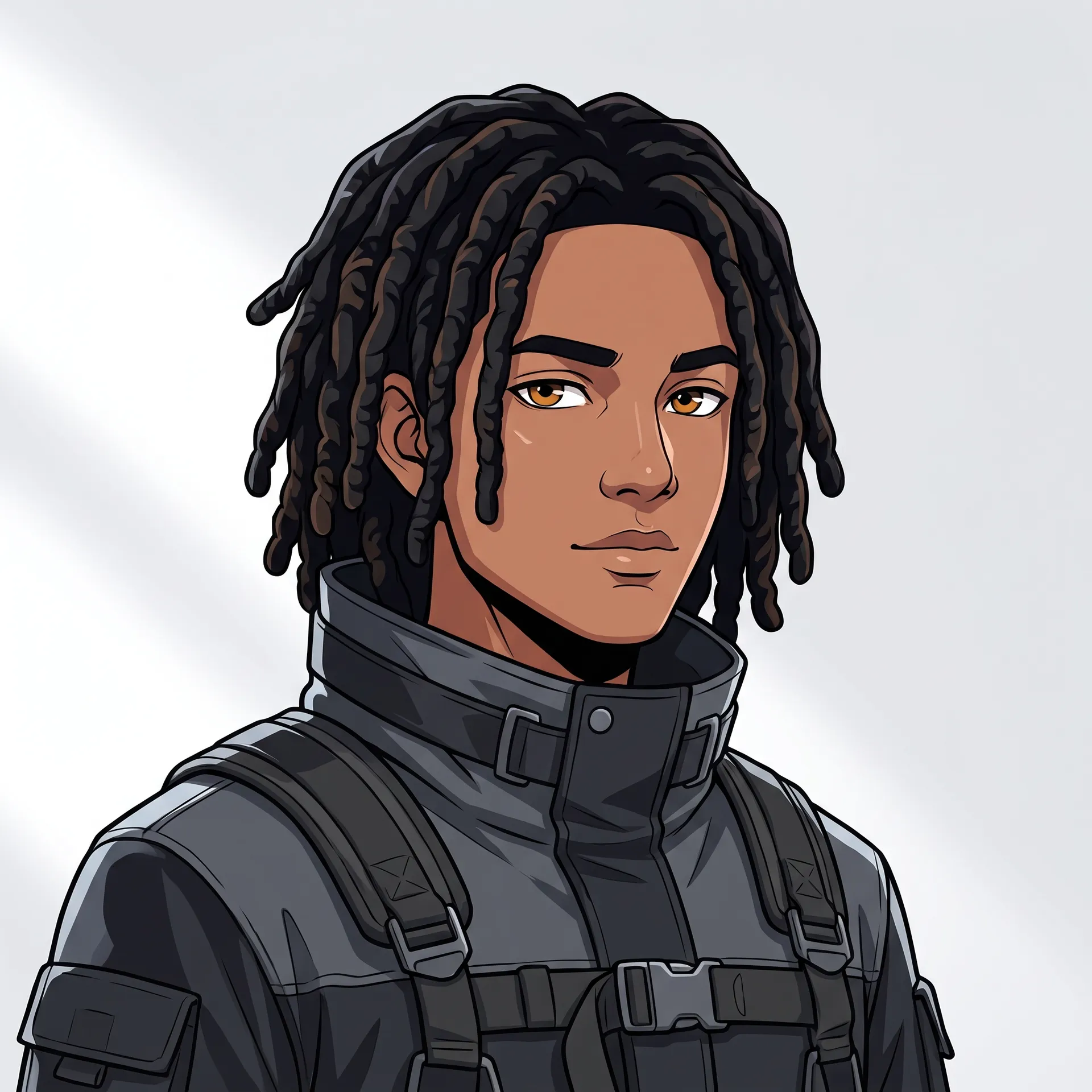
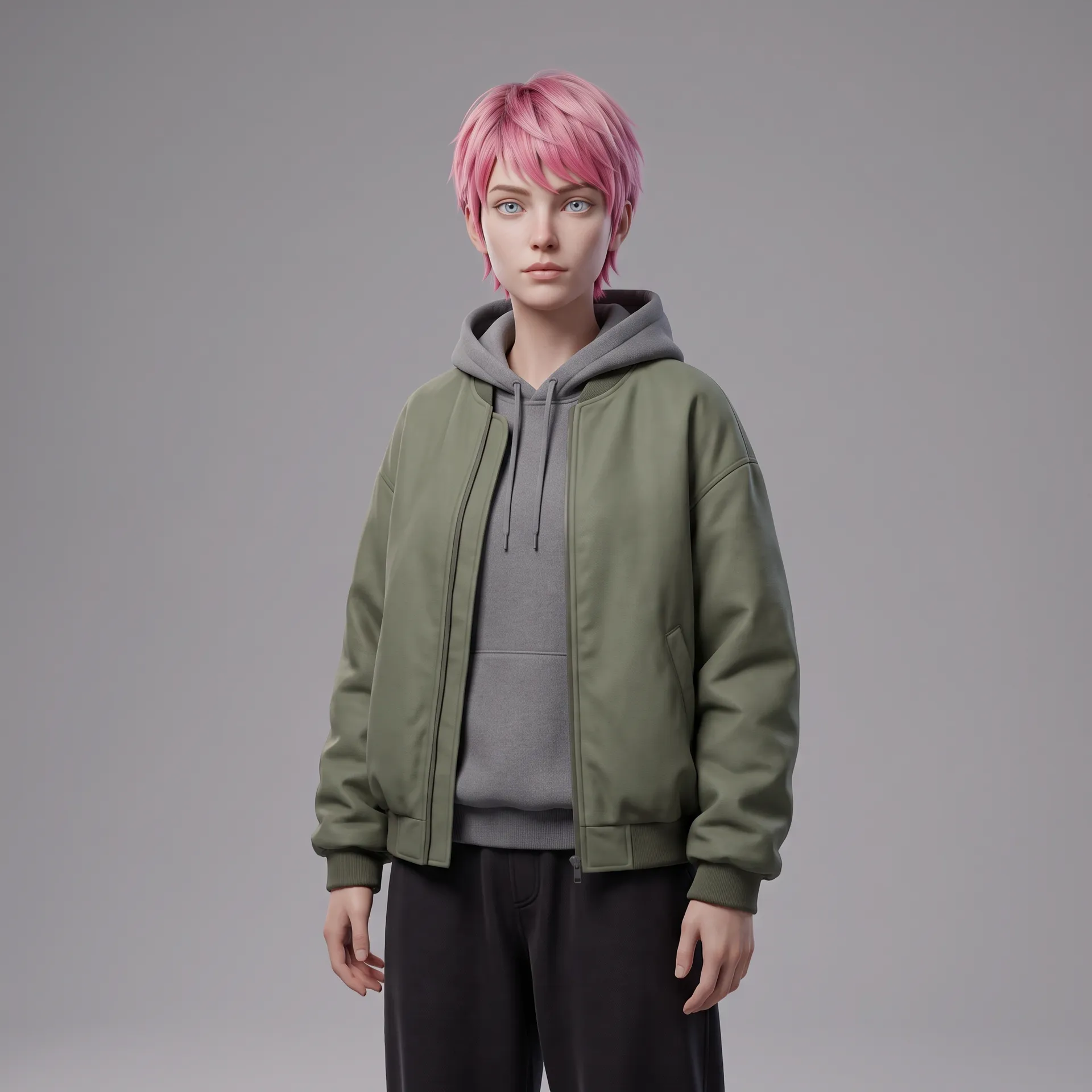
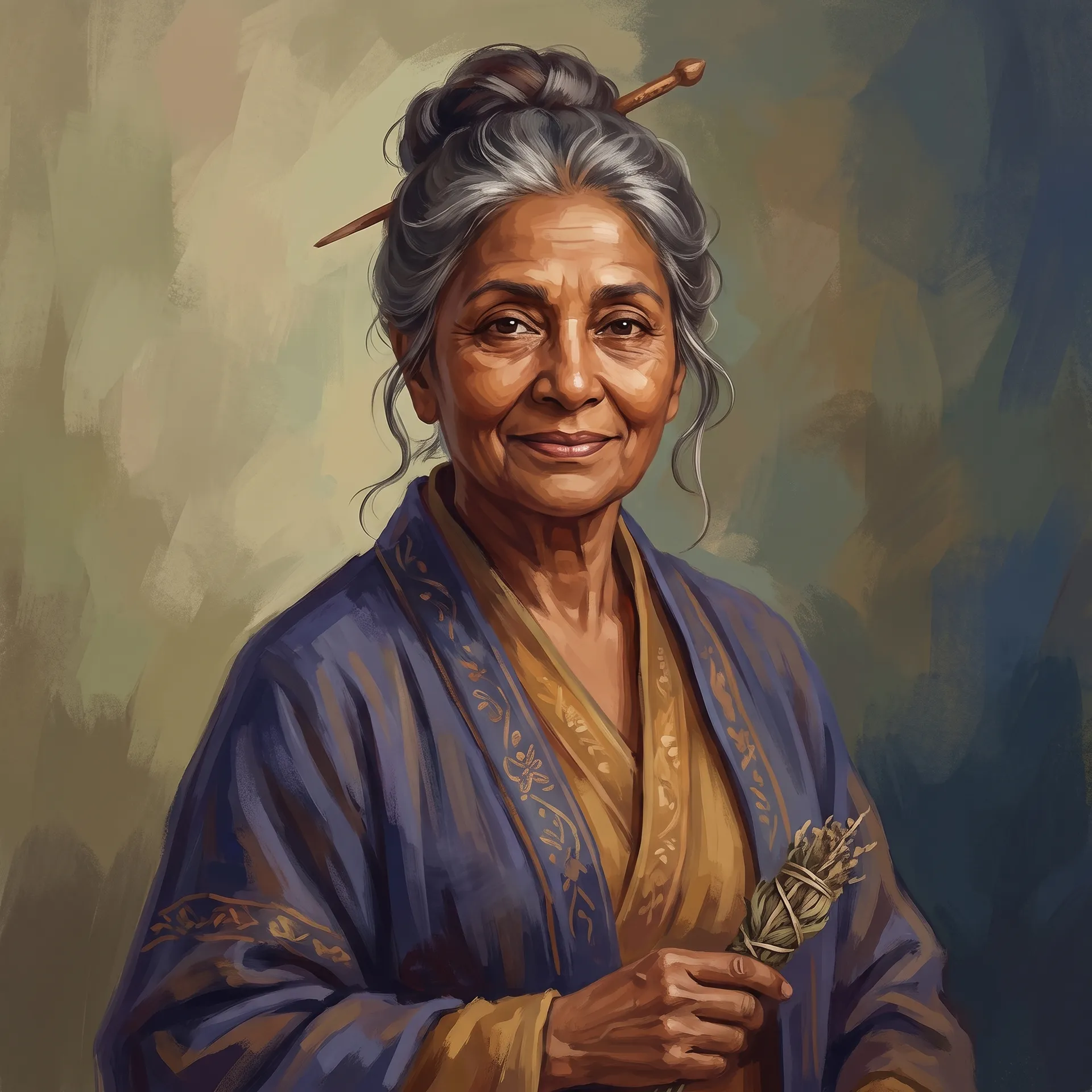
When to Use It (and When to Prompt or Draw Instead)
Character creation fits anyone who needs an original person and does not have (or want) a photo:
- Game and story characters, building a protagonist, an NPC, or a cast from scratch.
- Original characters (OCs) for art, writing, tabletop games, or online communities.
- Brand mascots and personas, giving a face to a product or a channel.
- Diverse casts and stand-ins, when you need people who do not exist to avoid using real likenesses.
Writing a full prompt in the Create image generator still wins when your character concept is unusual enough that it falls outside the preset options, or when you want to describe a very specific scene around them. Commissioning an illustrator wins when the character is a central, ownable brand asset with an exact, evolving art bible. The Character creator is the fastest route to a strong, coherent original person from a set of clear choices.
How to Create a Character with AI, Step by Step
Here is the workflow in getimg.ai. Open the Character creator Action to follow along. There is no photo to upload; you build the character from the options.
1. Set the identity and build
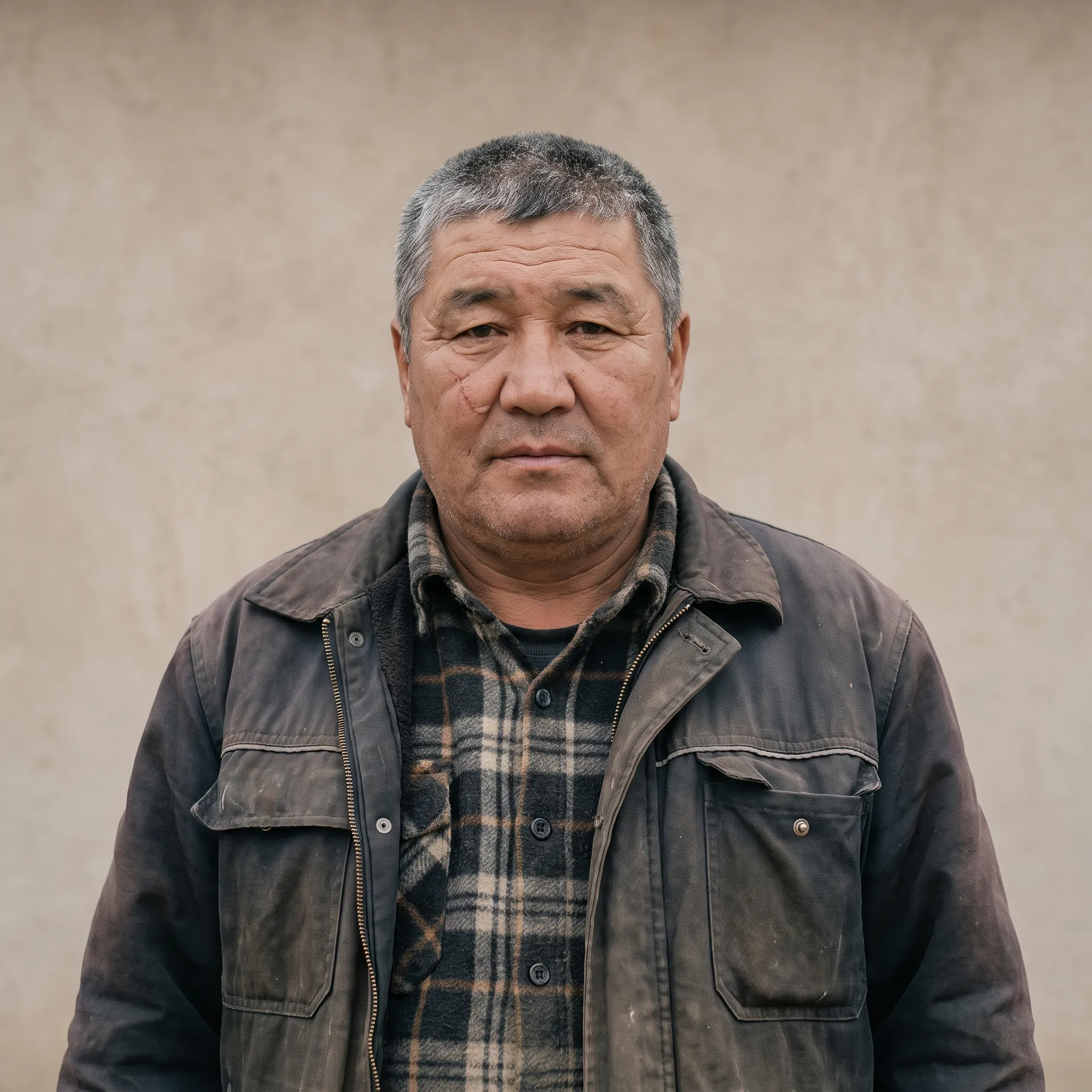
Choose the gender (female, male, trans woman, trans man, or non-binary), the heritage from a wide list of regional backgrounds, the build (slim, average, athletic, curvy, or heavyset), and the age (young adult, adult, or senior). These decisions establish who the character is before you refine the details.
2. Choose the features
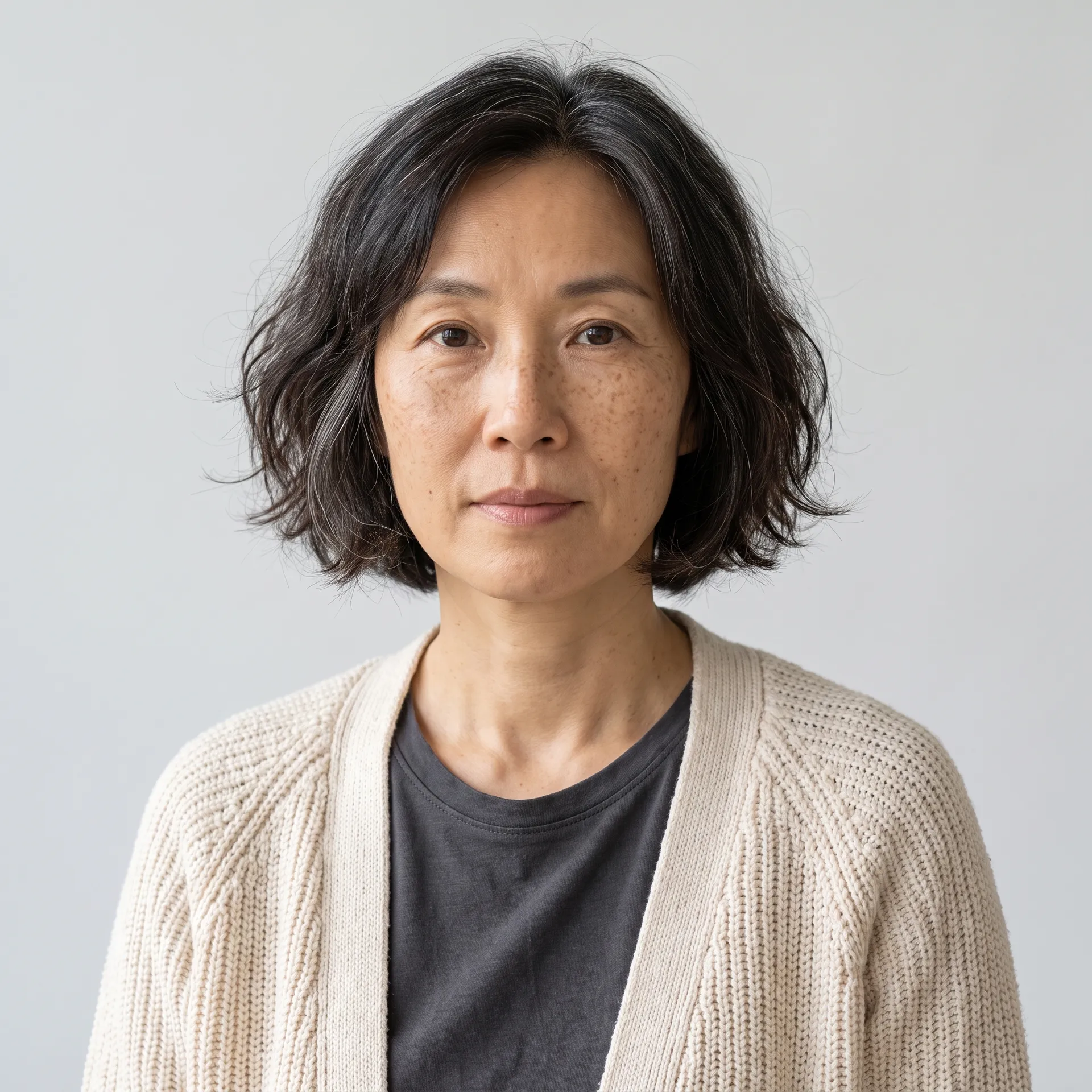
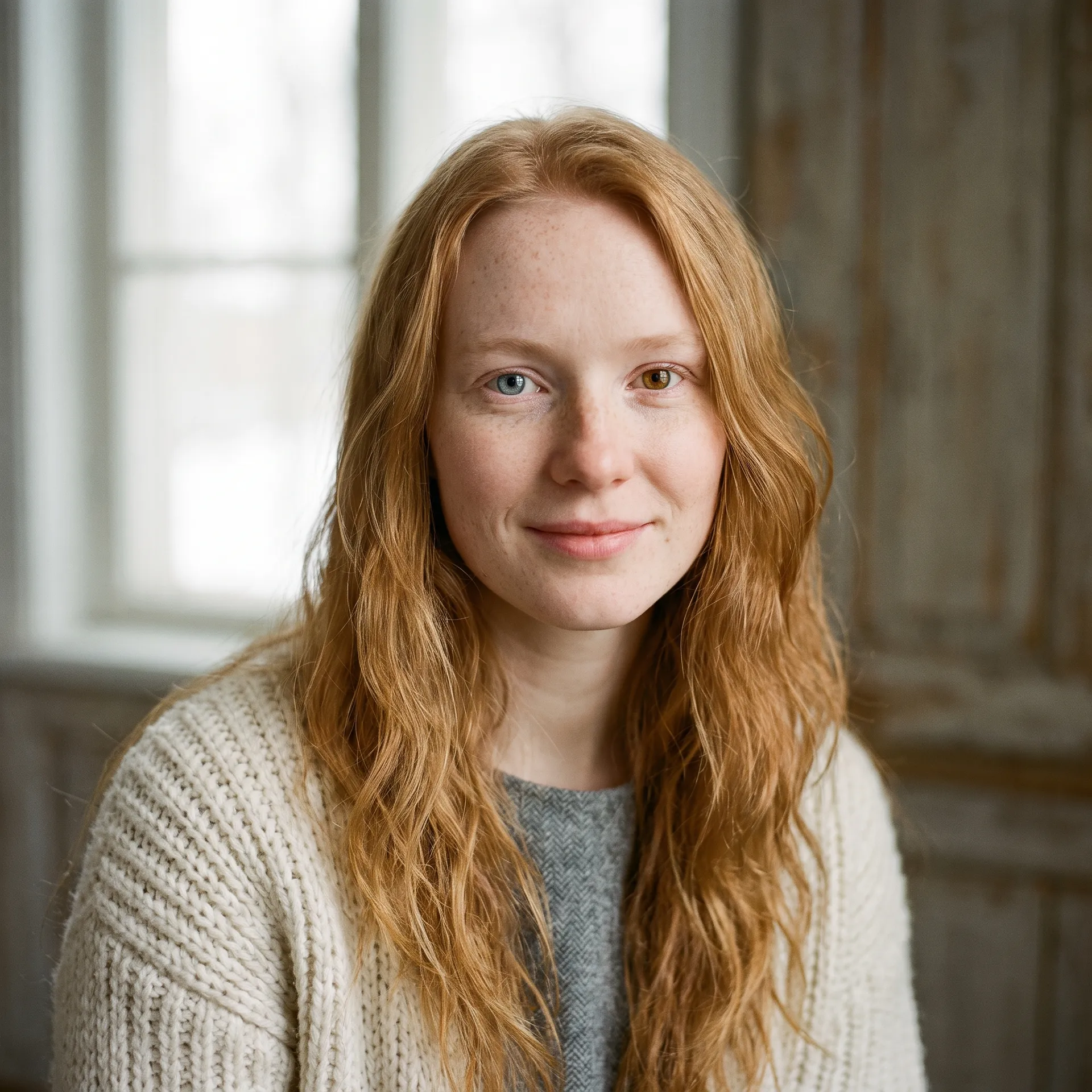
Set the skin tone and skin detail (from clear skin to freckles, vitiligo, scars, or fine lines), the hair style and hair colour, and the eyes (colour and shape, including options like hooded or heterochromia). This is where a character stops being generic and starts being specific, so choose the details that make them theirs.
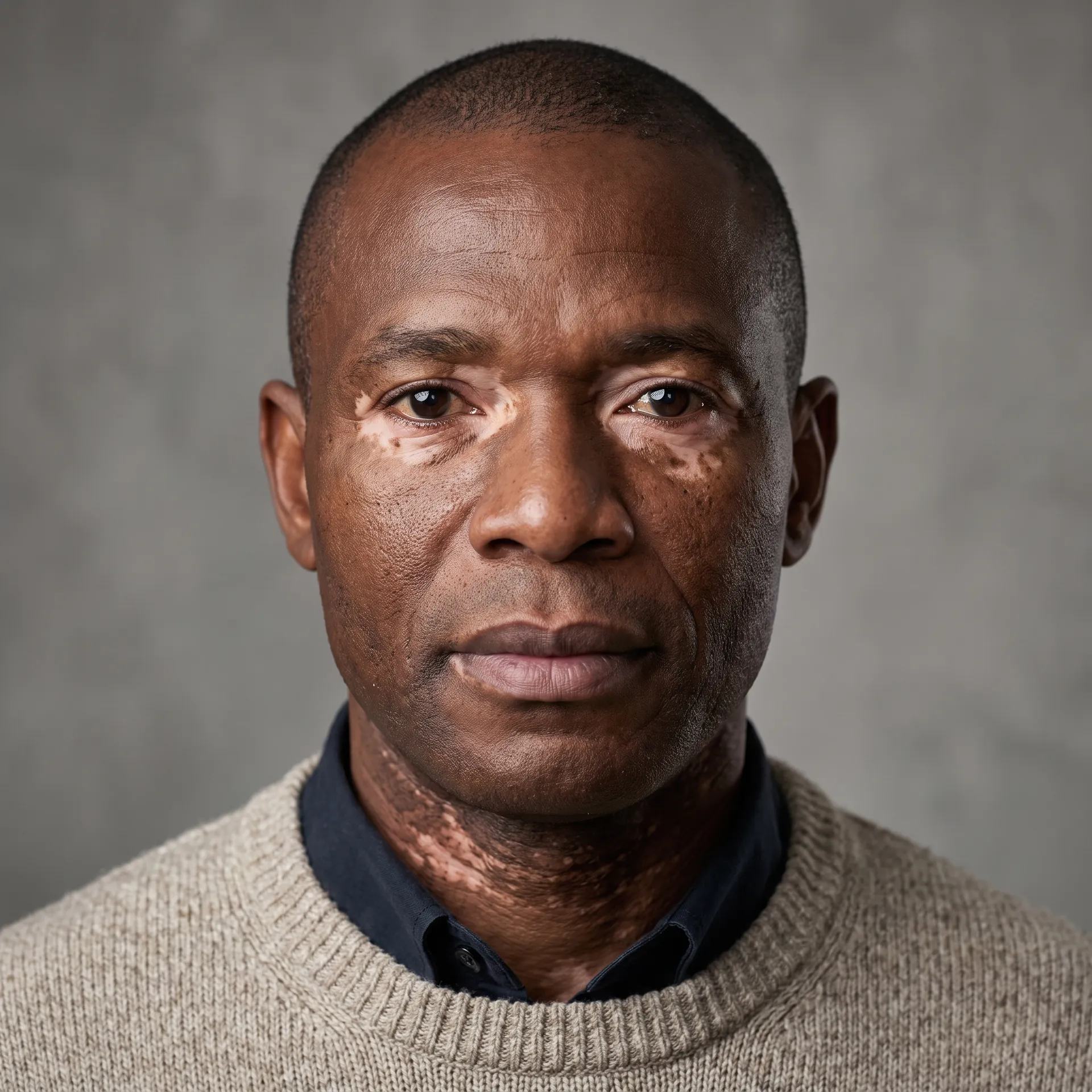
3. Pick the outfit and art style
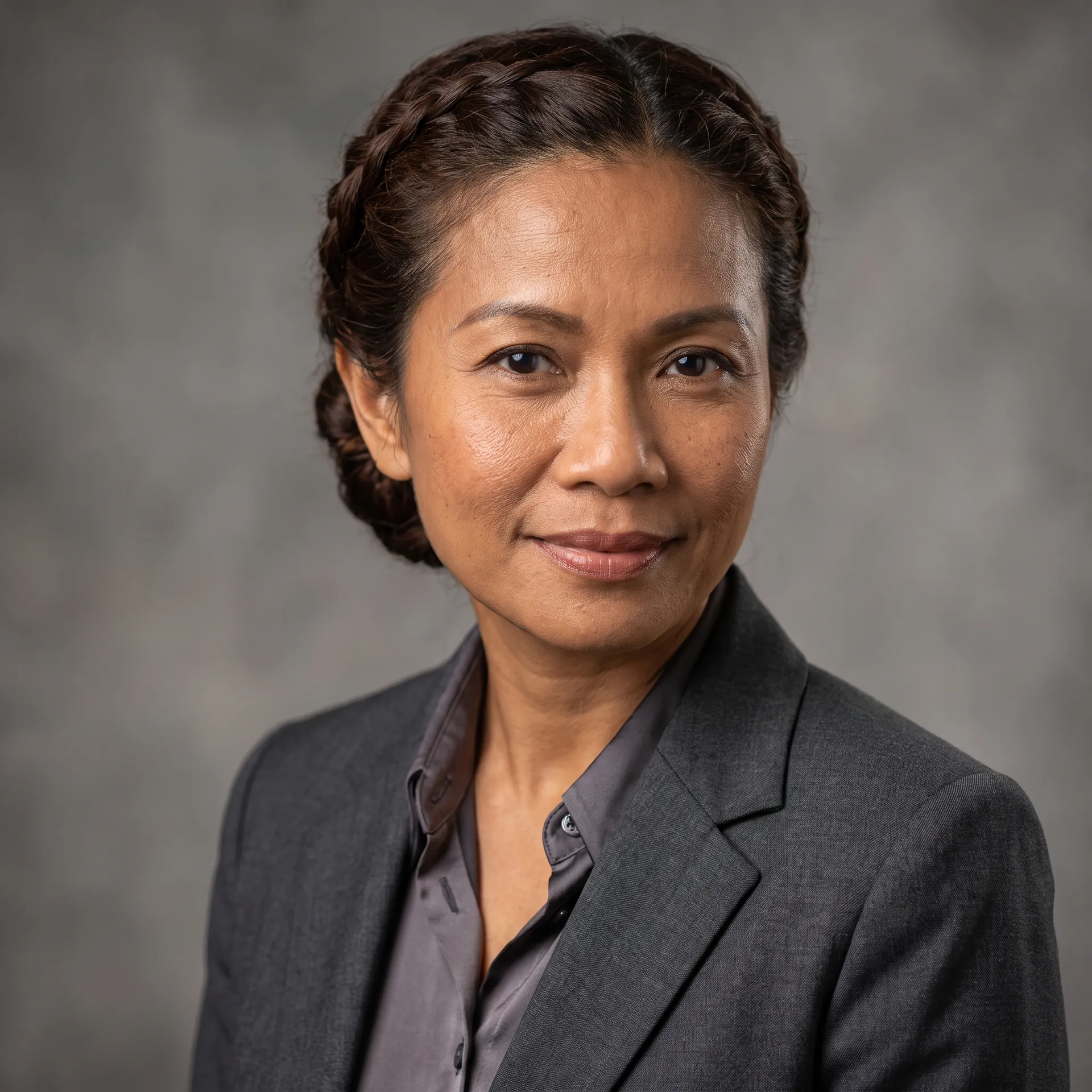
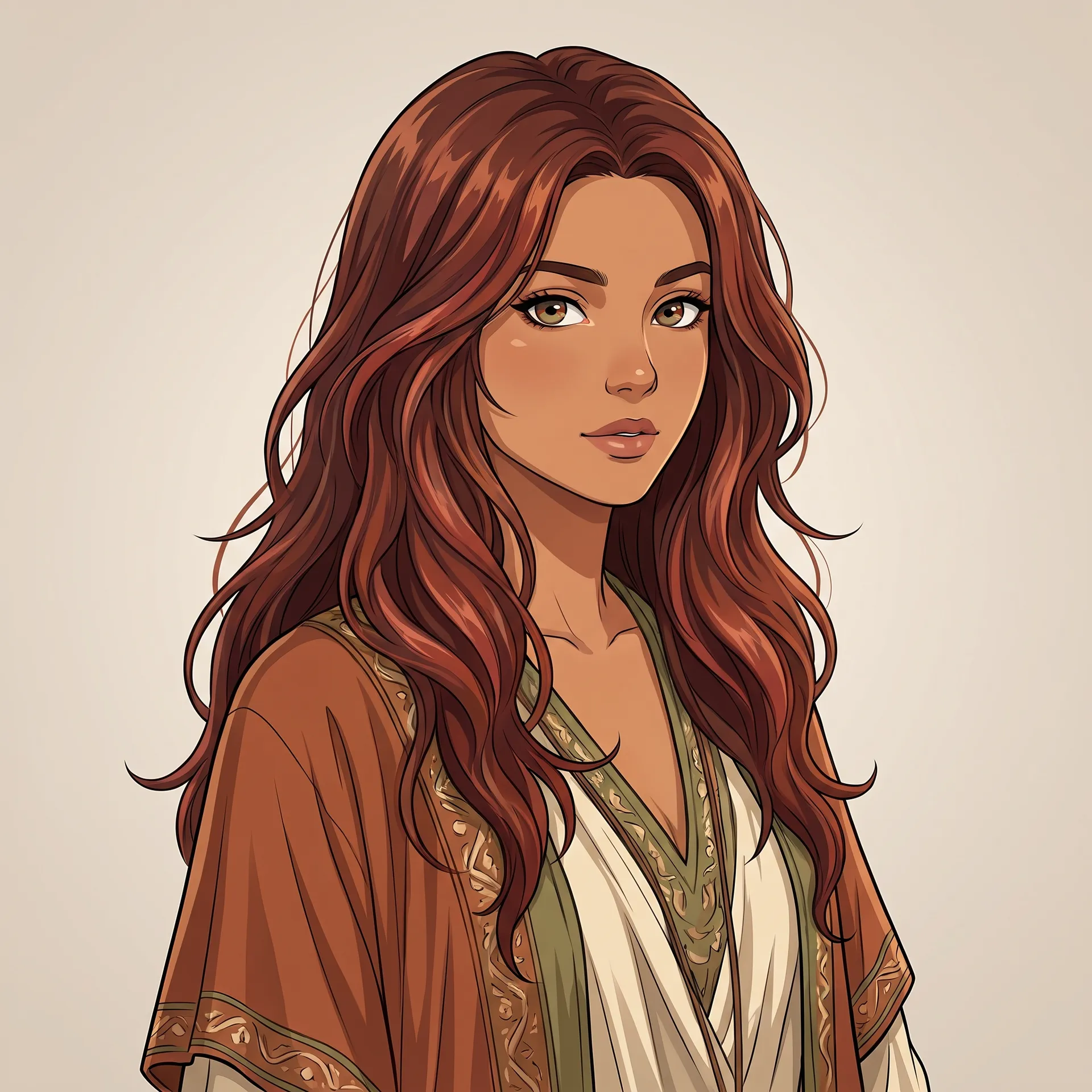
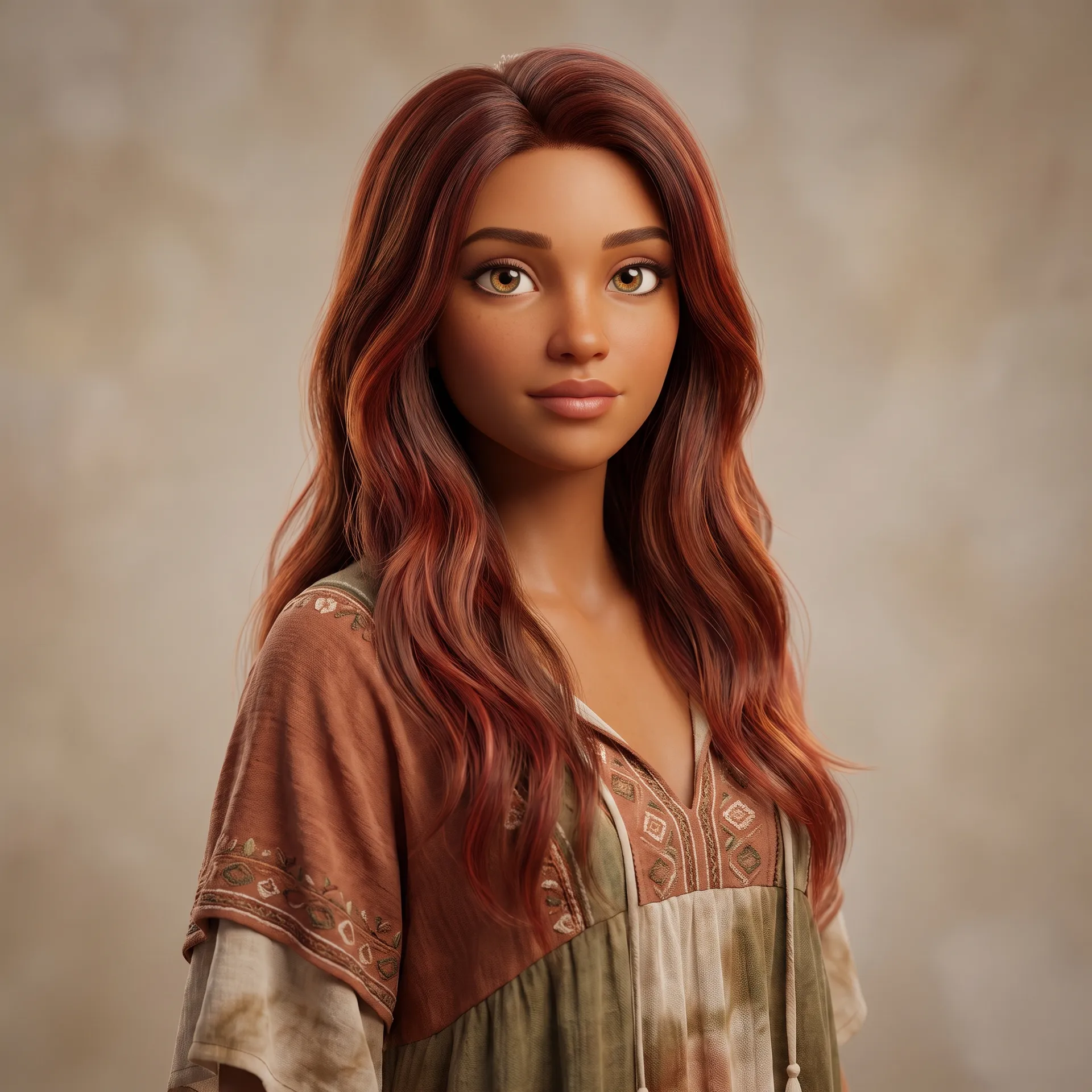
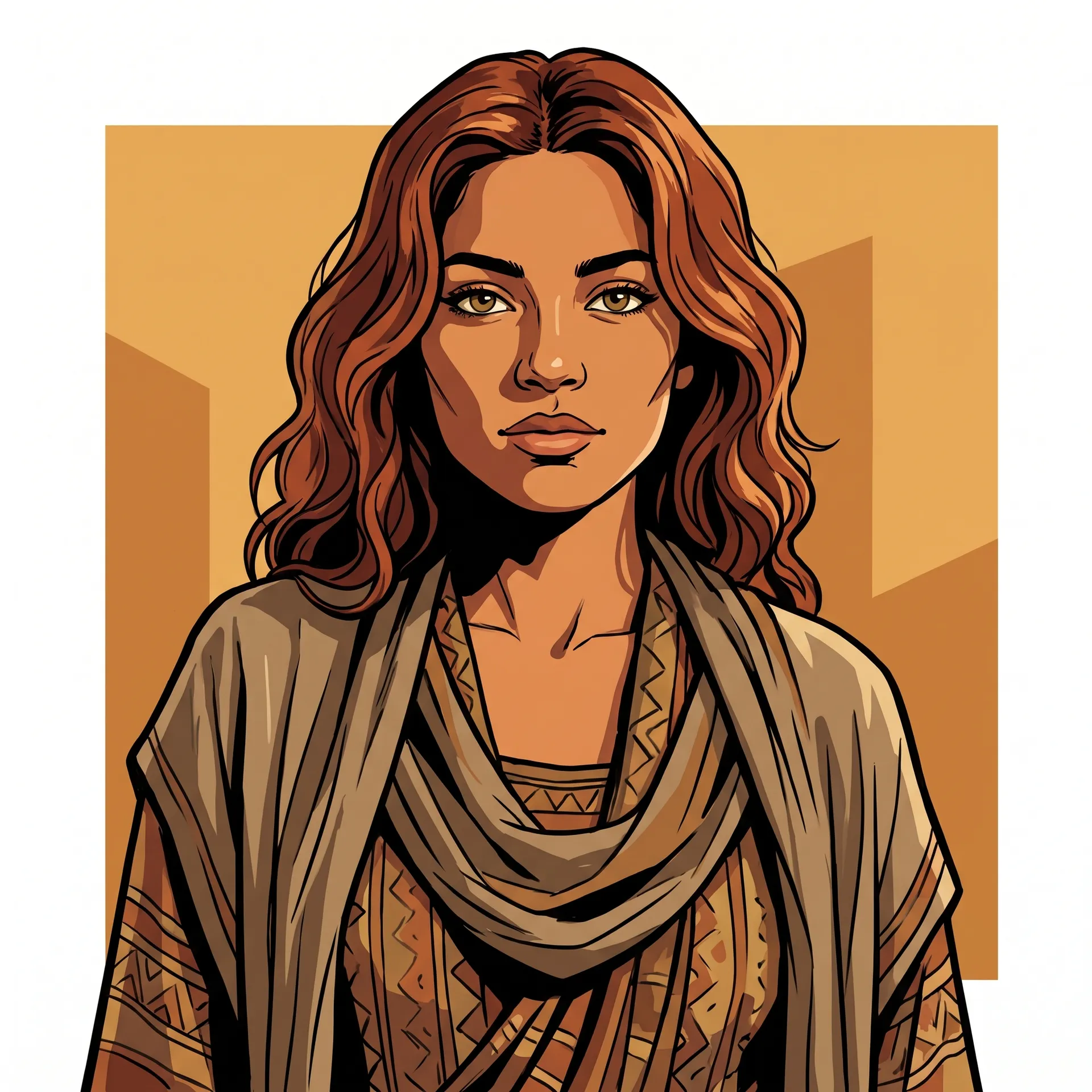
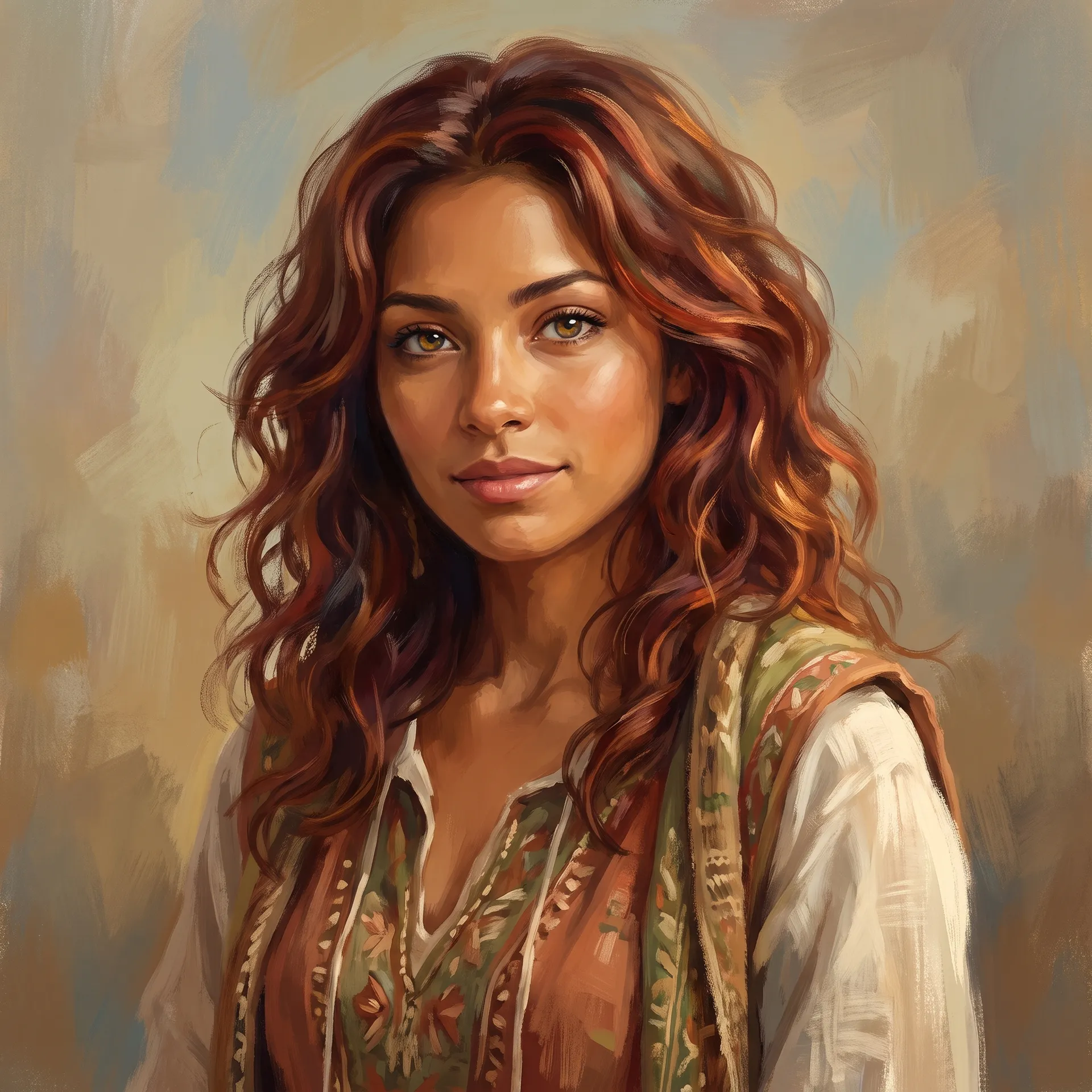
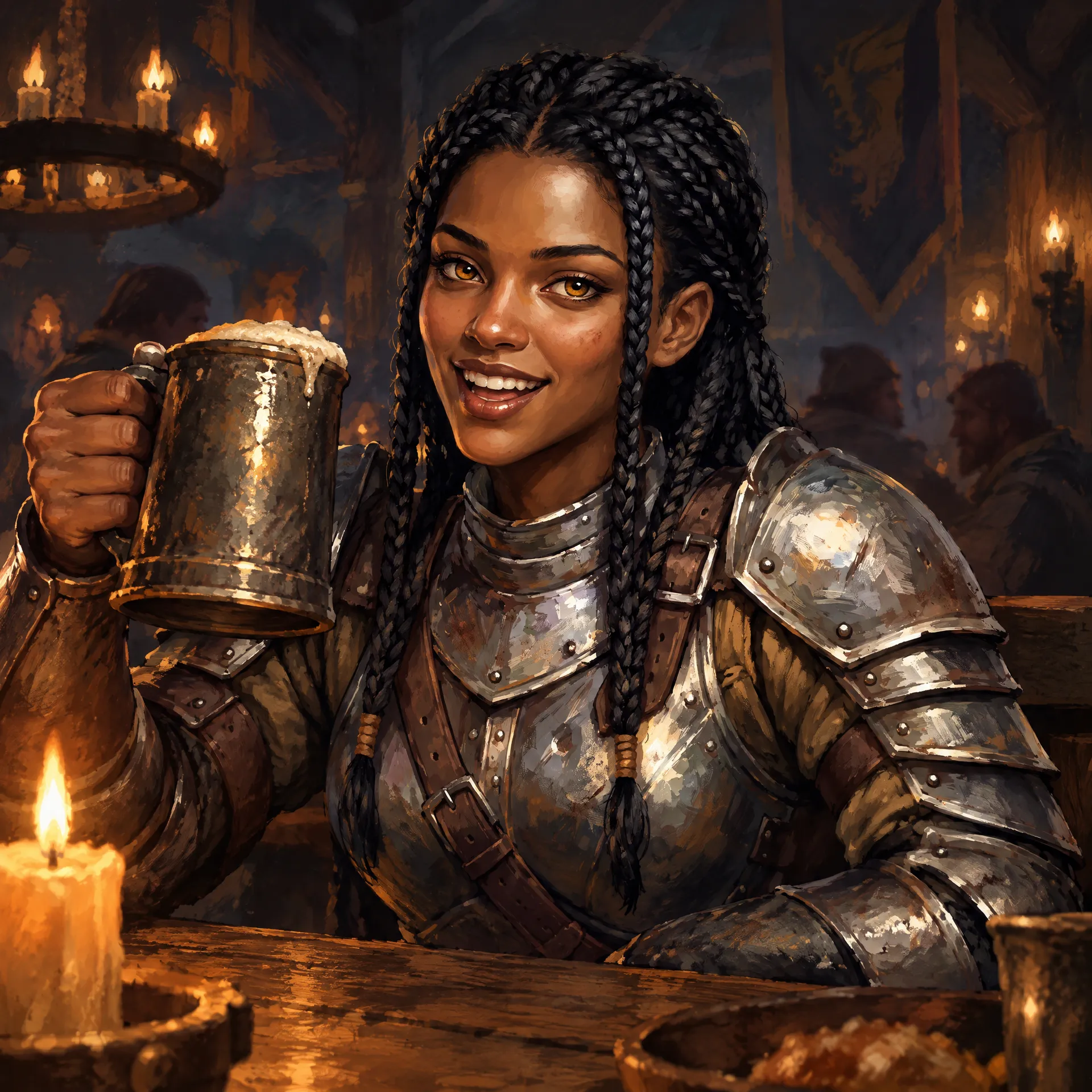
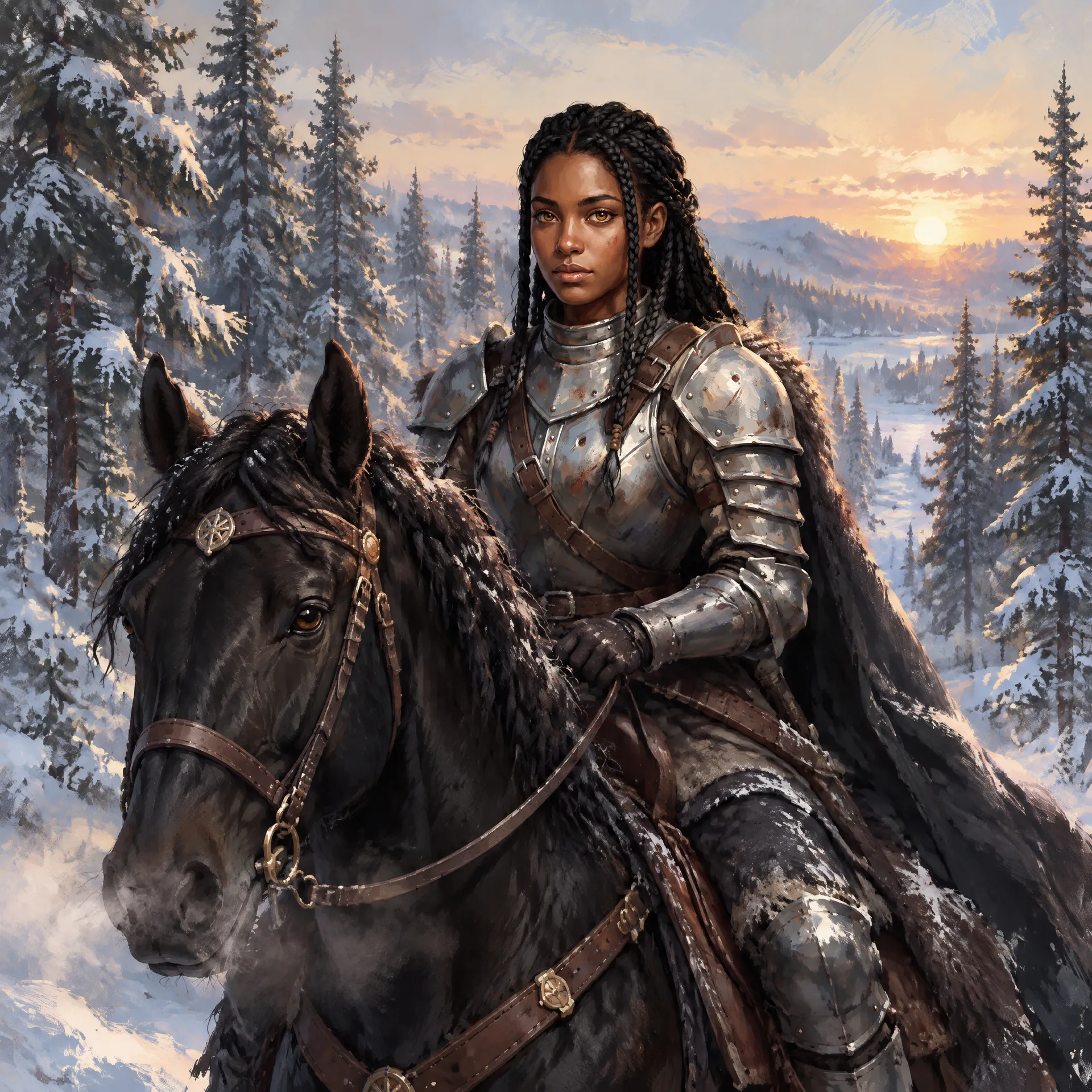
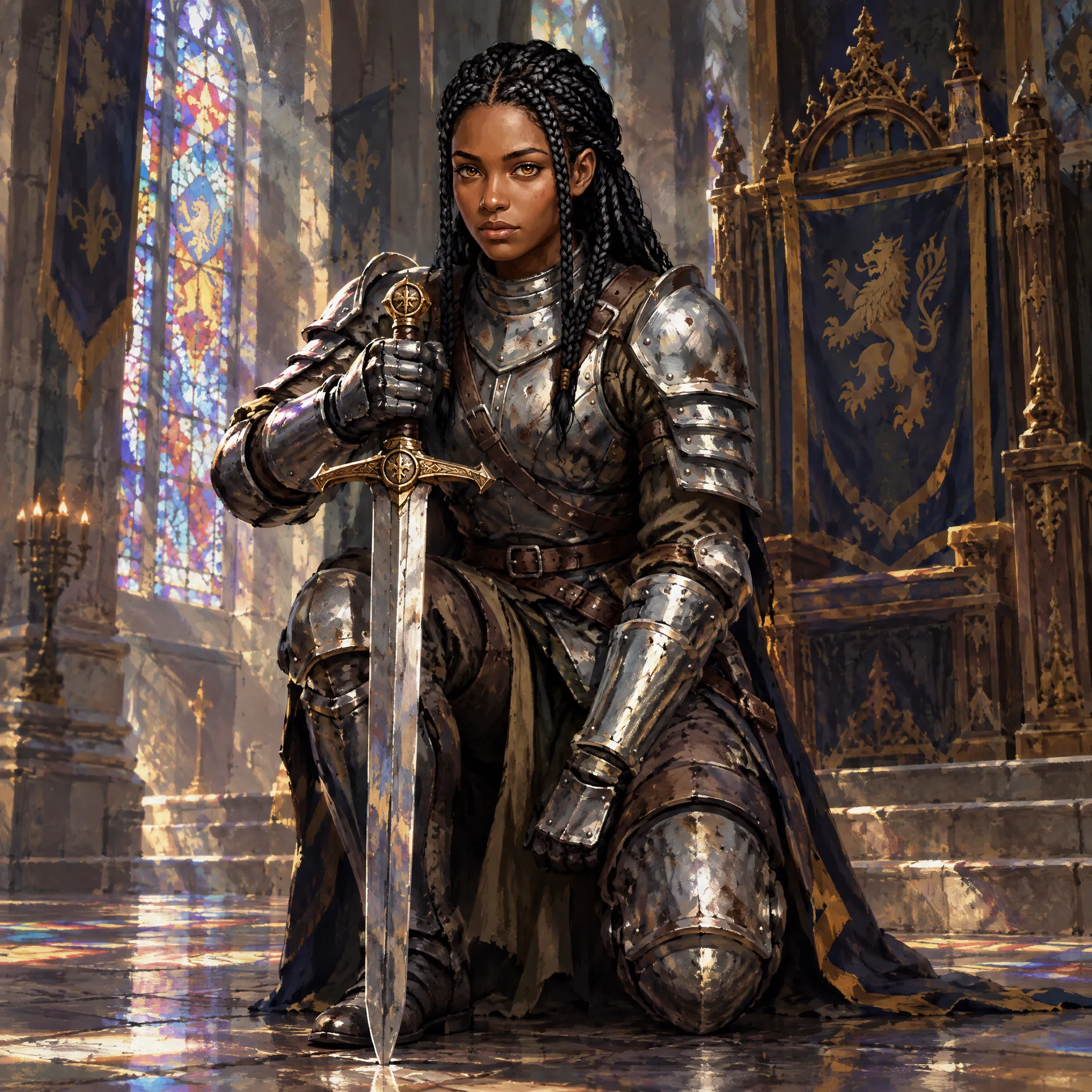
Choose an outfit (from streetwear and tailored suit to lab coat, fantasy armour, or cyberpunk techwear) and the art style: photoreal, anime, 3d render, comic, or painterly. The art style shapes the entire look of the output, so decide early whether you want a realistic person, an anime character, or a rendered game asset.
4. Add anything else
Use the "anything else" text field for anything the menus do not cover: a specific accessory, an expression, a prop, a colour scheme, or a mood. This is optional refinement, not a required prompt, so add detail only where you want it.
5. Set quality, aspect ratio, and variations
Choose the output quality (2K or 4K), the aspect ratio (3:4, 1:1, 4:5, or 9:16), and how many variations to generate (1, 2, 3 or 4). Generating a few at once lets you compare interpretations of the same choices and pick the strongest.
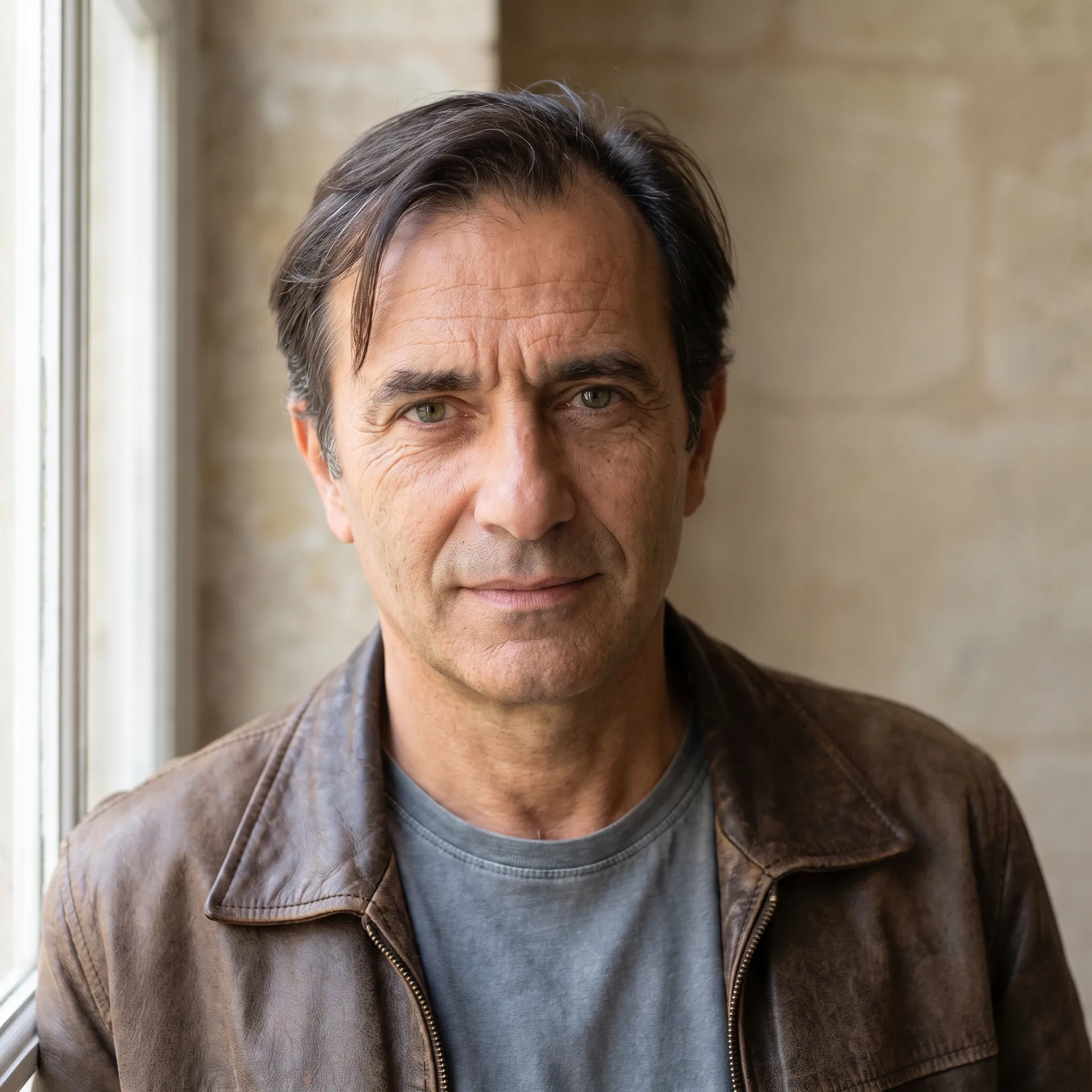
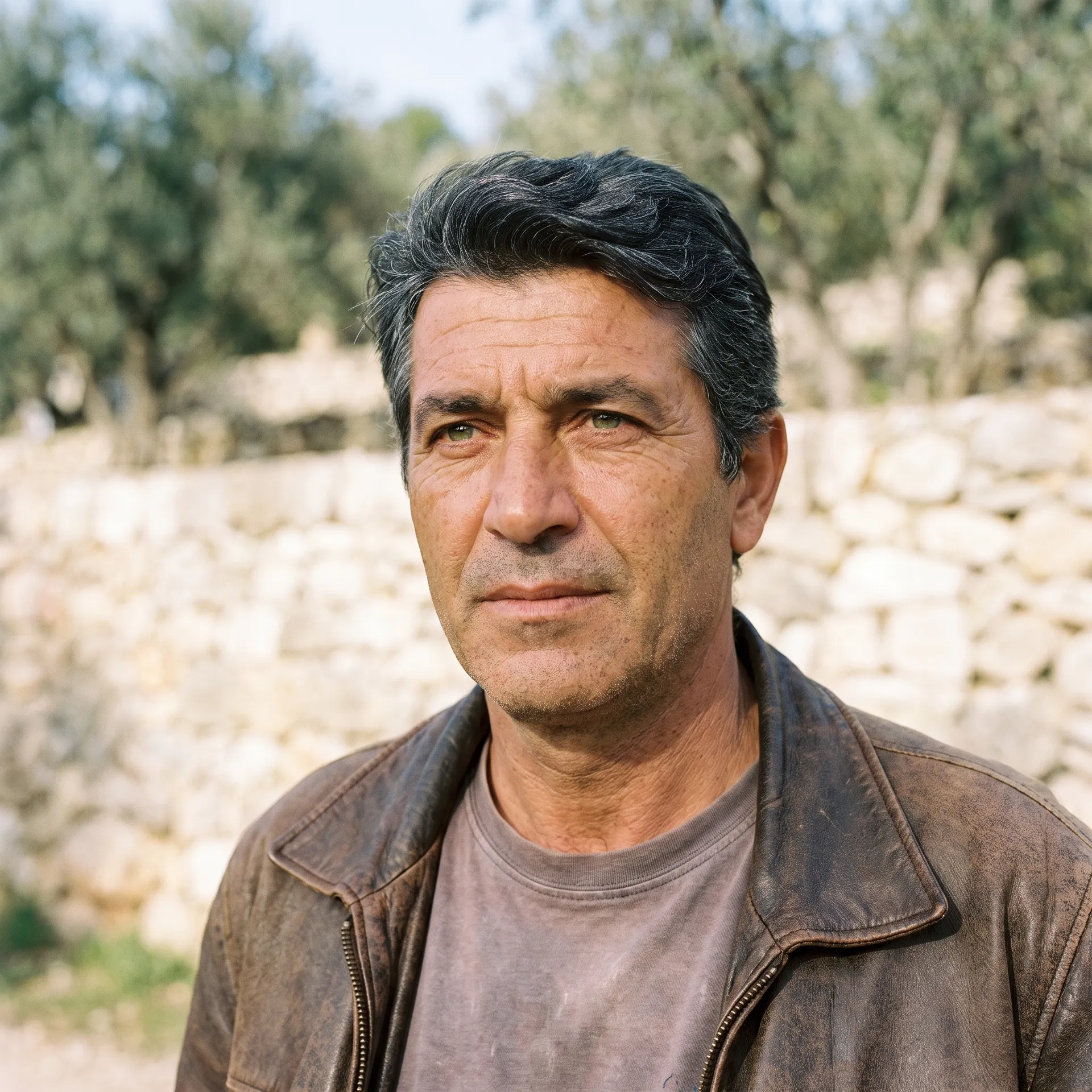
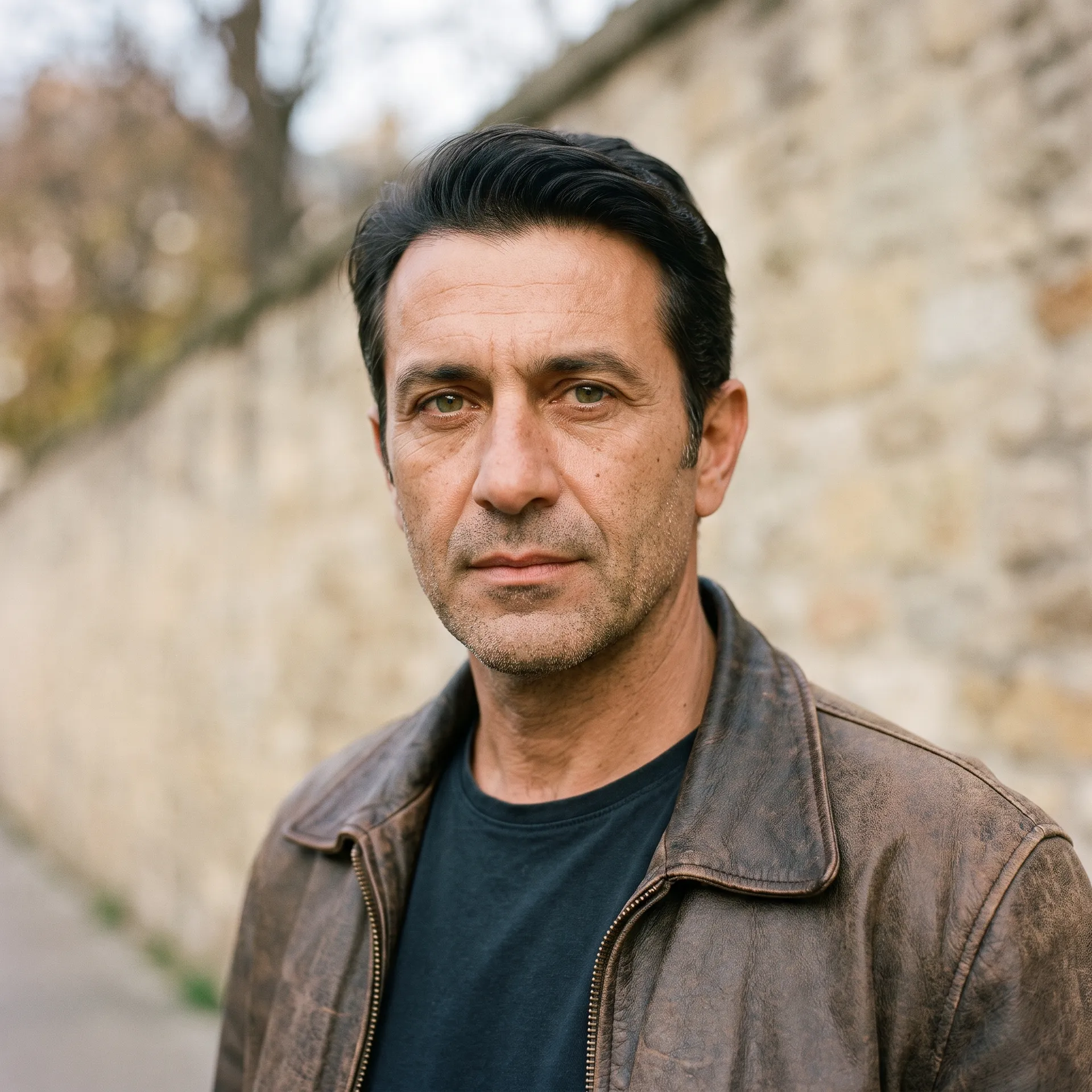
6. Generate and refine
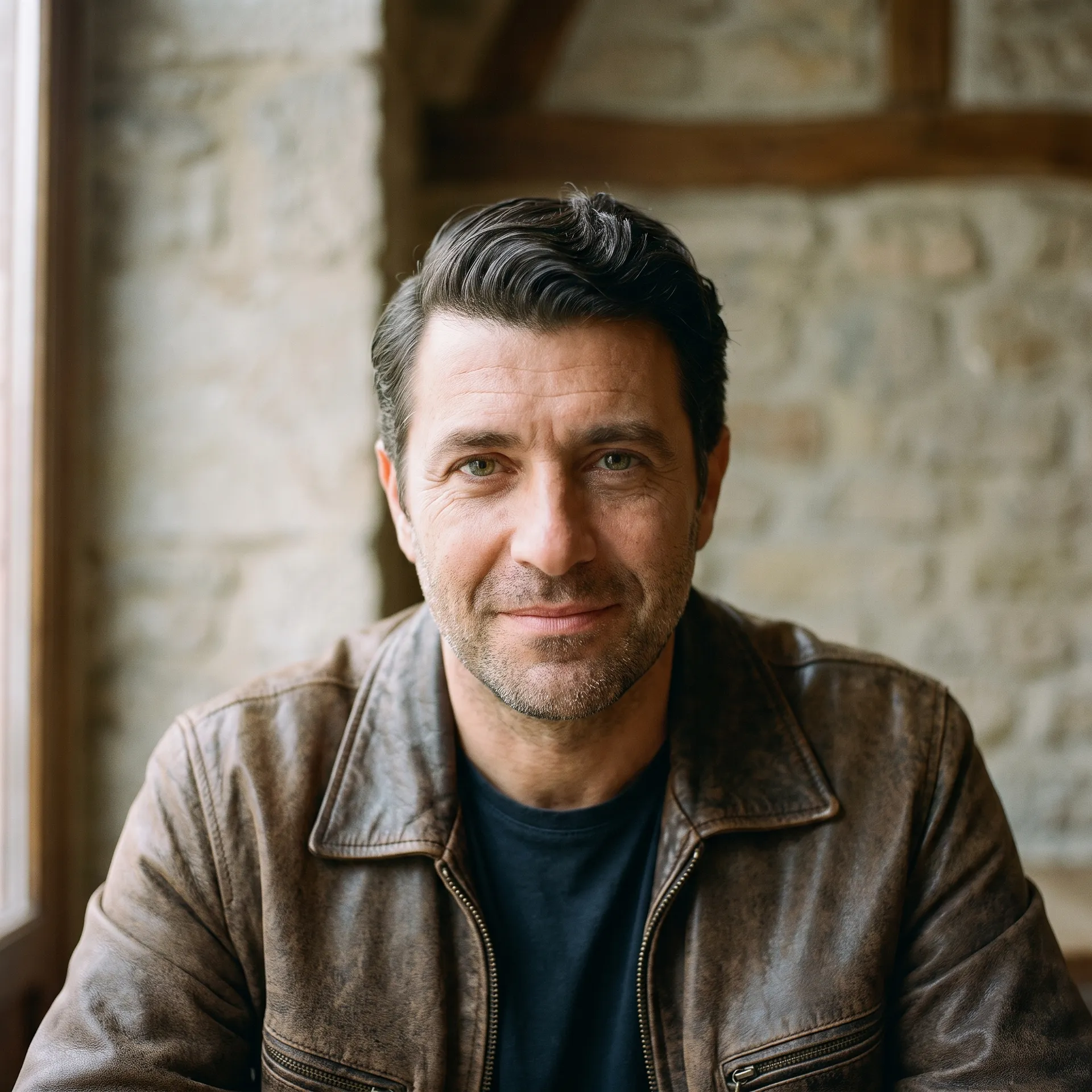
Run the Action and the characters appear in the gallery to the right of the controls. Nothing is overwritten, so you can change a single trait, such as the hair or the outfit, and regenerate to see the difference without starting over.
How to Design a Character That Holds Together
- Decide the art style first. Photoreal, anime, and 3d render produce very different characters from the same traits. Choosing the style early keeps every other decision pointed at one look.
- Let details carry the personality. Freckles, a scar, heterochromia, a specific outfit: the small, specific choices are what make a character memorable rather than generic.
- Change one trait at a time. When refining, adjust a single attribute and regenerate. It is far easier to see what a change does than to alter several at once and guess which one mattered.
- Use the text field sparingly and specifically. Add one or two concrete details you care about rather than a long description; the menus already carry most of the design.
- Generate variations to explore. A set of two or four shows you a range of valid interpretations of your choices, which is useful early when you are still settling the look.
Reusing the Same Character Across Many Images
The Character creator gives you a character; keeping that exact character consistent across many images is a related step. A single generation is one look, but a story, a game, or a campaign needs the same person in different poses and scenes.
That is what getimg.ai's consistent character tools are for: you save a character as a reusable reference and bring them back across many images. The workflow for creating a consistent character and putting an existing person into a scene, with the Character swap Action, extends what you start here from a single portrait into a full cast.
The Bottom Line
AI character creation lets you design an original person from clear choices instead of a prompt or a pencil: set the identity, features, outfit, and art style, add any extra detail, and generate. It gives you control and repeatability, and when you need that character to reappear across many images, getimg.ai's consistency tools carry them forward.
Open the Character creator Action in getimg.ai, build someone from the menus, and generate a few variations to see your choices come together. Commercial rights are included, subject to our terms and applicable third-party rights.
Frequently Asked Questions
No. The Character creator Action builds a character entirely from selectable traits, with no upload. You choose gender, heritage, build, skin, hair, eyes, age, outfit, and art style, add any extra detail in a text field, and generate. It is designed for making an original person from scratch rather than transforming an existing photo.
You can generate a character as photoreal, anime, 3d render, comic, or painterly. The art style shapes the entire look, so it is worth deciding first: the same traits produce a very different character as a realistic photo, an anime illustration, or a rendered 3d asset.
A single generation gives you one character; to reuse that exact person across poses and scenes, save them with getimg.ai's consistent character tools, which store a character as a reusable reference. This is how you turn one design into a whole cast for a story, game, or campaign that stays visually consistent.
Yes. Beyond the broad choices, you can set skin detail (such as freckles, vitiligo, or scars), exact hair style and colour, and eye colour and shape, including options like hooded eyes or heterochromia. The "anything else" text field covers anything the menus do not, such as a specific accessory or expression.
You can choose 3:4, 1:1, 4:5, or 9:16, and generate 1, 2, or 4 variations at once at 2K or 4K. Generating a few at a time lets you compare interpretations of the same choices and pick the strongest.
Commercial rights are included, subject to our terms and applicable third-party rights. Because the character is original and not based on a real person's photo, this is a common way to create brand mascots and casts without using real likenesses.
Related Articles