AI Stock Training Images Generator
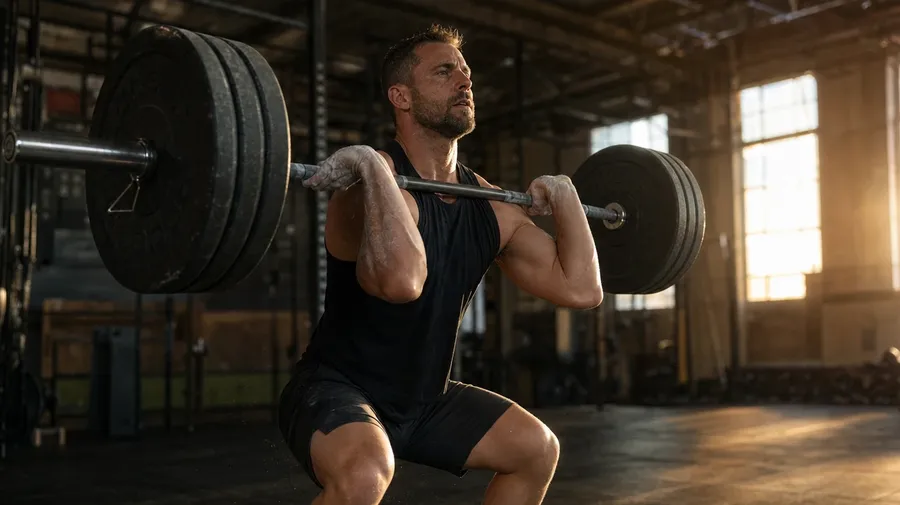
Generate training images for any discipline and any setting: a CrossFit class mid-WOD at a converted warehouse box, a corporate workshop at a whiteboard with engaged attendees, a marathoner mid-tempo run on a forested trail at dawn. Every paid plan includes commercial rights.
Every leading image model, one subscription.
Describe the scene; Auto mode picks the right model for sweat sheen, whiteboard text, or arena spotlight.


How to generate custom training images with getimg.ai
A training shot needs three details: the discipline, the level, and the setting. Spell each one out in the prompt.
1. Describe the session
Open the Content Generator and write the scene: the discipline, the level, the setting, and the light. A simple prompt produces a usable baseline; add the gear, the coach details, or the specific equipment when you want exact control.
2. Run a batch
Generate one to sixteen variations at a time, then read the results for form accuracy, kit detail, gym or room context, and the light direction across the body. Pick the version that lands.
3. Swap a detail
A first run picks one valid reading of your prompt. If you'd rather end up at a vinyasa yoga studio than the CrossFit warehouse the model chose, or a corporate sales-onboarding role-play instead of a board strategy session, name the swap and run again. Several changes fit one prompt; download when it lands.
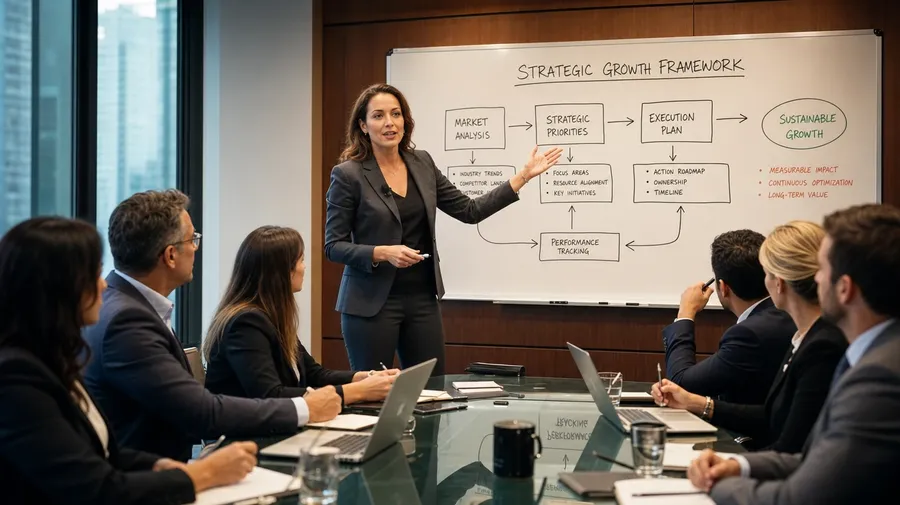
corporate workshop at a whiteboard with engaged attendees, facilitator gesturing at a strategy diagram, mid-morning conference-room light
Beyond the generic dumbbell-in-fluorescent-light
Real training briefs span discipline, level, and the room around the work.
From CrossFit boxes to corporate workshops
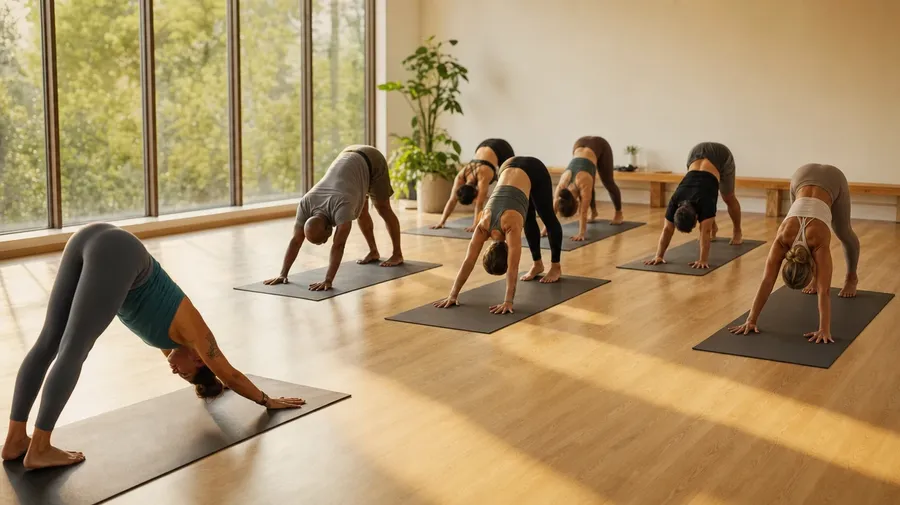
Generate the training range: a CrossFit class mid-WOD at a warehouse box, a corporate workshop at a whiteboard with engaged attendees, a marathoner on a forested trail at dawn, a vinyasa yoga class flowing through a sun salutation in a sunlit studio. Each discipline brings its own gear and atmosphere.
Every level, not just the elite-pro shot
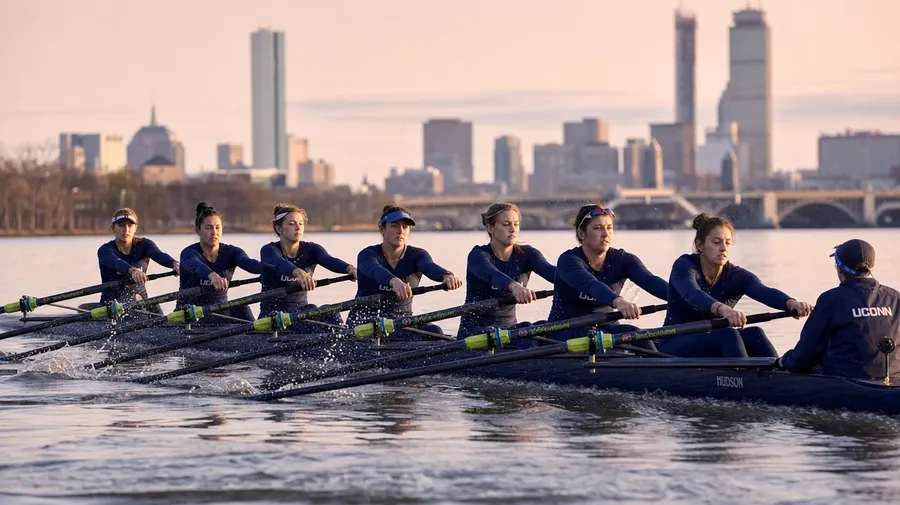
Generate the levels editorial briefs call for: a women's college rowing crew mid-stroke on the Charles, a senior strength-training class with resistance bands at a community center, a high-school football team running summer-camp sprints, an executive's solo lap-swim at dawn in a hotel pool. Different levels, same prompt.
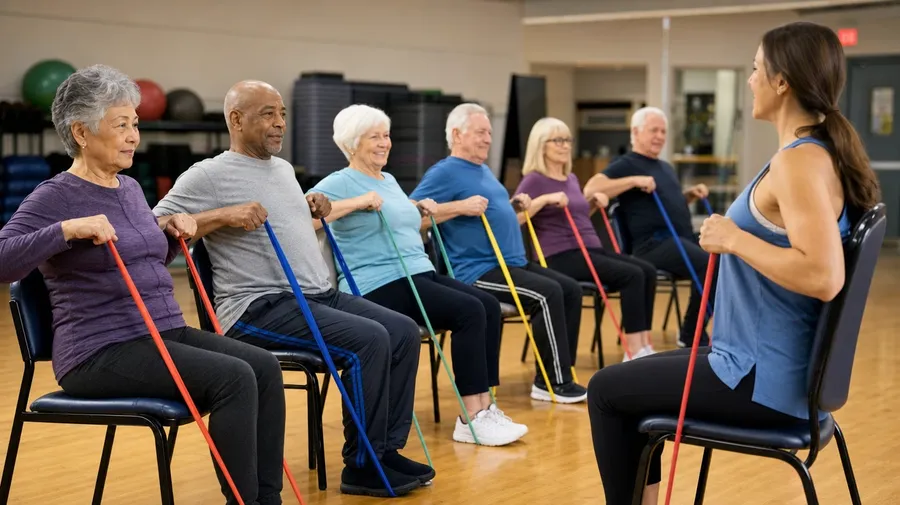
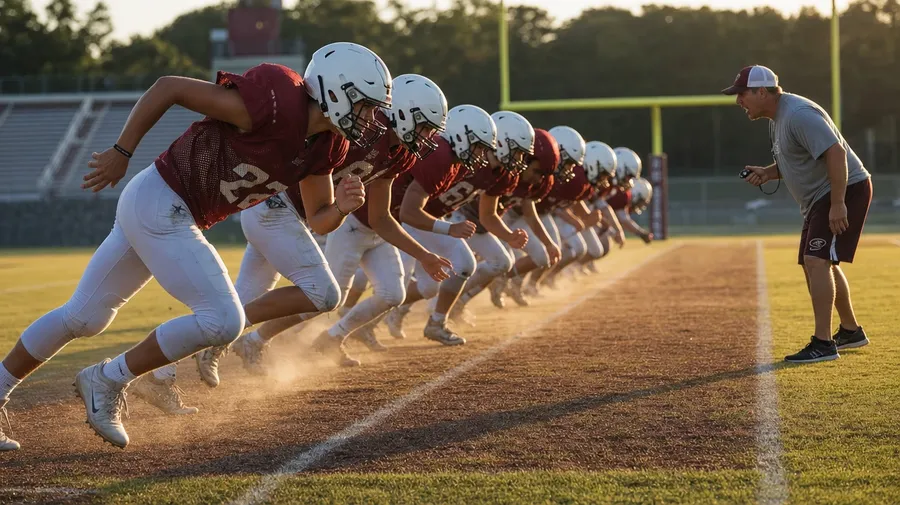
Form, coaching, hands on gear
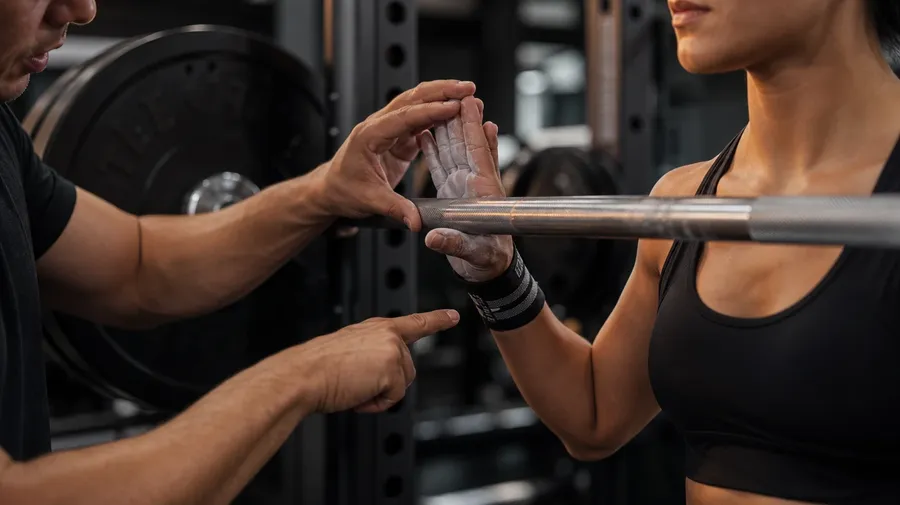
Brand and editorial briefs cycle through the close moments: a trainer's hand correcting a barbell grip mid-set, a yoga instructor demonstrating a hip-opener, a tight macro of resistance bands and chalk on a gym floor, a coach pointing at a play diagram on a tablet. The detail makes the shot.
Frequently Asked Questions
Yes. Name the discipline and the setting in the prompt. A CrossFit class mid-WOD at a converted warehouse box reads very differently from a corporate workshop at a whiteboard with engaged attendees, a marathoner on a forested trail at dawn, a vinyasa yoga class flowing through a sun salutation, or a senior strength-training class at a community center. The model handles the gear, the body language, the room, and the light register. Generate up to 16 at a time, compare the cues, pick the version that lands.
Yes, when the prompt names them. A lifter at the bottom of a back-squat reads differently from a yogi in low cobra, a runner at full stride on a hill, or a corporate facilitator with a marker in hand at a whiteboard. Specify the discipline, the body position, and the room, and the model handles the form, the muscle definition under kit, the way light catches sweat or marker ink, and the room's typical clutter.
Yes. Specify palette, contrast, light direction, and lens register in the prompt: warm dawn-trail documentary, cool corporate-training editorial, dark CrossFit-box cinematic, soft sun-lit yoga lifestyle. For multiple scenes in one register, save the look as a custom Element and reuse it across prompts. The Element carries treatment between disciplines so the campaign reads as one body of work.
Name the moment and the context. A trainer's hand correcting a barbell grip mid-set, a yoga instructor demonstrating a hip-opener for the class, a tight macro of resistance bands and chalk on a gym floor, a coach pointing at a play diagram on a tablet beside the bench: each carries different cues that the AI honors when you spell them out in the prompt.
Yes. Every paid plan covers commercial use across ads, social, web, print, packaging, and presentations. Fitness app brands, corporate learning platforms, gym chains, athletic apparel companies, training certification programs, and editorial outlets all qualify under the same license, and so does every other category covered by AI stock photos.
Yes. The same prompt approach covers any fitness subject. Swap a CrossFit class for a Boston marathoner at mile 23, a Western States ultrarunner crossing a Sierra creek, or a pre-dawn 5am suburban loop, and the same logic that produces running images produces training: name the discipline, the surface, and the time. A multi-discipline fitness campaign runs through one prompt box: a CrossFit WOD, a marathon training run, a yoga cooldown.
As specific as you want. A simple prompt like "a training session at a gym" produces a usable baseline; the AI fills in the typical details (the rubber flooring, the standard kit, the typical equipment). Add specifics for the parts that matter: the discipline, the level, the moment in the session, the gear in frame. The model honors named details without overriding the rest.
Generate the exact training image you need.
Catalog training stock is mostly the generic dumbbell-in-fluorescent-light template. Type the discipline, the level, and the setting, and run the prompt for the briefs catalogs skip.