
AI Stock Photos Generator
Generate custom stock photos on demand from any text prompt. People, nature, food, animals, travel: produce category-ready images in seconds without per-image licensing fees and generic feel.
One workspace for every stock photo category.
Multiple leading models, one subscription.


How to generate custom stock photos with getimg.ai?
1. Describe what you need
Open Content Generator and write a prompt. Plain language works, since built-in prompt enhancement adds the technical detail.
2. Generate
Auto mode picks the right model for your category and produces multiple variations in seconds. Keep the variants you want; discard the rest.
3. Refine and export
If needed, adjust the details (lighting, background, composition) until the output matches the brief. Export production-ready images with commercial rights included.
Why getimg.ai works for AI stock photo generation
Stock libraries give you what they have. AI generation gives you what you need.
20+ image models, auto-selected
getimg.ai carries 16+ top AI image models, each with different strengths across portraits, landscapes, food, and product photography. Auto mode selects the right model for each generation by default. If you prefer to pick manually, that option is also there.
Auto selection

Nano Banana 2
Versatile, ultra-detailed model from Google.

GPT Image 2
OpenAI's newest, hyper-realistic image model.
Professional results from simple prompts
Built-in prompt enhancement takes a basic description and adds the detail needed for commercial-quality output. You don't need to master prompt syntax — describe what you want in plain language and the platform handles the rest.

Iterate without starting over
Generate multiple versions from the same prompt, adjust one variable at a time, and keep refining until the output is right. Every edit produces a new version — originals are always preserved — so you never lose your starting point.
Prompt
-900x505.webp)
Generate
Iterate
What you can generate with an AI stock photos tool
Generate stock photos from any text prompt
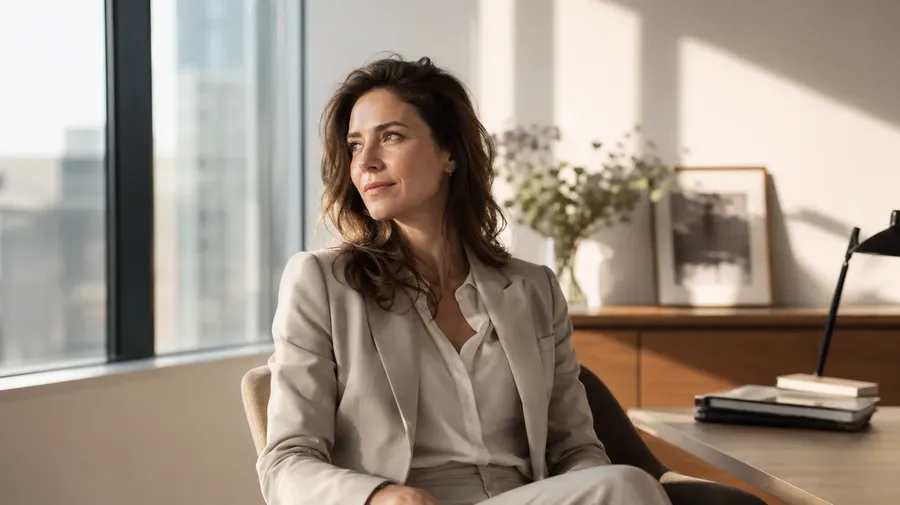
Describe the subject, setting, lighting, camera angle, and mood — then generate multiple production-ready options in seconds. No shot lists, location fees, or talent coordination required.
This is useful when you need:
- people and lifestyle photography for marketing, HR, and editorial content
- nature, travel, and landscape images for publishing and campaigns
- food and product photography for menus, ads, and social media
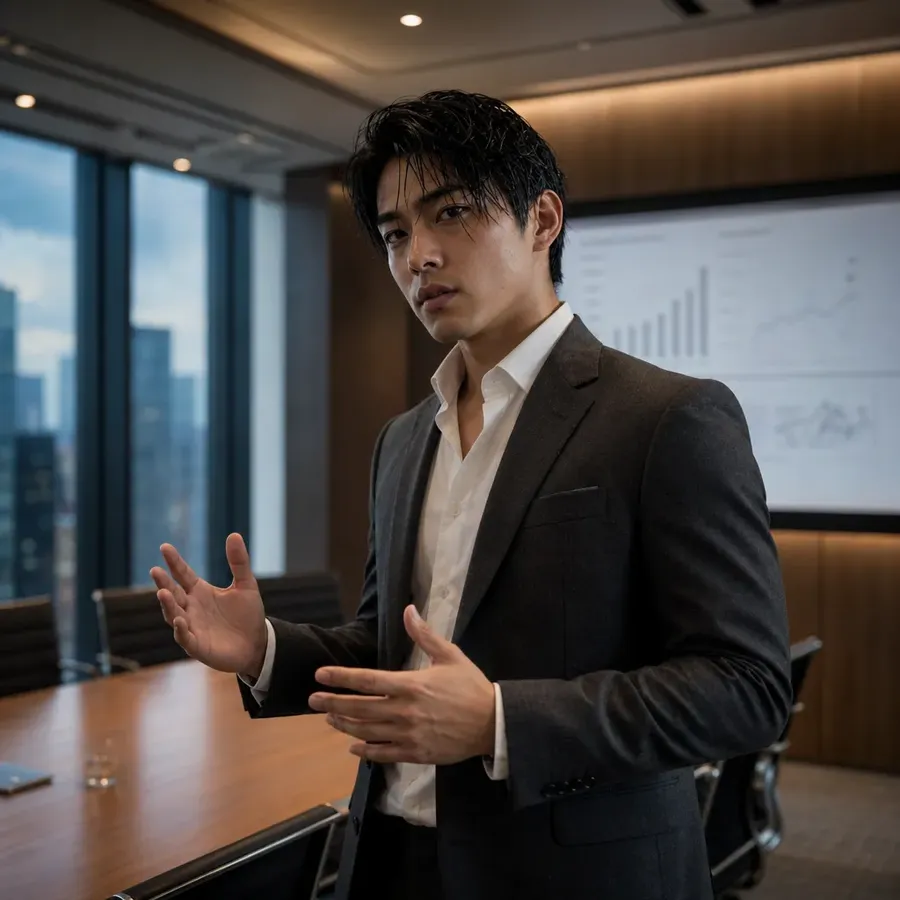
- animals, architecture, and abstract visuals generated on demand.
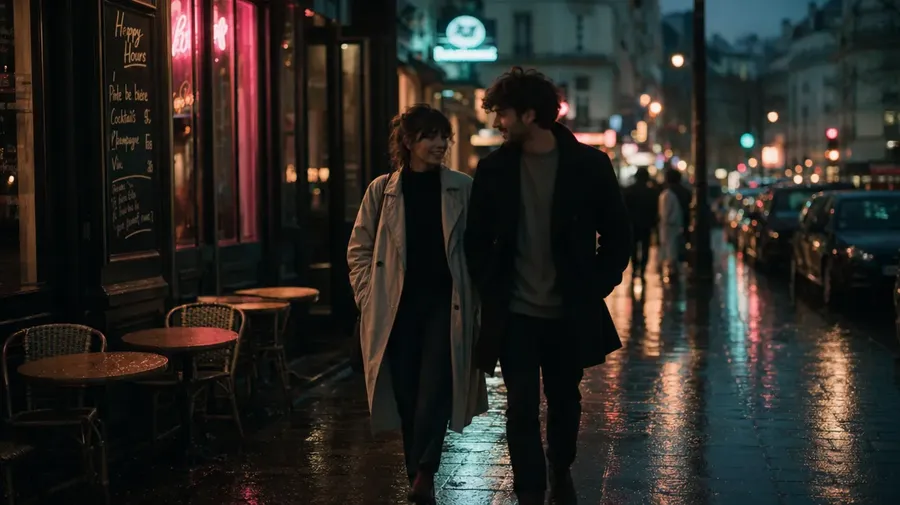
a young couple walking through a city street at dusk
Why teams generate photos instead of buying stock
Custom images, not catalog compromises
Traditional stock platforms give you what's already been photographed. AI generation produces images built around your brief — the right subject, setting, composition, and mood — rather than forcing your campaign to fit whatever's in the catalog.
Less expensive than stock subscriptions
Stock platforms charge per image or per seat, with premium assets at premium prices. With getimg.ai, one subscription covers every category with commercial rights included.
More options before you commit
When generating costs the same as refining, teams can explore more creative directions before locking a campaign. Test different backgrounds, compositions, and subject demographics without opening Photoshop.
Build a consistent visual library with Elements
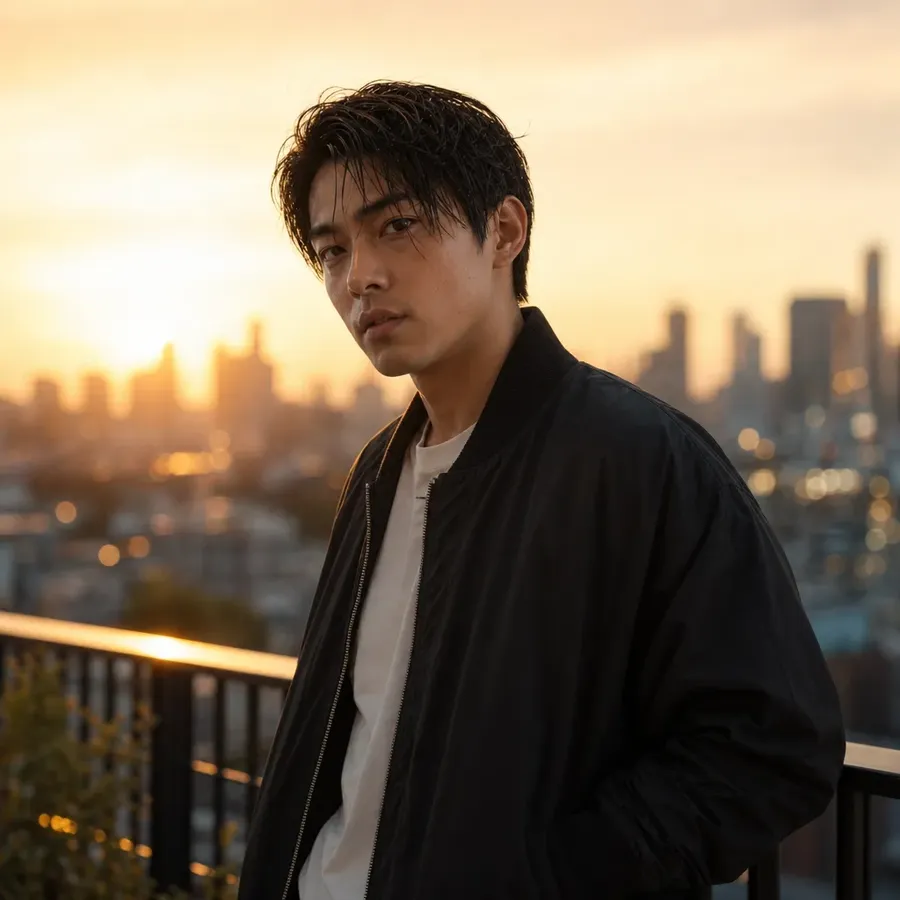
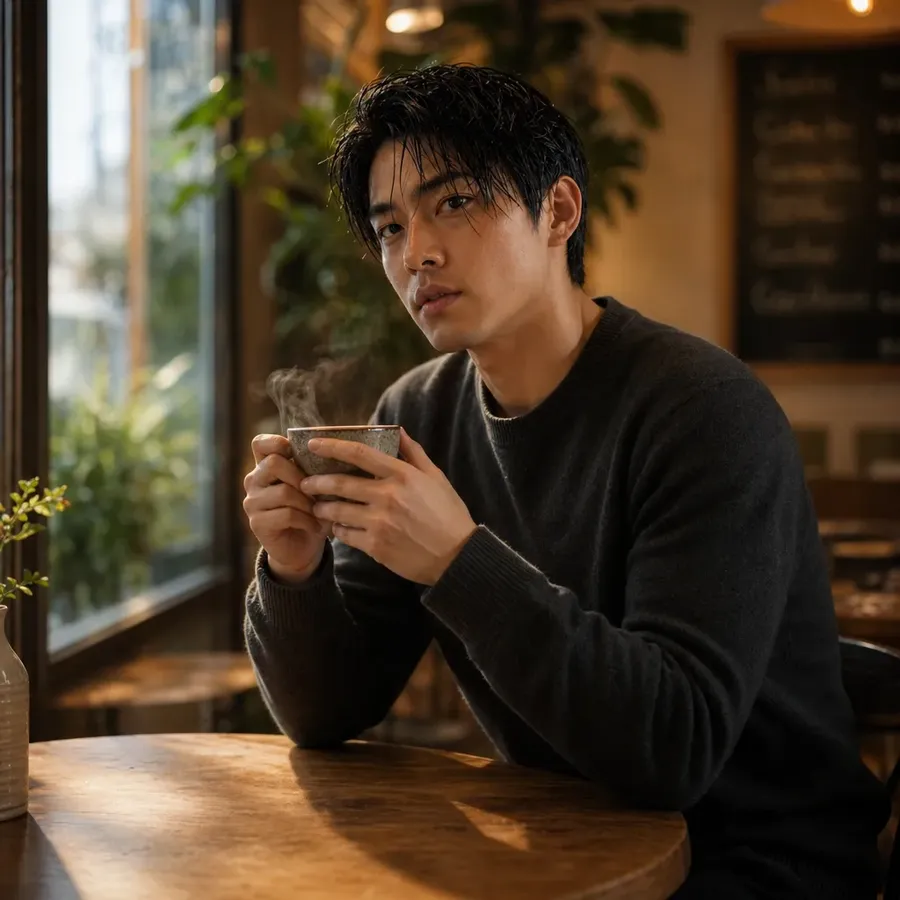
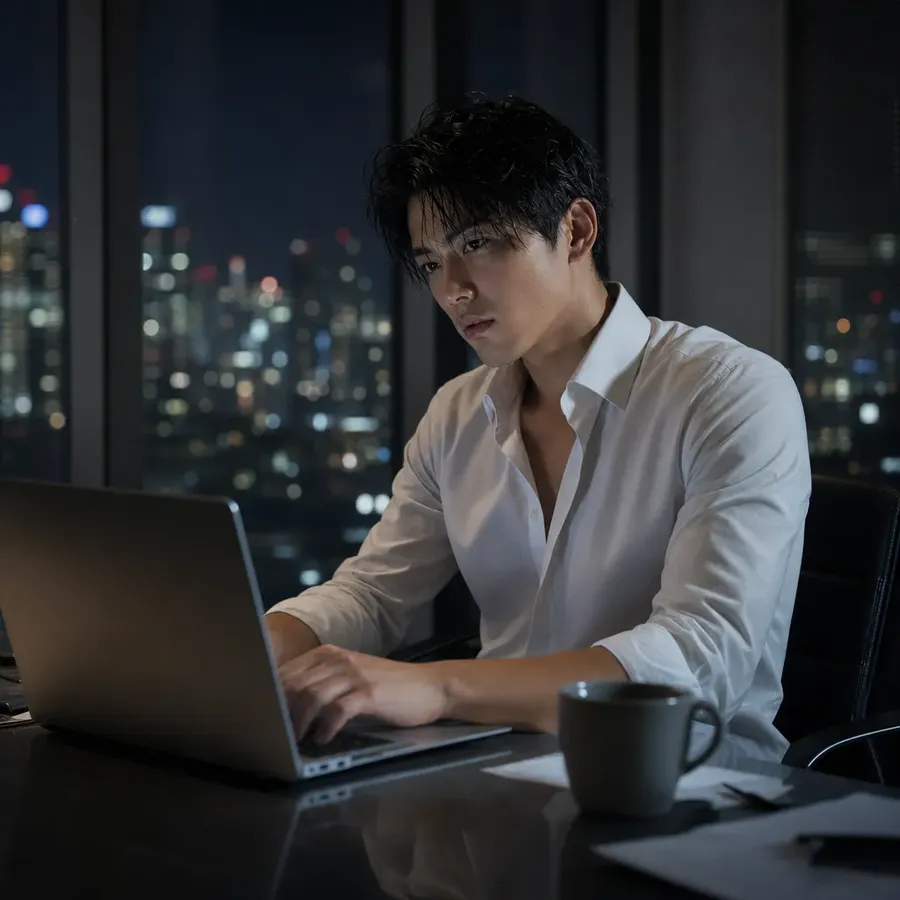
Stock photography often requires the same person, product, or style to appear across dozens of images. Elements lets you define a visual reference once — a specific person, product, lighting setup, or brand style — and call it into any generation with @ElementName. Every image that follows stays visually consistent, without rebuilding your brief from scratch.
Frequently Asked Questions
An AI stock photos generator is an AI image generator that creates photorealistic images from text descriptions across every stock category — people, food, nature, animals, architecture, and more.
The models in getimg.ai's Content Generator produce strong results even with short descriptions, but specificity improves category-specific outputs. For people shots, mention age range, expression, setting, and lighting direction. For food photography, specify the dish, surface material, camera angle, and light source. For nature images, include location, time of day, and atmospheric conditions.
Adding modifiers like 'professional photography,' 'studio lighting,' '4K resolution,' or 'shallow depth of field' improves output quality across all categories. A targeted prompt like 'overhead shot of ramen bowl on dark slate surface, restaurant food photography, soft natural side light, shallow depth of field' reliably produces a usable commercial result.
The main difference is control. Stock libraries give you what's already available; AI generation gives you exactly what your brief requires. You can specify the exact composition, subject, setting, and lighting instead of compromising the campaign to fit existing inventory. AI stock generation is also faster to iterate, less expensive at scale, and avoids licensing restrictions that come with traditional stock imagery.
Any category a traditional stock library covers — and many it doesn't. You can generate people and lifestyle images, nature and landscape photography, food and beverage shots, animals and wildlife, architecture and interiors, product close-ups, and abstract backgrounds. getimg.ai's Content Generator handles all of them through the same text prompt workflow.
The best AI stock photo generator depends on the categories you need and how much prompt control you want. getimg.ai is a strong option when you need consistent coverage across people, food, nature, animals, and other categories in one workspace — with 16+ leading image models, commercial rights included on all paid plans, and no switching between tools.
Yes, with a paid plan. All paid getimg.ai plans include commercial rights, subject to your plan terms and usage policies. This makes AI-generated stock photos suitable for ad campaigns, editorial content, product pages, marketing materials, and client work without additional licensing fees.
For realistic AI people photography, describe the subject's age range, expression, setting, lighting direction, and camera framing. Content Generator handles all types of people images — from business portraits to lifestyle scenes and diverse group shots.
Yes. Food photography responds well to dish descriptions, surface materials, camera angle, and lighting style. Animal photography benefits from location, species detail, and behavioral context. Both categories produce commercial-quality outputs through the same text-to-image workflow — no studio booking, no location coordination required.
Yes. For consistent character generation across multiple stock images, you can use Elements — reusable visual references saved to your account and called with @ElementName in any prompt. For dedicated portrait and professional headshot workflows, our AI Headshot Generator page covers portrait-specific generation in detail. The same workflow applies to lifestyle images, group shots, and professional photography across all stock categories.
Generate stock-quality photos without the library overhead
From a single prompt, produce people shots, food photography, nature images, and product visuals in one workspace. Compare outputs across 40+ AI models, refine the result, and export when it's ready. When a stock library can't deliver exactly what you need, getimg.ai generates it.