AI Stock Teacher Images
Classroom lessons, science labs, lecture halls, tutoring sessions — generate teacher imagery across every grade, subject, and setting. A high-school chemistry teacher demonstrating a flask titration to a lab group, or a university professor at a whiteboard explaining a proof to a hundred-seat hall. Commercial rights on every paid plan.
Every leading image model, one subscription.
Auto mode reads each prompt and picks the model fits your prompt best.


How to generate custom teacher images with getimg.ai
What sells a teacher photo is the grade, the subject, and what's actually on the board. Name each and the AI delivers a real lesson moment, not an apple-on-the-desk catalog smile.
1. Name the grade, the subject, and the moment
Open getimg.ai and describe the scene: the grade, the subject and what's on the board, and the moment. A simple line gives a baseline; specify classroom decor, student age, or board content when you want exact control.
2. Generate and compare
Sixteen takes at one go. Read each for grade-age accuracy, board content (real math vs gibberish equations), teacher posture, and how the classroom around reads as a real working room. Pick the version that lands.
3. Swap a detail
A first run picks one valid reading of your prompt. If you'd rather see a high-school chemistry lab instead of an elementary room, a tutoring moment instead of a board lecture, an art project instead of a math lesson, or sunlit afternoon instead of fluorescent morning, name the swap and run again. Several changes fit one prompt. Download the version you want to ship.
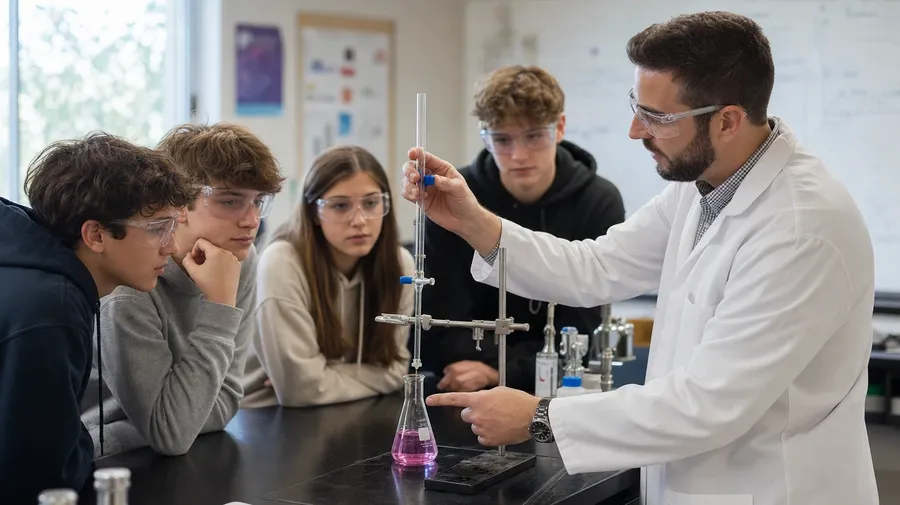
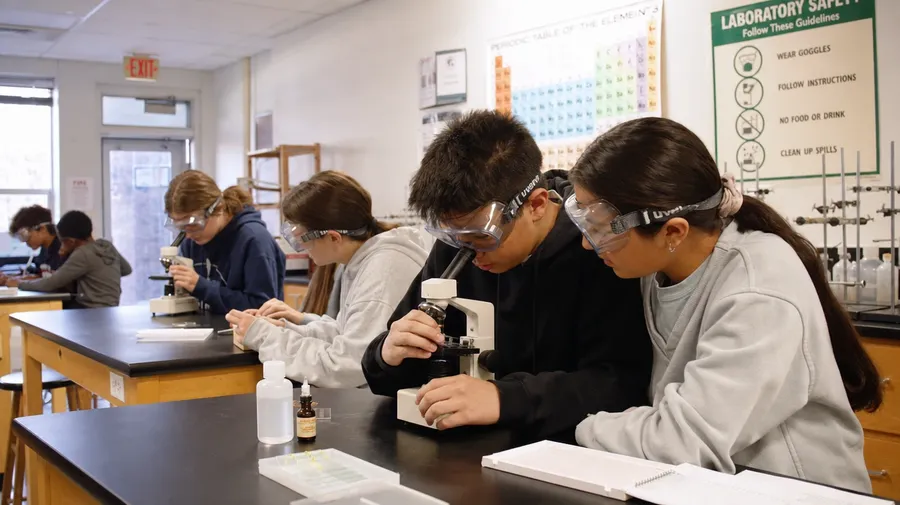
a high-school chemistry teacher demonstrating a flask titration to a lab group, safety goggles, low afternoon classroom light
Grade, subject, and what's on the board
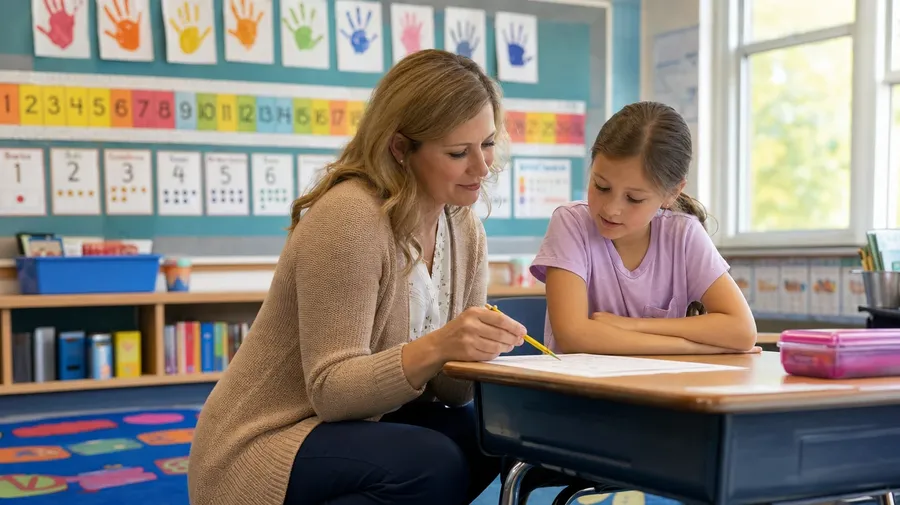
Working teacher shoots span elementary kneel-beside-the-desk moments, middle-school science labs, high-school class discussions, and university lecture halls. Each grade and subject calls for its own room, light, and posture.
K-12, labs, lectures, tutoring
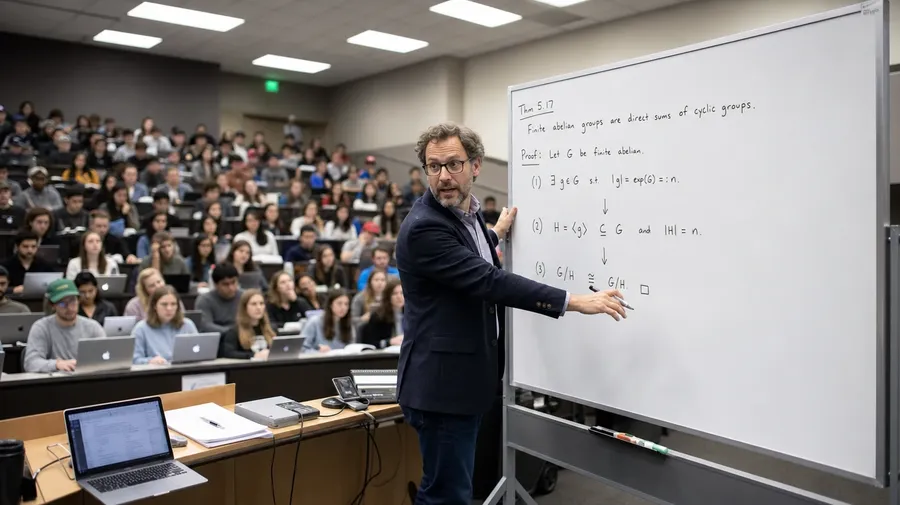
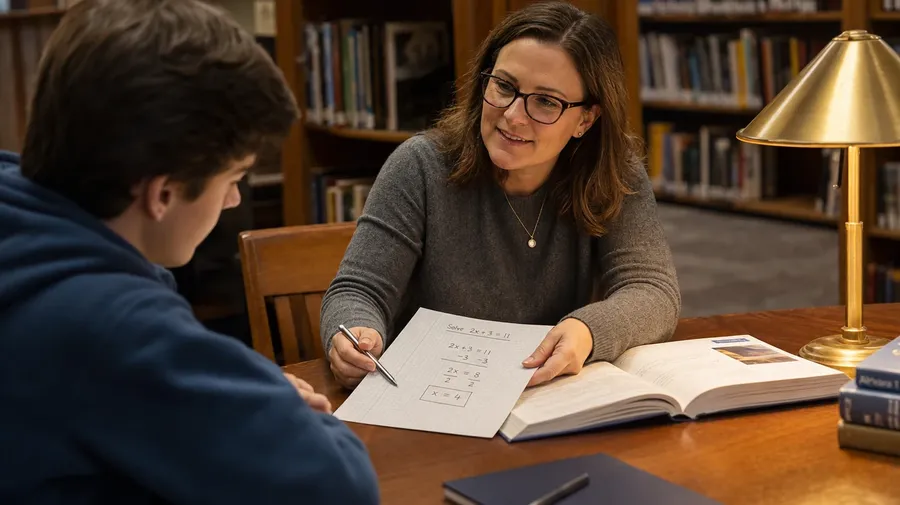
Across the grades a teacher stock campaign covers: a second-grade teacher kneeling beside a student's desk over a math problem, a high-school chemistry teacher demonstrating a flask titration to a lab group, a university professor at a whiteboard explaining a proof to a packed hall, a one-on-one tutoring session at a library table.
Light, room, and the time of class
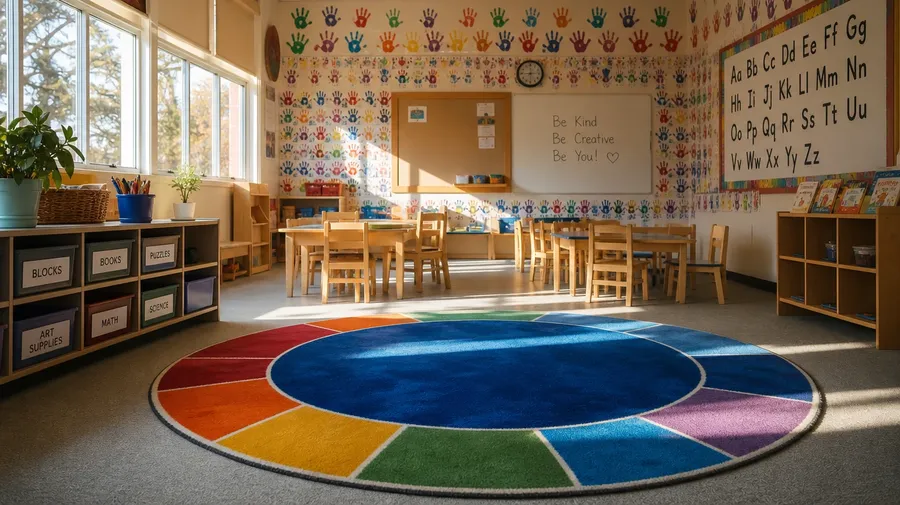
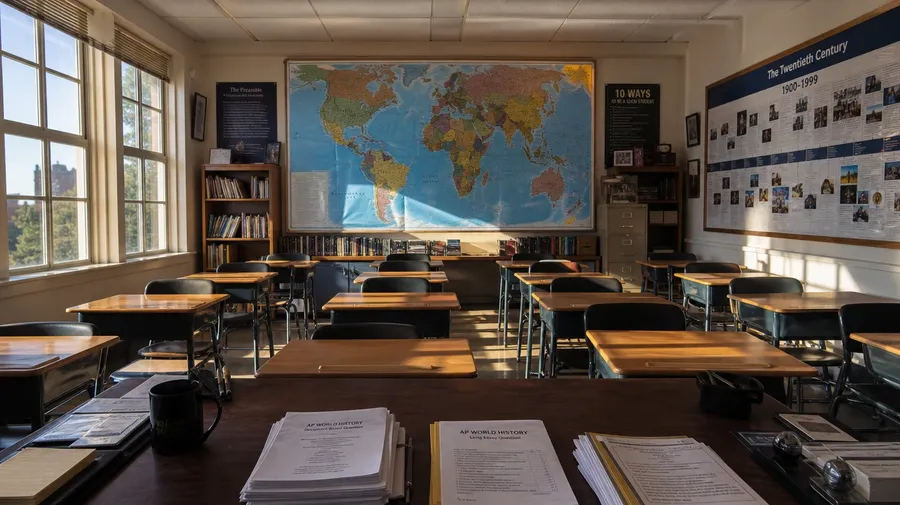
Render the light and room across the day: a sunlit kindergarten at 9am with handprint art and a circle-time rug, an 11am science lab with goggled students at black-topped benches, a 2pm history class with afternoon light across desks and a wall map, a 4pm tutoring session at a library table.
How stock teachers fake it
Stock teacher photography stops at the smiling teacher with a polished apple pointing at a chalkboard. Real shoots cover a teacher kneeling at a student's desk for a second explanation, a chemistry teacher tightening a ring-stand clamp mid-demo, a tutor sliding a worked example across the table. Off-the-shelf teacher photos miss the lesson.
Frequently Asked Questions
Yes. Name the grade, the subject, the moment, and the room. A second-grade teacher kneeling beside a struggling student's desk over a math problem reads very differently from a high-school chemistry teacher demonstrating a flask titration to a lab group, a university professor at a whiteboard explaining a proof to a packed lecture hall, an art teacher walking between easels in a sunlit studio classroom, or a one-on-one tutoring session at a library table under a brass lamp. The AI handles the student age, the board content, the teacher posture, and the classroom around them. Generate up to 16 at a time, compare the takes, pick the version that lands.
Yes, when the prompt names them. An elementary handprint-art wall reads differently from a high-school periodic table, a chalkboard with a worked-out equation from a smart-board with a slide deck open, a kneeling teacher beside a desk from a striding teacher in front of a class, a goggled chemistry-lab posture from a relaxed library tutoring posture. Specify the room decor, the board content, the teacher posture, and the student-age cues, and the AI handles the chalk-dust texture, the marker squeak, and the focus separation between the teacher and the classroom behind.
Yes. Save the teacher's face, attire, lanyard, and classroom as a custom Element and reference it with @LeadTeacher across new prompts. The Element carries face, build, sweater or shirt style, and badge lanyard forward, so a kneel-beside-the-desk hero shot, a whiteboard-mid-lesson moment, and a hallway-with-students shot all read as the same person in the same school. Useful for an independent-school admissions site, a university faculty page, and a recruitment series that needs one consistent face across the funnel.
Name the role and the setting. A school librarian shelving books in a sunlit middle-school library with a kid browsing at a nearby cart, a soccer coach at the edge of a turf field with a clipboard during a Saturday practice, a special-education teacher at a small-group table with three students working on adaptive worksheets, a music teacher at a piano leading a beginner choir in a school auditorium, a school counselor at a desk with a high-school senior reviewing a college list: each carries its own cues that the AI honors when the prompt spells them out.
Yes. Every paid plan covers commercial use across ads, social, web, print, packaging, and presentations. Independent-school admissions sites, university faculty and recruiting pages, edtech product launches, curriculum-publisher catalogs, teacher-union and professional-development materials, education-nonprofit campaigns, and editorial features all qualify under the same license, alongside every other category of AI stock photos.
Yes. Different categories run on the same prompt approach. Name the subject, the setting, and the light, and the same logic that produces graduation photography produces teacher images: swap a stage-walk-across moment for the same student in the kneel-beside-the-desk tutoring session that led to it, a cap-toss outside the building for a Friday afternoon classroom right before the bell, a family-and-graduate lineup for the mentor-teacher in her room at the end of the year. A multi-category school-year campaign runs through one prompt box.
As specific as you want. A simple line like "a teacher in a classroom" produces a usable baseline; the AI fills in the typical details (a whiteboard, rows of desks, a few students, soft daylight from a side window). Add specifics for the parts that matter to the campaign: a grade (kindergarten, middle, high school, university), a subject, a board content, a moment in the lesson, a posture (kneeling, striding, seated at the desk), a classroom decor cue. The AI honors named details without overriding the rest. Each teacher image gets the named details right.
Real classroom moments, prompted to spec.
Pick the grade, the subject, the room, and the moment. The AI delivers teacher photography that reads as a real lesson, and Elements keep one teacher consistent across an entire school-brand series, a university recruiting site, or an edtech product launch.