AI Stock Graduation Pictures Generator
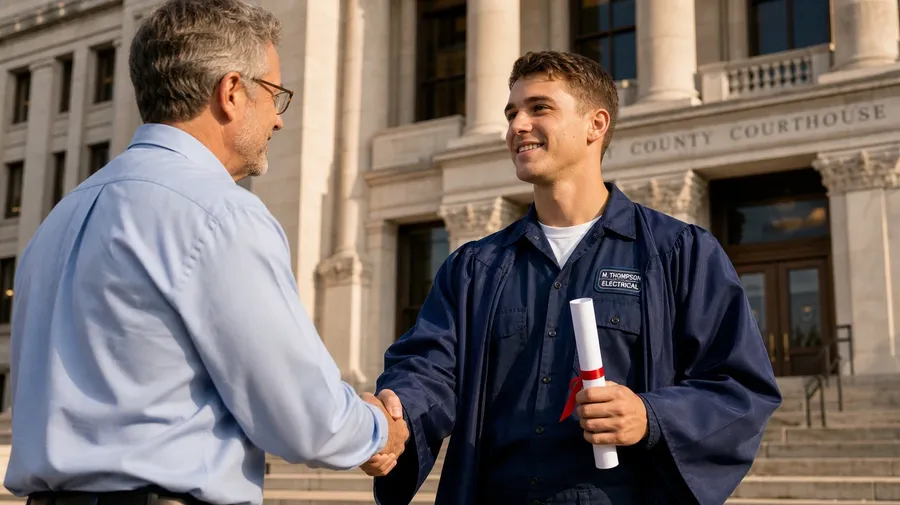
Specific beats generic on graduation pages. A first-gen high-school senior hugging her grandmother in the school parking lot, four college engineers mid-cap-toss on the quad, a PhD shaking hands with their advisor on the courthouse steps — describe the school, the people, and the scene, and the AI generates the graduation photo. Commercial rights on every paid plan.
Every leading image model is included.
Auto mode picks the one that matches your prompt.


How to generate custom graduation pictures with getimg.ai
Three steps that turn the moment you imagine into a graduation picture you can hand a client: a high-school grad hugging her grandmother, four college engineers mid-cap-toss, a PhD on the steps with their advisor.
1. Describe the moment
Open the Content Generator and name the school, the people, and the scene. A simple line gives a baseline; specify gown color, time of day, or expression when you want exact control over those details.
2. Generate and compare
Generate up to sixteen variations at once, then read each for natural expressions, accurate cap-and-gown detail, school context, and how the people read in the shot. Pick the version that lands.
3. Change a detail
A first run picks one of several valid graduation interpretations from your prompt. If you'd rather show a navy gown instead of black, an evening ceremony instead of midday, or a wider group shot instead of a portrait, name the swap and run again. Several changes fit one prompt. Download the version you want to ship.
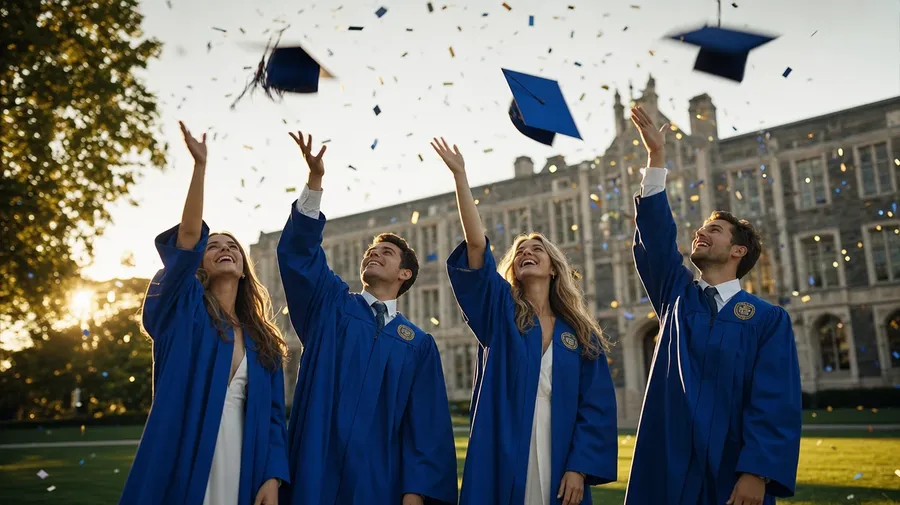
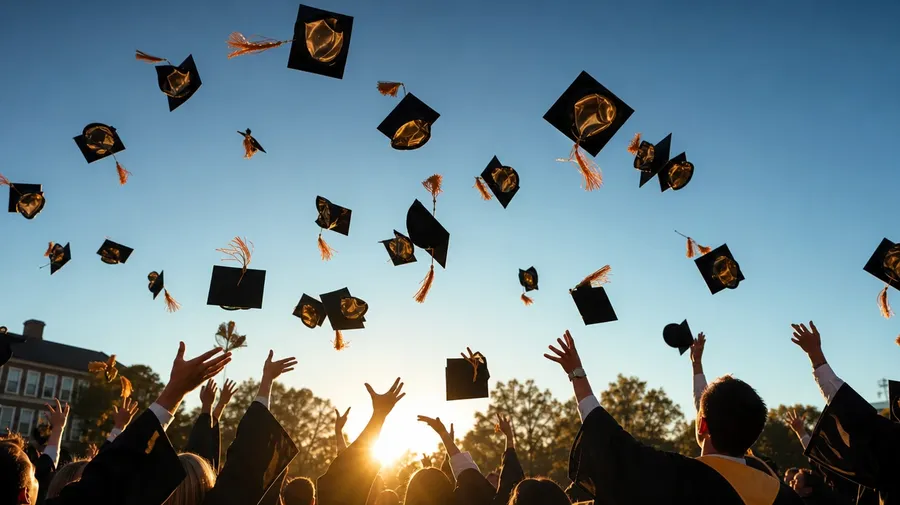
four college seniors mid-cap-toss at golden hour on the campus quad, friends laughing, blue gowns, slight motion blur on the caps
Beyond the same forced smile on a gym floor
What working graduation shoots actually need: the moment, the people, the place, and the diversity stock libraries skip.
Grandmother, eighth grader, classmate, dad
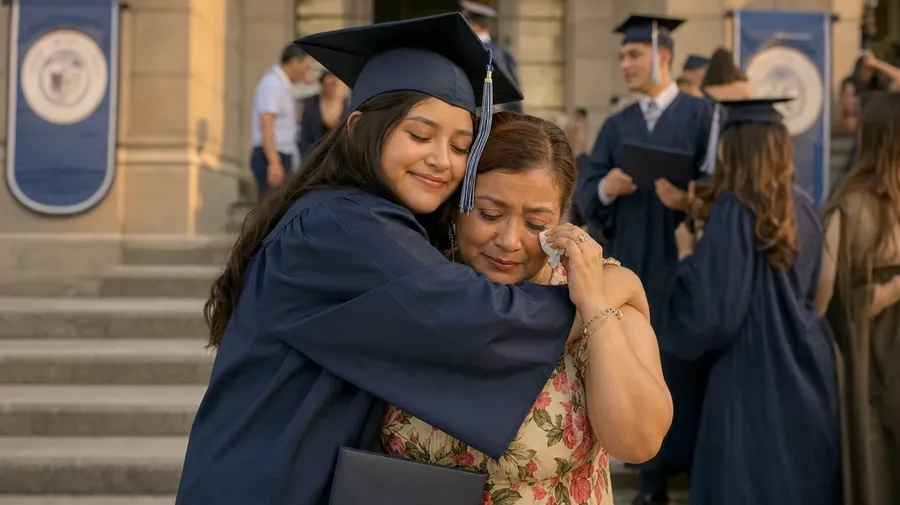
Show the people who actually appear in graduation photos: a high-school senior hugging her grandmother in the parking lot, a first-gen student with their dad at the campus gates, a classmate reaching across the stage, a single mom hooding her daughter at a master's ceremony. Real shoots cover the human range.
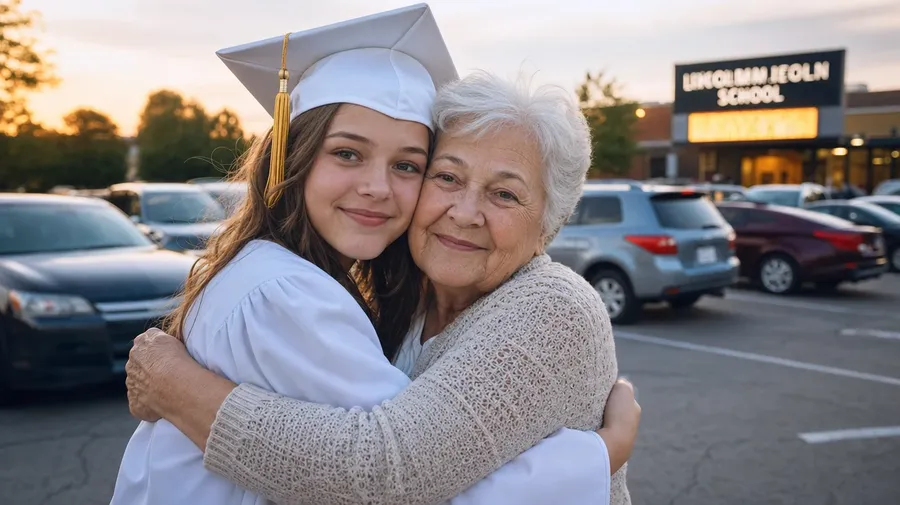
Parking lot, quad, gym, courthouse steps
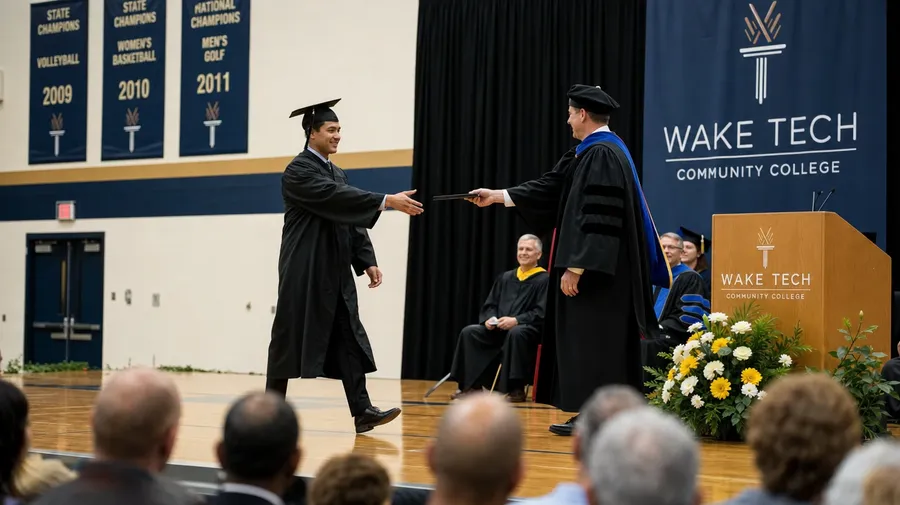
Cover the venues working graduation campaigns shoot in: the high-school parking lot at dismissal, the college quad mid-cap-toss, the gym floor handshake under fluorescent light, the courthouse steps after a vocational program, the church hall after a kindergarten ceremony. Each location brings its own light, gear, and pace.
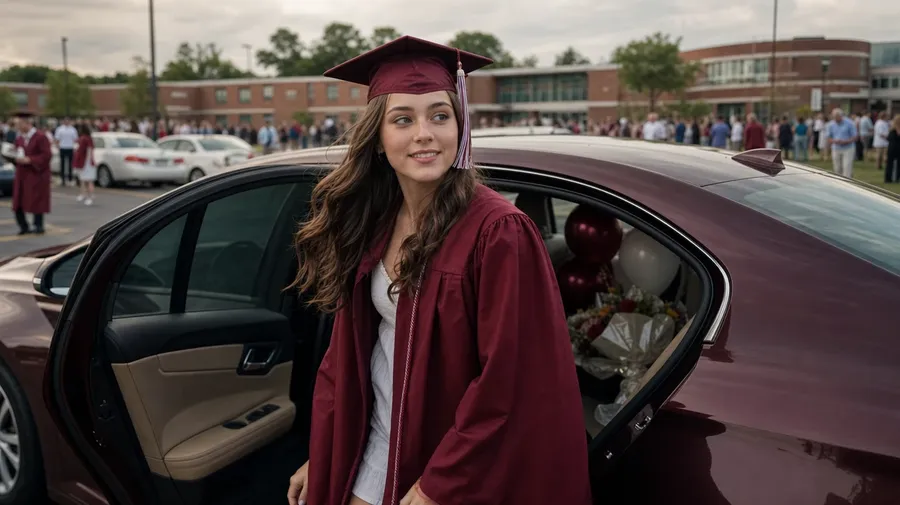
Past the gym-floor smile-and-hold
Stock graduation pictures stop at the gym-floor smile and the framed-diploma hold. Real shoots cover the seconds after: caps mid-air with the catch-light hitting the lining, parents wiping a tear, a stage walk where the gown drags and someone laughs. The off-the-shelf graduation stock image misses the moment.
Frequently Asked Questions
Yes. Name the people, the scene, and the moment. An eighth grader hugging her grandmother in a school parking lot reads very differently from four college engineers mid-cap-toss on the quad at golden hour, a single dad watching from the third row, or a PhD walking the stage with their advisor. The AI handles the cap-and-gown detail, the expressions, and the background. Generate up to 16 at a time, compare the takes, pick the version that lands.
Yes, when the prompt names them. A natural laugh reads differently from a posed smile, a navy gown from a black one, a packed quad from a half-empty gym. Specify the expression, the gown color and weave, and the crowd density, and the AI handles the catch-light on the cap, the gown fabric drape, and the focus separation between the grad and the people behind them. Each graduation image gets the named details right.
Yes. Specify palette, contrast, light direction, and grain in the prompt: warm-grade editorial, cool documentary, sun-bleached afternoon, school-yearbook print. For a multi-shot graduation campaign on one student or one school across several students, save the look as a custom Element and reuse it across prompts. The Element carries treatment across shots so the campaign reads as one body of work.
Name the level and the venue. A trade-school grad shaking the instructor's hand on the workshop floor, a master's hooding ceremony in an old chapel, a kindergarten graduation in a church hall, a PhD reception in a museum atrium: each carries different cues that the AI honors when you spell them out in the prompt.
Yes. Every paid plan covers commercial use across ads, social, web, print, packaging, and presentations. School marketing pages, scholarship campaigns, graduation card designs, online course launches, and yearbook covers all qualify under the same license, and so does every other category of AI stock photos.
Yes. Different categories run on the same prompt approach. Name the people, the outfit, and the moment, and the same logic that produces fashion pictures produces graduation pictures: swap a runway walk for a stage walk, a campaign portrait for a family hug on the steps, an editorial outfit for a navy gown over jeans. A multi-category campaign runs through one prompt box.
As specific as you want. A simple line like "a college graduate hugging her mom at the campus gates" produces a usable baseline; the AI fills in the typical details (the gown fabric, the warm afternoon light, the soft skin tones). Add specifics for the parts that matter to the campaign: a particular gown color, a school crest, an age range, a contrast level. The AI honors named details without overriding the rest.
Realistic graduation moments, generated in seconds.
Pick the school, the people, and the moment. The AI gives you graduation stock photos that look like the real shoot, without booking one.