AI Stock Sunflower Pictures Generator
A sunflower field across Provence at golden hour, a single bloom backlit against blue sky, a tight macro on the disk-and-seed pattern, a bee mid-flight against a yellow petal. Pick the setting, the light, and the scale, and the AI generates the sunflower image. Commercial rights on every paid plan.
Every leading image model, one subscription.
Auto mode picks the one that matches your prompt.


How to generate custom sunflower pictures with getimg.ai
A Provence field at golden hour, a single bloom backlit against blue sky, a tight close-up on the disk and seeds — three steps that turn a botanical idea into a picture of a sunflower you can hand a client.
1. Name the scene and the scale
Open the Content Generator and describe the sunflower, the setting, and the crop. A simple line gives a baseline; specify variety, time of day, or bee activity when you want exact control over those details.
2. Generate and compare
Generate up to sixteen variations at once, then read each for natural petal curl, accurate disk-and-seed pattern, light direction across the face, and how the background field reads behind. Pick the version that lands.
3. Change a detail
A first run picks one of several valid interpretations from your prompt. If you'd rather see a wider field shot instead of a single bloom, sunset light instead of midday, or a red branching variety instead of a giant yellow head, name the swap and run again. Several changes fit one prompt. Download the version you want to ship.
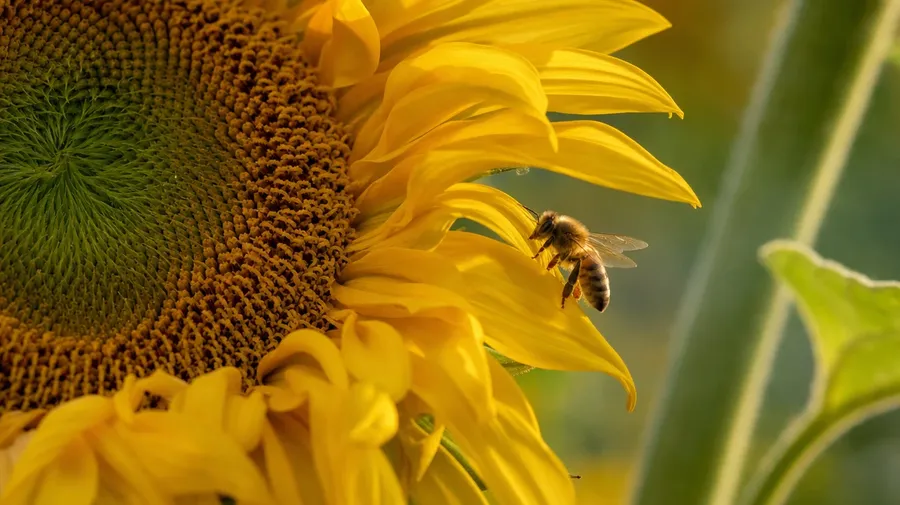
a single sunflower close-up on the disk pattern with one honeybee mid-landing on a petal, soft summer light
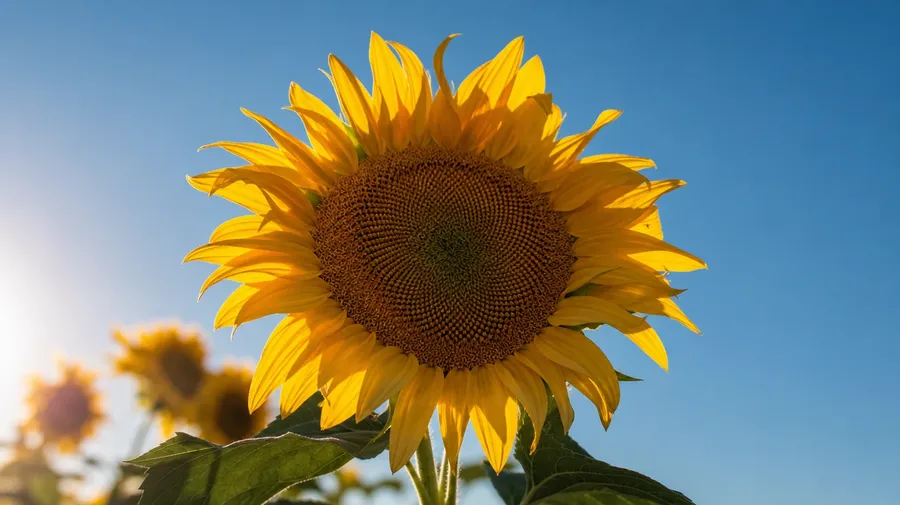
Past the same yellow sunflower on blue sky
Working sunflower shoots cover field range, macro details, and the bee-and-bloom moments stock libraries skip.
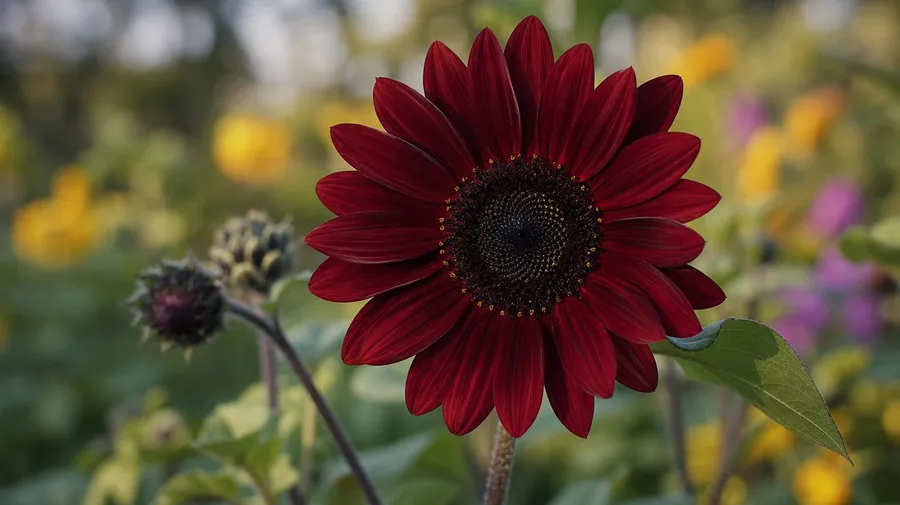
Giant, branching, red, dwarf, Italian
Cover the varieties working campaigns actually need: a giant Mammoth Russian head bigger than a hand, a multi-headed branching Italian White, a deep-burgundy Moulin Rouge bloom, a knee-high dwarf in a pot, a row of Lemon Queens lit from behind. Each variety reads with a different palette and petal shape.
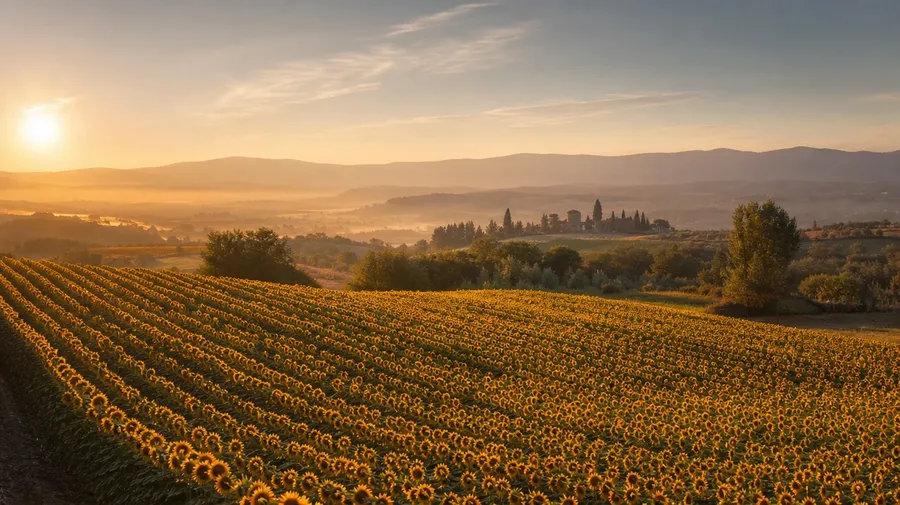
Provence field, vase, harvest, wedding
Show the scenes sunflowers actually appear in: a Provence field at golden hour with the Luberon hills behind, a Mason-jar arrangement on a sun-soaked kitchen table, a fall-harvest basket on a porch step, a sunflower bouquet held by a bride at a barn wedding, a single stem against a clouded summer sky. Each scene sets a different palette.
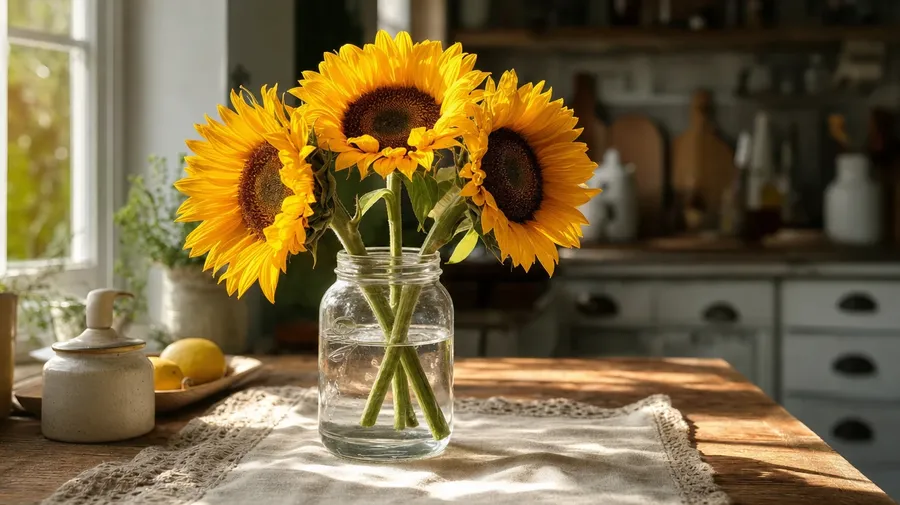
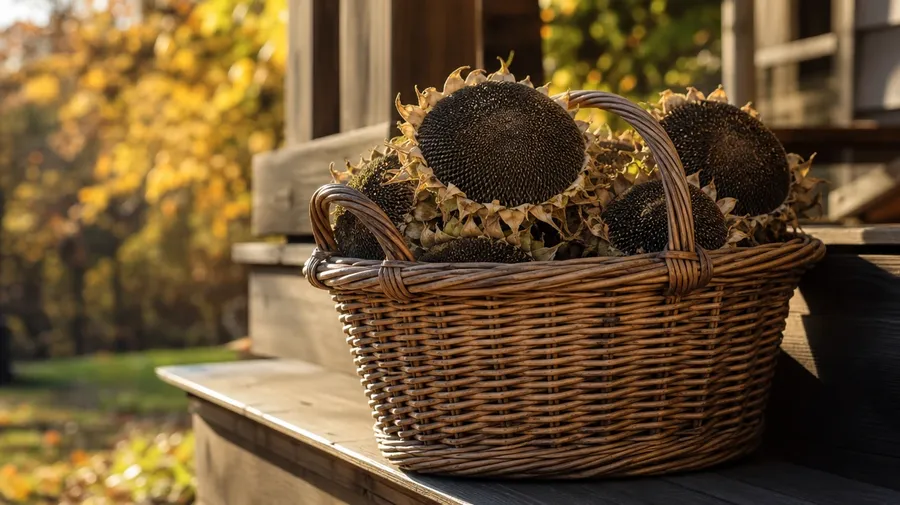
Beyond the same yellow head on blue sky
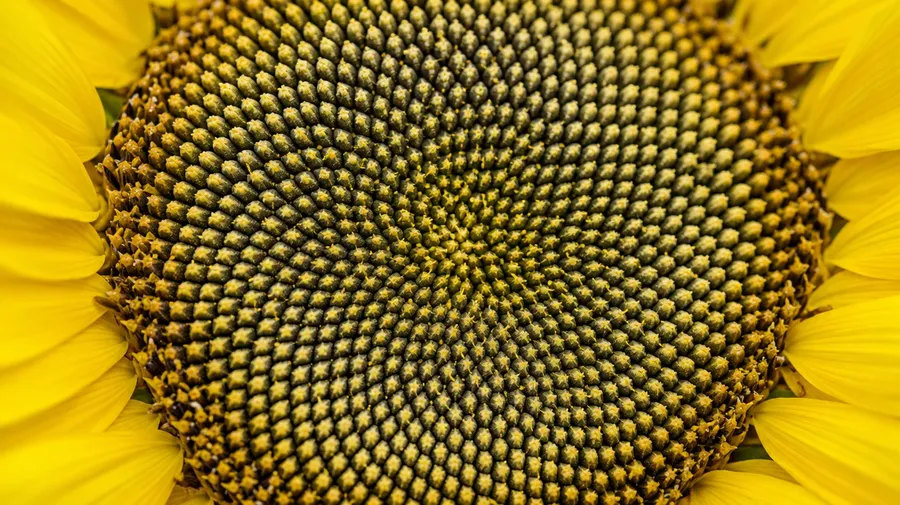
Stock sunflower images stop at the single yellow head against bright blue sky. Real shoots cover a Provence row at golden hour with mist in the valley, a tight macro on the disk spiral, a bee mid-landing on a curling petal, a drying head bowed at season's end. Off-the-shelf sunflower photos miss the close-up texture.
Frequently Asked Questions
Yes. Name the variety, the setting, and the light. A Provence field at golden hour reads very differently from a Mason-jar arrangement on a sun-soaked kitchen table, a tight macro on a disk spiral with seeds emerging, or a bee mid-landing on a curling petal. The AI handles the petal curl, the disk pattern, and the way the background reads behind the bloom. Generate up to 16 at a time, compare the takes, pick the version that lands.
Yes, when the prompt names them. A fresh midday bloom with crisp yellow petals reads differently from a drying head at season's end with curled brown edges, a deep-burgundy Moulin Rouge from a pale Italian White. Specify the variety, the bloom stage, and the lighting, and the AI handles the seed spiral, the petal shape, and the saturation against the background.
Yes. Specify palette, contrast, light direction, and grain in the prompt: warm-grade Provence, cool-blue editorial, sun-soaked rural, moody dried-flower. For a multi-shot campaign across a season or a single variety shown across light conditions, save the look as a custom Element and reuse it across prompts. The Element carries treatment across shots so the campaign reads as one body of work.
Name the scale and the variety. A tight close-up on a disk spiral with emerging seeds, a basket of drying heads on a porch step in October, a branching Italian White with five blooms on one stem, a single dwarf sunflower in a terra-cotta pot: each carries different cues that the AI honors when you spell them out in the prompt.
Yes. Every paid plan covers commercial use across ads, social, web, print, packaging, and presentations. Travel guides, garden-supply product pages, wedding stationery, kitchen-brand marketing, seed-packet designs, and seasonal greeting cards all qualify under the same license, and so does every other category of AI stock photos.
Yes. Different categories run on the same prompt approach. Name the species, the setting, and the light, and the same logic that produces flower pictures produces sunflower pictures: swap a peony close-up for a disk macro, a tulip field for a Provence sunflower row, a single rose in a vase for a sunflower bouquet at a barn wedding. A multi-category campaign runs through one prompt box.
As specific as you want. A simple line like "a sunflower field at golden hour" produces a usable baseline; the AI fills in the typical details (the warm petal glow, the soft horizon haze, the curling head shadows). Add specifics for the parts that matter to the campaign: a particular variety, a macro scale, a regional setting, a contrast level. The AI honors named details without overriding the rest.
Don't settle for generic stock. Create unique sunflower images in seconds.
Pick the variety, the scene, and the scale. The AI gives you sunflower images that match the petal curl, the disk pattern, and the light your campaign actually wants.