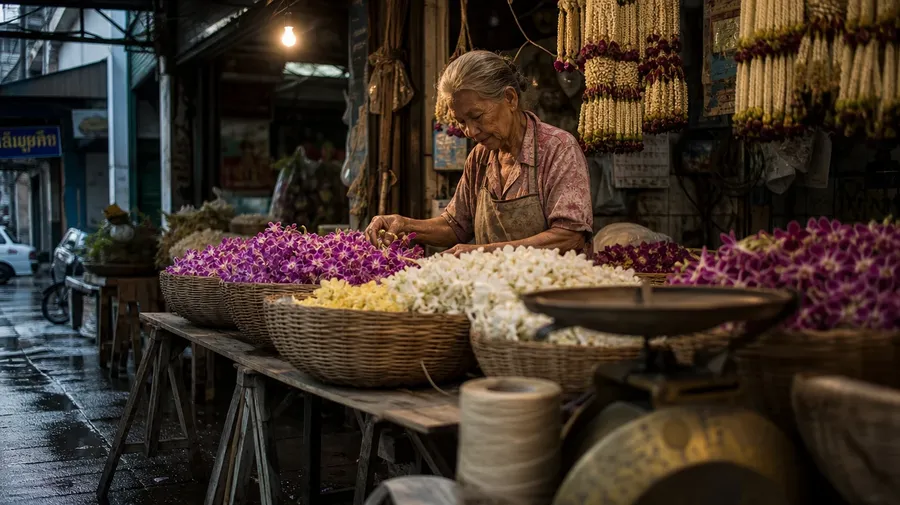
AI Stock Flower Pictures Generator
Custom AI flower pictures for any species, season, market, or styling — from cottage-garden cosmos to Bangkok orchid auctions. Commercial rights come with every paid plan.
Auto mode picks the right model for petal detail, light, and color.
Generate macro close-ups, painterly bouquets, and lifestyle scenes using world's top AI models.


How to generate custom flower pictures with getimg.ai
Most flower stock photos are bouquets on white. Anything else needs you to name the species, the setting, and the light.
1. Name the species
In the Content Generator, type what flower in what setting at what time. Add cultivar, region, light direction, or styling when you want exact control over those details.
2. Compare the renders
Generate four or eight at once. Compare petal translucence, the stamen and pistil detail, the way light enters the bloom, and the leaf-and-stem texture. Pick the version that holds up at full size.
3. Download, or change a detail
Download if it lands. If you'd rather have peonies than ranunculus, the light filtered instead of direct, the styling botanical garden rather than studio, name the swap in the same prompt. Multiple changes run through at once and the rest of the composition stays.
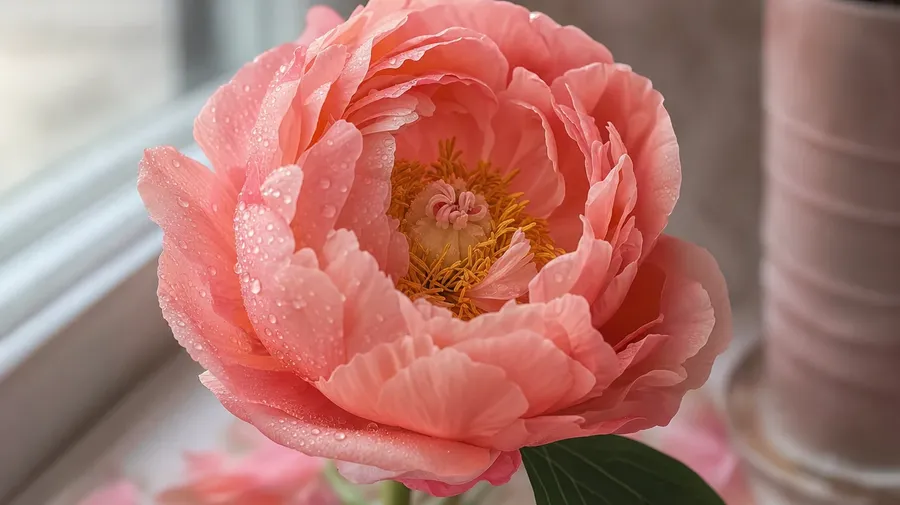
coral charm peony close-up with morning dew, soft window light, slight wilt on outer petals
Three flower angles stock libraries skip
Bouquets on white and meadow long-shots are the stock default. Real flower photography rarely looks like either.
Cultivars catalogs don't carry
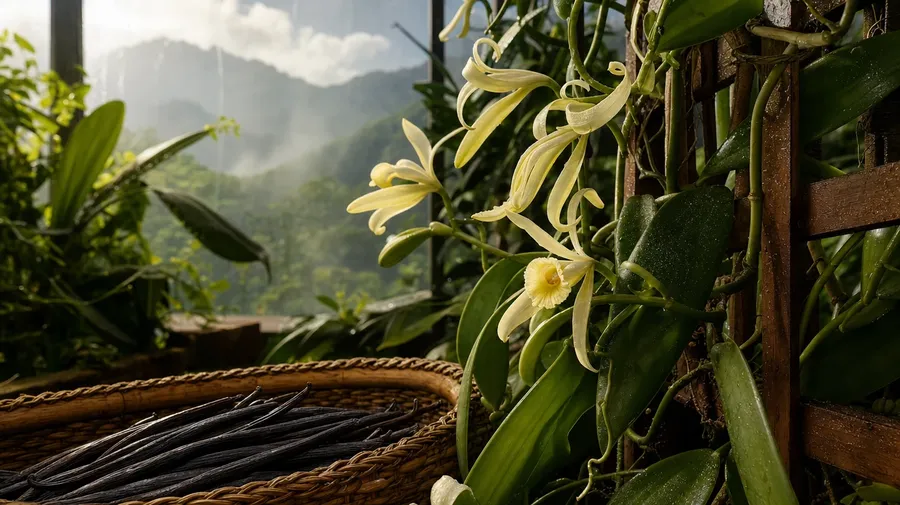
Catalog flower libraries default to common-name roses, tulips, daisies, and orchids. Most flower campaigns ask for something specific: a hybrid tea named for the bride, a heirloom David Austin, a black-petaled tulip, a Madagascar vanilla orchid mid-harvest.
Bud, bloom, fall: the full life cycle
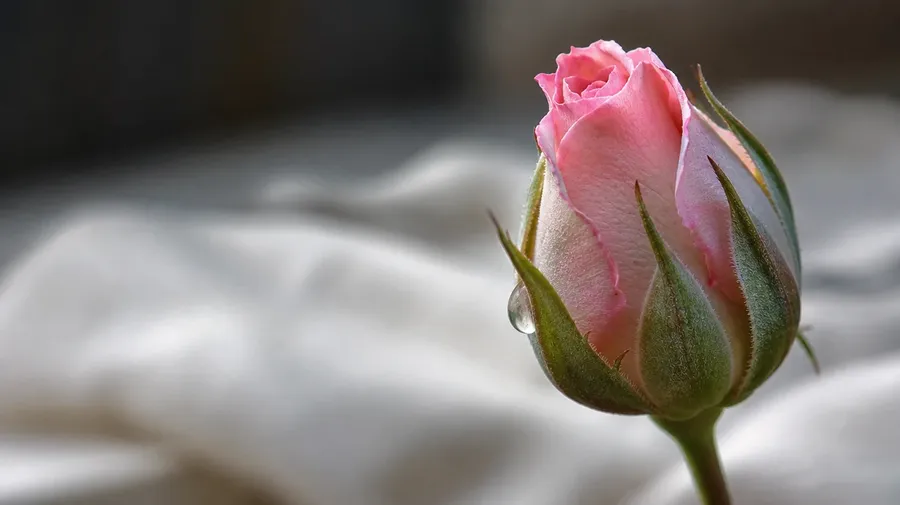
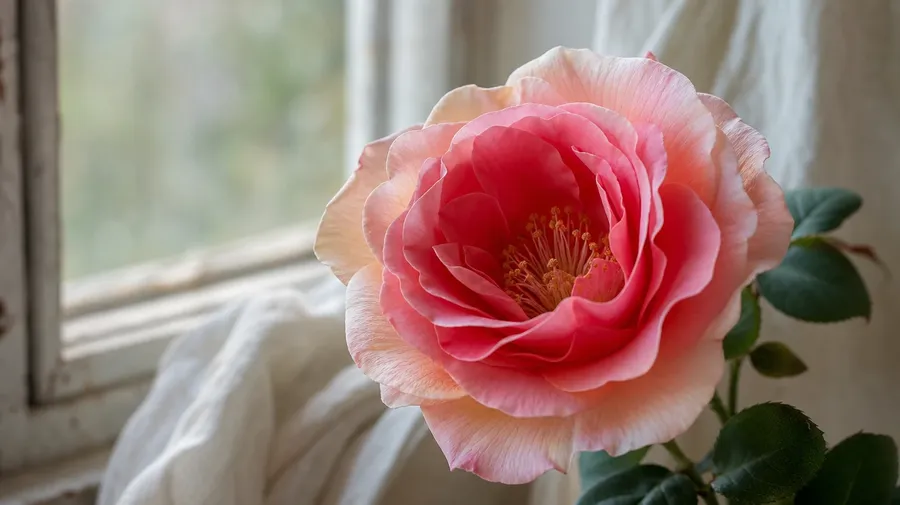
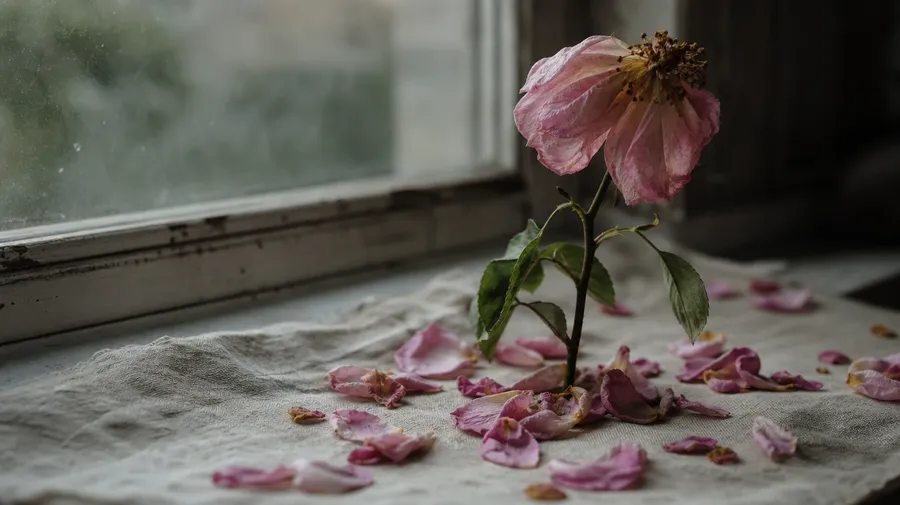
Stock flower photography is mostly the open bloom in golden hour. Real flower stories run longer than that one moment: the bud unfurling at first light, the petals at peak two days later, the falling petals on a wood floor at week's end. Skincare, wellness, and editorial campaigns need that full arc.
Where flowers actually live
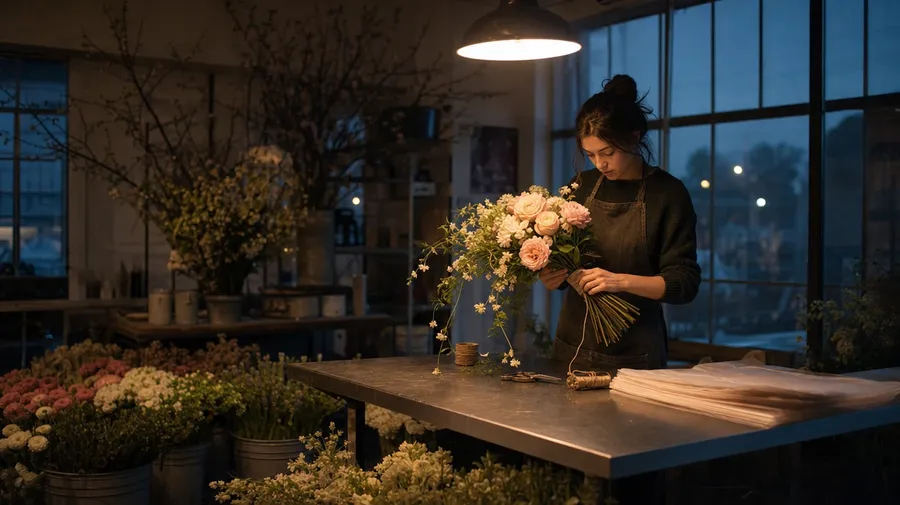
Most flower stock skips where flowers spend their lives. A florist's workshop floor at 5am, an allotment cutting garden at first frost, a hospital ward with a single windowsill, a Day of the Dead altar with marigolds, a Bangkok orchid auction at dawn. Wellness, hospitality, and lifestyle campaigns need those settings.
Frequently Asked Questions
Yes. Specify the species, the cultivar, and the setting. A Kashmir saffron crocus mid-harvest, a Madagascar vanilla orchid in bloom, a heirloom David Austin rose at the workshop, a Bangkok orchid auction at dawn. Name what you want and the workspace returns it. Coverage isn't limited to the dozen species stock libraries oversupply.
Yes, when you name them in the prompt. Default flower mechanics (petal layering, stamen texture, leaf vein patterns) render well from a simple prompt. Sharpen specifics by naming them: dewdrops on the petal edge, a bee mid-pollination, the curl of a wilting tulip. Generate four or eight, compare the detail, pick the version that holds up.
Yes. Specify palette, contrast, light direction, and grain in the prompt: cool-grade botanical, warm cottage-garden, studio macro on black, painterly Dutch still-life. For multiple scenes in one register, save the look as a custom Element and reuse it across prompts. The Element carries the treatment from a peony close-up to a wedding bouquet wide so the campaign reads as one body of work.
Name what's specific. A Tokyo hanami at peak bloom, a Provençal lavender field at golden hour, a Dutch tulip auction at 6am, a winter glasshouse with cyclamen and amaryllis: each carries cues that the workspace honors when you spell them out in the prompt.
Yes. Every paid plan covers commercial use across ads, social, web, print, packaging, and presentations. Florist brands, wedding and event planners, beauty and wellness clients, real estate stagers, and editorial publications all qualify under the same license. The same license covers every category in the broader AI stock photo generation across the workspace.
Petal-level close-ups share a lot with macro photography prompts: depth-of-field control, the light catching texture, the boundary where focus falls off. Type the close-up you want at the same level of specificity, and the workspace returns it. The same workspace handles both.
As specific as you want. A simple prompt like "lilac in soft morning light on a kitchen windowsill" produces a usable baseline; the workspace fills in expected details (the way the petals catch light, the slight droop of stem, the texture of the wood sill). Add specifics for the parts that matter: a particular cultivar, a particular florist's workshop floor, the time of year, the country. The model honors named details without overriding the rest, so flowers images that match a specific brand book stay consistent across a series.
The flower picture that's made just for you.
Describe the cultivar, the setting, and the light, then generate multiple versions to choose from.