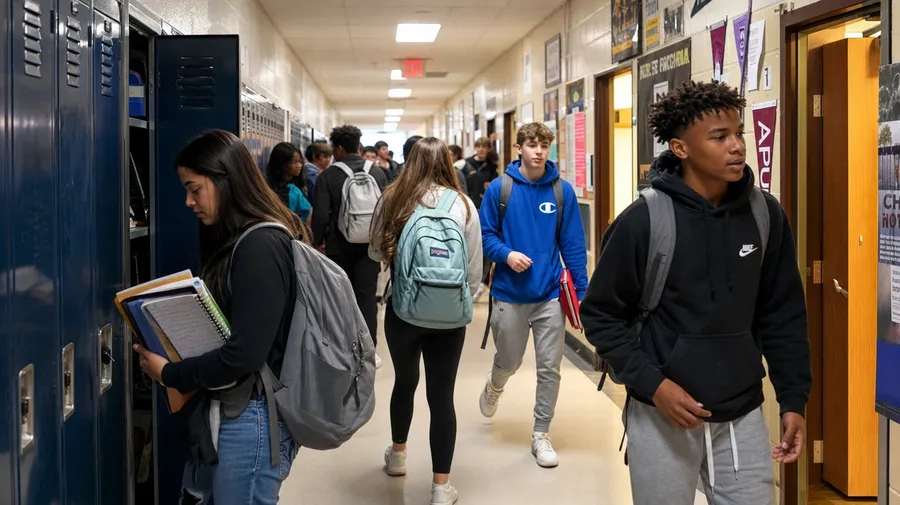
AI Stock School Images Generator
Custom school stock across grades and settings: kindergarten circle time to senior week, classroom to bus loop, every paid plan covers commercial use.
One subscription, every top image model.
Auto mode picks the model best suited to your prompt. Manual selection is always one click away.


How to generate custom school stock images with getimg.ai
A school brief gets three things right at once: the grade, the room, the moment of the day. All three live in the prompt.
1. Type the moment
Open the Content Generator and name the school moment: grade, room, activity. The default produces a usable baseline; add school type, time of day, or cultural register when you want more control.
2. Pick from a batch
Run up to sixteen variations at once, then read each for the kids' age, the room cues (lockers, posters, fluorescent or window light), and the mix of students. Pick the one that lands.
3. Tweak a detail
A first run picks one of many valid school interpretations from your prompt. If you'd prefer a kindergarten classroom over the third-grade room the model chose, a Japanese school uniform instead of an American hoodie-and-jeans look, or an outdoor playground instead of the gym, name the swap and run again. Multiple changes fit a single prompt; export when it lands.
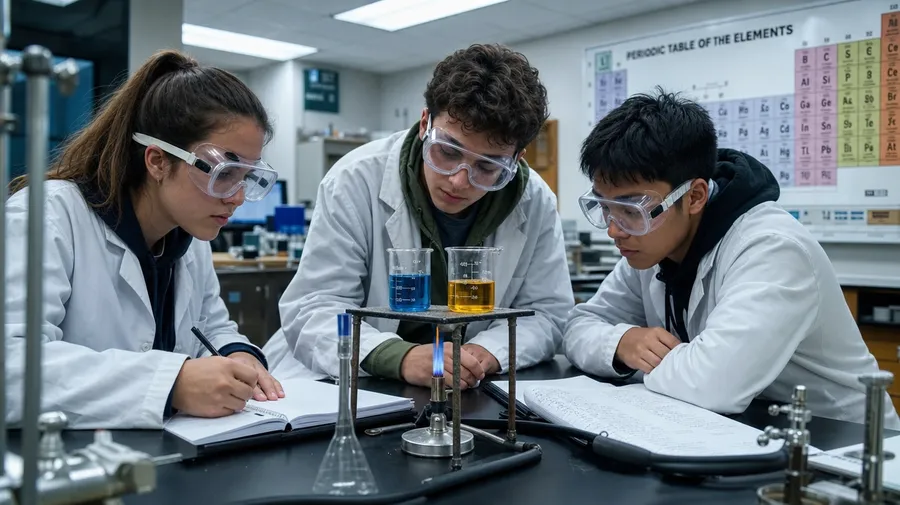
high school science students at black lab benches in safety goggles, mid-experiment with beakers and a bunsen burner, fluorescent classroom light
Every grade, every part of the day, every face in the room
Three angles for school briefs: the rest of the day, the grade range, and the mix of students walking the halls.
Hallway, gym, lab, lunchroom, library
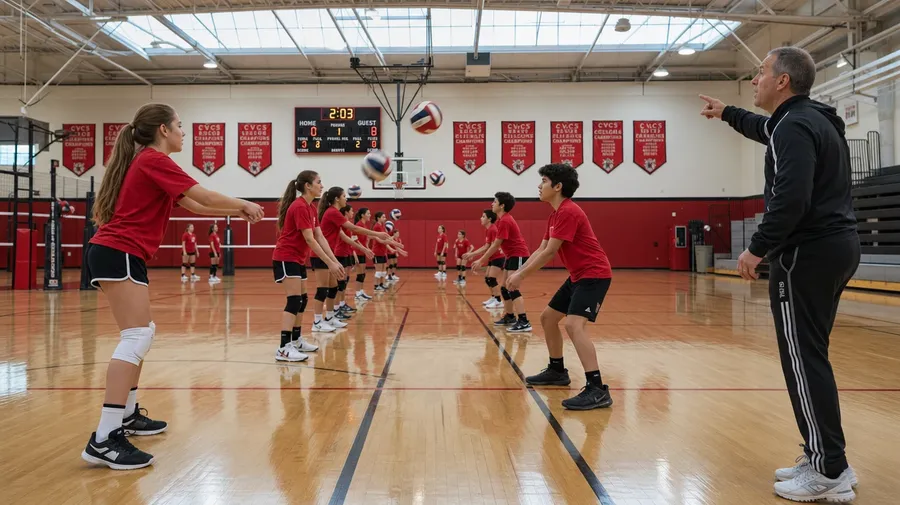
Generate the rest of the school day: students at lockers between classes, lab benches in chemistry, a long table in the cafeteria, the row of book stacks in the library, the gym mid-PE class. Real briefs spend most of their hours away from the classroom, not in it.
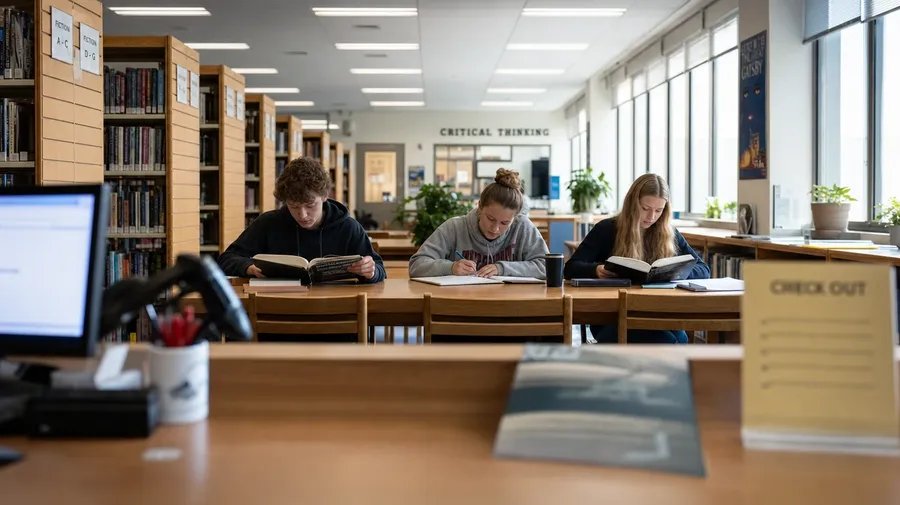
Span K-5 through senior week
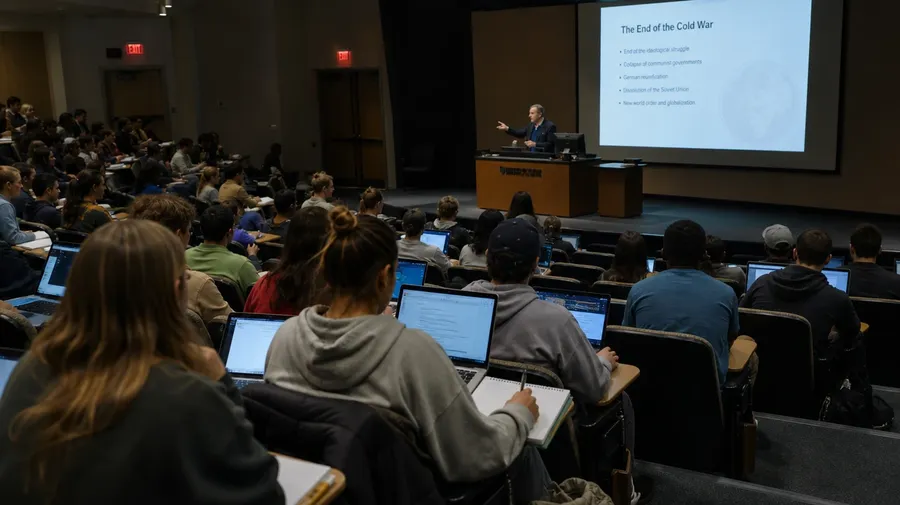
Pick any grade band and any school culture: a kindergarten reading circle on a colorful rug, a middle-school gym class running drills under fluorescents, a high-school cafeteria at lunch, a college lecture hall mid-session. The AI matches uniforms, postures, and room tone for each register.
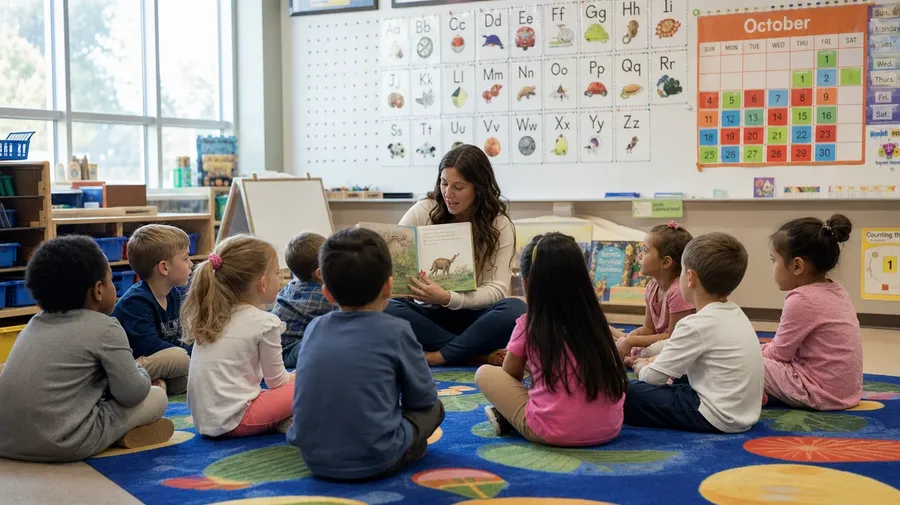
Not just the students
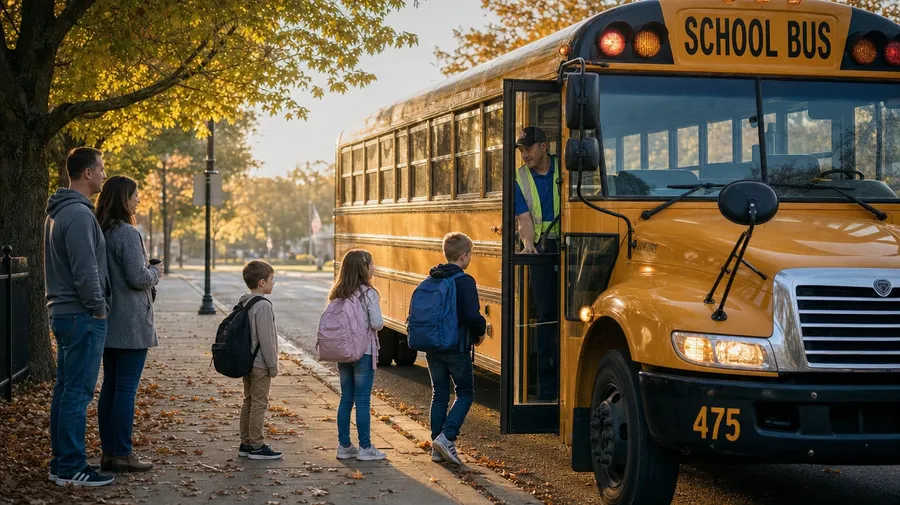
Fill the brief with the actual people who make a school: not only students and the homeroom teacher, but a librarian shelving books, a custodian mopping a corridor after the bell, a coach running field drills, the bus driver at the morning loop. Real schools have wider casts.
Frequently Asked Questions
Yes. Name the space and the moment. A hallway between classes with lockers and student traffic, a cafeteria at peak lunch hour, a gym mid-volleyball drill, a bus loop on a foggy autumn morning, an empty assembly hall before doors open: each renders with the right room cues and student energy when you spell it out. Most school briefs spend more time in these spaces than in any single classroom.
Yes. Name the grade band and the model adjusts the kids' size, posture, expression, and clothing accordingly. A kindergarten reading circle reads completely differently from a sixth-grade gym class or a senior-year hallway. Specify the grade and the age range follows; specify the school culture (public American suburban, Tokyo public junior high, British grammar school) and the uniforms, lockers, and architectural cues follow with it.
Yes. Name the country and the school type, and the model handles the architectural, sartorial, and signage cues. A Japanese koukou with sailor uniforms, a British grammar school with wood-panelled corridors, a Korean middle school with yellow gym uniforms: each carries different defaults the AI honors. The same prompt mechanic that produces an American suburban middle school produces a French lycée or an Indian government school; the country, the school tier, and the era set the rest.
Yes. Specify palette, lighting, and grain in the prompt: warm yearbook 35mm, harsh fluorescent realism, golden-hour after-school light, B-roll documentary cinematography. For multi-scene series in one register, save the look as a custom Element and reuse it across prompts. The Element carries treatment between hallway shots, gym shots, and classroom shots so the series reads as one body of work.
Yes. Every paid plan covers commercial use across district websites, courseware, app UI, marketing brochures, ad campaigns, and printed materials. Public and private schools, school districts, edtech startups, after-school programs, university communications teams, and curriculum publishers all qualify under the same license, alongside every other category covered by AI stock photo generation.
Yes. Different subjects run on the same prompt approach. Name the level, the room, and the activity, and the school-stock workflow extends to any subject: a chemistry lab, a gym class, an art studio, a computer lab. The same logic that produces math stock images produces a science lab, a music room, or a sports field. One workflow, every subject.
As specific as you want. A simple prompt like "a high school hallway between classes" produces a usable baseline; the AI fills in lockers, student traffic, fluorescent overhead light, and the typical posters on cinderblock walls. Add specifics for the parts that matter: the country, the grade band, the time of day, the era, a particular extracurricular angle. Named details get honored without flattening the rest.
The whole school, in one prompt box
Catalog school stock collapses the building to one sunny classroom shot and one stock teacher. Type the grade, the room, and the moment, and run the prompt for the rest of the day.