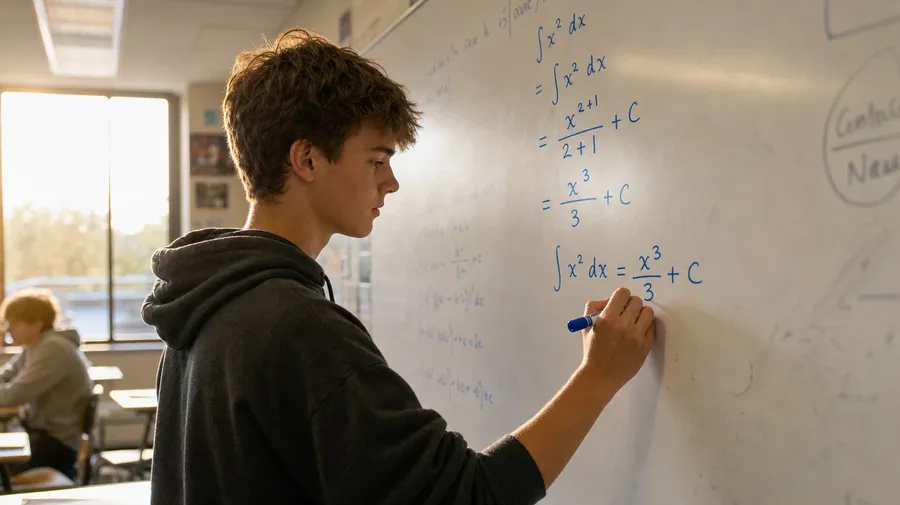
AI Stock Math Images Generator
Type the level and the scene; get math stock where the equations actually compute. Kindergarten arithmetic to graduate proofs, with commercial rights on every paid plan.
Every top image model is built in.
Auto mode reads the prompt and routes to the best-suited model; manual switching stays available.


How to generate custom math stock images with getimg.ai
Math stock has to clear a math teacher's eye and fit the right age bracket. Both come from the prompt.
1. Describe the lesson
Open the Content Generator and describe the math scene: the level, the people, the equation. A simple prompt produces a usable baseline; name the grade, the chapter, or the specific theorem when you want exact control over those details.
2. Generate a batch
Generate up to sixteen variations at once, then check each for the actual math on the board or page, the people's age bracket, and the legibility of the working. Pick the version that lands.
3. Swap a detail
A first run picks one of many valid math interpretations from your prompt. If you'd rather see an integral than the limit the model chose, a sixth-grader instead of the high schooler in the result, or a chalkboard instead of a whiteboard, name the swap and run again. Multiple changes fit a single prompt; download when the result lands.
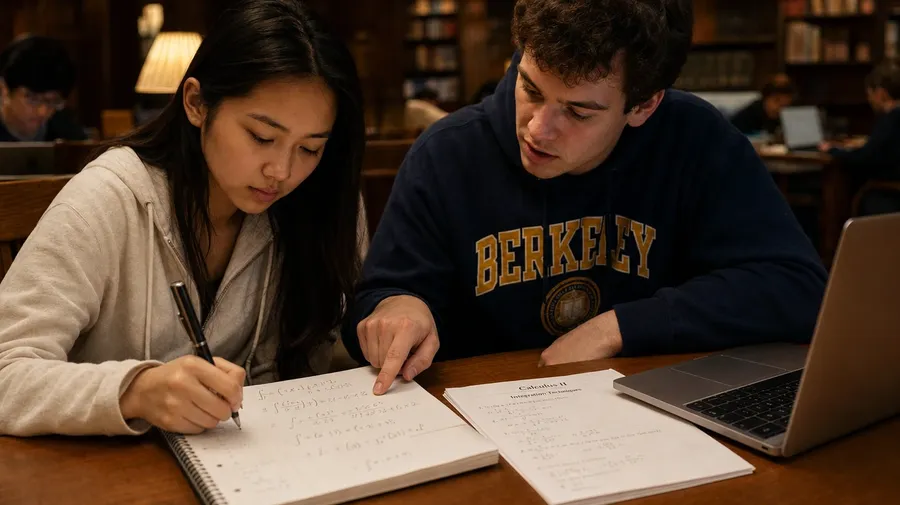
two college students working through a calculus integral at a wooden library study table, notebooks open
Real equations, the right level, the people in the room
Math briefs land when the formulas hold up to a teacher's read, the audience sees their age on screen, and the people in the scene look like the people who'd actually be working those problems.
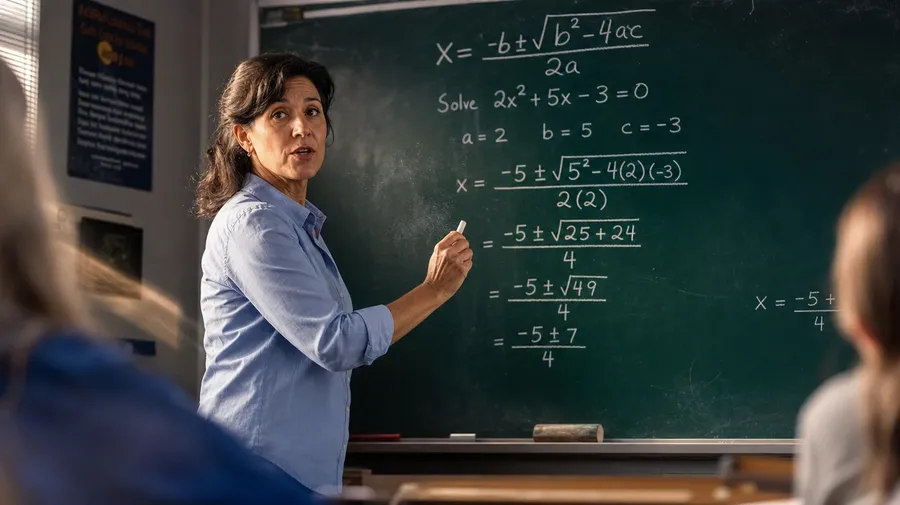
Equations even a math teacher would sign off on
Generate boards and notebooks where the math actually works: the integral resolves, the proof closes, geometry diagrams come labeled correctly. The model handles working steps, symbol density, and the level of formality a tenth-grade lesson carries versus a graduate seminar's.
From counting on fingers to topology proofs
Cover every grade and every register: a kindergarten counting wall with cubes and number lines, a middle-school algebra board mid-derivation, a college lecture hall covered in topology notation. Match the level to the audience the brief addresses; the AI handles everything else.
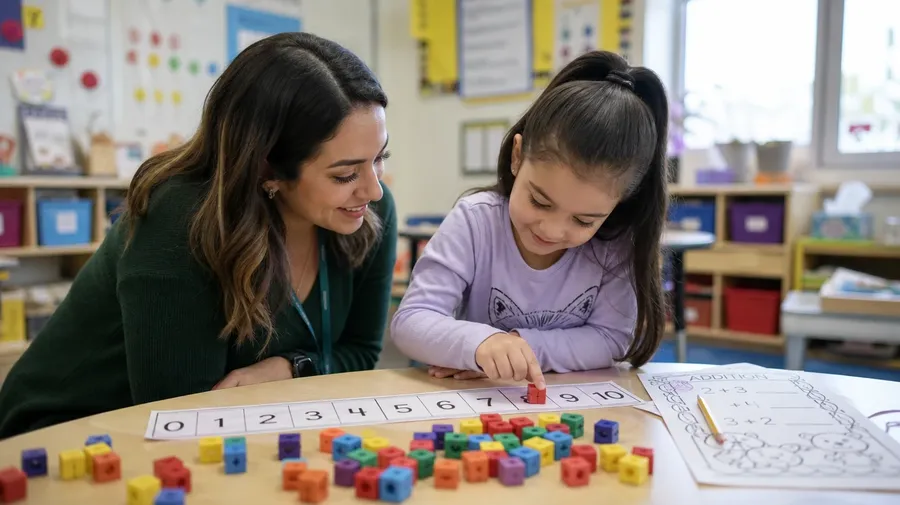
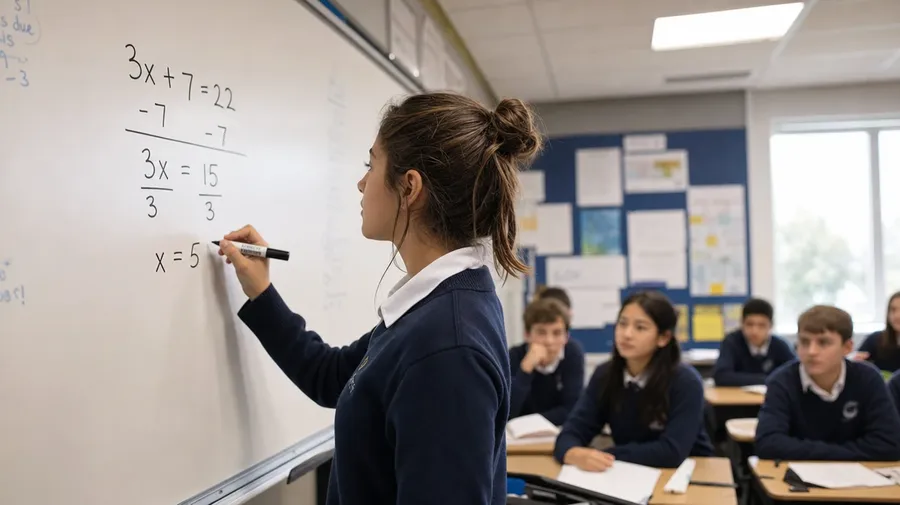
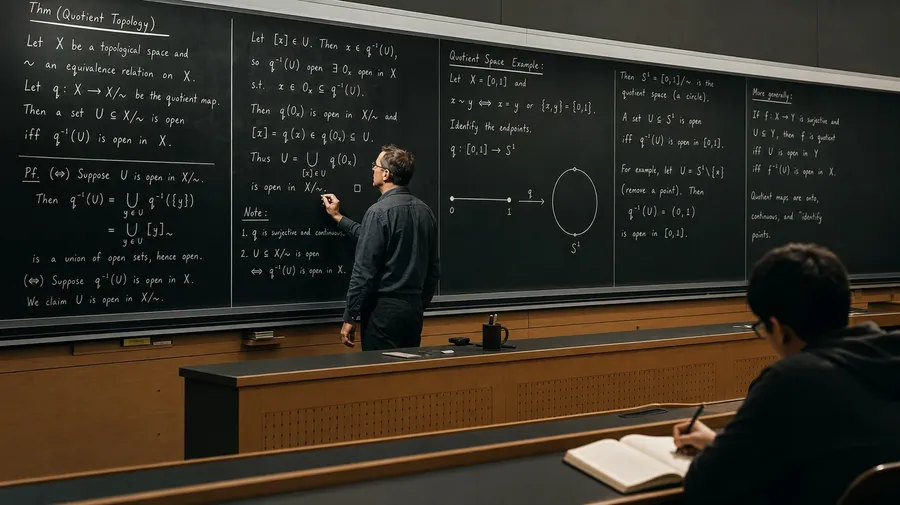
Real tutoring, real classrooms, real homework
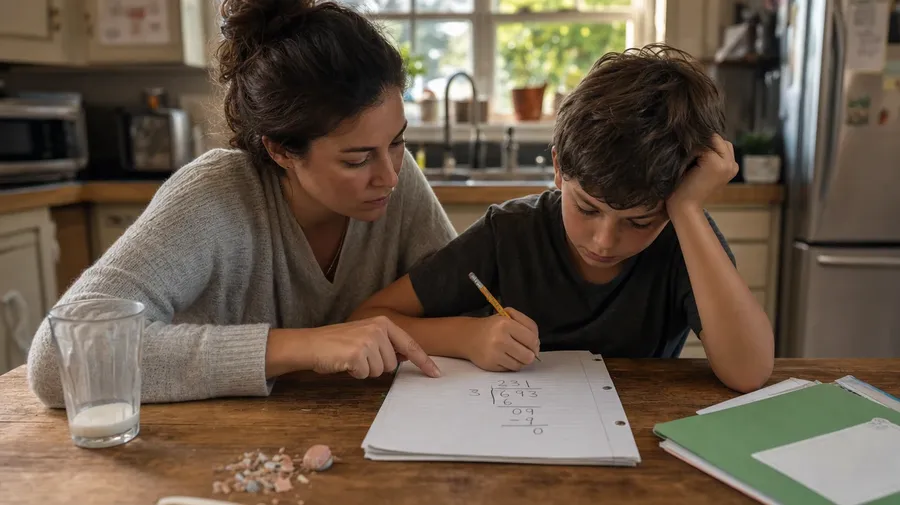
Fill the brief with the people who'd actually be doing the math: a parent walking a fourth-grader through long division at the kitchen table, three high-schoolers arguing about a proof at a coffee-shop booth, a tutor at a whiteboard mid-explanation. The scenes look like the real thing because they are.
Frequently Asked Questions
Yes, when the prompt names the math. A solved quadratic, a worked-out integral, a labelled triangle proof, a long-division layout — each renders correctly when you specify the operation and the level. A vague prompt like "math on a board" produces the catalog default: visually mathy, not always solvable. Specify the equation, the working steps, and the grade band, and the board reads right under a teacher's review.
Yes. Name the grade band (kindergarten counting, third-grade multiplication, eighth-grade pre-algebra, AP Calculus, undergrad linear algebra, graduate topology), and the model adjusts the symbol density, the board layout, and the people in the room. A second-grade scene reads completely differently from a college lecture hall, and the prompt is where you pick.
Name the moment. A parent walking a fourth-grader through long division at the kitchen table, three high-schoolers arguing about a proof in a coffee-shop booth, a tutor at a portable whiteboard in someone's dining room, a TA holding office hours in a college library: each carries different cues that the AI honors when you spell them out. Same prompt mechanic, different scene.
Yes. Specify palette, lighting, and grain in the prompt: warm chalkboard yellow, sun-lit classroom afternoon, clean editorial whiteboard, library tungsten. For multi-scene units in one register, save the look as a custom Element and reuse it across prompts. The Element carries treatment between scenes so the chapter reads as one body of work.
Yes. Every paid plan covers commercial use across textbooks, courseware, app UI, marketing, and printed materials. School districts, edtech startups, tutoring services, university communications teams, and curriculum publishers all qualify under the same license, alongside every other category covered by AI stock photo generation.
Yes. Save a portrait as a custom Element, then reference it with @TeacherName in every prompt. The Element keeps the same person between the kitchen table, the chalkboard, and the lecture hall. Character continuity is a core workflow for realistic AI image generation across a curriculum or campaign — one Element, many prompts, the same face.
As specific as you want. A simple prompt like "a math tutor at a whiteboard" produces a usable baseline; the AI fills in the typical details (the marker in hand, the student looking on, the natural classroom light). Add specifics for the parts that matter: the exact equation on the board, the student's age, the kind of school, the time of day. Named details get honored; the rest stays in the AI's hands.
Math stock that survives a teacher's read
Most stock math libraries fill boards with formulas that don't compute and classrooms that don't match the brief. Spell out the level, the equation, and the people in your prompt, and the boards land where your audience would actually read them.