AI Stock Rose Images Generator
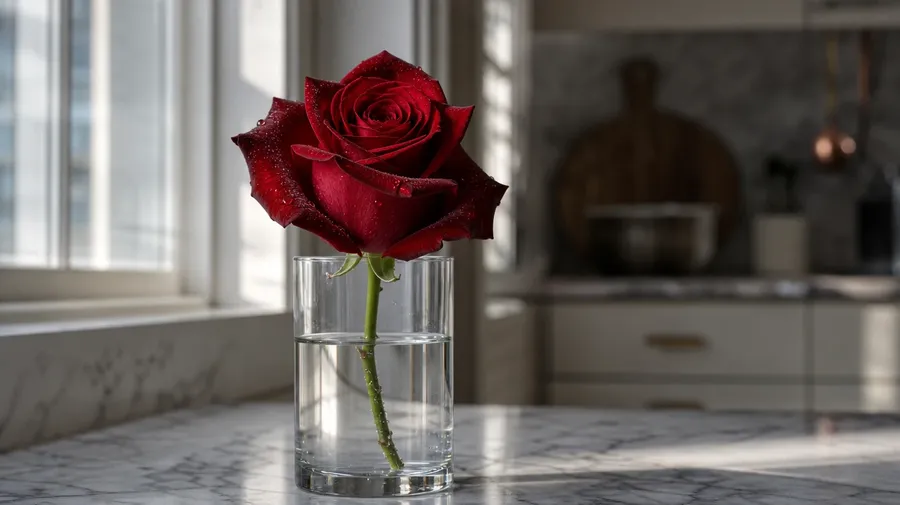
A crimson hybrid tea bloom in a glass vase on a kitchen counter, peach garden rose flowers on a wedding aisle, a pink climber crawling a brick wall in late afternoon light, a single white rose with dew on the petals at sunrise. Pick the variety, the color, and the setting, and the AI will generate rose pictures that match what you describe. Commercial rights on every paid plan.
Auto mode picks the model that fits your prompt.
Every leading image model lives in the same workspace, included in your subscription.


How to generate custom rose pictures with getimg.ai
A garden bed in midsummer, a single bloom catching morning light, a bouquet on a wedding aisle — three steps that turn a variety idea into pictures of roses you can hand a client.
1. Name the variety, color, and setting
Log into getimg.ai and describe the rose, the surroundings, and the moment. A simple line gives a baseline; specify the cultivar, the petal color, or the time of day when you want exact control over those details.
2. Generate and compare
Generate up to sixteen variations at once, then read each for petal-curl accuracy, leaf venation, color depth across the bloom, and how the light separates the rose from the background. Pick the version that lands.
3. Change a detail
A first run picks one of several valid interpretations from your prompt. If you'd rather see a peach English garden rose instead of a crimson hybrid tea, a stone garden wall instead of a glass vase, or a tight bud instead of a fully open bloom, name the swap and run again. Several changes fit one prompt. Download the version you want to ship.
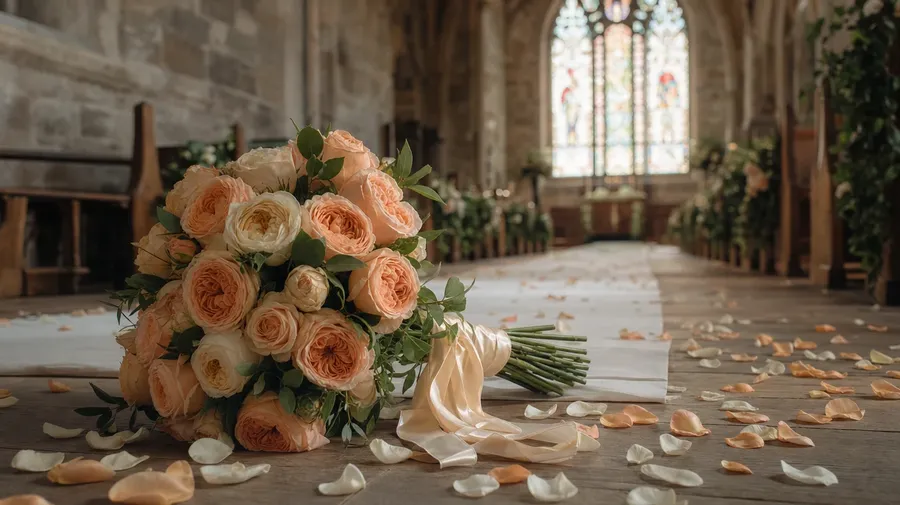
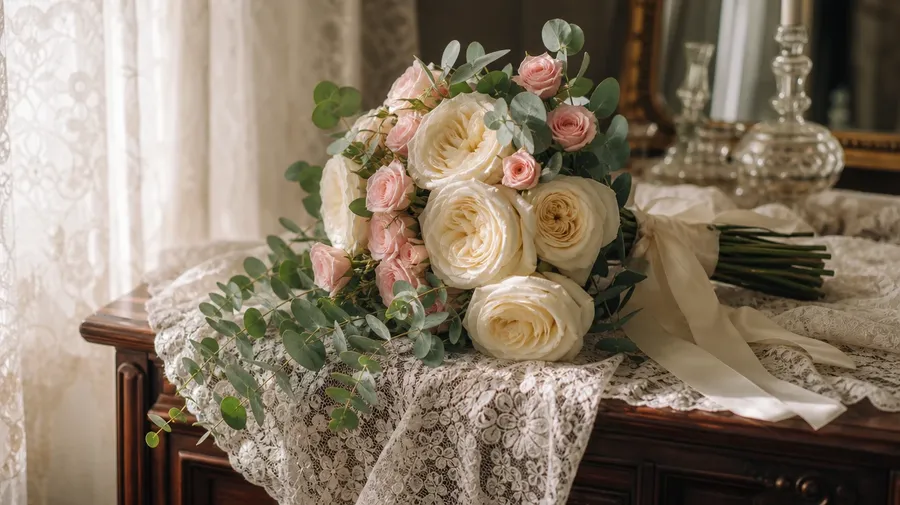
a peach English garden rose bouquet resting on a wedding aisle with petals scattered on the floor
What custom rose shoots actually cover
Cultivars, color stories, and the bloom-by-bloom moments real rose campaigns need.
Crimson hybrid teas to peach garden roses
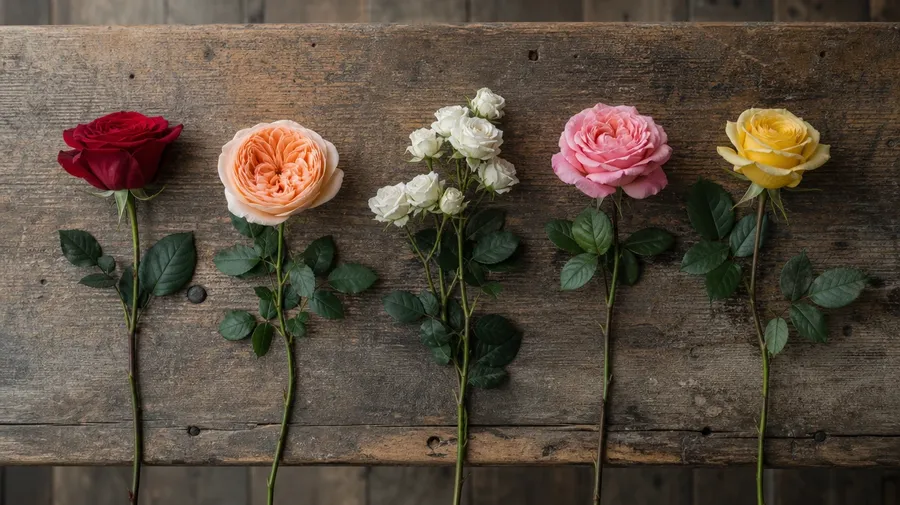
Cover the cultivars working campaigns actually call for: a crimson velvet hybrid tea on a long stem, a peach David Austin English rose with layered petals, a white spray rose at a bridal table, a pink wild rose climbing a stone wall, a yellow tea rose in a kitchen window vase. Each variety reads differently.
Garden bed, vase, bouquet, wedding aisle
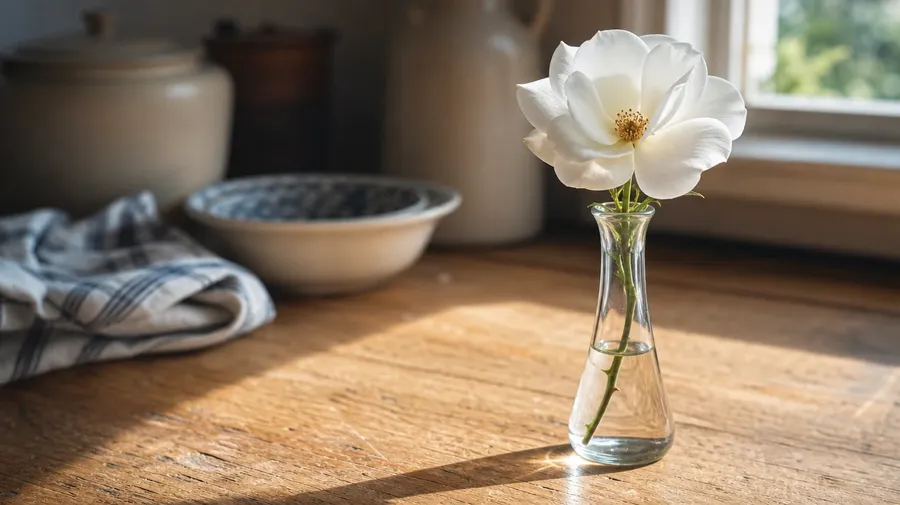
Show the rooms and moments rose pictures actually live in: a midsummer garden in dappled morning light, a single bloom in a glass bud vase on a wooden counter, a bridal bouquet on lace, a climbing rose on a sun-warmed brick wall, petals scattered across a parquet floor after a ceremony. Each setting sets a different palette.
Beyond the same stem-in-a-vase shot
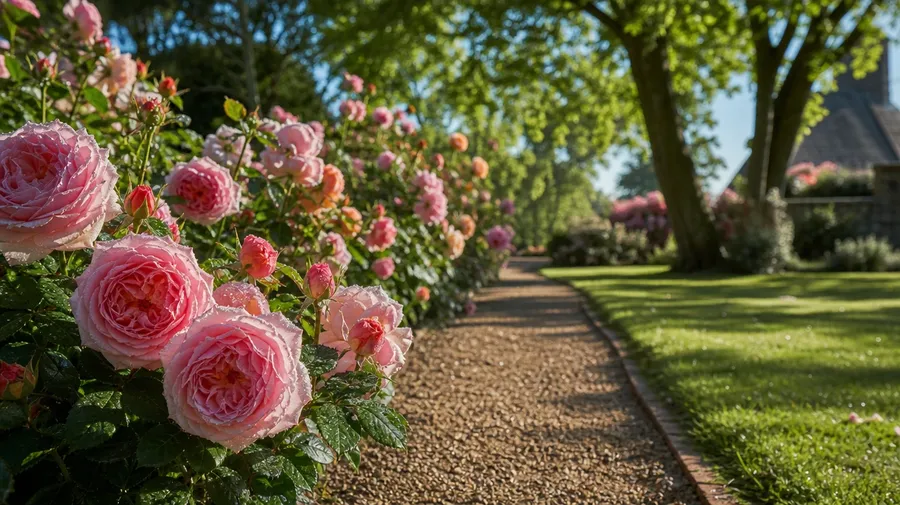
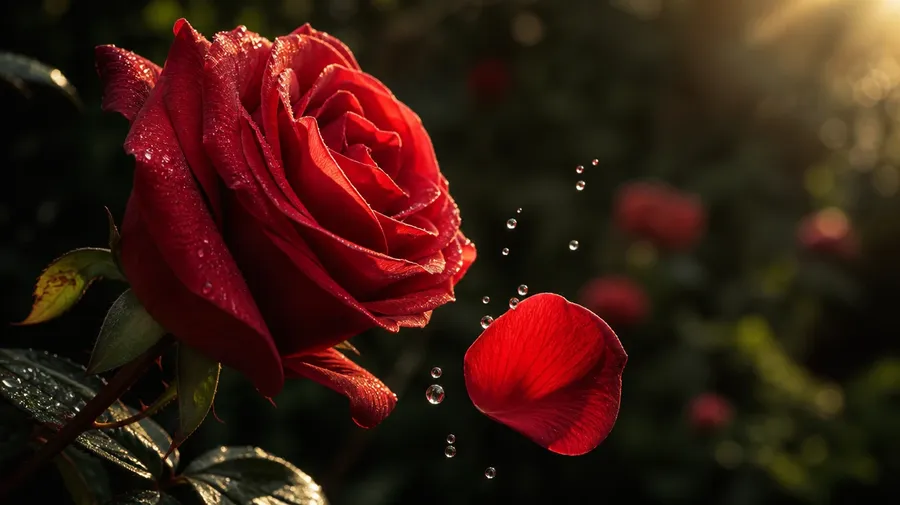
Stock rose images stop at the same red stem in a tall vase on a white background. Real shoots cover a macro of dew on a petal edge, a sun-backlit bloom mid-fall, a hand-tied bouquet on a ceremony table, a rose hedge in full mid-July bloom. Off-the-shelf rose pictures miss the bloom.
Frequently Asked Questions
Yes. Name the variety, the color, and the setting. A peach David Austin English rose with layered petals on a lace-draped table reads very differently from a crimson hybrid tea on a long stem against a dark studio backdrop, a white spray rose at a bridal table, or a pink climber crawling a stone wall in late afternoon light. The AI handles the petal curl, the leaf venation, and how the bloom reads against the surface behind. Generate up to 16 at a time, compare the takes, pick the version that lands.
Yes, when the prompt names them. A velvet crimson Mister Lincoln hybrid tea reads differently from a peach Juliet English rose with layered petals or a white wild rose with five flat petals, a tight bud just opening from a fully open bloom, glossy dark leaves from soft matte green. Specify the variety, the petal stage, and the leaf type, and the AI handles the dew, the bloom sheen, and the focus separation from the background behind.
Yes. Specify palette, contrast, light direction, and grain in the prompt: warm-grade still life, cool overhead floral editorial, soft window-light bridal, sun-soaked outdoor garden. For a multi-variety campaign on one cultivar lineup or a single rose shown across seasons, save the look as a custom Element and reuse it across prompts. The Element carries treatment across shots so the campaign reads as one body of work.
Name the variety and the setting. A pink climbing rose crawling a sun-warmed brick wall, a hedgerow of wild dog roses along an English country lane, a rambler arching over a garden gate, a thorny multiflora hedge in full mid-June bloom: each carries different cues — leaf shape, bloom cluster, growth habit — that the AI honors when you spell them out in the prompt.
Yes. Every paid plan covers commercial use across ads, social, web, print, packaging, and presentations. Florist hero images, wedding-venue marketing, fragrance and cosmetics product pages, Valentine's-day greeting cards, and editorial features on cultivar trends all qualify under the same license, and so does every other category of AI stock photos.
Yes. Different flower categories run on the same prompt approach. Name the variety, the color, and the setting, and the same logic that produces flower pictures for peonies, tulips, or wildflower mixes produces rose pictures: swap a peony stem for a hybrid tea, a tulip field for a rose garden, a wildflower bouquet for a hand-tied dozen long-stem roses. A multi-flower campaign runs through one prompt box.
As specific as you want. A simple line like "a single red rose in a glass vase" produces a usable baseline; the AI fills in the typical details (the petal curl, the dew, the soft window light). Add specifics for the parts that matter to the campaign: a particular cultivar, a petal stage, a setting, a color palette. The AI honors named details without overriding the rest. Each beautiful rose image gets the named details right.
Generate rose photography that matches the variety, the color, and the setting.
Pick the cultivar, name the moment, and run the prompt. The AI gives you rose pictures with the petal curl, the bloom stage, and the surroundings your campaign actually wants.