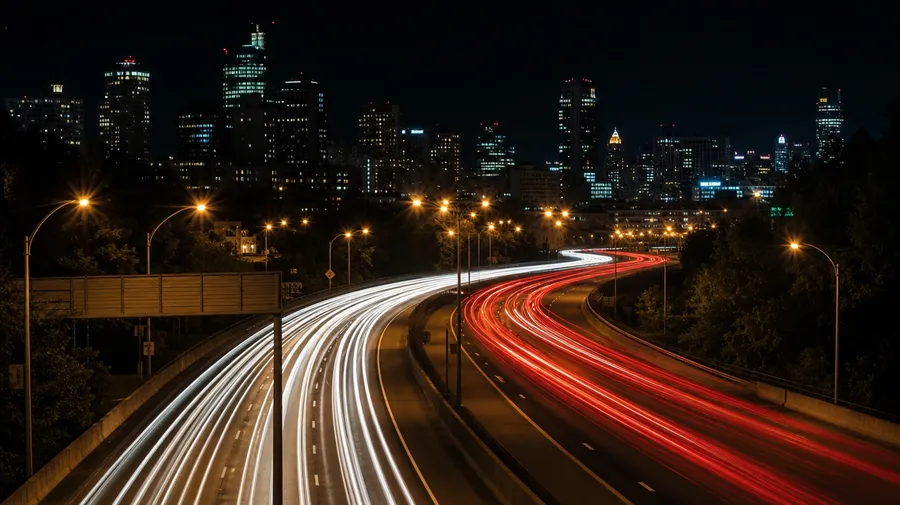
AI Stock Night Photography Generator
Generate night photography by what's lighting the shot: highway light trails, neon Tokyo alleys, star-trail mountains, beach bonfires, lit office towers at blue hour. Every paid plan covers commercial use.
All major image models in one tool.
Auto mode reads the brief and runs the prompt through the right model.


How to generate custom night photography with getimg.ai
Night-photography briefs come down to the light source and how long the shutter sits open. The prompt names each.
1. Sketch the night
Open the Content Generator and sketch the night: location, light source, shutter feel. The default produces a usable baseline; add season, weather, camera angle, or specific time of night when you want exact control over those cues.
2. Vet the run
Run up to sixteen at once, then check each for trail behavior, light-source color, the contrast between lit subject and dark surround, and the static elements' sharpness. Pick the one that lands.
3. Tune a detail
A first run produces one valid night-photography interpretation. If you'd prefer Tokyo neon over the New York light trails the model picked, a star-trail rotation instead of car trails, or a 30-second exposure feel instead of a 5-second streak, name the swap and run again. Multiple changes fit one prompt; export when it lands.
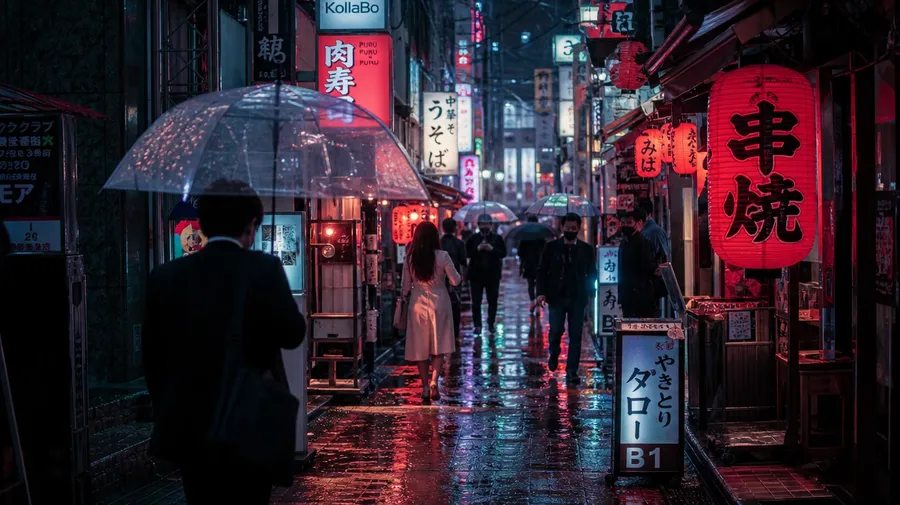
tokyo shinjuku neon-lit alley at night with pedestrians in light rain, red lanterns and sodium-orange signage reflected in puddles
Where the light comes from at night
Three things real night-photography briefs need: a wider range of light sources, the technique for the shutter, and locations past the wet-pavement default.
Neon, sodium, moonlight, fire, stars
Anchor each shot on its actual light source: a neon Tokyo alley with red and pink signs, sodium-orange streetlamps over a Lagos sidewalk, a full moon over an open meadow, a beach bonfire with sparks rising, a pre-dawn star field over a desert mountain. The mood follows the light.
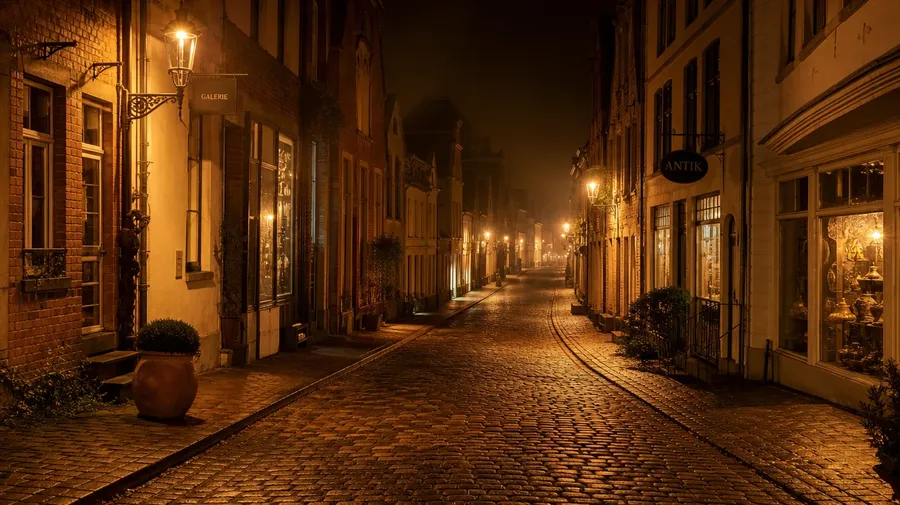
What a slow shutter does at night
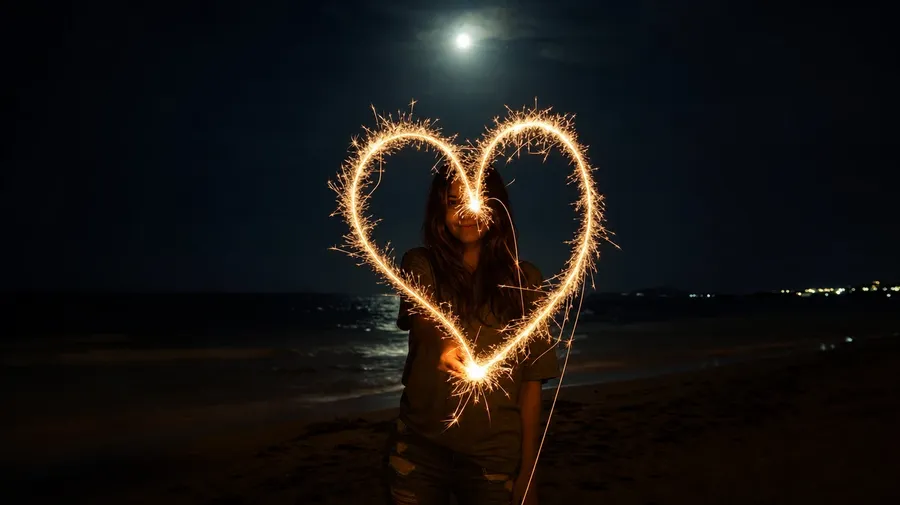
Stretch the shutter to whatever the brief calls for: a 5-second car-trail streak on a curving highway, a 30-second water blur softening a coastal pier, a four-hour star-trail rotation over a desert ridge, a sparkler-led light-painting sweep at a beach. The technique reads in the smoothness of the streak.
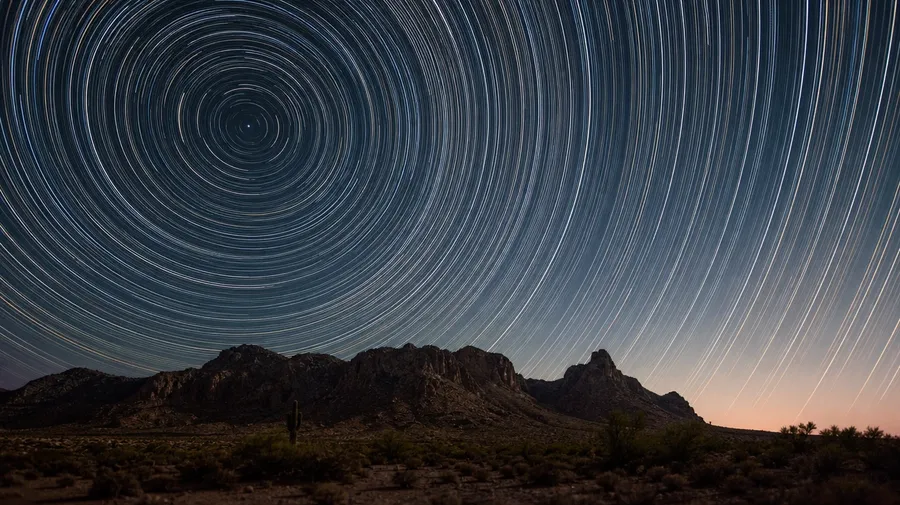
From neon alleys to moonlit forests
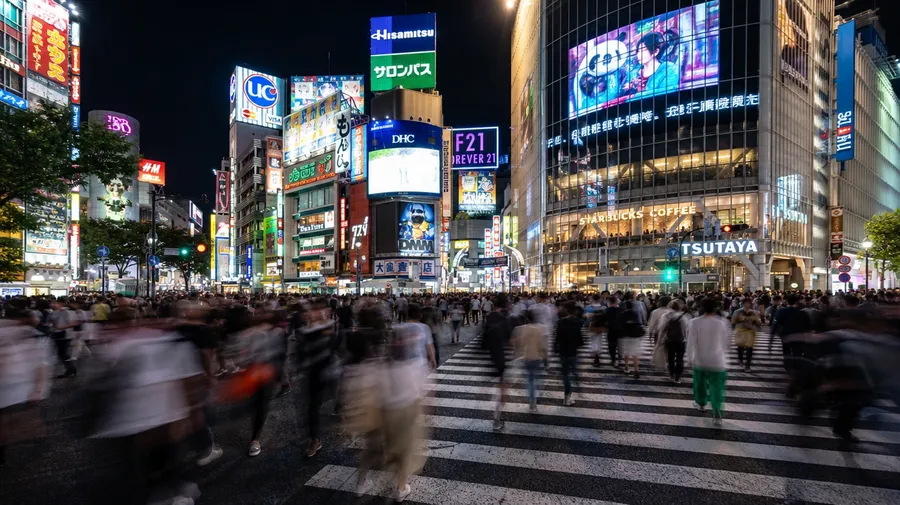
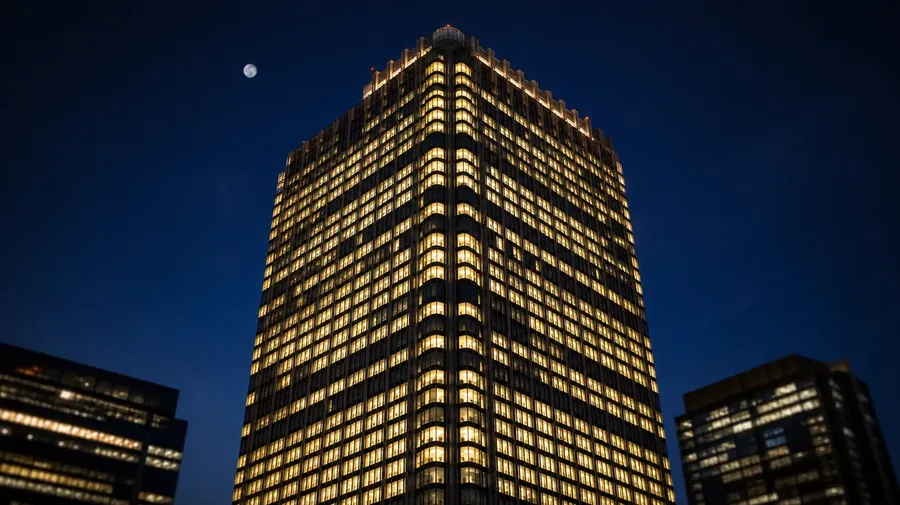
Roam any night setting the brief calls for: a Shibuya alley in light rain, a coastal harbor under a full moon, a Sahara dune under a star-thick sky, an office tower lit floor by floor, a forest path under moonlight. Each has its own light register.
Frequently Asked Questions
Name the location, the light source, and the shutter feel. "A night street" produces the catalog default, the wet pavement with red and yellow streaks; "a Lagos overpass at sodium-orange streetlight with 30-second car trails" gives the model a place, a light source, and an exposure to render. The more specifics, the further the result lands.
Yes, when the prompt names them. A 5-second car trail reads completely differently from a 30-second water blur, a four-hour star rotation around Polaris, a light-painting sweep with a sparkler, or a one-second pedestrian blur in a crowd. Specify the technique and the duration and the AI handles the trail behavior, the static-element sharpness, and the cumulative motion.
Yes. Name the place: a Shibuya alley with neon and rain, a Cairo overpass with sodium-orange lamps, a Sahara dune under the Milky Way, a Reykjavík harbor with aurora overhead, an Iceland black-sand beach in moonlight. Each carries different light cues, particulate, and architectural defaults that the AI handles when you spell them out.
Yes. Specify palette, contrast, motion duration, and ambient light in the prompt: cool blue-hour cinematic, warm sodium-tungsten urban, cyan-magenta neon, monochrome blue moonlight. For multiple shots in one register, save the look as a custom Element and reuse it across prompts. The Element carries treatment from a wide cityscape to a tight light-trail close-up so the campaign reads as one body of work.
Yes. Every paid plan covers commercial use across ads, social, web, print, packaging, and presentations. Travel brands, tourism boards, hospitality groups, real-estate developers, fashion editorials, and lifestyle publications all qualify under the same license, alongside every other category covered by AI stock photo generation.
Yes. Different photography categories run on the same prompt approach. Specify the place, the duration, and the lighting, and the workflow extends from straight night exposure to slow-shutter long exposure to deep-sky astrophotography. The same logic that produces AI long-exposure photos produces night-cityscape stills, light-painting shots, or star-trail wides; one workflow, every shutter.
As specific as you want. A simple prompt like "a city street with light trails at night" produces a usable baseline; the AI fills in the typical details (sodium-orange streetlamps, a smooth red-and-white traffic streak, lit signs in the background). Add specifics for the parts that matter: the city, the season, the weather, the shutter duration, the camera angle, the foreground subject. Named details get honored without flattening the rest.
Custom AI night photography: faster & better than regular stock.
Catalog night photography stops at headlights on a wet road. The actual range opens up when you name the location, the light source, and the shutter, and the result reads like a real hour after dark.