AI Stock Long Exposure Photos Generator
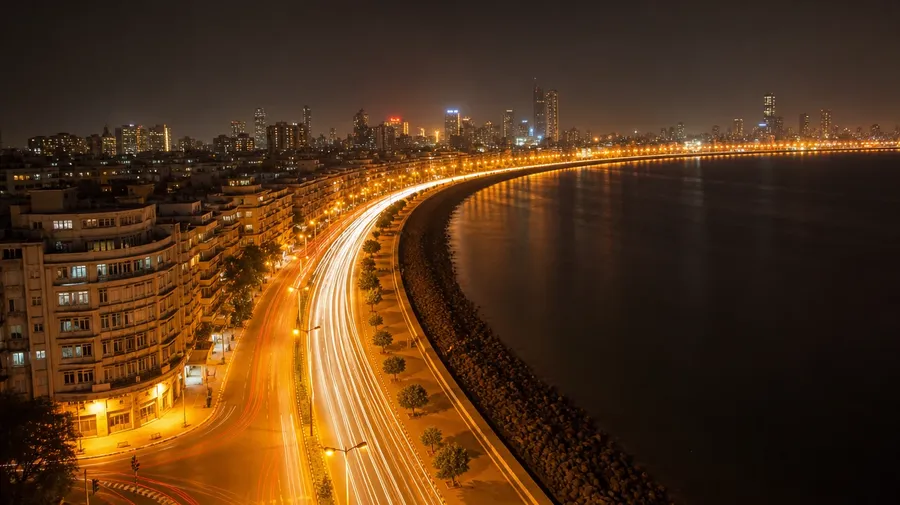
What separates a long exposure from stock cliché is the place. Stock catalogs ship the same five: generic highway, milky stream, mountain stars. Generate Mumbai Marine Drive at midnight, Reykjavík harbour aurora, or Tokyo Shibuya pedestrian-blur, with named place and named spec.
Auto mode picks the model that best fits your prompt.
Experience the power of the world's top AI models, without having to know their specs.


How to generate custom long exposure photos with getimg.ai
Long exposure is named place, named time, and named motion. None of them are interchangeable.
1. Pick the place and the motion
In the Content Generator, type the place, what's moving, and how long the exposure feels. Add direction, light sources, time of night, or weather when you want exact control over the trail.
2. Read the trails
Generate four or eight at once. Compare the trail smoothness, whether static elements stay sharp, the colour separation between trail and background, and whether the motion direction reads natural. Pick the one that holds.
3. Take it, or change the place
Take the result if it lands. If you'd rather have Mumbai than Tokyo, the exposure feel a slow 30-second sweep rather than a tight 5-second streak, the lights sodium-orange rather than LED-white, the moving subject pedestrians rather than cars, name the swap in the same prompt. Multiple changes run through at once and the rest of the composition stays.
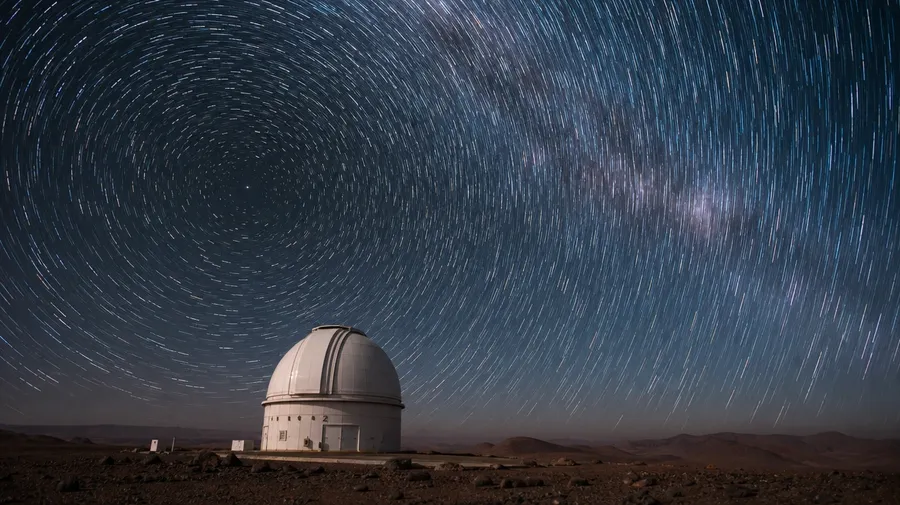
atacama star trails over a single observatory dome at altitude
What's missing from stock long exposure?
Stock long exposure is three clichés on loop. Real ones look different in every city, every season, every spec.
Specific cities, specific blur
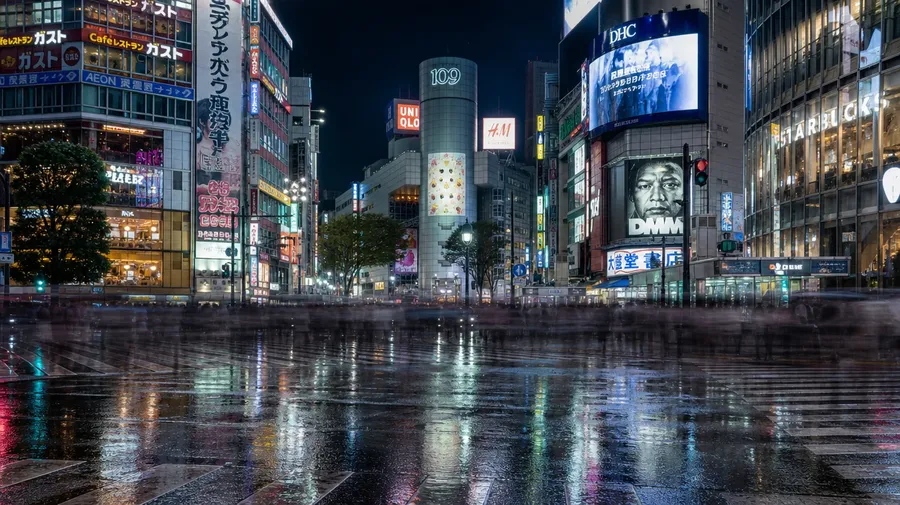
Stock 'city light trails' is mostly an unnamed highway at blue hour. Real campaigns need places: Mumbai's Marine Drive at midnight with monsoon haze, Tokyo's Shibuya crossing during the rain, Lagos Third Mainland Bridge in the rush home, Reykjavík harbour with the aurora overhead. Generate the exact city's exact blur.
Three kinds of motion in one shutter
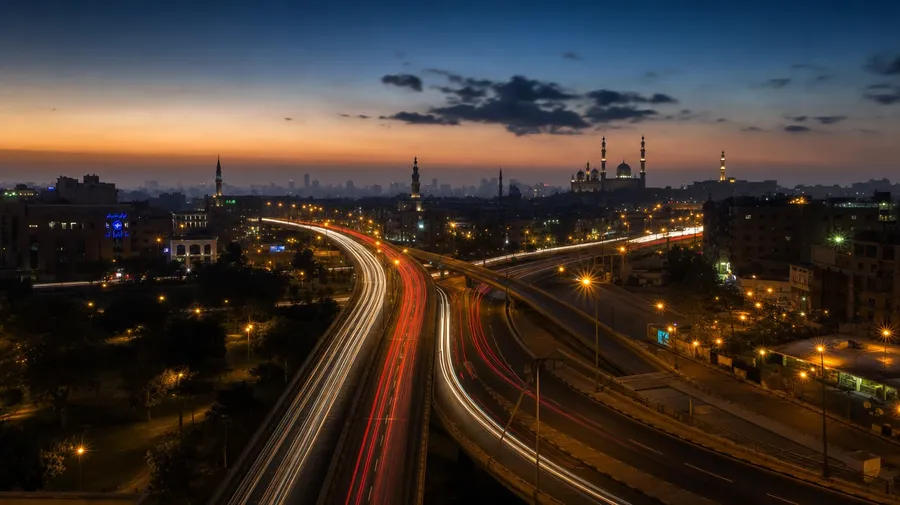
Stock long exposure picks one motion at a time: cars, water, or stars. Real frames need them named: a 30-second car trail on a Cairo overpass, a slow ocean smoothed to silk on an Iceland black-sand beach, a four-hour star rotation over the Atacama. Generate the exact motion at the exact duration.
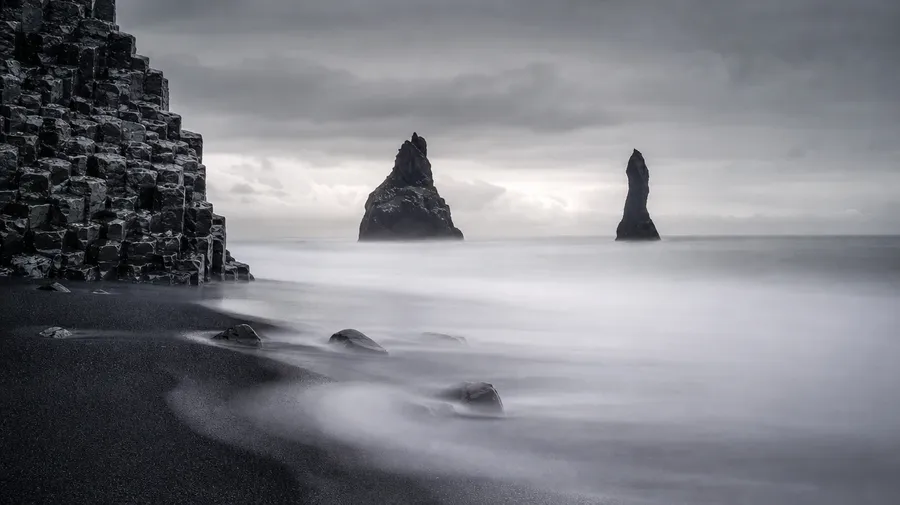
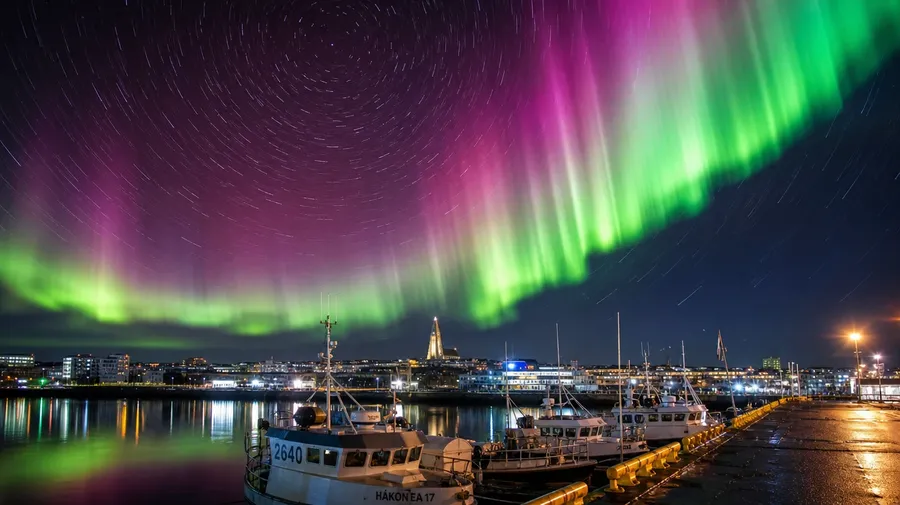
When the moment is the motion
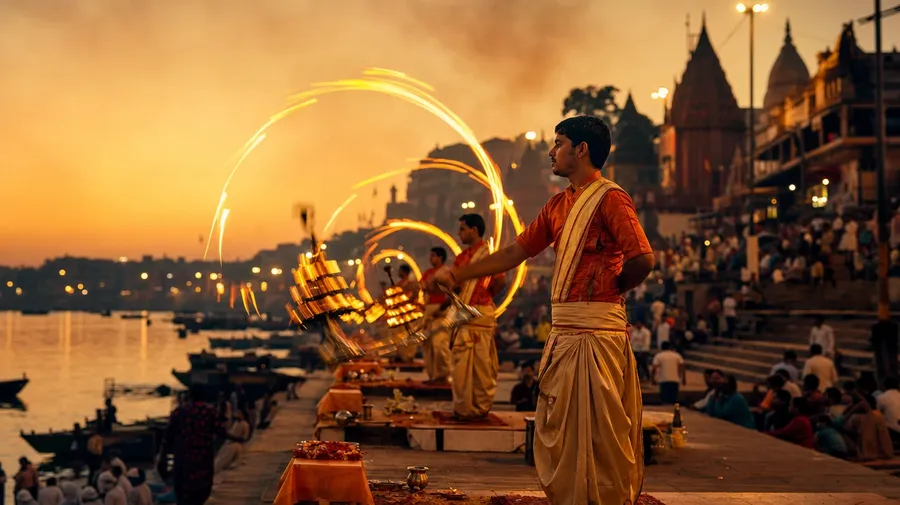
Tourist-board long exposure is a famous landmark with ambient light. Most campaigns need the moment specifically: Diwali fireworks blooming over Delhi, lit lamps swung in arcs during a Ganges aarti at sunset, Yi Peng paper lanterns rising into the night sky over Chiang Mai, lightning over a Saharan oasis at storm season. Generate the event-as-motion, not just the place.
Frequently Asked Questions
Yes. Specify the place, the motion, the duration. A 30-second car trail on Mumbai's Marine Drive in monsoon haze, a four-hour star rotation over the Atacama, Cairo's Tahrir Square at the hour of the call to prayer with lit minarets and pedestrian blur, fireworks over the Sydney Harbour Bridge on New Year's Eve. Name what you want and you'll get it back. Coverage isn't limited to the dozen postcards stock libraries oversupply.
Yes, when you name the trail behaviour. Default long-exposure mechanics (smooth trails across moving lights, sharp static elements, soft motion blur on water, cumulative star rotation) render well from a simple prompt. Sharpen specifics by naming them: a 5-second car trail with sodium-orange streaks, a 30-second water blur with wave-direction lines, a four-hour star trail rotating around Polaris with a sharp foreground. Generate four or eight, compare the trails, pick the one that holds.
Yes. Specify palette, contrast, motion duration, and atmosphere in the prompt: cool-grade blue hour, warm sodium-tungsten night, cyan-and-magenta aurora, monochrome blue moonlight. For multiple frames in one register, save the look as a custom Element and reuse it across prompts. The Element carries treatment from a city-trail close-up to a star-trail wide so the campaign reads as one body of work.
Name it. The Eiffel Tower at blue hour with traffic blur on Avenue de la Bourdonnais, the Milky Way arching over the Atacama with foreground astronomers, Diwali fireworks over Delhi's India Gate, lightning over a Saharan oasis at storm season. Type those specifics in the prompt and you'll get them in the result.
Yes. Every paid plan covers commercial use across ads, social, web, print, packaging, and presentations. Travel brands, hospitality groups, tourism boards, editorial publications, and fashion clients all qualify under the same license. The same license covers every category in the broader AI stock photo generation across the workspace.
Twilight and cinematic frames most. sunset photos often need a slow shutter to pull the colour gradient through, and cinematic stills regularly use long exposure for motion-blur backgrounds in moody interiors. Type the duration and the surrounding light, and the result holds across all three approaches.
As specific as you want. A simple prompt like '30-second car trail on Mumbai's Marine Drive in monsoon haze' produces a usable baseline; the model fills in expected details (the sodium-orange streetlights, the way the rain blurs the trails, the Art Deco silhouettes in the background). Add specifics for the parts that matter: a particular vehicle type, a particular landmark in the foreground, the colour of the trails, the camera angle. The model honors named details without overriding the rest, so a series of long-exposure frames stays consistent across the campaign.
Generate exactly what you need.
Type the city, the motion, and how long the shutter feels. The result is a long exposure with a specific street, specific light source, and specific subject blur — usable wherever a paid stock license would let you place a photo.