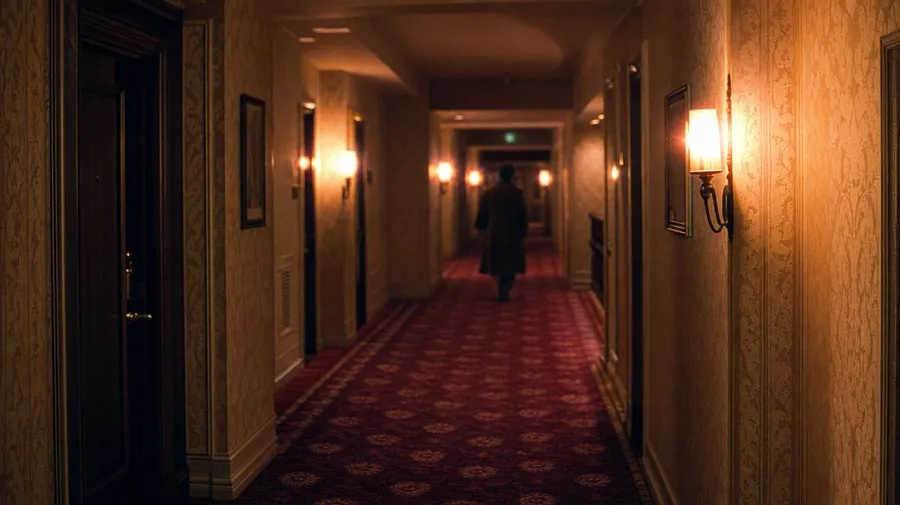
AI Stock Film Photography Generator
Generate cinematic-style stock locked to a specific look — Cinestill 800T halation, anamorphic flare, Tri-X grain, modern muted desaturate. Commercial rights on every paid plan.
Every cinematic look runs through the world's top AI models.
Auto mode picks the right model for Cinestill halation, anamorphic interiors, or Tri-X portraits automatically.


How to generate custom film photography stills with getimg.ai
Cinematic look is mostly film stock, lens character, and light. Name those before the subject.
1. Describe the look
In the Content Generator, type the cinematic style you want: stock, lighting, lens character, subject. Add film stock by name (Cinestill, Portra, Tri-X) when you want exact control. Make sure to pick the right aspect ratio.
2. Choose the frame
Generate multiple images at once to have options. Compare the highlight rolloff, the depth-of-field falloff, the grain in the shadows, and whether the contrast curve actually feels like film. Pick the version that holds at full size.
3. Save it, or shift the look
Take the result if it lands. If you'd rather have Portra warmth than Cinestill cool or the lens character vintage Cooke rather than Zeiss, name the swap in the same prompt. Multiple changes run through at once and the rest of the composition stays.
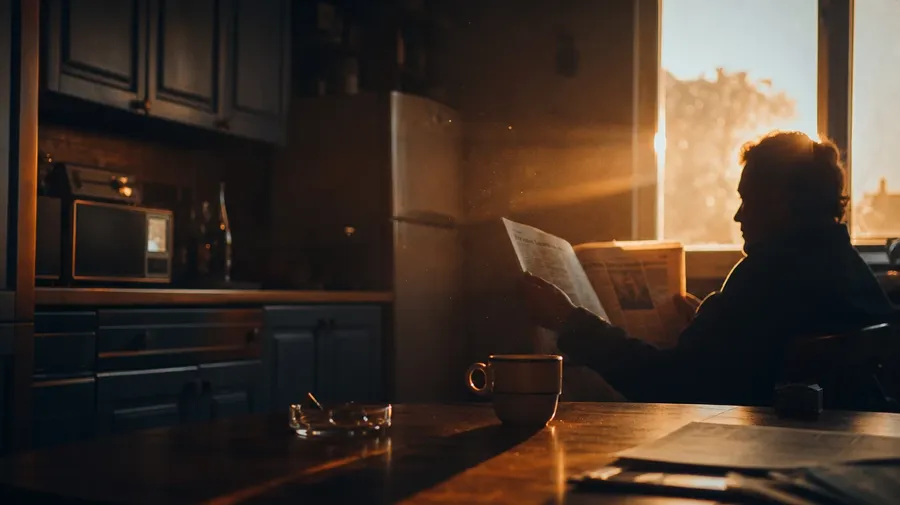
anamorphic golden-hour kitchen interior, light streak through window, fine grain
Cinematic stock that earns the label
Most stock 'cinematic' is shallow DOF and a sun flare. The look you want comes from film stock, lens, and light.
Film stocks beyond the digital default
Stock 'cinematic' is mostly modern digital with a vignette filter. Real cinematic looks come from specific film stocks: Cinestill 800T's tungsten halation, Portra 400's pastel skin, Gold 200's warm midday, Tri-X 400 grain, Velvia's saturated landscape. Generate the stock by name and the workspace returns its actual character, halation and all.
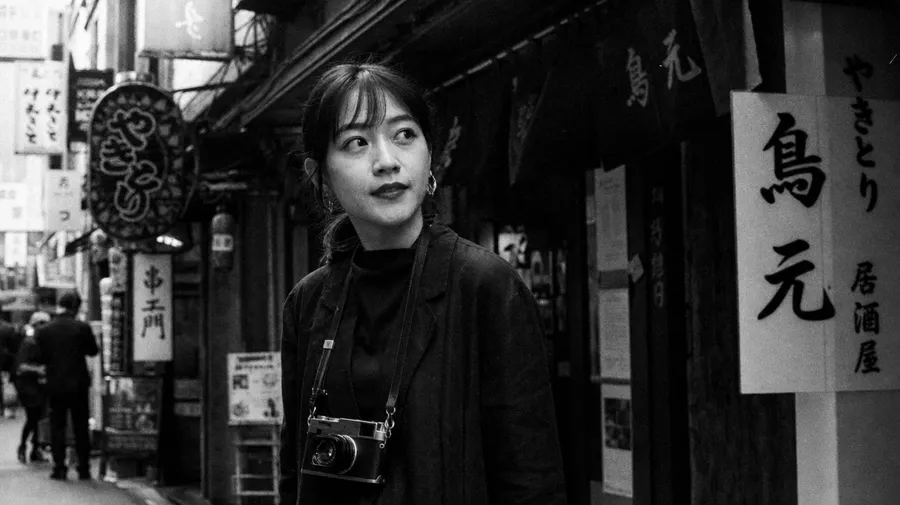
Genre and era on demand
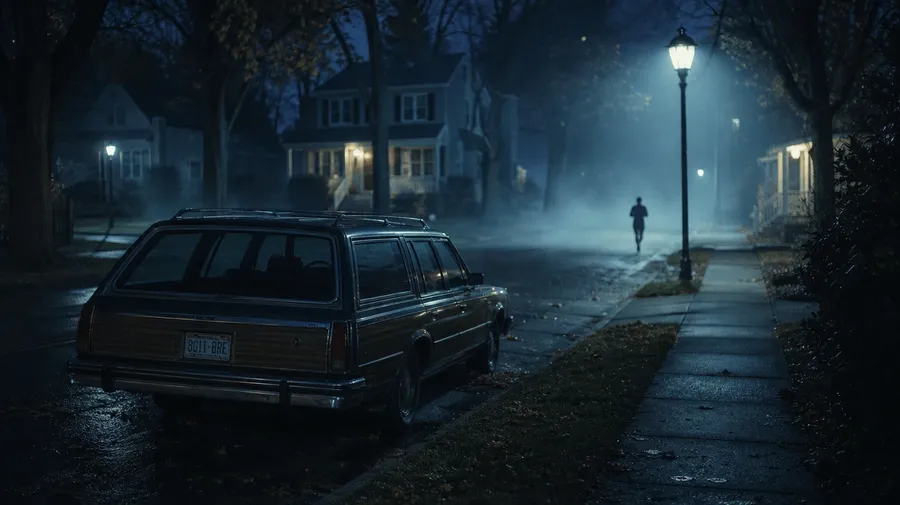
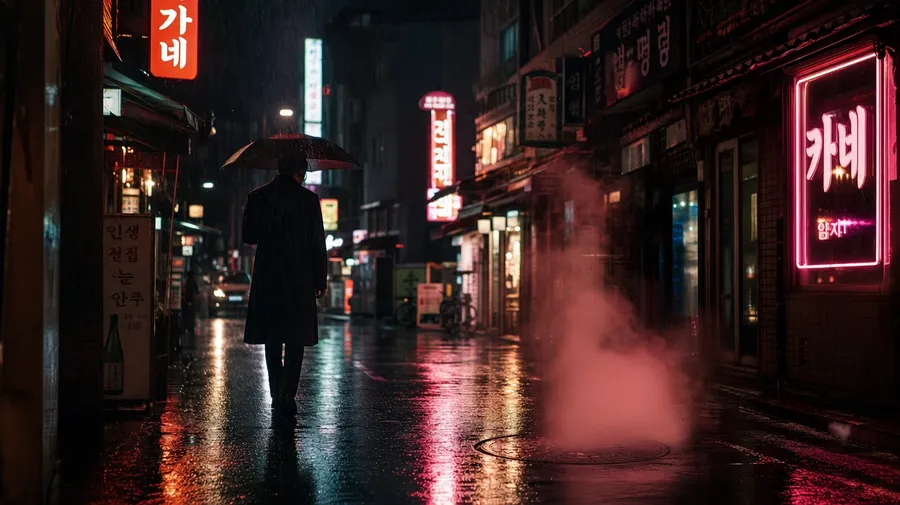
Stock 'cinematic' tends to one register: shallow DOF, golden hour, lens flare. Real cinematic stills cover decades of looks: 70s thriller in tungsten and smoke, 80s slasher in cool blue, French new wave handheld, contemporary muted desaturate, Korean noir in rainy neon. Brand campaigns and editorial shoots need that range.
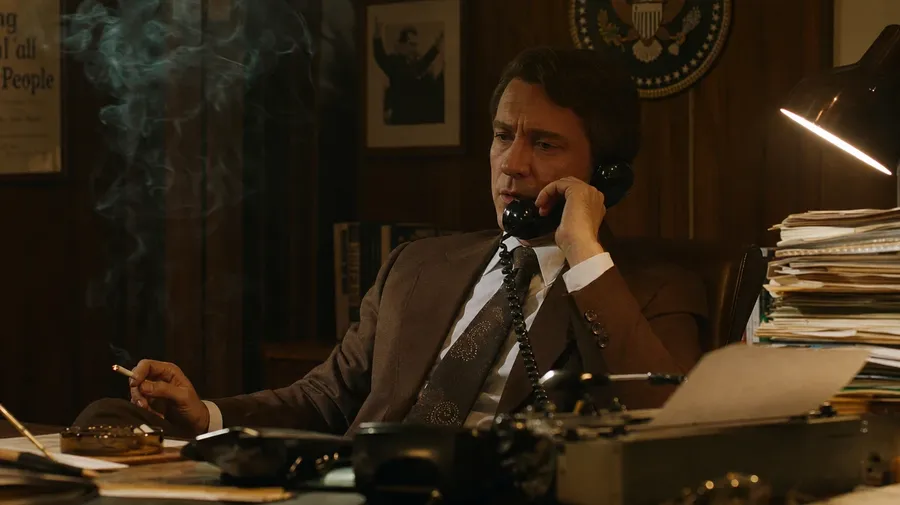
Stills that look like movies
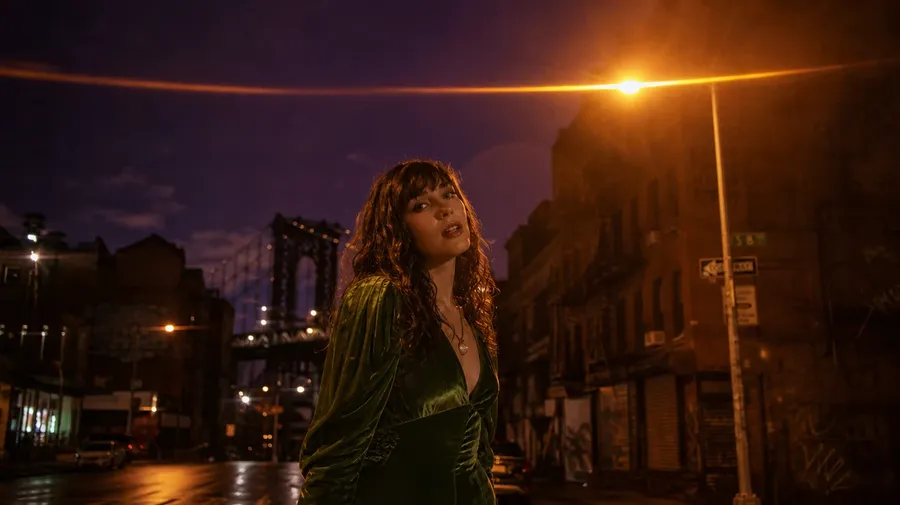
Stock 'cinematic' rarely survives next to a real movie still. Ask for a reference frame for a music video, a still for a brand film, a placeholder for a storyboard, a shot for an editorial that needs cinema. What comes back is a movie frame, not a stock photo with a filter slapped on.
Frequently Asked Questions
Yes. Specify the film stock, the era, the lens character, and the light. A 70s tungsten interior on Cinestill 800T, a Tri-X grain street scene at noon, a 90s indie hand-held living room on Portra 400, an anamorphic 2.35:1 desert wide on Velvia 50. Name what you want and the workspace returns it. Coverage isn't limited to the moody-coffee-shop default of stock cinematic libraries.
Yes, when you name the stock by name. Default film mechanics (grain texture, halation, contrast curve, color cast) render well from a simple prompt. Sharpen specifics by naming them: Cinestill 800T halation around tungsten lights, Tri-X grain in the shadow detail, the cyan cast of expired Kodak Gold. Generate four or eight, compare the look, pick the version that holds up.
Yes. Specify palette, contrast, light direction, grain, and aspect ratio in the prompt: cool desaturated muted-modern at 2.35:1, warm Cinestill at 1.85:1, hard-shadow noir at 1.66:1. For multiple scenes in one register, save the look as a custom Element and reuse it across prompts. The Element carries the treatment from a wide establishing shot to a tight close-up so the campaign reads as one piece.
Name what's specific. A 70s political thriller in tungsten and cigarette smoke, an 80s slasher in cool blue moonlight on a suburban street, a French new-wave handheld breakfast scene, a Korean noir alley in rainy neon. Each carries cues that the workspace honors when you spell them out in the prompt.
Yes. Every paid plan covers commercial use across ads, social, web, print, packaging, music videos, and editorial. Brand teams, music-video directors, indie filmmakers, advertising agencies, and editorial publications all qualify under the same license. The same license covers every category in the broader AI stock photo generation across the workspace.
Location-anchored cinematic frames share a lot with travel stock prompts: named city, time of day, weather, the local light. Layer the film-stock and lens-character cues on top, and the workspace returns a cinematic still that reads as that exact destination. The same workspace handles both.
As specific as you want. A simple prompt like "tungsten-lit hotel hallway on Cinestill 800T" produces a usable baseline; the workspace fills in expected details (the orange halation around the wall sconces, the slight grain in the shadow detail, the magenta cast on the carpet). Add specifics for the parts that matter: a particular aspect ratio, a particular lens character, the actor's wardrobe, the time on a clock visible in frame. The model honors named details without overriding the rest, so cinematic stills that match a specific aesthetic stay consistent across a series.
Stop scrolling stock libraries for a frame that almost works.
Type the actual look you're after (say, a Cinestill night street or a 70s Kodak Gold interior) and you'll get back multiple stills that match your exact needs.