AI Stock Kitchen Images
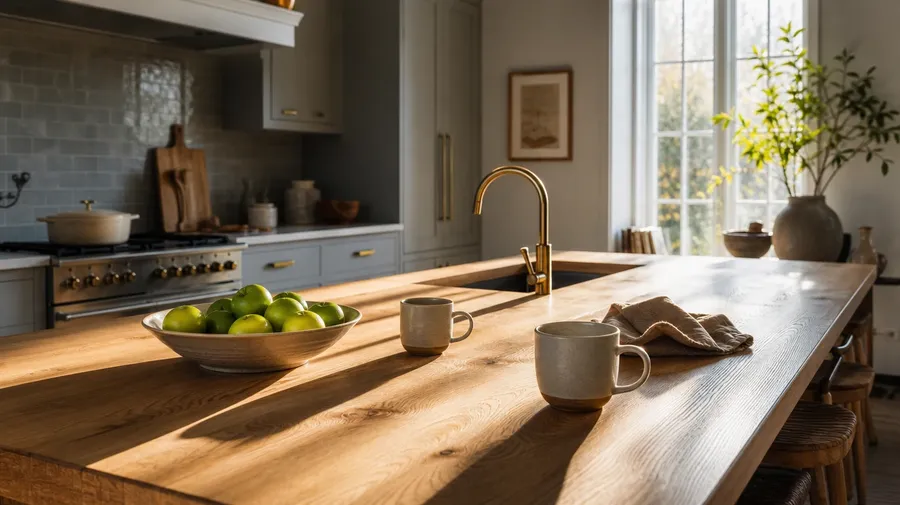
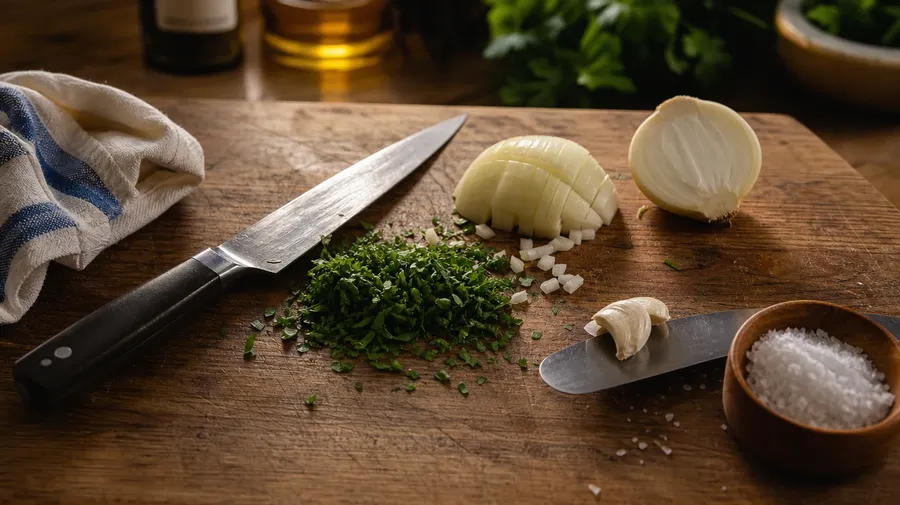
Home, restaurant lines, prep stations, ingredient close-ups — generate kitchen imagery across every style, scale, and hour. A Scandinavian breakfast nook with morning sun across an oak island, a butcher-block prep station scattered with knife work and chopped herbs. Commercial rights on every paid plan.
Every leading image model, one subscription.
Auto mode reads each prompt and picks the model fits your prompt best.


How to generate custom kitchen images with getimg.ai
What sells a kitchen photo is the style, the time of day, and what's on the counters. Name each and the AI delivers a working kitchen, not a real-estate listing shot of a staged showroom.
1. Name the style, the hour, and what's on the counters
Open getimg.ai and describe the scene: kitchen style (Scandinavian, farmhouse, contemporary, restaurant line), the time of day, and what's on the counters. A simple line gives a baseline; specify cookware, ingredient detail, or counter material when you want exact control.
2. Generate and compare
Sixteen takes at one go. Read each for material realism (marble, butcher block, stainless), light direction, ingredient detail, and how the counters and cookware sit against the room. Pick the version that lands.
3. Swap a detail
A first run picks one valid reading of your prompt. If you'd rather see a copper-pan farmhouse kitchen instead of stainless-marble contemporary, golden-hour evening instead of bright morning, or a busy service line instead of an empty styled counter, name the swap and run again. Several changes fit one prompt. Download the version you want to ship.
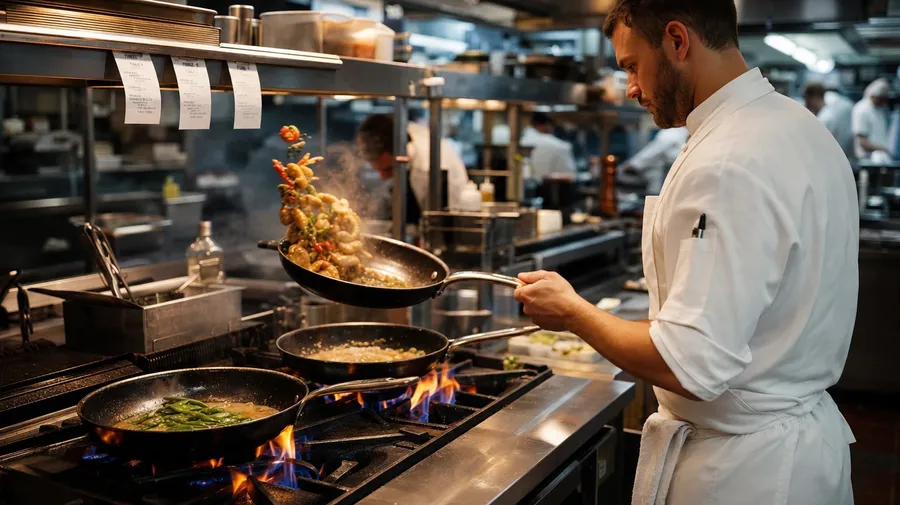
a service-hour restaurant line with three saute pans, tickets clipped overhead, steam rising under warm pass light
Style, hour, and what's on the counters
Working kitchen shoots span family breakfast nooks, professional restaurant lines, prep-table close-ups, and styled hero counter shots. Each style and hour calls for its own light and ingredient set.
Home, restaurant, prep, close-up
Across the kitchen scales a stock campaign covers: a Scandinavian home kitchen with morning sun across an oak island, a service-hour restaurant line with three saute pans and tickets clipped on the pass, a butcher-block prep station scattered with knife work, a styled close-up of cookware and an ingredient set on marble.
How the light moves through
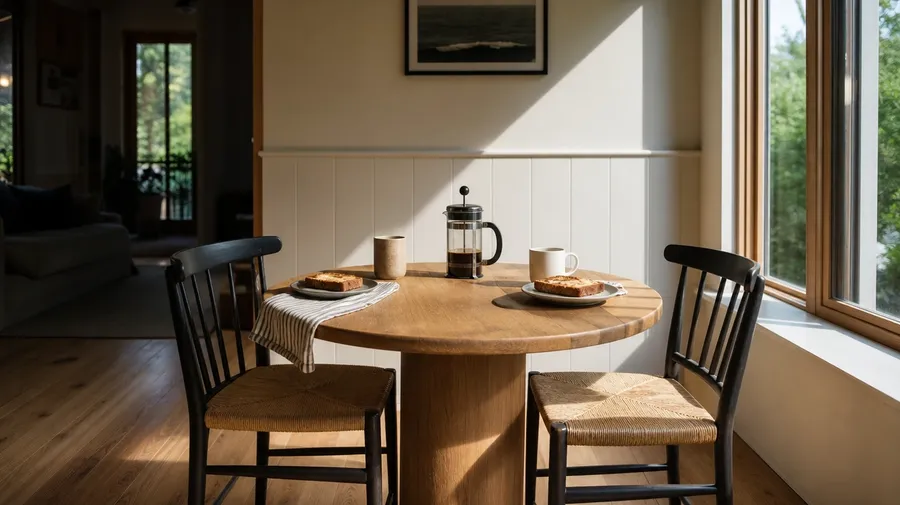
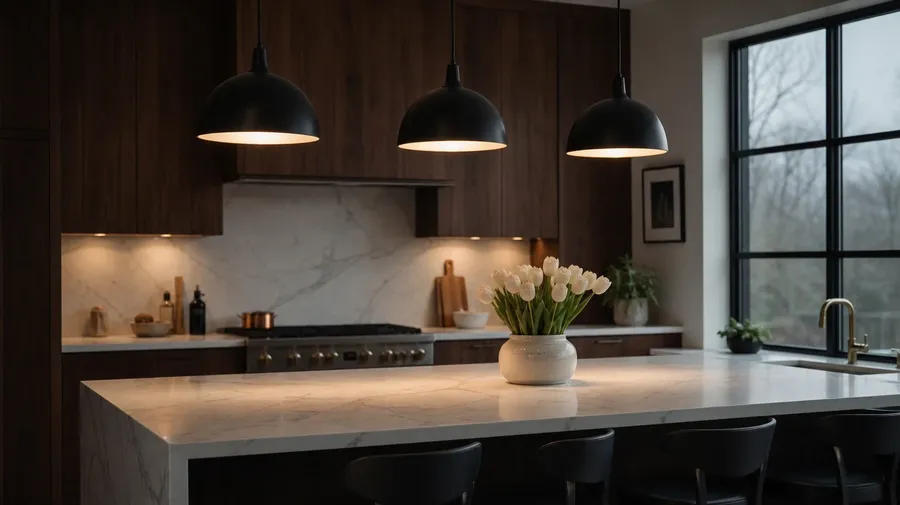
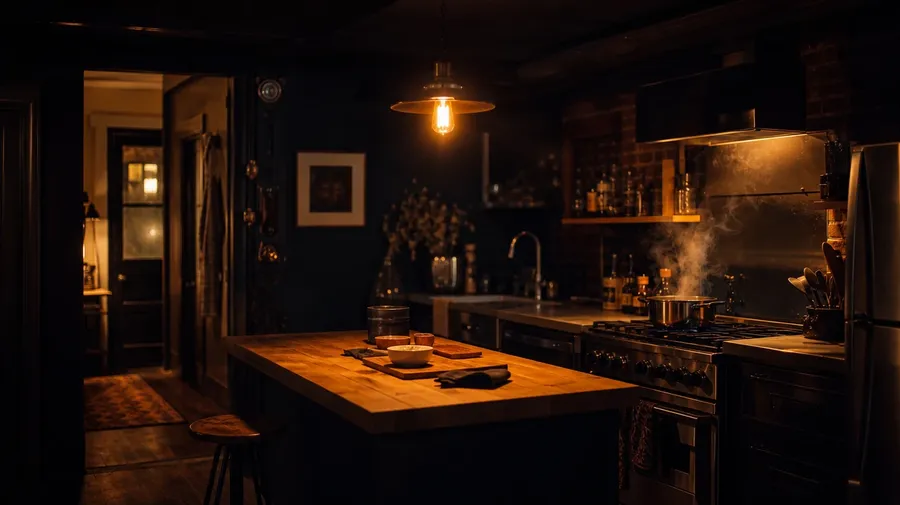
Render the light moving through the kitchen across the day: a warm 7am east-window light slanting across a wood breakfast nook, a pendant-lit white-marble island under cool 6pm overcast skies, a steel restaurant prep line under harsh overhead fluorescents, a single Edison-bulb glow over a butcher-block island in a brownstone at midnight.
What stock kitchens leave out
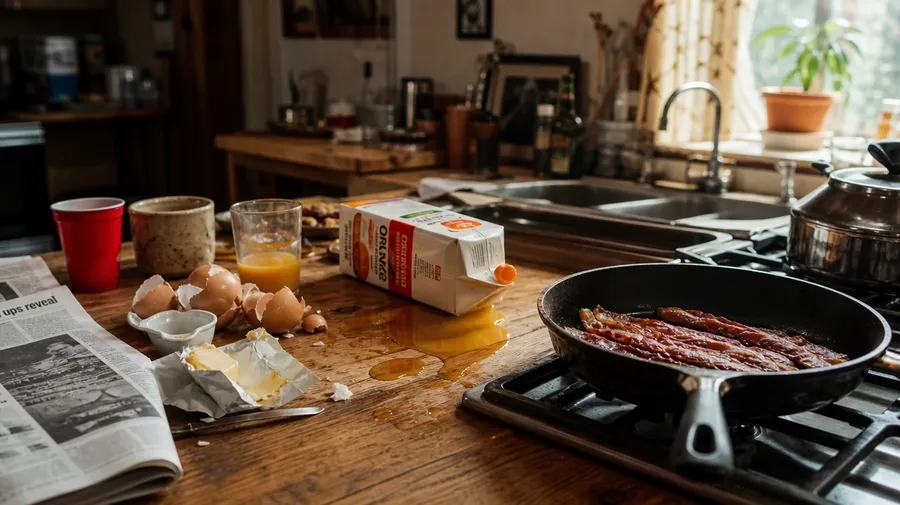
Stock kitchen photography stops at the empty white-marble counter with a styled cutting board. Real shoots cover a butcher block scarred by knife marks, a sauce pot reduced to glaze, a service pass with tickets clipped under rising steam, a Saturday-morning kitchen with eggshell on the counter. Off-the-shelf kitchen photos miss the life.
Frequently Asked Questions
Yes. Name the kitchen style, the time of day, the counters, and what's happening in the scene. A Scandinavian breakfast nook with morning sun across an oak island reads very differently from a service-hour restaurant line with three saute pans and tickets clipped on the pass, a butcher-block prep station scattered with knife work and chopped herbs, a brownstone basement kitchen at midnight under a single Edison bulb with a pot reducing on the burner, or a styled close-up of cookware and an ingredient set on a marble counter. The AI handles the counter material, the cookware, the steam and lighting, and the architectural detail behind. Generate up to 16 at a time, compare the takes, pick the version that lands.
Yes, when the prompt names them. A white Carrara marble counter reads differently from a knife-scarred end-grain butcher block, a copper saute pan with a tin lining from a black-anodized non-stick, a bunch of dewy basil from a heap of sweated diced onions, a polished stainless restaurant prep table from a worn home oak counter. Specify counter material, cookware finish, ingredient state, and lighting, and the AI handles the surface reflectance, the steam above hot pans, and the focus separation between the counter and the room behind.
Yes. Save the kitchen's signature elements (the cabinetry color, the counter material, the hardware finish, the pendant light) as a custom Element and reference it with @CampaignKitchen across new prompts. The Element carries the layout, palette, and lighting forward, so a breakfast hero shot, a prep moment with the homeowner cooking, and a product-styled flat-lay all read as the same space. Useful for an appliance-brand campaign, a cookbook hero series, and a real-estate listing set that needs one consistent kitchen across the funnel.
Name the variant and the action. A service-hour restaurant line with three saute pans and tickets clipped on the pass and a chef calling expo, a food-stylist's flat-lay with tweezers placing micro-herbs on a single plated dish, a Saturday-morning home kitchen with eggshells, butter wrappers, and a kid pouring orange juice next to a frying pan with bacon, a pastry station with flour on the counter and a rolling pin mid-stroke, a hotel-banquet line plating 200 covers at once: each carries its own cues that the AI honors when the prompt spells them out.
Yes. Every paid plan covers commercial use across ads, social, web, print, packaging, and presentations. Appliance and cookware product launches, cookbook hero spreads, restaurant-brand marketing, real-estate listings, meal-kit and grocery e-commerce, food-blog editorial, and interior-design portfolios all qualify under the same license, alongside every other category of AI stock photos.
Yes. Different categories run on the same prompt approach. Name the subject, the setting, and the light, and the same logic that produces vegetable photography produces kitchen images: swap a market crate of heirloom tomatoes on burlap for a counter mid-prep with the same tomatoes diced and a knife on the board, a single bunch of dewy carrots for a roasting tray of those carrots coming out of the oven, a glistening eggplant on a wood board for a service-line saute pan with eggplant going in. A multi-category ingredient-to-plate campaign runs through one prompt box.
As specific as you want. A simple line like "a modern kitchen" produces a usable baseline; the AI fills in the typical details (white cabinetry, a marble island, a steel range, a pendant light, soft daylight from a window). Add specifics for the parts that matter to the campaign: a style (Scandinavian, farmhouse, brownstone, restaurant), a counter material, cookware finish, a time of day, what's happening on the counters. The AI honors named details without overriding the rest. Each kitchen image gets the named details right.
Campaign-ready kitchen photos in under three minutes.
Pick the style, the hour, the counter material, and what's on the prep. The AI delivers kitchen photography that reads as a real working space, and Elements keep one space consistent across an appliance launch, a cookbook series, or a real-estate listing set.