AI Stock Vegetable Pictures Generator
Heirloom tomatoes at a Provençal market, a wet kale leaf on a wooden board, a paper-skinned shallot under studio key light, a basket of mud-on roots at a Saturday allotment — generate vegetables images for any scene and any palette. Commercial rights on every paid plan.
Every leading image model, one subscription.
Auto mode chooses the best one based on the prompt.


How to generate custom vegetables images with getimg.ai
Most vegetable briefs hinge on three cues: the subject, the setting, and the palette. Name them in the prompt.
1. Type the basket
Open the Content Generator and describe the vegetable scene: the subject, the setting, the palette. A simple prompt produces a usable baseline; name the variety, the surface, or the light register when you want exact control over those details.
2. Run a count
Generate anywhere from one to sixteen variations at a time, then read the results for skin texture, color saturation, the moisture beading on the leaves, and the way the light catches the cut surfaces. Pick the version that lands.
3. Change a detail
A first run picks one of many valid vegetable interpretations from your prompt. If you'd rather end up at a Provençal market stall than the studio still life the model chose, or a heirloom tomato cluster instead of a single Roma, name the swap and run again. Several changes fit one prompt; download when it lands.
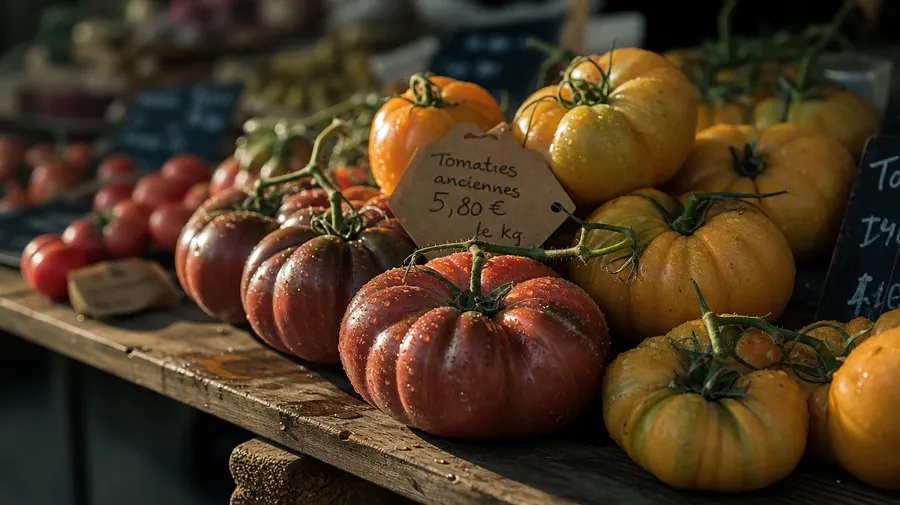
farmers market heirloom tomato cluster on a wooden trestle table at morning light, water droplets on the skins, painterly editorial still life
Beyond the supermarket sticker shot
Real vegetable briefs span varieties, settings, and the moments between the field and the chopping board.
Color goes farther than the supermarket aisle
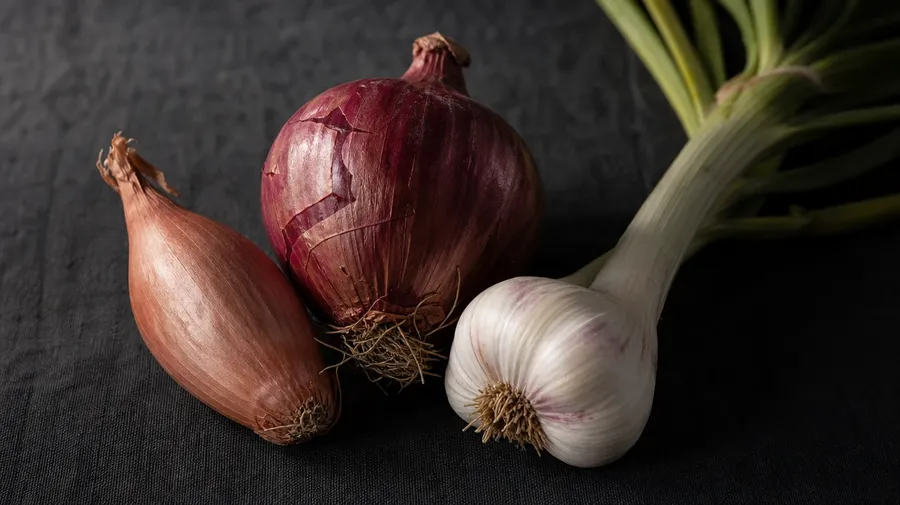
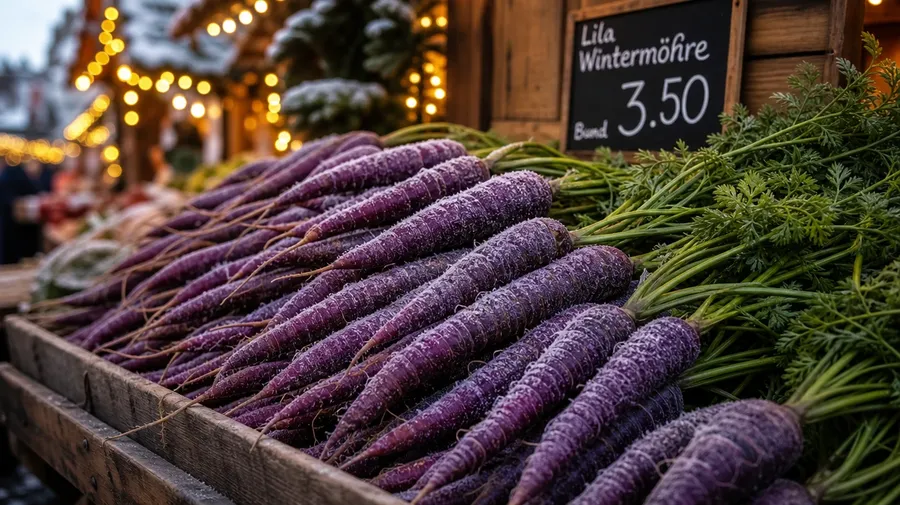
Cover the color and texture range: deep crimson heirloom tomatoes warm from the vine, pale-green napa cabbage at a Seoul market, paper-skinned shallots under studio key light, electric-purple carrots at a winter farmers stall, glassy red chiles drying on a Oaxacan rooftop. Each variety brings its own skin, palette, and seasonal cue.
Photogenic at every prep stage
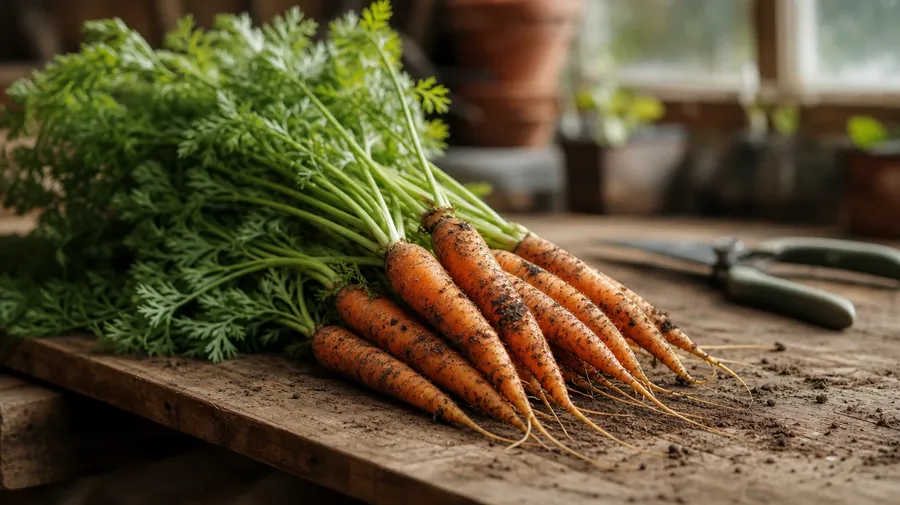
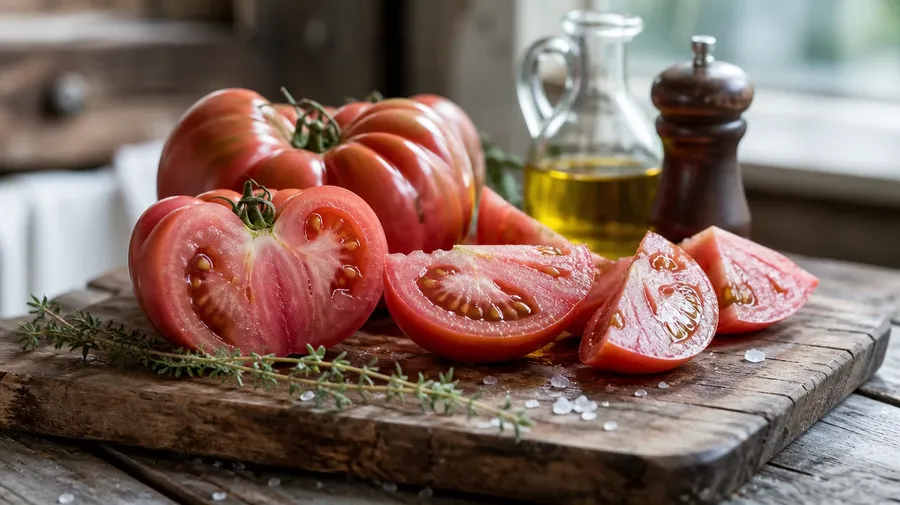
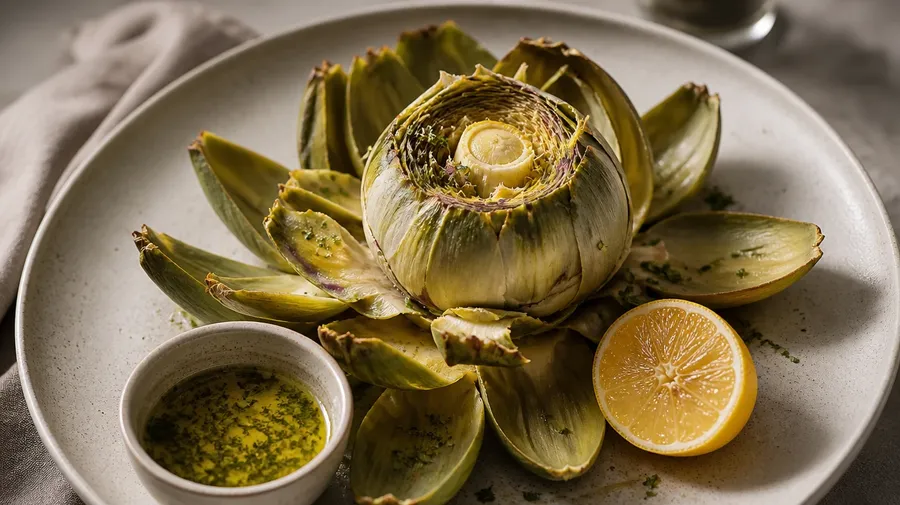
Cover every prep stage: a freshly pulled bunch of carrots with dirt still on the root tips, a Provençal tomato cluster sliced on a wooden chopping board, an artichoke half-stripped on a ceramic plate beside lemon halves. Different prep stages, same prompt box, the model handles the moisture and the cut surface.
Backyard plots, market stalls, prep counters
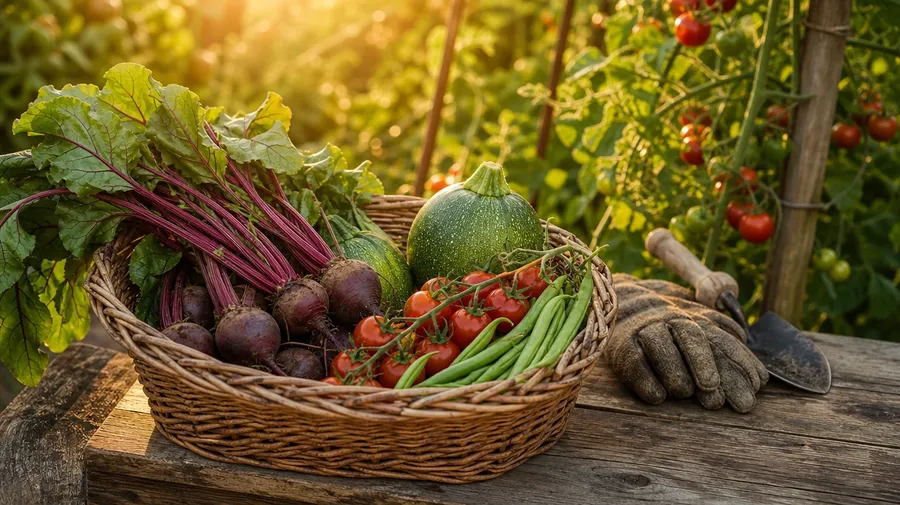
Catalog vegetables stop at the polished tomato on white. Real briefs span the supply chain: a Sunday allotment harvest in a wicker basket, an Italian piazza market with the morning haul, a Brooklyn kitchen mise en place at 4 pm, a Mexican molcajete with charred chiles. Most briefs sit between field and plate.
Frequently Asked Questions
Yes. Name the variety, the season, and the setting. A Cherokee Purple heirloom tomato on a wooden trestle table reads very differently from a sliced daikon radish on a Japanese kitchen counter, a bunch of dirt-tipped winter carrots at a Munich market, or a single artichoke half-stripped on a studio plate. The model handles the skin texture, the color saturation, and the way moisture beads on the leaves. Generate up to 16 at a time, compare the variety cues, pick the version that lands.
Yes, when the prompt names them. A field-fresh kale leaf reads differently from a wilted day-three one, a paper-skinned shallot from a peeled translucent one, a sun-ripened tomato from a hothouse hybrid. Specify the variety, the freshness, and the surface, and the model handles the skin sheen, the leaf dew, and the way light catches the cut interior.
Yes. Specify palette, contrast, light direction, and grain in the prompt: warm-grade Provençal market, cool-blue editorial still life, high-key supermarket clean, painterly Old Master tabletop. For multiple varieties in one register, save the look as a custom Element and reuse it across prompts. The Element carries treatment between subjects so the campaign reads as one body of work.
Name the moment and the context. A Sunday allotment harvest in a wicker basket at golden hour, a Brooklyn restaurant's mise en place with onions and garlic by 4 pm, a Mexican molcajete with charred chiles ready for salsa, a French market table with the morning haul: each carries different cues that the model honors when you spell them out in the prompt.
Yes. Every paid plan covers commercial use across ads, social, web, print, packaging, and presentations. Grocery brands, meal-kit services, restaurant chains, farmers' markets, food publications, and lifestyle media all qualify under the same license, and so does every other category of AI stock photos.
Yes. Different categories run on the same prompt approach. Name the subject, the setting, and the palette, and the same logic that produces flower pictures produces vegetables: swap blossom for bulb, petal for skin, color burst for cluster, vase for basket. A peony arrangement on a marble table becomes a tomato cluster on a wooden board; a sunflower field becomes a sunflower-and-pumpkin patch. A multi-category campaign runs through one prompt box.
As specific as you want. A simple prompt like "heirloom tomatoes at a farmers market" produces a usable baseline; the model fills in the typical details (the wooden trestle table, the morning side-light, the paper price-tag in someone's handwriting, the lettuce crates in the background). Add specifics for the parts that matter to your brief: a particular variety, a specific market town, the season, the prep stage. The model honors named details without overriding the rest.
Generate the exact vegetable pictures you need.
Type the variety, the setting, and the palette, and the model handles the dew, the skin sheen, and the way the light catches a freshly cut surface.