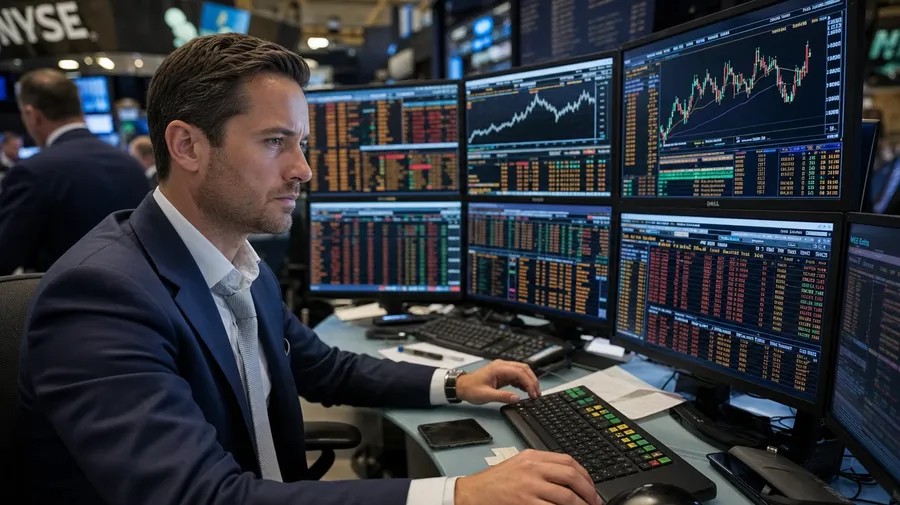
AI Stock Finance Images Generator
Generate finance images for any role and any setting: a trader at a six-monitor Bloomberg setup pre-market, a fintech founder coding next to a coffee in a glass-walled SoHo office, a financial advisor meeting a retired couple in a wood-paneled wealth-management office. Every paid plan includes commercial rights.
Every leading image model, one subscription.
Describe the scene; Auto mode picks the right model for monitor glow, document detail, or downtown lobby light.


How to generate custom finance images with getimg.ai
A finance shot reads on three details: the role, the workspace, and the action. Spell each one out in the prompt.
1. Describe the workspace
Open the Content Generator and write the scene: the role, the setting, the action, and the light. A simple prompt produces a usable baseline; add the specific institution, the equipment in frame, or the time of day when you want exact control.
2. Run a batch
Generate one to sixteen variations at a time, then read the results for monitor content, kit detail, surface accuracy, and the light direction across the scene. Pick the version that lands.
3. Swap a detail
A first run picks one valid reading of your prompt. If you'd rather end up at a glass-walled SoHo fintech studio than the wood-paneled banking office the model chose, or a mobile-banking shot instead of a desktop terminal, name the swap and run again. Several changes fit one prompt; download when it lands.
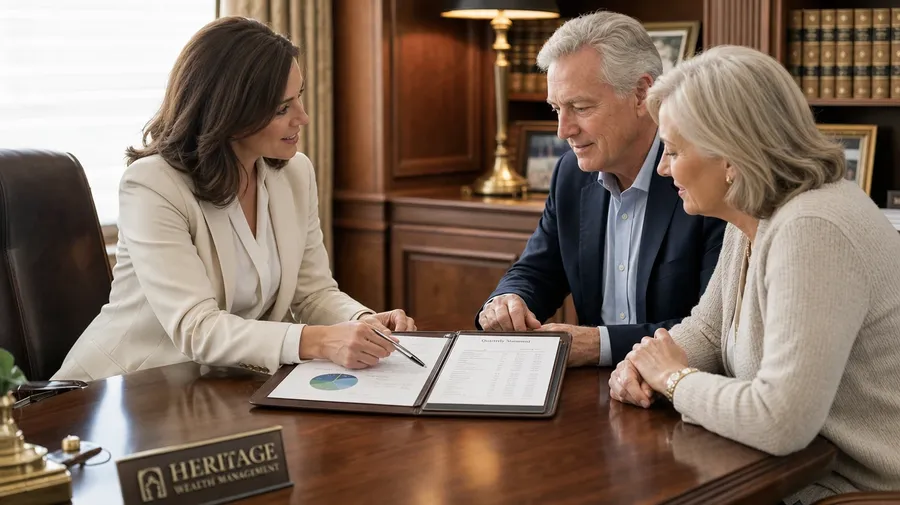
financial advisor meeting a retired couple in a wood-paneled wealth-management office with a leather portfolio open on the desk
Beyond the suit-and-handshake template
Real finance briefs span role, workspace, and the actual hardware in the frame.
From Wall Street floor to fintech studio
Generate the role range: a trader at a six-monitor Bloomberg setup on a Wall Street floor, a fintech founder coding in a glass-walled SoHo studio, an advisor meeting clients in a wood-paneled office, an accountant reviewing year-end statements at a home desk. Each role brings its own equipment and attire.

Signing, swiping, presenting, pointing
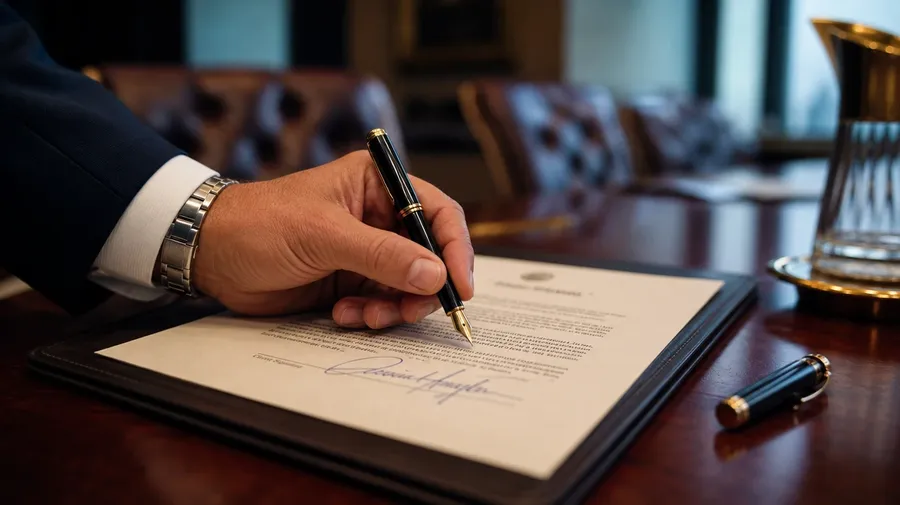
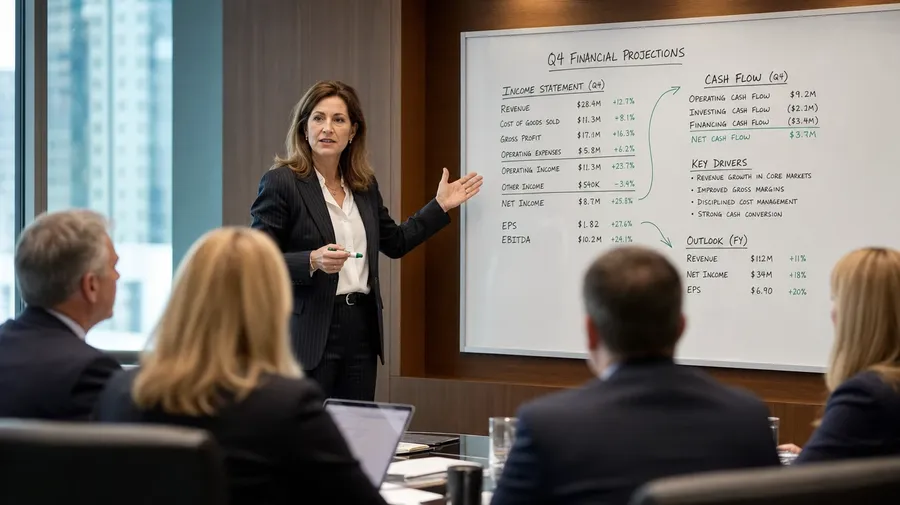
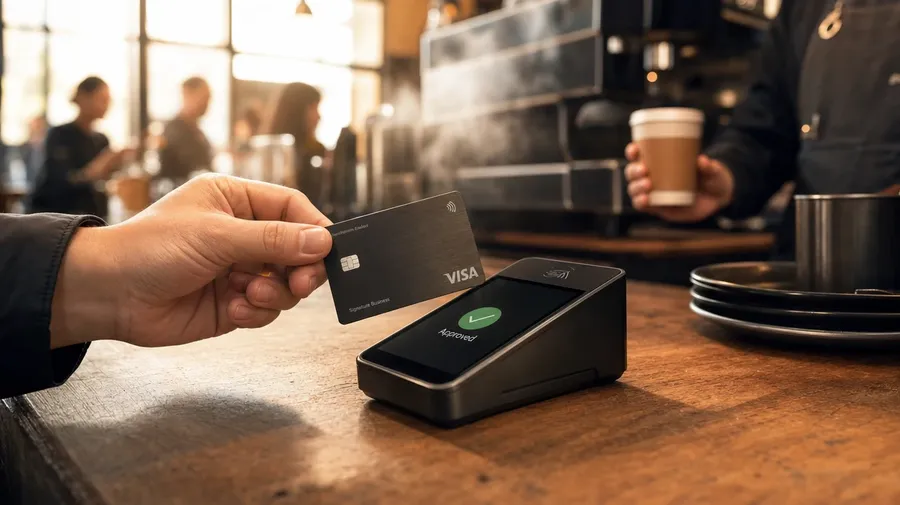
Generate the actions editorial briefs call for: a fountain pen signing a deal at a mahogany boardroom table, a credit card swiped at a café reader, a CFO presenting Q4 numbers at a whiteboard, a hand pointing at a chart on a 5K monitor. The action makes the shot.
Monitors, ledgers, calculators, mobile pay
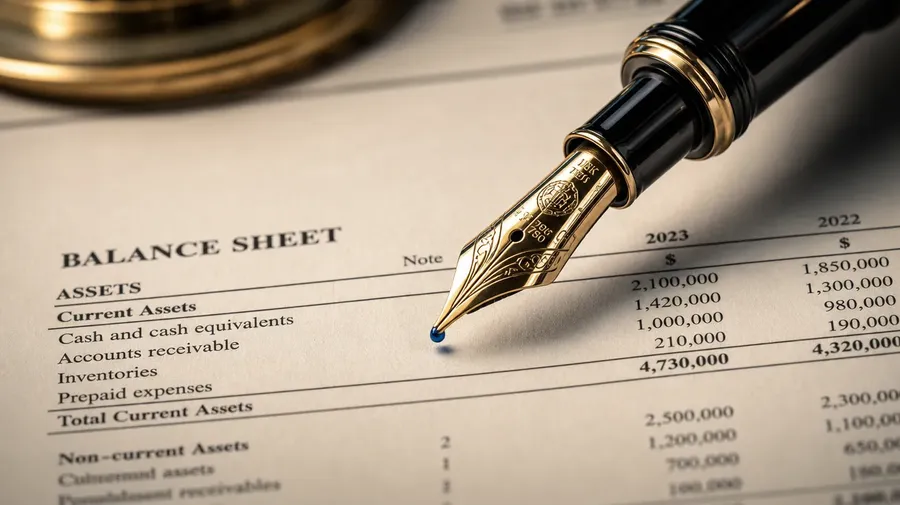
Brand and editorial briefs cycle through the tools: a macro of a fountain pen on a printed balance sheet, an open leather portfolio with crisp financial documents, a hand holding a mobile phone with a real banking interface, a calculator with running tape beside coffee. The tools set the register.
Frequently Asked Questions
Yes. Name the role and the setting in the prompt. A trader at a six-monitor Bloomberg setup on a Wall Street trading floor reads very differently from a fintech founder coding next to a coffee in a glass-walled SoHo studio, a financial advisor meeting a retired couple in a wood-paneled wealth-management office, or an accountant reviewing year-end statements at a home desk. The model handles the equipment, attire, surface, and light register. Generate up to 16 at a time, compare the cues, pick the version that lands.
Yes, when the prompt names them. A multi-monitor Bloomberg-style terminal with dense ticker tables reads differently from a single 5K monitor showing a quarterly chart, a printed balance sheet under a fountain pen, or a phone's banking app with a transaction list. Specify the equipment and content, and the model handles the screen tone, the printed-paper texture, the cufflink and tie register, and the way the light catches glass and metal.
Yes. Specify palette, contrast, light direction, and lens register in the prompt: warm wood-paneled banking documentary, cool fintech studio editorial, dark trading-floor cinematic, soft daylight home-office lifestyle. For multiple scenes in one register, save the look as a custom Element and reuse it across prompts. The Element carries treatment between roles and settings so the campaign reads as one body of work.
Name the action and the angle. A fountain pen signing a closing document at a mahogany boardroom table, a black metal credit card being swiped at a Tokyo café card reader, a CFO mid-presentation gesturing at a whiteboard chart, a hand pointing at a real-time market chart on a 5K monitor: each carries different cues that the AI honors when you spell them out in the prompt.
Yes. Every paid plan covers commercial use across ads, social, web, print, packaging, and presentations. Banks and credit unions, fintech startups, wealth management firms, accounting software brands, financial publishers, and editorial outlets all qualify under the same license, and so does every other category covered by AI stock photos.
Yes. The same prompt approach covers any corporate subject. Swap a trading floor for a board offsite, a fintech studio for a manufacturing-floor review, or a wealth-management meeting for a coastal leadership retreat, and the same logic that produces business images produces finance: name the role, the team, and the setting. A multi-team campaign runs through one prompt box: a trader at the open, a CMO presenting at the offsite, a CFO at her corner-office desk.
As specific as you want. A simple prompt like "a banker at a desk" produces a usable baseline; the AI fills in the typical details (the dark wood desk, the typical attire, the typical paperwork). Add specifics for the parts that matter: the role, the institution, the equipment in frame, the time of day. The model honors named details without overriding the rest.
Generate the exact finance stock you need.
Catalog finance stock is mostly the generic suit-and-handshake or the abstract chart background. Type the role, the workspace, and the action, and run the prompt for the briefs catalogs skip.