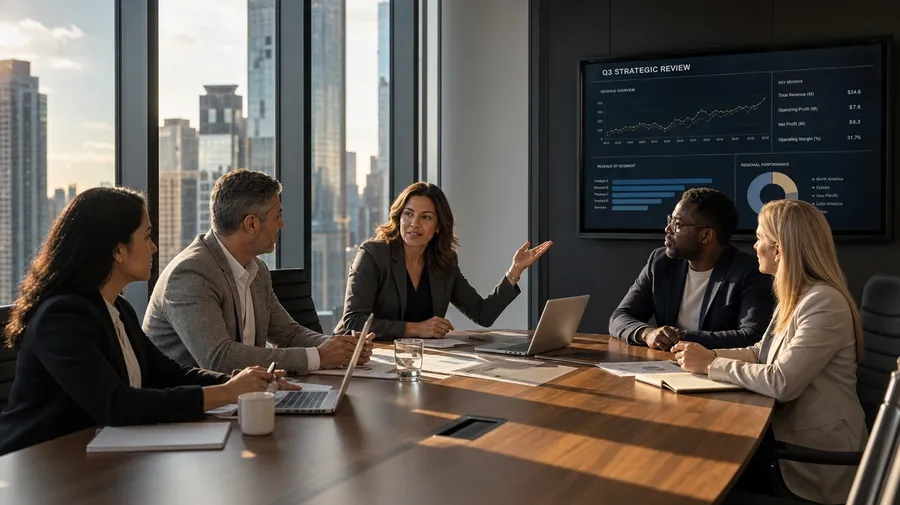
AI Stock Business Images Generator
Generate business stock that fits the brief — name the industry, the team, and the setting, and get a fintech morning standup in a glass-walled studio loft, a women-led leadership offsite on a coastal trail, or a manufacturing-floor manager reviewing specs with shift leads. Every paid plan includes commercial rights.
Top image generation models, one subscription.
Describe the scene; Auto mode picks the right model for your needs.


How to generate custom business stock images with getimg.ai
A business brief usually arrives with three constraints: a vertical, a team makeup, and a setting. Spell each one out and the prompt does the rest.
1. Describe the room
Open the Content Generator and write the scene: vertical, role, setting, and the moment. A simple prompt produces a usable baseline; add the markers that signal the industry (server rack, shop-floor steel, brownstone bookshelf) when you want exact control.
2. Run a batch
Generate one to sixteen variations at a time, then read the results for industry cues, team makeup, lighting register, and the role you cast. Pick the version that lands.
3. Swap a detail
A first run picks one valid reading of your prompt. If you'd rather end up in a fintech trading floor than the hardware-startup loft the model chose, or with a hybrid huddle instead of an in-person standup, name the swap and run again. Several changes fit one prompt; download when it lands.
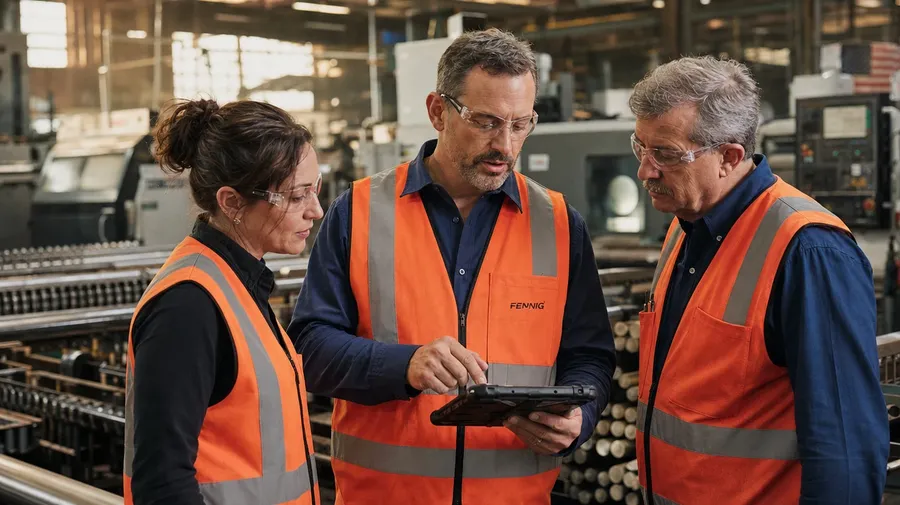
manufacturing-floor manager in a high-vis vest reviewing specs on a tablet with two shift leads, warm late-afternoon light
Briefs catalog business stock can't fill
Real campaigns span industries, roles, and the moments outside the meeting room.
From server racks to shop floors
Generate across the verticals: a fintech morning standup in a glass-walled studio, a hospital-administration check-in at sunrise, a Detroit manufacturing floor at shift change, an indie law firm in a brownstone office, a hospitality team prepping a morning service. Each vertical brings its own lighting, palette, and wardrobe register.
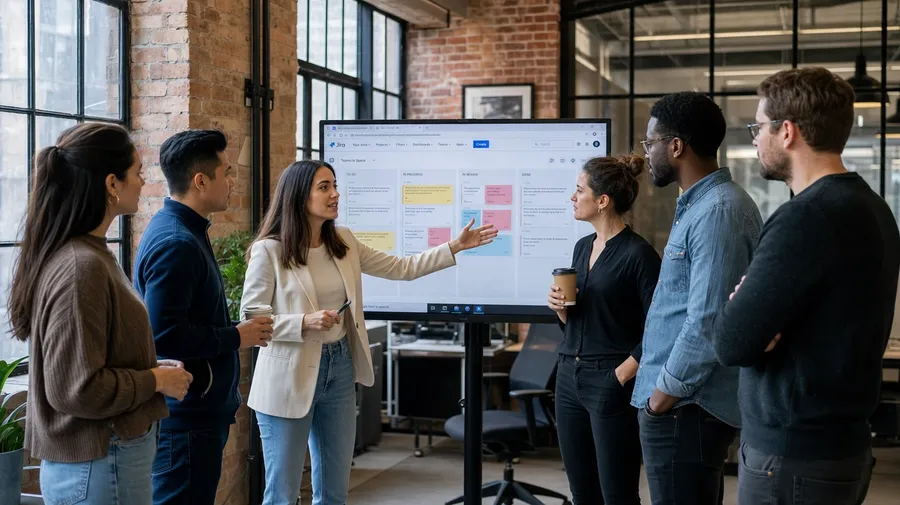
Every level, not just the C-suite shot
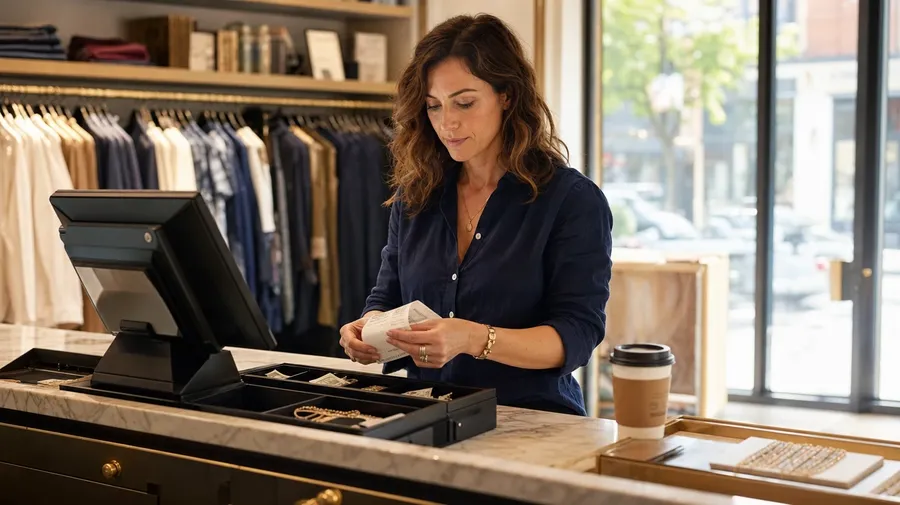
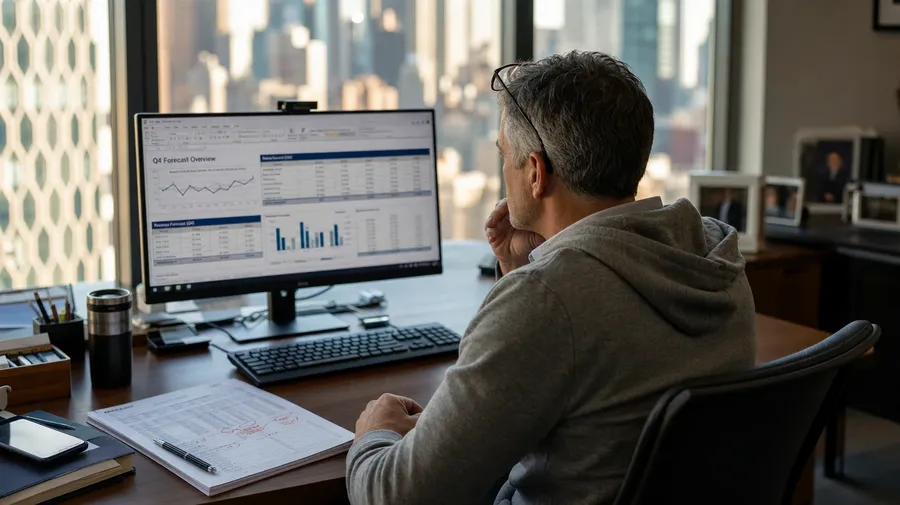
Generate the rest of the org: a junior product manager running a standup whiteboard, a regional retail manager closing the morning till, a CFO in a Friday hoodie reviewing forecasts, a warehouse supervisor on a forklift. Catalogs stop at suit-and-tie; real briefs cover the whole org chart.
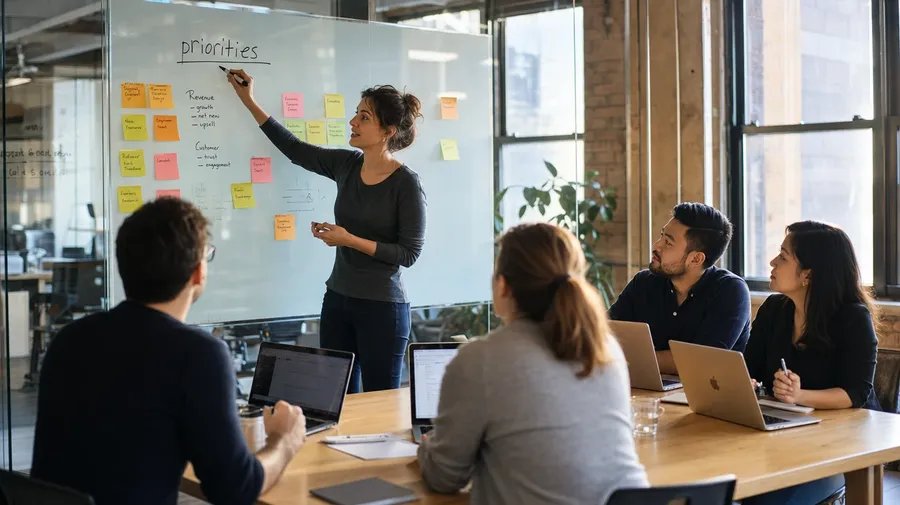
Coffee breaks, site visits, off-sites
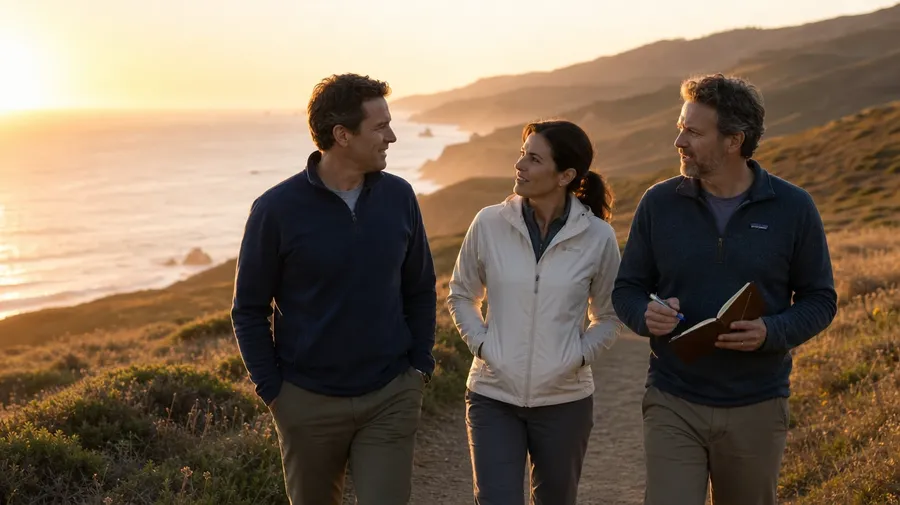
Brand and editorial briefs spend hours away from the conference table: an executive coaching session in a coffee shop, a site visit to a new warehouse with a hard hat and clipboard, a leadership offsite hiking a coastal trail, a team retro on a balcony after work. Each carries cues the catalog skips.
Frequently Asked Questions
Yes. Name the industry and the setting in the prompt. A fintech morning standup in a glass-walled studio reads differently from a manufacturing floor at shift change, a hospital-administration check-in at sunrise, or a brownstone law firm at midday. The model handles the wardrobe, the lighting register, and the props that signal the vertical. Generate up to 16 at a time, compare the cues, pick the version that lands.
Yes, when the prompt names them. A founder in a Friday hoodie reviewing forecasts reads differently from a CFO in a tailored suit at a board table, a regional retail manager closing the morning till, or a junior IC running a standup whiteboard. Specify the role, the seniority, and the moment, and the model handles the body language, wardrobe, and posture.
Yes. Specify palette, contrast, light direction, and lens register in the prompt: warm documentary, cool corporate editorial, sun-bleached lifestyle, sodium-lit late-night office. For multiple scenes in one register, save the look as a custom Element and reuse it across prompts. The Element carries treatment between scenes so the campaign reads as one body of work.
Name the moment and the context. An executive coaching session in a Brooklyn coffee shop, a leadership offsite hiking a coastal trail, a site visit to a new warehouse with a hard hat and clipboard, a Friday team retro on a balcony after work: each carries different cues that the AI honors when you spell them out in the prompt.
Yes. Every paid plan covers commercial use across ads, social, web, print, packaging, presentations, and pitch decks. Agency clients, SaaS marketing teams, professional service firms, in-house design teams, and corporate communications all qualify under the same license, and so does every other category covered by AI stock photos.
Yes. The same prompt approach covers any work location. Name the setting and the team makeup: a home-office standup over coffee, a co-working desk in a converted warehouse, a hybrid huddle with two people on a screen and three in the room, a freelancer working from a balcony with a laptop and second monitor. Pair the look with AI for photographers when you want documentary-style consistency across the campaign.
As specific as you want. A simple prompt like "a startup standup in a glass-walled studio" produces a usable baseline; the AI fills in the typical details (the laptops on the table, the sticky-note whiteboard, the morning light). Add specifics for the parts that matter: a particular industry, a wardrobe note, a piece of office tech, a demographic mix. The model honors named details without overriding the rest.
Generate the exact business stock you need
Catalog business stock is mostly the white-room handshake and the perfect-teeth boardroom. Type the industry, the role, and the setting, and run the prompt for the briefs catalogs skip.