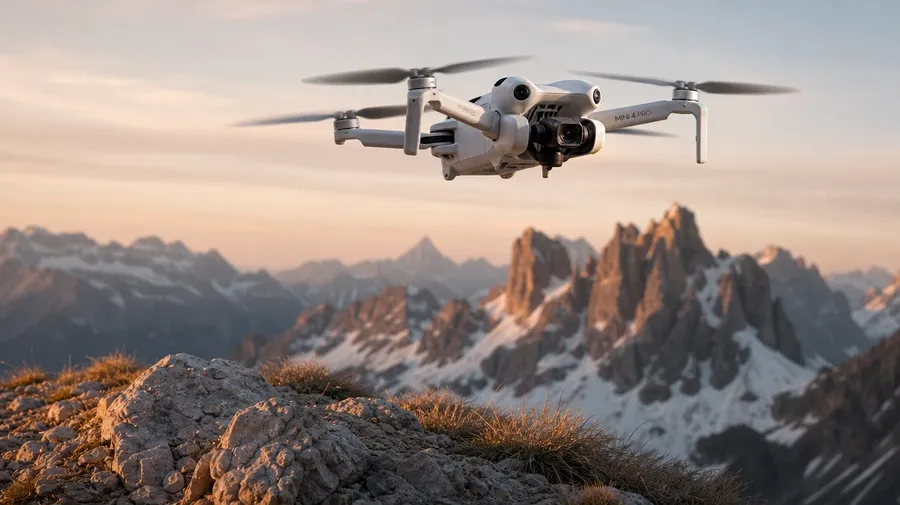
AI Stock Drone Images Generator
Generate drone images for any drone type and any setting: a consumer quadcopter hovering above an alpine ridge at golden hour, an FPV racing drone with neon LED strips at a night track, an agricultural sprayer drone over a vineyard. Every paid plan includes commercial rights.
All top models in one space, one subscription.
Describe the scene; Auto mode picks the right model for prop motion blur, LED glow, or hand-launch action.


How to generate custom drone images with getimg.ai
A drone shot turns on three details: the drone, the action, and the setting. Spell each out in the prompt.
1. Describe the drone
Open the Content Generator and write the scene: the drone type, the action, the setting, and the light. A simple prompt produces a usable baseline; add the specific make and look, the pilot details, or the LED color when you want exact control.
2. Run a batch
Generate one to sixteen variations at a time, then read the results for rotor blur, frame detail, LED accuracy, and the light direction on the body. Pick the version that lands.
3. Swap a detail
A first run picks one valid reading of your prompt. If you'd rather end up with an FPV racing drone in a neon-lit warehouse than the consumer quadcopter over a meadow the model chose, or a hand-launch instead of a takeoff pad, name the swap and run again. Several changes fit one prompt; download when it lands.
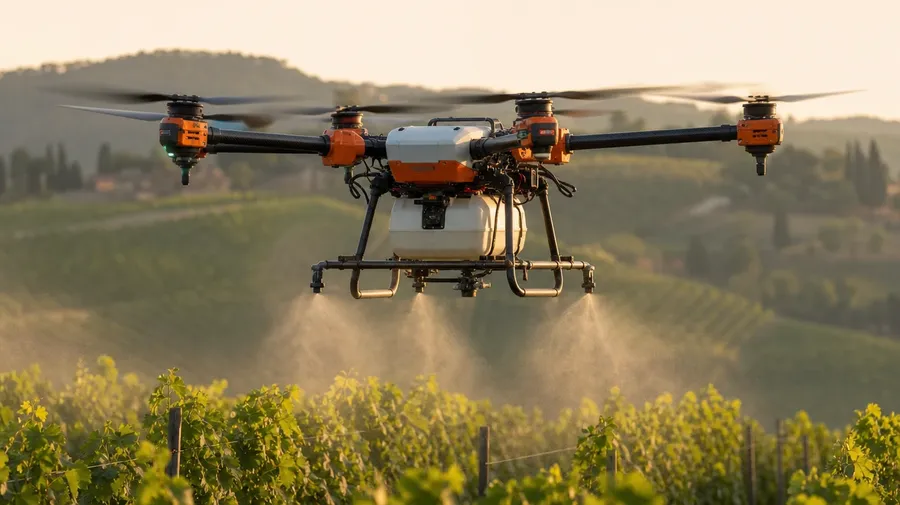
agricultural sprayer drone hovering low over a vineyard at golden hour, mist drifting from the nozzles, soft warm side light
Beyond the generic white-quadcopter-at-sunset
Real drone briefs span drone type, action, and the setting around the rotors.
From consumer quadcopters to racing FPVs
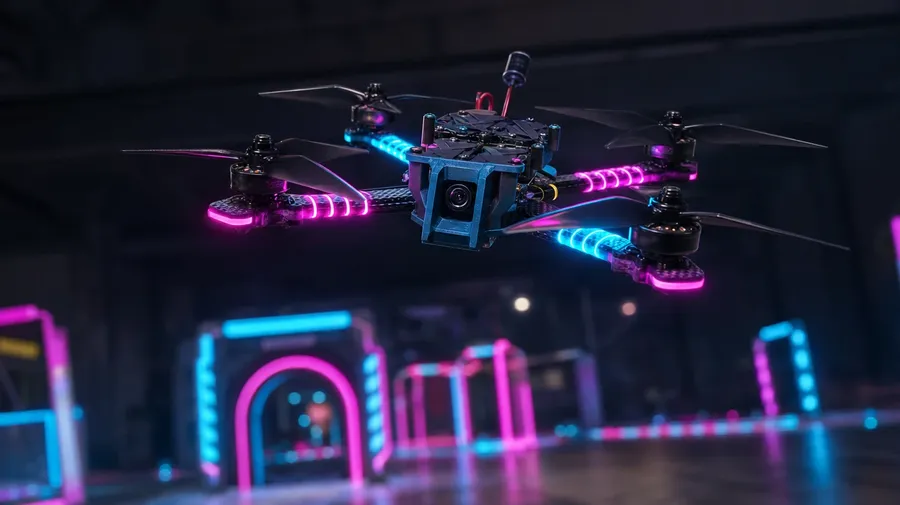
Generate the drone range: a sleek white consumer quadcopter hovering above an alpine ridge, a custom FPV racing drone with neon LED strips on a night track, an agricultural sprayer drone over a vineyard, a delivery drone descending onto a suburban porch. Each drone brings its own frame, props, and ambient.
Hover, hand-launch, land, mid-flight
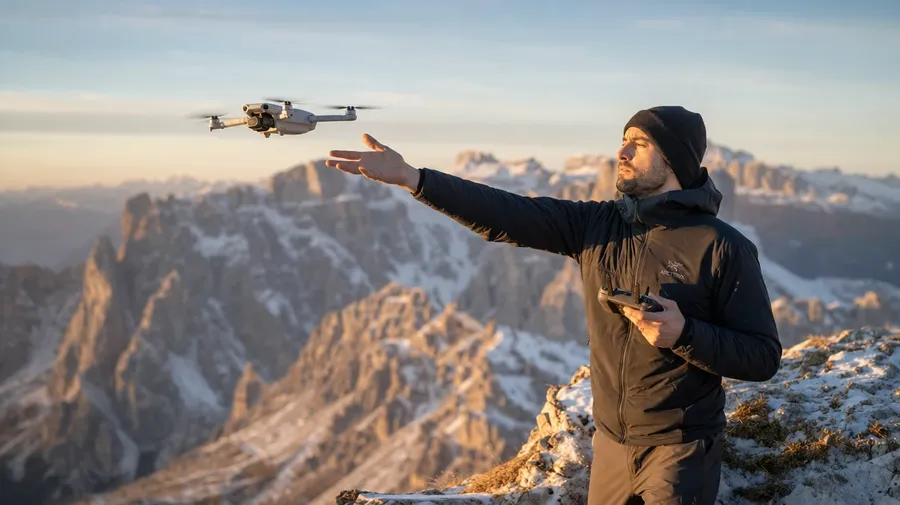
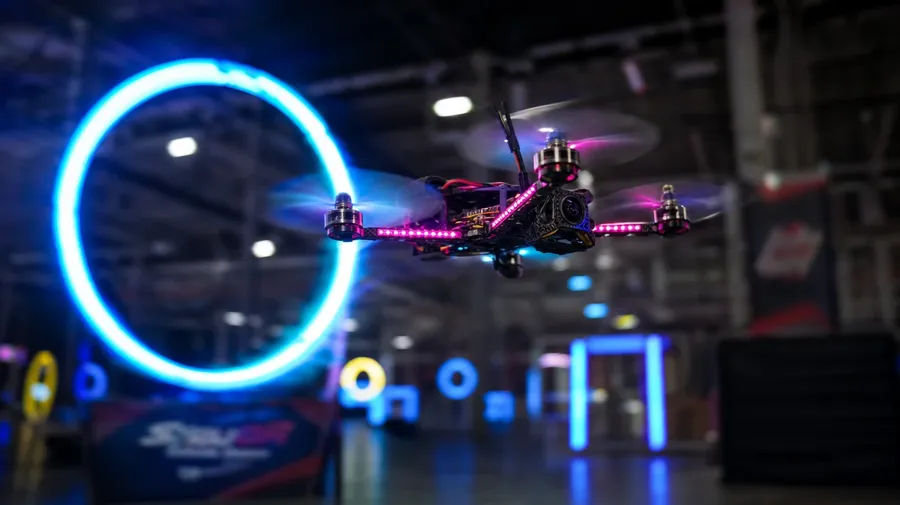
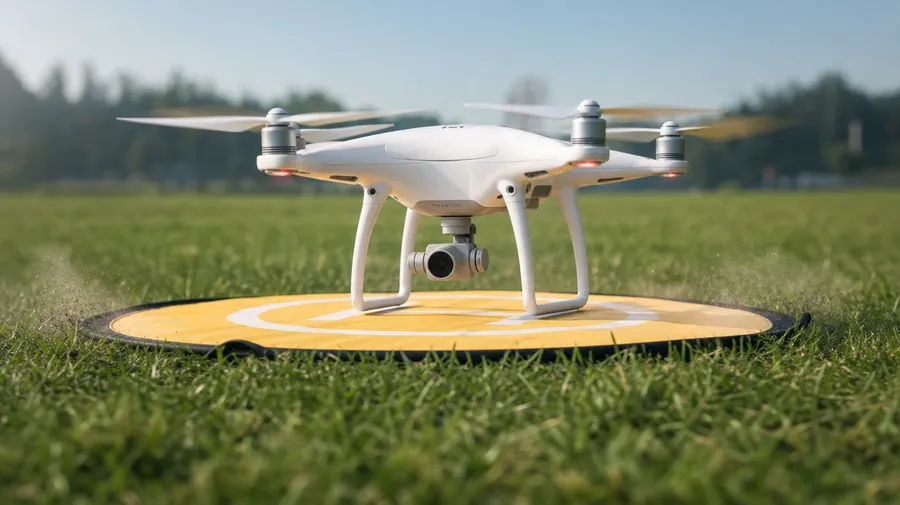
Generate the actions editorial briefs call for: a pilot hand-launching a quadcopter off an alpine ridge, an FPV racing drone mid-flight through a neon hoop, a consumer drone landing on a yellow takeoff pad, a hovering drone with motion-blurred props above a forest. The action makes the shot.
Pilots, controllers, carbon-fiber close-ups
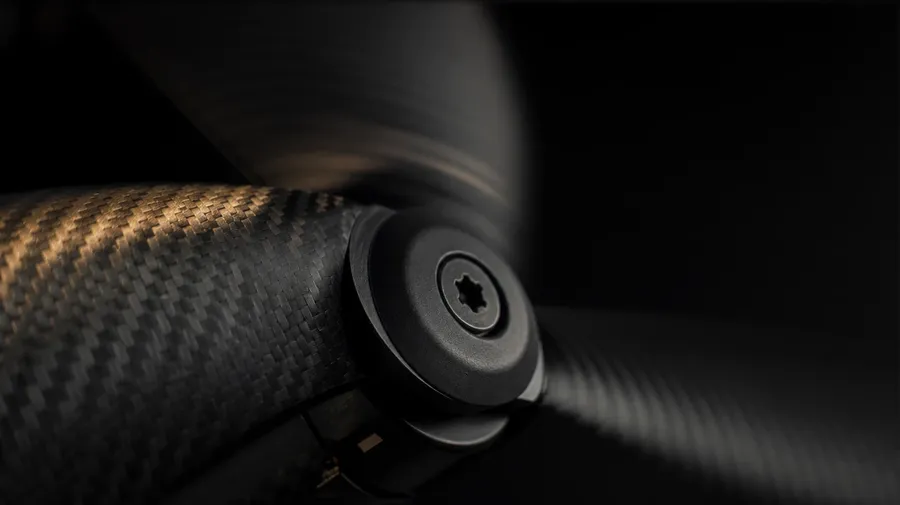
Brand and editorial briefs cycle through the human and gear side: a pilot in FPV goggles concentrating at a racing event, hands gripping a dual-stick controller, a tight macro of spinning carbon-fiber rotor blades, a drone case being unzipped to reveal foam-cut compartments. Half the campaign sits outside the flight.
Frequently Asked Questions
Yes. Name the drone type and the setting in the prompt. A sleek white consumer quadcopter hovering above an alpine ridge at golden hour reads very differently from a custom 3D-printed FPV racing drone with neon LED strips on a night track, an agricultural sprayer drone over a vineyard, or a delivery drone descending onto a suburban porch. The model handles the frame style, the prop count, the LED accents, and the surrounding light. Generate up to 16 at a time, compare the cues, pick the version that lands.
Yes, when the prompt names them. A consumer quadcopter's smooth molded white shell reads differently from a racing drone's bare carbon-fiber frame with exposed wiring, a sprayer drone's bulky tank and nozzles, or a delivery drone's package-claw mechanism. Specify the frame, the prop count, the camera or payload, and the model handles the rotor motion blur, the LED color and glow, the gimbal angle, and the way light catches the carbon weave.
Yes. Specify palette, contrast, light direction, and lens register in the prompt: warm golden-hour drone-cinema, cool blue-hour technical, dark neon racing editorial, hard high-noon product. For multiple scenes in one register, save the look as a custom Element and reuse it across prompts. The Element carries treatment between drone types and settings so the campaign reads as one body of work.
Name the human element and the gear. A pilot in FPV goggles concentrating at a racing event, a pair of hands gripping a dual-stick controller, a tight macro of spinning carbon-fiber rotor blades, a drone case being unzipped to reveal foam-cut compartments and a packed remote: each carries different cues that the AI honors when you spell them out in the prompt.
Yes. Every paid plan covers commercial use across ads, social, web, print, packaging, and presentations. Drone OEMs, peripheral brands, agricultural-tech companies, delivery services, drone racing leagues, and editorial outlets all qualify under the same license, and so does every other category covered by AI stock photos.
Yes. The same prompt approach covers any tech-and-pilot subject. Swap a drone in flight for a pro esports player at a tournament, a content creator at her stream desk, or a console couch co-op, and the same logic that produces gaming images produces drones: name the gear, the pilot, and the scene. A multi-subject tech campaign runs through one prompt box: an FPV racing drone mid-flight, a pilot in goggles at the start line, a streaming setup with a drone-control overlay.
As specific as you want. A simple prompt like "a drone hovering above a field at sunset" produces a usable baseline; the AI fills in the typical details (the warm low light, the small white consumer quadcopter, the green field). Add specifics for the parts that matter: the drone make and class, the LED color, the pilot, the camera angle. The model honors named details without overriding the rest.
Generate custom drone stock photos in seconds.
Catalog drone stock is mostly the generic white-quadcopter-at-sunset template. Type the drone, the action, and the setting, and run the prompt for the briefs catalogs skip.