AI Stock Gamer Images Generator
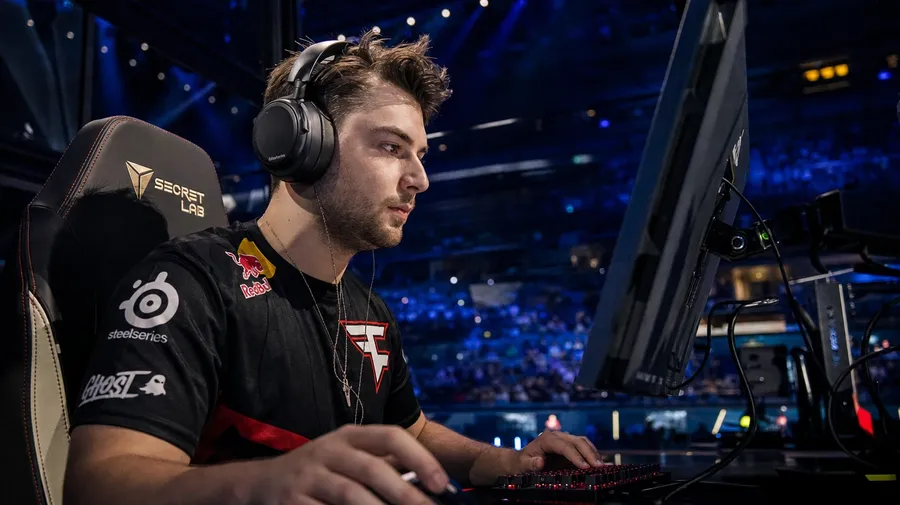
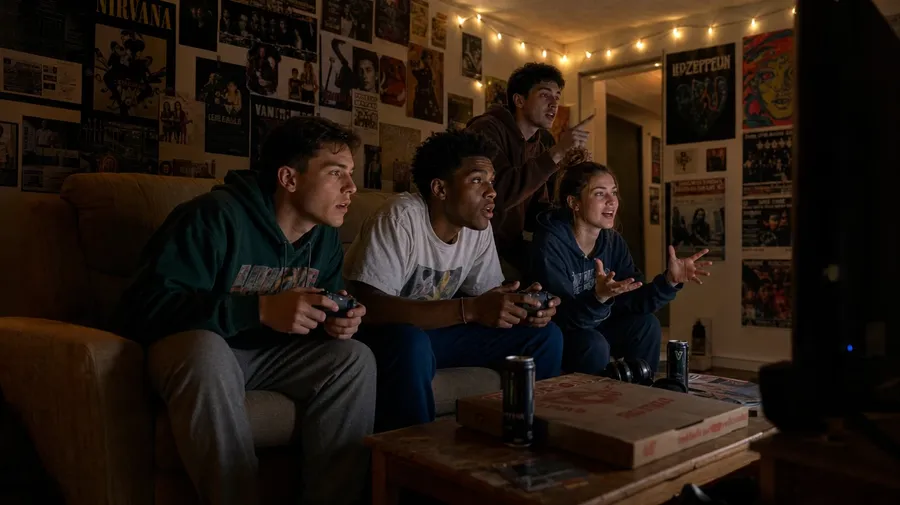
Generate gaming images for any setup and any player: a pro esports player mid-tournament in a stadium-lit arena, a college dorm late-night session with three roommates on the couch, a content creator framing herself behind a green LED ring light. Every paid plan includes commercial rights.
Every leading image model, one subscription.
Describe the scene; Auto mode picks the right model for RGB glow, monitor reflection, or dark-room ambient light.


How to generate custom gaming images with getimg.ai
Gaming briefs split across three axes: who's playing, what they're playing on, and where. Name each one in the prompt.
1. Describe the setup
Open the Content Generator and write the scene: the player type, the platform, the room, and the light. A simple prompt produces a usable baseline; add the hardware brand cues, the game genre, or the specific tournament when you want exact control.
2. Run a batch
Generate one to sixteen variations at a time, then read the results for hardware fidelity, kit and jersey detail, monitor glow on the player's face, and the light register of the room. Pick the version that lands.
3. Swap a detail
A first run picks one valid reading of your prompt. If you'd rather end up at a Counter-Strike LAN huddle than the solo battlestation the model chose, or a content creator's streaming setup instead of a tournament arena, name the swap and run again. Several changes fit one prompt; download when it lands.
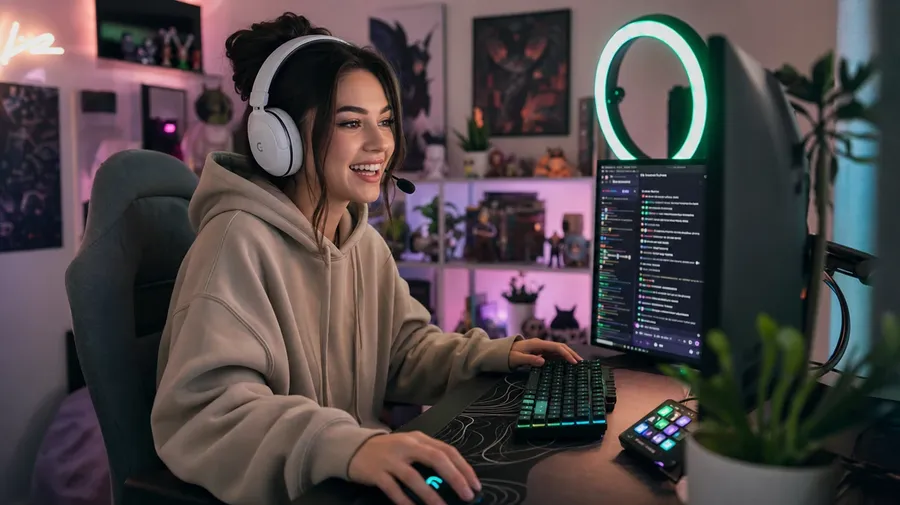
content creator streaming from a home studio with green ring light, ultrawide monitor, and stream deck on the desk
Beyond the dark-room headset-and-RGB cliché
Real gaming briefs span player level, platform, and the room around the screen.
From esports arena to college dorm
Generate the player range: a pro esports player under arena tunnel light, a content creator streaming with a green ring light, a college dorm coop session with three roommates on a couch, a mobile gamer mid-match on a packed subway. Each scene brings its own kit and ambient register.
Every platform, not just the PC battlestation
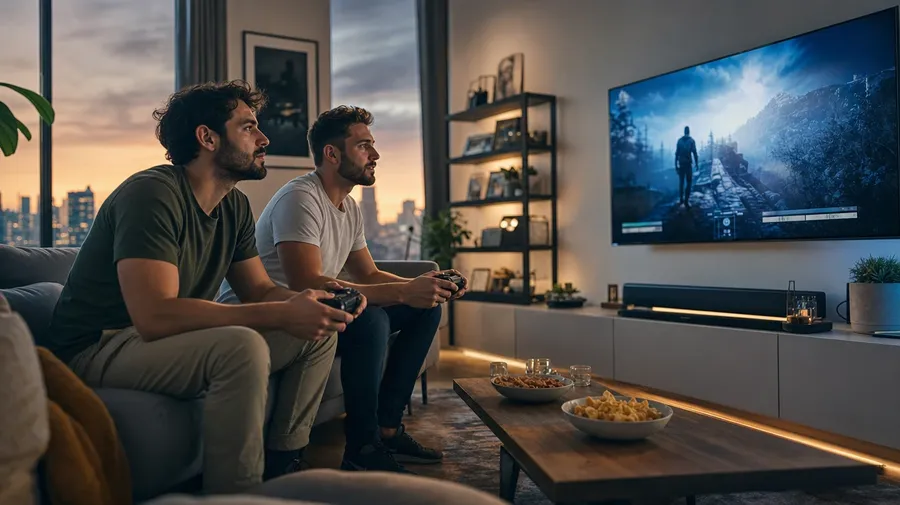
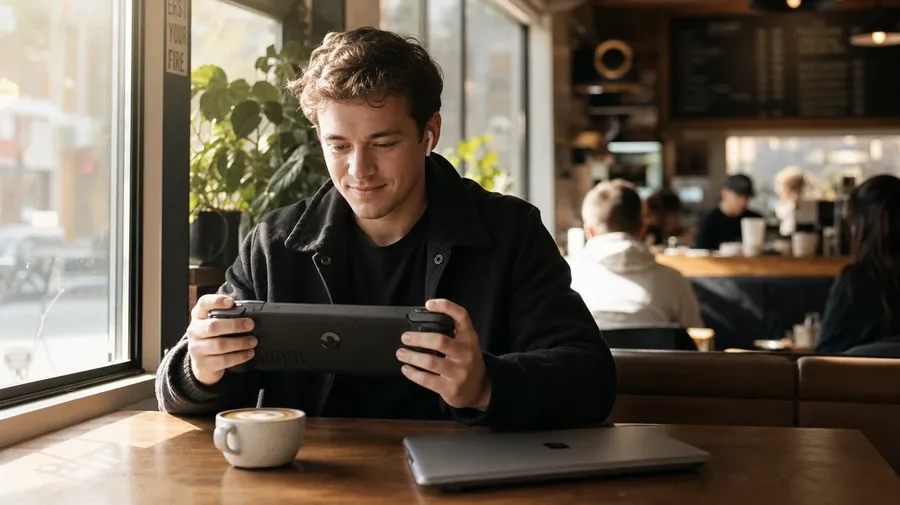
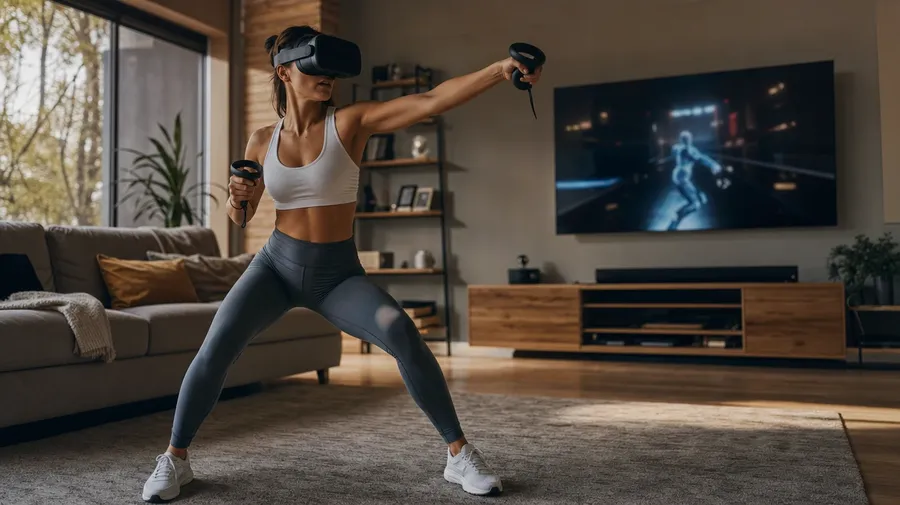
Generate the platforms briefs actually call for: a console couch co-op at dusk, a handheld session on a Steam Deck in a coffee shop, a VR player mid-swing with headset on and arms out, a glass-side-panel PC tower with RGB cooling lit at midnight. The hardware sets the scene.
Gear-up, mid-clutch, victory shout
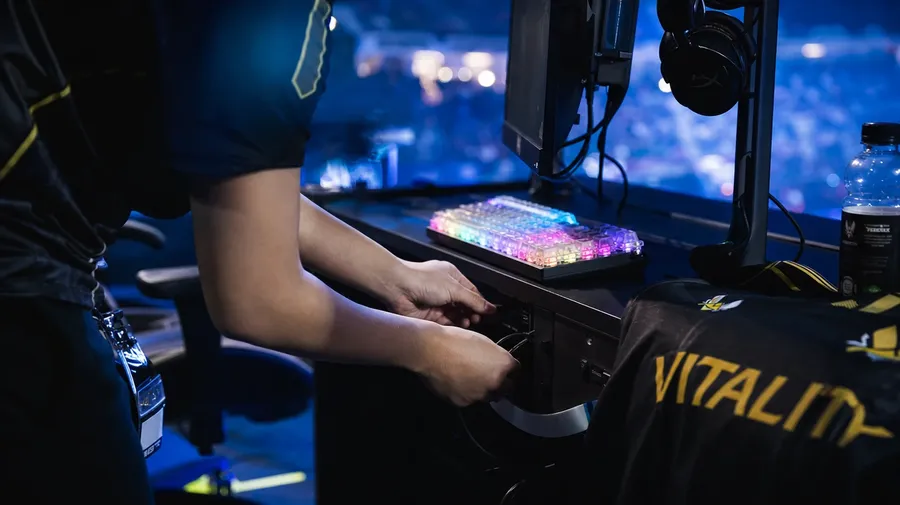
Brand and editorial briefs cycle through the moments between matches: a pro plugging in her keyboard pre-match, a hand mid-click on a gaming mouse, a celebratory headset-off after a clutch win, an energy drink beside the monitor. Half the campaign sits between rounds.
Frequently Asked Questions
Yes. Name the platform and the room in the prompt. A pro esports player at a tournament battlestation under arena tunnel light reads very differently from a console co-op at dusk on a living-room flatscreen, a Steam Deck session in a coffee shop window seat, or a VR player mid-swing in a sun-lit living room with the headset on. The model handles the hardware fidelity, the cable routing, the screen content, and the room's lighting register. Generate up to 16 at a time, compare the cues, pick the version that lands.
Yes, when the prompt names them. A glass-side-panel PC tower with RGB liquid cooling reads differently from a low-profile console under a wall-mounted TV, a mechanical keyboard with translucent keycaps, or a streamer's stream deck on a side desk. Specify the hardware, the lighting, and the angle, and the model handles the RGB glow on surrounding surfaces, the monitor's blue cast on the player's face, and the cable management behind the desk.
Yes. Specify palette, contrast, light direction, and lens register in the prompt: cool tournament cinematic, warm home-studio documentary, dark dorm-room editorial, neon-bathed cyber. For multiple scenes in one register, save the look as a custom Element and reuse it across prompts. The Element carries treatment between players and platforms so the campaign reads as one body of work.
Name the moment and the context. A streamer adjusting her ring light before going live, a hand mid-click on a wired gaming mouse during a clutch, a controller resting on a player's lap during a cut scene, an energy drink and a folded team jersey on a desk between matches: each carries different cues that the AI honors when you spell them out in the prompt.
Yes. Every paid plan covers commercial use across ads, social, web, print, packaging, and presentations. Esports teams and leagues, peripheral brands, hardware OEMs, streaming platforms, game publishers, and lifestyle outlets all qualify under the same license for gaming images, and so does every other category covered by AI stock photos.
Yes. Different sports, including esports, run on the same prompt approach. Name the level, the venue, and the cultural register, and the same logic that produces sports images produces gaming: swap field for arena, fan for crowd, jersey for team kit. A college regional becomes a collegiate esports tournament; a stadium becomes a sold-out esports finals; a locker room becomes a team scrim room. A multi-discipline campaign runs through one prompt box.
As specific as you want. A simple prompt like "a gamer at a desk at night" produces a usable baseline; the AI fills in the typical details (the monitor glow, the dark room, the headset). Add specifics for the parts that matter: the platform, the player's age, the game genre, the lighting register, the tournament. The model honors named details without overriding the rest.
Generate custom gaming stock beyond the basic shots.
Catalog gaming images are mostly the dark-room headset-and-RGB cliché. Type the player, the platform, and the room, and run the prompt for the briefs catalogs skip.