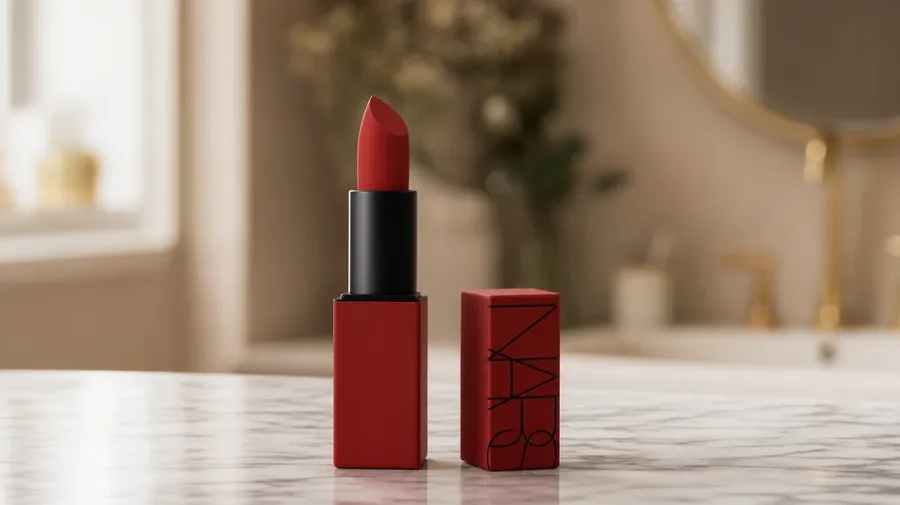
Cosmetics Images Generator
Generate beauty and cosmetics photography that matches a brand-deck moodboard: a matte-red lipstick on Carrara marble, a vitamin-C serum dropper mid-pour, a holographic eyeshadow palette catching window light, a satin foundation bottle on beige fabric. Specify the product, the surface, and the angle. Commercial rights on every paid plan.
Macros, flat-lays, and lifestyle shots across 20+ image models.
Auto mode picks the one that matches your prompt.


How to generate custom cosmetics images with getimg.ai
Editorial cosmetics photography turns on three things: the product's texture, the surface beneath it, and the light hitting both. The steps below name all three.
1. Name the product and the surface
Open getimg.ai and describe the product, the surface beneath it, and the light. A simple line gives a baseline; specify finish, color, and material when you want exact control over those details.
2. Generate and compare
Sixteen takes from one prompt. Compare label legibility, finish accuracy across matte, satin, and gloss, the highlight on the bottle's curve, and how the surface reflects underneath. Pick the version that lands.
3. Swap a detail
A first run picks one valid reading of your prompt. If you'd rather see a Carrara marble vanity instead of a matte-beige paper backdrop, a satin finish instead of a high gloss, or a top-down flat-lay instead of a three-quarter hero, name the swap and run again. Several changes fit one prompt. Download the version you want to ship.
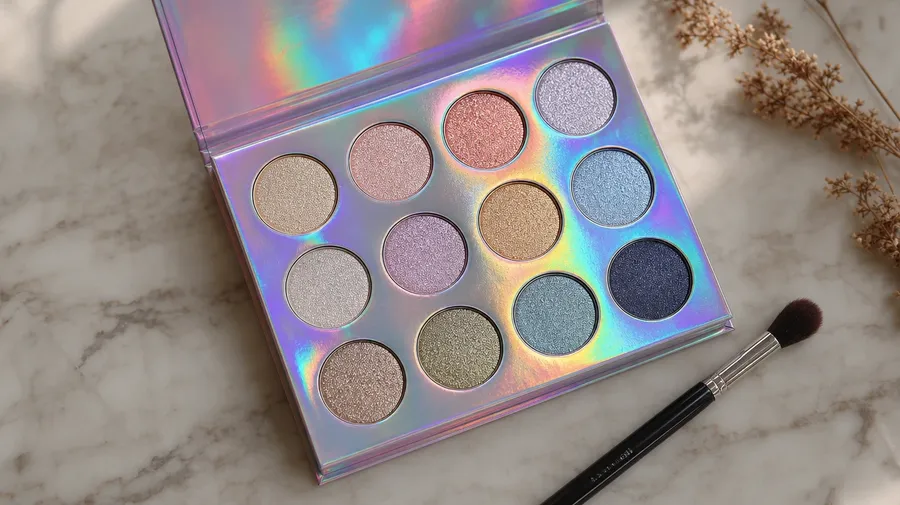
a holographic eyeshadow palette catching window light on a marble vanity, beauty editorial flat-lay
Editorial cosmetics across product, finish, and surface
Beauty shoots call out matte vs. satin, marble vs. paper, hero vs. flat-lay — choices a generic library can't pre-stock.
Lipstick, dropper, palette, brush
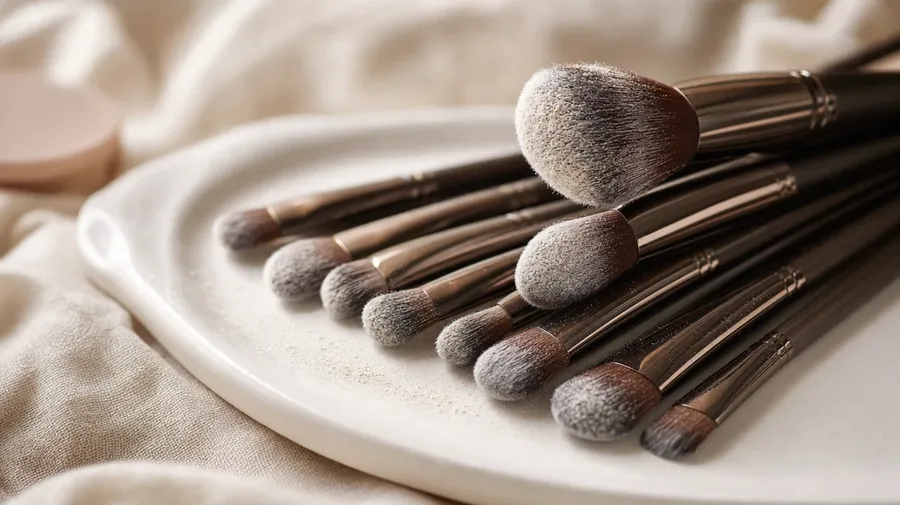
Generate every product category a beauty brand actually ships: a matte-red lipstick standing on Carrara marble, a vitamin-C serum dropper mid-pour, a holographic eyeshadow palette open under window light, a foundation bottle on beige satin, a fanned-out makeup-brush set on a ceramic dish. Each product carries its own texture and label.
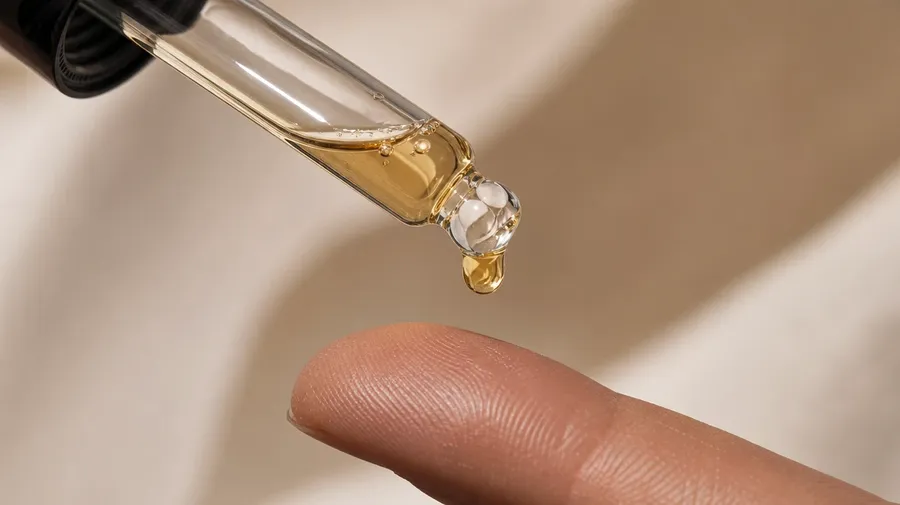
Where the product actually sits
The surfaces beauty editorial actually shoots on: a Carrara marble vanity at golden hour, a tinted-paper sweep with shadow gradients, a stack of satin folds in dusty pink, a wet ceramic dish with water beading, a smoked-glass mirror reflecting one overhead spot. Each surface sets a different palette.
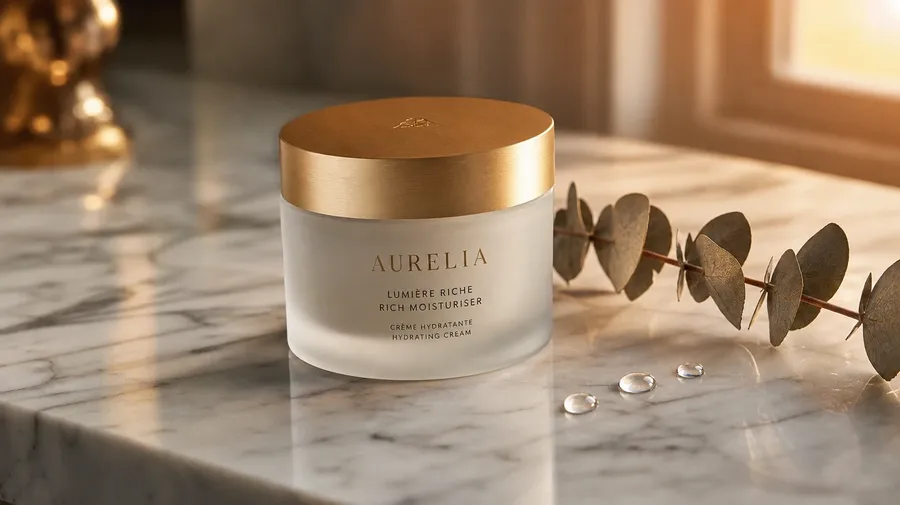
Beyond the pink-gradient backdrop
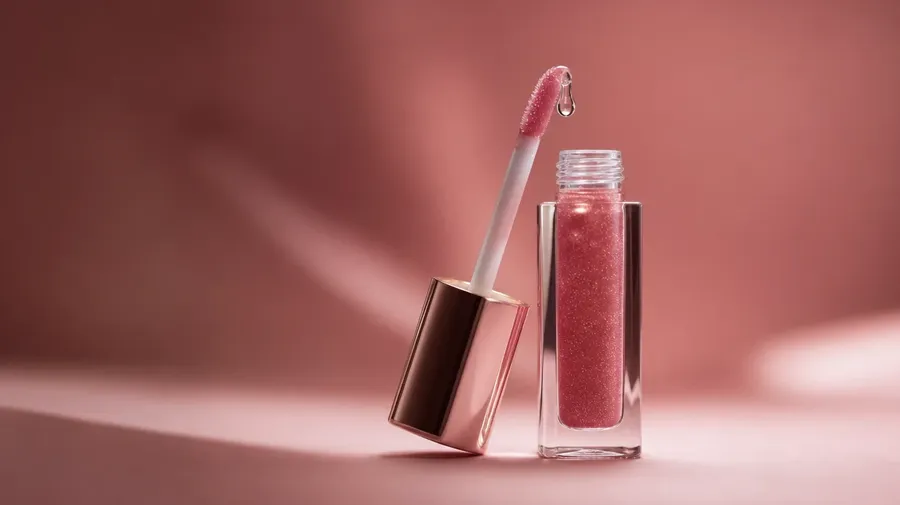
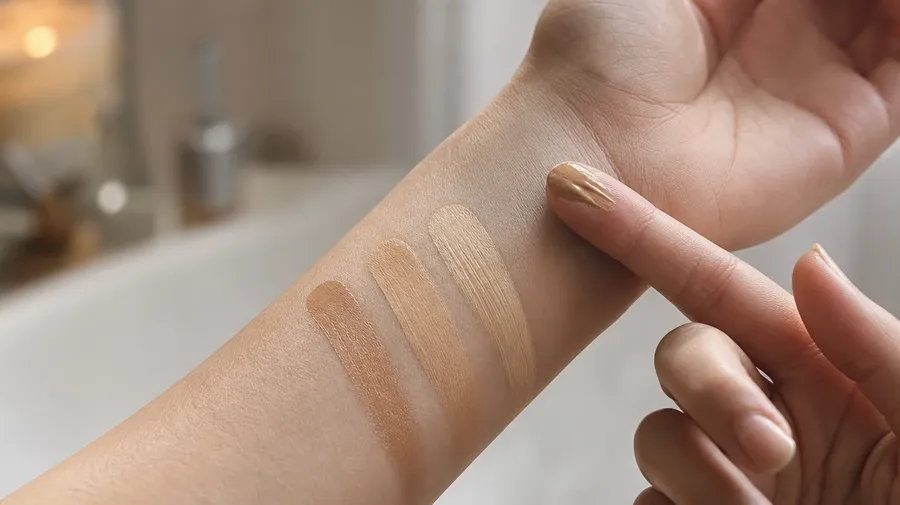
Stock cosmetics photography stops at the same pink-gradient backdrop with one centered bottle. Real shoots cover a hand mid-application swatching foundation, a lip-gloss bead catching highlight on a mouth, a dropper releasing serum onto a fingertip, a brush dipped in pressed powder mid-pickup. Off-the-shelf beauty stock misses the moment.
Frequently Asked Questions
Yes. Name the product, the finish, the surface, and the light. A matte-red lipstick standing on a Carrara marble vanity reads very differently from a vitamin-C serum dropper mid-pour on a tinted-paper sweep, a holographic eyeshadow palette open under window light, or a satin foundation bottle on a stack of dusty-pink fabric folds. The AI handles the finish across matte, satin, and gloss, the label legibility, and the way light catches the bottle's curve. Generate up to 16 at a time, compare the takes, pick the version that lands.
Yes, when the prompt names them. A matte sheen reads differently from a high-gloss reflective lip, a tinted glass dropper differently from a clear one, a paper sweep differently from a marble slab. Specify finish, color codes, label material, and key-light direction, and the AI handles the highlight curve on the bottle, the legibility of small type on the label, and the focus separation between product and backdrop.
Yes. Save the brand palette, packaging, and lighting style as a custom Element and reference it with @BrandLook across new prompts. The Element carries color, finish, label style, and key-light direction forward, so the lipstick, the serum dropper, and the eyeshadow palette all read as one collection. Useful for a multi-SKU launch deck, a multi-channel ad set, and a season-long social grid that reads as one campaign.
Name the category and the surface. A vitamin-C serum dropper releasing onto a fingertip, an amber-glass perfume flacon on a smoked-glass mirror with dried floral debris, a fanned-out brush set with synthetic bristles on a white ceramic dish, a sheet-mask packet flat-lay on tinted paper: each carries its own cues that the AI honors when the prompt spells them out.
Yes. Every paid plan covers commercial use across ads, social, web, print, packaging, and presentations. Indie cosmetics PDP imagery, beauty-retailer hero banners, fragrance launch teasers, dermatology brand sites, salon and spa marketing, and editorial features all qualify under the same license, alongside every other category of AI stock photos.
Yes. Different categories run on the same prompt approach. Name the product, the surface, and the light, and the same logic that produces jewelry photography produces cosmetics photography: swap a sapphire pendant on velvet for a vitamin-C dropper on paper, a gold-band macro for a lipstick-tip macro, a watch-face glimmer for a perfume-flacon highlight. A multi-category campaign runs through one prompt box.
As specific as you want. A simple line like "a matte-red lipstick on a marble vanity" produces a usable baseline; the AI fills in the typical details (the highlight curve, the soft window light, the polished marble veining). Add specifics for the parts that matter to the campaign: a particular hex code, a finish, a surface, a lighting style, a camera angle. The AI honors named details without overriding the rest. Each cosmetics stock image gets the named details right.
Launch the cosmetics collection your moodboard already promised.
Pick the product, the surface, the light, and the angle. The AI delivers beauty photography that fits the brand, and Elements carry palette and finish across every SKU in the lineup.