AI Stock Jewelry Pictures Generator
Generate jewelry photography for any piece, material, and setting — engagement rings on hand, layered necklaces at the collar, vintage watches in macro detail. Product hero, on-model wear, and editorial flat-lay run through one prompt box. Commercial rights on every paid plan.
Every leading image model, one subscription.
Auto mode picks the best one for the job.


How to generate custom jewelry pictures with getimg.ai
Engagement ring on a hand, pearl necklace at the collar, vintage watch in macro detail — three steps from prompt box to a client-ready shot.
1. Describe the piece
Open the Content Generator and name the piece, material, and setting. A simple line gives a baseline; name the stone cut, metal grade, or hand pose when you want control over those details.
2. Run a count
Generate up to sixteen variations at once, then read each for metal sheen, stone facet clarity, hand pose, and how the piece sits in the shot. Pick the version that lands.
3. Change a detail
A first run picks one of several valid interpretations of a jewelry prompt. If you'd rather show a rose-gold setting instead of yellow gold, a sapphire instead of a diamond, or a darker hand against a brighter cuff, name the swap and run again. Several changes fit one prompt. Download the version you want to ship.
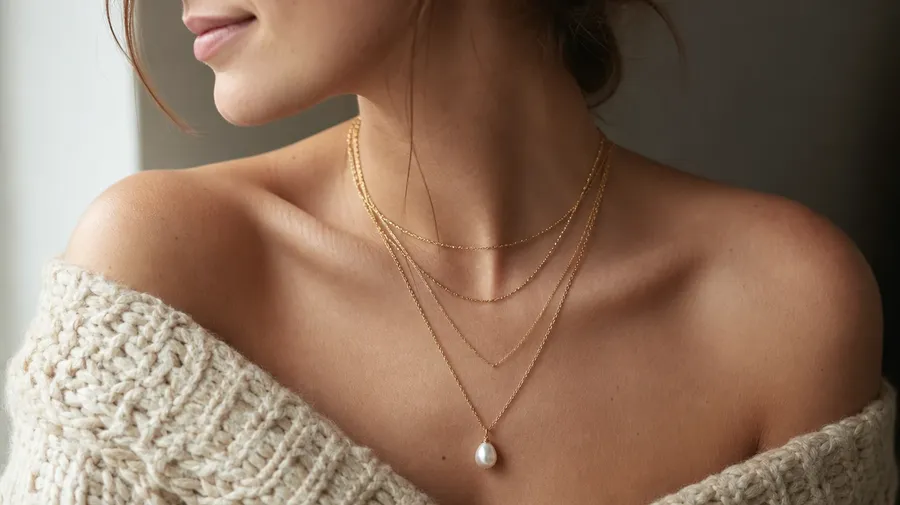
layered gold and pearl necklaces at a model's collarbone, soft studio light
Stone facets, hand poses, editorial scenes
Working jewelry shoots cover the piece, the wearer, and the moment the shot lands.
Yellow gold to oxidized silver, every finish
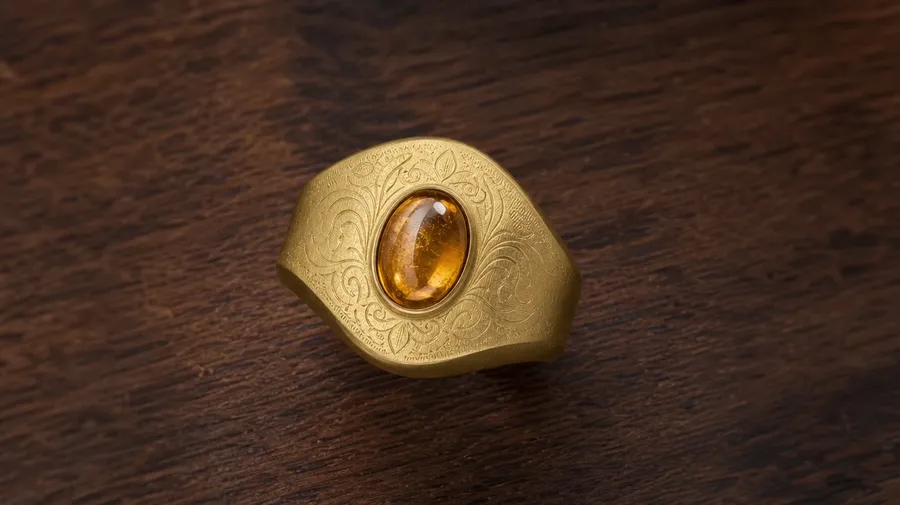
Cover the metals and stones that drive a jewelry shot: brushed yellow gold, polished platinum, oxidized silver, rose-gold bezels, emerald-cut sapphires, opal cabochons, freshwater pearls, lab-grown diamonds. Each material catches light differently, and one prompt nails the sheen, the facet clarity, and the way the piece reads against the skin.
On the hand, the collar, the wrist
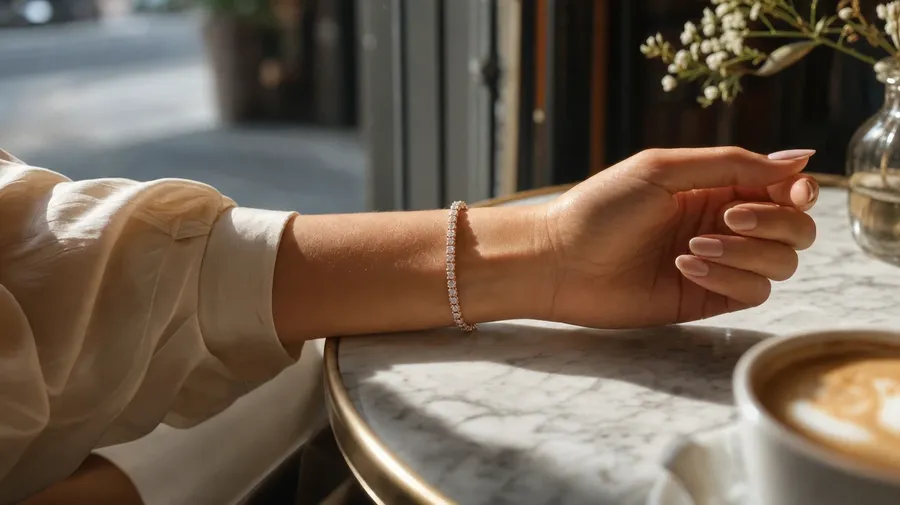
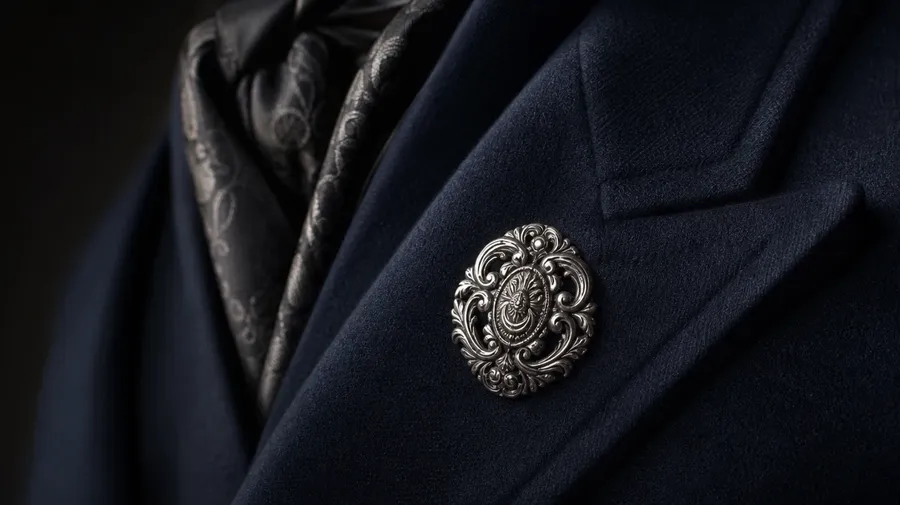
Show the piece where it's worn: an engagement ring on a manicured hand at a window table, a layered pendant necklace at a model's collar, a stacked tennis bracelet on a raised wrist, a Victorian brooch on a tailored lapel. Each context brings its own pose, light, and composition.
Beyond the velvet pillow shot
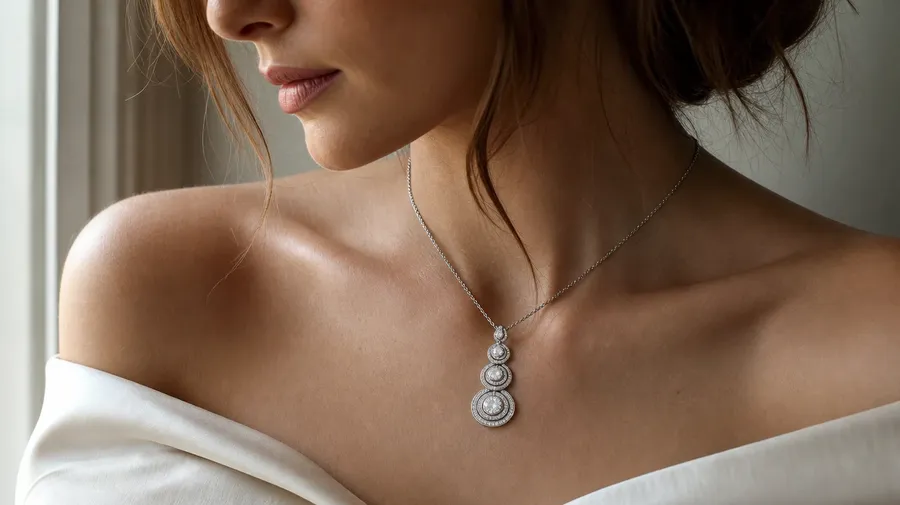
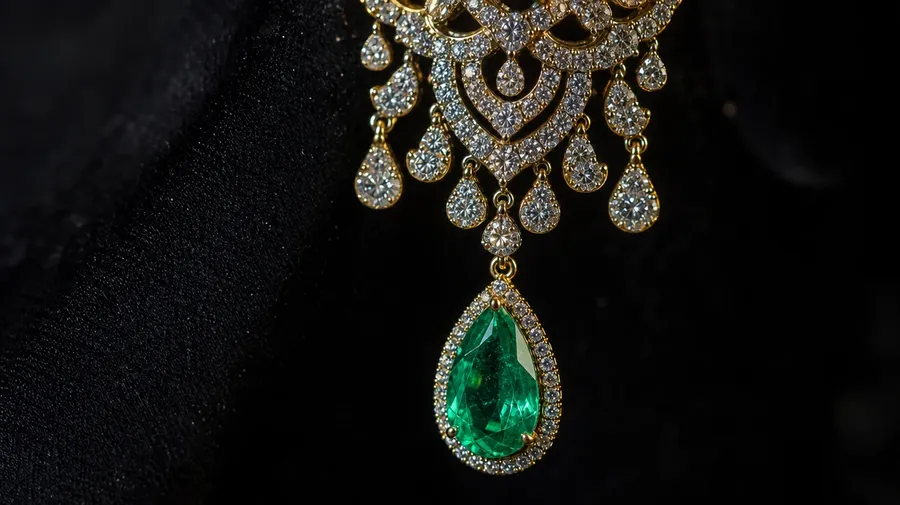
Catalog jewelry stops at the gold band on black velvet. Real shoots need the chandelier earring in macro detail, the gemstone pendant against a knit collar, the vintage watch on a worn cuff, the engagement ring photographed mid-proposal, the brooch on a tailored lapel. The off-the-shelf shot only covers the simplest request.
Frequently Asked Questions
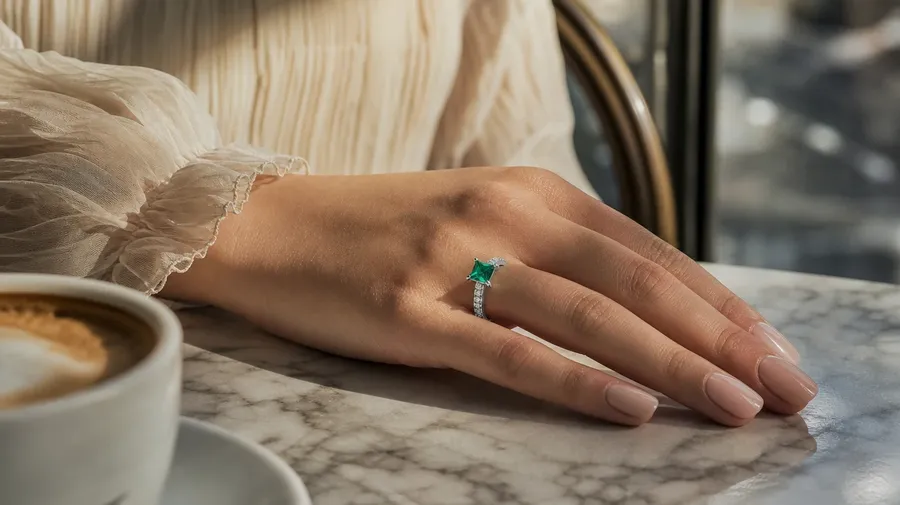
Yes. Name the piece, the material, the setting, and the angle. An emerald engagement ring on a manicured hand by a window reads very differently from a rose-gold signet on a working hand, a pearl drop on a tanned collarbone, or a vintage cocktail ring shot in macro detail. The model handles the metal sheen, the stone facet read, and the way the piece sits against the skin. Generate up to 16 at a time, compare the variations, pick the version that lands.
Yes, when the prompt names them. A polished yellow gold band with a brilliant-cut diamond reads differently from a brushed rose gold band with an emerald-cut sapphire, a frosted platinum bezel from a high-polish silver claw setting. Specify the metal finish, the stone cut and clarity, and the skin tone or pose, and the model handles the catchlight on the facets, the sheen across the band, and the depth between the piece and the wearer.
Yes. Specify palette, contrast, light direction, and grain in the prompt: warm-grade editorial, cool studio, sun-drenched window, dramatic chiaroscuro. For a multi-piece campaign on one model or one collection across pieces, save the look as a custom Element and reuse it across prompts. The Element carries treatment across shots so the campaign reads as one body of work.
Name the piece and the setting. A vintage watch on a cuffed sleeve, a brooch on a tailored lapel, a stacked tennis bracelet on a raised wrist, a chandelier earring in macro, a stacked midi-ring set on a writing hand: each carries different cues that the model honors when you spell them out in the prompt.
Yes. Every paid plan covers commercial use across ads, social, web, print, packaging, and presentations. Lookbooks, e-commerce product pages, magazine editorial, packaging design, jewelry-brand campaigns, and marketplace listings all qualify under the same license, and so does every other category of AI stock photos.
Yes. Different categories run on the same prompt approach. Name the piece, the wearer, and the light, and the same logic that produces fashion pictures produces jewelry pictures: swap a runway pose for a hand close-up, an editorial outfit for an isolated wrist, a wide street shot for a macro on a single ring. A multi-category campaign runs through one prompt box.
As specific as you want. A simple line like "a vintage gold engagement ring on a hand by a window" produces a usable baseline; the model fills in the typical details (the warm window light, the soft skin tone, the shallow depth on the band). Add specifics for the parts that matter to the campaign: a particular stone cut, a metal grade, a hand styling, a contrast level. The model honors named details without overriding the rest.
Generate the exact jewelry images you have in mind.
Pick the piece, name the wearer, set the light. One prompt returns jewelry images that match the metal sheen, stone clarity, and on-body pose your campaign actually wants.