AI YouTube Thumbnail Maker: Generate Thumbnails from Prompts
Prompt in. 16:9 thumbnail concepts out.
getimg.ai's AI YouTube Thumbnail Maker turns a text prompt and an optional reference image into 16:9 thumbnail concepts with subjects, layouts, and on-image text that you can generate, compare, and edit in one workspace. Generate several distinct directions, then take your three strongest into YouTube Studio and test them on your own audience. Less time in design software. More videos shipped.
Choose from leading image models in one workspace
Generate thumbnails with GPT Image 2, Nano Banana 2, Seedream 5, FLUX 3 and more. Which image models you can use depends on your plan.


Built to make thumbnails at the pace you publish
Thumbnails aren't one-and-done. You need options, on brand, every time you upload.
A model selected for your thumbnail prompt
Auto selects a model based on the subject, text, and visual direction in your prompt. Switch manually anytime to compare.
Auto model selection

Nano Banana 2
Suited to faces, lighting, and detail

GPT Image 1.5
Works well for on-image text
A batch of directions to compare, from one prompt
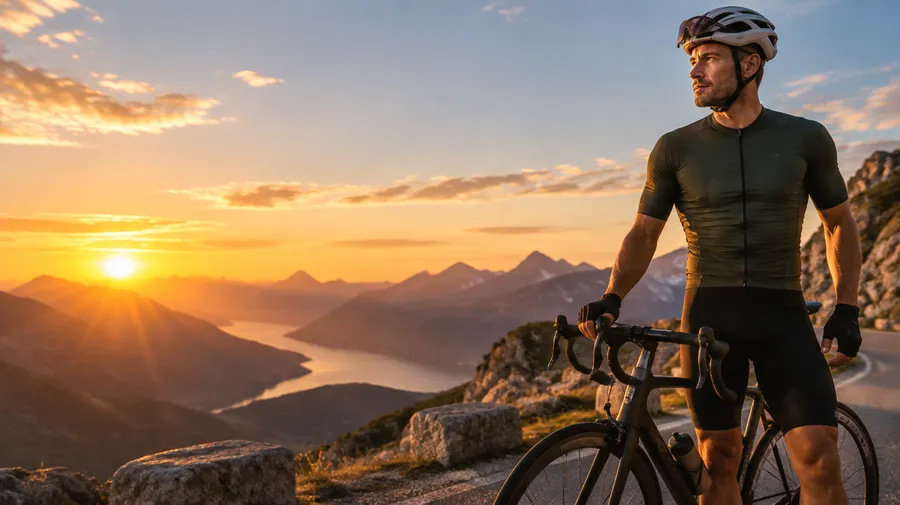
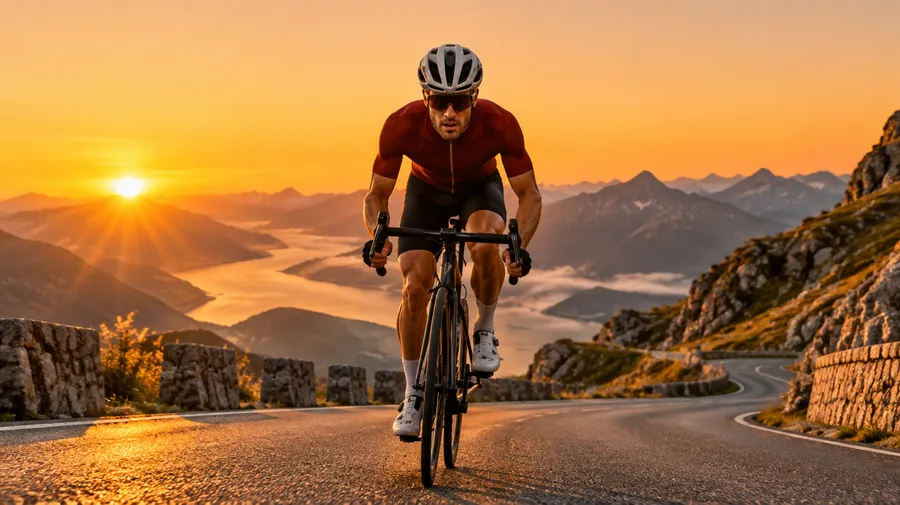
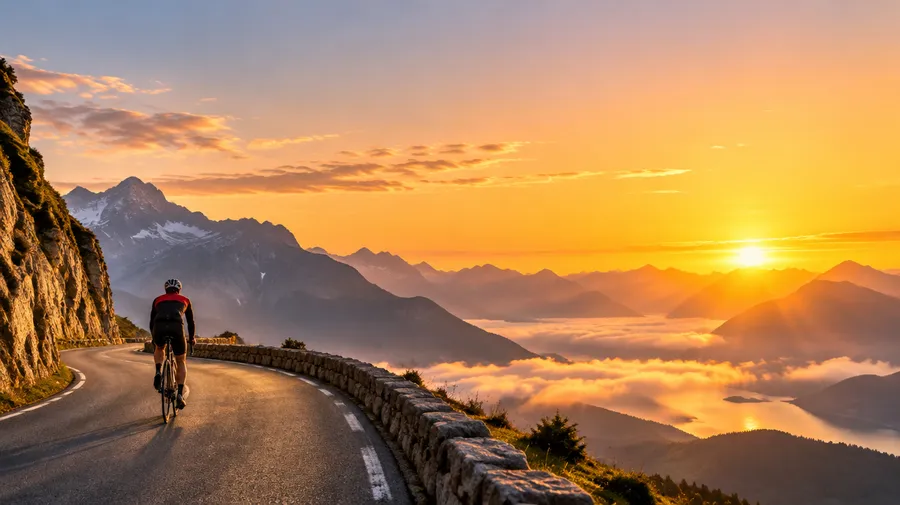
Generate 2 to 10 thumbnails at a time depending on your plan, at a 16:9 aspect ratio, and compare them side by side.
Prompt to download without leaving the page
Describe the thumbnail, generate a set, download the one you want to test. The whole loop lives in one prompt box.
Prompt
Generate
Download
How to make a YouTube thumbnail with getimg.ai
Three steps from idea to a thumbnail you can upload.
1. Open Create image
Sign in and open the Create image Action in the sidebar.
2. Write your prompt
Describe the thumbnail: the subject, the expression, the background, the composition, and the short headline you want on it. The more specific you are, the closer the first result lands.
3. Generate and compare
Set the aspect ratio to 16:9, generate a batch, and download the directions you want to test on your channel.
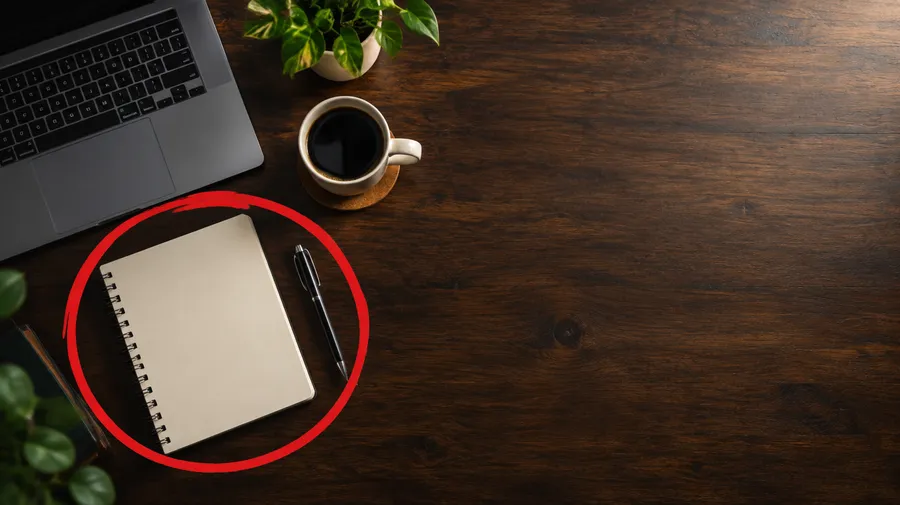
Thumbnail directions for different video formats
Switch niche and style without switching tools.
Start from a complete thumbnail direction
You know the thumbnail you want. You just don't want to rebuild the layout from scratch in a design app every upload. Describe it in a sentence and getimg.ai generates a first composition: subject, layout, and on-image text together. Refine the crop, the wording, or the details from there, and spend your time choosing between directions instead of nudging boxes into place.
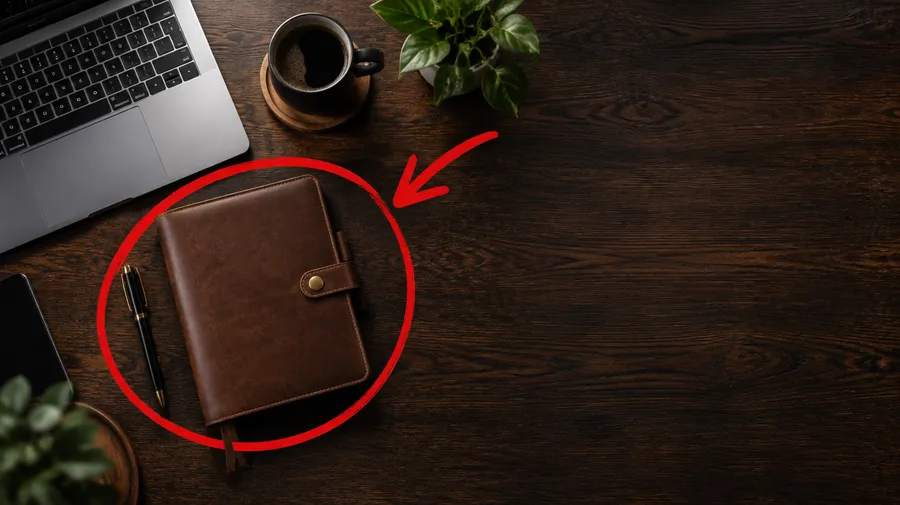
Productivity thumbnail generated from a prompt: overhead dark-wood desk with a laptop and planner, a red circle and arrow on the change, bold white headline reading THIS CHANGED HOW I WORK.
Guide the look across every thumbnail
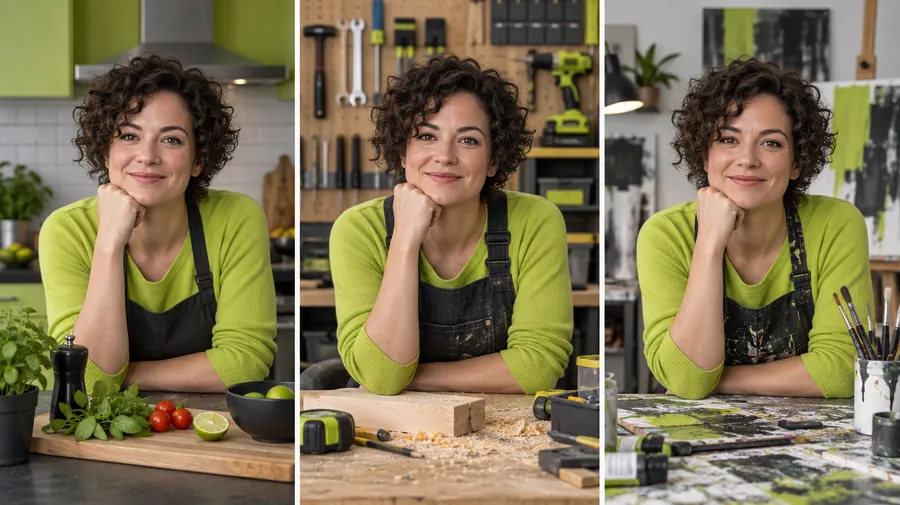
The thumbnails that work are the ones that look like you. Use Elements and reference images to guide recurring colors, framing, characters, and visual style across thumbnails. Save your on-camera person as a Person Element, save your channel look as a Style Element, then call both with @ElementName, change the video topic, and generate a new thumbnail direction in the same visual language.
Models with stronger on-image text rendering
Most thumbnails live or die on the headline, and many image models smear it. getimg.ai gives you models known for legible typography, including GPT Image 1.5, Seedream 4.5, and FLUX.2, so you can generate a headline inside the composition instead of building it by hand. Keep the headline short: three or four words render more reliably and read better at thumbnail size. Check the final text before you upload, and regenerate or edit if a letter lands wrong.
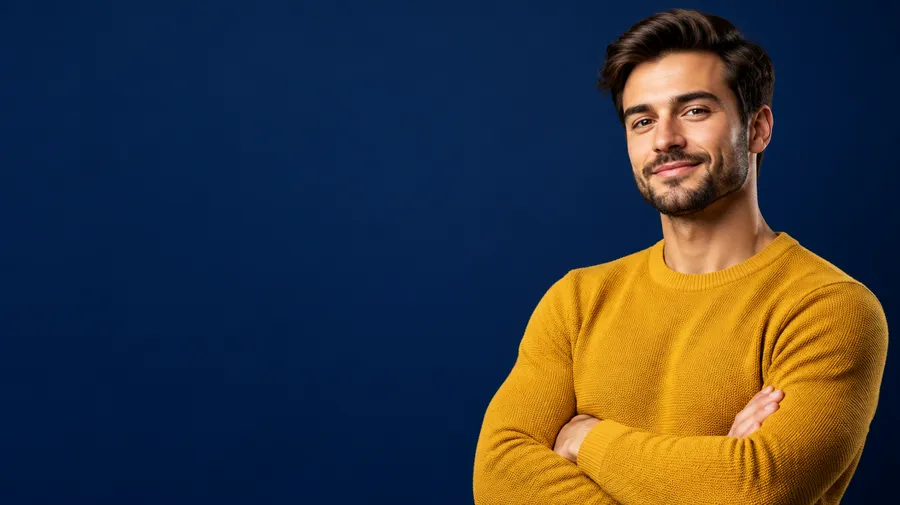
Generate three directions. Test them on YouTube.
Nobody knows which thumbnail an audience will pick until the audience picks it. Generate several genuinely different directions in getimg.ai, shortlist the three strongest, then upload them to YouTube Studio's thumbnail test and let watch time decide. Your job is to produce options worth testing; the test tells you which one works.
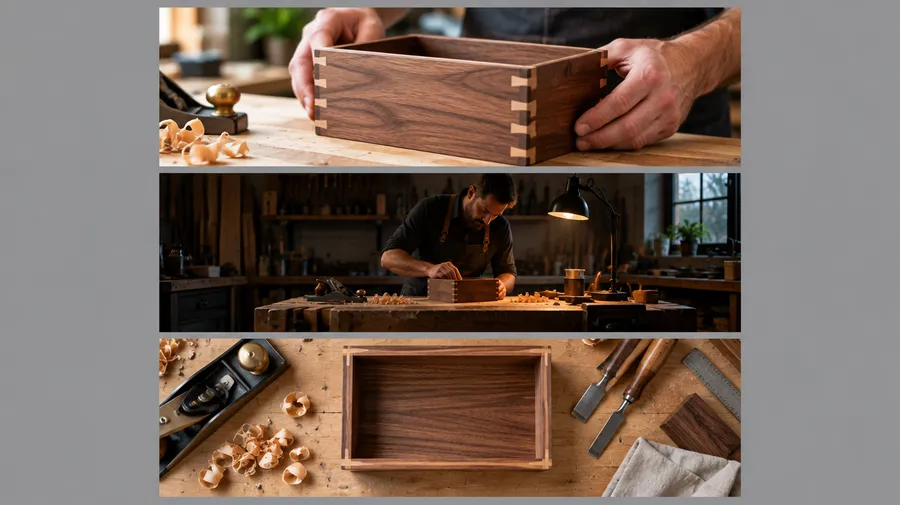
AI YouTube thumbnail prompt examples
Every prompt below follows the same structure: subject, expression or action, background, composition, headline, lighting, contrast, and aspect ratio. Copy one, swap the details for your video, and generate.
Gaming
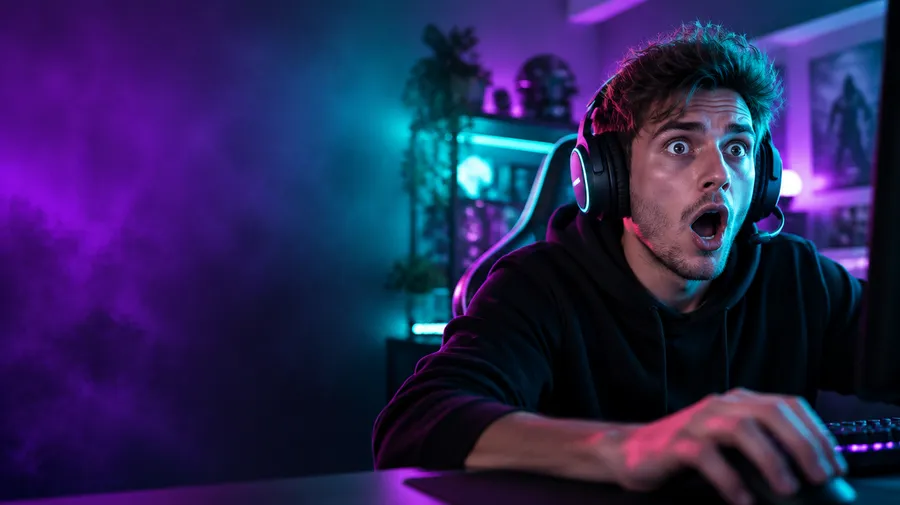
Fast-paced gaming thumbnails need one readable subject and a background that does not fight it.
Gamer at a desk, mouth open in shock, neon purple and teal room behind, subject on the right third, three-word headline space on the left, hard rim light, very high contrast, 16:9.
How to make better YouTube thumbnails with AI
The prompt does most of the work. These six habits get you from a vague description to a thumbnail concept you would actually put in front of an audience.
Give every video a thumbnail worth testing
Describe the thumbnail, generate a few directions, and take your strongest three into YouTube Studio. Commercial rights are included on paid plans.
Frequently Asked Questions
Start with a clear prompt that describes the whole thumbnail: the subject, the expression or action, the background, the composition, the short headline, and the lighting. For example, "creator holding a camera, surprised expression, deep blue studio background, subject on the right, short headline on the left, hard rim light, high contrast, 16:9." The more specific the description, the closer the first result lands.
Generate a batch at a 16:9 aspect ratio, compare the directions, and keep the strongest few. Then test them with your own audience rather than guessing which one performs.
A useful structure is subject, expression or action, background, composition, headline, lighting, contrast, and aspect ratio. Name one clear focal point, say where the headline should sit, and keep that headline to three or four words.
Write a few genuinely different directions rather than ten near-identical variants: different framing, different colour, different angle. That gives you something worth comparing.
Commercial rights are included on paid plans, subject to our Terms and use restrictions. That covers thumbnails on monetized videos, client work, and sponsored content. Use restrictions still apply to things like third-party logos, real people, and copyrighted characters.
getimg.ai reads your prompt and selects an image model based on the subject, text, and visual direction. Nano Banana 2 is suited to faces, lighting, and fine detail, while GPT Image 1.5 works well for legible on-image text. Switch models manually at any point to compare, and check the model list in the app for the current line-up.
Save your channel's colors, framing, or a recurring on-screen person as an Element and call it into any prompt with @ElementName. Elements can help maintain a recognizable visual direction across multiple thumbnails, so your channel stays identifiable from video to video, though each generation is still a new image rather than a copy.
Attach a photo of yourself or your subject as a reference, then describe the scene, background, and headline around it. Image editing generates a new version and keeps your original untouched, so you can use your photo as a reference when generating different thumbnail concepts. If your face is central to the channel, check the final image before you upload, because generation can shift facial details.
Use a 16:9 aspect ratio for standard YouTube videos. YouTube currently recommends uploading the highest-resolution thumbnail available, ideally 3840 x 2160 px, with a minimum width of 640 px. Need more resolution? Send it to Upscale image to take it up to 2x, then check that the headline is still crisp.
getimg.ai runs on paid plans starting at $8 per seat a month billed yearly, with 3,000 credits and 2 generations at a time on Entry, up to 100,000 credits and 10 generations at a time on Ultra. Commercial rights are included on paid plans, subject to our Terms and use restrictions.