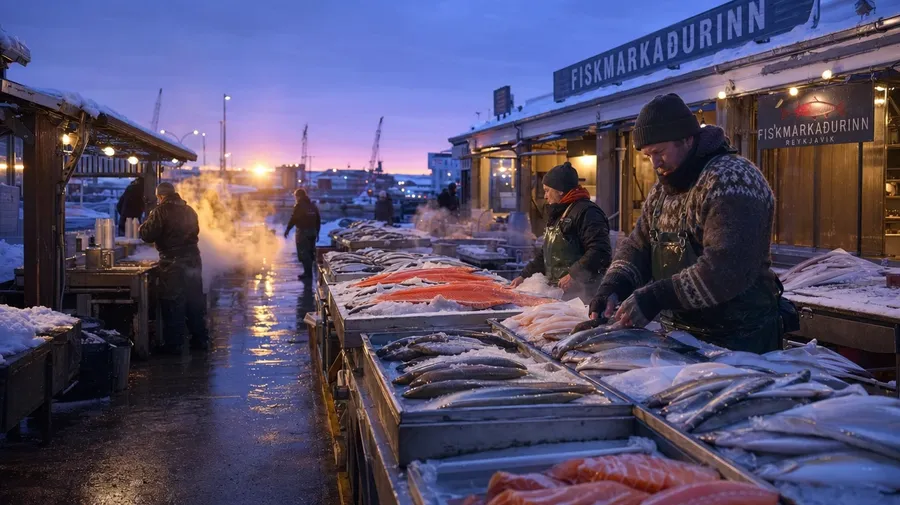
AI Stock Winter Images Generator
Tromsø polar night, Shanghai Lunar New Year lanterns, Reykjavík geothermal steam — type the latitude and get a campaign-ready photo with full commercial rights.
Every image model lives in the same workspace.
Auto mode picks the right one for low-light snow, ice fog, or lantern-lit nights without opening the model menu.


How to generate custom winter stock images with getimg.ai
Winter changes more by latitude than any other season. Name the latitude in the prompt.
1. Write the prompt
Open the Content Generator. Describe the winter scene in plain language: city, month, mood. Add specifics for the details you want exact control over.
2. Generate a few results
Generate four or eight at once. Pick the version where the cold actually shows in the light, the shadows, and the people.
3. Download, or edit first
If the result fits, download it. If you'd like Helsinki specifically rather than just "a Nordic city", or sodium-orange streetlights instead of the LED-white the model picked, name the swap in the same prompt. Multiple changes go through at once; the composition holds while the model adjusts whatever you spell out.
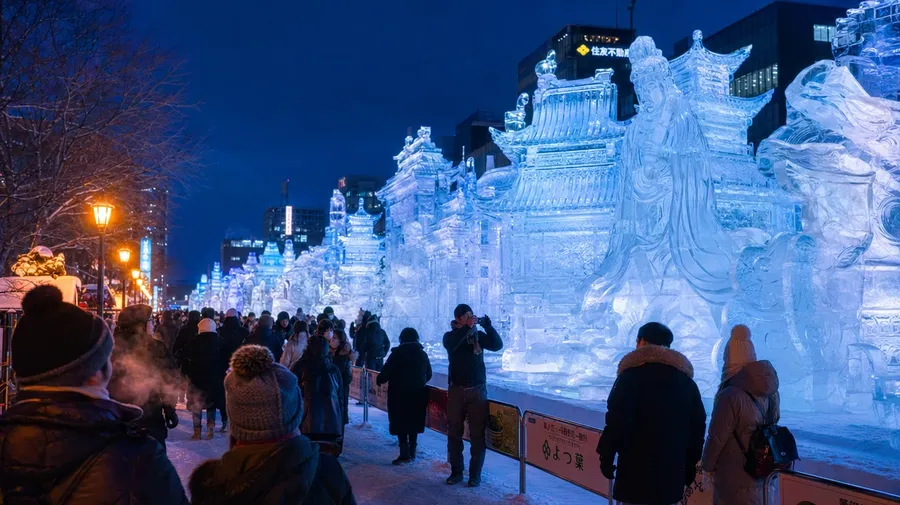
sapporo snow festival ice sculptures at deep blue hour
Three sides of real winter
Three angles stock libraries undercount: latitude, working life, and global holidays.
Latitudes a Christmas card skips
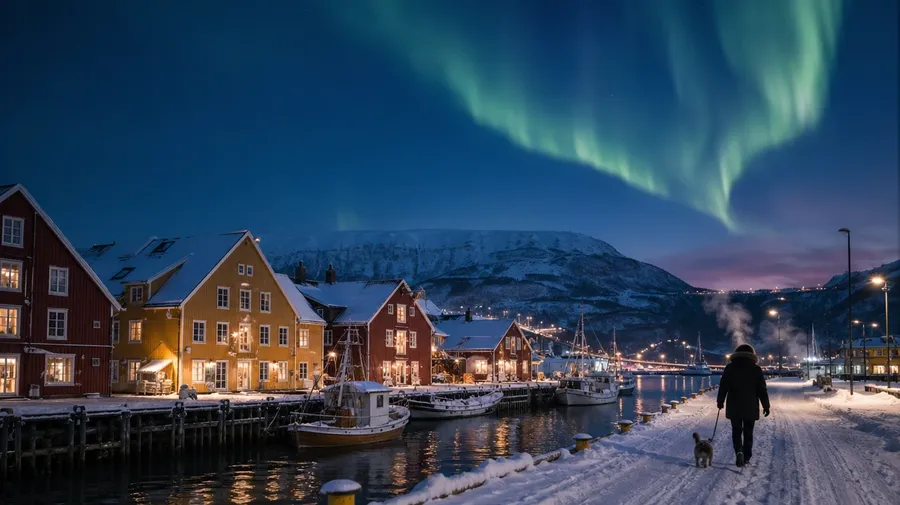
Stock libraries default winter to alpine snow and pine boughs. Real winter happens at every latitude: Tromsø in polar night with the sky a 24-hour blue, Berlin grey at 4pm dusk, Singapore at 23°C in cool drizzle. Brand campaigns running across markets need every band of that range.
The 3am side of winter
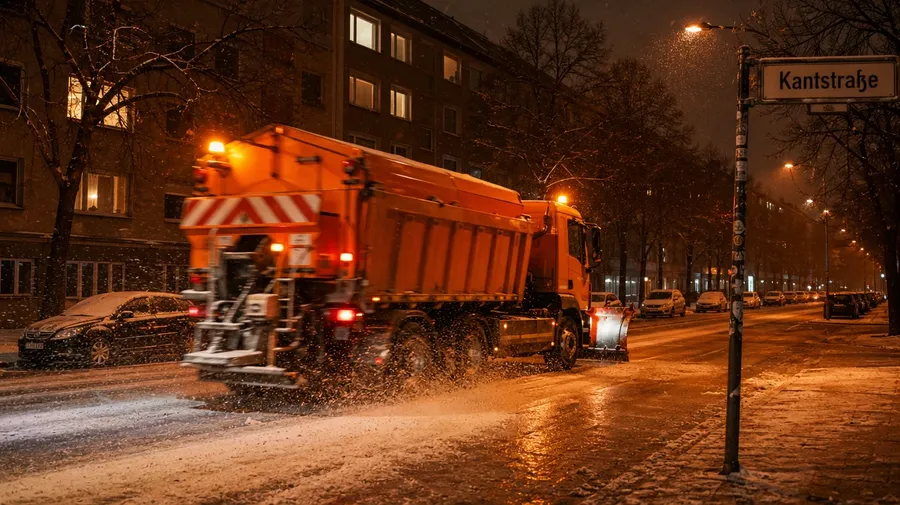
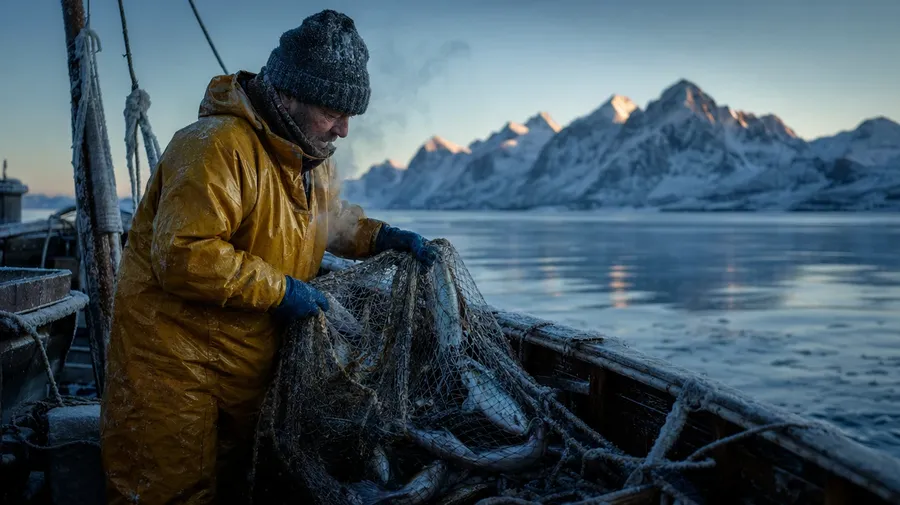
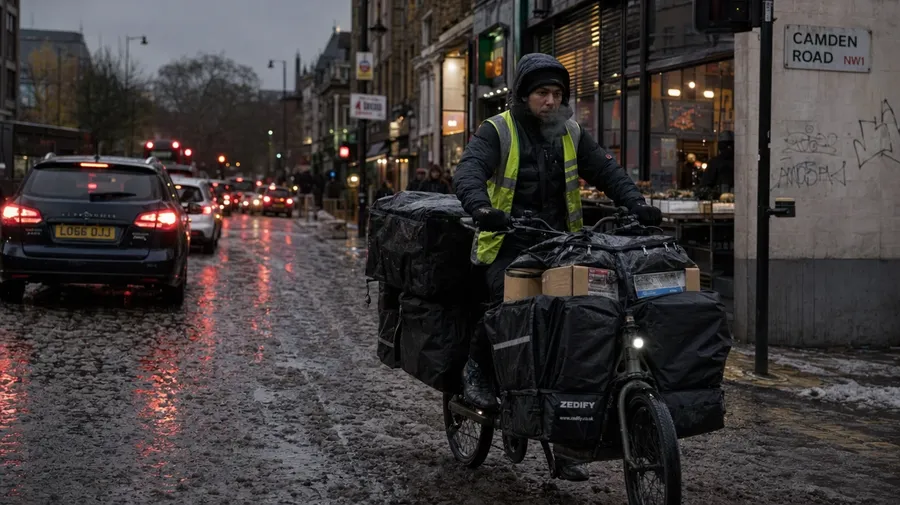
Catalog winter is mostly skiers and après-ski lounges. The actual working day in winter is salt trucks before dawn, postal couriers in sleet, road crews under sodium lights, ice fishermen on a frozen lake at dawn. Insurance, logistics, and utilities campaigns need that side, not the holiday brochure.
Lunar New Year to Diwali nights
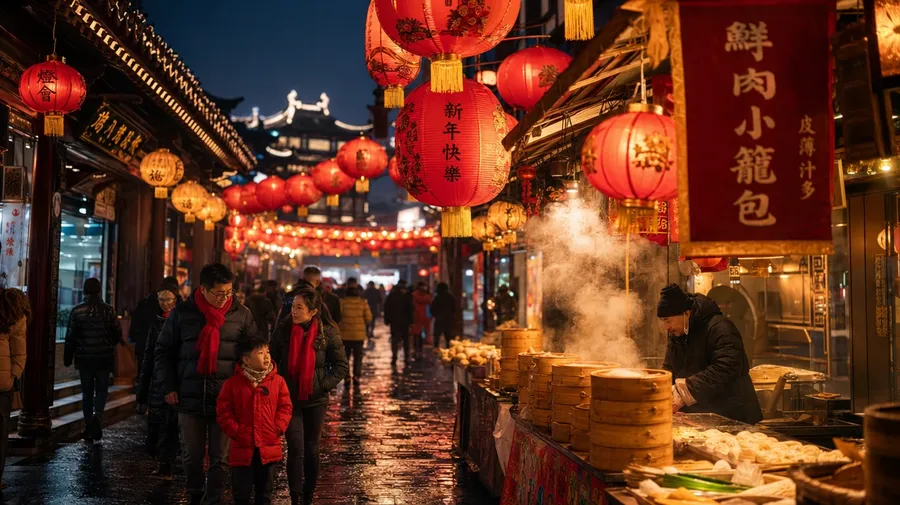
Winter holidays go far past Christmas. Lunar New Year fills cold cities across East Asia with red lanterns and family meals; Diwali in Delhi falls in cool November; the Sapporo Snow Festival in February draws two million; Reykjavík hosts midwinter Yule. A global brand needs all of them.
Frequently Asked Questions
Yes. Winter reads radically different at each latitude. Singapore at 23°C in cool December drizzle, Mediterranean Naples in 12°C rain, Northern Australia in dry-cool June: all valid winter prompts. Name the latitude or the city, the month, and the typical conditions, and the model handles the rest.
Yes. Every paid plan covers commercial use across ads, social, web, print, and packaging. Insurance, logistics, retail, travel, and lifestyle brands working a winter campaign all qualify under the same license.
Yes, when the prompt names the temperature or a marker for it. "Breath plumes, hood up, gloved hands cradling a paper cup" implies cold without a number; "leather coat unbuttoned, scarf trailing" implies a milder winter day. The body language is what stock catalogs most often get wrong. In a prompt you describe it and the model renders it.
Yes. Specify the palette, contrast, light direction, and grain inside the prompt: cool-grade documentary, sun-bleached editorial in low-angle pale light, lo-fi warm-on-cold for an interior. For a series of multiple winter scenes in one register, save the look as a custom Element and reuse it across prompts.
Same workspace, same prompt box. Lunar New Year, Diwali, the Sapporo Snow Festival, midwinter Yule in Reykjavík, and Hanukkah all sit inside the broader AI stock photo generation coverage and run through the same prompts. Name the holiday and the city, and the model picks up the regional cues.
Winter cues run differently than spring stock cues, where you'd name the bloom stage and the regional zone instead of the latitude and the month. The same workspace handles both. Save a custom Element to carry palette and treatment from one season into the next.
As specific as you want it to be. A simple prompt like "Tromsø under polar night with snow on the streetlamp" produces a usable baseline; the workspace fills in the typical details (the blue cast of polar twilight, snowflakes scattered in the air, the way breath catches the light). Add specifics for the parts that matter to your campaign, like a particular street, a particular brand of streetlamp, a specific person at the door, and the model honors what you named without overriding the rest.
Get the winter your campaign actually needs
Name the city, the month, the kind of cold. Generate four or eight, pick the keeper. Commercial rights apply on every paid plan.