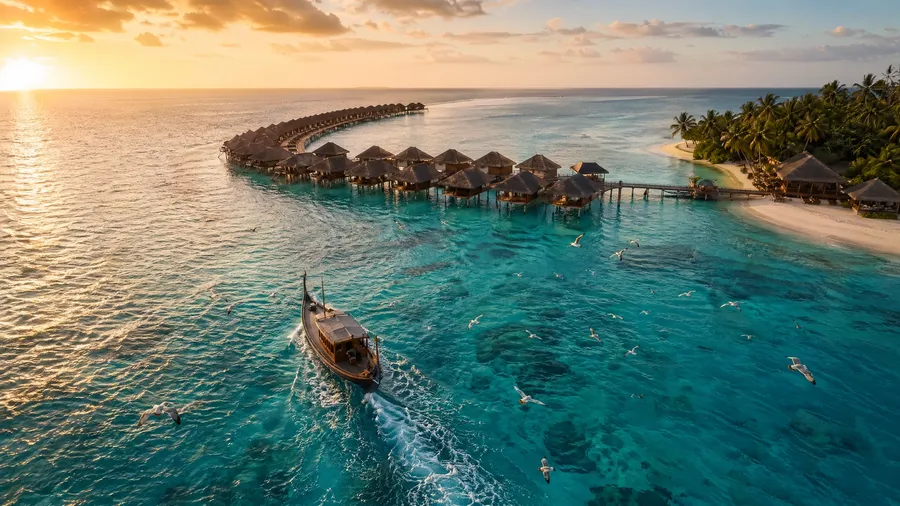
AI Stock Travel Images Generator
From iconic destinations to specific cultural moments, produce production-ready travel photography across landscapes, people, food, and culture. 16+ AI image models, auto-selected for the shot. Commercial rights on every paid plan.
Top image generation models, auto-selected.
16+ options including FLUX 2, GPT Image 2, Nano Banana 2, and Seedream 5.0 Lite.


How to generate custom travel stock images with getimg.ai
From brief to finished travel asset in three steps — no shoot, no licensing chase.
1. Describe the destination, mood, and moment
Open Content Generator and write a prompt covering the location, time of day, weather, subject (landscape, people, food, architecture), and lens or framing cues. Plain language is fine — built-in prompt enhancement adds the technical detail.
2. Generate with the right model
Auto mode picks the right image model for the subject across 16+ options — landscapes lean on FLUX, editorial moments on GPT Image 2, photoreal portraits on Nano Banana 2. Generate multiple variations and keep the ones that match your brief.
3. Refine, retouch, and export
Adjust one variable at a time — change the lens, swap the time of day, restyle the lighting — until the output matches the campaign. Export production-ready, with commercial rights included on every paid plan.
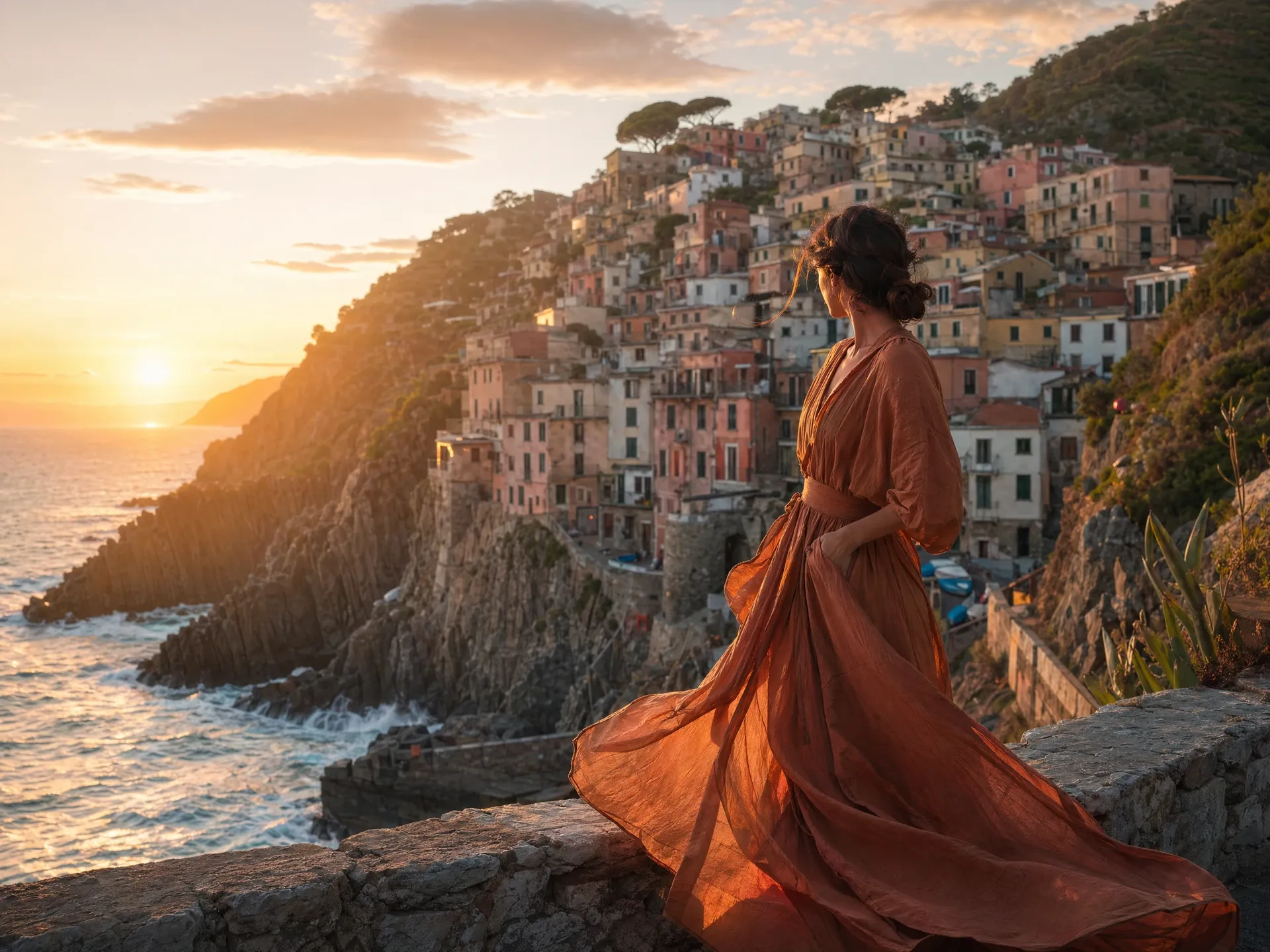
lone female traveler in a flowing terracotta linen dress on a Cinque Terre overlook at sunset
Why getimg.ai works for travel imagery
Stock libraries give you what's been shot. AI generation gives you exactly the destination, moment, and framing your brief calls for.
Any destination, any framing
Generate the location your brief calls for (sunrise over the Dolomites, dusk on a Lisbon viewpoint, midnight in Reykjavik) without booking a flight or waiting for the right light. Specify time of day, season, lens, and angle; the model handles the rest.
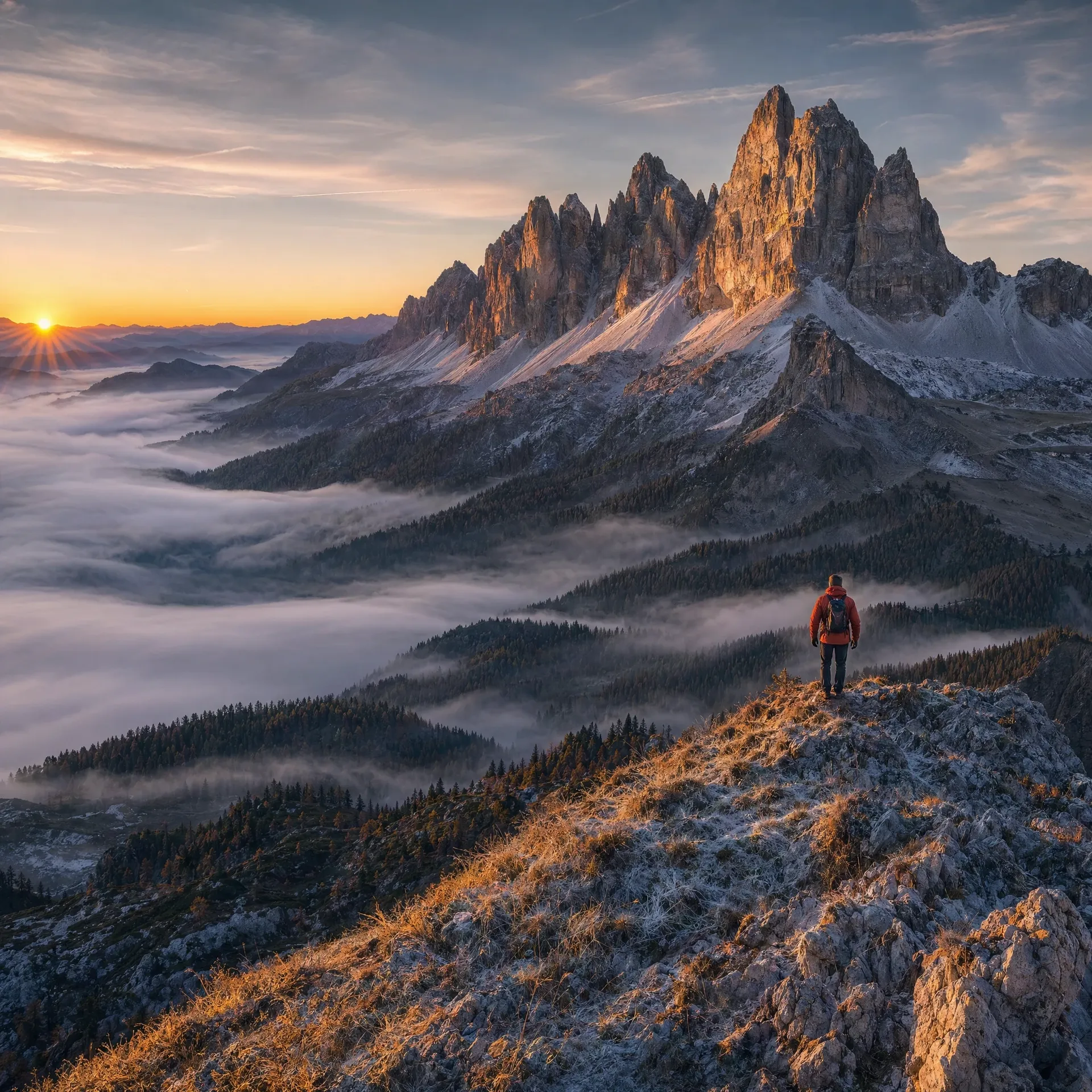
Specific, not generic
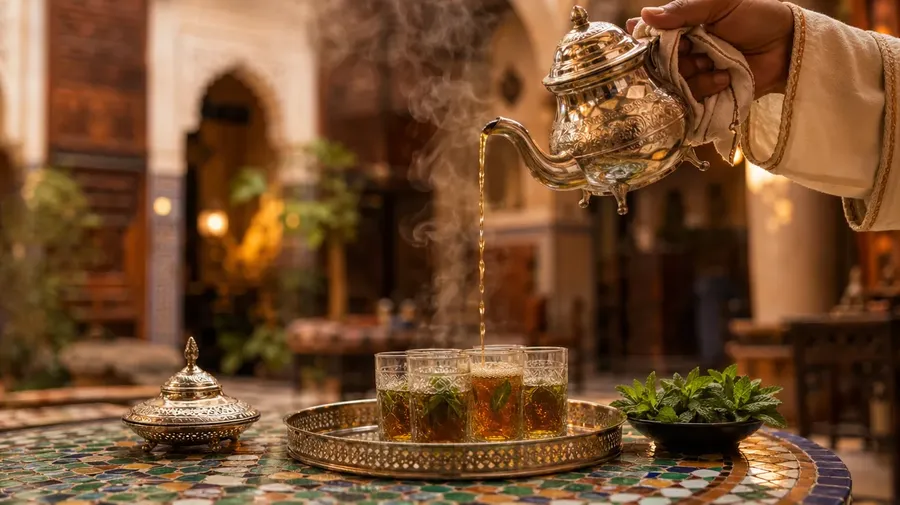
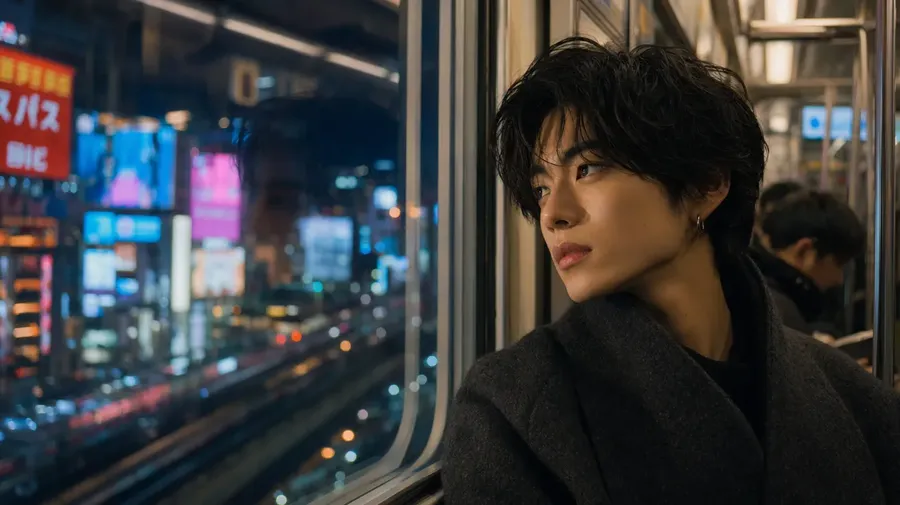
Beyond what's already on stock platforms: a Hanoi street stall mid-exchange, a Marrakech tea pour, a Tokyo subway portrait. Describe the moment with verb-led detail — who, where, when, what light — and the platform produces editorial-grade frames.
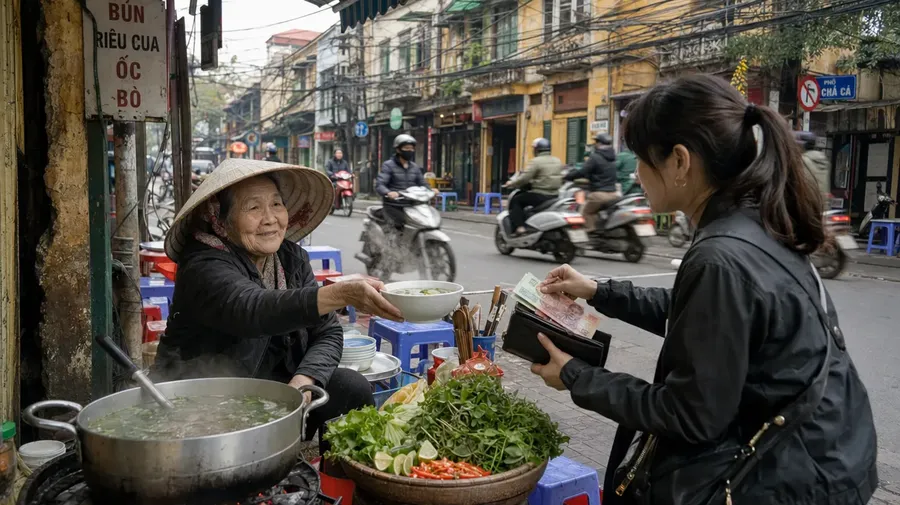
Consistent style across a campaign
Lock a visual signature once with Elements — palette, light, framing references — and call it into every generation with @ElementName. Travel campaigns stay coherent across destinations, even when the locations have nothing in common.
Frequently Asked Questions
An AI stock travel images generator is an AI image generator that produces photorealistic travel photography — landscapes, people, food, architecture, and cultural moments — from a text description. Use it when you need a specific destination, lens, or moment that traditional stock libraries don't carry.
A travel-focused workflow uses prompt patterns built around destination, time of day, weather, subject, and lens — so the output reads as editorial travel photography instead of generic stock. The same getimg.ai workspace covers every category in our AI stock photos generator; the difference is in the prompt structure and the model auto-selection that follows from it.
Lead with location and subject, then add lens, light, and weather. For landscapes, specify time of day, season, and atmospheric conditions. For people-in-place shots, describe the subject, wardrobe, action, and environment. For food and culture, name the dish or object, the surface, the light source, and the moment (mid-exchange, mid-pour, after-rain). Adding modifiers like 'editorial travel photography', 'shallow depth of field', and 'medium-format-style depth' reliably lifts the output beyond catalog stock. The AI for Photographers page covers prompt structure for editorial-grade output in detail.
It depends on the subject. FLUX-family models handle landscapes and atmospheric depth well. GPT Image 2 produces editorial-grade lifestyle and cultural moments. Nano Banana 2 is strong on photoreal portraits and people-in-place shots. With Auto mode in text-to-image, you don't have to choose — the platform reads your prompt and picks the model that matches the subject.
Yes, with a paid plan. All paid getimg.ai plans include commercial rights, subject to plan terms and usage policies. That makes the output suitable for travel campaigns, editorial features, brochures, social content, and client work without separate licensing fees per image.
Use Elements — reusable visual references saved to your account and called with @ElementName in any prompt. Define a palette, lighting style, or framing reference once and apply it across every destination. The whole campaign reads as one shoot even when the locations have nothing in common.
Yes. Describe the subject's age range, wardrobe, expression, action, and the environment around them. For wide editorial shots, include lens cues like '85mm portrait' or 'wide environmental portrait'. For consistent characters across a series, save the subject as an Element. Photoreal output across travel scenarios works reliably with the Realistic AI Generator workflow.
16:9 for cinematic landscapes and hero banners, 4:3 or 3:2 for editorial features, 1:1 for social grids, and 9:16 for vertical reels. getimg.ai supports all of these directly — no cropping or manual resizing required after generation.
Travel stock that doesn't look like stock
From a single prompt, produce destination shots, cultural moments, and lifestyle scenes for travel campaigns, editorial features, and brand content. One subscription, 16+ AI image models, commercial rights included.