AI Stock Tennis Images Generator
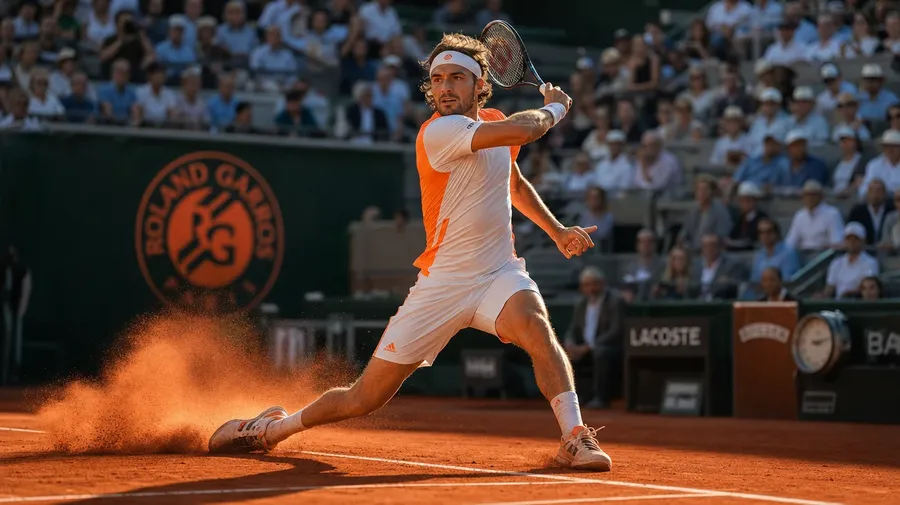
Generate tennis stock for any surface and any level: a Roland-Garros clay-court slide at golden hour, a Wimbledon grass-court ace under stormy skies, a women's college doubles team at sunrise on a public hard court. Every paid plan includes commercial rights.
Every leading image model, one subscription.
Describe the scene; Auto mode picks the right model for clay grit, grass reflections, or night-session lights.


How to generate custom tennis stock images with getimg.ai
Most tennis shots come down to three details: the surface, the level, and the moment in the rally. Get them all into the prompt.
1. Describe the point
Open the Content Generator and write the scene: the surface, the level, the action, and the light. A simple prompt produces a usable baseline; add the tournament register, the player's stance, or the specific stroke when you want exact control.
2. Run a batch
Generate one to sixteen variations at a time, then read the results for surface texture, kit and racquet detail, swing phase, and the crowd register in the background. Pick the version that lands.
3. Swap a detail
A first run picks one valid reading of your prompt. If you'd rather end up at Wimbledon under stormy clouds than the Roland-Garros sun the model chose, or a women's doubles changeover instead of a singles serve, name the swap and run again. Several changes fit one prompt; download when it lands.
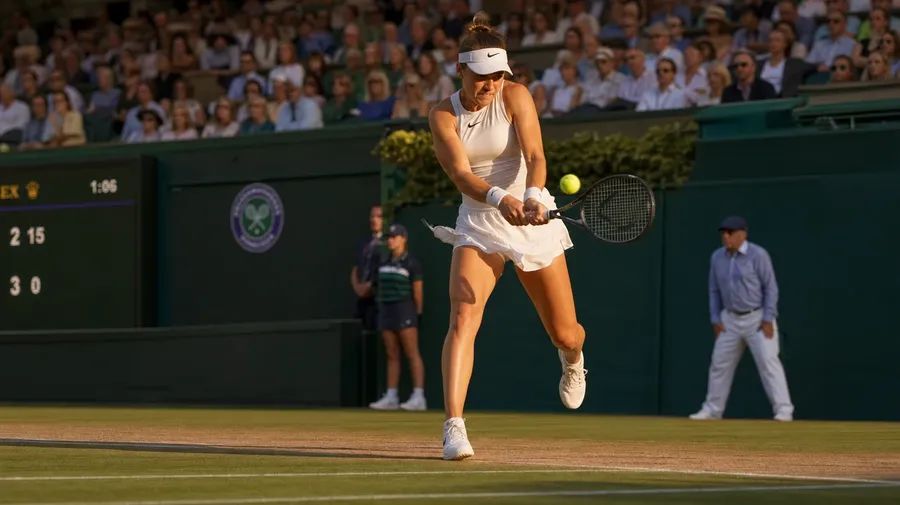
wimbledon centre-court two-handed backhand return on grass at late-afternoon golden hour, crowd in soft focus
Beyond the sunlit baseline forehand
Real tennis briefs span surface, level, and the moments outside the rally.
From Roland-Garros clay to Wimbledon grass
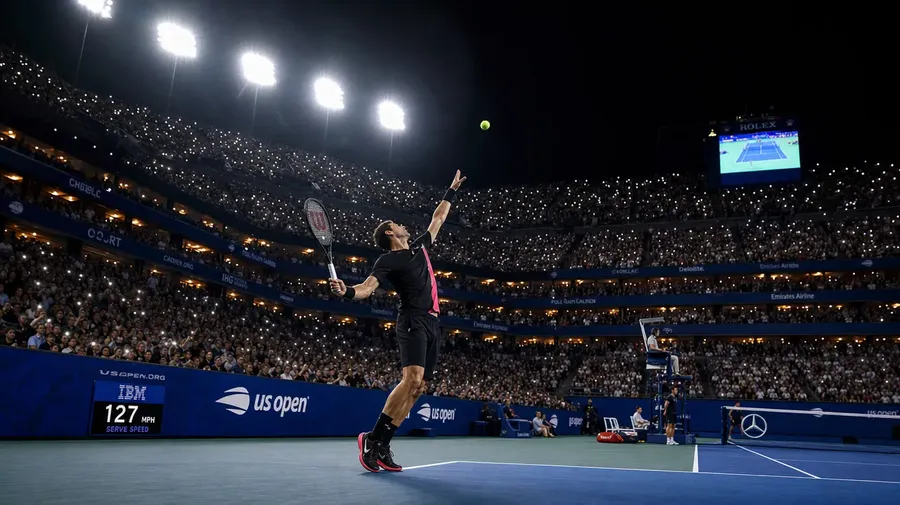
Generate the surface range: a red-clay slide at Roland-Garros in late afternoon, a grass-court ace at Wimbledon under stormy skies, a US Open night session under tower lights, a Mediterranean club court in morning shade. Each surface brings its own light, texture, and register.
Every level, not just the tour broadcast
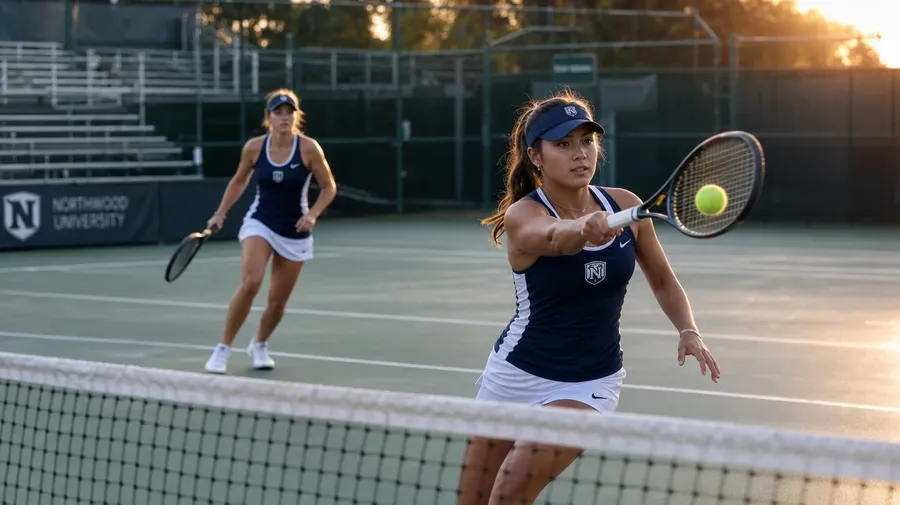
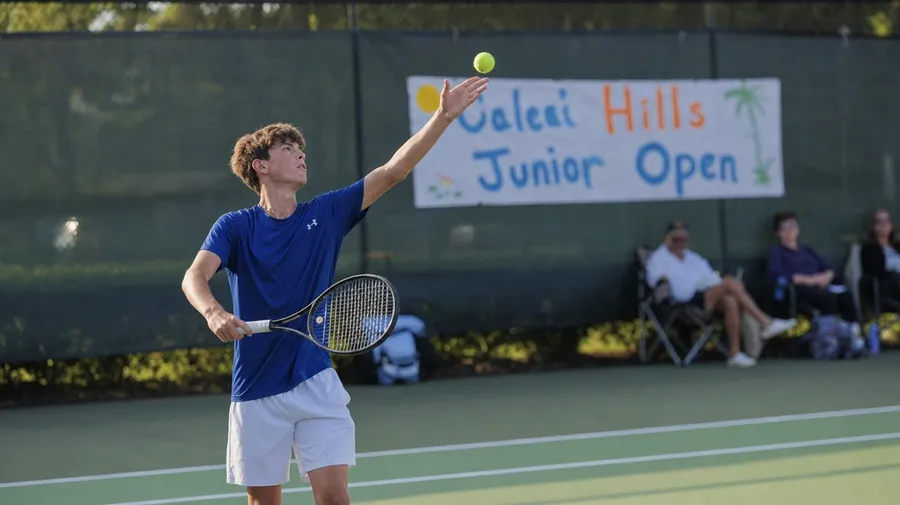
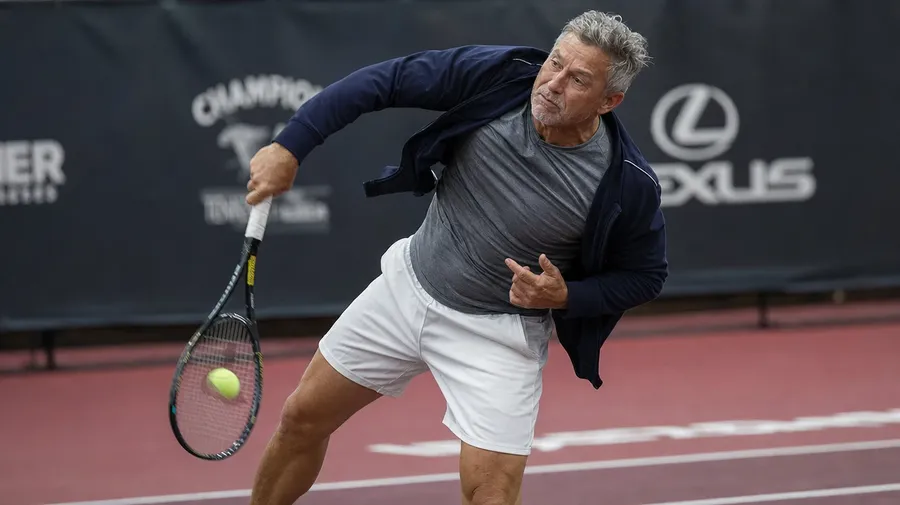
Generate the rest of the ladder: a women's college regional at sunrise, a juniors tournament with a teen at the service line, a Saturday-morning club doubles match in faded kit, a senior-tour pro hitting a slice serve in the indoor offseason. Different rounds, same prompt.
Ball kids, changeovers, locker rooms
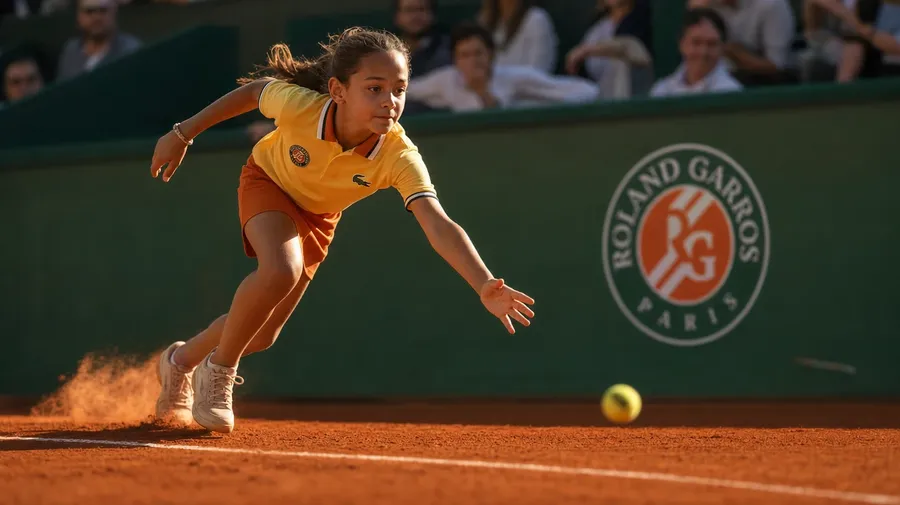
Brand and editorial briefs spend hours away from the rally: a ball kid sprinting to retrieve at Roland-Garros, a player toweling off at the changeover bench, a coach gesturing courtside between points, a racquet bag being unzipped in the tunnel before walk-on. Half the campaign sits outside the lines.
Frequently Asked Questions
Yes. Name the surface and the venue in the prompt. A red-clay slide at Roland-Garros in late afternoon reads very differently from a grass-court ace at Wimbledon under stormy skies, a US Open night session under tower lights, or a Mediterranean club court in morning shade. The model handles the surface texture, the shoe scuff, and the crowd register. Generate up to 16 at a time, compare the surface cues, pick the version that lands.
Yes, when the prompt names them. A WTA pro at full extension on a forehand follow-through reads differently from a college senior on a two-handed backhand return, a junior with a still-developing service motion, or a club doubles player on a drop volley at net. Specify the swing phase, the level, and the stance, and the model handles the body angles, the racquet path, and the way the strings deform on contact.
Yes. Specify palette, contrast, light direction, and lens register in the prompt: warm grass-court documentary, cool night-session editorial, sun-bleached desert lifestyle, indoor-arena cinematic. For multiple scenes in one register, save the look as a custom Element and reuse it across prompts. The Element carries treatment between matches so the campaign reads as one body of work.
Name the moment and the context. A ball kid in a yellow polo sprinting to retrieve at Roland-Garros, a player toweling off at the changeover bench between points, a coach gesturing courtside, a racquet bag being unzipped in the tunnel before walk-on: each carries different cues that the AI honors when you spell them out in the prompt.
Yes. Every paid plan covers commercial use across ads, social, web, print, packaging, and presentations. Tour sponsors, equipment brands, federation media, country clubs, broadcasters, and lifestyle outlets all qualify under the same license, and so does every other category covered by AI stock photos.
Yes. Different sports run on the same prompt approach. Name the level, the era, and the cultural register, and the same logic that produces golf images produces tennis: swap course for court, fairway for baseline, polo for performance shirt. A women's collegiate tournament becomes a junior ITF event; an Augusta gallery becomes a Wimbledon ivy gallery; a 1970s polyester pullover becomes a 1980s sweatband and short-shorts. A multi-sport campaign runs through one prompt box.
As specific as you want. A simple prompt like "a clay-court forehand at golden hour" produces a usable baseline; the AI fills in the typical details (the red dust, the warm low light, the patterned clay scuff). Add specifics for the parts that matter: a particular tournament, a player's age, a specific stroke, the score on the scoreboard. The model honors named details without overriding the rest.
Generate the exact tennis stock you nee
Catalog tennis is mostly the sunlit hard-court forehand and the trophy shot. Type the surface, the level, and the moment, and run the prompt for the briefs catalogs skip.