AI Stock Still Life Reference Generator
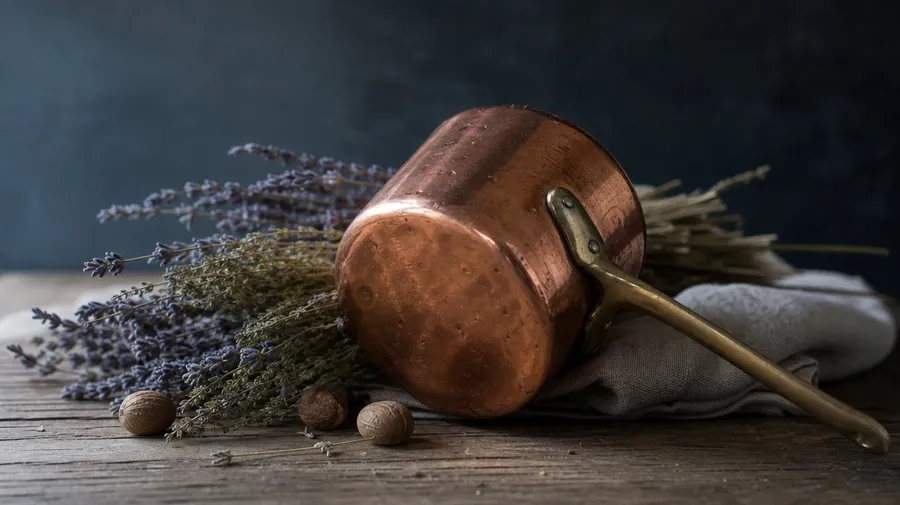
Generate still life images for any subject and any light: a copper-pot arrangement with dried herbs on weathered oak at north-window light, a vintage typewriter and pearls on Florentine wallpaper, root vegetables on a dark slate slab with rim light. Every paid plan includes commercial rights.
Every leading image model, one subscription.
Describe the scene; Auto mode picks the right model for fabric texture, glass refraction, or candle-lit surface.


How to generate custom still life reference images with getimg.ai
Still life work depends on three choices: which objects, what surface, and what light. Spell each one out in the prompt.
1. Describe the arrangement
Open the Content Generator and write the scene: the objects, the surface, the lighting register, and the angle. A simple prompt produces a usable baseline; add the object materials, the time of day, or the specific styling cue when you want exact control.
2. Run a batch
Generate one to sixteen variations at a time, then read the results for object proportion, material texture, surface reflection, and the way the light models the forms. Pick the version that lands.
3. Swap a detail
A first run picks one valid reading of your prompt. If you'd rather end up with a candlelit chiaroscuro than the north-window soft light the model chose, or a marble slab instead of weathered oak, name the swap and run again. Several changes fit one prompt; download when it lands.
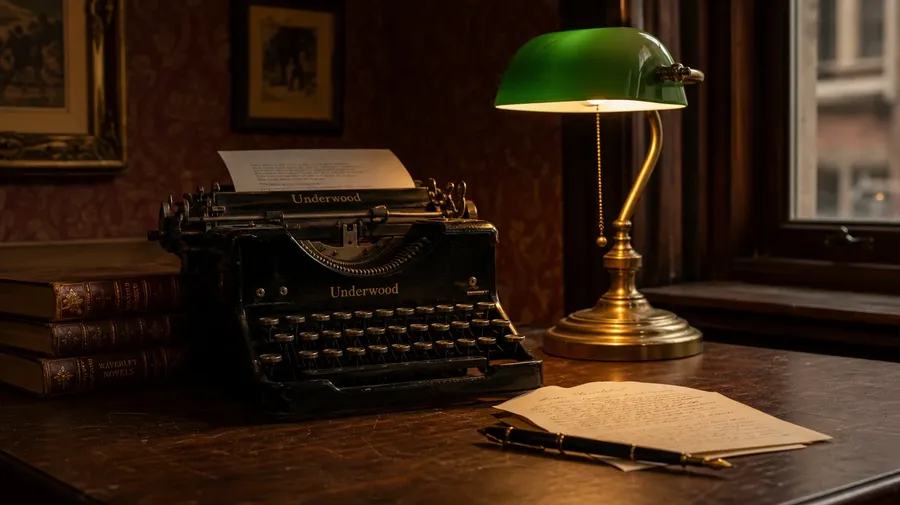
vintage typewriter, brass desk lamp, and stack of antiquarian books on a florentine wallpaper background at warm dusk light
Beyond the lemon-on-marble flat-lay
Real still life briefs span object choice, surface, and the lighting register outside the catalog cliché.
From copper-pot kitchens to vintage desks
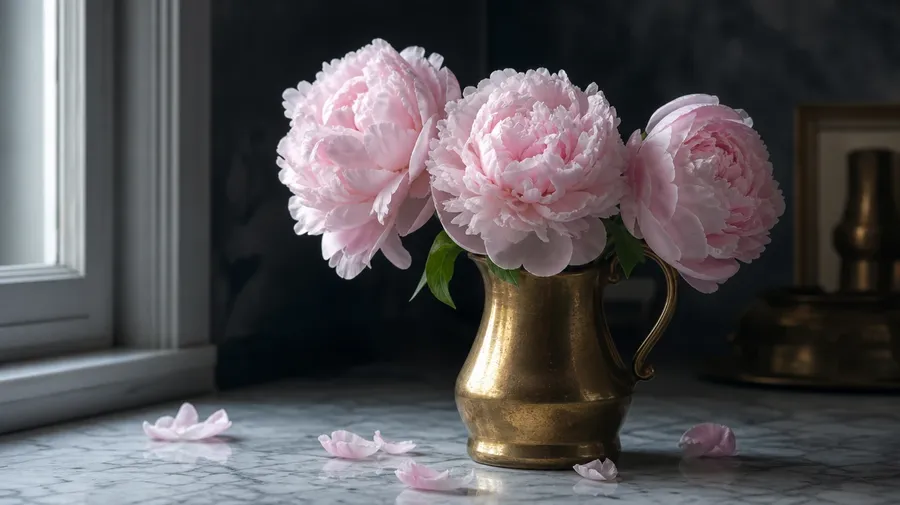
Generate the subject range: a copper-pot arrangement with dried herbs on weathered oak, a flower-and-vase still life with peonies and a brass pitcher, a vintage typewriter and pearls on Florentine wallpaper, root vegetables on a dark slate slab. Each subject brings its own materials, colors, and surface.
Every light, not just the flat overhead
Generate the lighting registers editorial briefs call for: a soft north-window light on white linen at morning, a dramatic single-candle chiaroscuro at dusk, a hard summer sidelight glancing across a brass pitcher, a cool overcast flat-lay at midday. The light carries the mood, not the subjects alone.
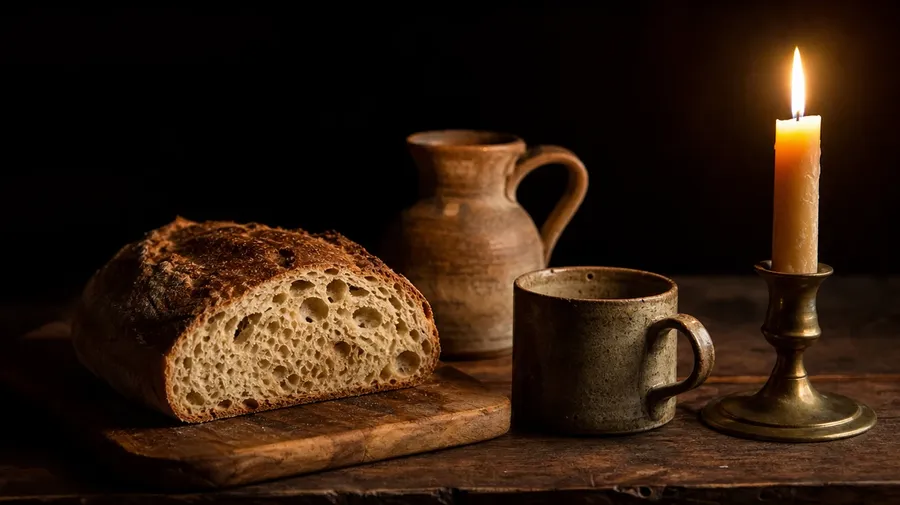
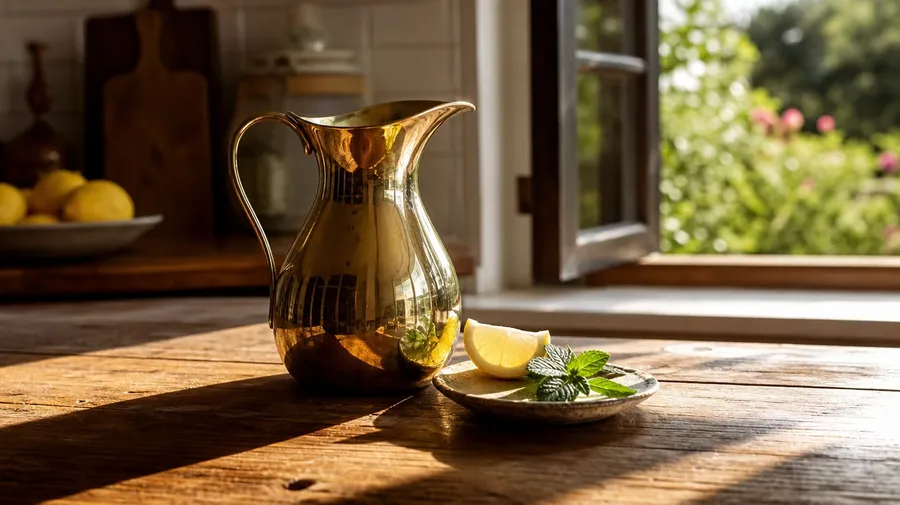
Walnut, marble, slate, weathered oak
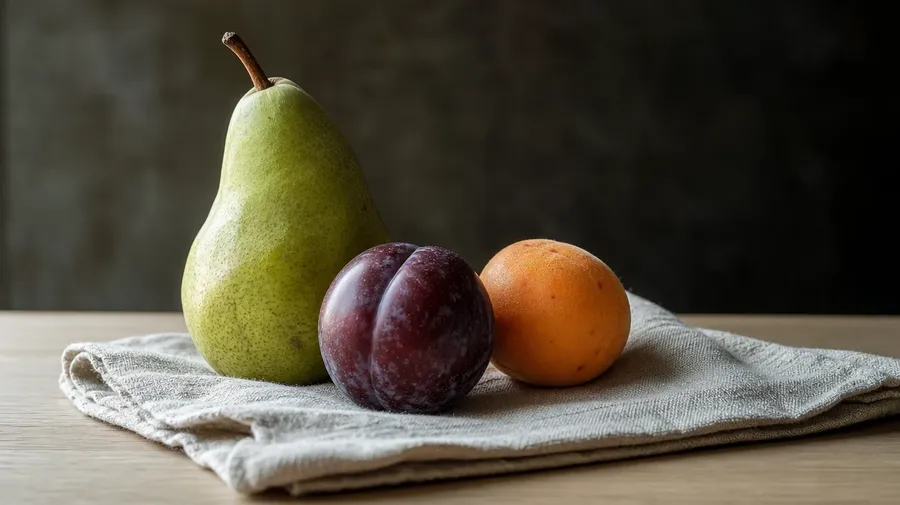
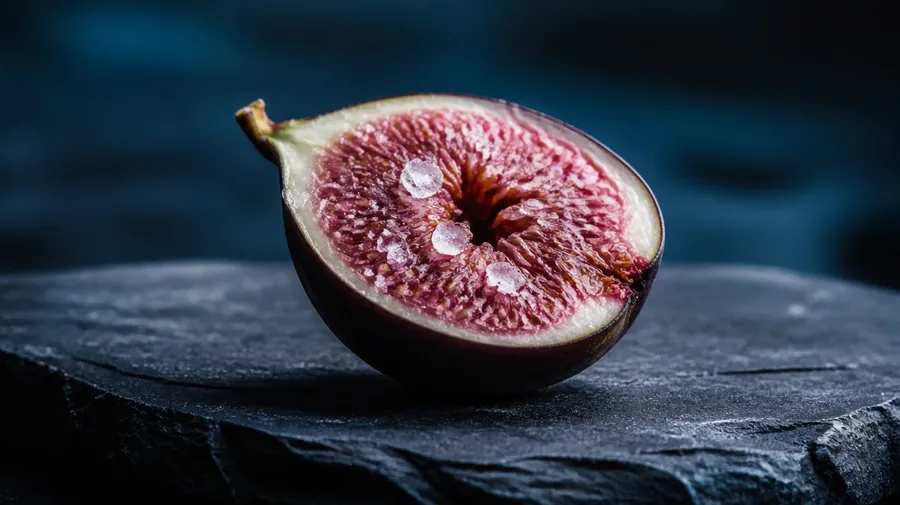
Brand and editorial briefs cycle through surfaces and angles: a tight overhead flat-lay on dark walnut, a three-quarter view on cool Carrara marble, a side-profile on weathered farmhouse oak under window light, a macro close-up on rough-cut slate at dusk. Different surfaces, one prompt.
Frequently Asked Questions
Yes. Name the subjects and the surface in the prompt. A copper-pot arrangement with dried herbs on weathered oak reads very differently from a flower-and-vase still life with peonies and a brass pitcher, a vintage typewriter and pearls on Florentine wallpaper, or root vegetables on a dark slate slab. The model handles the object scale, the material rendering, and the surface reflection. Generate up to 16 at a time, compare the styling cues, pick the version that lands.
Yes, when the prompt names them. A glass goblet next to a porcelain bowl reads differently from a brushed-bronze candleholder beside a cracked-glaze ceramic vase, a worn linen napkin folded under a stainless knife, or a cast-iron skillet at the edge of a marble counter. Specify the materials and surfaces, and the model handles the refraction, the wear pattern, the reflectivity, and the way light bounces between adjacent objects.
Yes. Specify palette, contrast, light direction, and lens register in the prompt: warm farmhouse documentary, cool Scandinavian editorial, moody single-candle chiaroscuro, soft pastel flat-lay. For multiple scenes in one register, save the look as a custom Element and reuse it across prompts. The Element carries treatment between arrangements so the series reads as one body of work.
Name the lighting register and the angle. A single-candle chiaroscuro at dusk with deep shadow falloff, a north-window morning soft light on white linen, a hard summer sidelight glancing across a brass pitcher, a cool overcast flat-lay at midday: each carries different cues that the AI honors when you spell them out in the prompt.
Yes. Every paid plan covers commercial use across ads, social, web, print, packaging, and presentations. Cookbook publishers, home-goods brands, art schools, photographers building reference libraries, design studios, and editorial outlets all qualify under the same license for still life images, and so does every other category covered by AI stock photos.
Yes. The same prompt approach covers any close-composition subject. Swap a still-life arrangement for a single macro of a cracked ceramic glaze, a leaf venation study, or a coffee bean stack, and the same logic that produces macro photography produces still life: name the subject, the surface, and the light. A mixed-scale campaign runs through one prompt box: a wide still life of a kitchen counter, a macro of one chipped enamel cup, an overhead of the same arrangement.
As specific as you want. A simple prompt like "a fruit bowl on a wooden table at morning" produces a usable baseline; the AI fills in the typical details (the warm side light, the wood grain, the typical fruit arrangement). Add specifics for the parts that matter: the exact fruit, the surface material, the angle of light, the lens. The model honors named details without overriding the rest.
Don't settle for stock still life references. Generate your own.
Catalog still life images are mostly the lemon-on-marble flat-lay. Type the subjects, the surface, and the light, and run the prompt for the references your brief actually needs.