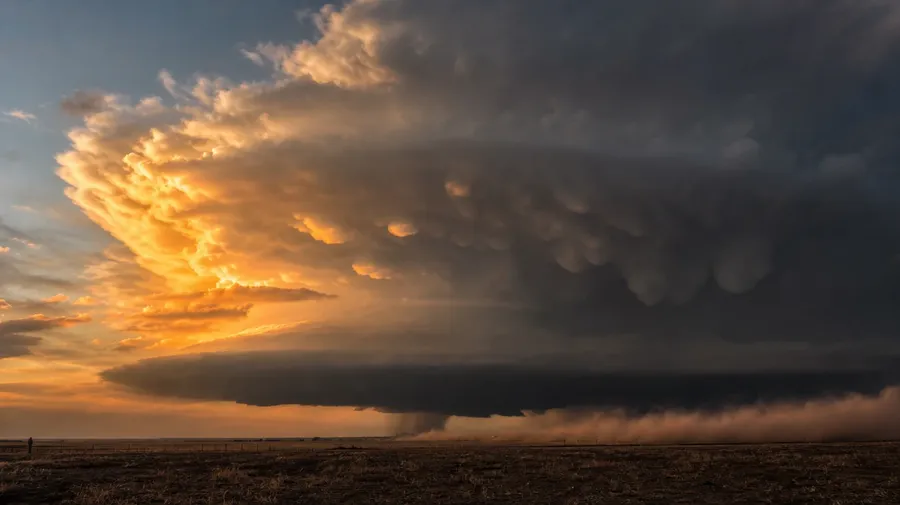
AI Stock Sky Pictures Generator
AI sky images for any condition and any hour, cumulus to thunderhead and magenta dawn to milky way. Every paid plan covers commercial use.
Top image models, all under one roof.
Auto mode pairs the prompt with the right model. Manual swap takes a click.


How to generate custom sky pictures with getimg.ai
What makes a sky picture land: the cloud type, the air, and the hour. The prompt sets all three.
1. Set the conditions
Open the Content Generator and set the sky in plain language: cloud type, hour, air. The default produces a usable baseline; add location, season, wind, or foreground when you want exact control over those cues.
2. Browse the batch
Run up to sixteen at once, then read each for the cloud type, the color bands, the haze layering at the horizon, and the way the light reads across the picture. Pick the one that lands.
3. Shift a cue
A first run settles on one valid sky interpretation. If you'd rather have civil twilight than golden hour, monsoon afterglow over Mumbai instead of dust haze over Phoenix, or aurora curtains instead of milky way, name the swap and run again. Multiple changes fit one prompt; export when it lands.
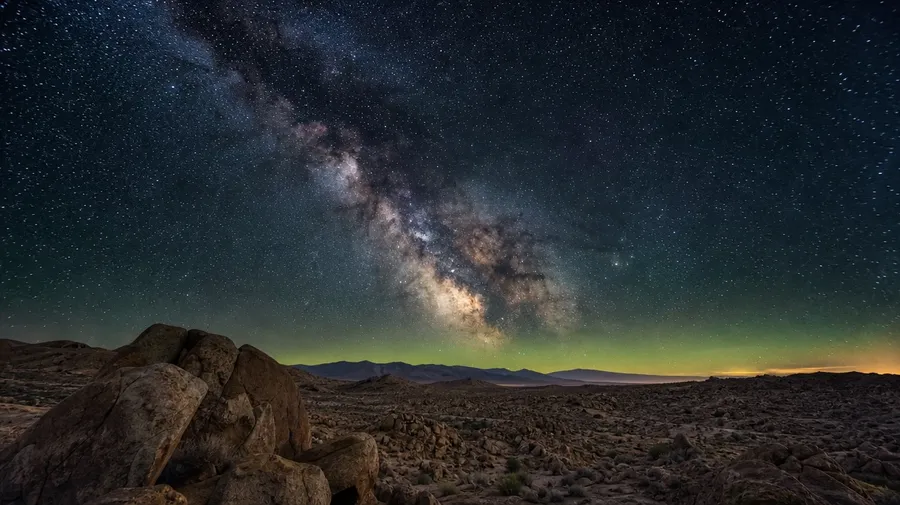
milky way arching over a high-desert plateau on a moonless night, faint green airglow on the horizon
Storm fronts, aurora, the in-between hours
Sky briefs need range across three axes: cloud formations, weather conditions, and hours of the day.
Cumulus, cirrus, lenticular, mammatus
Render any cloud type cleanly: cumulus drifting over a prairie at noon, cirrus wisps high above an alpine ridge, lenticular caps stacked over a volcano, mammatus pouches hanging under a wall cloud after a storm passes. The atmosphere holds together at every layer of altitude.
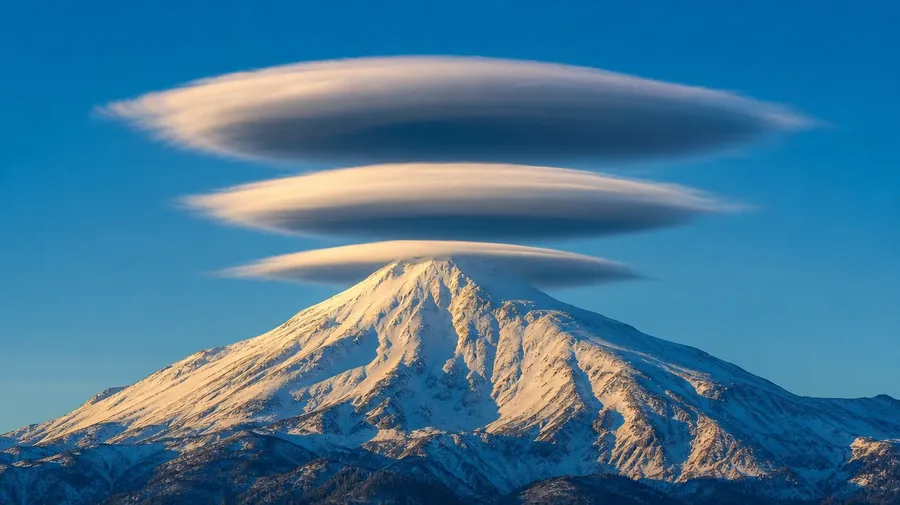
When the sky does something rare
Capture rare conditions: aurora curtains rippling over a fjord at midnight, the milky way arched over a desert plateau, crepuscular rays cutting through cumulus over a forest valley, lightning forking from a thunderhead at golden hour. Rare conditions render with the same prompt mechanic as a clear midday sky.
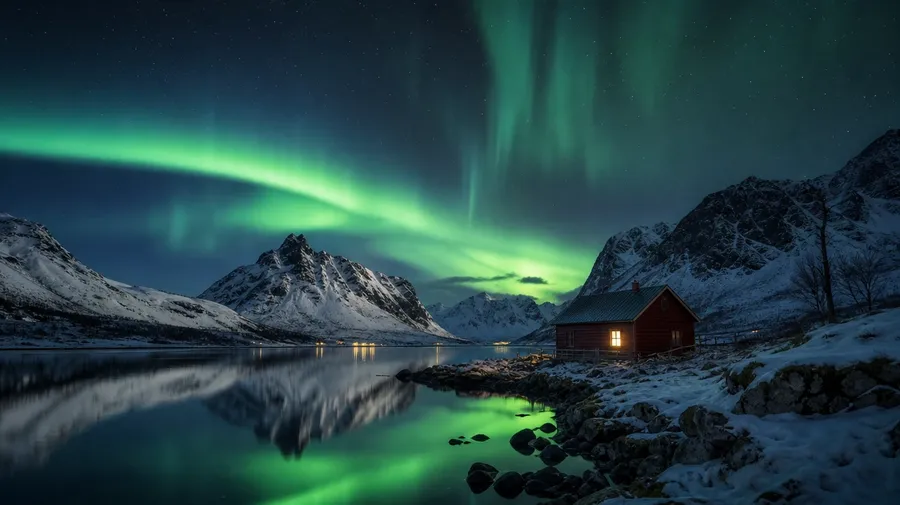
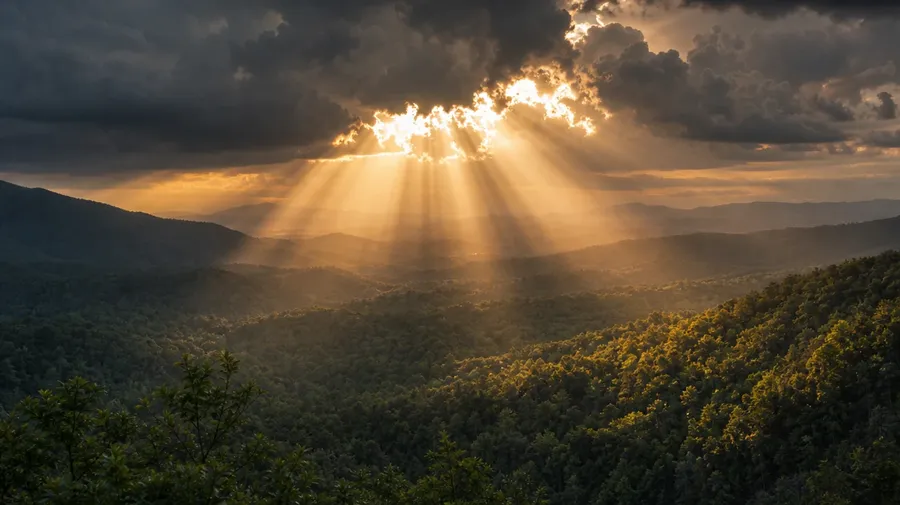
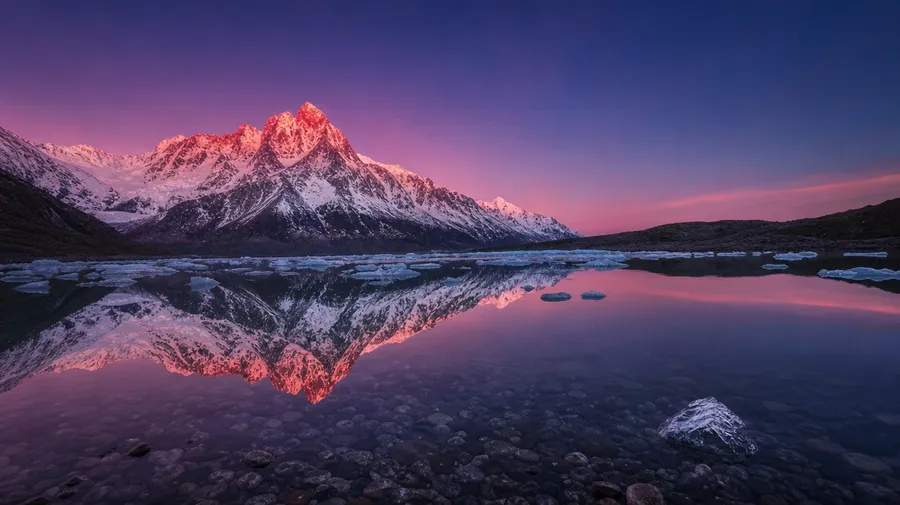
Pre-dawn through the post-dusk hours
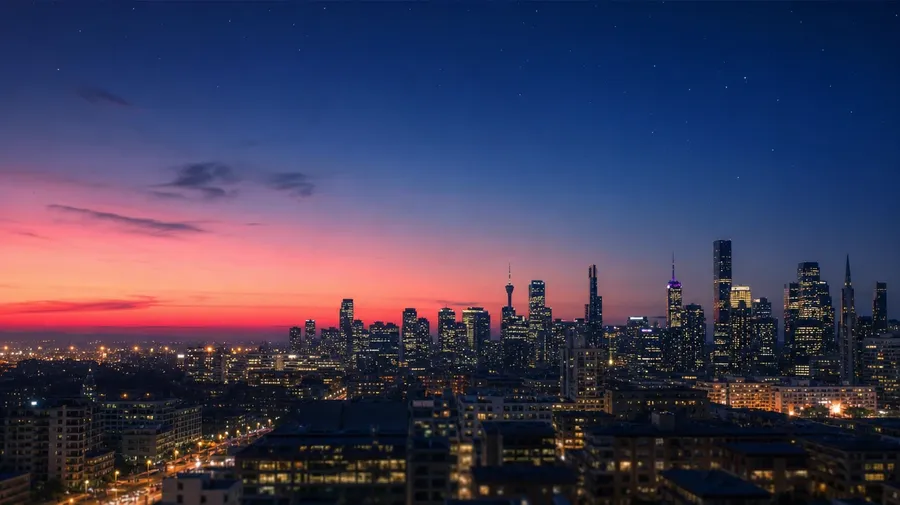
Walk through any hour of the day: pink alpenglow lighting a mountain ridge before the sun rises, harsh midday cumulus over a green meadow, the magenta band of civil twilight over a city skyline, the milky way over a moonless desert. Each hour brings its own light register.
Frequently Asked Questions
Yes. Specify the cloud formation, the weather, and the hour. "A clear sky" defaults to a generic blue with white puffs; "a thunderhead with mammatus pouches building over a Kansas plain at golden hour" gives the model atmospheric structure to render. Specifics replace defaults; the more you name, the further the result lands.
Yes, when the prompt names them. Cirrus filaments at high altitude read differently from lenticular caps stacked over a peak, mammatus pouches hanging under a thunderhead, or stratus blanketing a coastline at low altitude. Specify the cloud genus and the AI handles the right altitude, the right shape, and the right thickness for each formation.
Yes. Name the phenomenon, the foreground, and the conditions. Aurora curtains rippling over a Norwegian fjord at midnight, the milky way arched over a moonless desert plateau, lightning forking from a thunderhead over open plains, crepuscular rays through high cumulus on a late-afternoon forest. Each one reads differently and the model handles the optics when you spell out the cues.
Yes. Name the hour and the geometry follows: pre-dawn pink before the sun's up, golden hour with low warm light raking across the cloud bases, blue hour with the magenta band fading west, civil twilight with the first stars. The model handles the angles of light, the color temperature, and the gradient at each hour.
Yes. Every paid plan covers commercial use across ads, social, web, print, packaging, and presentations. Travel brands, weather and climate publications, real-estate developers, fitness apps, airlines, and editorial publications all qualify under the same license, alongside every other category covered by AI stock photo generation.
Yes. Sky and sunset run on the same prompt approach. Specify the cloud formation, the hour, and the geography, and a midday sky brief uses the same workflow as a sunset brief; the only thing that changes is the time-of-day variable. The same logic that produces AI sunset pictures produces a thunderhead at golden hour, an aurora at midnight, or the milky way past sunset; one workflow, every hour.
As specific as you want. A simple prompt like "a thunderhead over the prairie at golden hour" produces a usable baseline; the AI fills in the typical details (an anvil top, a wall cloud underneath, warm rim-light catching the western edge). Add specifics for the parts that matter: the geographic state, the season, the time of year, the foreground crop, the cloud genus by name. Named details get honored without flattening the rest.
Generate the exact sky picture you need
Catalog sky stock leans on the same blue afternoon and the same sunset gradient. The actual sky is wider. Name the cloud type, the hour, and what's underneath; the result follows.