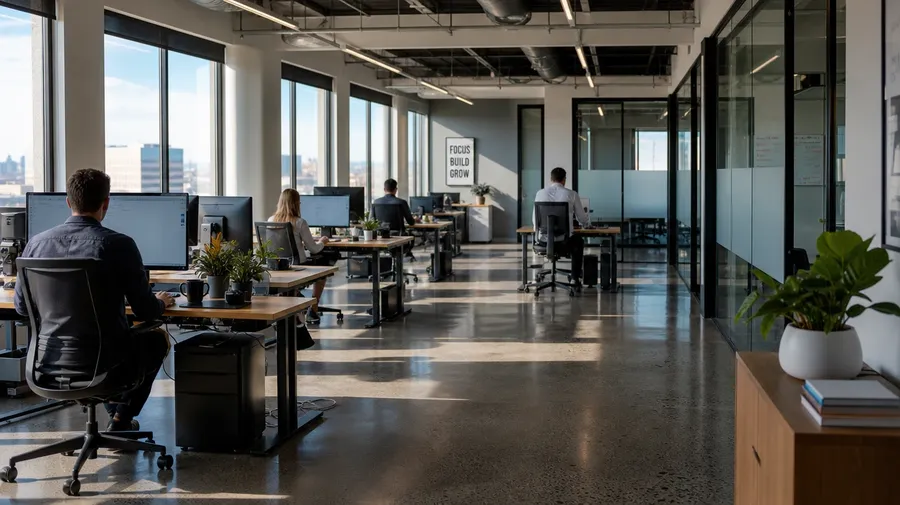
AI Stock Office Images
Open-plan desks, conference rooms, focus pods, lobby moments — generate office imagery across every floor plan, team size, and hour. A morning open-plan with daylight raking across rows of standing desks, or a single focus pod with a designer wearing headphones reviewing prototypes. Commercial rights on every paid plan.
Every leading image model, one subscription.
Auto mode reads each prompt and picks the model that fits it best.


How to generate custom office images with getimg.ai
What sells an office photo is the floor plan, the team, and what's actually happening on screen. Name each and the AI delivers a real working day, not a startup-hoodie stock model laughing at a sticky note.
1. Name the floor plan, the team, and the moment
Open getimg.ai and describe the scene: the floor plan (open-plan, private office, conference, focus pod), the team, and what's happening. A simple line gives a baseline; specify monitor content, attire, or light direction when you want exact control.
2. Generate and compare
Sixteen takes at one go. Read each for floor-plan realism, monitor content (real apps vs gibberish), attire and posture, and how the desks and rooms around read as a real working day. Pick the version that lands.
3. Swap a detail
A first run picks one valid reading of your prompt. If you'd rather see a sunlit conference room instead of an open-plan floor, a whiteboard huddle instead of a solo focus pod, brand-color hoodies instead of business casual, or an after-hours empty floor instead of a busy 11am, name the swap and run again. Several changes fit one prompt. Download the version you want to ship.
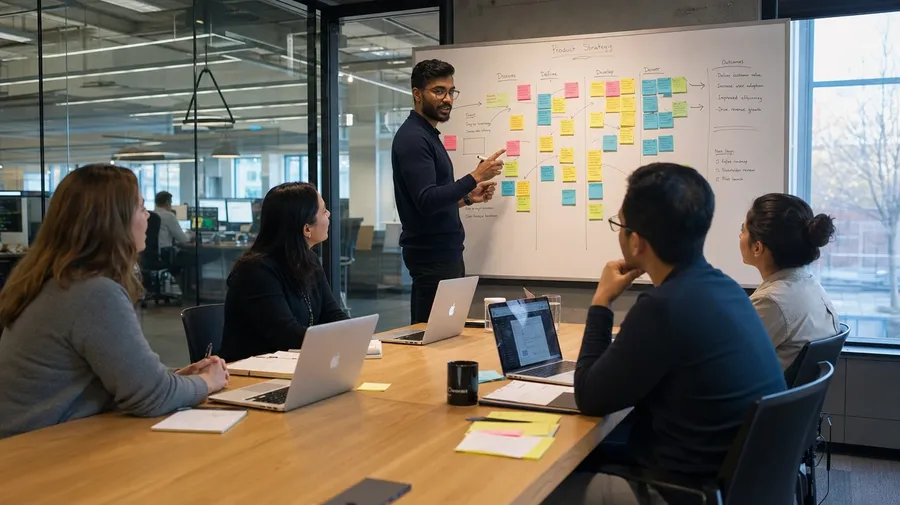
a five-person whiteboard-led product huddle in a glass-walled conference room, sticky notes mapped across the board
Floor plan, team, and what's on the screen
Working office shoots span open-plan focus, conference-room collaboration, after-hours empty floors, and one-on-one phone-booth moments. Each floor plan and time of day calls for its own light, density, and team posture.
Open-plan, conference, focus pod, lobby
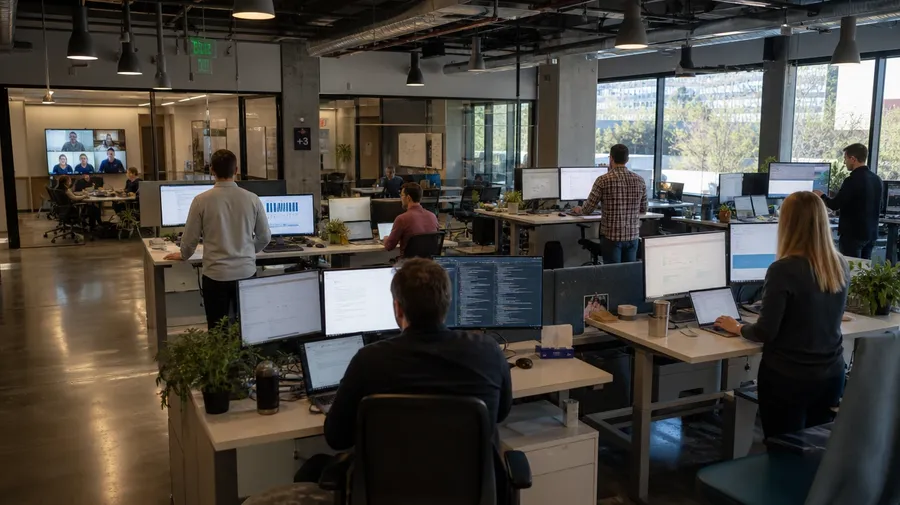
Across the floor plans an office stock campaign covers: a morning open-plan with daylight across rows of standing desks, a five-person whiteboard huddle in a glass-walled conference room, a designer in a focus pod with headphones reviewing prototypes on dual monitors, a sunlit lobby moment with a guest signing in at a brushed-brass reception.
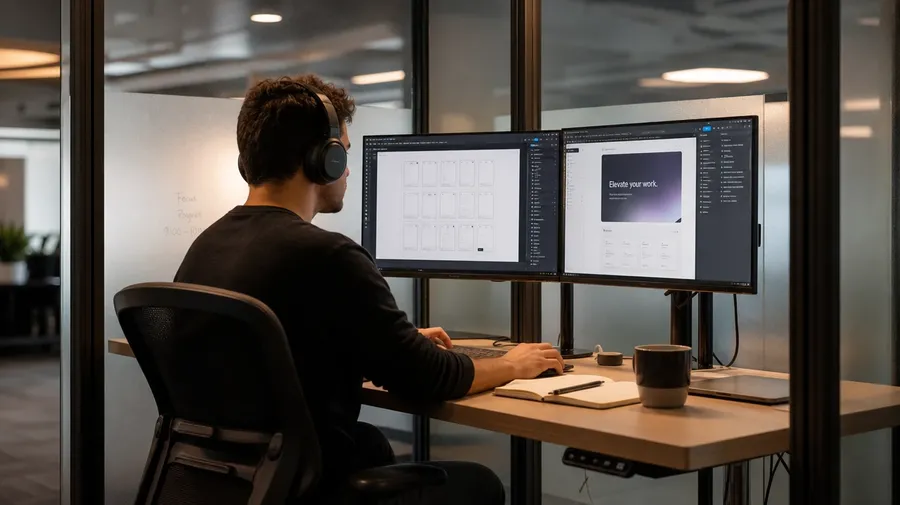
Light, density, and the workday clock
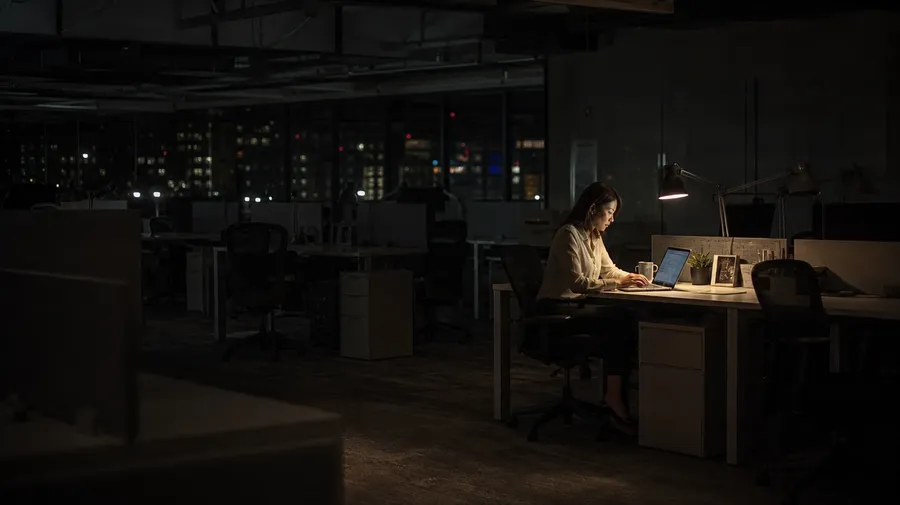
Render the light and density across the day: an empty 7am open-plan with east-window light across rows of desks, an 11am floor with monitors lit and people at standing desks, a 2pm conference-room huddle with sticky notes mapped across the board, a 9pm after-hours floor with one corner lit and a lone manager finishing a deck.
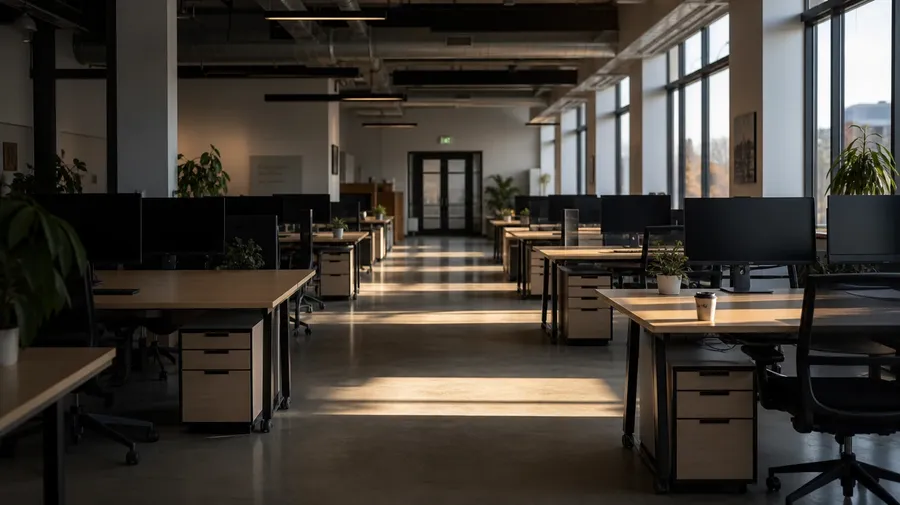
The Mondays the catalogs skip
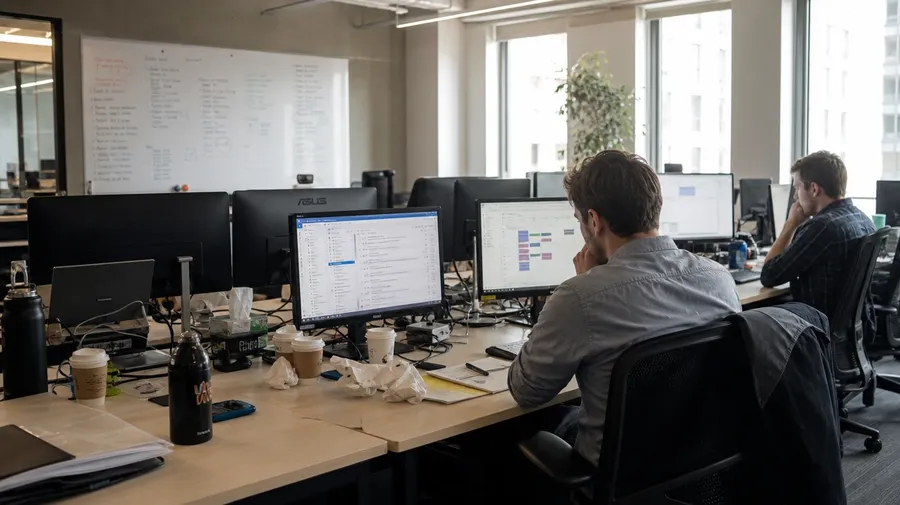
Stock office photography stops at the smiling team in brand hoodies high-fiving. Real shoots cover a Monday morning with cold coffee on six desks, a 4pm conference call with one person muted and the rest debugging, a focus pod with one engineer staring at a stack trace. Off-the-shelf office photos miss the work.
Frequently Asked Questions
Yes. Name the floor plan, the team, the time of day, and what's on the monitors. A morning open-plan floor with daylight across rows of standing desks reads very differently from a five-person whiteboard-led product huddle in a glass-walled conference room, a single designer in a focus pod with headphones reviewing prototypes on dual monitors, a sunlit lobby with a guest signing in at a brushed-brass reception, or an after-hours floor with one corner lit and a lone manager finishing a deck. The AI handles the desk layout, the monitor content, the attire and posture, and the surrounding room. Generate up to 16 at a time, compare the takes, pick the version that lands.
Yes, when the prompt names them. A spreadsheet open on a 27-inch monitor reads differently from a Figma design board across dual displays, a sit-stand adjustable desk at standing height from a fixed wood-veneer desk, business casual in a finance office from brand-color hoodies at a startup, a quiet 7am floor from a busy 11am with everyone on calls. Specify monitor content, desk type, attire, and density, and the AI handles the screen glow, the desk-clutter realism, and the focus separation between the team and the room behind.
Yes. Save the office (floor-plan layout, brand-color accents, signage, desk style) or the team (faces, attire, badges) as a custom Element and reference it with @CompanyHQ or @LeadershipTeam across new prompts. The Element carries identity forward, so a careers-page hero shot, a mid-year all-hands deck slide, and an annual-report financial-results moment all read as the same space or the same people. Useful for an investor deck, a recruiting site, and an internal-comms launch that needs one consistent look across the funnel.
Name the variant and the setting. A coworking floor with hot-desk reservations on tablets at each station and a barista at a side coffee bar, a converted-warehouse loft office with exposed brick and a single long farm-table desk, a home office at a kitchen-table corner with a laptop, an external monitor, and a houseplant, a small-business shop office at the back of a retail floor with a clipboard schedule on the wall, a factory-floor admin booth with a glass partition onto the shop floor and a printed shift roster: each carries its own cues that the AI honors when the prompt spells them out.
Yes. Every paid plan covers commercial use across ads, social, web, print, packaging, and presentations. Annual reports, careers and recruiting sites, internal-comms launches, B2B product marketing, SaaS-website hero imagery, investor decks, and editorial features all qualify under the same license, alongside every other category of AI stock photos.
Yes. Different categories run on the same prompt approach. Name the subject, the setting, and the light, and the same logic that produces portrait photography produces office images: swap an executive headshot against a clean grey backdrop for the same executive at a glass-walled conference room with a deck on a screen behind, a candid creative-team headshot for the same designer in a focus pod with dual monitors, a CEO bio portrait for an annual-report board-room shot with the leadership team around the table. A multi-category corporate campaign runs through one prompt box.
As specific as you want. A simple line like "a busy office floor" produces a usable baseline; the AI fills in the typical details (a glass-walled meeting room in the background, rows of monitors on standing desks, a few people in business casual, soft daylight from a large window). Add specifics for the parts that matter to the campaign: a floor plan (open-plan, private office, conference, focus pod, lobby), a team size, a time of day, a monitor scene, an attire cue, an industry vibe. The AI honors named details without overriding the rest. Each office image gets the named details right.
Office shots that read as work, not a stock model in a startup hoodie.
Pick the floor plan, the team, the moment, and the light. The AI delivers office photography that reads as a real working day, and Elements keep one team or one space consistent across an annual report, a careers page, or an internal-comms launch.