Music Images Generator
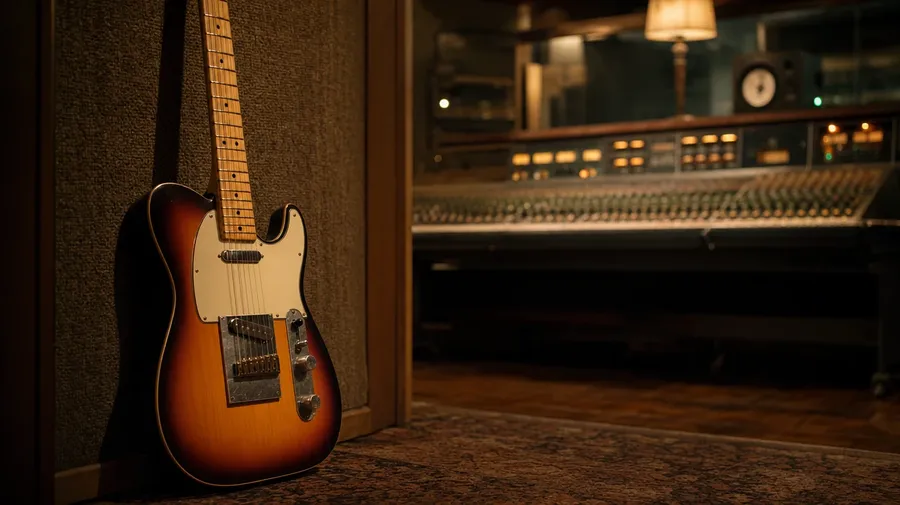
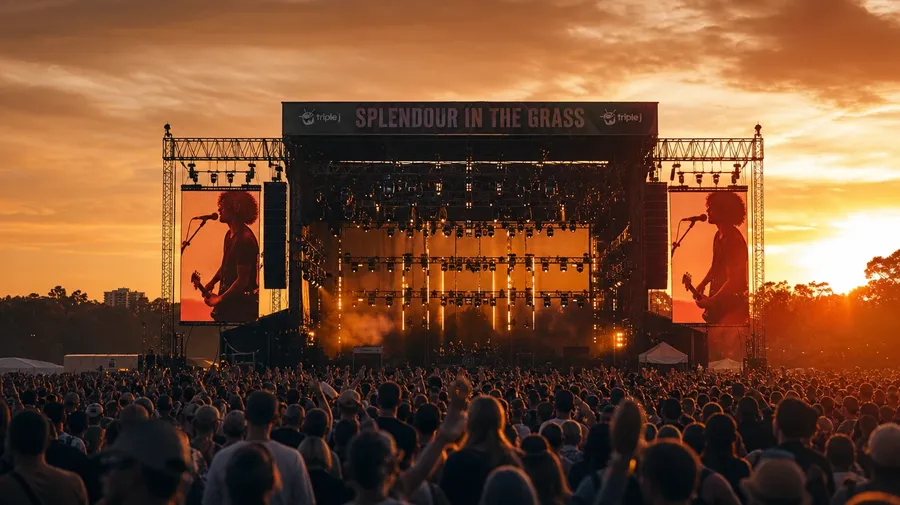
A stand-up bass shadowed in a smoky jazz club, a vinyl listening room with a glowing tube amp, a sunburst Telecaster propped against a vocal booth, a festival crowd watching the main stage at sunset. Pick the setting, the gear, and the moment, and let AI generate music photos that fit the story. Commercial rights on every paid plan.
Every leading image model, one subscription.
Auto mode picks the one that matches your prompt.


How to generate custom music pictures with getimg.ai
A stand-up bass in a smoky jazz club, a sunburst Telecaster against a vocal booth, a festival crowd at sunset — three steps that turn a genre idea into pictures of music you can hand a client.
1. Name the genre and the gear
Open getimg.ai and describe the setting, the instrument, and the moment. A simple line gives a baseline; specify era, microphone type, or stage lighting when you want exact control over those details.
2. Generate and compare
Generate up to sixteen variations at once, then read each for accurate instrument detail, microphone shape, room ambience, and how the gear reads against the setting behind. Pick the version that lands.
3. Change a detail
A first run picks one of several valid interpretations from your prompt. If you'd rather see a recording studio instead of a live club, an upright piano instead of a grand, or a sunset festival crowd instead of a midnight jazz set, name the swap and run again. Several changes fit one prompt. Download the version you want to ship.
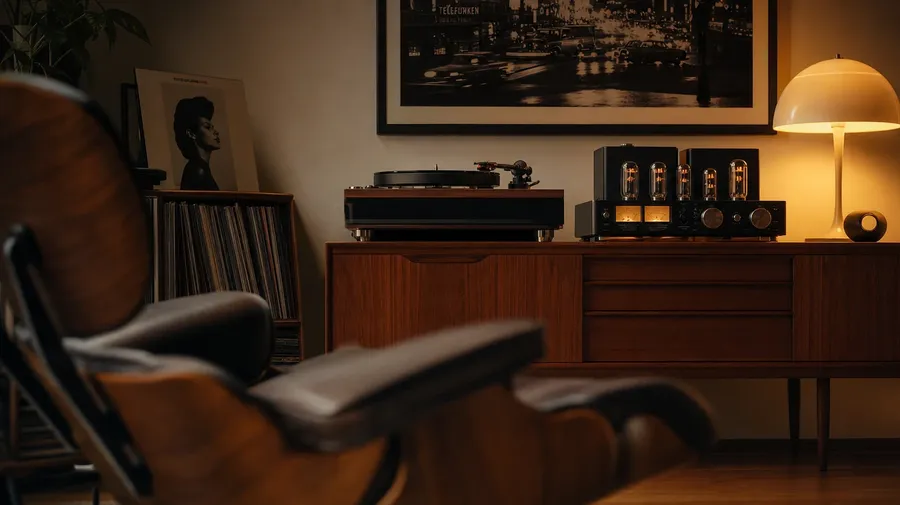
a vinyl listening room with a turntable on a teak credenza and a glowing tube amplifier, warm tungsten light
Specific genres, specific gear
Working music shoots cover the gear, the rooms, and the live moments stock libraries skip.
Jazz club, vinyl room, studio, festival
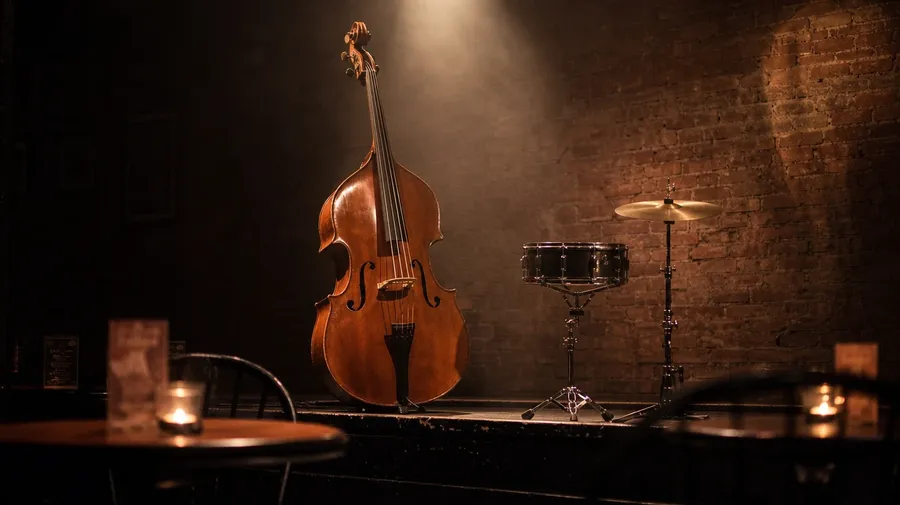
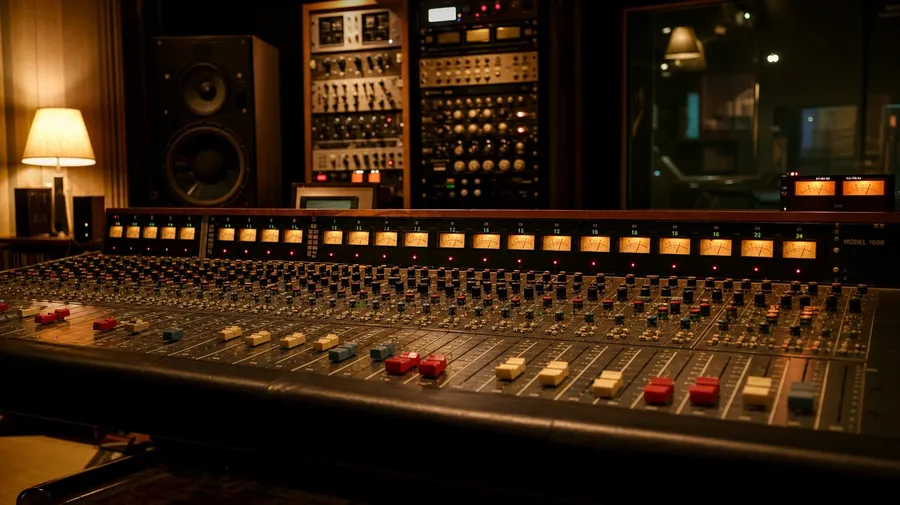
Cover the settings working campaigns actually need: a smoky jazz club with a stand-up bass and a brushed snare, a vinyl listening room with a glowing tube amp, a recording studio with a vocal booth and analog console, a festival main stage at sunset with a roaring crowd. Each setting has its own light.
Telecaster, upright piano, snare, condenser
Show the gear working musicians actually use on sessions: a sunburst Telecaster propped against a vocal booth, a worn upright piano in a rehearsal room, a brushed snare on a stand under a single spot, a large-diaphragm condenser in a shock mount, a needle resting on a black vinyl groove. Each piece reads differently.
Beyond the silhouette-with-headphones shot
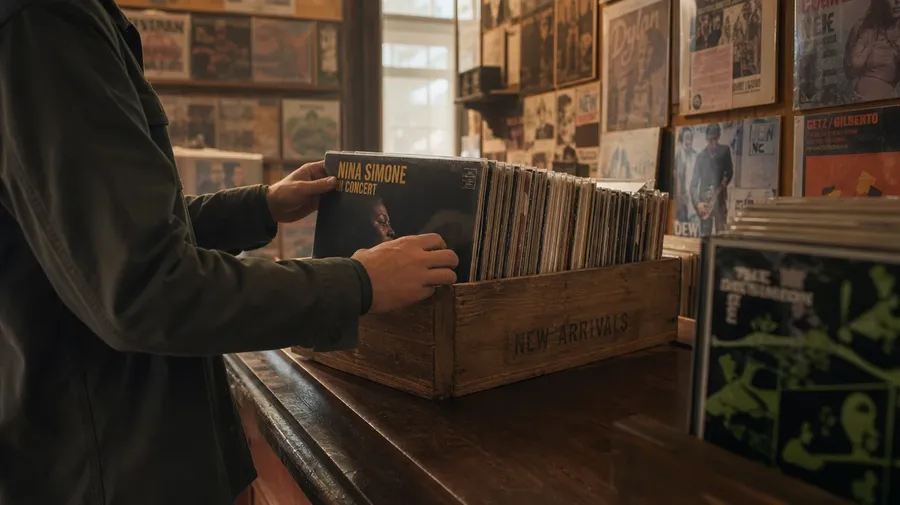
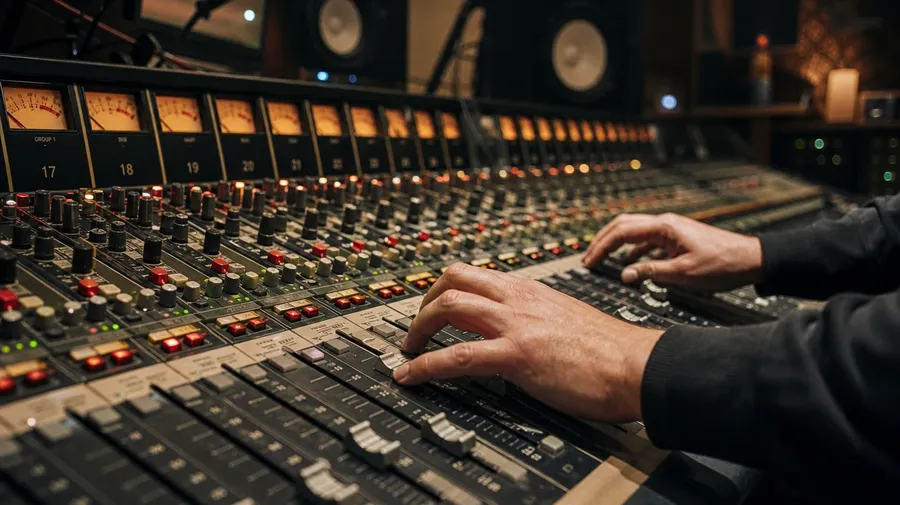
Stock music images stop at the same musician silhouette with oversized headphones. Real shoots cover a record-store crate-digger flipping vinyl, a sound engineer at a console with faders mid-push, a brass section warming up before a show, a guitarist plugging into a stack as the green light comes on. Off-the-shelf music photos miss the working moment.
Frequently Asked Questions
Yes. Name the setting, the gear, and the moment. A stand-up bass in a smoky jazz club reads very differently from a sunburst Telecaster against a vocal booth in a warm recording studio, a turntable in a vinyl listening room with a glowing tube amp, or a festival main stage at sunset with a roaring crowd. The AI handles the instrument detail, the room ambience, and the light. Generate up to 16 at a time, compare the takes, pick the version that lands.
Yes, when the prompt names them. A vintage Fender Telecaster's body reads differently from a modern Stratocaster's offset waist, a large-diaphragm condenser from a ribbon mic, a tight jazz-club room with brick walls from an open concert hall with hanging diffusers. Specify the gear, the mic type, and the room treatment, and the AI handles the wood grain, the cable arrangement, and the focus separation from the room behind.
Yes. Specify palette, contrast, light direction, and grain in the prompt: warm-grade analog, cool digital, smoky low-key, festival golden-hour. For a multi-shot campaign covering one artist across rooms or a single venue shown across a tour, save the look as a custom Element and reuse it across prompts. The Element carries treatment across shots so the campaign reads as one body of work.
Name the setting and the gear. A dusty record-store crate-digger pulling a sleeve, a recording studio control room with a vintage analog console glowing under low light, a stadium festival crowd watching a co-headliner at golden hour, a band warming up backstage with a setlist taped to a flight case: each carries different cues that the AI honors when you spell them out in the prompt.
Yes. Every paid plan covers commercial use across ads, social, web, print, packaging, and presentations. Streaming-service hero images, music-school landing pages, audio-gear product photography, festival marketing, vinyl-shop merchandise, and music-industry editorial all qualify under the same license, and so does every other category of AI stock photos.
Yes. Different categories run on the same prompt approach. Name the setting, the moment, and the light, and the same logic that produces dancing images produces music pictures: swap a barre-class barre for a guitar stand, a studio mirror for a vocal-booth window, a stage spot on a leaping body for a stage spot on a vocalist mid-phrase. A multi-category campaign runs through one prompt box.
As specific as you want. A simple line like "a stand-up bass in a smoky jazz club" produces a usable baseline; the AI fills in the typical details (the brushed-snare kit beside it, the spot from above, the haze through the room). Add specifics for the parts that matter to the campaign: a particular instrument era, a microphone model, a stage-lighting color, a contrast level. The AI honors named details without overriding the rest.
Generate custom music pictures in seconds.
Pick the setting, the gear, and the moment. The AI gives you music photos that match the instrument detail, the room ambience, and the light your campaign actually wants.