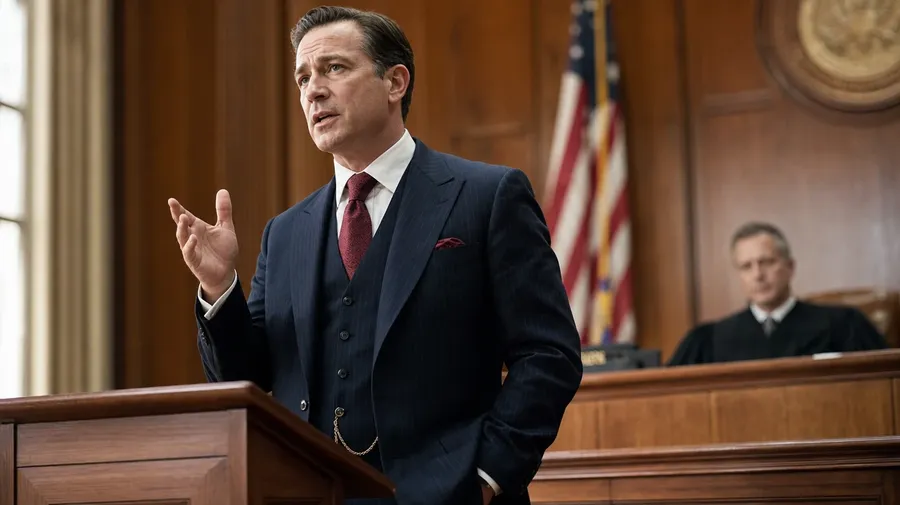
Lawyer Pictures Generator
Litigation, corporate, family, criminal — generate lawyer photography across every practice area and the room around the case. A litigator mid-argument at a wood courtroom lectern, a corporate partner reviewing a closing book in a glass-walled boardroom, a tax specialist at a research carrel in a law library. Commercial rights on every paid plan.
Courtroom, office, library, and deposition shots on 20+ image models.
Auto mode picks the one that matches your prompt.


How to generate custom lawyer pictures with getimg.ai
Lawyer photography turns on credibility: the practice area, the setting, and the moment all read it. Three steps name each.
1. Name the practice area and the setting
Open getimg.ai and describe the practice area, the setting, and the gesture. A simple line gives a baseline; specify attire, partner-vs-associate cues, or case-file detail when you want exact control over those details.
2. Generate and compare
Sixteen takes at one go. Read each for suit fit, posture confidence, eye-contact direction, and how the room behind reads as a real courtroom or office. Pick the version that lands.
3. Swap a detail
A first run picks one valid reading of your prompt. If you'd rather see a glass-walled corporate boardroom instead of a wood-paneled courtroom, a navy charcoal suit instead of a black one, or a confident senior partner instead of a junior associate, name the swap and run again. Several changes fit one prompt. Download the version you want to ship.
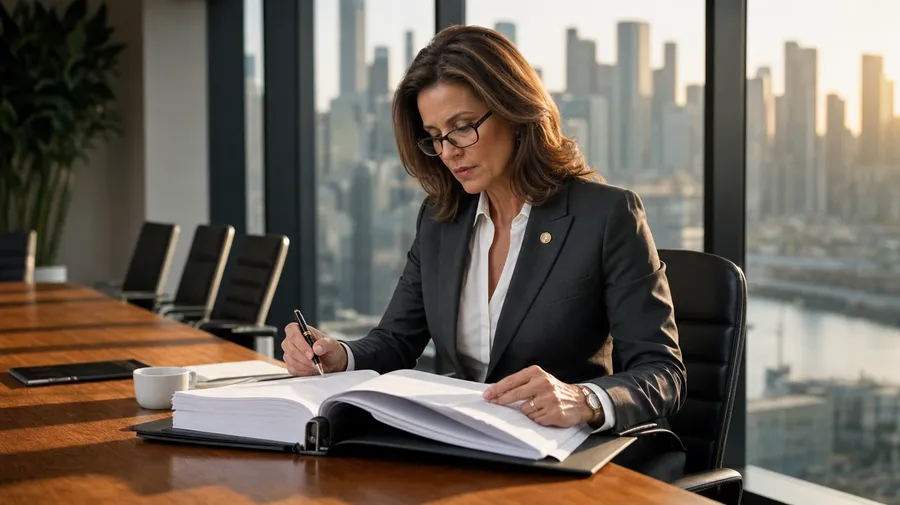
a corporate partner reviewing a closing book in a glass-walled boardroom, late afternoon city light
Practice area, setting, and the moment the case turns
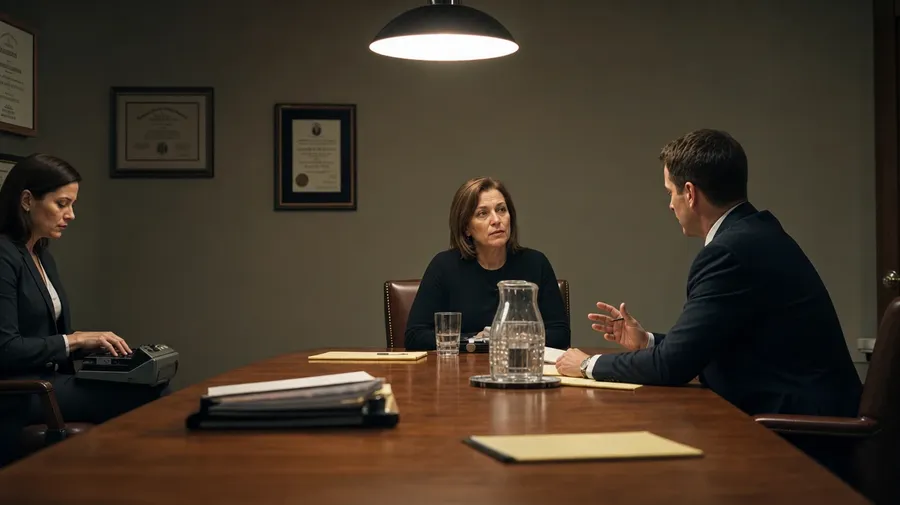
Working lawyer shoots cover courtroom argument, deposition exchange, library research, and client-meeting moments. Each setting calls for different attire and posture cues.
Litigation, corporate, family, criminal
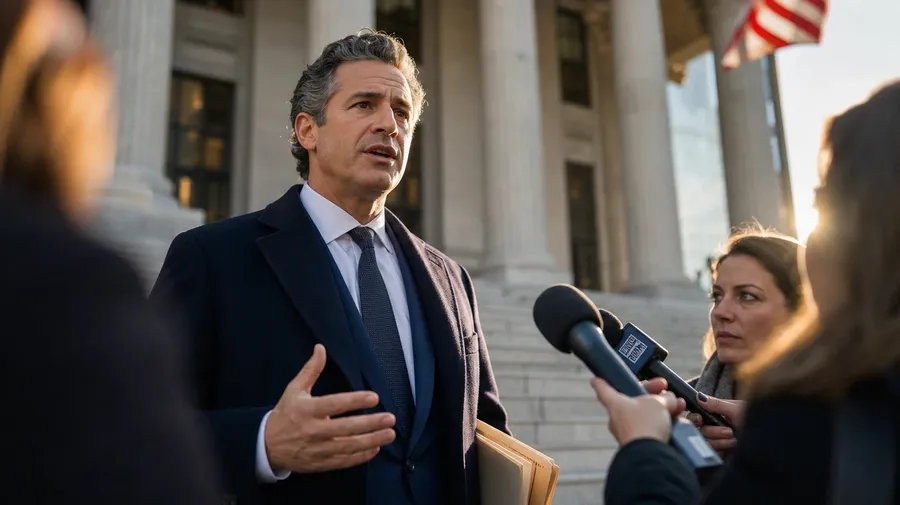
Across the practice areas firms market: a trial litigator mid-argument at a wood courtroom lectern, a corporate partner reviewing a closing book in a glass-walled boardroom, a family-law associate at a kitchen-table client meeting, a criminal defense attorney conferring with a client, a tax specialist at a research carrel. Each area reads its own posture.
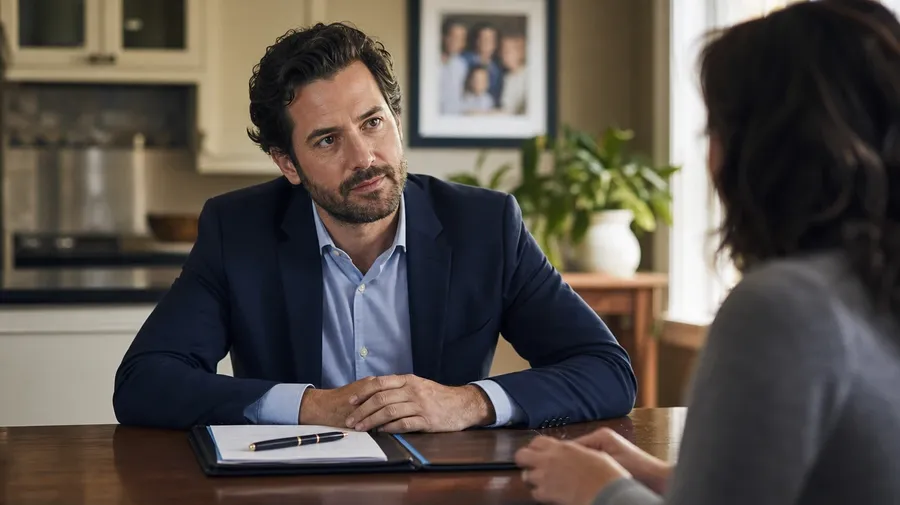
Rooms law gets done in
Lawyering happens in specific rooms. A wood-paneled federal courtroom with bench and jury box, a glass-walled boardroom with a long oak table and city skyline, a law library with green-shaded lamps and floor-to-ceiling case volumes, a deposition room with a court reporter at the side, a courthouse-steps moment after a verdict. Each room sets the gravity.
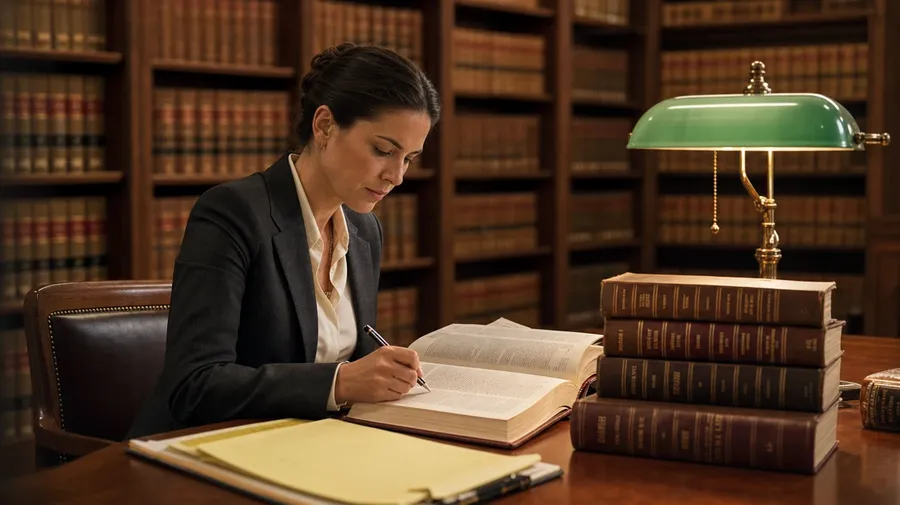
Beyond the suit-and-gavel stock shot
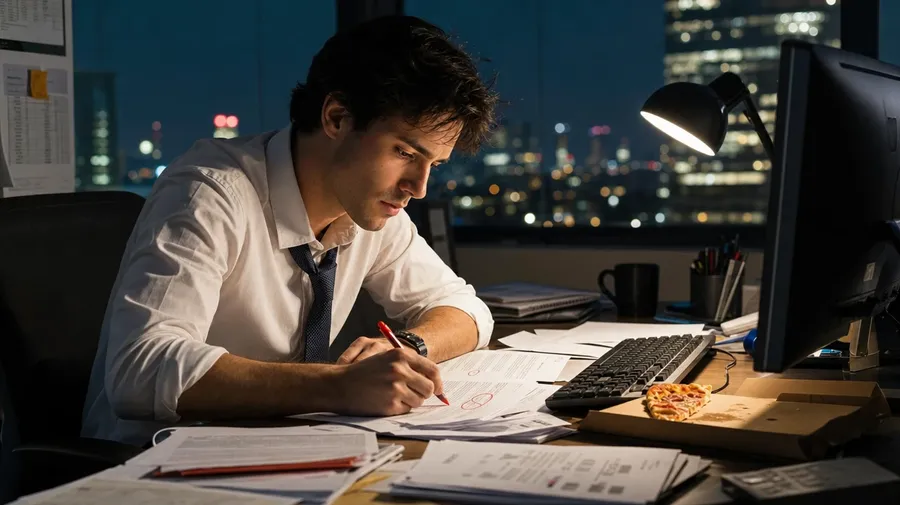
Stock lawyer photography stops at the suit-and-gavel handshake. Real shoots cover a litigator's clenched fist on a folded case file during recess, a corporate associate at 11 PM with a markup pen and pizza box, a family-law mediator with two clients at separate kitchen-table corners, a paralegal stacking deposition transcripts under fluorescent light. Off-the-shelf lawyer pictures miss the work.
Frequently Asked Questions
Yes. Name the practice area, the setting, the attire, and the gesture. A trial litigator mid-argument at a wood courtroom lectern under key light reads very differently from a corporate partner reviewing a closing book in a glass-walled boardroom, a family-law associate at a kitchen-table client meeting, a criminal defense attorney conferring with a client at a metal table, or a tax specialist at a research carrel in a law library. The AI handles the suit fit, the posture, the eye-line, and the architectural detail of the room behind. Generate up to 16 at a time, compare the takes, pick the version that lands.
Yes, when the prompt names them. A bespoke navy three-piece reads differently from an off-the-rack charcoal two-piece, a senior partner's confident open posture from an associate's deferential listening pose, a wood-paneled federal courtroom from a glass-walled state appellate room. Specify suit style, posture, eye-line, and the architectural cues of the setting, and the AI handles the formalwear drape, the lighting falloff on the face, and the focus separation between the lawyer and the room behind.
Yes. Save the lawyer's face, suit style, and lighting as a custom Element and reference it with @PartnerHero across new prompts. The Element carries face, build, formalwear, and key-light direction forward, so a courtroom argument shot, a partner-bio headshot, and a client-meeting lifestyle frame all read as the same attorney. Useful for a firm partner-page series, a case-study deck, and a recruiting campaign that needs a consistent face across the funnel.
Name the role and the setting. A paralegal stacking deposition transcripts under bright fluorescent light, an in-house general counsel in a glass-walled corporate boardroom presenting to a board, a federal prosecutor at a wood lectern in a federal district courtroom, a public defender meeting a client in a holding-cell waiting area, a city attorney at a council-chamber podium: each carries its own cues that the AI honors when the prompt spells them out.
Yes. Every paid plan covers commercial use across ads, social, web, print, packaging, and presentations. Law-firm websites, partner-bio pages, case-study spreads, recruiting campaigns, continuing-legal-education materials, legal-tech product marketing, and editorial features all qualify under the same license, alongside every other category of AI stock photos.
Yes. Different categories run on the same prompt approach. Name the subject, the setting, and the light, and the same logic that produces portrait photography produces lawyer pictures: swap a denim-jacket street portrait for a navy-suit lectern shot, a coffee-shop in-hand smartphone scene for a glass-walled boardroom closing-book review, a workbench craftsman for a courthouse-steps post-verdict moment. A multi-category firm campaign runs through one prompt box.
As specific as you want. A simple line like "a lawyer at a courtroom lectern" produces a usable baseline; the AI fills in the typical details (the navy suit, the wood-paneled courtroom, the soft key light on the face, the case file in hand). Add specifics for the parts that matter to the campaign: a practice area, a seniority level, a courtroom type, a gesture, an architectural detail. The AI honors named details without overriding the rest. Each lawyer stock image gets the named details right.
Generate the lawyer your firm's pages actually need.
Pick the practice area, the setting, the attire, and the gesture. The AI delivers lawyer photography that reads as credible counsel, and Elements keep one face consistent across an entire firm-marketing series.